-
-
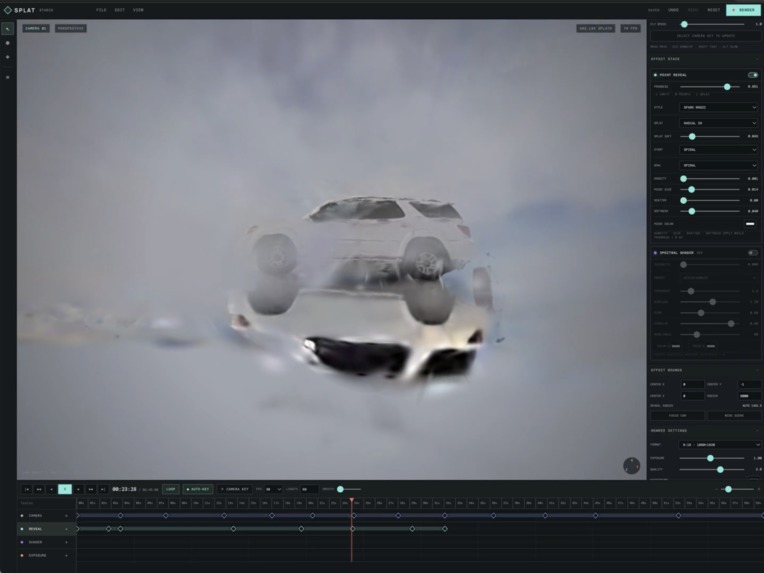
reflect
-
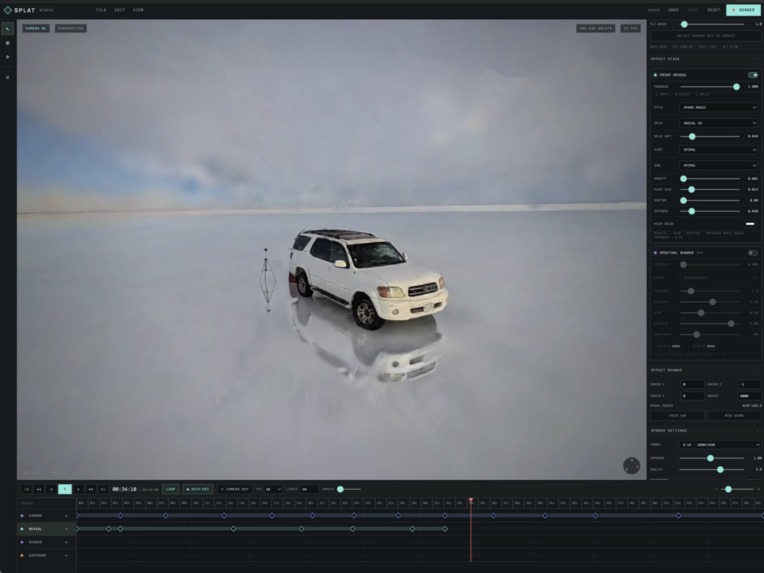
car
-
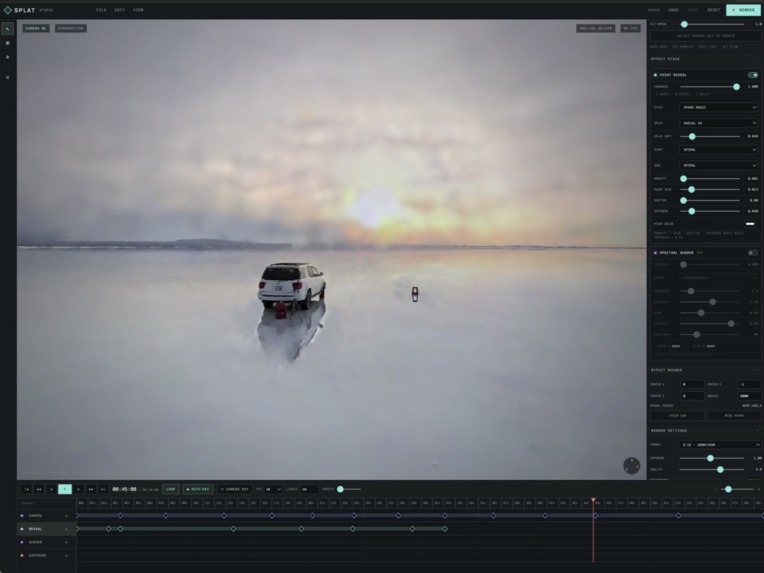
sun light
-
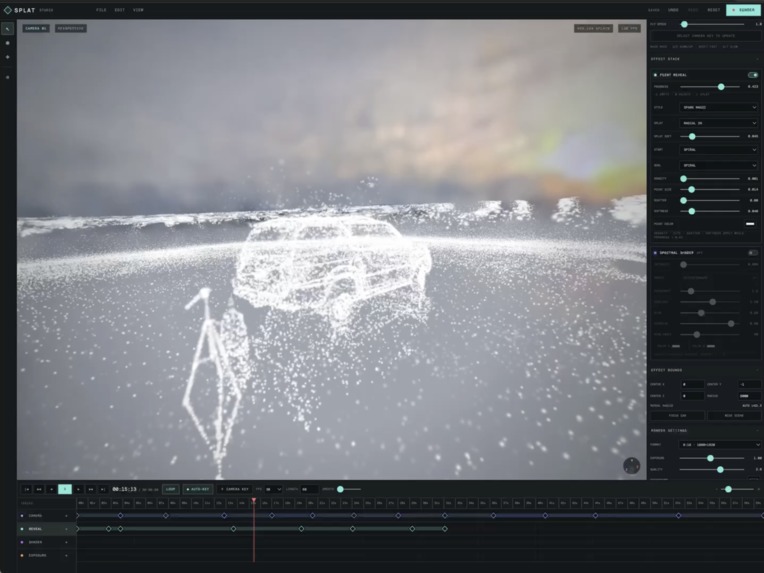
splat
-
air
-
webmcp
Inspiration
I wanted to enter Niantic Spatial’s #SplatYourWorld Challenge, but I had a problem: I didn’t know how to create cinematic 3D camera movements or add professional visual effects.
There are still very few video editing tools made specifically for Gaussian Splatting. I found Blender plugins, but Blender felt too difficult to learn just for this purpose.
So I had a different idea: instead of learning how to operate a complex 3D tool myself, I wanted to describe the video I imagined to an AI and let the AI operate the tool for me.
That idea became Splat Studio.
What it does
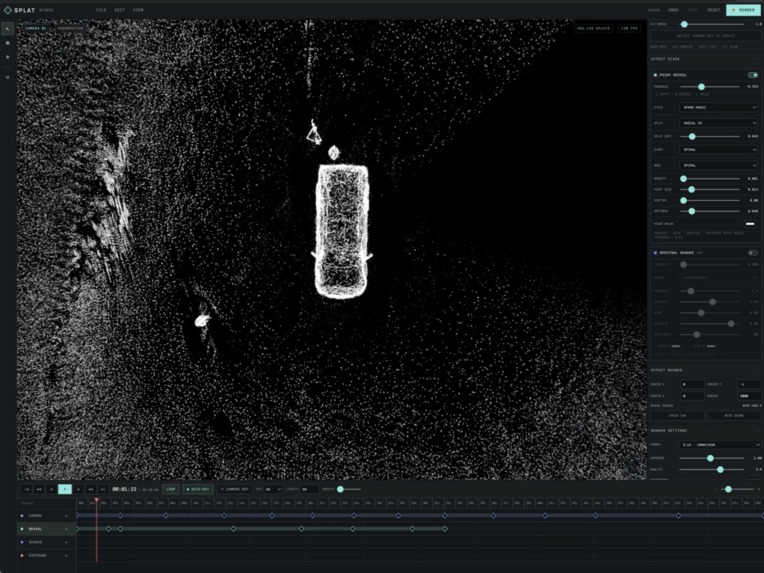
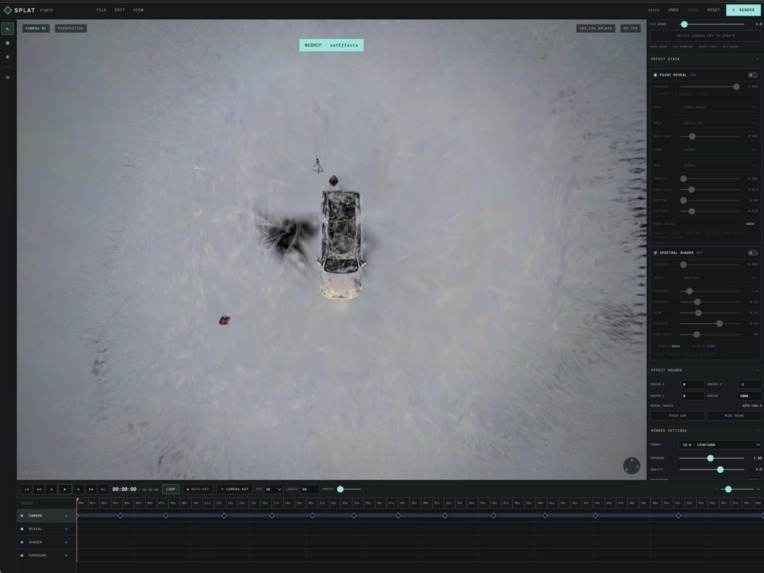
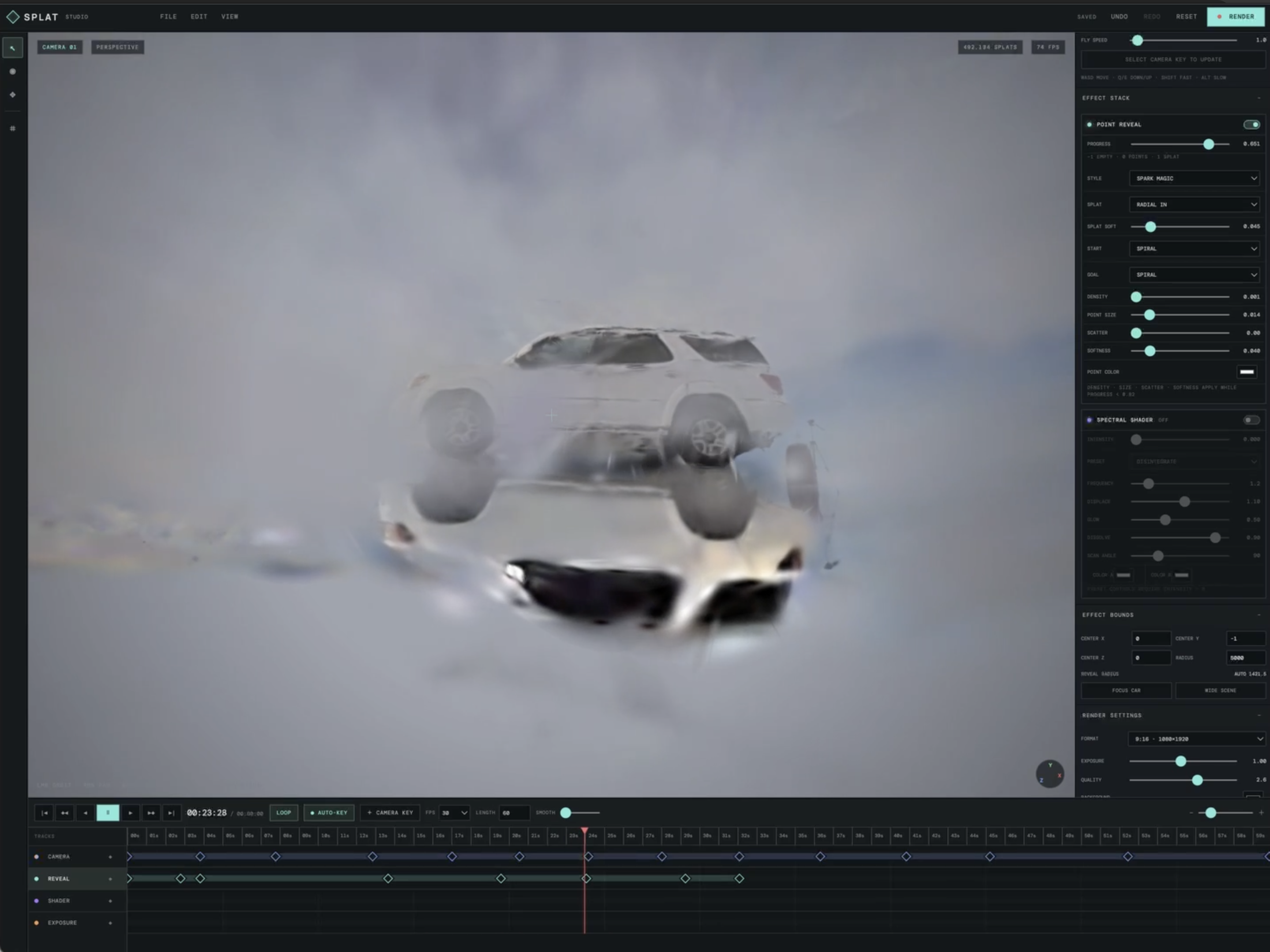
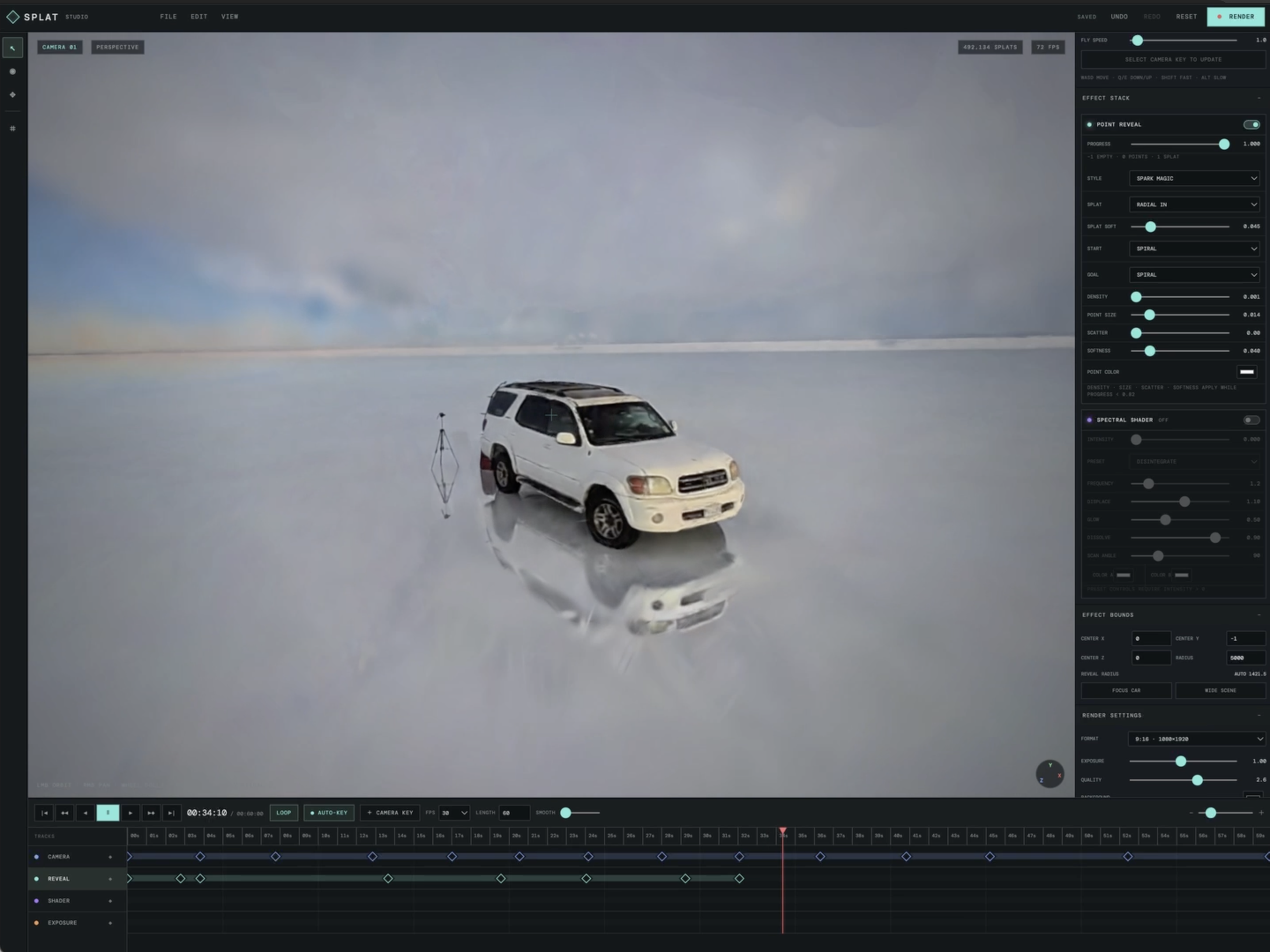
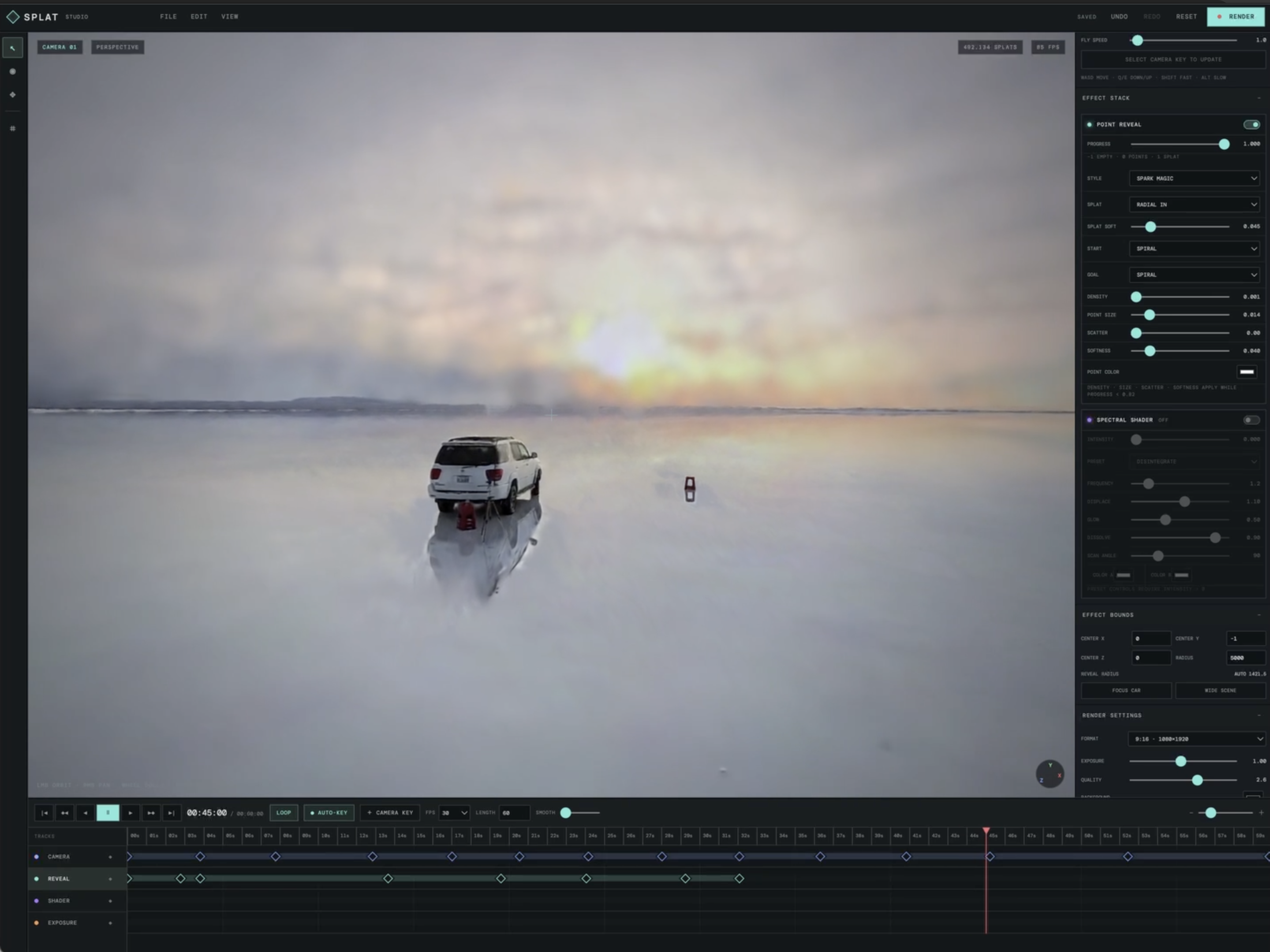
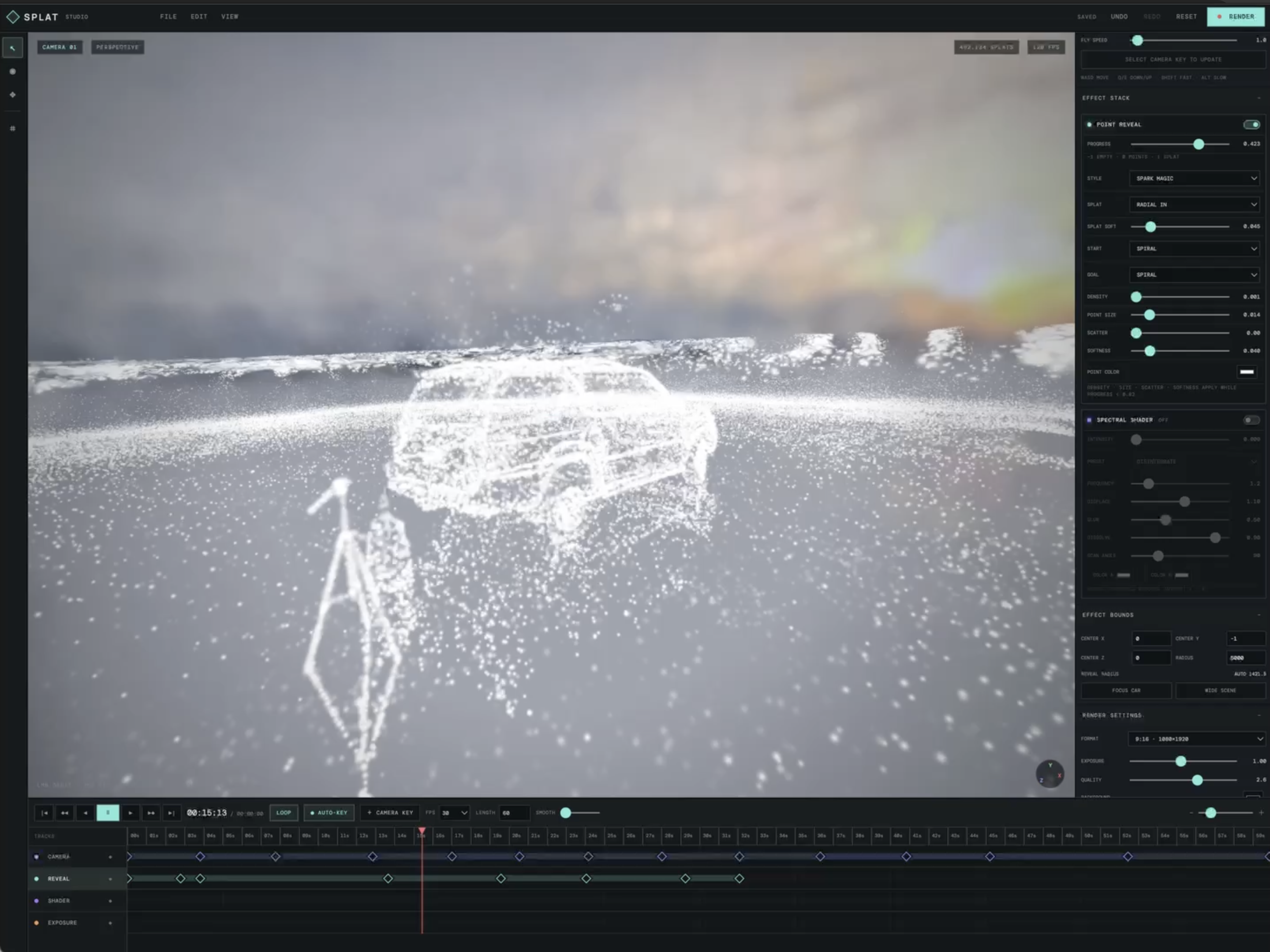
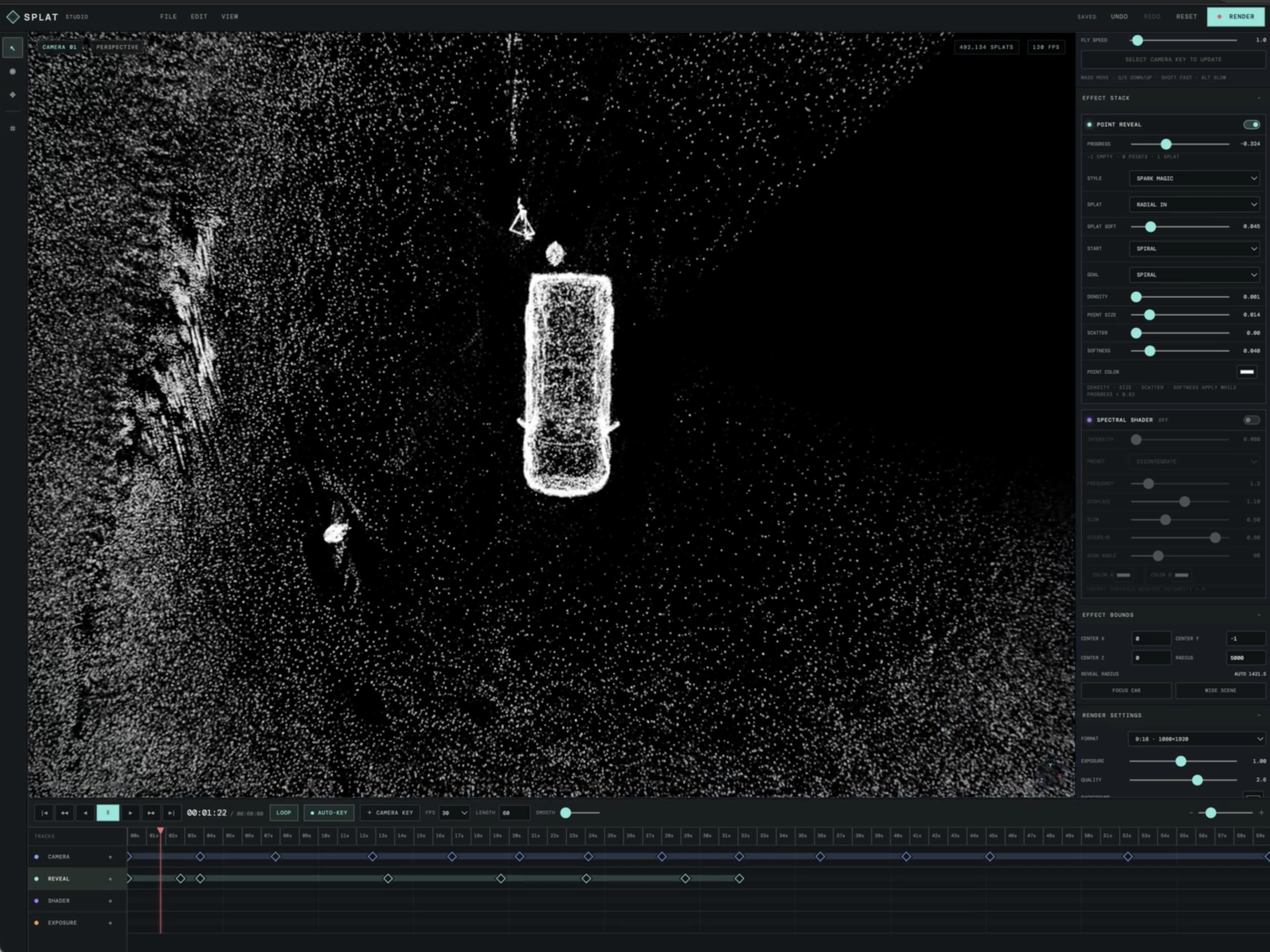
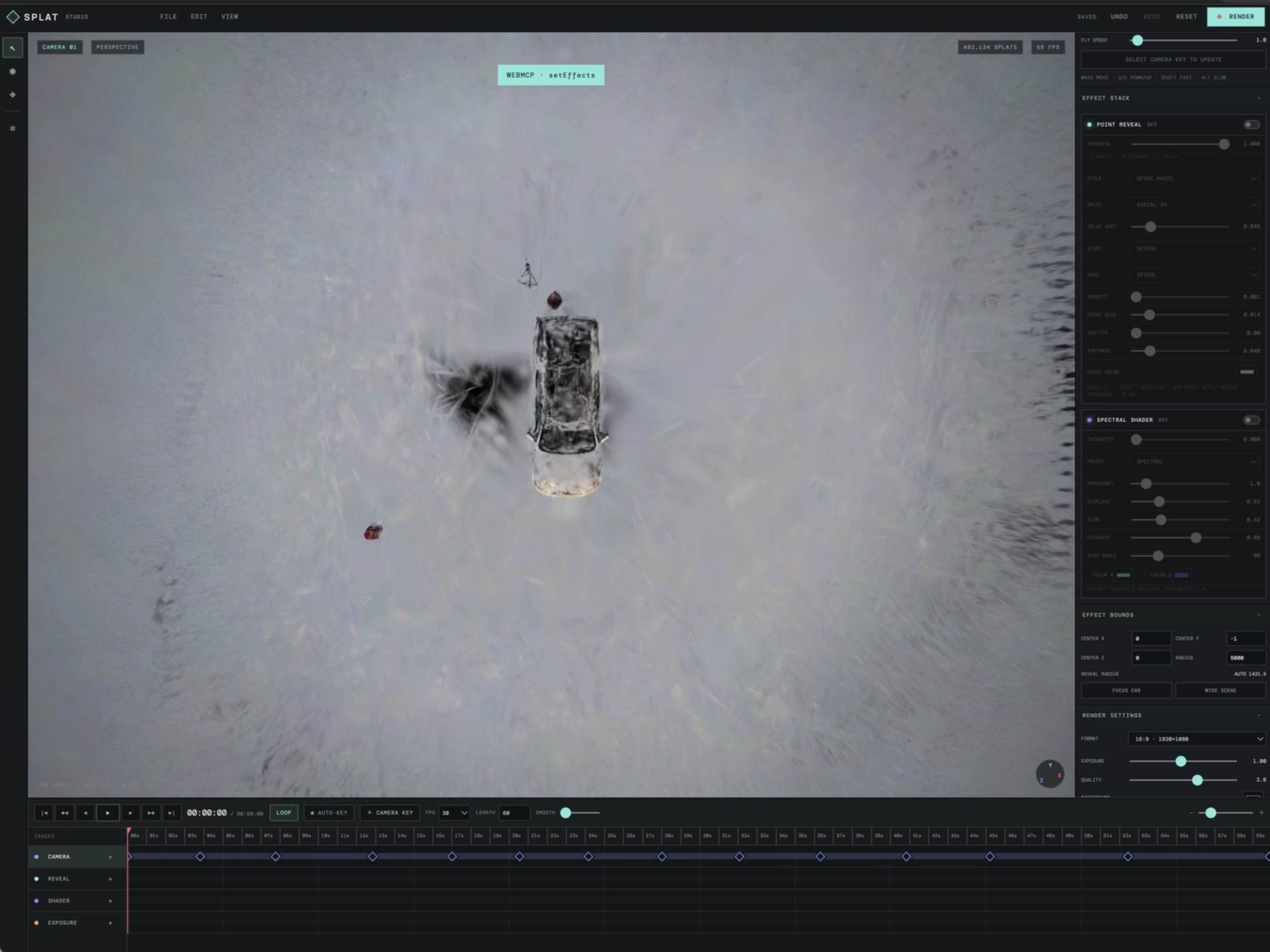
Splat Studio is a browser-based video creation tool for Gaussian Splatting.
It can load Gaussian Splatting assets, create camera paths, add visual effects, build a timeline, render videos, and export them directly from the browser.
The most important feature is AI control.
I can describe the camera movement or effect I want in natural language, and the AI operates the virtual camera, adds effects, and builds the timeline for me.
I’m an engineer, not a professional video editor, but Splat Studio lets me create videos that feel far beyond my editing skills.
How we built it
I chose Spark 2.0 because it already had the visual effects I wanted and could use WebGPU for fast rendering directly in the browser.
The first version was a local tool built only for myself. It used a local API, so although it worked for creating my own videos, it was difficult to share with friends.
Later, I integrated WebMCP, which made it much easier to turn Splat Studio into an AI-native web tool that other people could use.
For the implementation, I worked with Codex, which handled essentially all of the coding and the WebMCP integration while I focused on the product idea, workflow, and creative direction.
Challenges we ran into
The hardest part was creating the 3D asset itself. :)
For the software, the main challenge was designing the tool so that an AI could reliably control creative operations such as camera movement, effects, and timeline editing.
Creative intent is often vague, so translating instructions like “make the camera orbit around the subject and slowly pull back” into predictable editor actions was an important part of the project.
Accomplishments that we’re proud of
The biggest accomplishment is that Splat Studio was not just a prototype.
I actually used it to create my submission for Niantic Spatial’s #SplatYourWorld Challenge, and the video won the Overall Grand Prize.
That was the strongest validation I could have hoped for.
A tool I originally built because I lacked professional 3D video editing skills helped me create an award-winning video.
What we learned
I learned that AI-native creative tools can completely change how people interact with complex software.
Traditionally, creating a professional 3D video means learning the application, the camera system, the timeline, effects, rendering settings, and many other controls.
With Splat Studio, I can focus on describing the result I want instead.
The AI handles much of the operation.
I also learned that AI coding tools can dramatically change how software itself is built. Codex allowed me to focus much more on what the tool should do rather than spending all of my time implementing every part manually.
What’s next for Splat Studio
Next, I want to make Splat Studio easier for anyone to use, not just for my own projects.
I want to improve AI camera direction, add more effects, make timeline editing more flexible, and make it easier to create polished videos from Gaussian Splatting scenes with only natural-language instructions.
Ultimately, I want Splat Studio to feel less like a traditional 3D editor and more like having an AI cinematographer inside the browser.
Built With
- chatgpt
- cloudflare
- codex
- github
- webmcp
- worldlabs

Log in or sign up for Devpost to join the conversation.