-
-
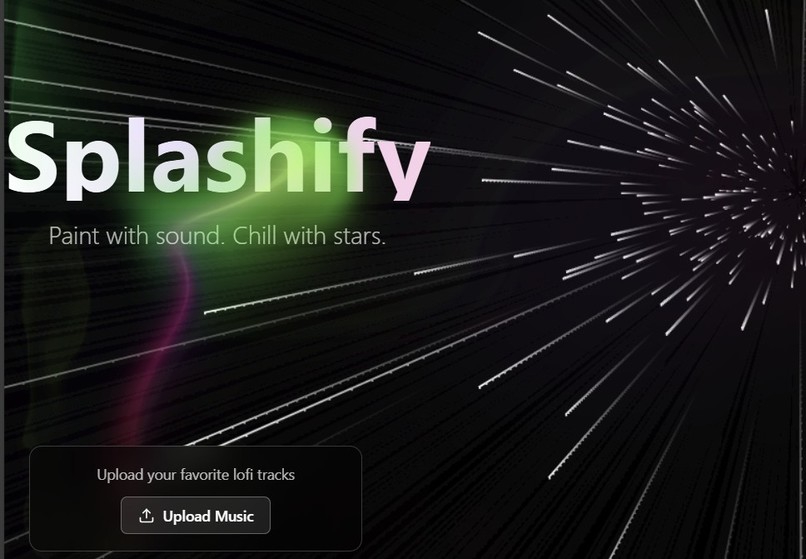
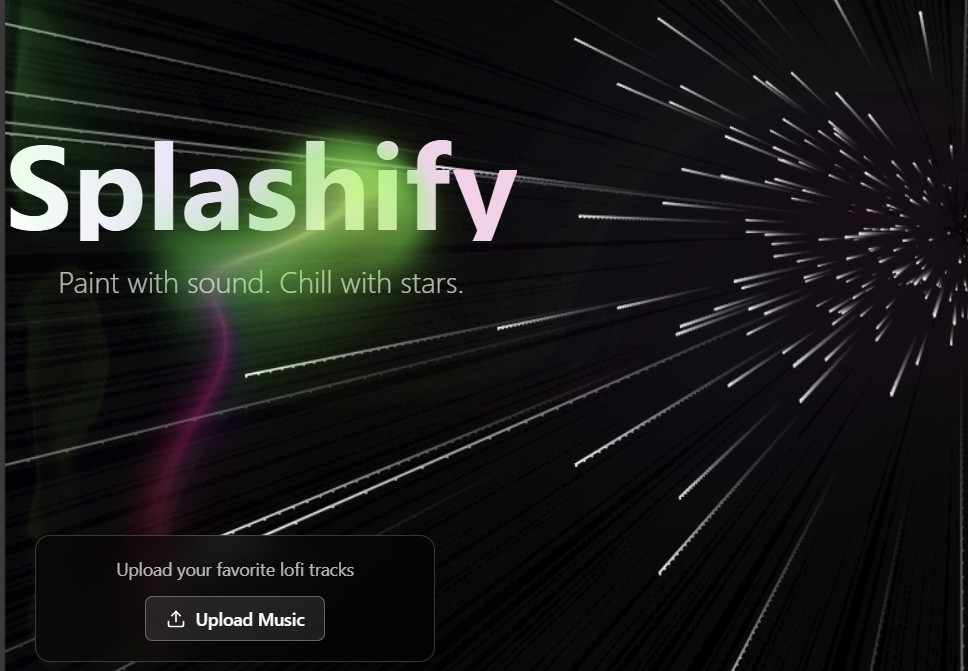
The main interface
-
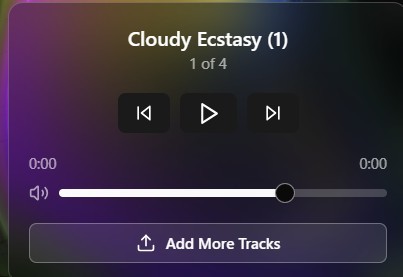
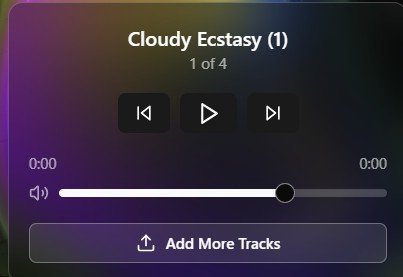
The Audio-player for adding & controlling local music playback.
Inspiration
I love listening to music and doing creative things! When I discovered this hackathon, I wanted to build something uniquely beautiful and relaxing—combining my passion for music with interactive, aesthetic web design. The idea for Splashify was sparked by my fascination with the splash cursor effect from the 21st.dev community and my desire to create a digital sanctuary for focus and creativity. With the help of AI tools like Bolt.new, Perplexity, and Claude, I was able to “vibe-code” my vision into reality, iterating through several prototypes until I landed on something that truly felt magical.
What it does
Splashify is a space-themed, interactive audio playground.
- Users are greeted with a soothing, animated starfield background and a mesmerizing splash cursor effect that lets them "paint" the screen as they move their mouse.
- The minimal audio player allows users to upload their own lofi tracks, build a playlist, and enjoy seamless playback with intuitive controls.
- The UI is distraction-free, aesthetic, and responsive—perfect for relaxing, studying, or just vibing out.
How I built it
- Ideation: Used Perplexity and Claude to brainstorm and refine features, drawing inspiration from creators on X and 21st.dev components.
- Rapid Prototyping: Built multiple versions in Bolt.new, learning from each iteration. The final version was generated with a single, comprehensive prompt, plus a couple more to fix UI and audio bugs.
- Component Integration: Leveraged community-made UI components (like the splash cursor from 21st.dev) and layered them with a custom animated starfield background.
- AI Collaboration: Used AI to help with prompt crafting, feature ideation, and troubleshooting.
- Deployment: Deployed instantly with Netlify for easy access and sharing.
Challenges I ran into
- UI Glitches: Fixing layout issues after each new feature addition & making the audio player visible.
- Feature Integration: Ensuring the splash cursor, starfield background, and audio player all worked together without lag or overlap.
- Aesthetic Balance: Keeping the interface clean and distraction-free while still offering enough interactivity for users to enjoy.
- Prompt Engineering: Learning to write highly detailed prompts for Bolt.new to get exactly the results I envisioned.
Accomplishments that I'm proud of
- Creating a truly unique, interactive, and beautiful web app that combines art and music.
- Iterating quickly and effectively using AI tools to bring a complex idea to life in a short timeframe.
- Achieving a polished, premium UI/UX with minimal code and maximum creativity.
- Deploying a fully functional, user-friendly app that anyone can enjoy.
What I learned
- Prompt Engineering: The importance of clear, detailed prompts when working with AI-powered development tools.
- UI/UX Polish: How to balance minimalism with interactivity and visual appeal.
- Web Audio Integration: Techniques for handling user-uploaded audio and playlist management in the browser.
- Problem Solving: How to debug and refine features quickly, especially when layering multiple interactive effects.
What's next for Splashify!
- Adding more visual themes and cursor effects for user customization.
- Integrating curated lofi playlists and visualizations like audio-reactive backgrounds.
- Making the app even more accessible with improved keyboard navigation and mobile-first features.
- Exploring social features—allowing users to share their favorite "splash" creations or playlists.
- Continuing to use AI and community feedback to evolve Splashify into the ultimate chill and creative web experience.
Built With
- api
- bolt.new
- css
- framer
- lucide-react
- motion
- native
- netlify
- react
- shadcn/ui
- tailwind
- typescript
- web


Log in or sign up for Devpost to join the conversation.