-
-
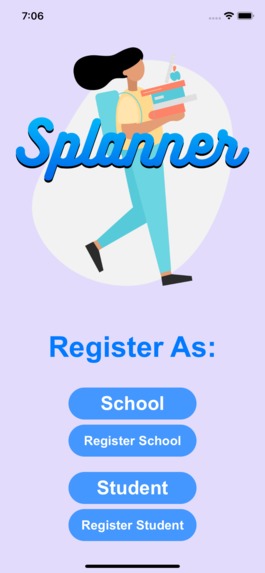
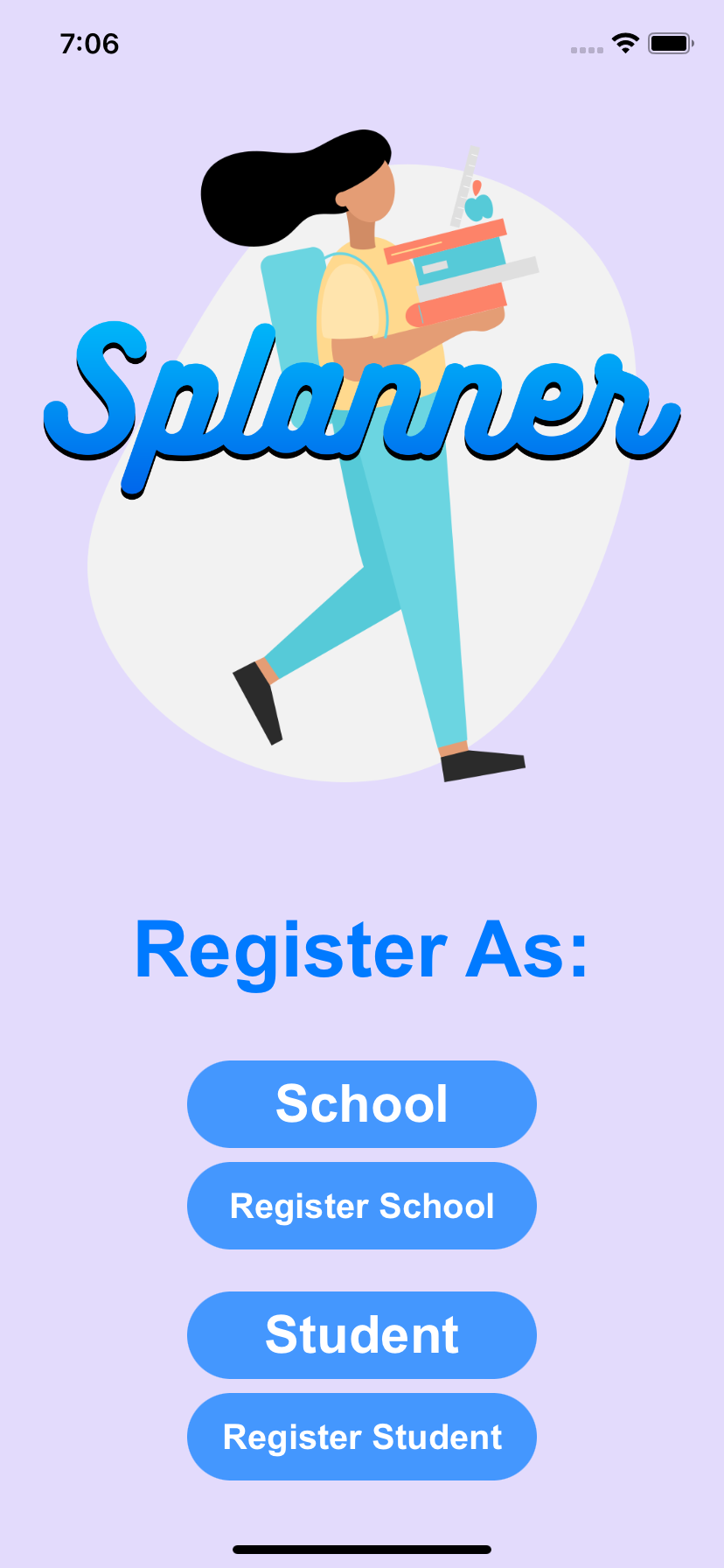
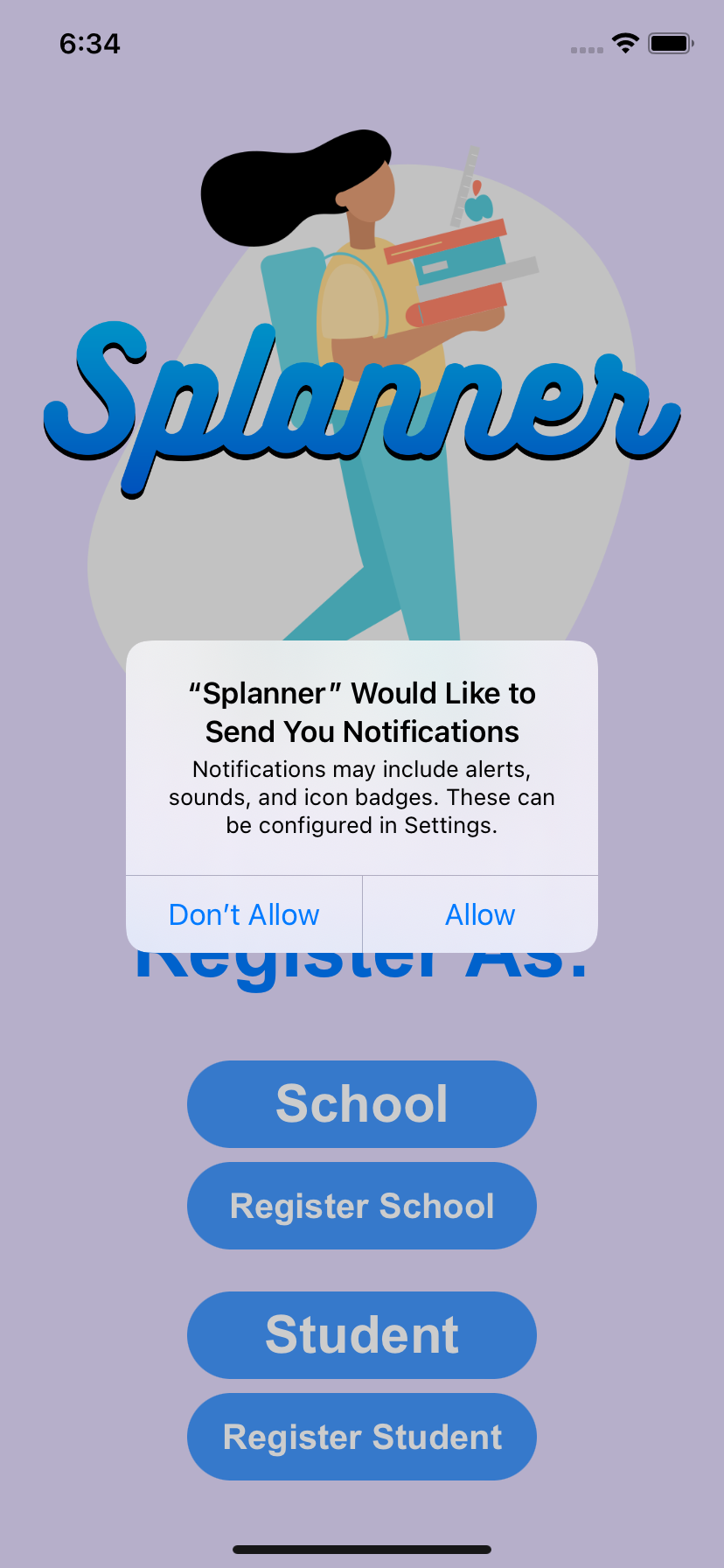
Splanner home page
-
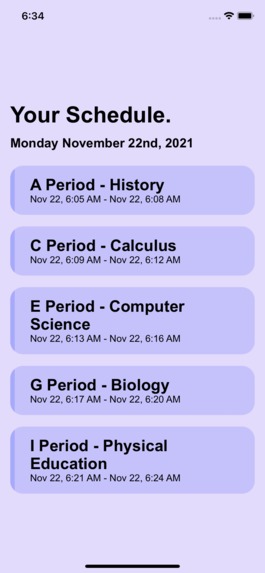
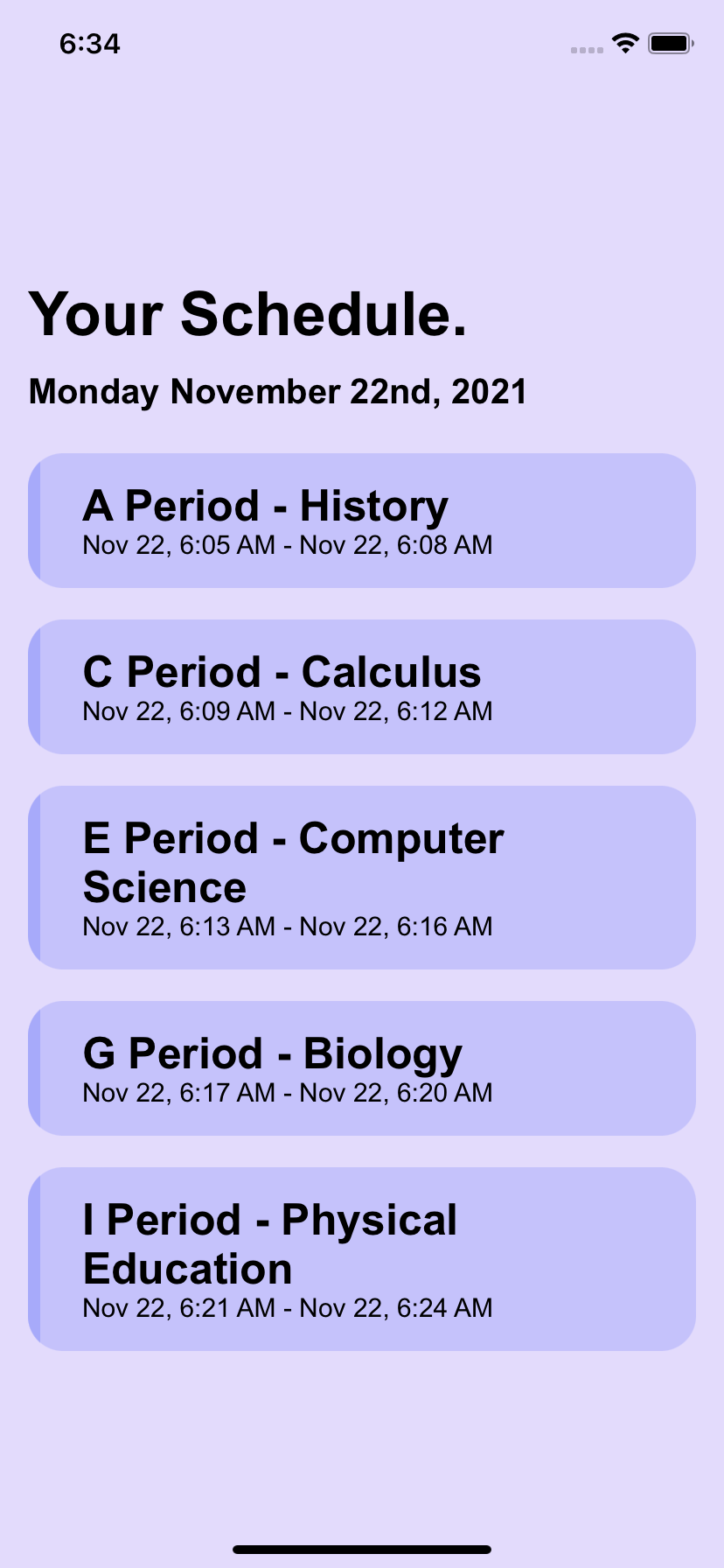
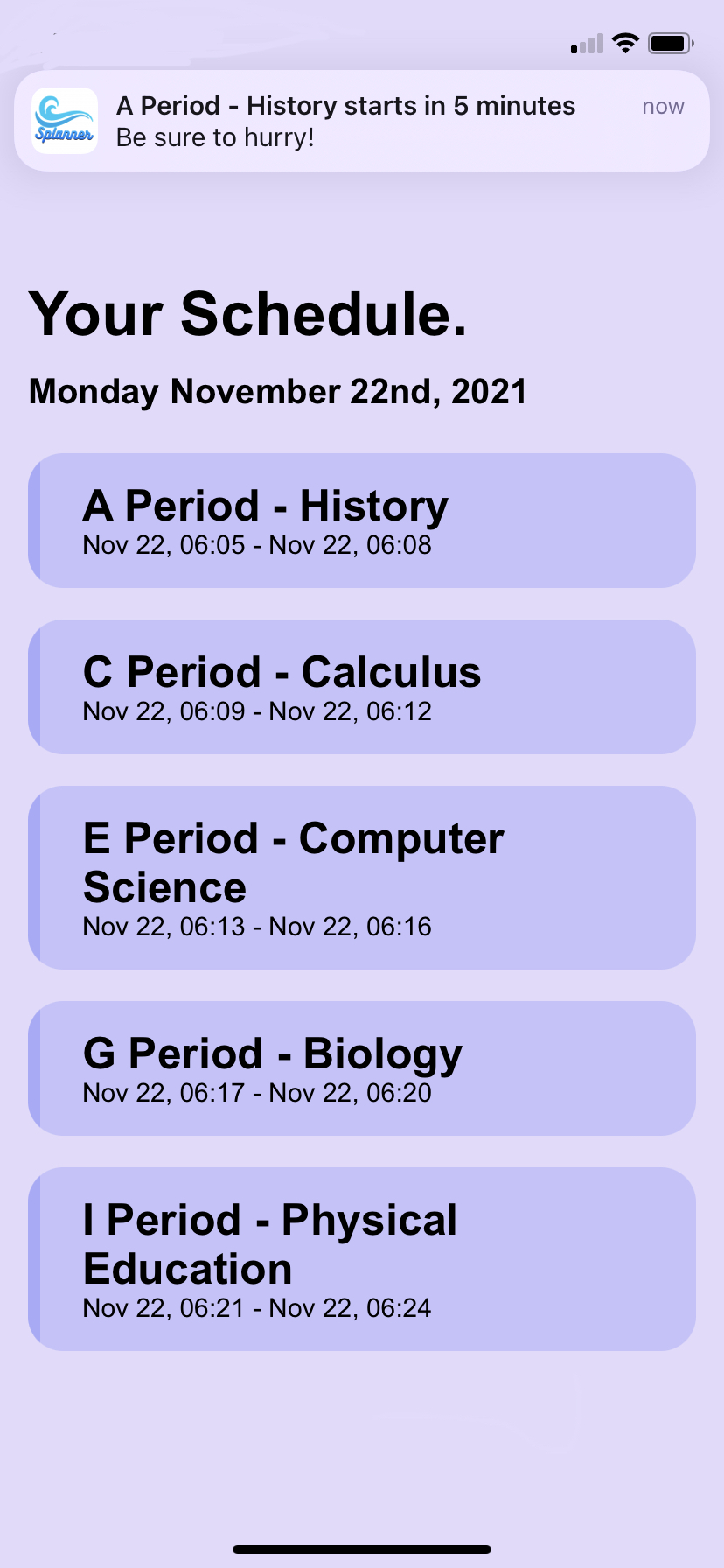
Your personal schedule
-
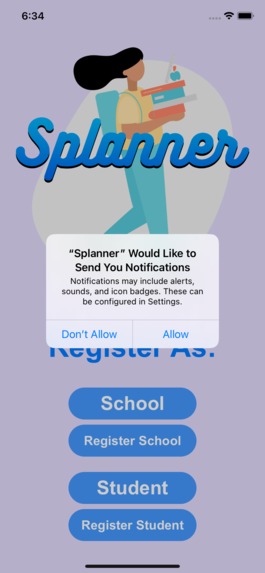
Permissions to send notifications
-
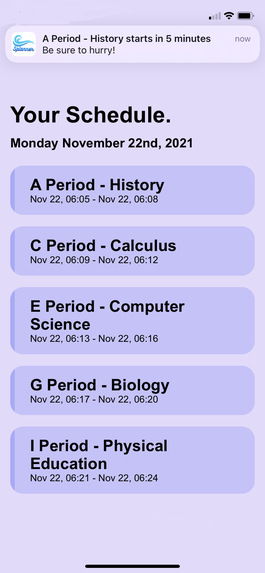
A notification coming in!
-
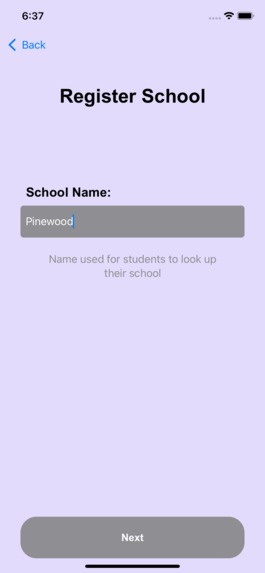
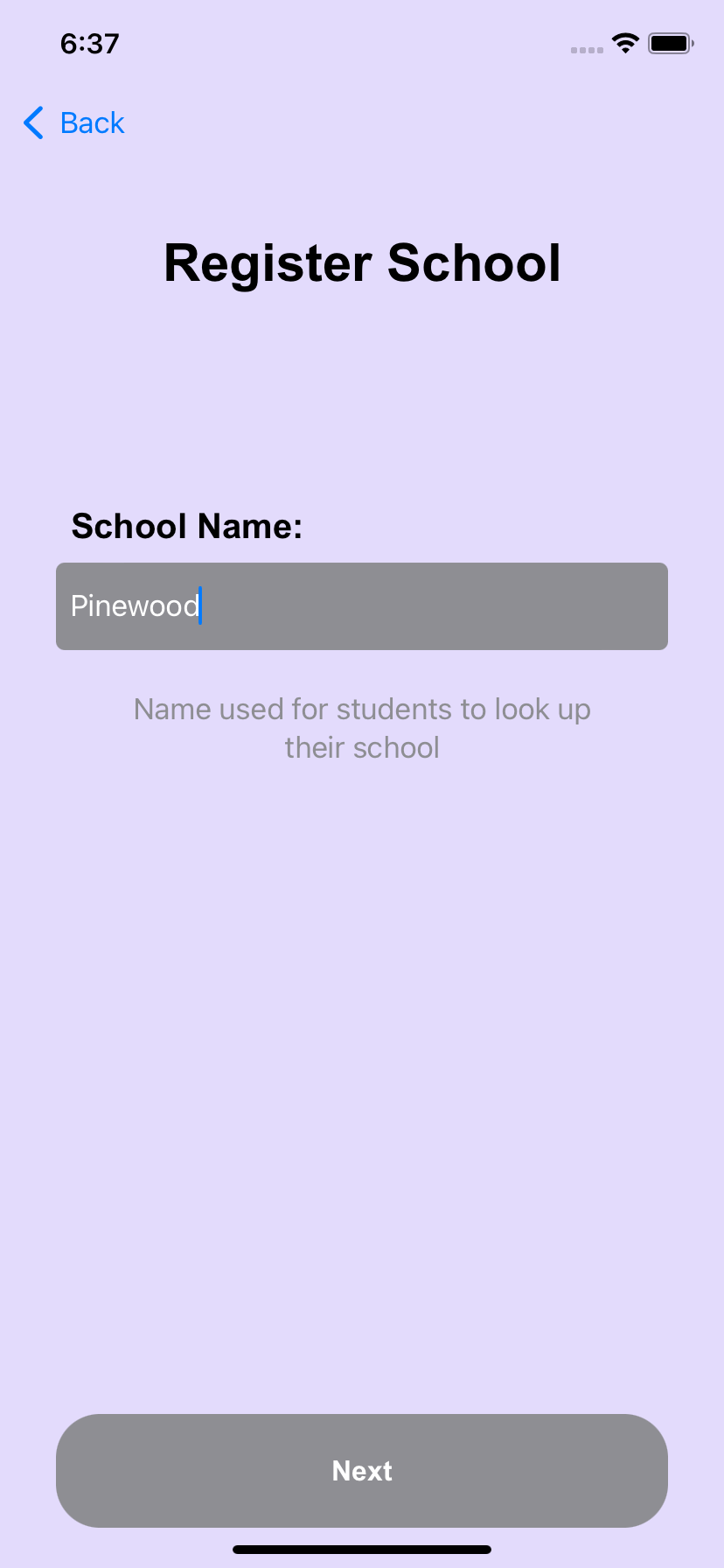
Register School page #1
-
Splanner app (with icon) on Home Screen
Inspiration
Every single morning, we have to login to our school Veracross (school portal) to see our school schedule. This takes long, especially because there is no app and logging in needs to happen on a browser every single time. Some mornings there is simply no time for that. Instead of arriving at school without a clue of what class you have, or being late because you had to check, Splanner is the new quick and easy option.
What it does
We decided to make an app that would show you your personal schedule with class names quickly every single day, and remind you that class starts in 5 or 10 minutes. Schools will put in their general schedule and rotations once, and then be able to quickly select what kind of day schedules are upcoming (Monday will be a Day 1, Tuesday a Day 2, etc). Students can create an account with a student access code that their school admin generated (that way only students of the school will be able to get in). Once their account has been created, they will be able to specify what classes they have during which general period, so that their personalised schedule can be created. Notifications will automatically be sent 5 minutes before each class, but can be adjusted to 10 minutes, or when class starts. Notifications will arrive no matter whether the app is in the background, or even off.
How we built it
We built the app using SwiftUI, Swift, and Xcode 13. We also Combine for local value storage. Google Firebase is also used widely throughout the app: Firebase authentication is used for signing up and logging in schools/students, Firebase firestore is used to store school schedules and student classes, and finally Firebase Cloud Messaging in order to send notifications to every single user.
Challenges we ran into
One of our challenges was adding push notifications, since none of us had done that before. In the beginning, the notifications would not arrive, and it took a lot of effort to get them working. However, they look great! To add onto this challenge, it was also very difficult to schedule the notifications so they would arrive at the right time.
Accomplishments that we're proud of
- Push notifications
- Schedules pulled from Firebase
- User authentication using Firebase
- Designing all app pages & coding them using SwiftUI
- Seamless timing of notifications once classes are 5 minutes away from starting
What we learned
- Push notifications
- How to work with Timestamps in Firebase
What's next for Splanner - Your personal school schedule w/ notifications
- waking up notifications (alarms)
- after school activities
- adding homework into the app
- school events notifications (upcoming events section)


Log in or sign up for Devpost to join the conversation.