-
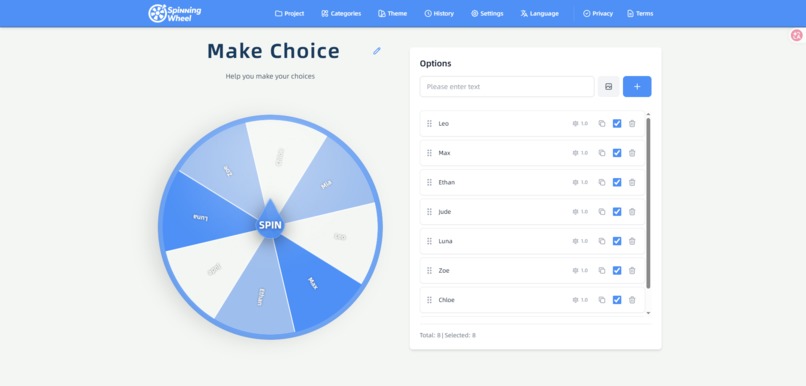
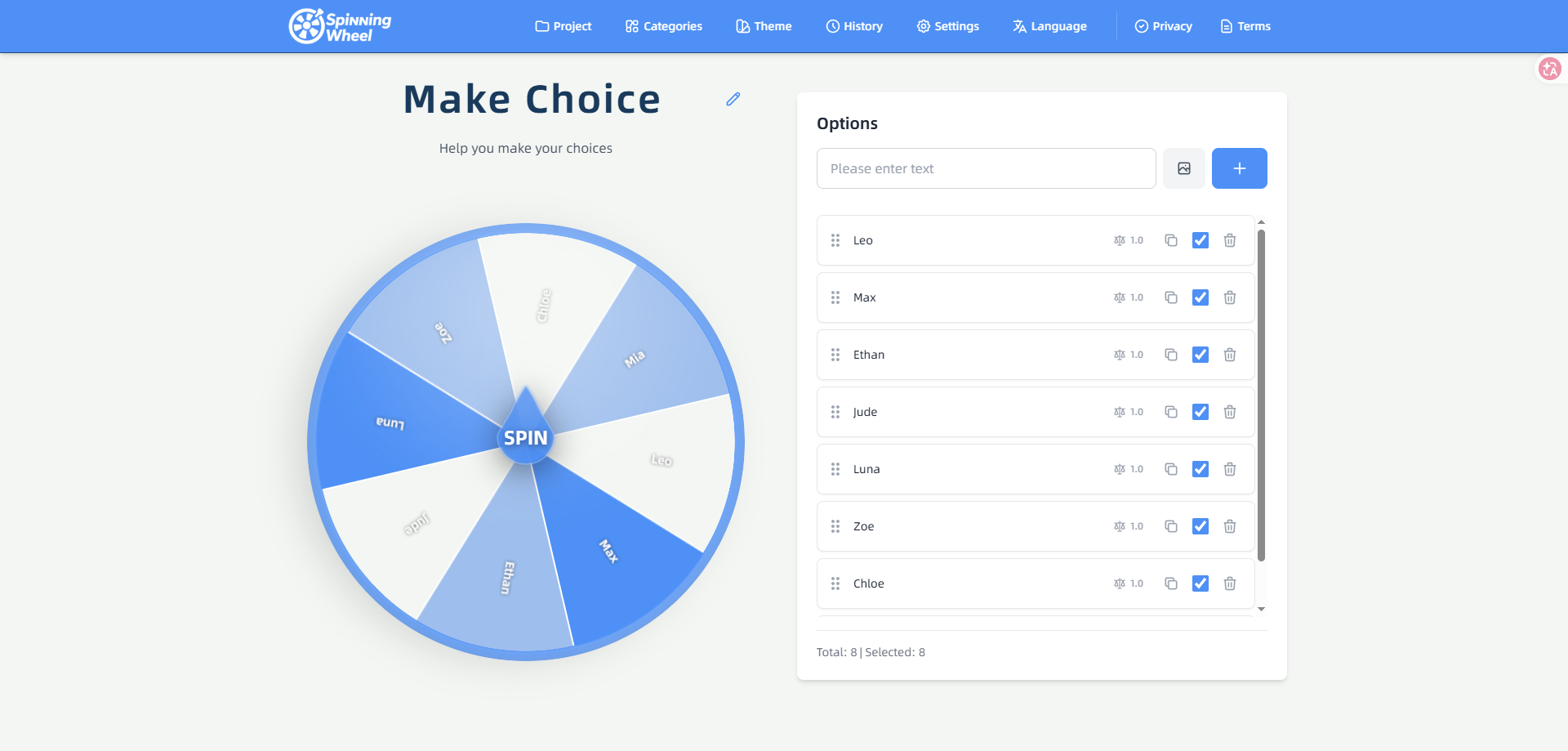
The main page of the website
-
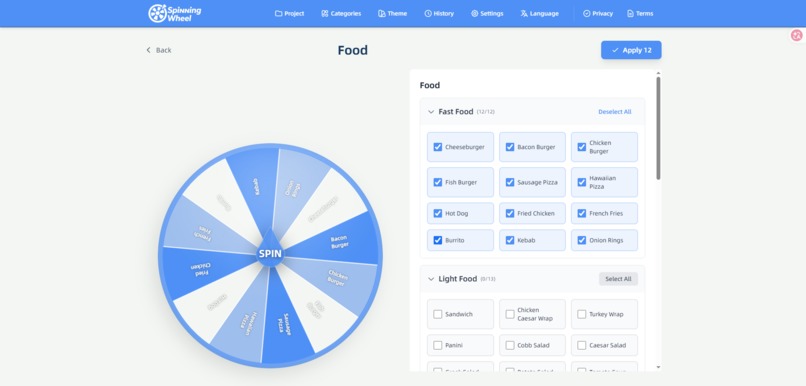
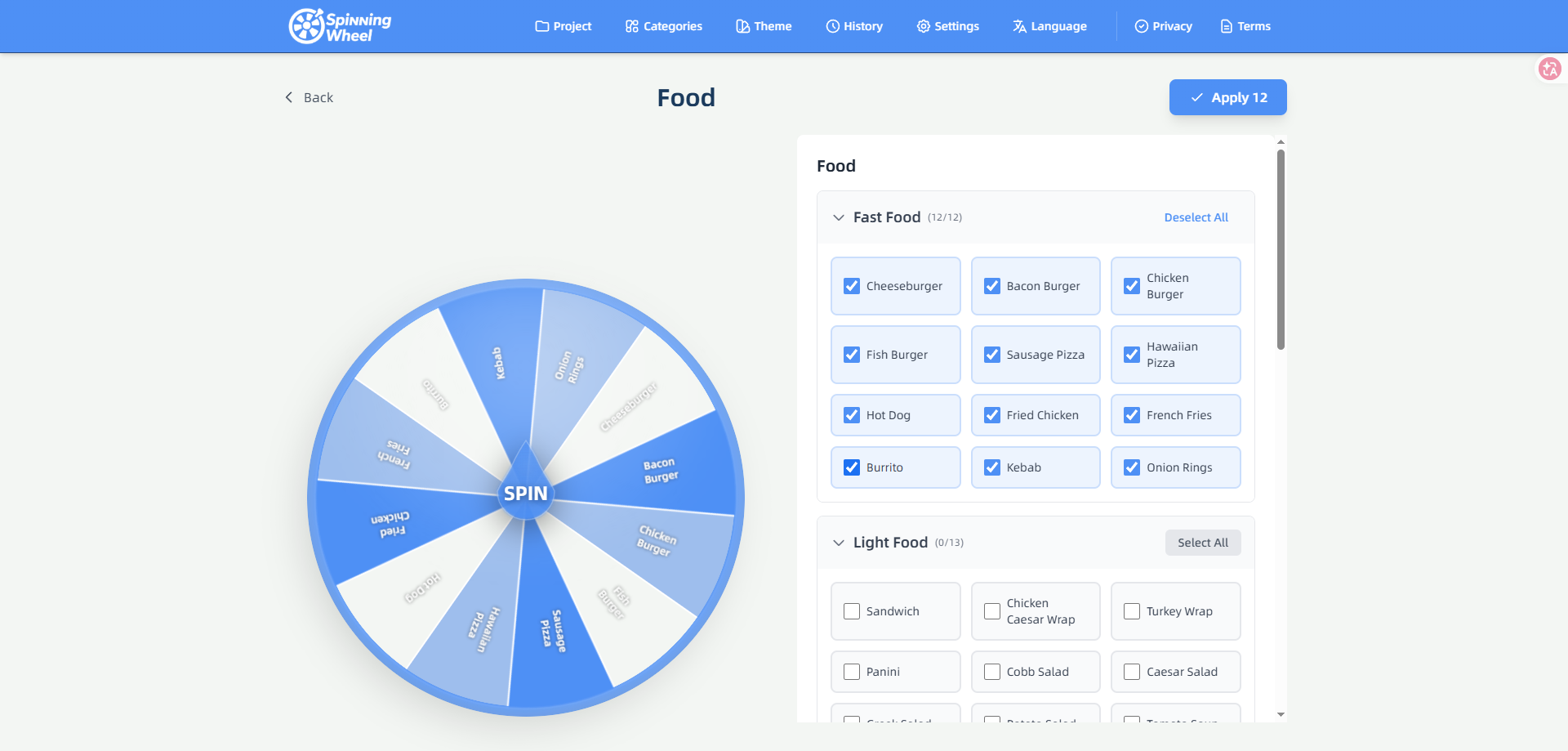
Some templates for making choices on the website
-
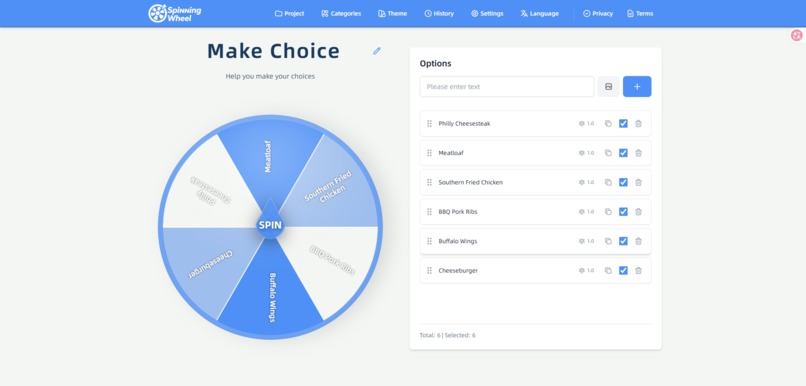
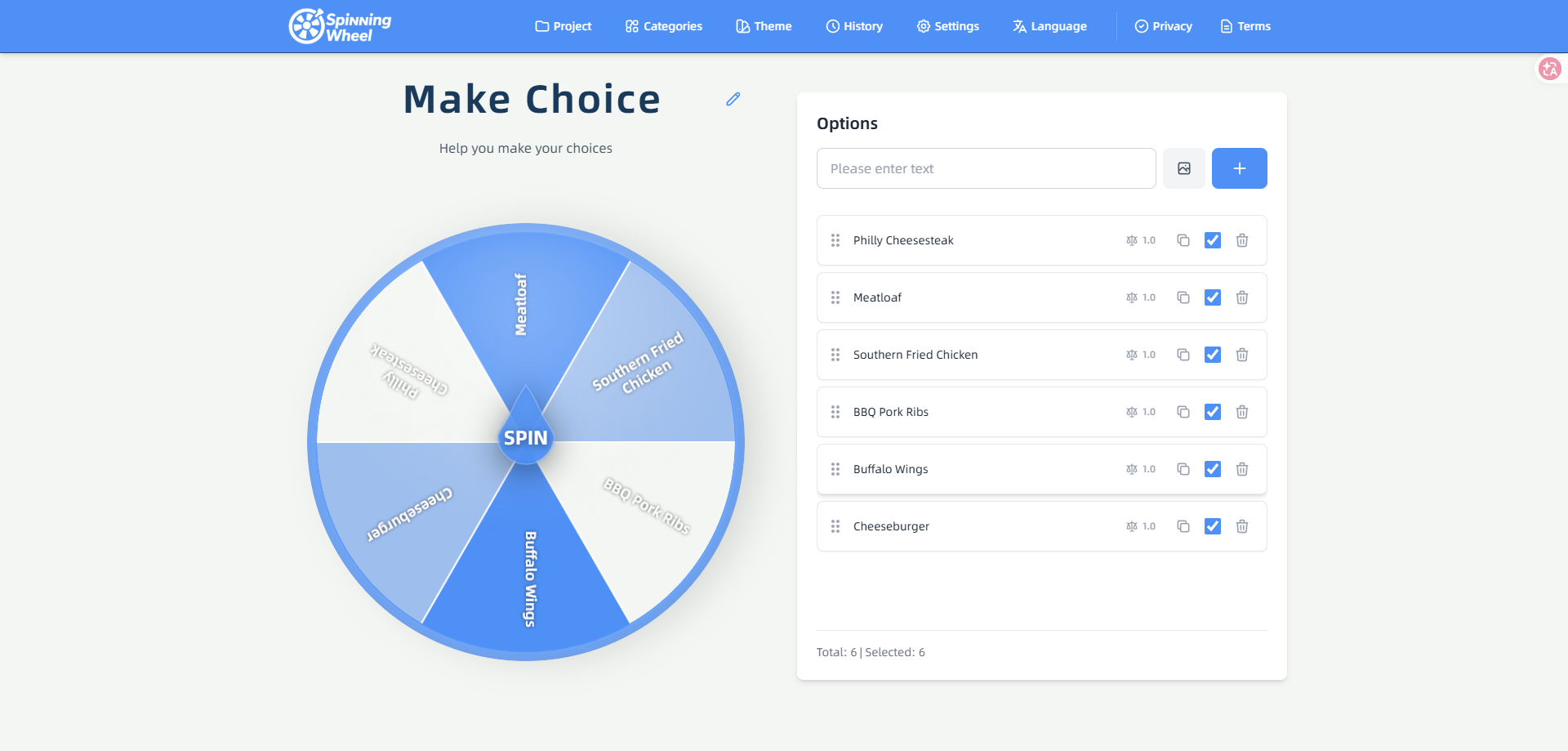
The website offers the option to customize the template.
-
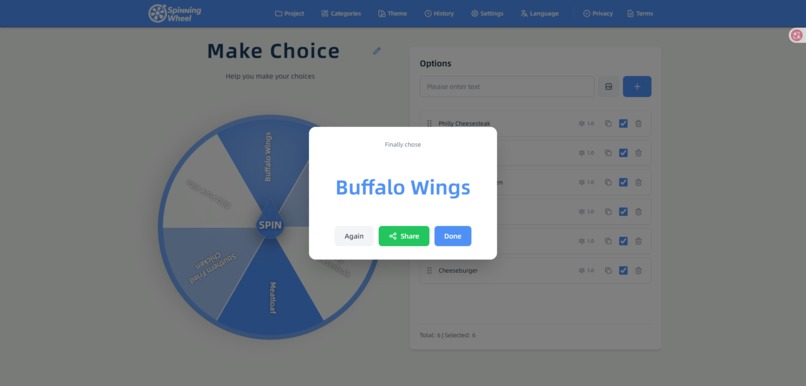
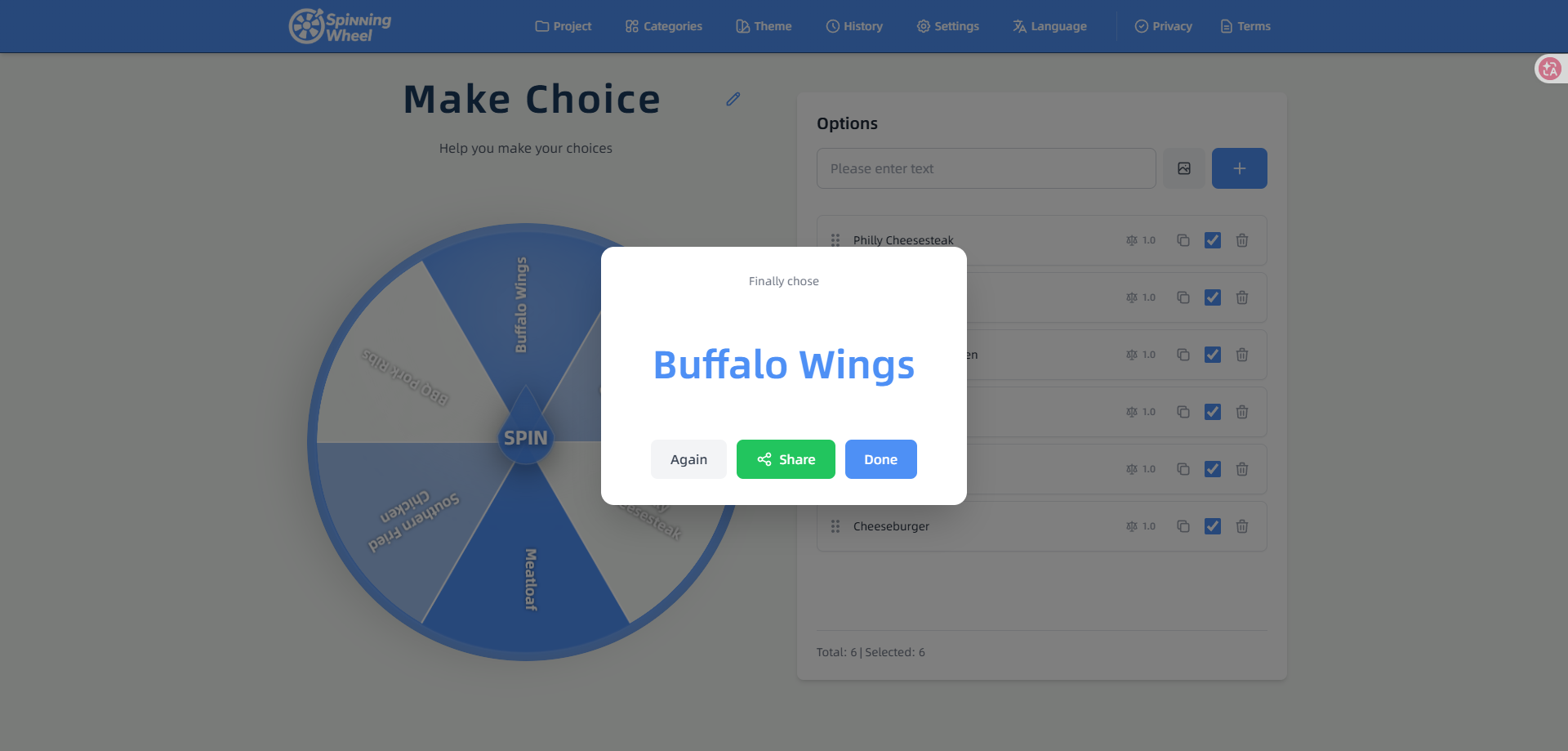
The page for presenting the result of the selection
Inspiration
I suffer from severe decision fatigue. Whether it's picking who speaks first in a daily agile standup, choosing a lunch spot, or doing a community giveaway, I just wanted a simple spinning wheel. But every time I searched for one, I was bombarded with websites covered in display ads, annoying pop-ups, and bloated tracking scripts that took forever to load. I realized I needed a clean, distraction-free tool for my own sanity.
What it does
Spinning Wheel Tool is exactly what it sounds like: a lightning-fast, 100% ad-free random picker. You just type in your options, hit spin, and get a fair decision instantly. There are no logins, no paywalls, and no friction. It’s just pure, instant utility right in your browser.
How I built it
I wanted to keep the app incredibly lightweight, so I built it using vanilla HTML5, CSS3, and JavaScript. I relied heavily on Claude (by Anthropic) as my AI pair-programmer. Claude was exceptional at helping me write clean, highly optimized JavaScript, especially for the core logic and math required for the wheel mechanics, which saved me hours of debugging.
Challenges I ran into
The biggest challenge was making the spinning animation feel natural and physically realistic. Calculating the correct easing, friction, and deceleration so that the wheel stops smoothly on a random slice—without looking rigged or jarring—took quite a few iterations to get right across both desktop and mobile screens.
Accomplishments that I'm proud of
I'm incredibly proud of the completely ad-free interface and the near-zero load time. More importantly, I successfully implemented local storage for saving favorite lists and custom theme colors entirely on the frontend, meaning users get a rich, personalized experience without ever needing to create an account.
What I learned
I deepened my understanding of CSS/JS animations and learned just how capable AI models like Claude have become as development partners. Using AI allowed me to focus heavily on the user experience (UX) and design rather than getting bogged down in boilerplate syntax.
What's next for Spinning Wheel Tool
I'm planning to add an "elimination mode" where a chosen slice is automatically removed from the wheel for the next spin. I'd also love to add the ability to import large lists directly from a CSV file, and implement shareable custom URLs so teams can easily pass the exact same configured wheel to each other!


Log in or sign up for Devpost to join the conversation.