-
-
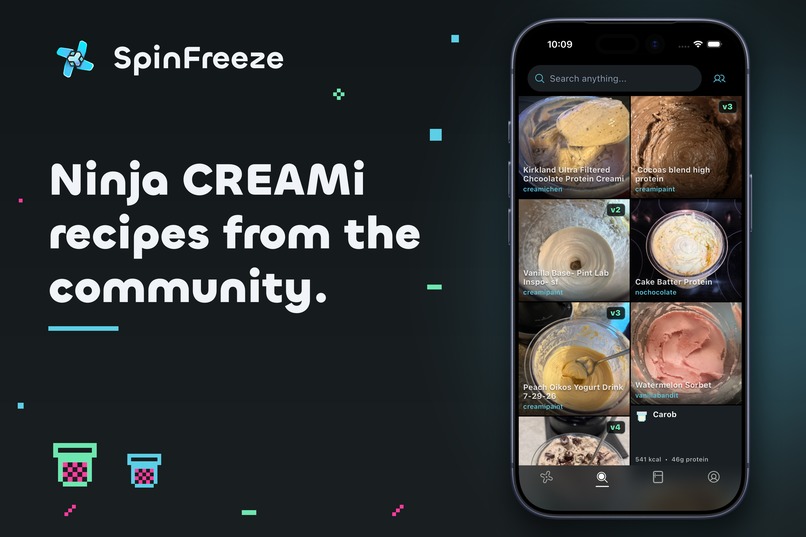
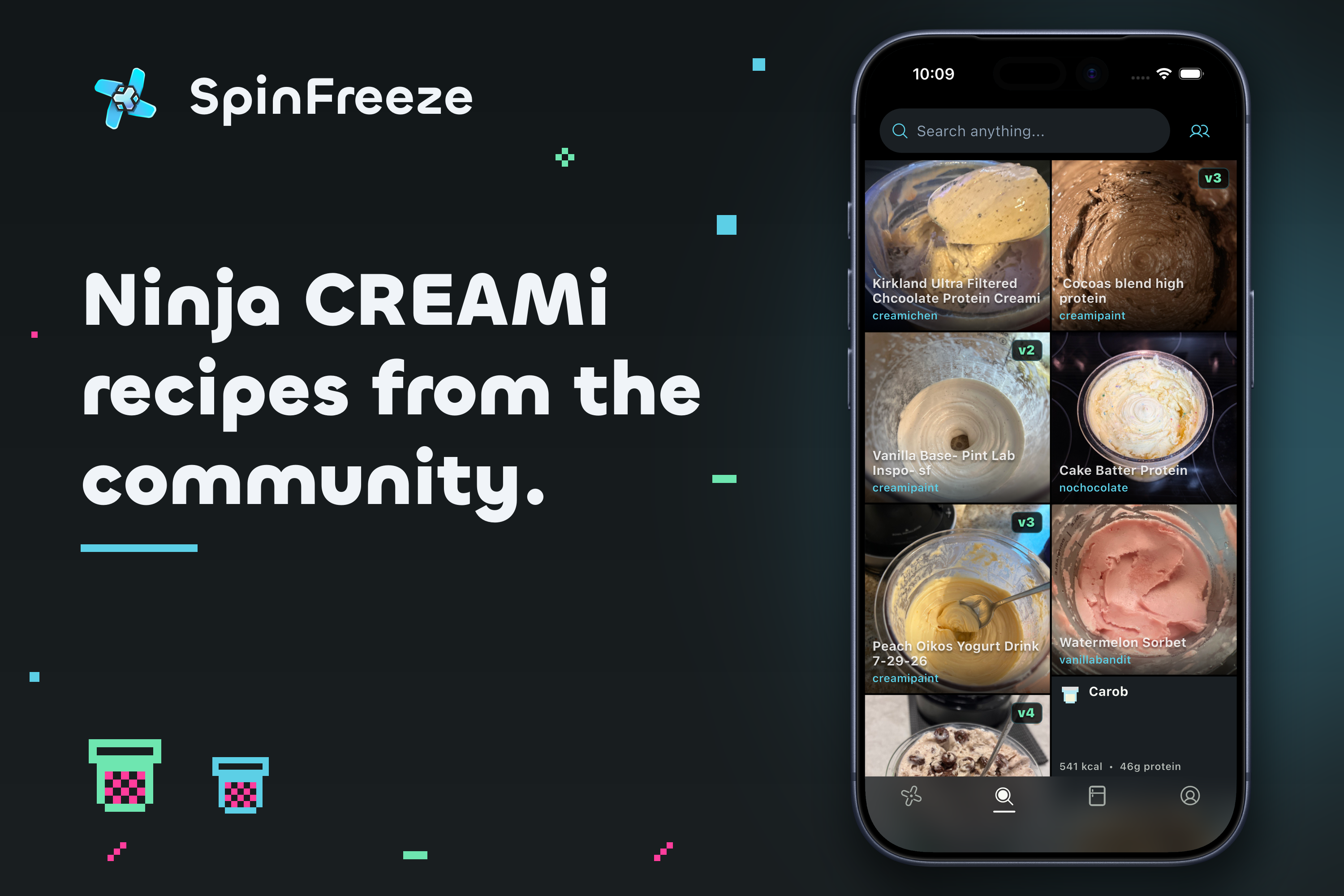
Ninja CREAMi recipes from the community.
-
 GIF
GIF
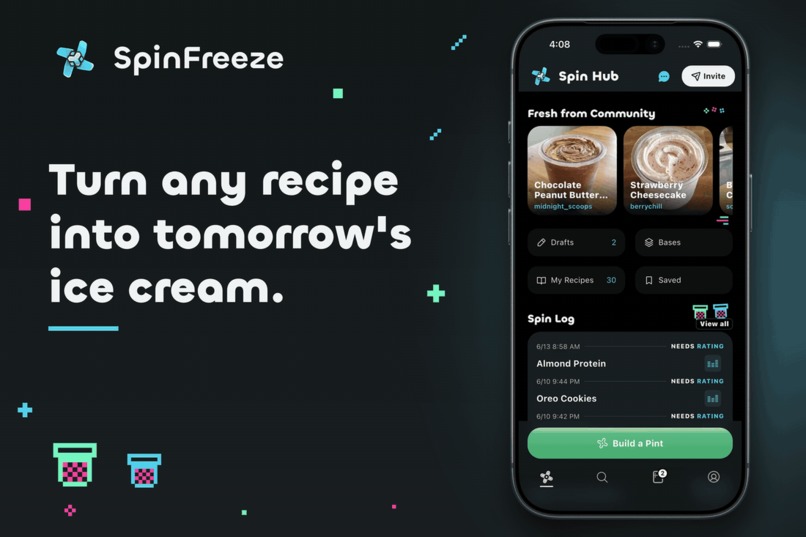
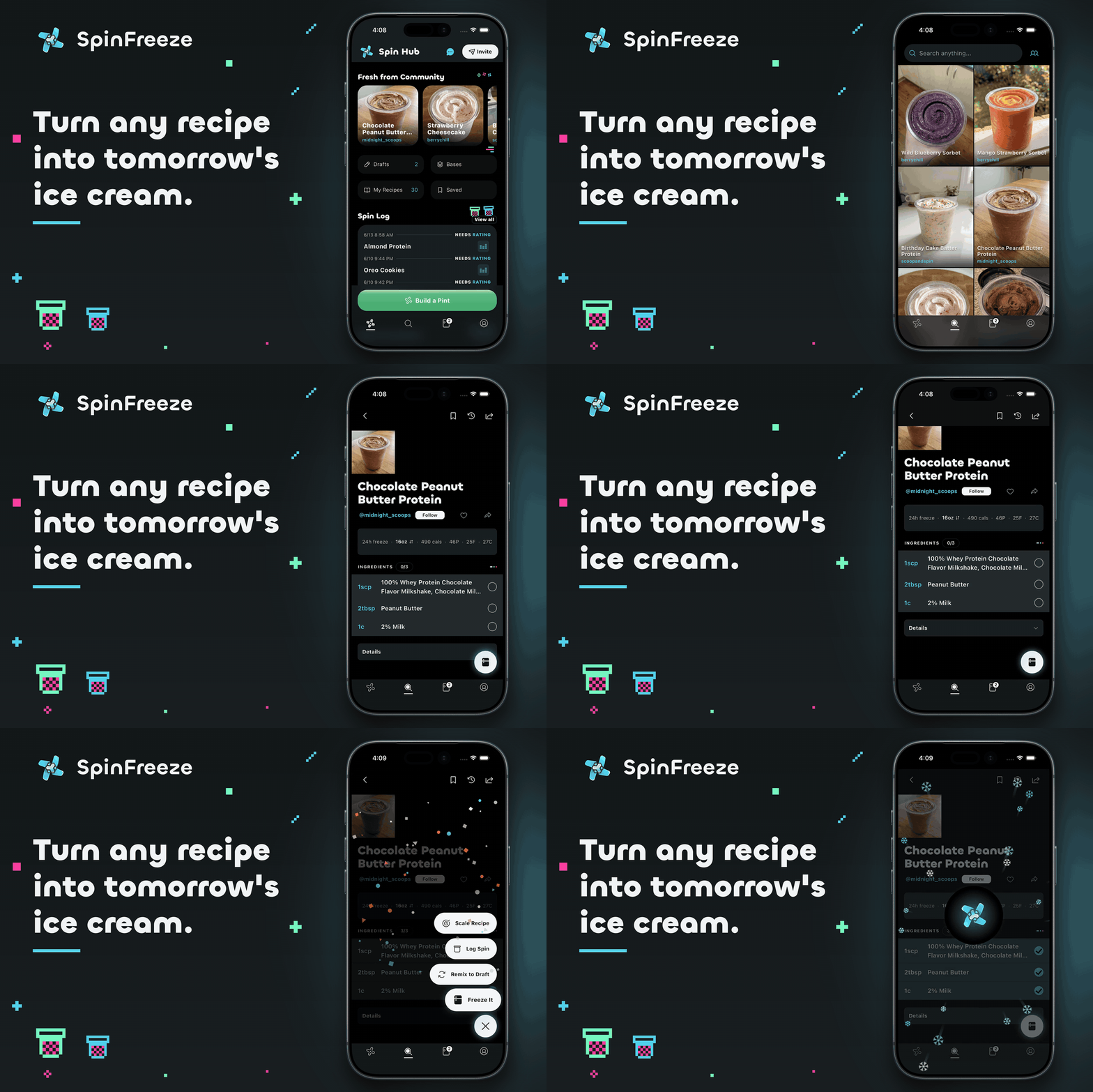
Turn any recipe into tomorrow's ice cream.
-
 GIF
GIF
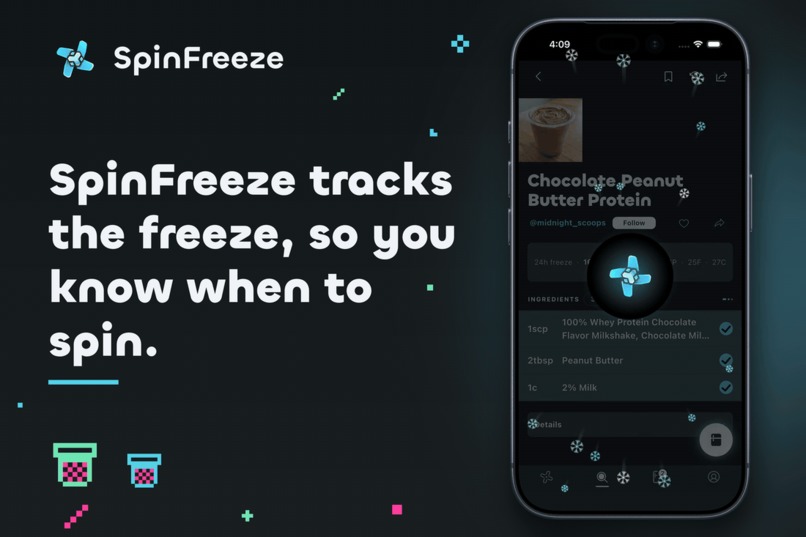
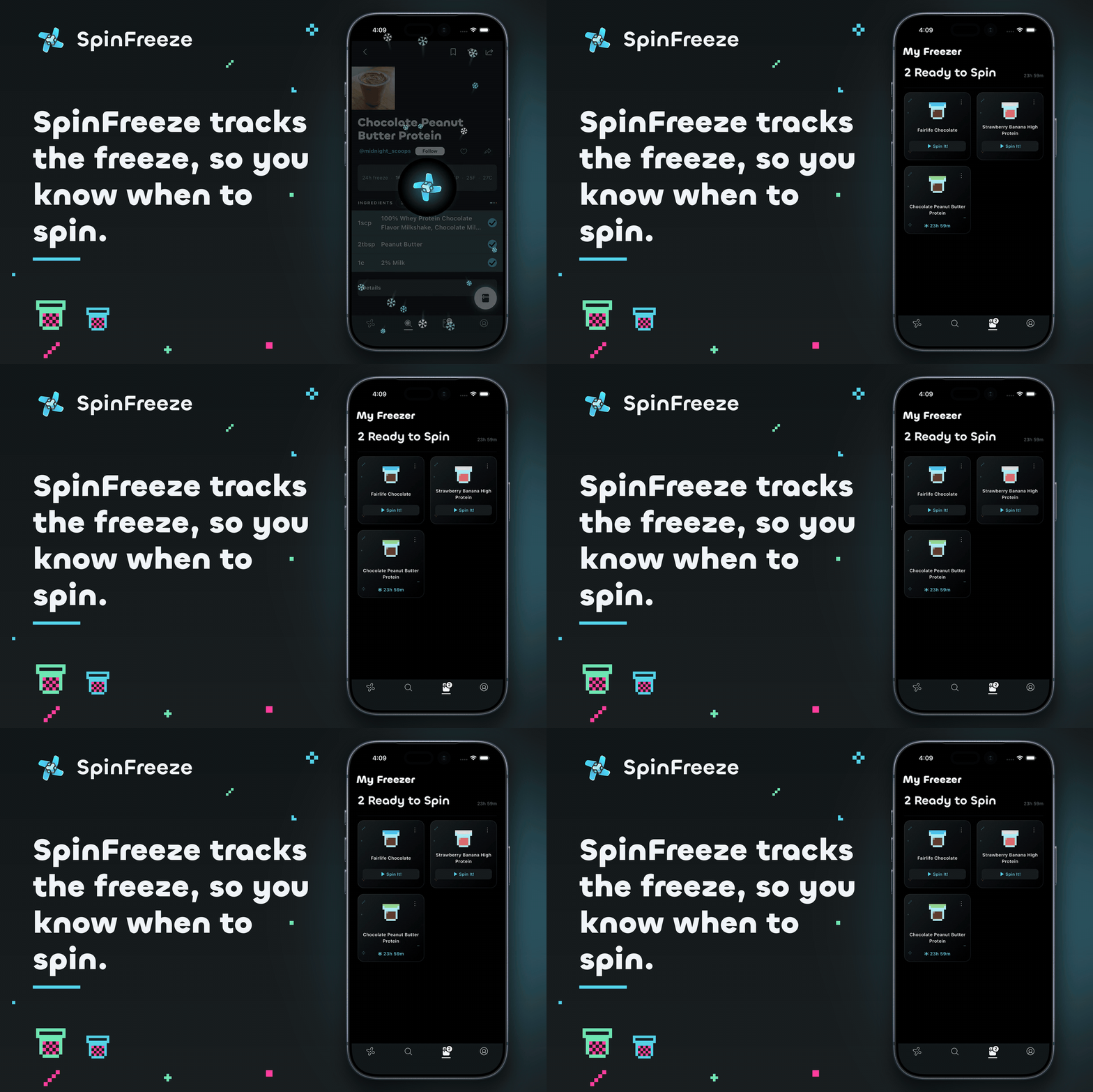
SpinFreeze tracks the freeze, so you know when it's time to spin.
-
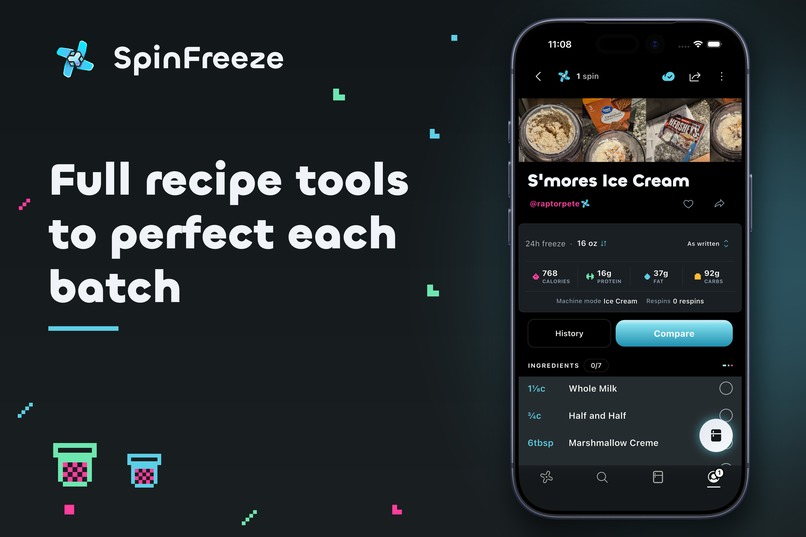
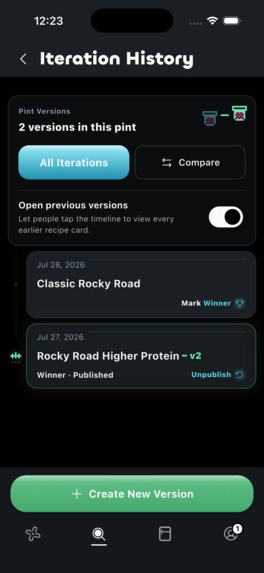
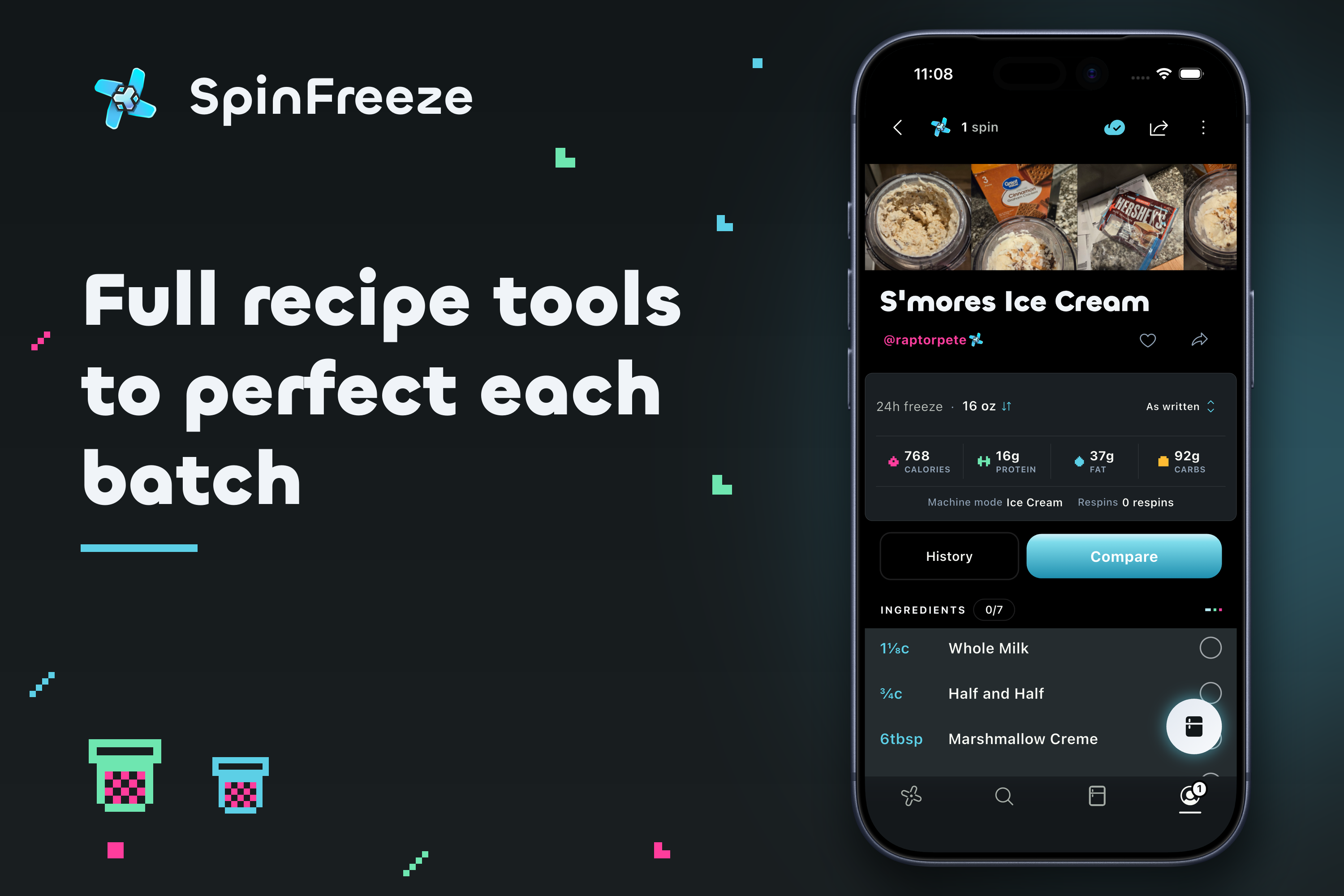
Full recipe tools to perfect each batch.
-
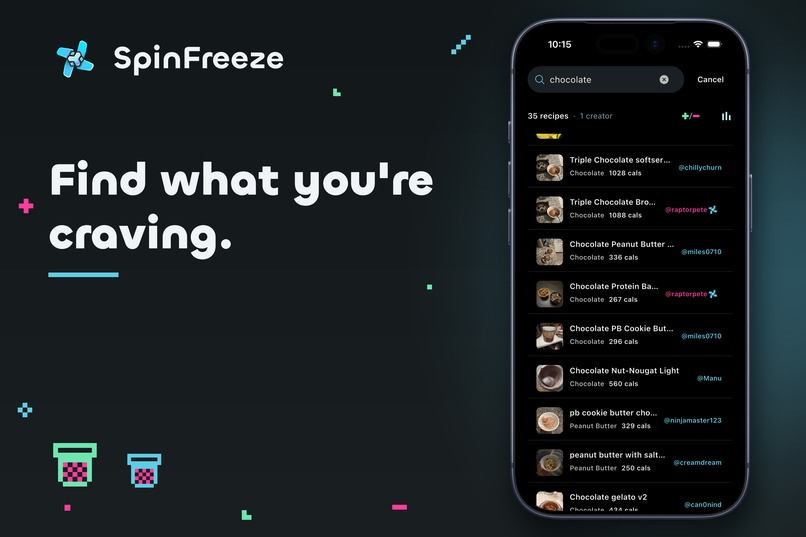
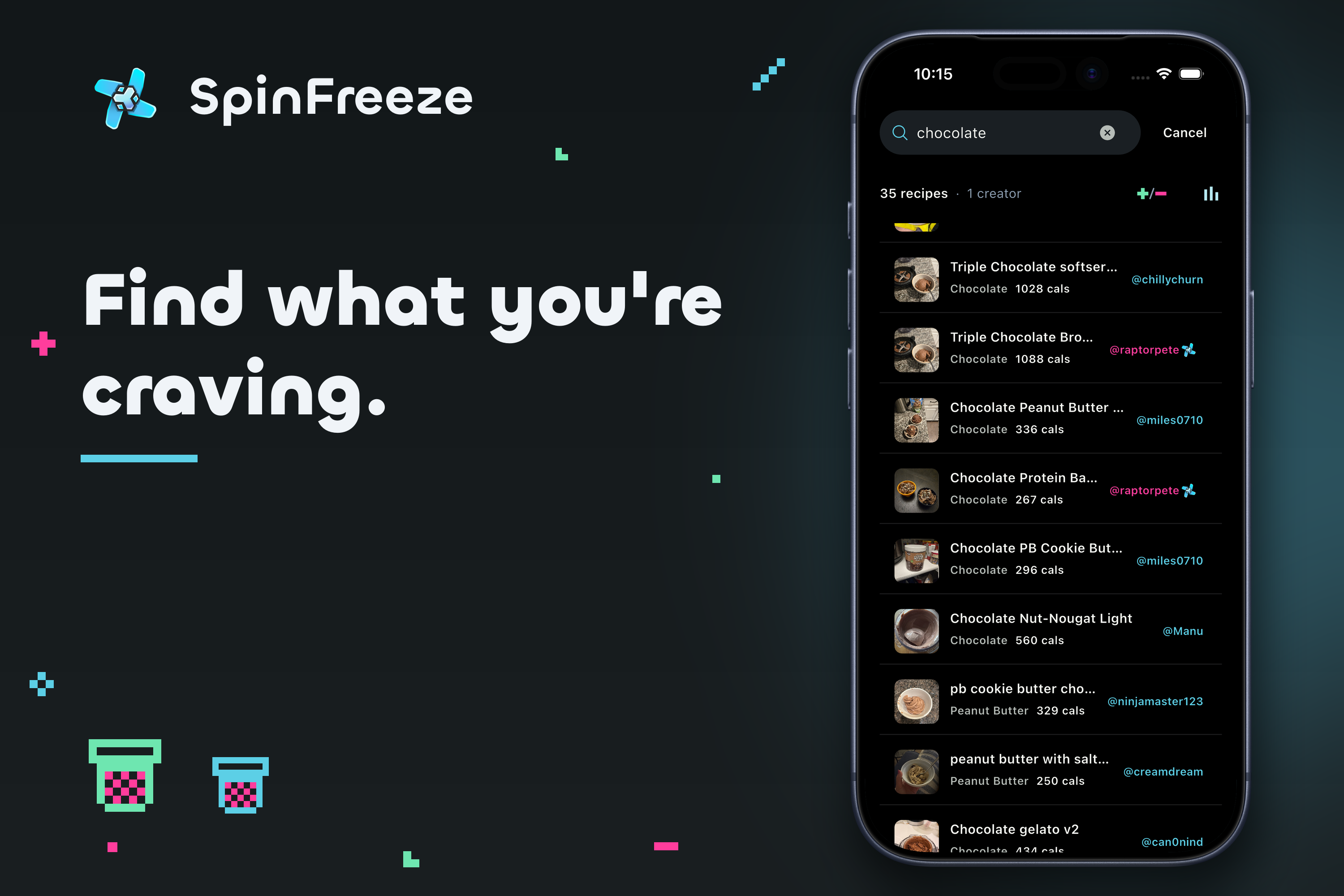
Find what you're craving.
-
 GIF
GIF
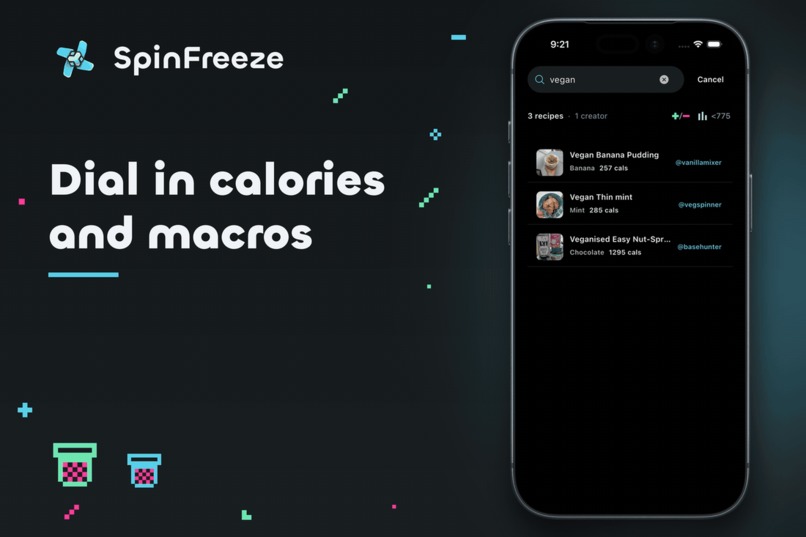
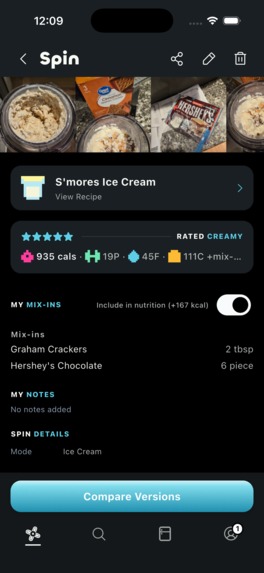
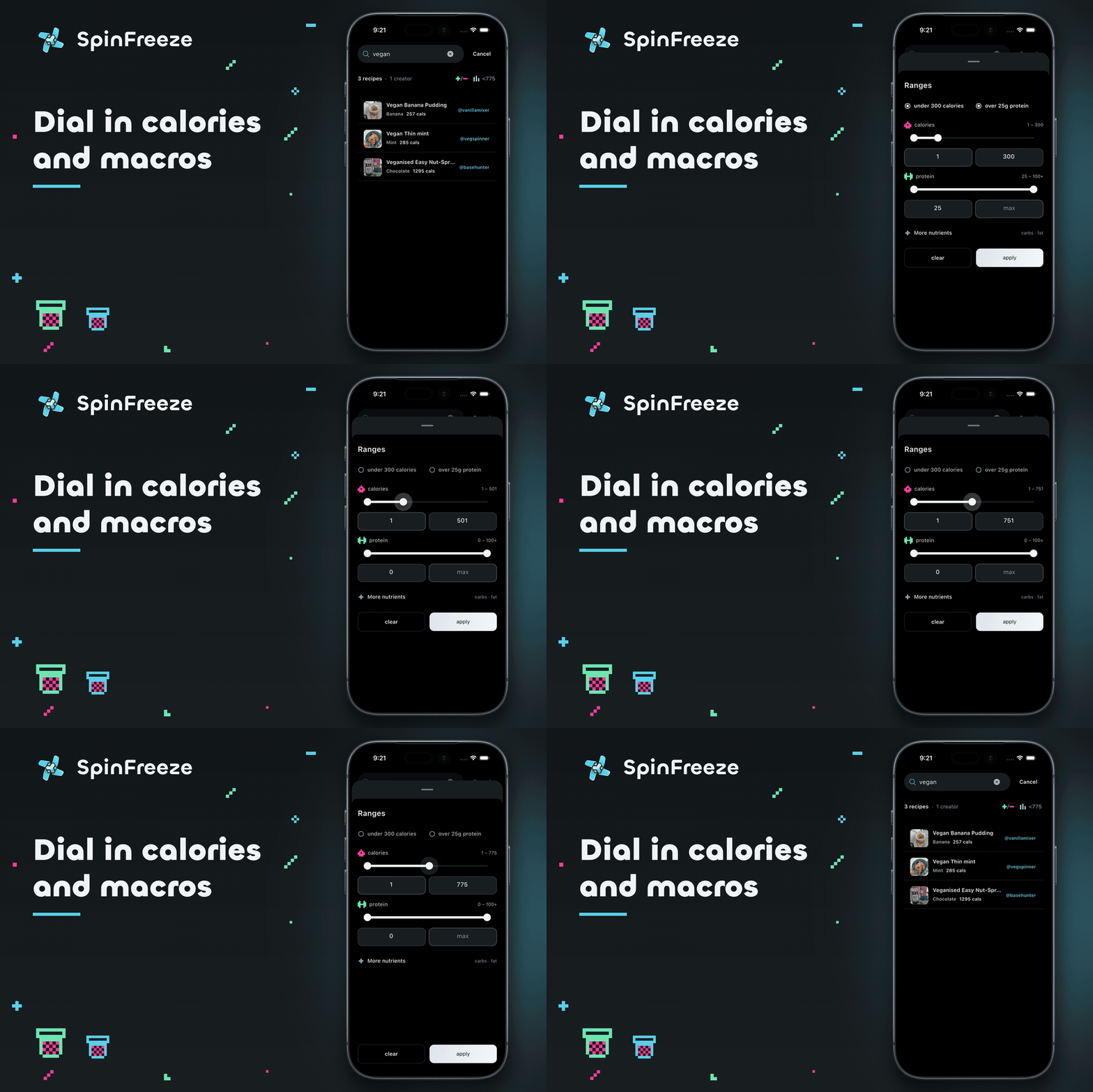
Dial in calories and macros.
-
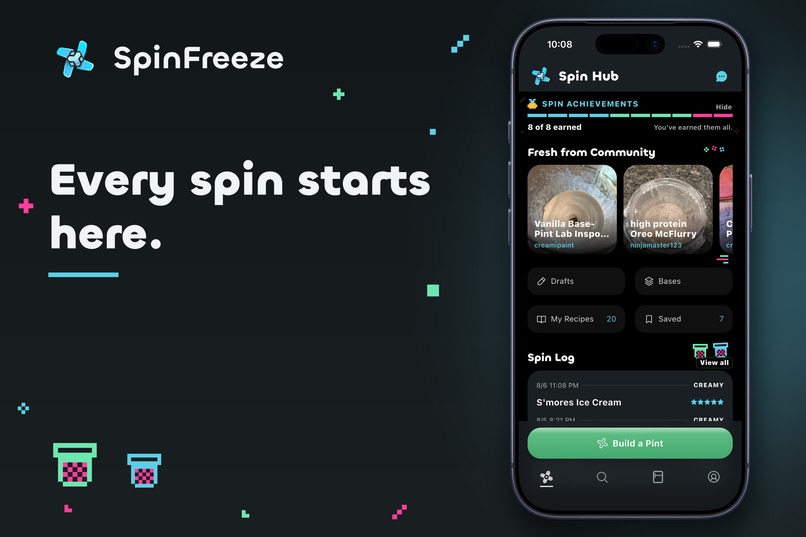
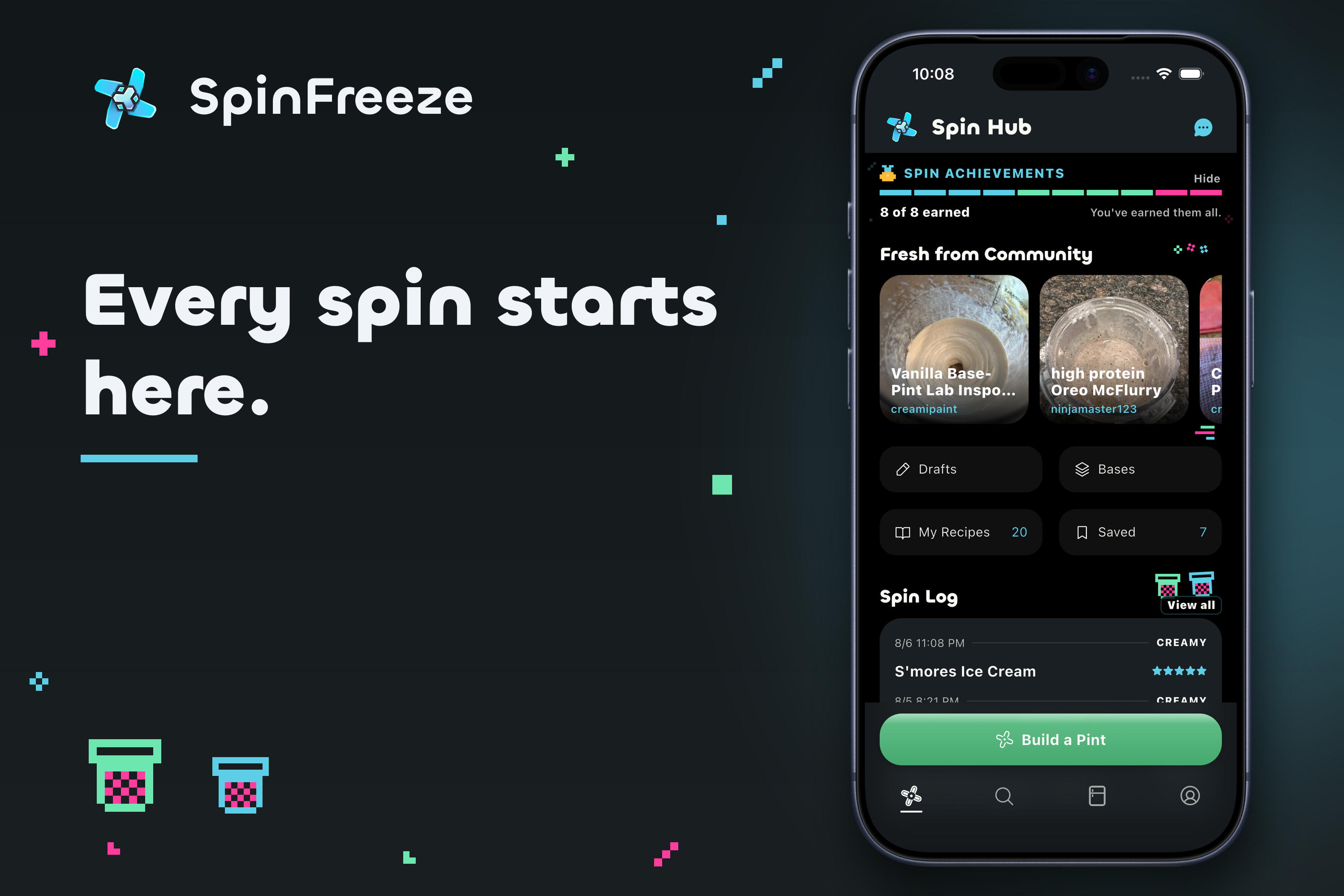
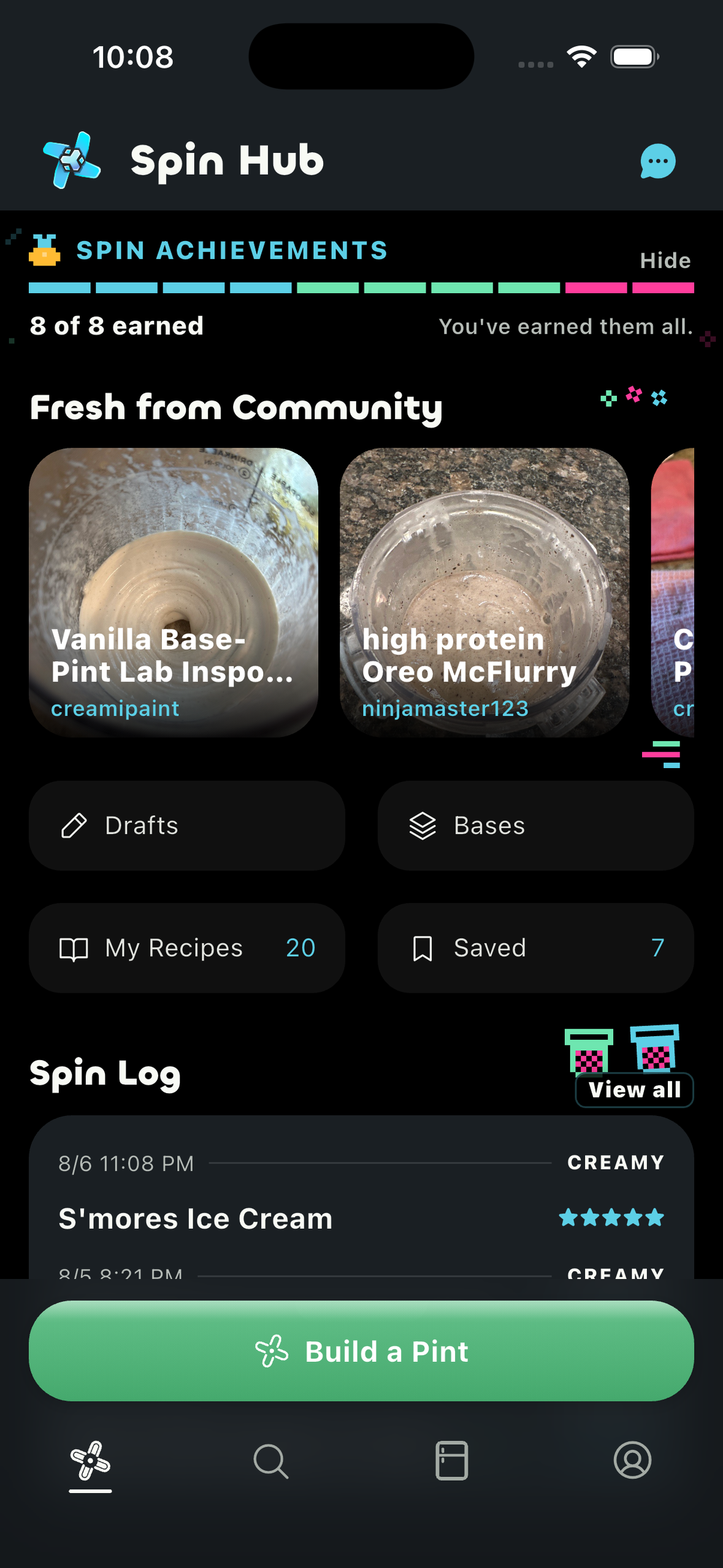
Every spin starts here.
-
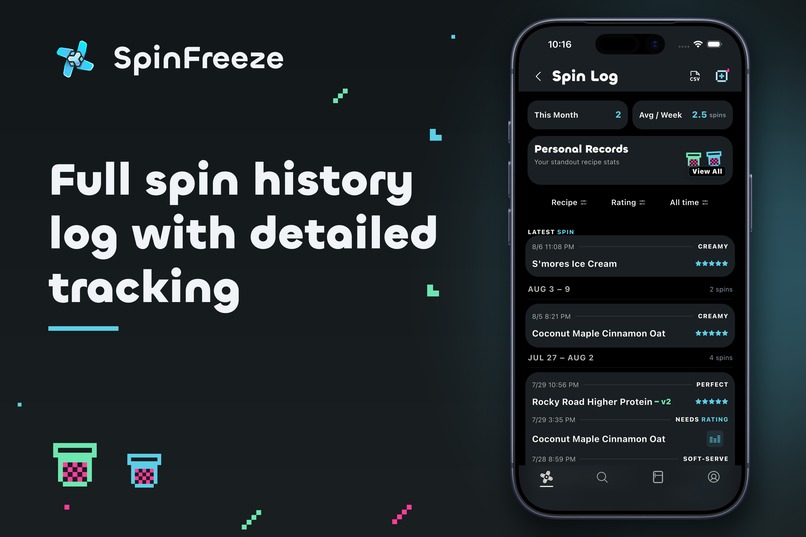
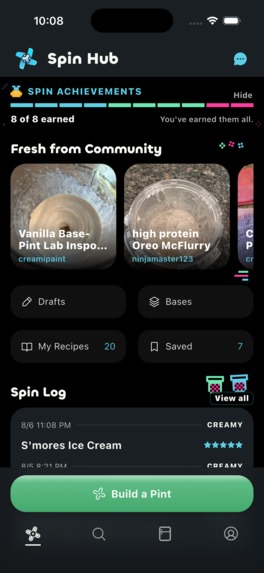
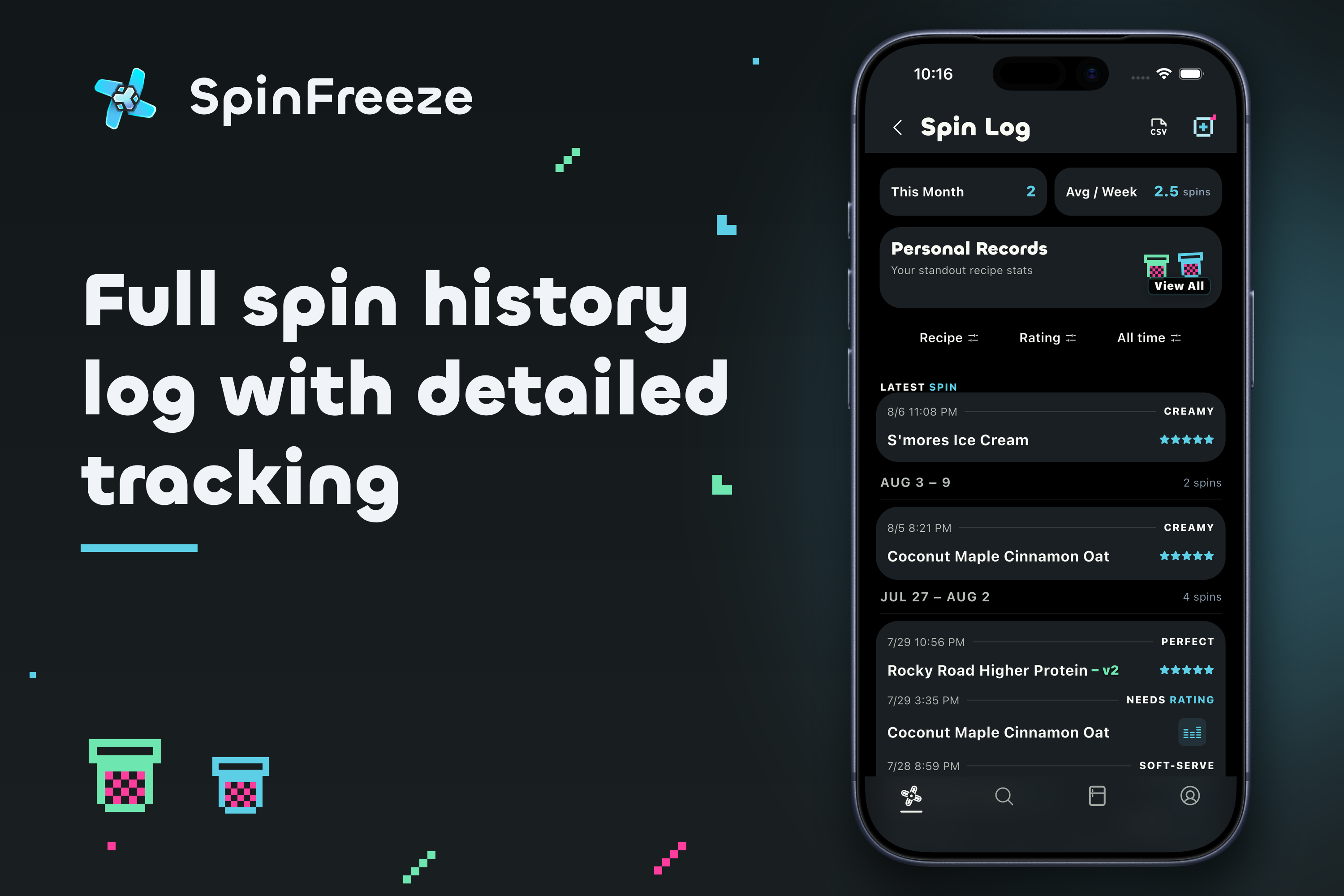
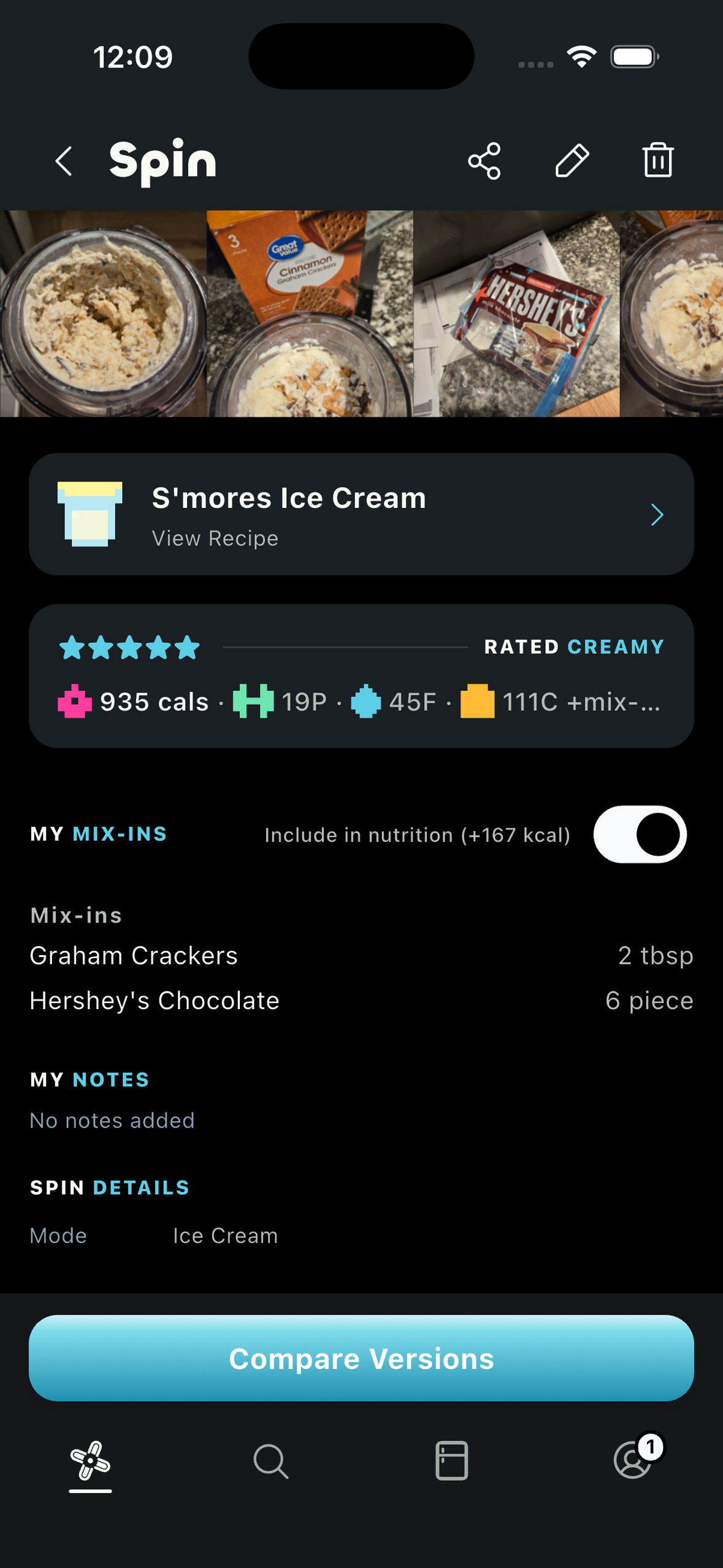
Full spin history log with detailed tracking.
-
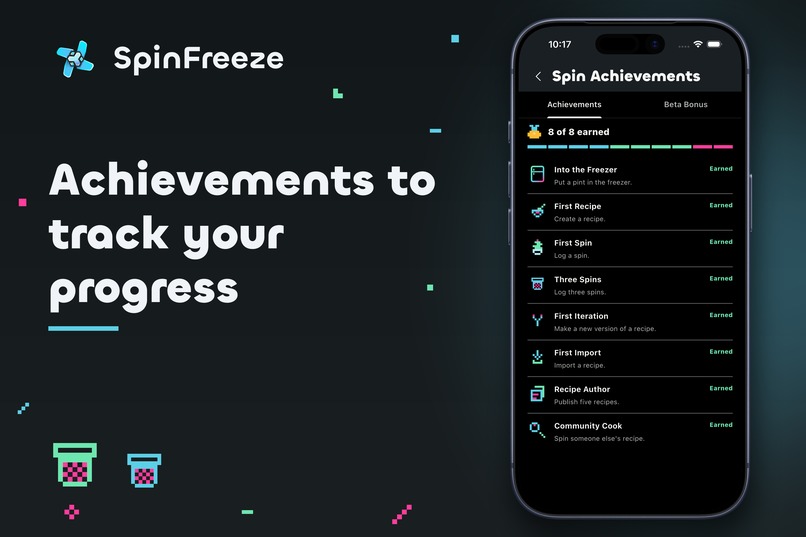
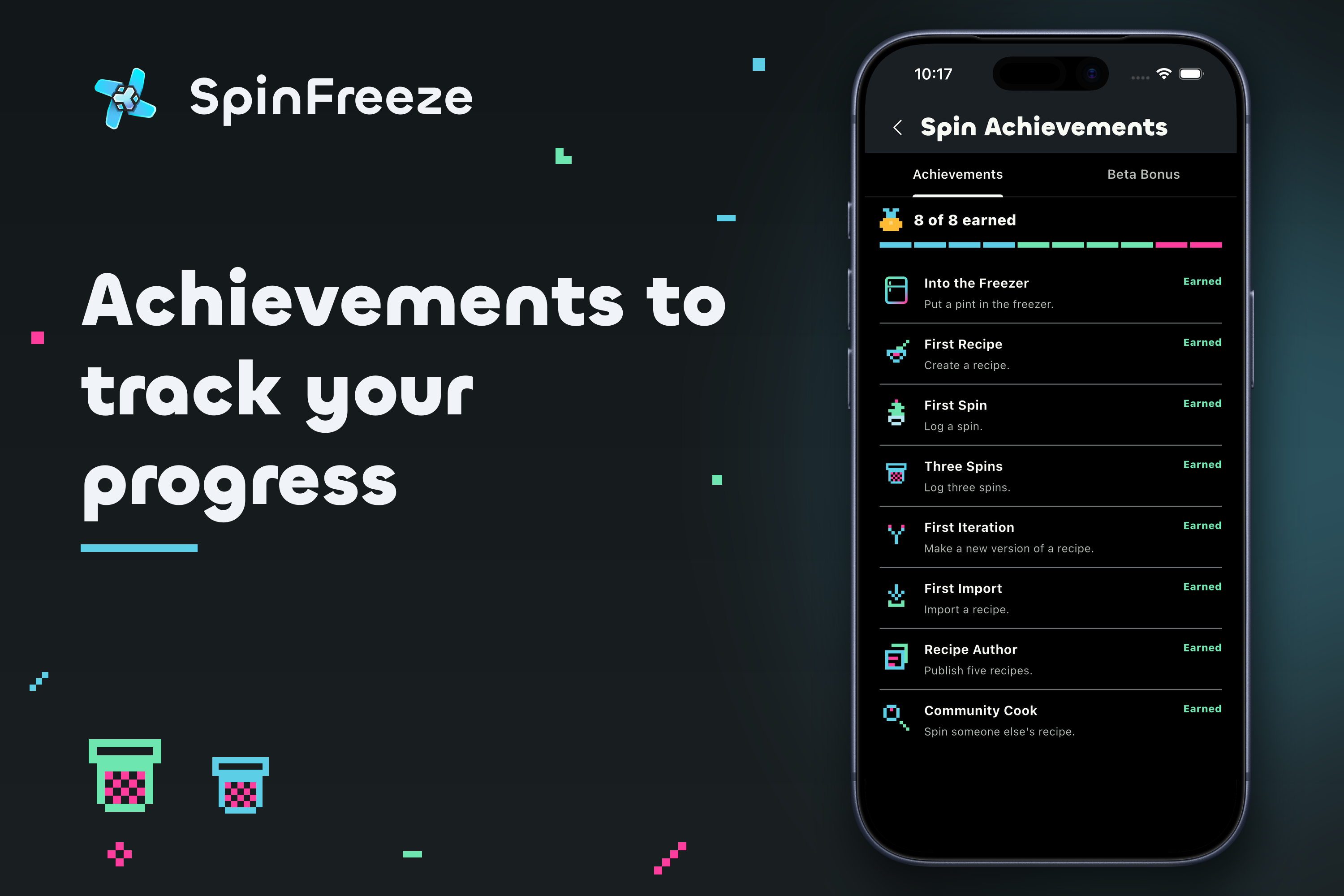
Achievements to track your progress.
-
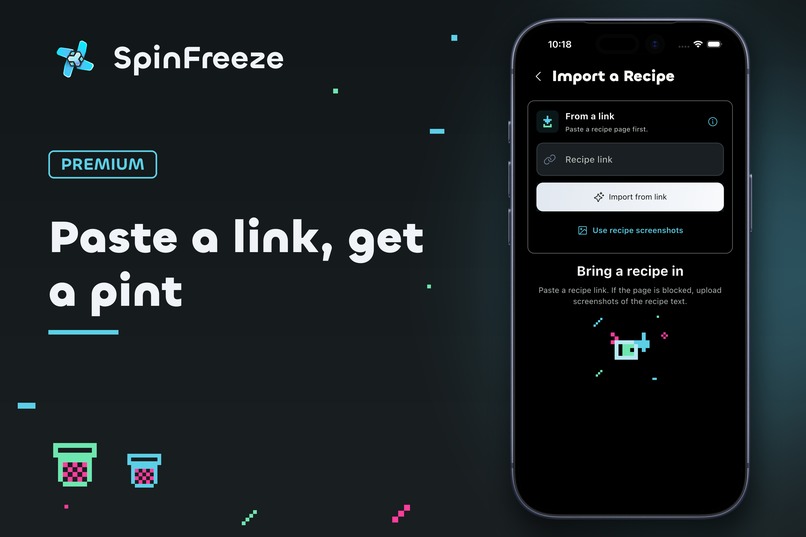
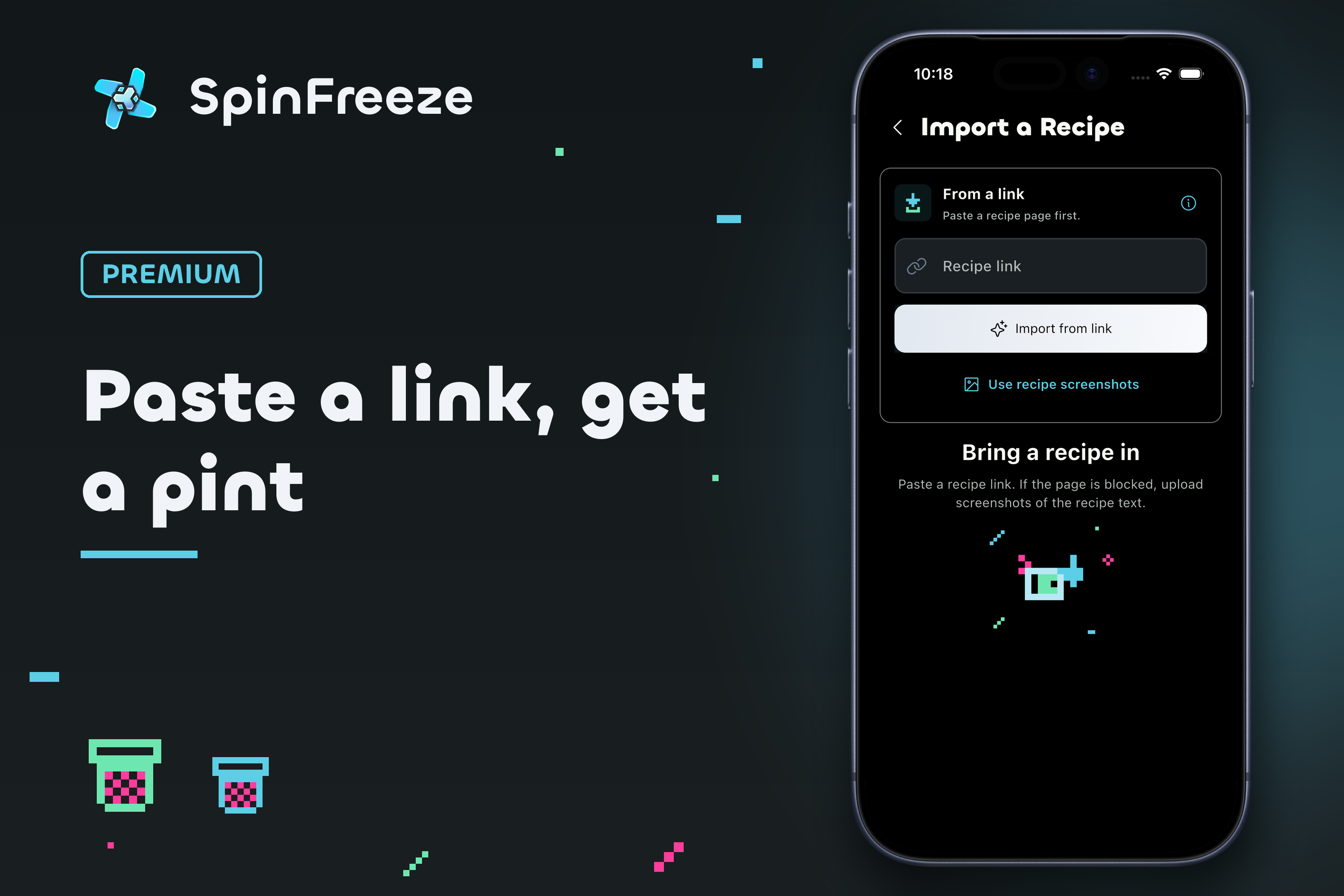
Paste a link or screenshot, SpinFreeze auto-imports and generates the recipe.
-
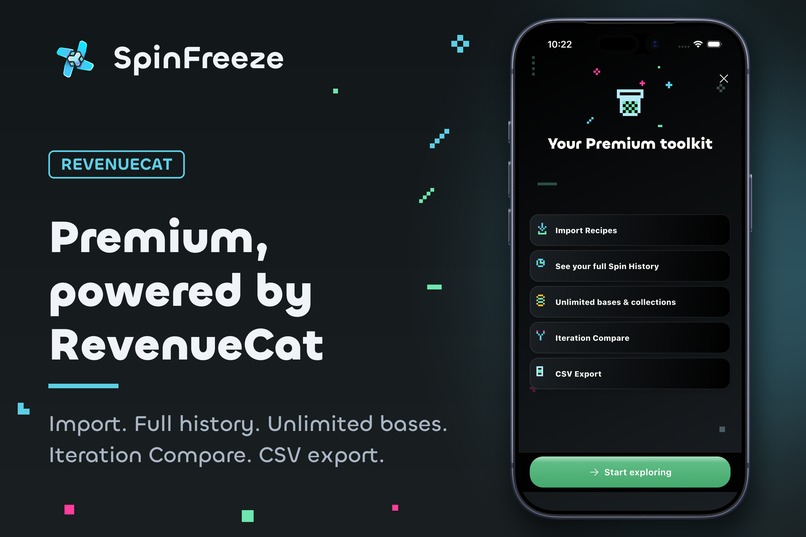
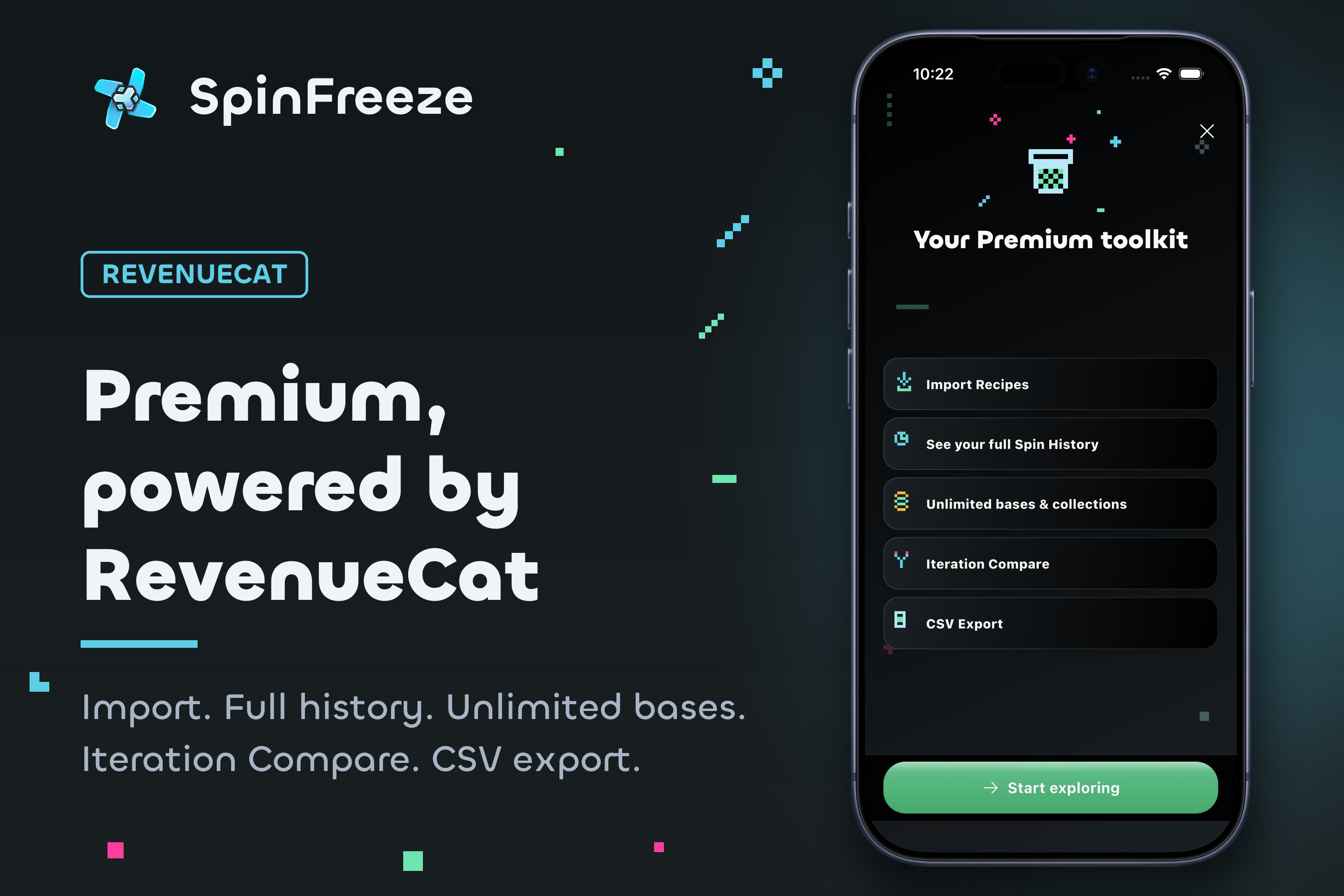
Premium, powered by RevenueCat.
-
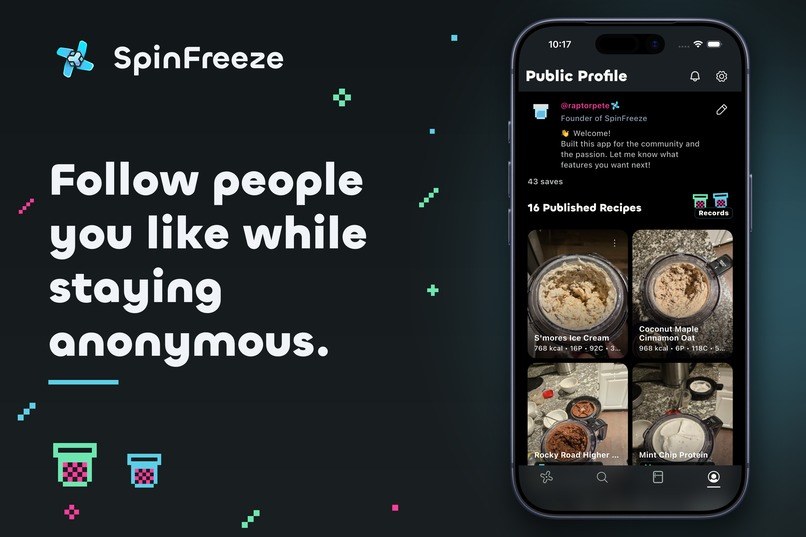
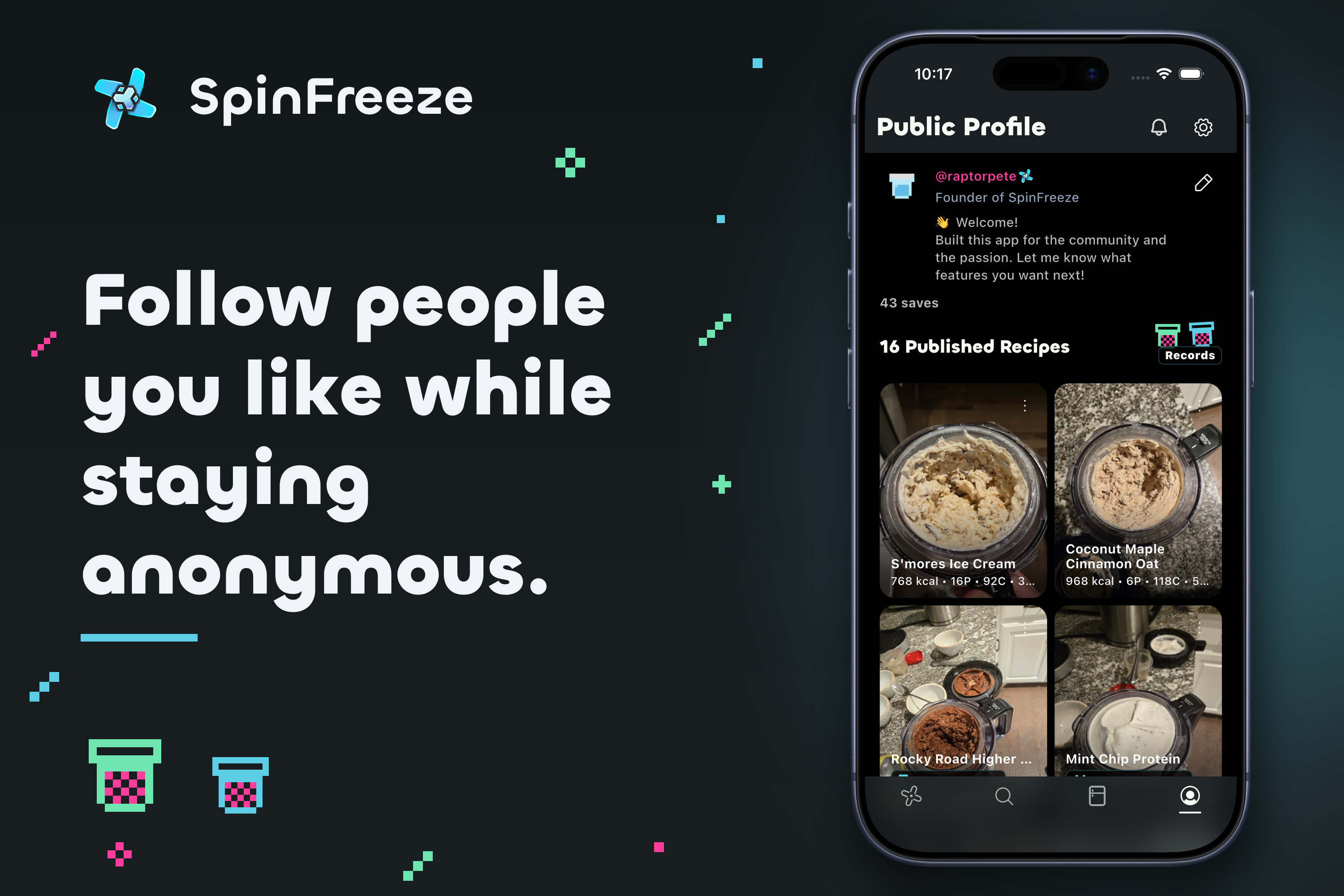
Follow people you like while staying anonymous.
-
-
-
Why we built SpinFreeze
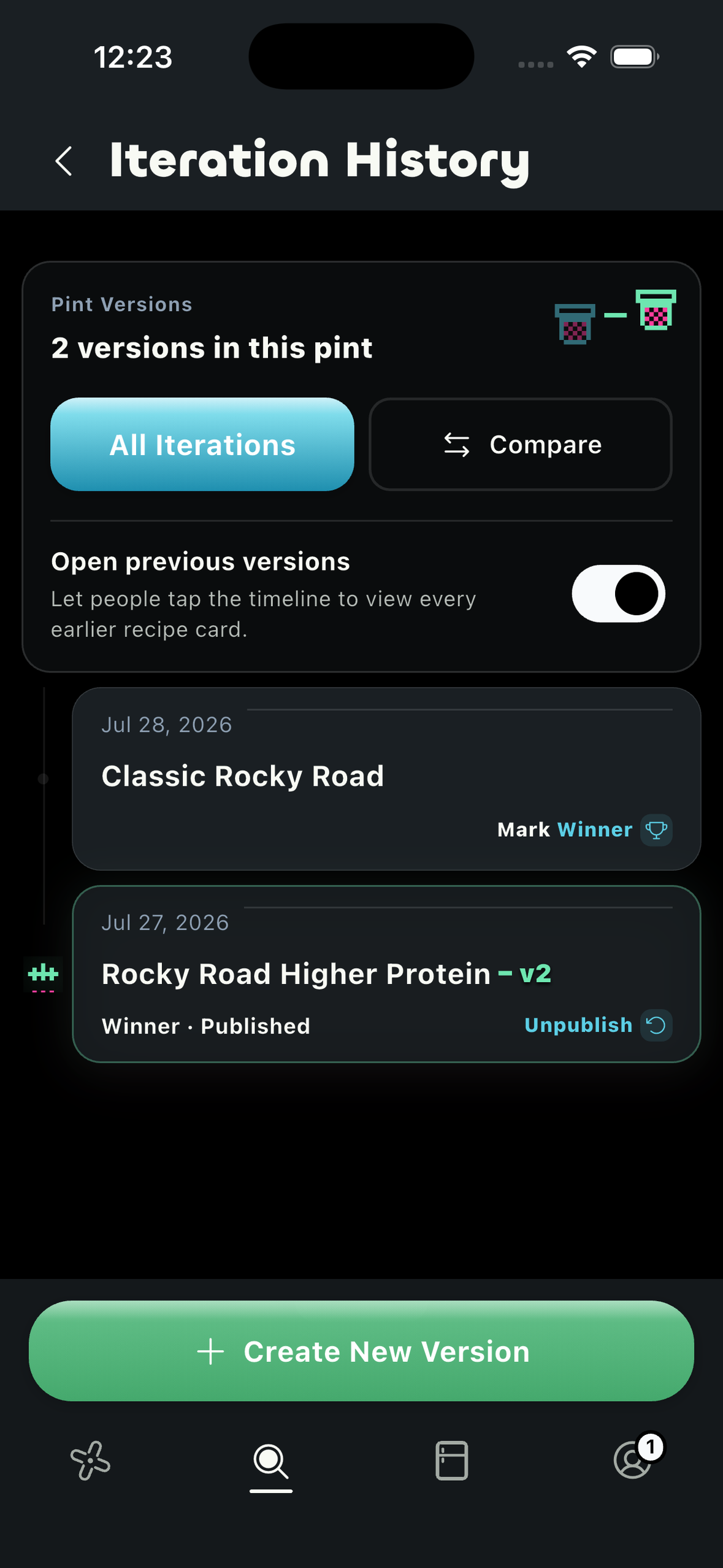
Ninja CREAMi recipes are scattered across TikTok, Instagram, Facebook, blogs, screenshots, and group chats. Finding one is easy. Turning it into a pint you can actually make is the annoying part: type the ingredients back in, work out the macros, guess the container size, then try to remember what you changed after the first spin.
We wanted one place to find recipes, save the good ones, make changes, and keep track of what happened.
What it does
SpinFreeze is a community app for Ninja CREAMi owners. You can browse recipes, save them, make your own, keep a freezer list, and log each spin. The recipe stays with its versions and spin history, so a good result is not lost in a note somewhere.
Recipe Importer is the part we keep coming back to. Paste in a recipe link or upload a screenshot and SpinFreeze pulls out the ingredients, amounts, nutrition, and container size, then gives you a recipe you can edit before making it.
The app has a free trial for imports. Premium is for people who keep importing recipes, with a monthly import limit. RevenueCat handles the purchase, restore, and entitlement side on iOS and Android.
How we built it
SpinFreeze is a Flutter and Dart app for iOS and Android. Supabase handles auth and the app's community data. Cloudflare Workers run the import pipeline. Google Gemini turns recipe pages and screenshots into structured recipe data, and OpenAI moderation checks uploaded content. RevenueCat connects the App Store and Google Play purchase flows to one entitlement model.
We also have public recipe pages, search and discovery, a web landing page, analytics, crash reporting, and optional nutrition writes to Apple Health and Google Health Connect.
What was hard
Recipe sites are a mess. The useful part can sit under ads, stories, or a vague serving-size note. Screenshots have their own problems: they may leave out nutrition, servings, or the container size. The importer needed to get you most of the way there without acting like it was always right. The result is editable because it has to be.
We also did not want to put the useful parts of the app behind a paywall just because we could. Tracking, community, and recipe creation are useful on their own. Recipe Importer is where Premium makes sense because it saves real time when you use it repeatedly.
What we learned
The paywall works better when it shows up after the value is obvious. It should explain what you get, not interrupt the first useful thing someone tries to do. We also learned that purchase and restore state has to be boringly reliable. RevenueCat gave us one place to manage that across both platforms.
What we're proud of
This is not a paywall dropped onto a demo. It is a complete loop: find a recipe, import it from a link or screenshot, make it your own, log the spin, and unlock more imports if the feature earns its place.
Built With
- android
- apple-health
- astro
- cloudflare
- cloudflare-workers
- dart
- flutter
- google-gemini
- google-health-connect
- ios
- openai
- postgresql
- posthog
- react
- rest-api
- revenuecat
- sentry
- supabase
- typescript
- typesense
- vite


Log in or sign up for Devpost to join the conversation.