-
-
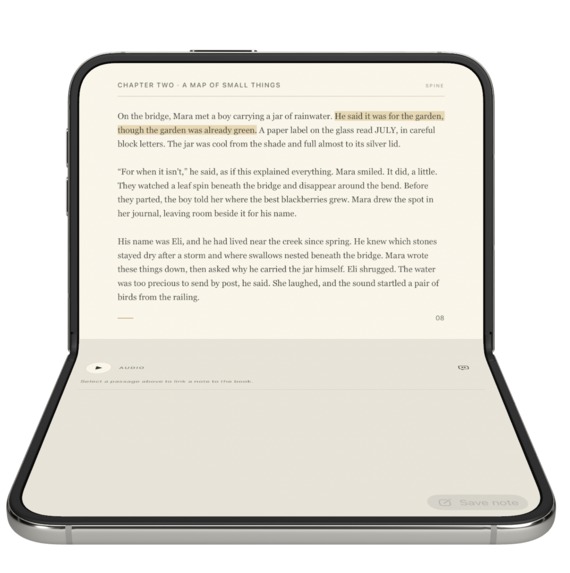
Laptop Mode
-
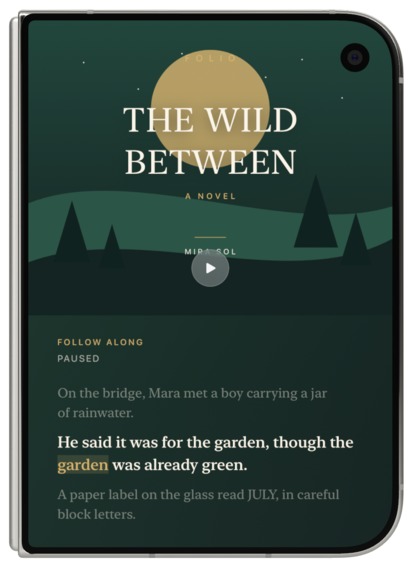
Audio/Night Stand Mode
-
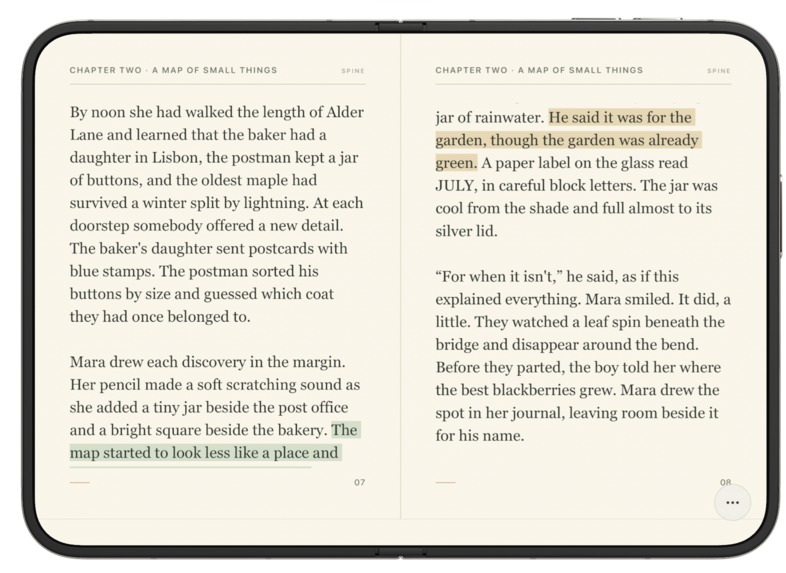
Book Mode
-
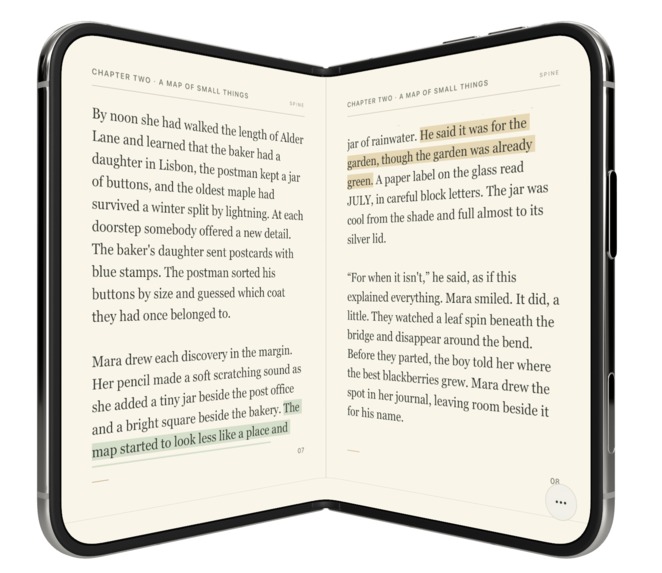
Boook Mode 1
-
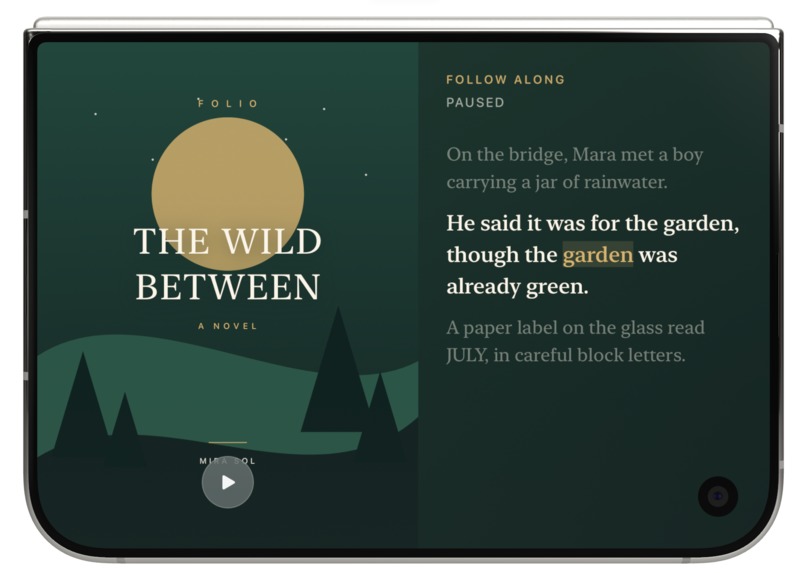
Tent Mode
-
Icon
Inspiration
Most reading apps are designed around a single flat screen. We wanted to explore what reading could feel like when the physical form of the device becomes part of the experience.
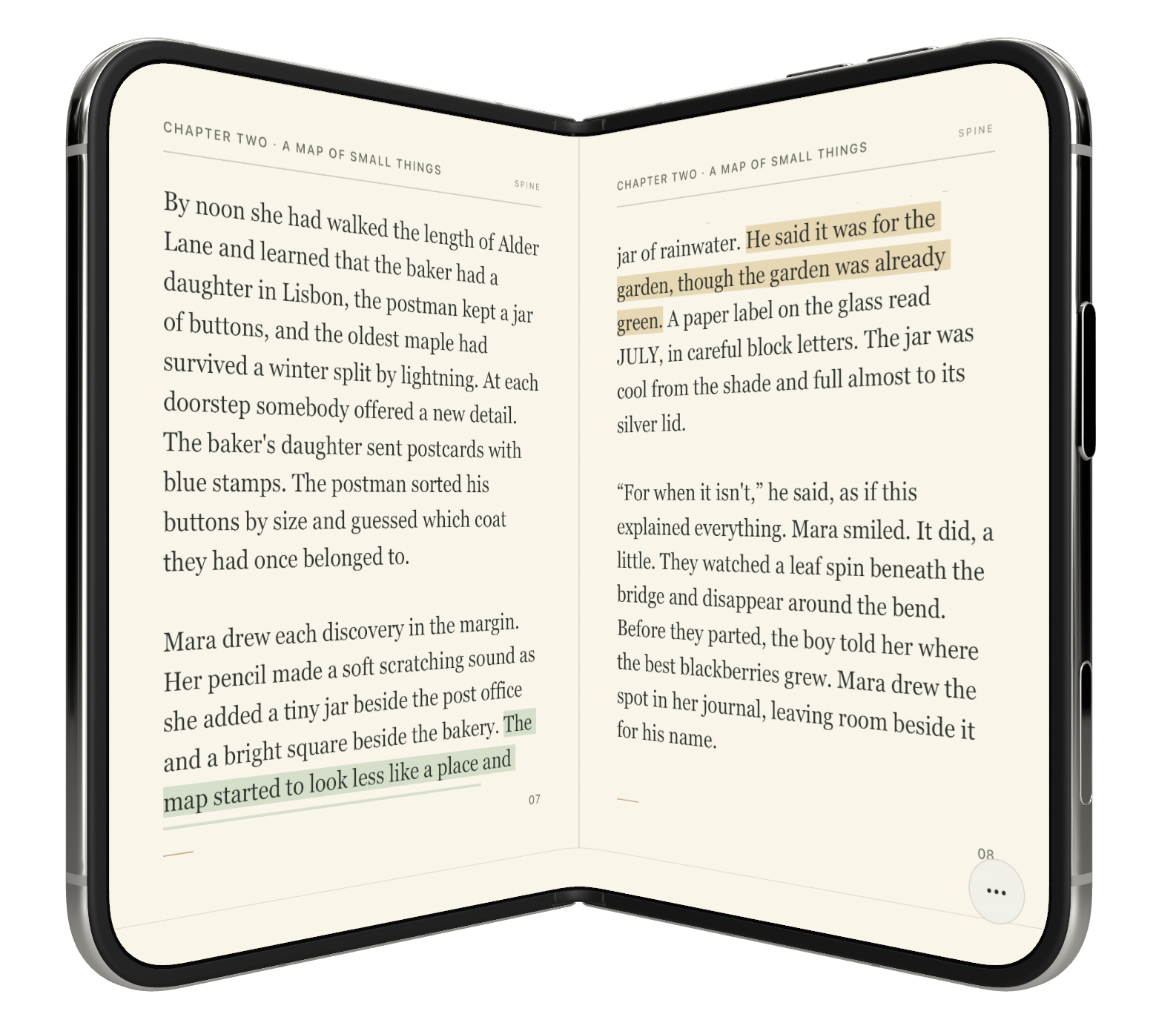
With iPhone Duo, the device can be closed, opened like a book, used across two screens, or placed in a tent posture. Spine was built around those transitions rather than simply stretching a traditional reading app across a larger display.
What it does
Spine is an adaptive reading experience designed around the different forms of iPhone Duo.
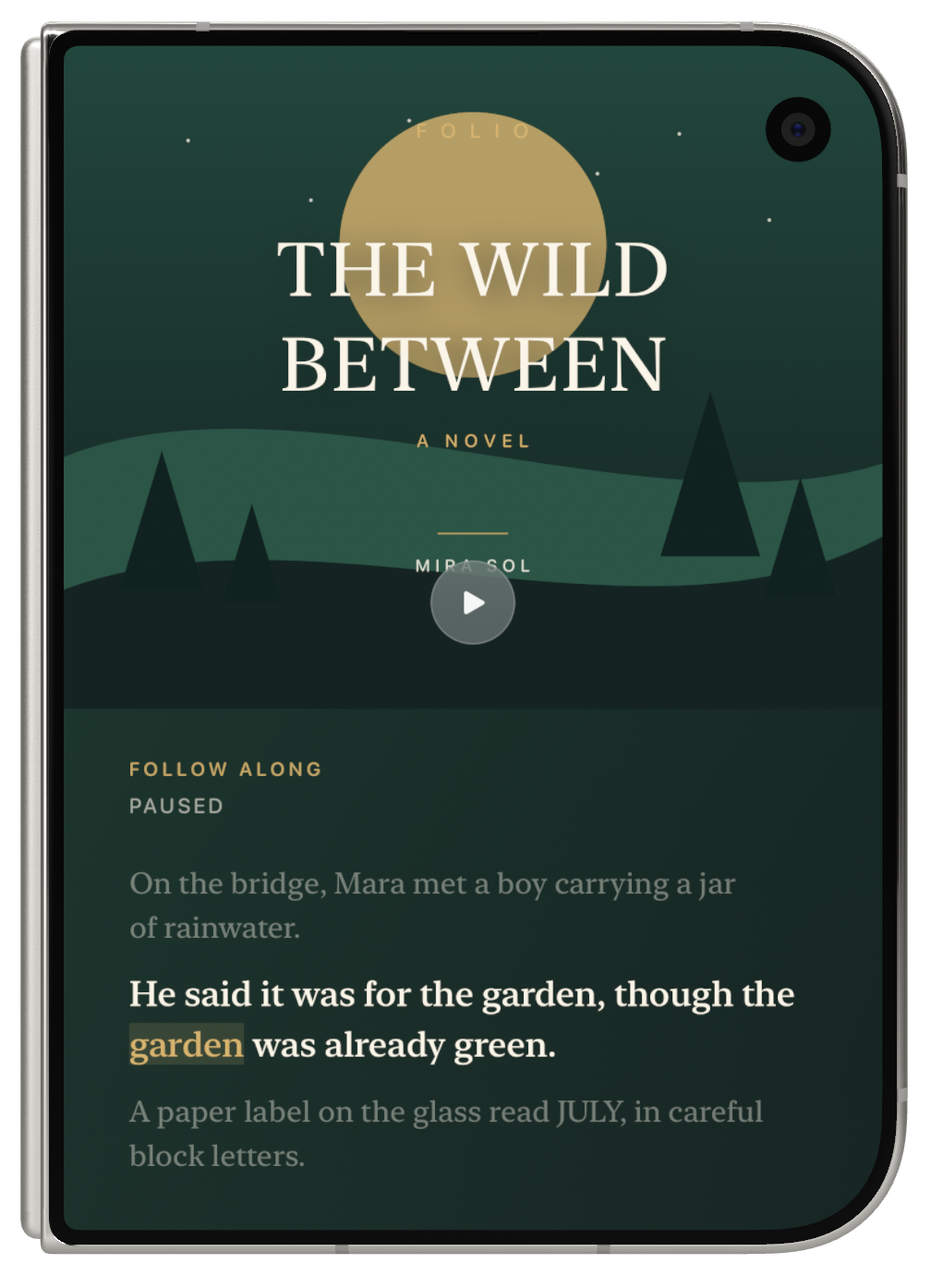
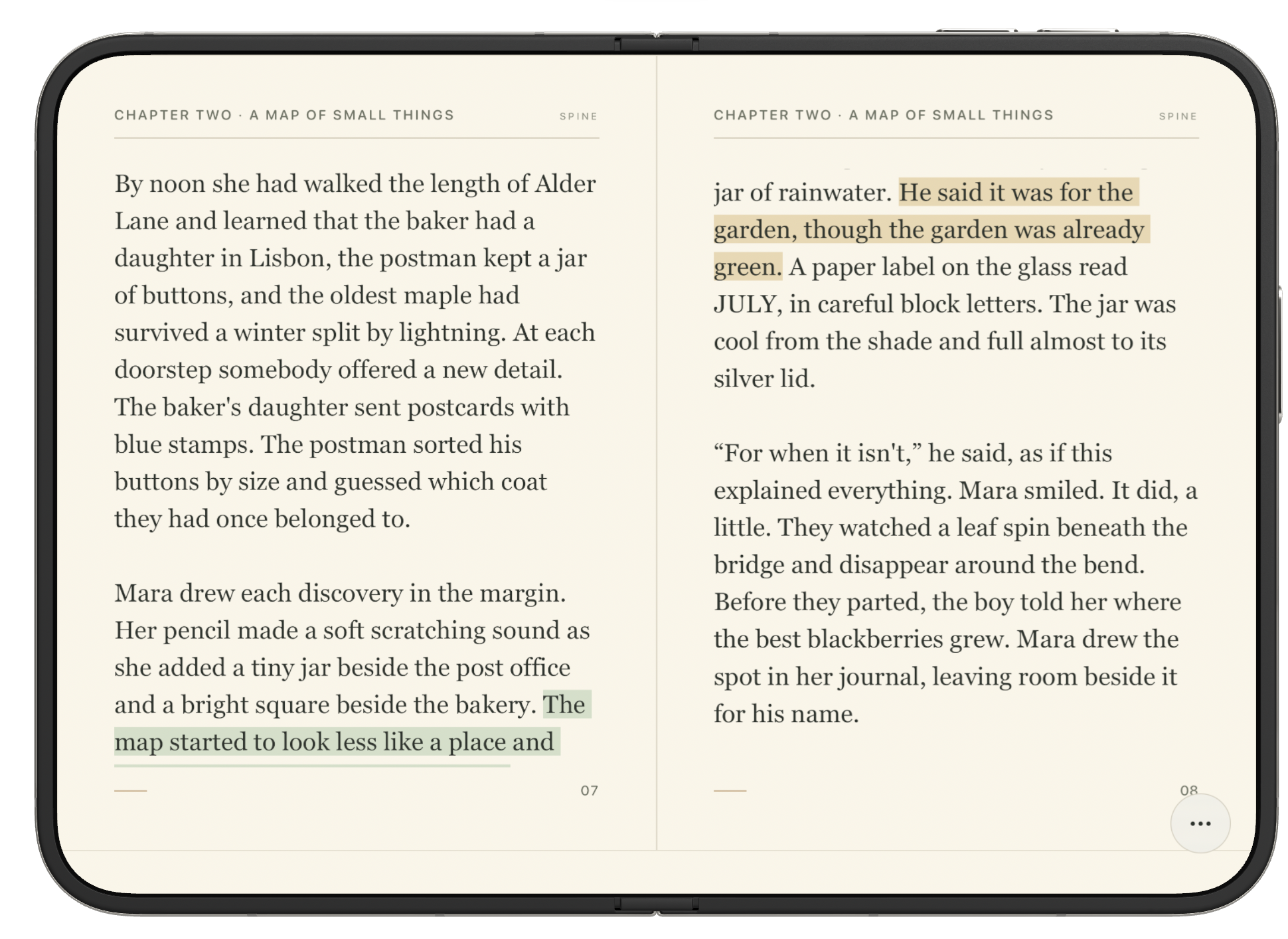
When the device is closed, the book cover becomes the entire reading surface. Open it and Spine transitions into a focused reading view, including a two-page spread in landscape.
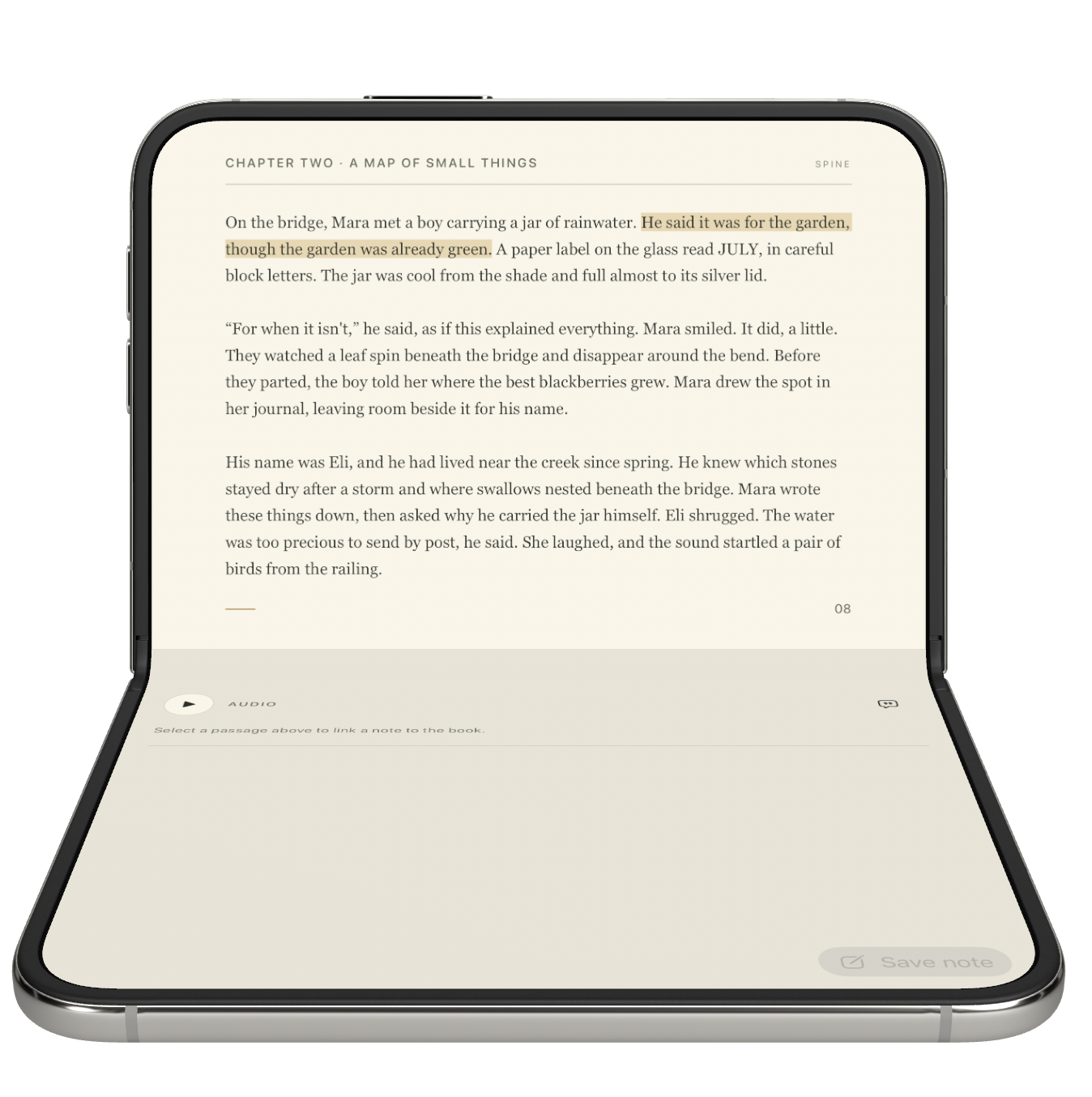
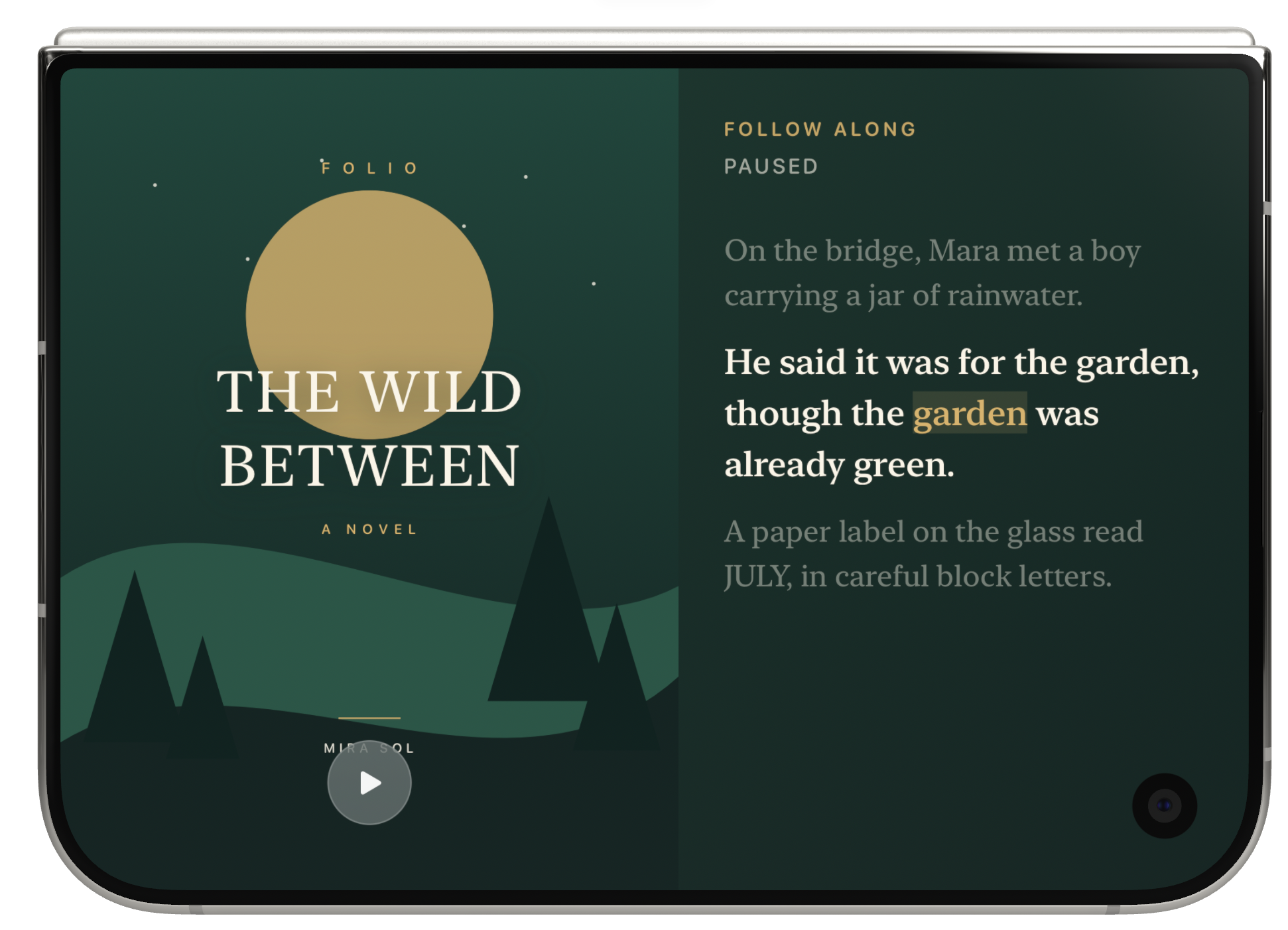
In laptop-style use, the book stays on one screen while notes and annotations live on the other. In tent posture, Spine becomes a listening experience with synchronized text that follows the narration.
Readers can highlight passages, write notes, listen to narration, and revisit their annotations throughout the book. At the end of a reading session or book, AI can turn those highlights and notes into a summary of the reader's own journey through the book.
The goal is not simply to fit an ebook onto a foldable device, but to make each physical posture useful for a different part of reading.
How we built it
We built Spine natively in SwiftUI.
The app responds to device orientation and hinge posture to dynamically change the reading interface. We implemented:
- Page-based reading
- Page-turn transitions
- Synchronized text-to-speech narration
- Locally stored highlights and notes
- Posture-specific layouts
- Optional on-device summaries
For summaries, Spine can use on-device intelligence to generate a recap based on the reader's own highlights and annotations rather than only summarizing the original book.
Challenges we ran into
The biggest challenge was designing transitions between device postures without interrupting the reader.
A layout that works well while the device is fully open may not work when it is partially folded, so each posture needed a clear purpose rather than simply rearranging the same interface.
We also had to balance functionality with focus. Reading should remain the primary experience, so controls, notes, narration, and AI features needed to stay accessible without constantly competing with the book itself.
Accomplishments that we're proud of
We created one reading experience that meaningfully changes with the physical state of the device.
Spine can move between:
- A full-screen book cover
- Single-page reading
- A two-page book-like spread
- Reading with a dedicated notes surface
- A tent-style listening experience
Rather than treating the fold as extra screen space, we used it as an interaction model.
What we learned
We learned that device form can become part of the product experience itself.
Different screens do not always need to show more information. Sometimes separating reading, notes, and narration across surfaces can reduce distraction and make each activity feel more intentional.
Designing for a foldable device also pushed us to think less in terms of screens and more in terms of physical states and transitions.
What's next for Spine
Next, we want to test Spine across more books, screen sizes, and reading habits, and continue refining how layouts transition between postures.
We would also like to expand the library experience, improve annotation management, support richer audiobook synchronization, and develop the AI reading journey into a personal record of what a reader highlighted, questioned, and learned across multiple books.
Built With
- apple
- bitrig
- duo
- github
- openai
- swiftui


Log in or sign up for Devpost to join the conversation.