-
-
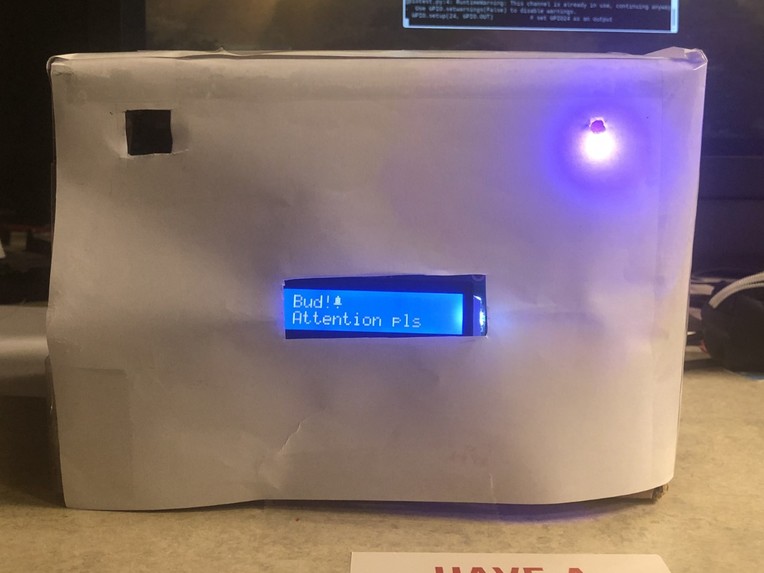
The Box doing what it does best
-
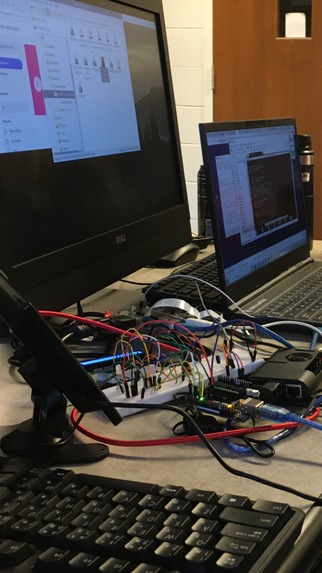
The Box before it was The Box
-
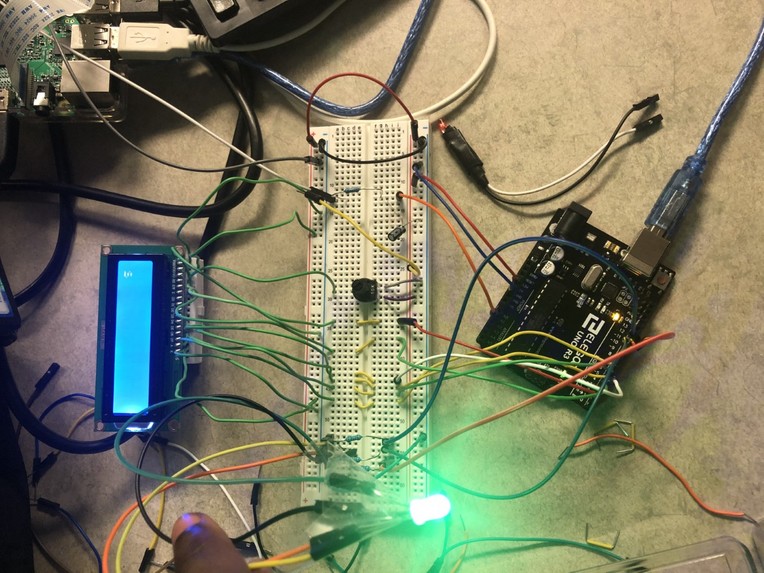
Testing the LED

Inspiration
It can be hard to focus, especially now, when classes and meetings are being held increasingly online. We wanted to create a project that will help a distracted user get back on track when staying on task becomes difficult.
What it does
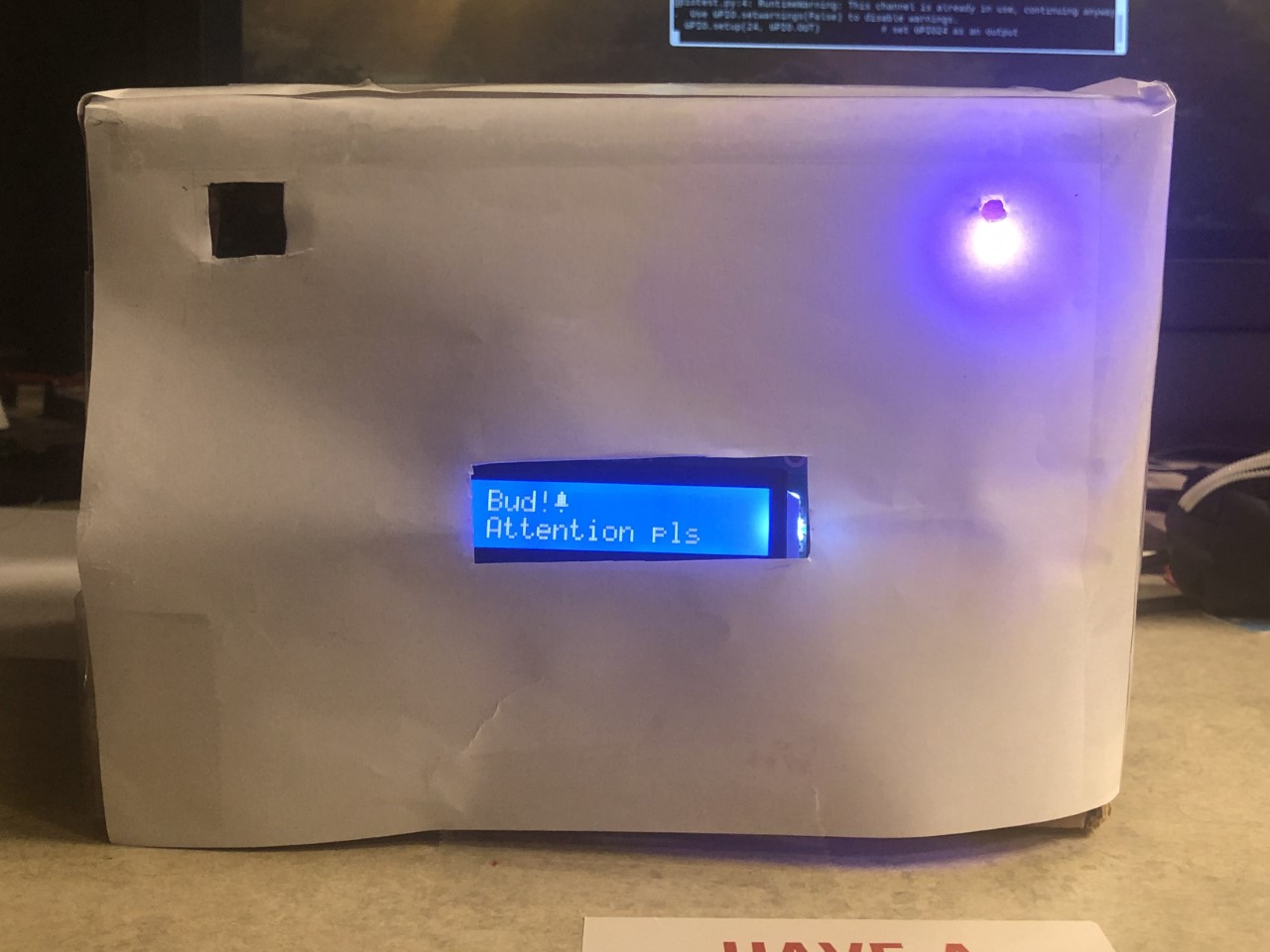
Our project uses the Google Cloud Vision API’s facial detection features to detect when the user isn’t looking at the screen, then gently guides them back to the task at hand by flashing the LED and displaying a friendly message on the LCD screen.
How we built it
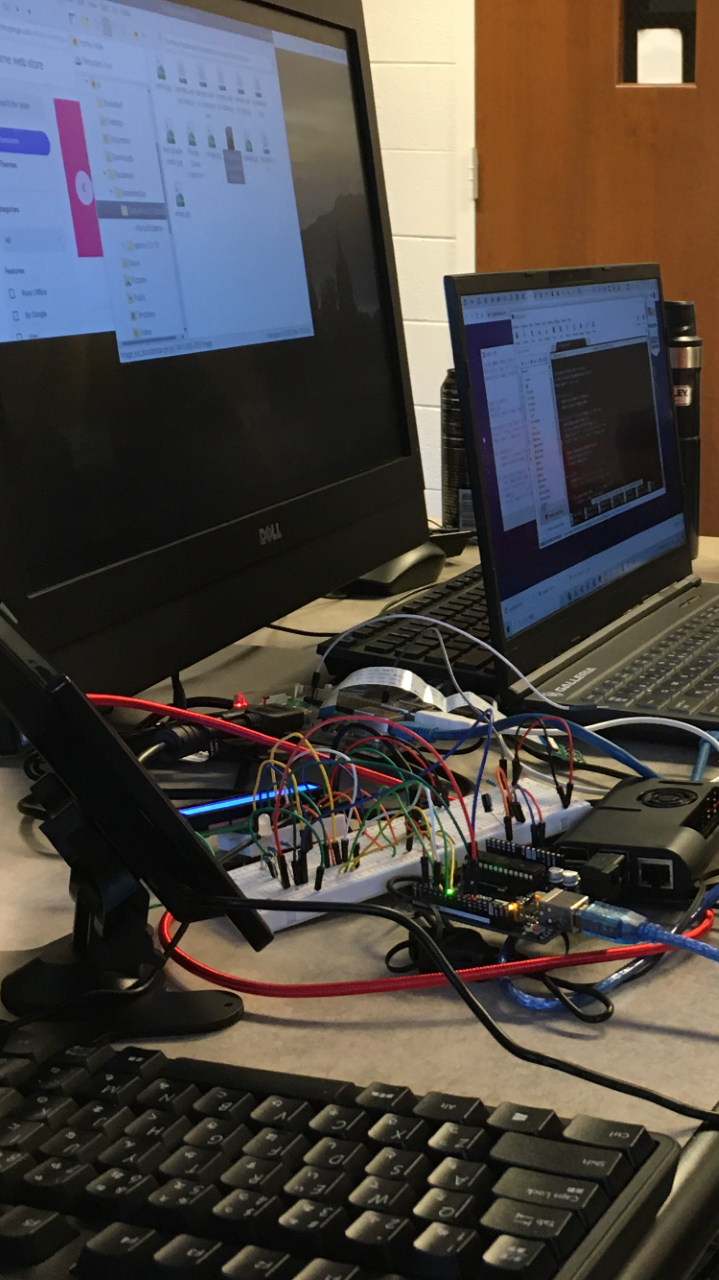
The materials used to create our project are as follows:
-Arduino uno- used to process the code controlling the LCD Screen and RGB LED.
-Raspberry Pi-4 - The Raspberry Pi was used to trigger the Arduino’s code as well as hold the code (to compensate for the Arduino’s limited RAM).
-Raspberry Pi Camera module - used to allow Facial Recognition.
-LCD Screen (16x2) - Used to Display Messages to get the user focused again.
-Breadboard - Holds all of the inter-circuitry between the LCD Screen and Arduino and Pi.
-Mini-Breadboard - used to Hold and Connect the LCD Screen to the Arduino Uno.
-10k Potentiometer - Used to Calibrate Brightness of the LCD Display.
-220 Ohm Resistor - Prevents shorting to analog input pin A1.
-0.22 uF Capacitor - Cleans DC voltage signal going into pin A1
-Google Cloud vision API - Used for Facial Feature Recognition.
-Cool and awesome cardboard box
Challenges we ran into
Learning to use the Google Cloud API was a challenge. Although some of us had interacted with other API services before, we had never dealt with the authentication method this one used. In particular, setting up the credentials for our program took us a long time to figure out. Then, after that, for some reason, our program told us the enum value we wanted to use didn’t exist when the API reference clearly told us otherwise. We got it all figured out eventually, but then, our LED would light up even when our program detected a face. It was like we blasted past one wall only to slam face-first into another. Much trial-and-error later, we finally had working code, and ended up with the program as it is now.
And even then, it wasn’t all smooth sailing after that.
On the Hardware side of things, we had 2 major issues that were of concern. The first problem was the limited RAM space on the Arduino we were using. Our code was almost 5kB, however, the Arduino’s maximum space in its RAM was 2kB. Our solution to this was to download the Arduino IDE on the Raspberry Pi to use its significantly larger RAM and flash memory (So now our Arduino’s programming and power both come from the raspberry Pi). Our second major problem was regarding the voltage going into the Arduino’s analog input. Since this voltage was inconsistent and inaccurate, it caused our “if” statements in our code regarding voltage thresholds to work in an unintended manner. Our solution to this problem was to clean the signal by adding a bypass capacitor near the input of the Arduino’s analog input. This increased the accuracy and consistency of the voltage readings on the Arduino, allowing our project to run more smoothly.
Accomplishments that we're proud of
Learning to use the Google Cloud API
Learned how to implement programs on Raspberry pi
Consuming a collective 12+ cans of energy drinks over the course of the weekend
What we learned
First off, all of us learned a lot about interacting with APIs and (trying to interact with) databases. In addition, each of us learned something from one another. Those of us on the software side learned about how our programs interact with things outside the scope of our terminals, and those who know more about hardware learned about what backend programming is like.
What's next for The Helpful Box
The Helpful Box has applications broader than the scope of its current implementation. Without the LED and LCD display, it could be used as a mood tracker for those who might need one.
Something else we tried and were unable to achieve with this project is utilizing the CockroachDB database framework. With this, we would be able to store, and track a user’s emotions throughout their sessions, and even analyze how their emotional state changes over time.
Built With
- arduino
- google-cloud-vision
- python
- raspberry-pi

Log in or sign up for Devpost to join the conversation.