🕷️ Spidey Sense: Your Personal Analyst
Inspiration
We were inspired by the daily friction faced by students and professionals who spend needless time manually extracting data from unstructured sources—like screenshots of charts, dense PDFs, or long articles—just to analyze it. Current AI solutions require copying sensitive data to the cloud, creating major privacy and workflow barriers. We wanted to build a private, instant, on-device agent that could bypass manual data entry entirely, much like Spider-Man uses his "Spidey Sense" for instant, clear threat detection.
What it Does
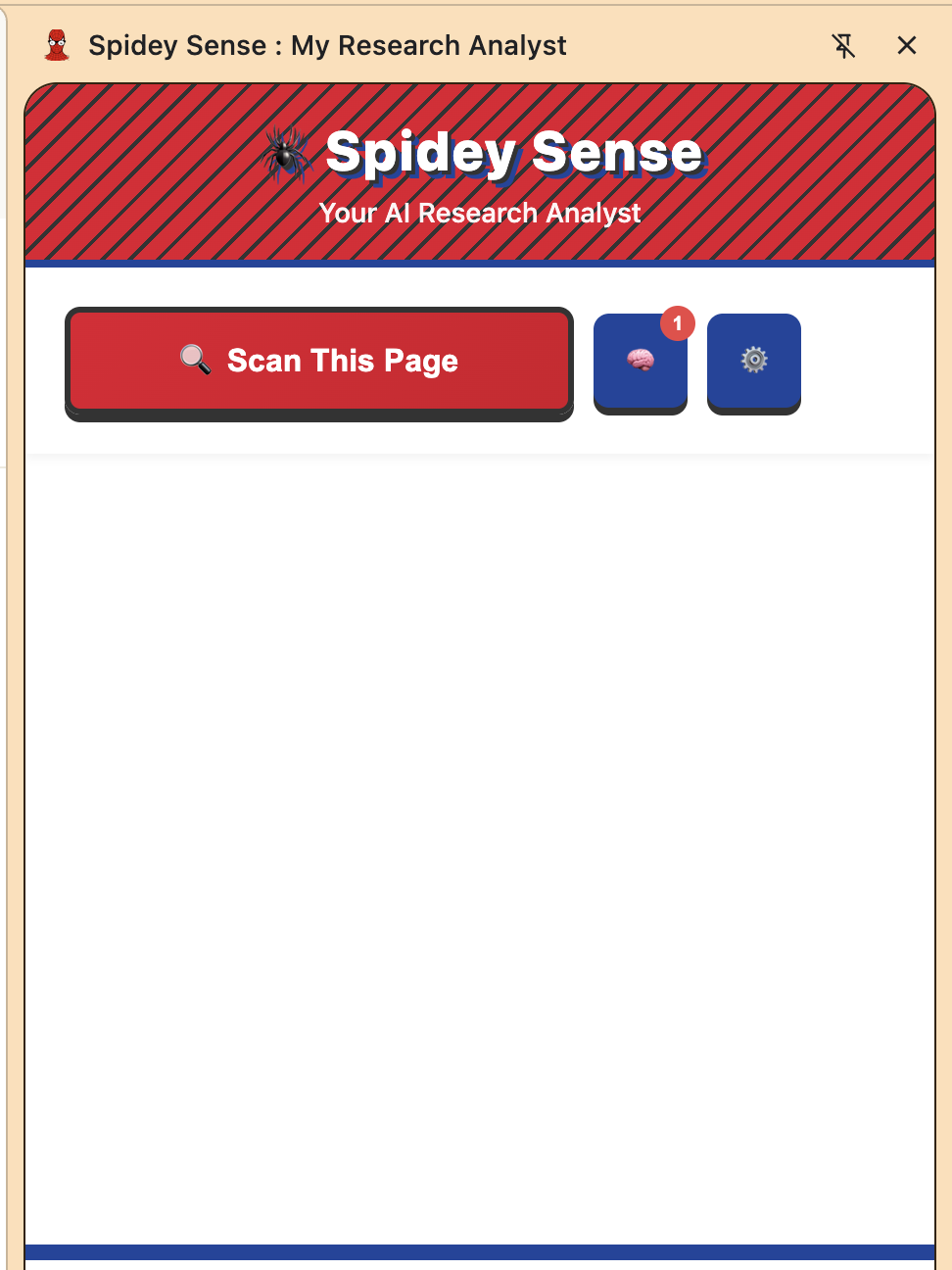
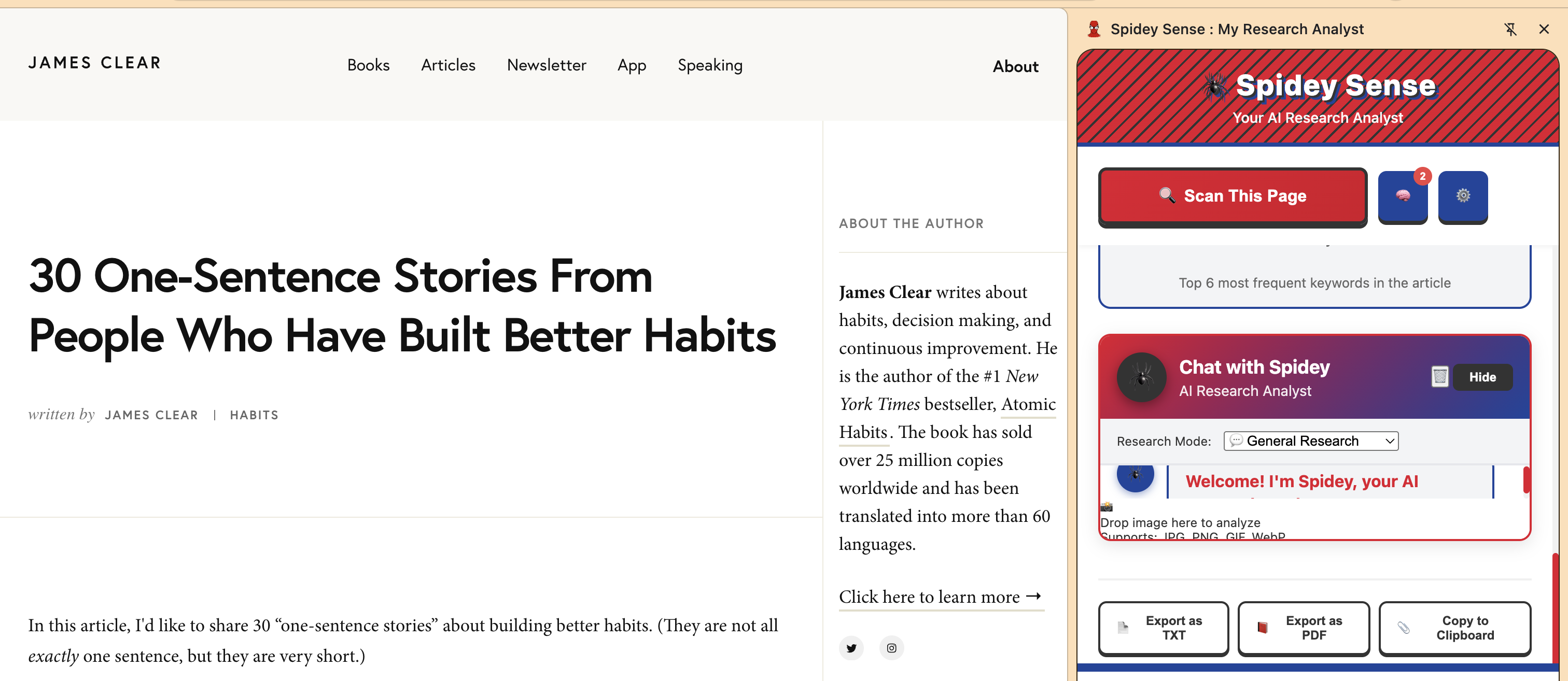
Spidey Sense is a Chrome Side Panel extension that transforms any webpage, image, or text into executable, structured knowledge, all while keeping your data local.
- Multimodal Data Extraction: Accepts drag-and-dropped screenshots or text from the active page and uses Gemini Nano's Prompt API to instantly extract metrics and tables into a clean, structured JSON data model.
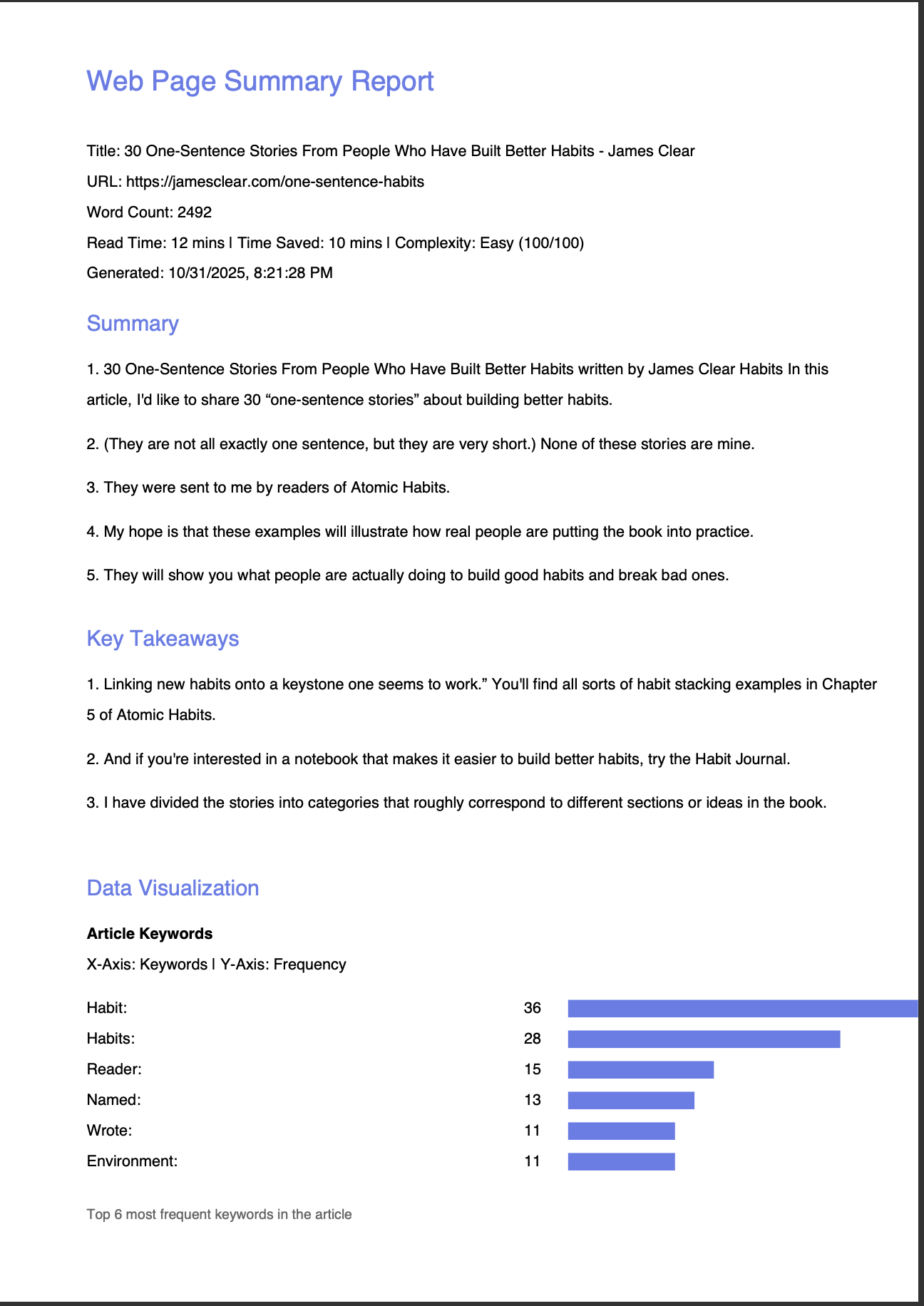
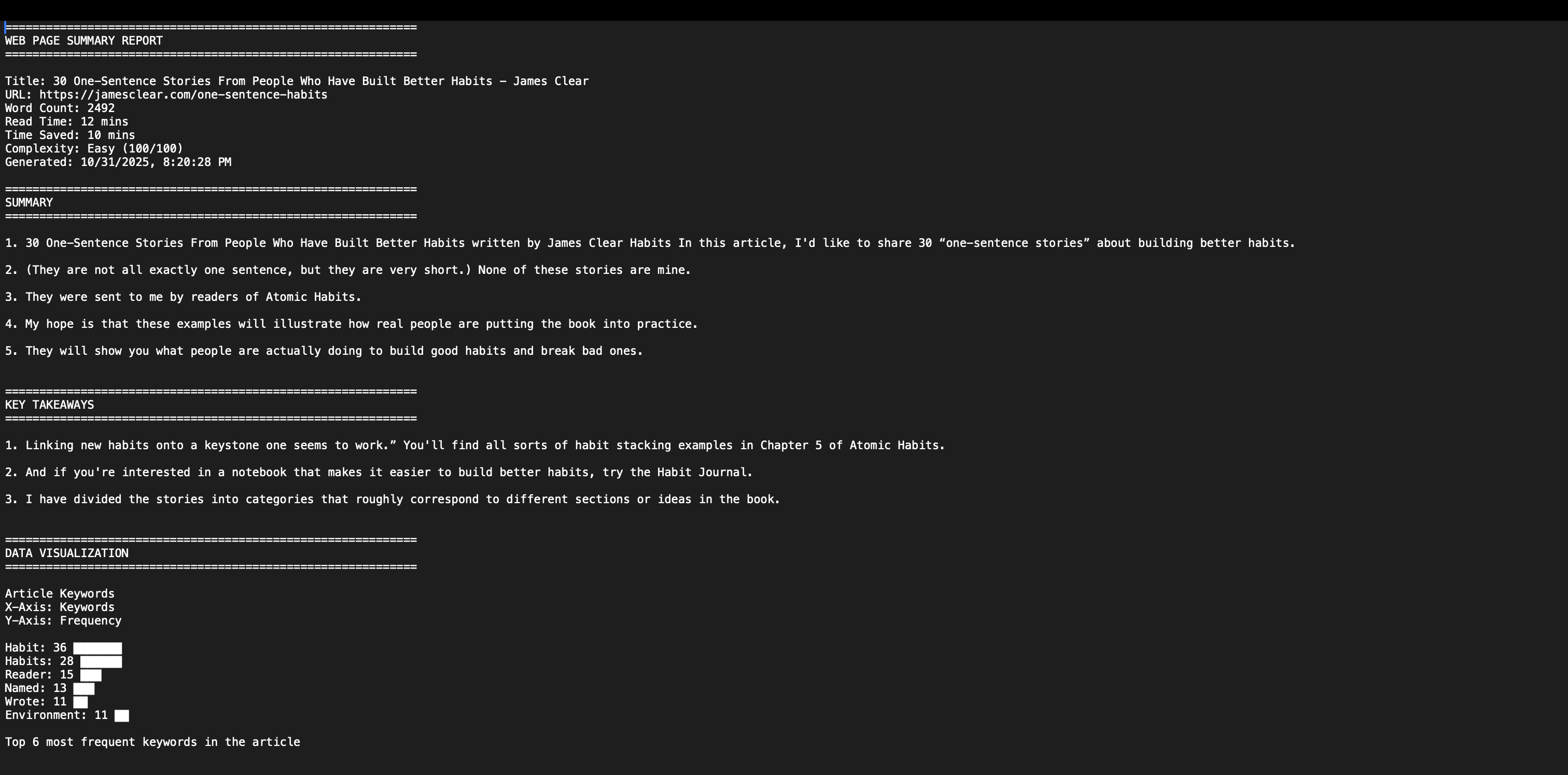
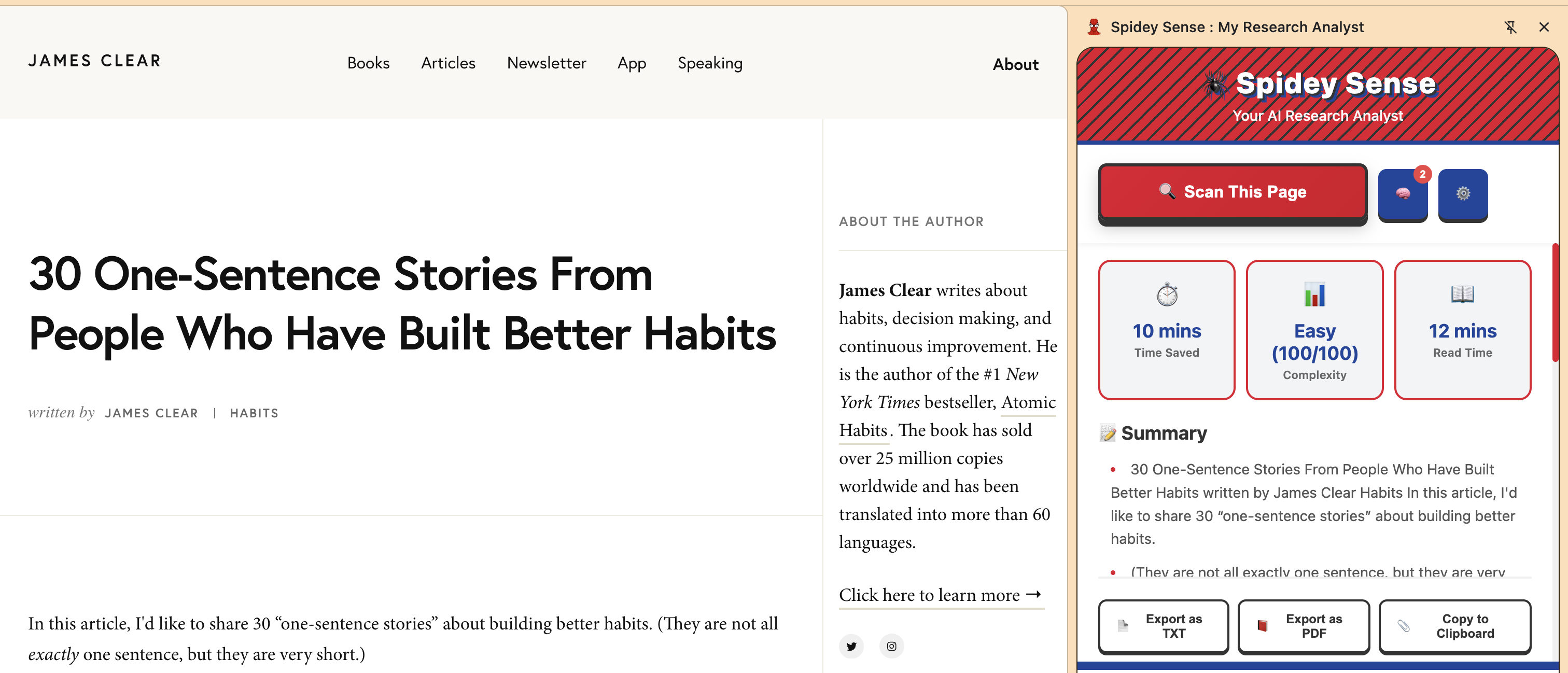
- Structured Analysis & Reporting: Generates a comprehensive report, including an Executive Summary, Top Insights, and technical metrics like Reading Time and Complexity (e.g., $8/10$).
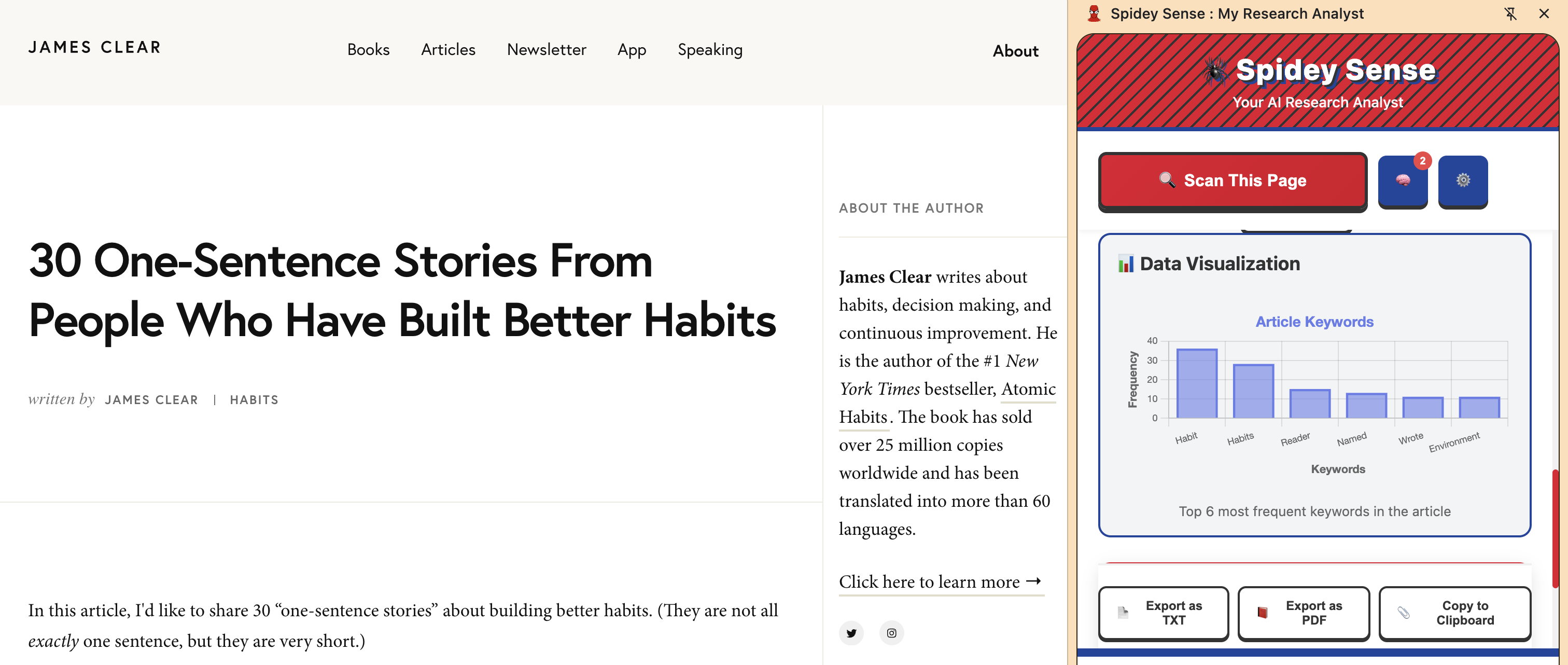
- Integrated Visualization: Users can ask for a chart ("Show me a bar chart of X vs Y"), and the AI generates the required Chart.js JSON configuration to render the visualization instantly in the side panel.
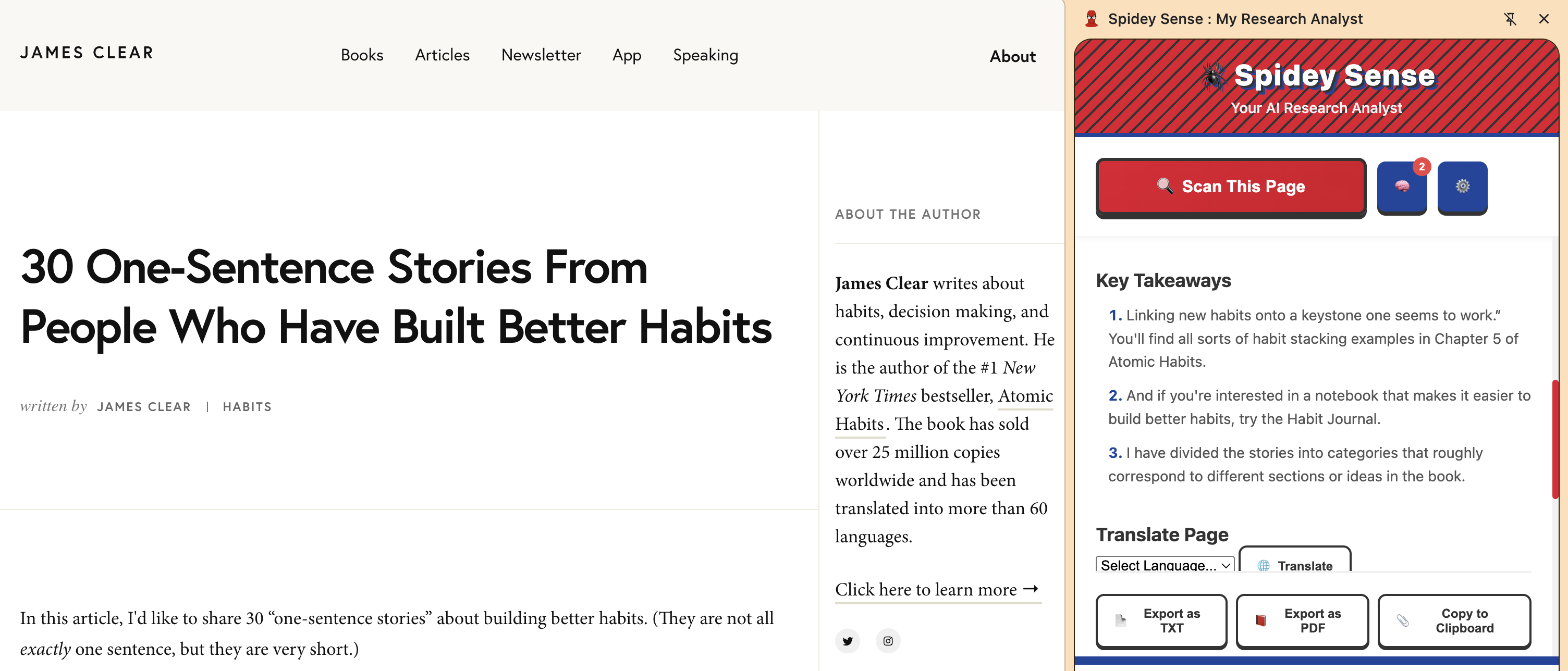
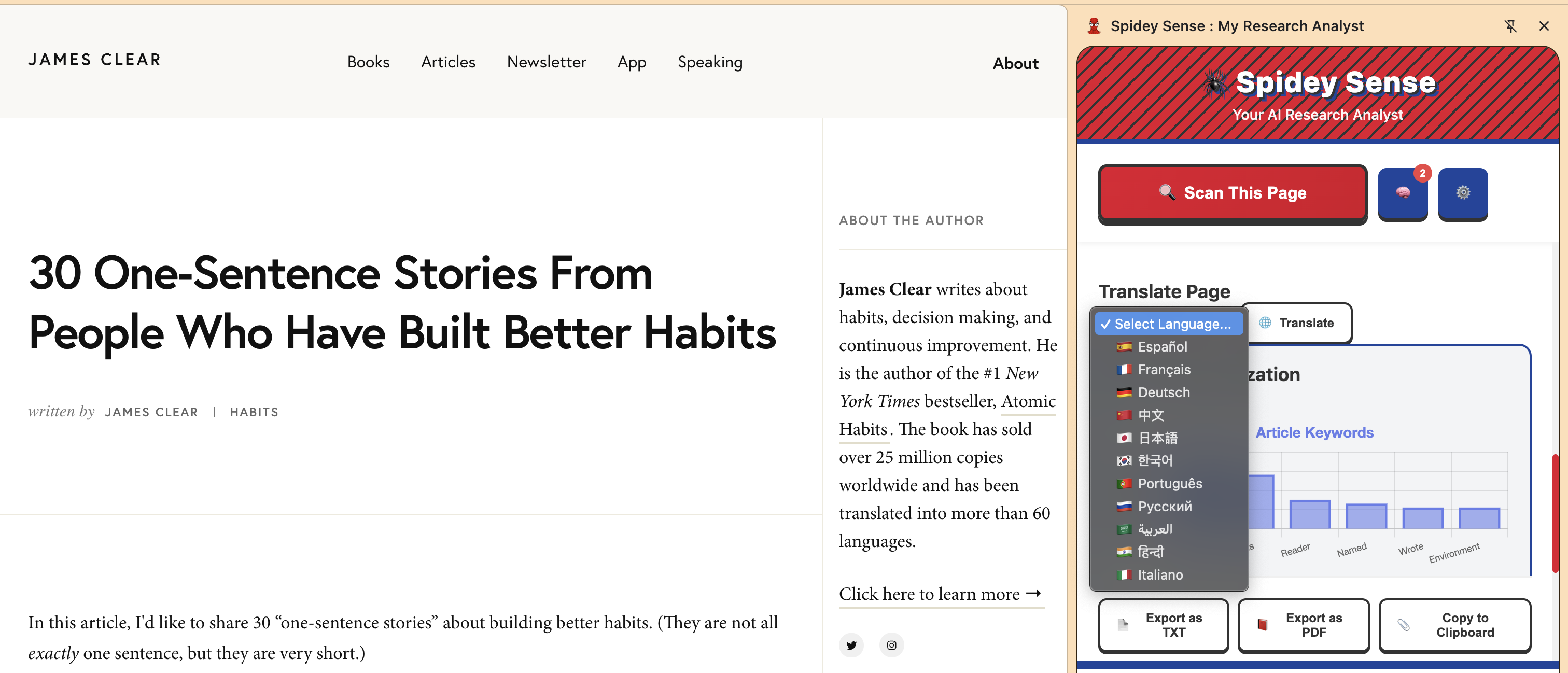
- Multilingual Capability: Features a one-click translation workflow that uses the Gemini Nano model to translate the entire page content, supported by the Language Detection API for enhanced accuracy.
How I Built It
The core of Spidey Sense is built on Manifest V3 Chrome Extension architecture, strictly adhering to the "Best Hybrid App" criteria:
- On-Device Processing (Gemini Nano): All core analysis, data extraction, summarization, and translation runs locally within the Chrome Service Worker using the Prompt API and Language Detection API. This ensures maximum privacy and near-instant processing speed.
- Structured Output Chaining: We used specialized prompts to force Gemini Nano to return data in rigid JSON formats, specifically generating two key outputs:
- Data Model: JSON array of extracted metrics.
- Chart Configuration: A valid Chart.js object that the frontend draws directly.
- Hybrid Architecture: We implemented a placeholder for the Hybrid Check feature, where the local Nano model quickly classifies a metric (e.g., a stock ticker) and triggers a lightweight Cloud Function (server-side) to fetch the real-time data, combining local speed with external real-time verification.
Challenges I Ran Into
The biggest challenge was debugging the complex asynchronous communication required for an AI Service Worker:
- Pipeline Synchronization: Getting the asynchronous loop—Popup $\rightarrow$ Inject Content Script $\rightarrow$ Content Script Sends Data $\rightarrow$ Background Processes AI—to run reliably without the Service Worker going dormant between steps was extremely difficult. This required implementing global message listeners and temporary background state storage to keep the execution thread alive.
- Multimodal Data Passing: Passing large, base64-encoded image data through the Chrome messaging system required careful handling and optimizing the payload size.
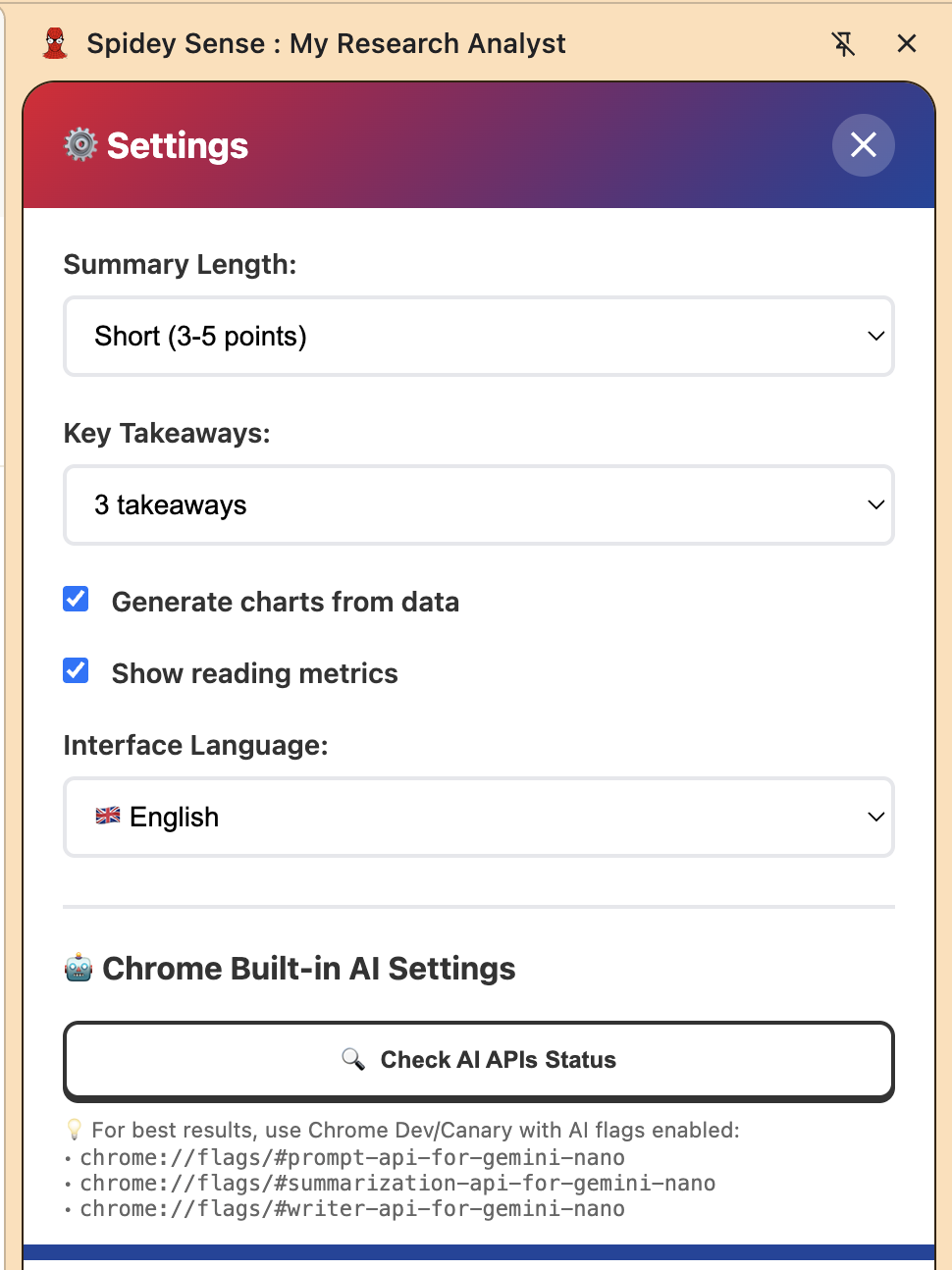
- Experimental APIs: Working with the early-access status of the built-in AI APIs required meticulous setup of
chrome://flagsand ensuring all code strictly complied with the experimental environment.
Accomplishments That I'm Proud Of
- Best Multimodal App: Successfully processing a drag-and-dropped image (e.g., a chart screenshot) into a machine-readable JSON data structure using Gemini Nano.
- Structured Output Mastery: Creating a completely automated toolchain from an unstructured request (text input) to a rigid, executable output (Chart.js JSON).
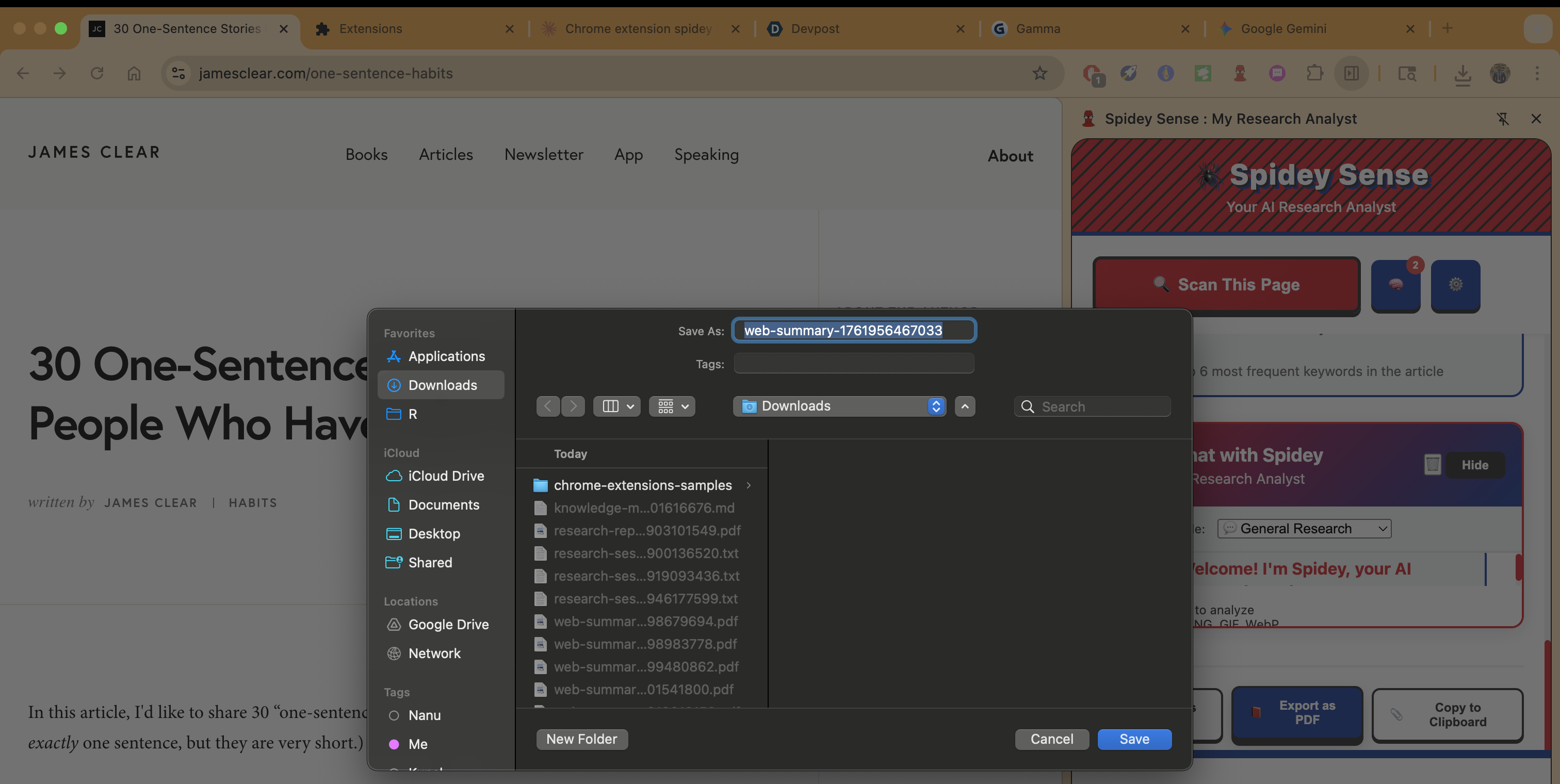
- Stable Multi-Feature Deployment: Successfully stabilizing a complex application that utilizes Analysis, Translation, and Hybrid Checking within a single, persistent Side Panel interface.
What I Learned
I gained deep expertise in architecting high-performance, privacy-first extensions using the new Chrome AI ecosystem. Specifically, I learned the importance of asynchronous flow control within Manifest V3 Service Workers and mastering the art of engineering prompts to achieve complex, rigid structured JSON outputs from Gemini Nano.
What's next for Spidey Sense: My Research Analyst
Future plans focus on making the tool more autonomous and integrated:
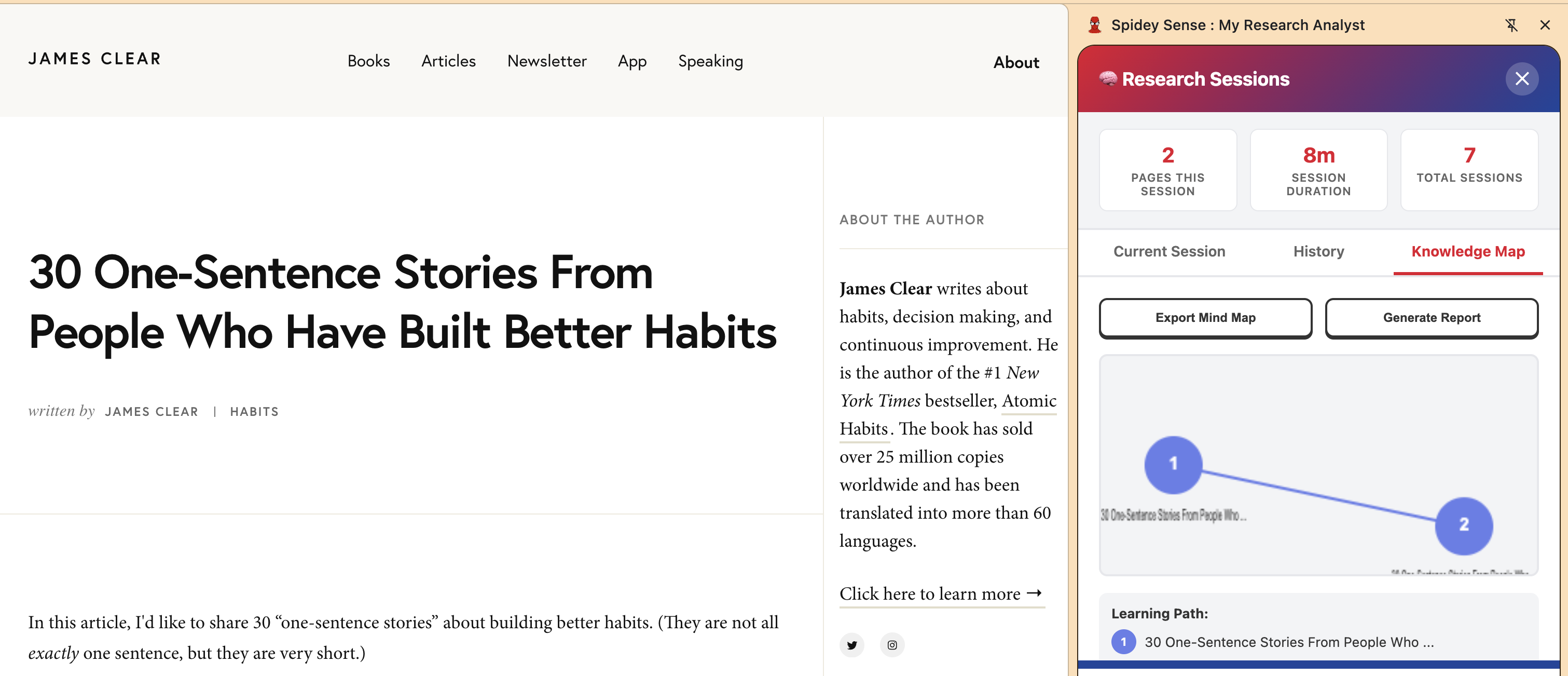
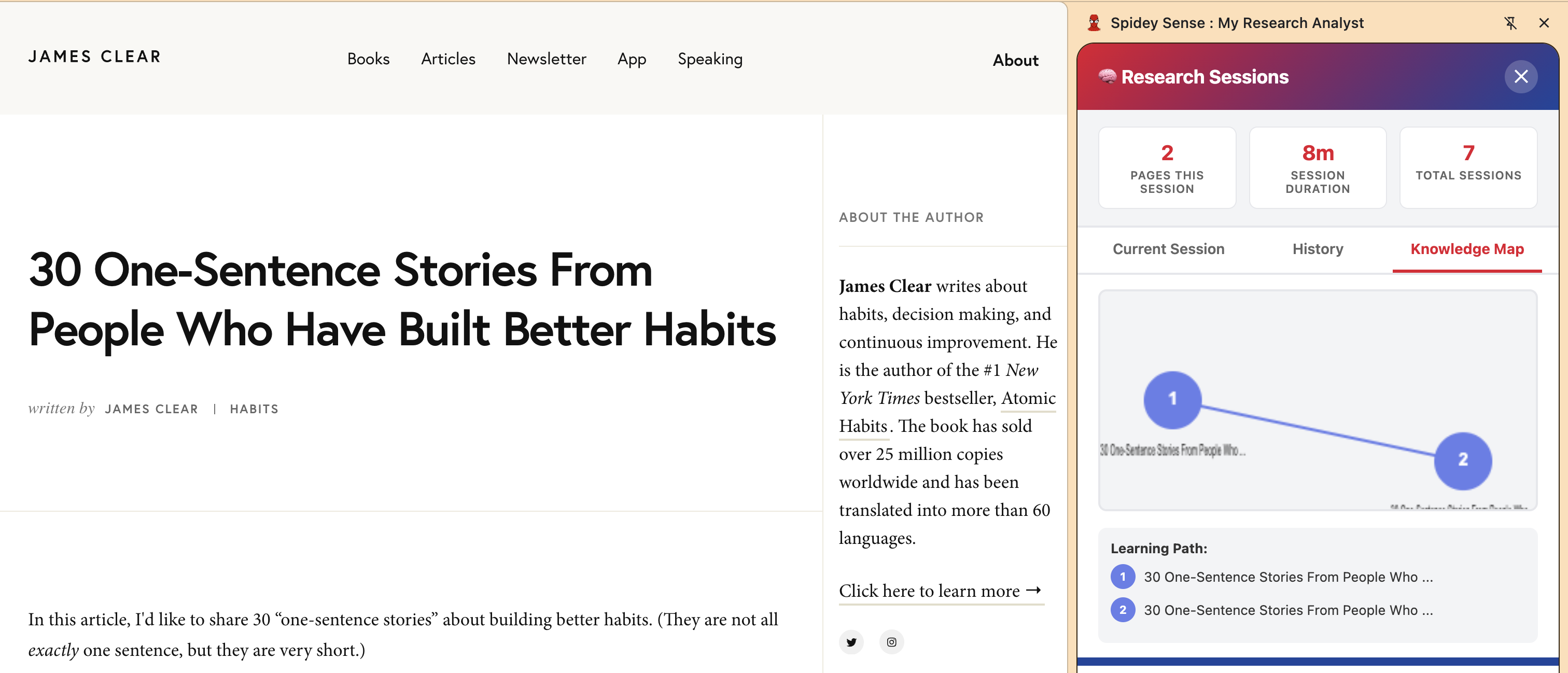
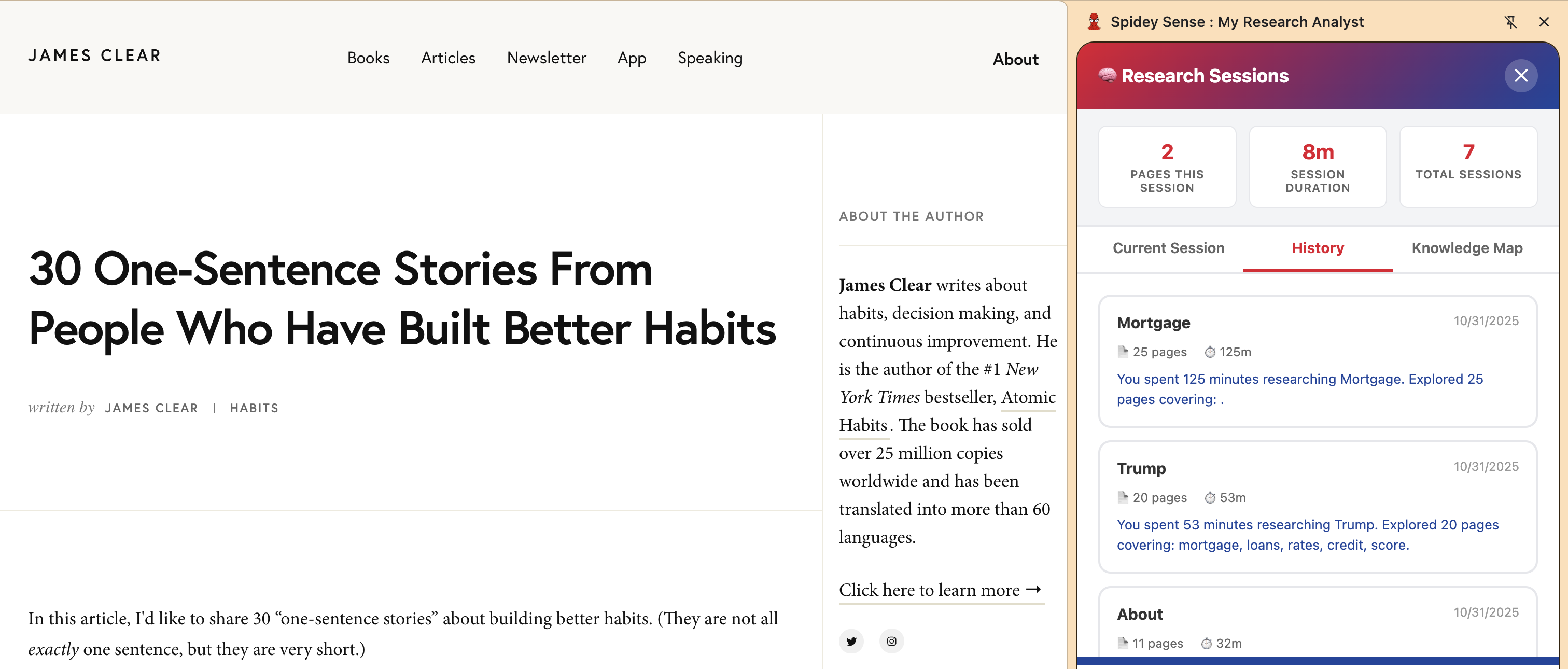
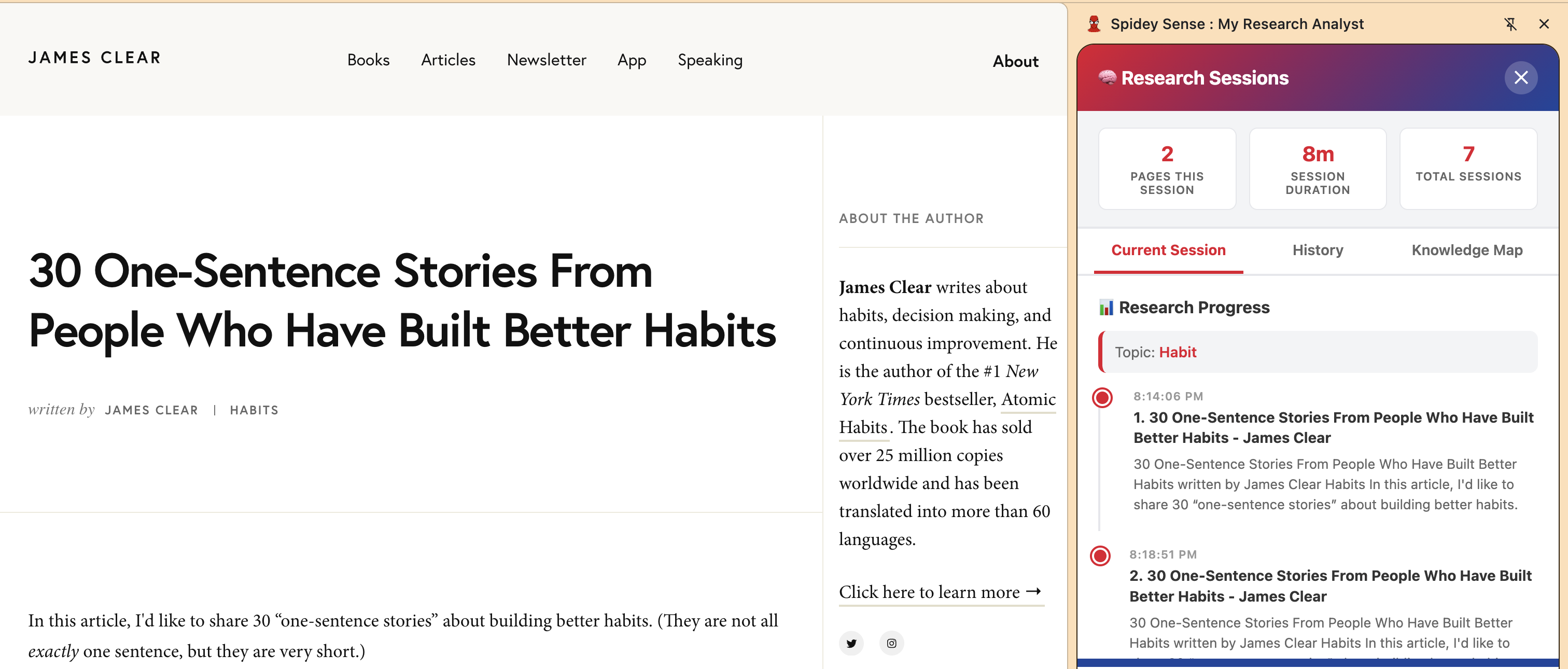
- Deep Research Tracking: Fully implementing the "Track Your Research" feature, which uses the browser's history and tabs API to automatically create a visual knowledge map (mind map) showing how different research topics connect over time.
- Conversational Charting: Enhancing the chat function to maintain context of the extracted JSON data, allowing users to iteratively refine the chart (e.g., "Change this from a bar chart to a line graph and remove column C").
Built With
- background
- canvas-api
- chart.js
- chrome-extension-manifest-v3
- chrome-prompt-api-(gemini-nano)
- chrome-rewriter-api-(gemini-nano)
- chrome-storage-api
- chrome-summarization-api-(gemini-nano)
- chrome-tabs-api
- chrome-translation-api-(gemini-nano)
- clipboard-api
- content-scripts
- css3
- html5
- indexeddb
- javascript
- jspdf
- service


Log in or sign up for Devpost to join the conversation.