Inspiration
Tracking daily expenses manually is tedious — most apps require selecting categories, dates, and amounts through multiple taps and dropdowns. We wanted something faster: just type what you spent in plain language, and let the app handle the rest.
What it does
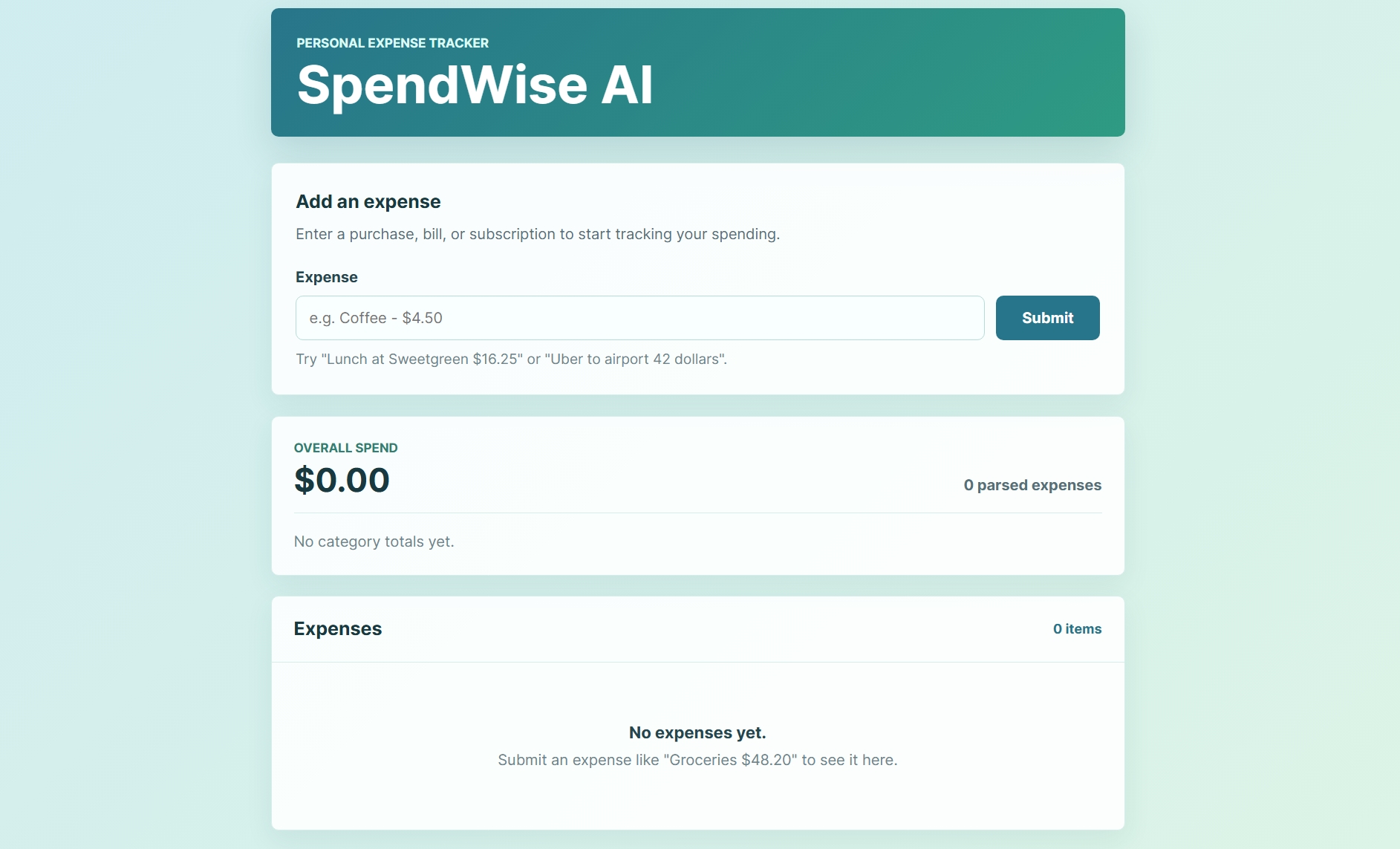
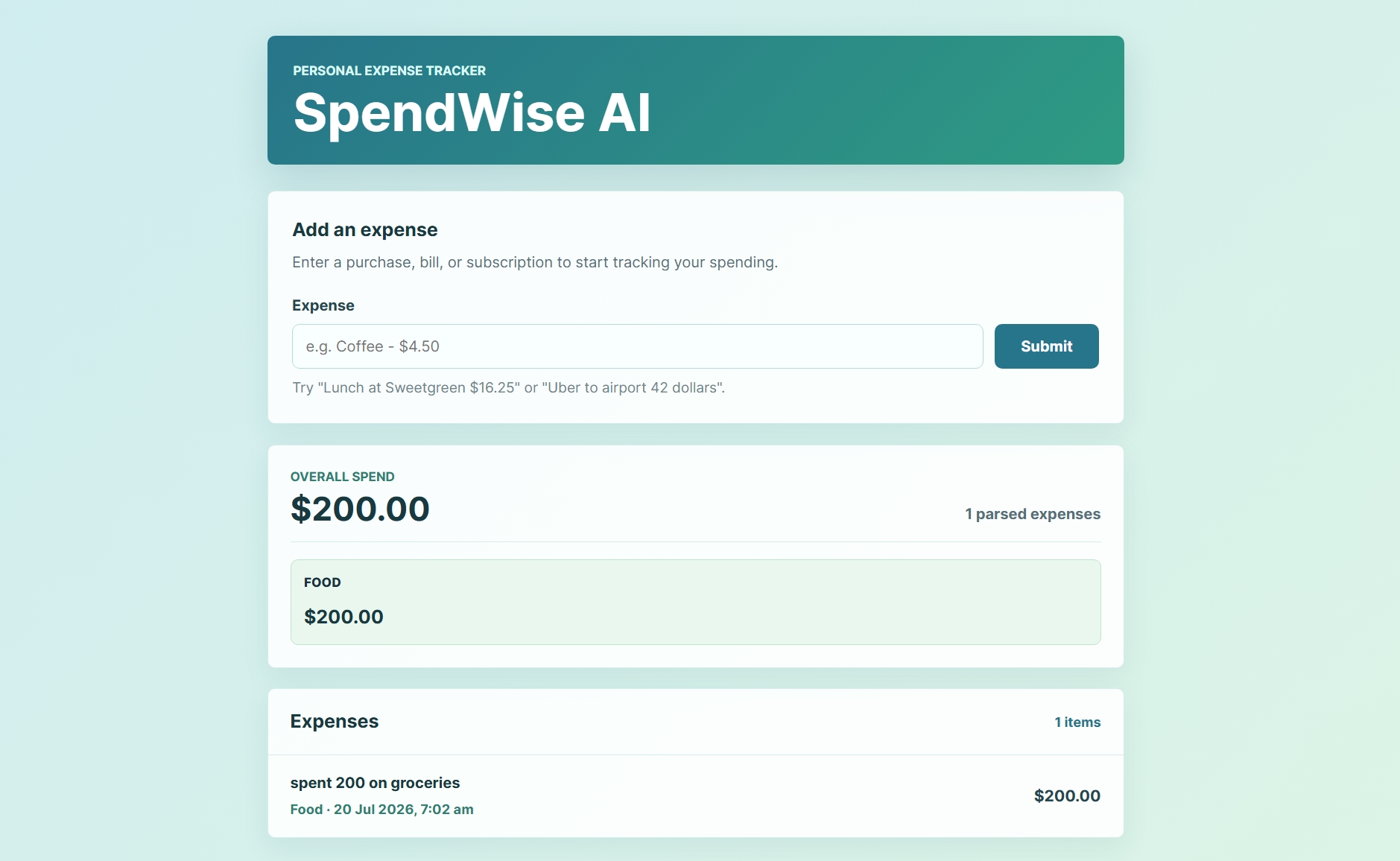
SpendWise AI lets users log expenses using natural language, like "spent 200 on groceries" or "uber to airport 42 dollars". It automatically extracts the amount and assigns a category (Food, Travel, Shopping, Entertainment, Bills, Health, or Other), then displays a running list of expenses along with a real-time dashboard showing total spend and a category-wise breakdown.
How we built it
We built the frontend using React with Vite for fast development and a clean build setup. Expense parsing is handled by a smart local rule-based engine that extracts numeric amounts using pattern matching and determines the category based on contextual keywords in the input text. This keeps the app fast, free to run, and fully functional without relying on external paid APIs. The UI is styled with plain CSS for a clean, minimal, mobile-responsive design.
Challenges we ran into
As a beginner, understanding how to structure a Vite + React project and correctly wire up environment variables was a learning curve. We also had to think carefully about how to reliably parse varied phrasing (different currencies, word orders, and formats) using keyword and pattern matching alone.
What we learned
We learned how to structure a React application with Vite, how to build a rule-based text parsing system, and how to design a simple, responsive dashboard that updates in real time as data changes.
What's next for SpendWise AI
Adding monthly spending reports, budget alerts when nearing a limit, support for multiple currencies, and voice input so users can speak their expenses instead of typing them.
Built With
- codex
- css
- html
- javascript
- react
- vite

Log in or sign up for Devpost to join the conversation.