-
-
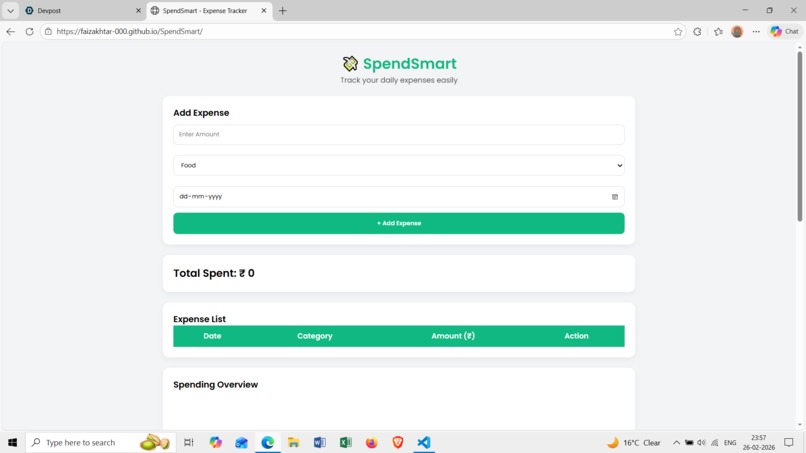
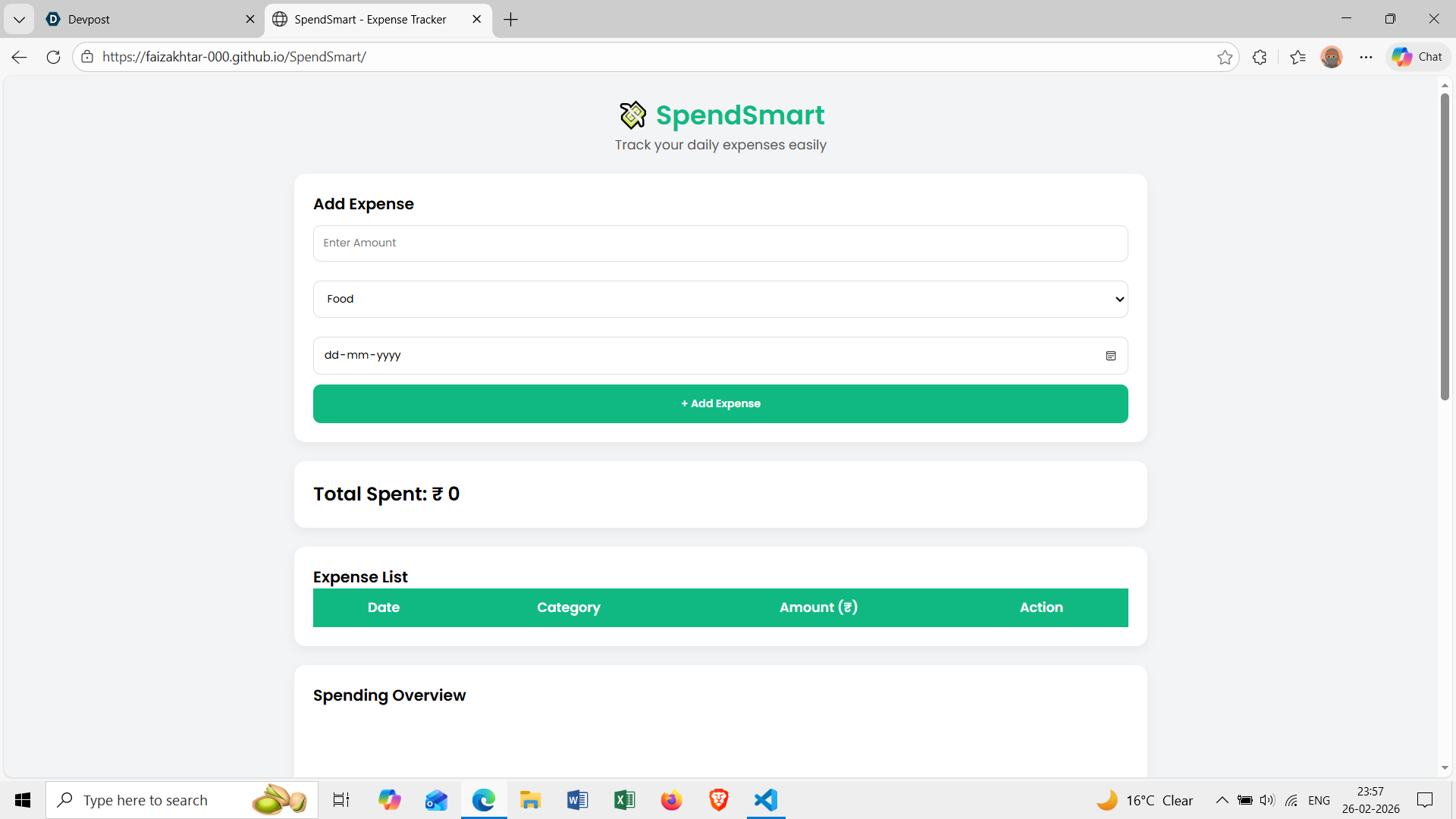
UI of the website
Inspiration
About SpendSmart The idea for SpendSmart came from a very common everyday problem — not knowing where money goes.
As a student, I noticed that small daily expenses like snacks, travel, and online purchases add up quickly. At the end of the month, it becomes difficult to understand where the money was spent. Many budgeting apps exist, but most of them feel complex and overwhelming for beginners.
What it does
As a student, I noticed that small daily expenses like snacks, travel, and online purchases add up quickly. At the end of the month, it becomes difficult to understand where the money was spent. Many budgeting apps exist, but most of them feel complex and overwhelming for beginners.
I wanted to build something simple, clean, and easy to use — a tool that encourages the habit of tracking expenses without making it complicated.
That idea became SpendSmart.
How we built it
SpendSmart was built using a simple and beginner-friendly tech stack:
HTML for structure
CSS for styling and layout
JavaScript for functionality
LocalStorage for saving data
Chart.js for visualizing category-wise expenses
Core Logic
When a user adds an expense:
The input values (amount, category, date) are collected.
A JavaScript object is created.
The object is stored inside an array.
The array is saved in LocalStorage.
The total expense is calculated using:
The pie chart updates dynamically by grouping expenses based on categories.
All processing happens inside the browser, making the application lightweight and fast
Challenges we ran into
Data Persistence
Initially, the data would disappear after refreshing the page. I solved this by learning how to use LocalStorage to store and retrieve data.
Updating the Chart Dynamically
Updating the pie chart every time a new expense was added required destroying and recreating the Chart.js instance properly.
UI Simplicity
It was challenging to keep the design clean while still making it visually appealing. I focused on spacing, consistent colors, and readable fonts.
Accomplishments that we're proud of
One of our biggest accomplishments was successfully building a fully functional and complete application from scratch within the hackathon timeline. Instead of overcomplicating the idea, we focused on delivering a clean, working solution that solves a real everyday problem.
What we learned
While building this project, I learned:
How to structure a clean and responsive user interface using HTML and CSS
How to manage dynamic data using JavaScript
How to use LocalStorage to persist data in the browser
How to integrate Chart.js to visualize data
The importance of user experience and simplicity in product design
I also improved my understanding of how small logical steps combine to create a complete working application.
What's next for SpendSmart
SpendSmart is currently a lightweight and beginner-friendly expense tracking tool. In the future, it can evolve into a more intelligent and personalized financial assistant while still maintaining its simplicity.
- Monthly Budget Limits
Users will be able to set a monthly spending limit. The system can calculate remaining balance using:
Remaining Budget
Monthly Budget − Total Expenses Remaining Budget=Monthly Budget−Total Expenses
This would help users avoid overspending and build stronger financial discipline.
- Expense Filtering & Reports
Adding filters by:
Month
Category
Custom date range
Users could generate monthly summaries and better analyze trends.
- Export Options
Allow users to:
Download expense reports as PDF
Export data as CSV for Excel
This would make SpendSmart useful for students and professionals alike.
- Cloud Sync
Currently, data is stored using LocalStorage (browser-based). In the future, integration with a cloud database would allow:
Multi-device access
Secure backup
User accounts


Log in or sign up for Devpost to join the conversation.