Inspiration
We've all experienced that moment of surprise when looking at our bank statement at the end of the month. The inspiration behind SpendSmart stems from the desire to provide users with a proactive awareness of their spending habits before those surprises occur. By visualizing monthly expenditures directly within their browsing experience, coupled with potential real-time mobile warnings based on potential spending and visualizations, we aim to empower individuals to make more informed financial decisions and avoid overspending, fostering healthier spending habits.
What it does
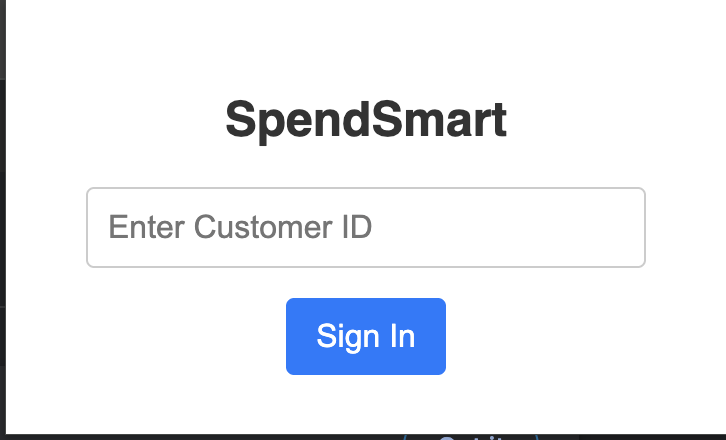
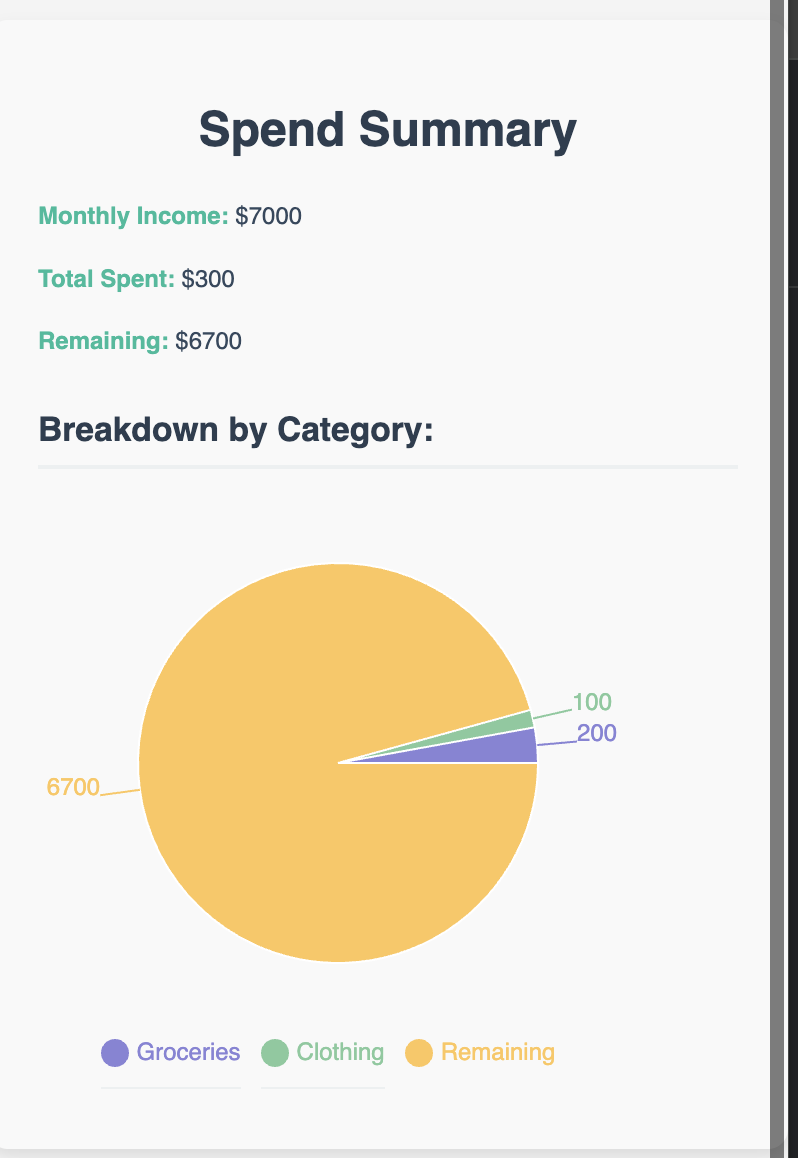
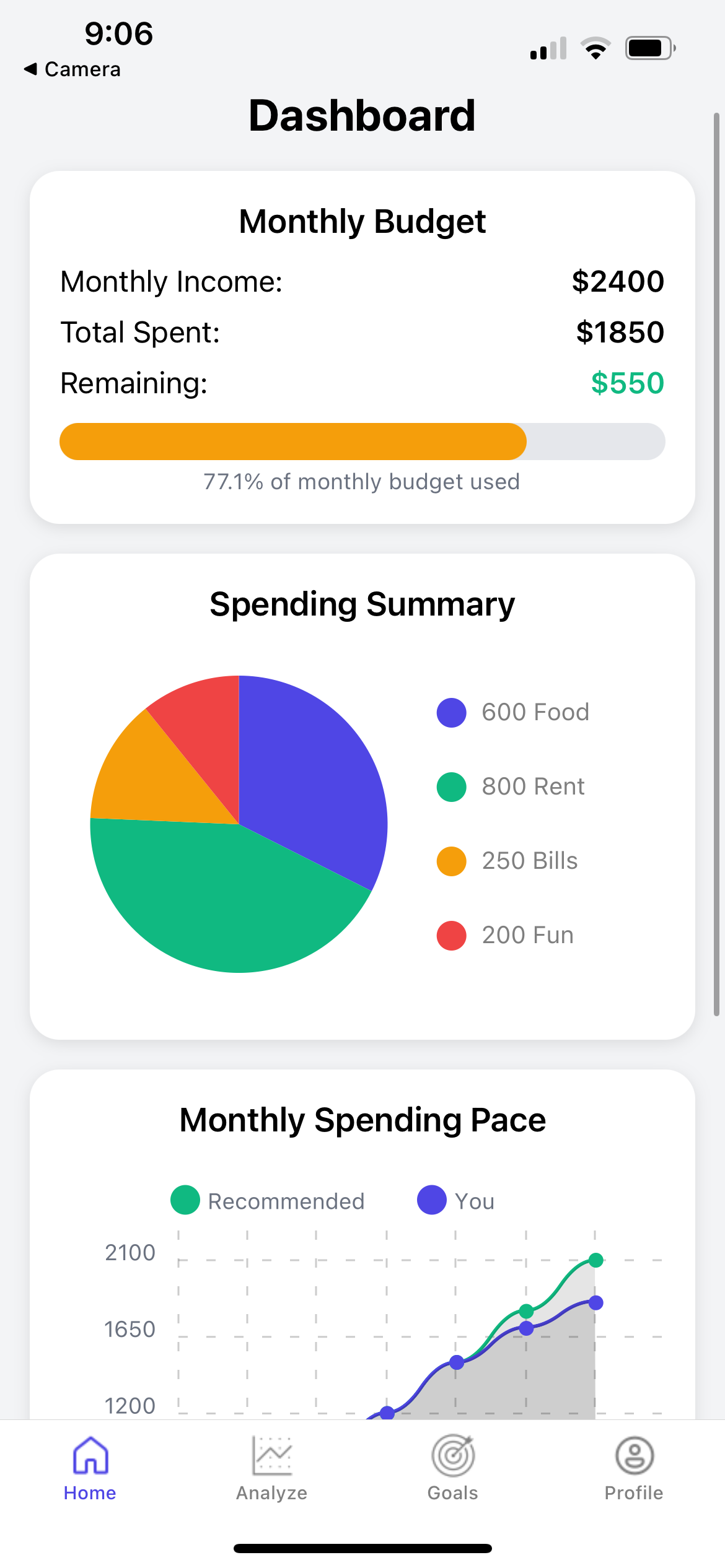
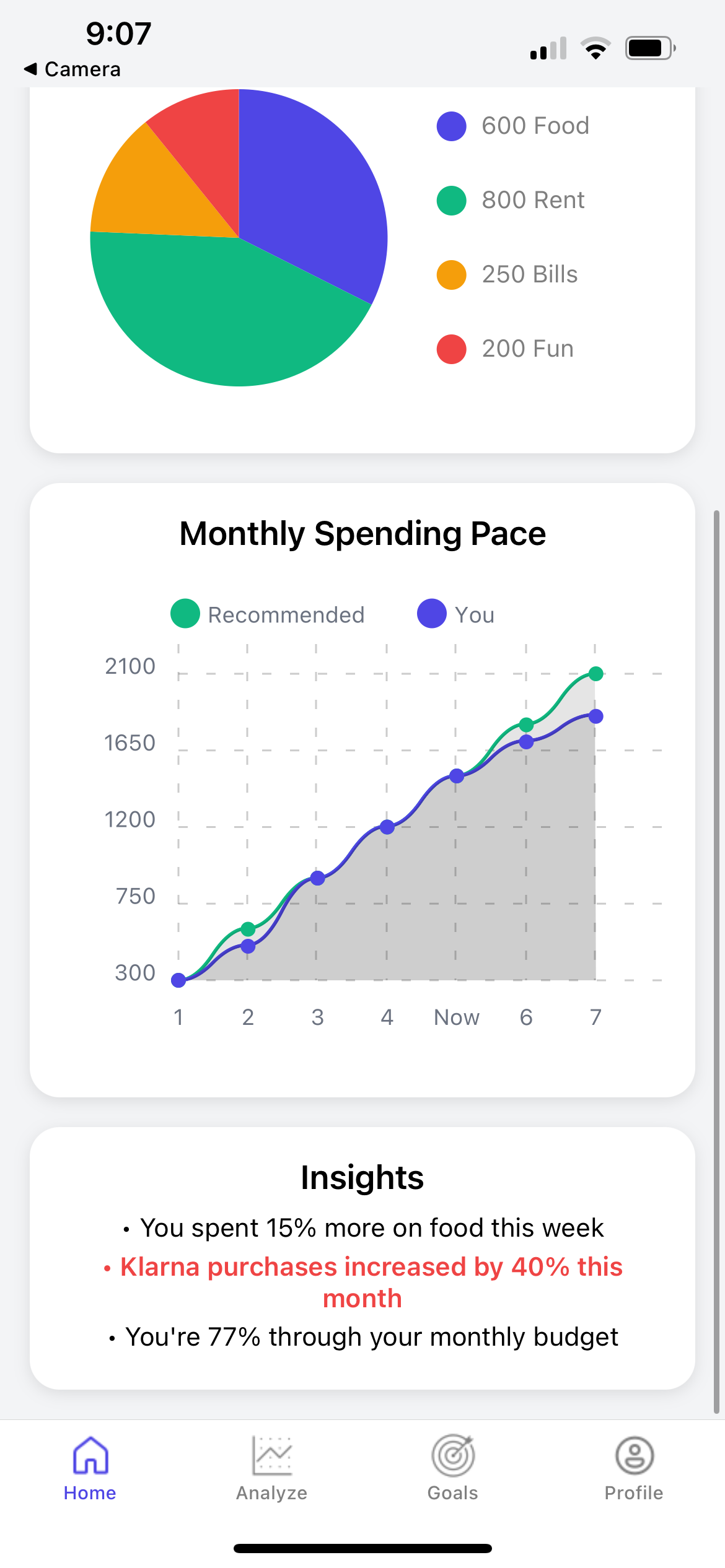
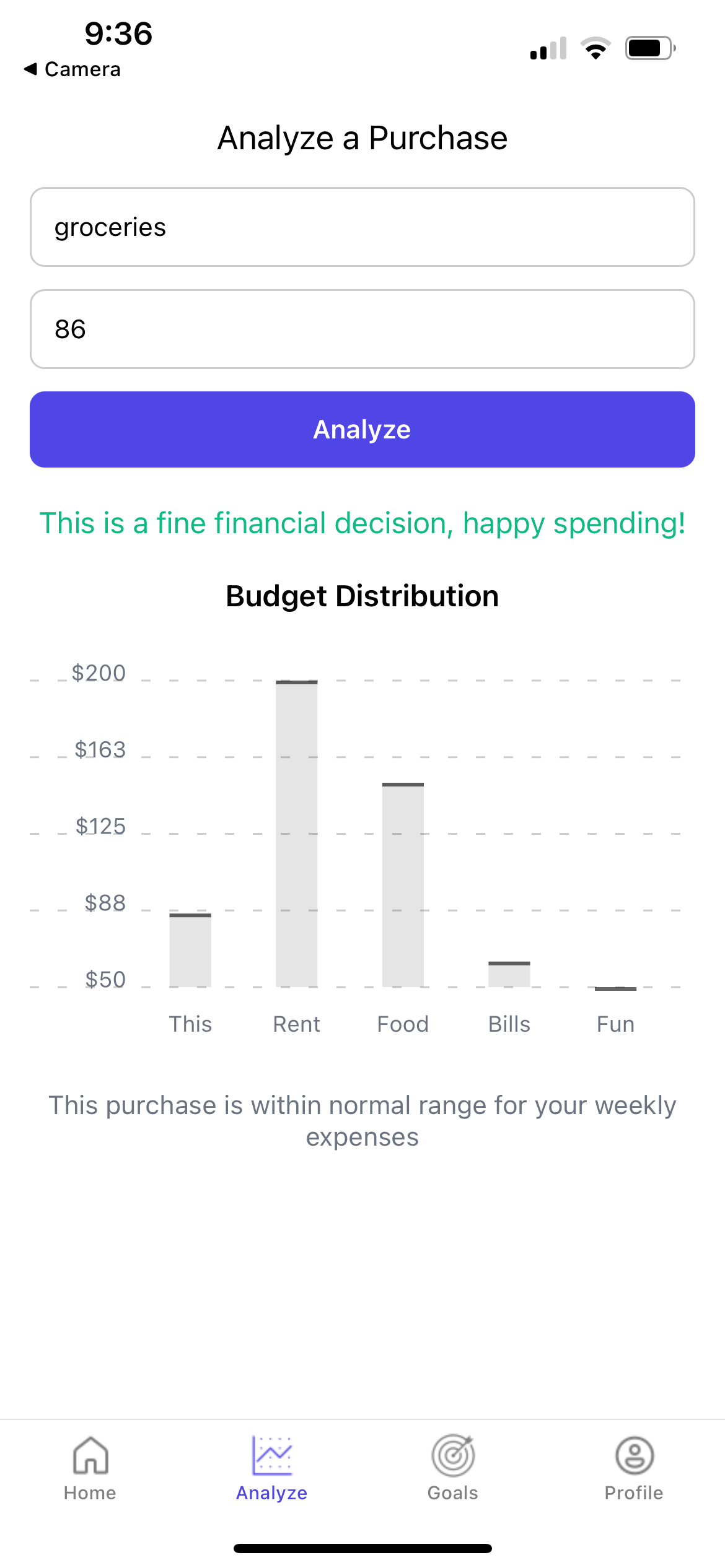
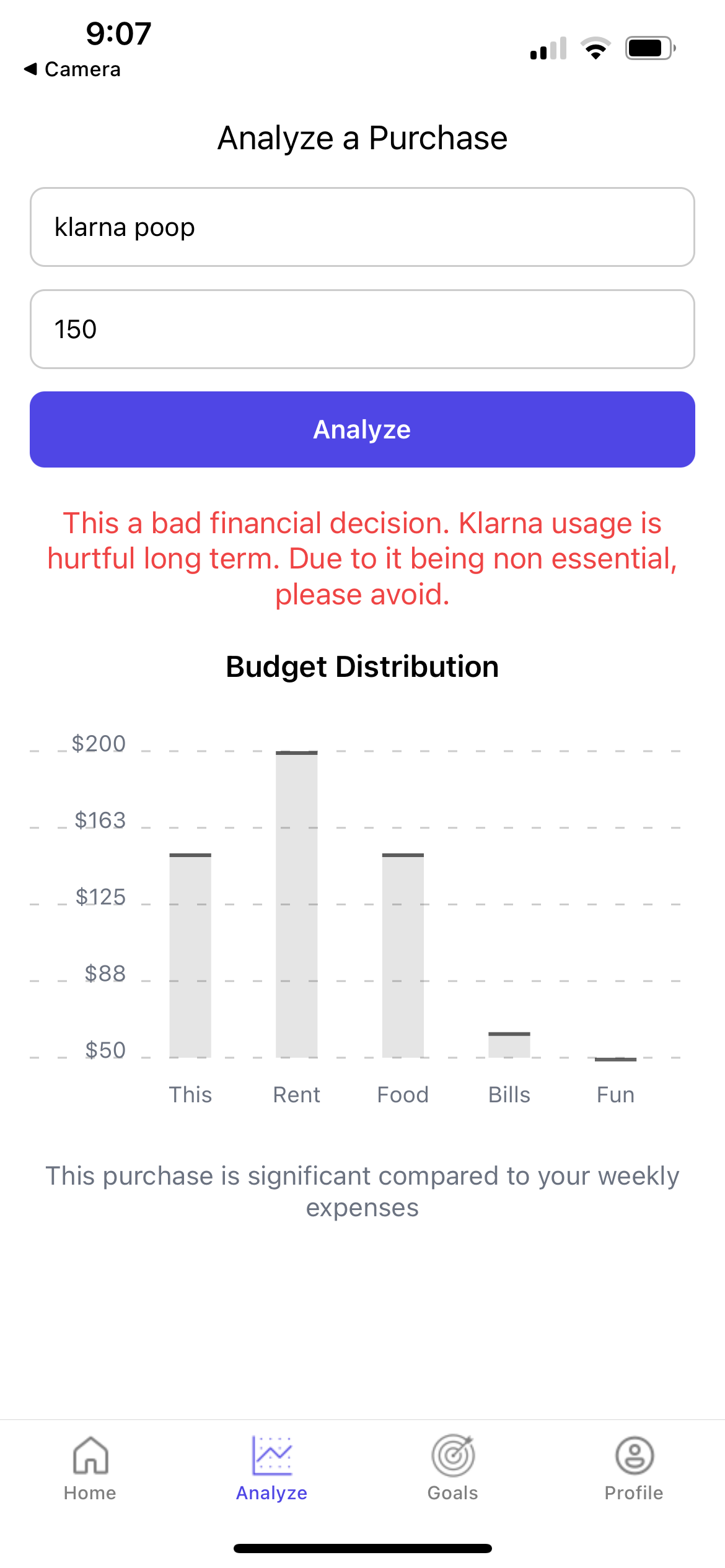
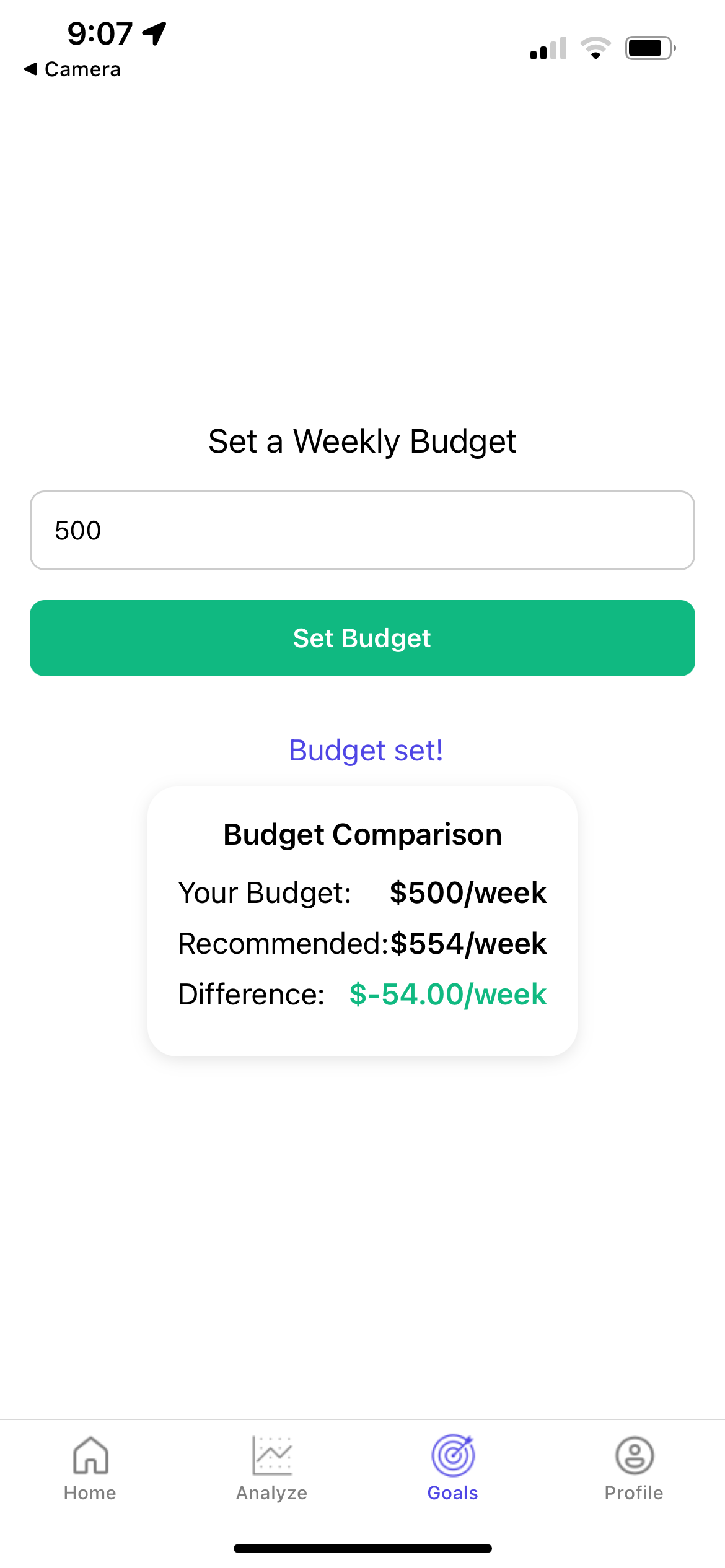
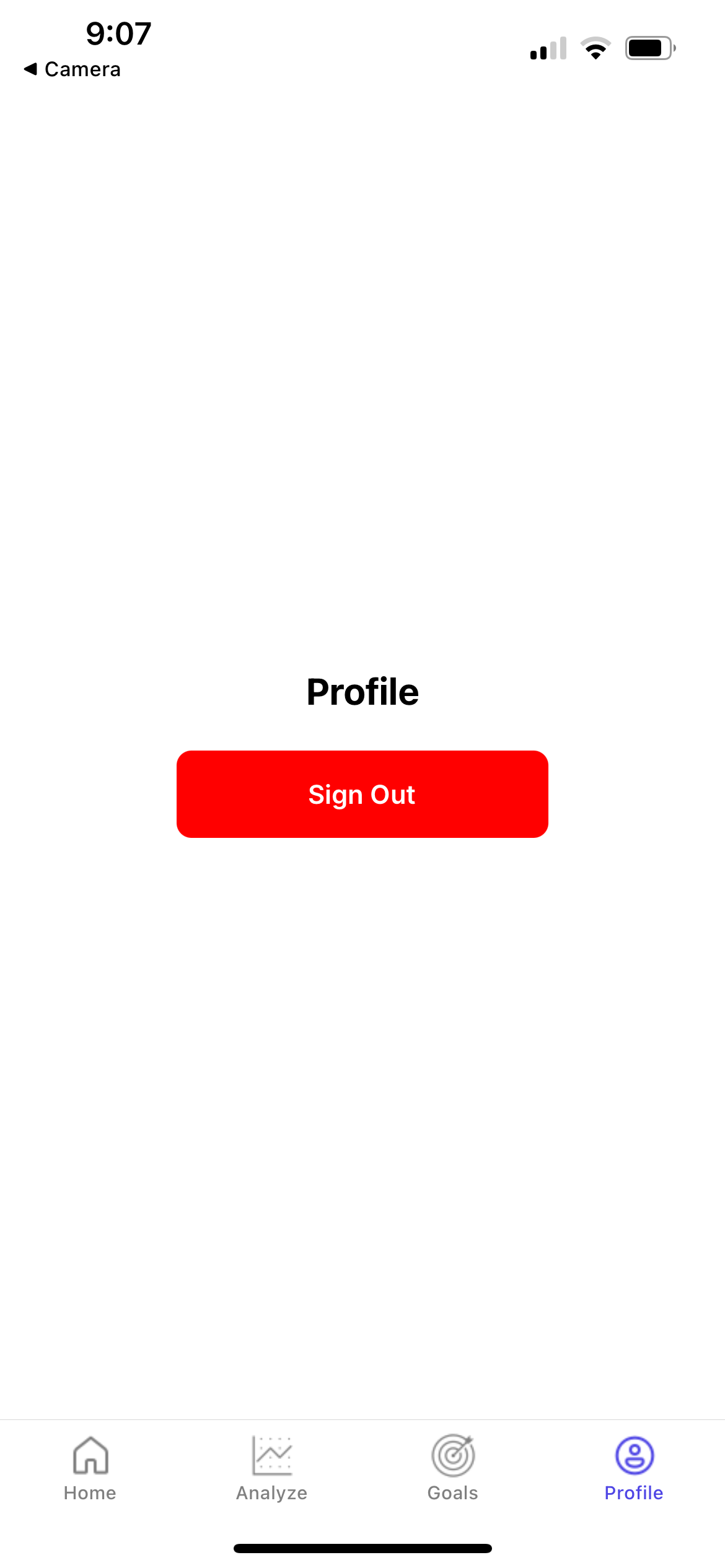
SpendSmart is a Chrome extension designed to provide users with a clear and intuitive understanding of their monthly spending. Once the user inputs their unique Capital One customer ID, the extension, powered by Nessie, fetches and displays a breakdown of their expenditures, including the total amount spent and a categorized view (as seen in our dashboard). Beyond the browser extension, we envision a companion mobile application that utilizes location tracking (with user consent) to provide real-time warnings and personalized insights at the point of potential overspending, such as sending a cautionary notification when a user frequently spends excessively at a specific location like McDonald's. The mobile app currently allows users to view an overview of their spending, analyze a potential new purchase, and set financial goals.
How we built it
SpendSmart was built as a Chrome extension leveraging web technologies, with a key component being the integration of real-world banking data facilitated by Nessie, Capital One's Hackathon API. The frontend interface, encompassing the login page and the insightful spending dashboard with its visualizations (including the pie chart for category breakdown and the line graph illustrating spending pace), was developed using React and styled with CSS. We utilized Chrome's runtime messaging API to establish communication between the extension's popup and our backend (powered by Nessie), enabling us to securely fetch and display the user's actual spending data based on their Capital One customer ID. Nessie provided us with the invaluable ability to generate realistic financial transactions, allowing us to showcase the practical utility of SpendSmart in providing users with a tangible understanding of their spending habits. The mobile application was developed using a mobile React Native and operates as a seamless connected budgeting app, with plans for location tracking implementation in the future.
Challenges we ran into
Initially, we considered using a GET request to fetch user spending data, passing the Customer ID as a URL parameter. However, we quickly recognized the potential security risks associated with exposing sensitive identifiers like the Customer ID directly in the URL. This approach could make user data more vulnerable to interception or unintended exposure, leading us to implement a more secure POST request. Additionally, we encountered a challenge in understanding the data model provided by Nessie. The relationships between core objects like customers, accounts, and transactions were initially confusing. To overcome this, we dedicated time to thoroughly explore the Nessie API documentation and carefully mapped out the hierarchy, clarifying that a transaction belongs to a specific account, which in turn is associated with a customer. This deeper understanding was crucial for correctly structuring our API requests and accurately processing the retrieved banking data.
Accomplishments that we're proud of
We are incredibly proud to have built a functional Chrome extension that provides users with a tangible and visual understanding of their spending habits using real-world banking data through the Nessie API. Successfully implementing a secure authentication flow using POST requests and then translating complex financial data into an intuitive dashboard with a clear category breakdown (pie chart) and spending pace visualization (line graph) within a short timeframe is a significant achievement. We are also particularly pleased with our ability to navigate the Nessie API's data model and present meaningful insights directly within the user's browsing experience, laying the groundwork for our vision of proactive financial awareness, including the concept of location-based mobile alerts. We are also proud to have built both an extension and app for our product allowing for cross platform connection and smart budgeting at all times.
What we learned
Through developing SpendSmart, we gained invaluable hands-on experience in the end-to-end process of building a Chrome extension, from UI development with React and styling with CSS to managing API interactions and handling user data. We specifically deepened our understanding of Chrome's runtime messaging API for secure communication within the extension. Furthermore, working with Nessie, Capital One's Hackathon API, provided us with practical insights into consuming and interpreting real-world banking data, including navigating complex data relationships. We also learned the critical importance of prioritizing user security by moving away from potentially vulnerable GET requests with sensitive information in the URL. This experience underscored the need for careful API exploration, robust error handling, and user-centric design in creating impactful browser and mobile-based tools.
What's next for SpendSmart
Looking ahead, we envision leveraging the power of Artificial Intelligence to provide even more personalized and impactful insights tailored to each customer's unique spending habits. By analyzing spending patterns, we aim to proactively identify potential areas of concern and offer customized recommendations for smarter financial decisions. Furthermore, we plan to develop an additional mobile application that integrates location tracking (with user consent). Running in the background, this app could provide real-time warnings and insights based on the user's location and spending history. For instance, if our AI-powered analysis reveals a tendency for overspending at a particular store like McDonald's, the app could deliver a timely notification advising caution and highlighting personalized insights related to that specific spending habit, empowering users to make more conscious choices in the moment. Our next steps also include refining the user experience, enhancing visualizations, exploring longer-term trend analysis, integrating spending goals and alerts, and investigating broader data source compatibility.
Built With
- css
- html
- jss
- nessieapi
- react
- react-native


Log in or sign up for Devpost to join the conversation.