Inspiration
I have always loved the concept of gamifying learning, and this competition gave me the opportunity to show that to the world. I'm actually working on other gamification projects for my school. What mainly inspired me was my English teacher, who taught us by implementing various games in class to help us understand different tasks more deeply and to help us actually have fun in a subject that I had always found immensely boring, and that is the aim of the BudgetQuest app: to make budgeting fun. Moreover, Duolingo was a real inspiration because it instantly made me love learning a new language.
What it does
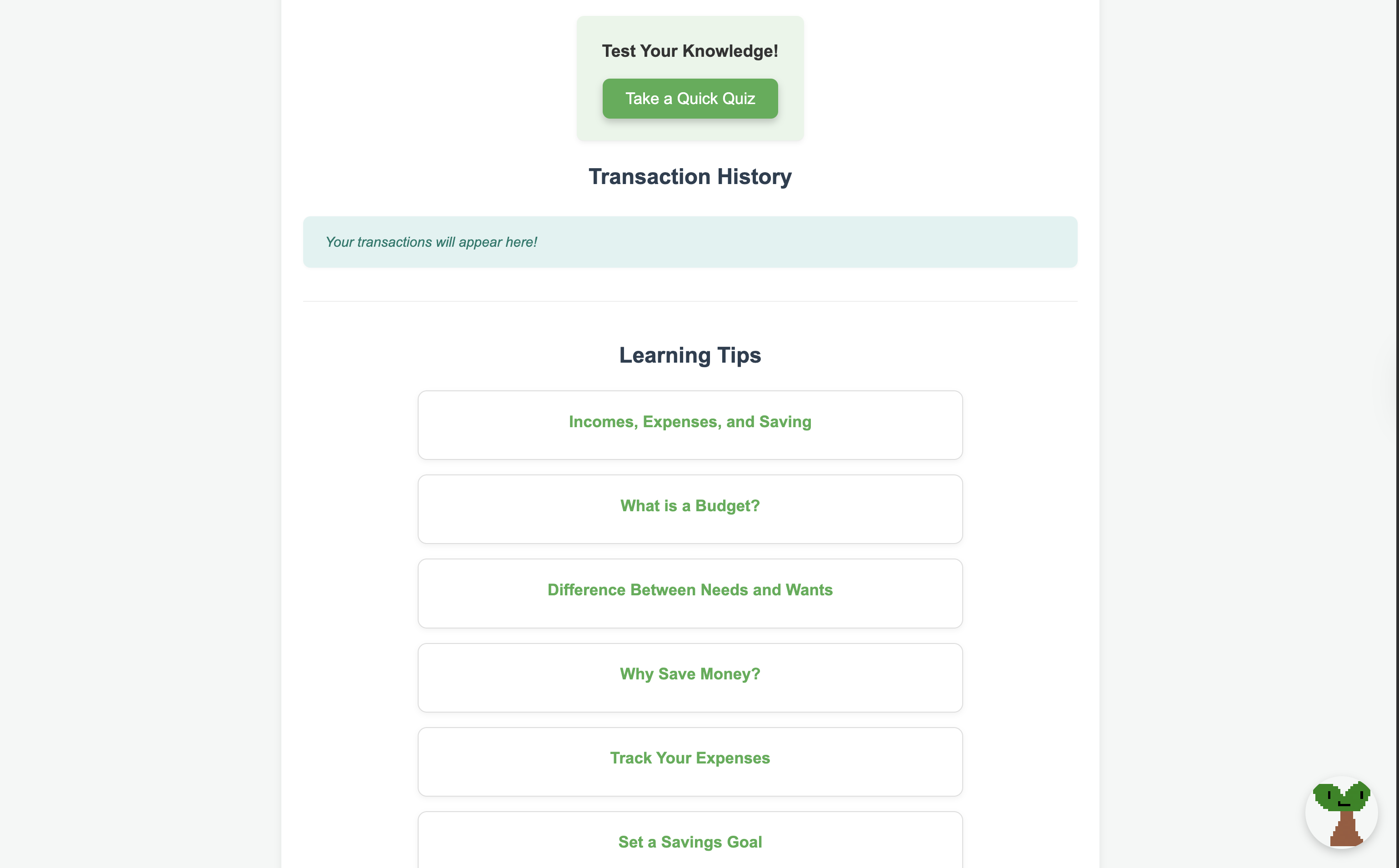
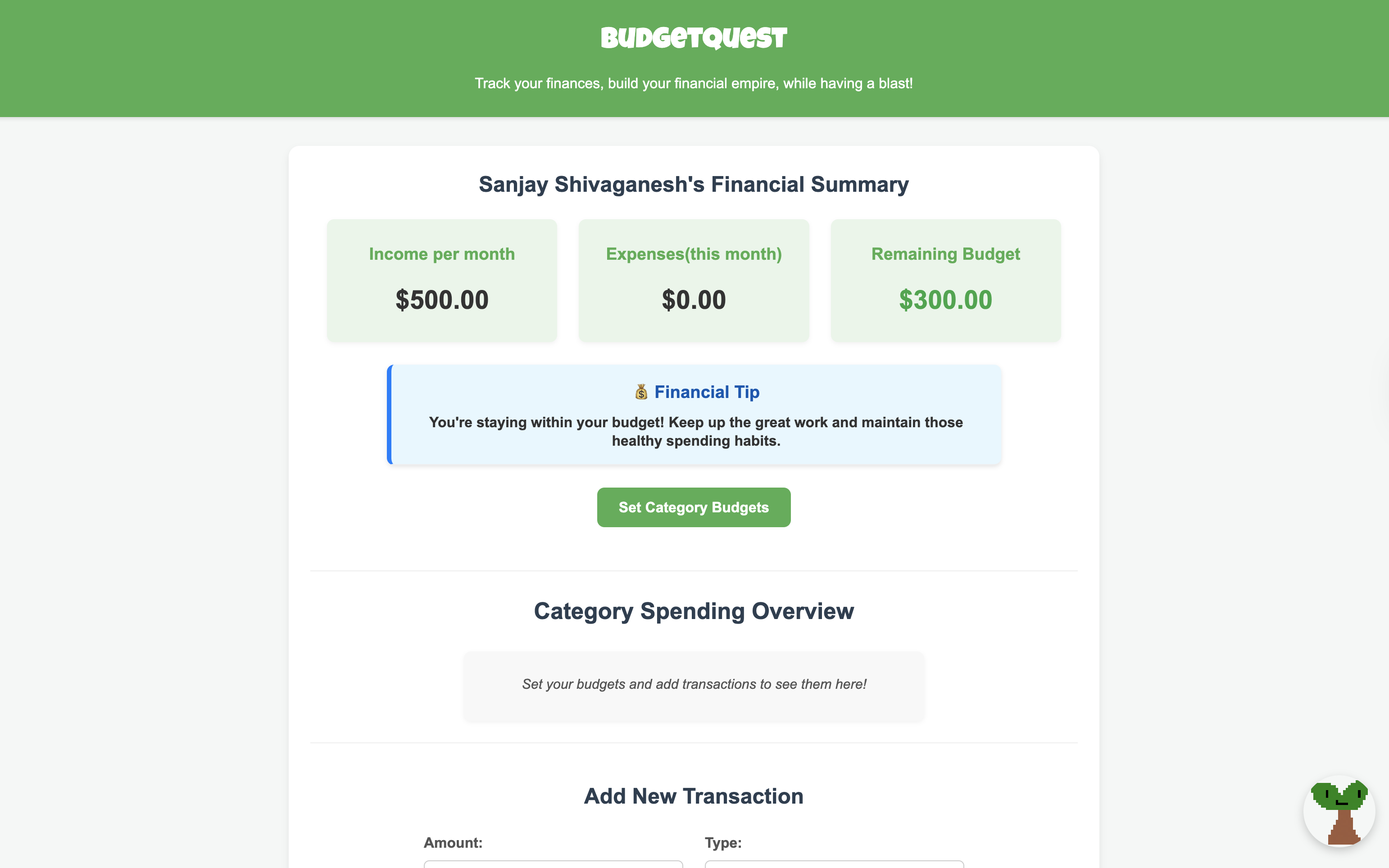
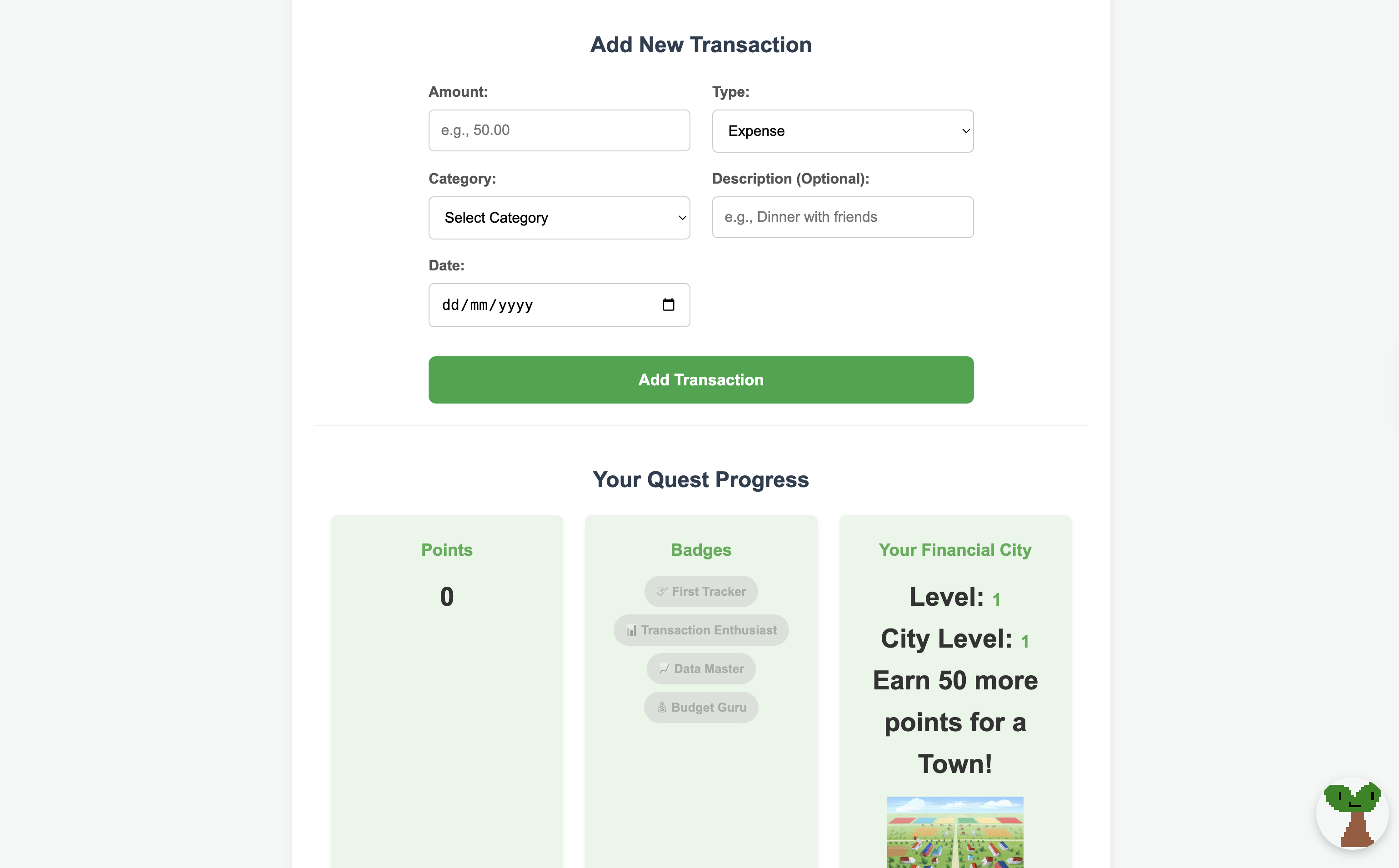
This app helps users track their transactions and budget their after-tax (net) income efficiently, and incorporates game elements such as a Financial City graphic, which is a visual representation of how well or how often one is using the app. The graphic continually updates to a more and more modern city as shown in the video, based on how many 'points' the user earns. The user can earn points by adding transactions, adhering to their savings goal, and taking a 'financial quiz', which is a short four-question quiz that users can take at any point in time that tests the user on general budgeting terms and concepts. The user can also unlock 'badges', which are certain titles. These can be unlocked by completing certain simple tasks, for example, logging 5 transactions. For now, only four badges have been added, but more will be added in the future. Moreover, in the bottom right corner, the app's mascot, 'Savings Sprout', can be seen. The icon can be dragged onto almost any button or heading to show a short explanation of what that heading is. This helps make the page more interactive and fun! Moreover, the user can additionally set category budgets, which are limits for spending in different categories of expenditure, such as food, rent, and entertainment.
How we built it
I built this app individually, using HTML, CSS, and integrated JavaScript. The application was made on VS Code, and I repeatedly tested with multiple users to gain feedback. It took a few hard days and sleepless nights, but after a lot of brainstorming and YouTube tutorials for the more advanced logic, I finally ended up with the finished product.
Challenges we ran into
The mascot dragging functionality and the tutorial overlay were the things I struggled with. I constantly ran into bugs, and sometimes the code altogether failed, and I had to break my head over debugging. However, I pushed through and finally found the solution. Maintaining neat code was also a hassle, but I managed to make it mostly neat.
Accomplishments that we're proud of
I am proud of the app that I have created in general. I really think that it's something new in the market and could help a lot of people who just don't have the motivation to budget their income by making the whole process a lot more fun. Specifically, I am proud of the functionality to drag the mascot onto different elements, not because it was particularly hard logic, but because I think it's a very fun idea that can help people learn and interact with the app a lot better.
What we learned
I learned a lot throughout this project. I learned a lot of CSS and styling functionality throughout the competition, and I also learned about a few new JS functions. Overall, I think this hackathon will definitely make me a better programmer for my next projects because I learned a lot of coding concepts. I also learned the importance of time management because there were days where I was falling behind on my work, but I didn't realise I was until around a week before the submission, emphasising the importance of time management and task tracking when you're creating a computational solution.
What's next for BudgetQuest: Gamified Budget Tracker
What's next is adding a functionality to the Financial City to make it so that you can buy individual buildings, such as a skyscraper, using your points to add that element of customisability to the game elements, making the app more fun and encouraging users to log on every single day. Additionally, I would like to add more badges and more detailed analytics for more experienced budgeters, such as graphs and pie charts, allowing for more detailed expenditure analysis. I would like to add an AI chatbot, and AI suggestions for cutting income, and I know how to do this. I would have implemented this if the timeframe were longer, and I plan to implement it and launch it as an app. I would also like to add a daily streak functionality, and create a local leaderboard showing where you stand as a budgeter(not based on income, of course) among your neighbours. Also, I would like to add a daily mission functionality, where you have one simple task each day, and the accumulation of completed daily missions will help you unlock cosmetic features such as app themes, and in the future, possibly vouchers and coupons(low value prizes mostly).
Built With
- css
- html
- javascript
- vscode


Log in or sign up for Devpost to join the conversation.