-
-
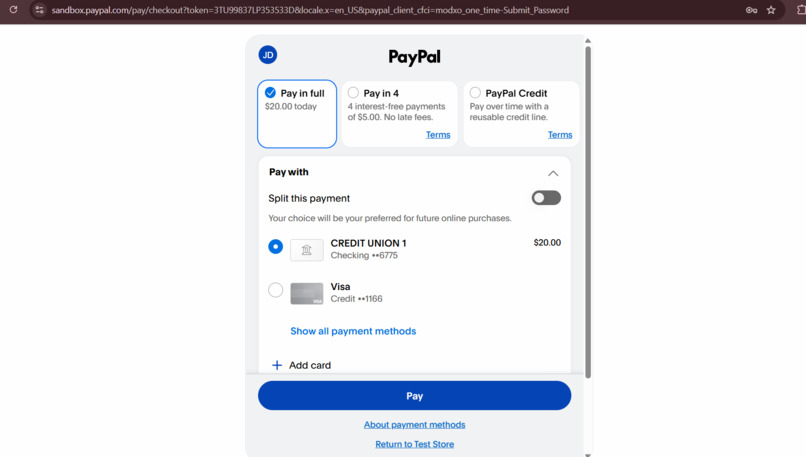
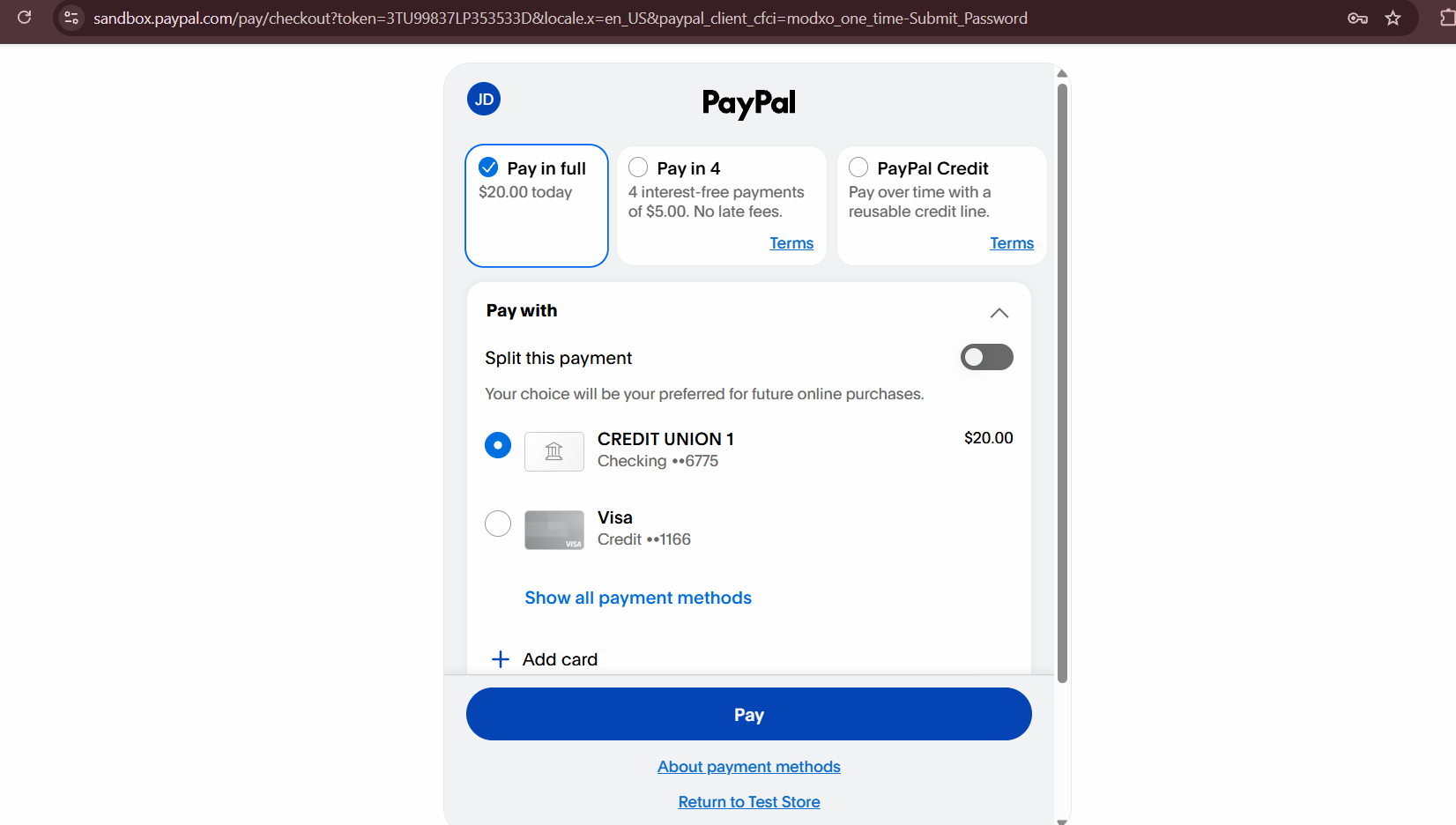
Buyer checkout on the PayPal sandbox (test accounts only, no real money
-
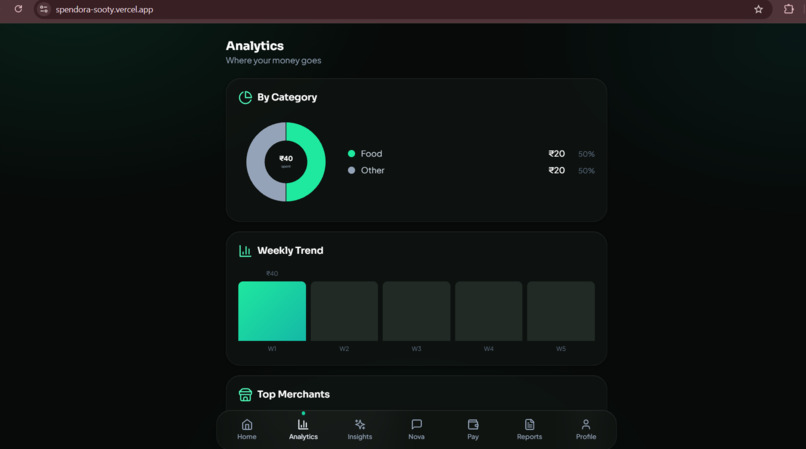
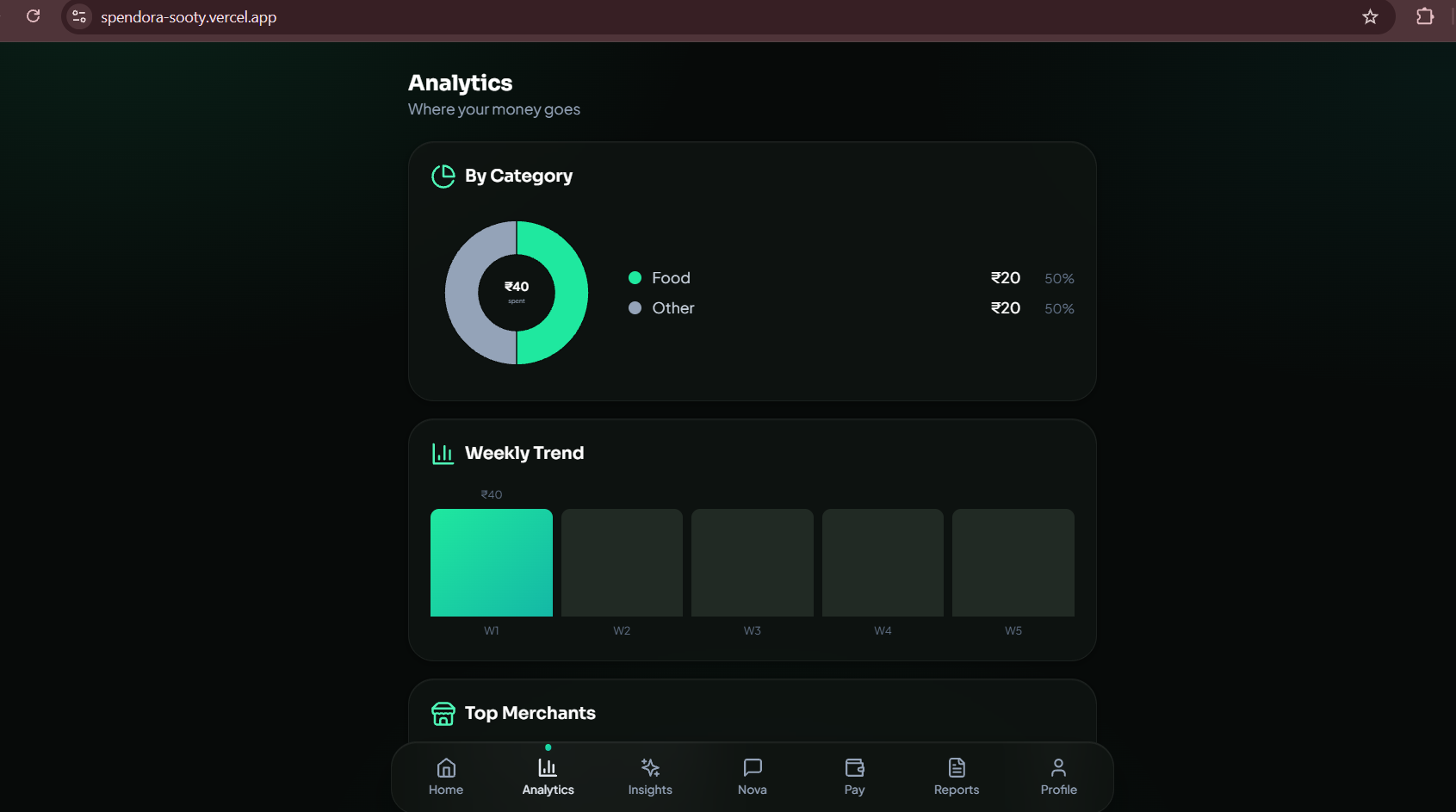
Analytics: category breakdown and spending trends
-
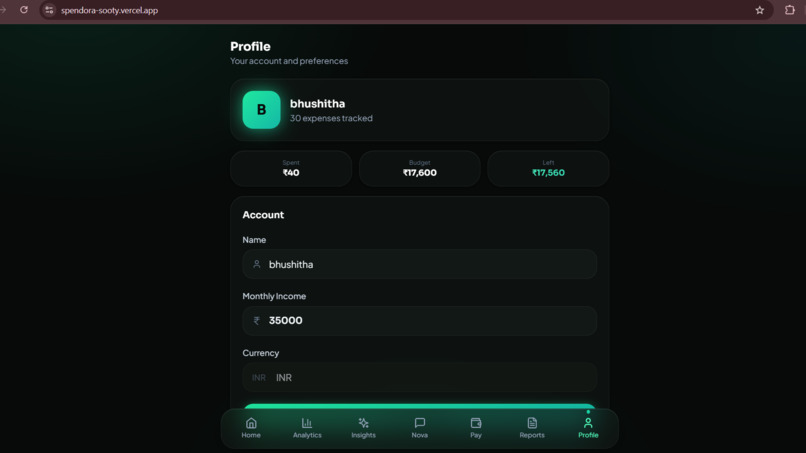
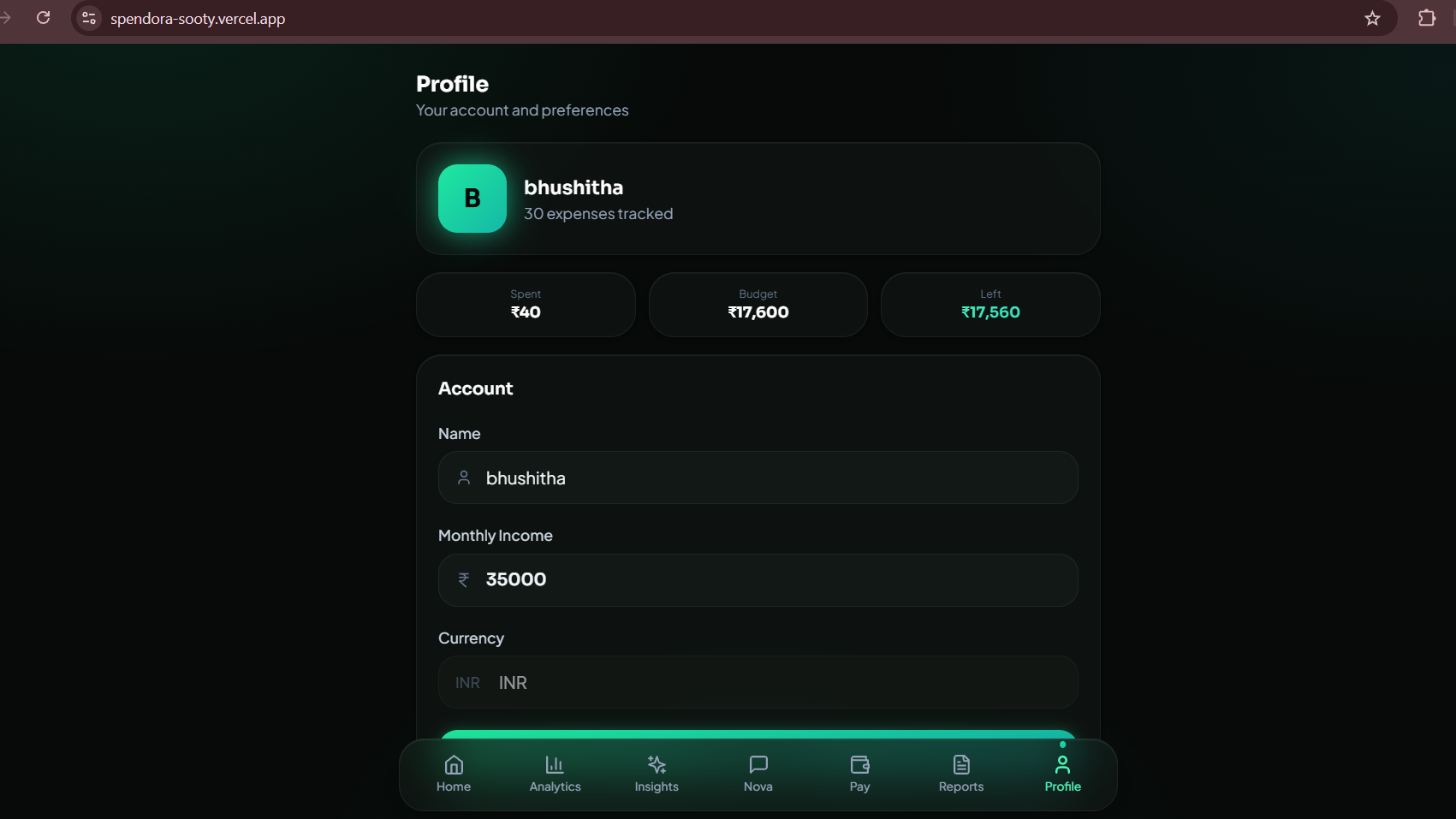
Profile and budget settings
-
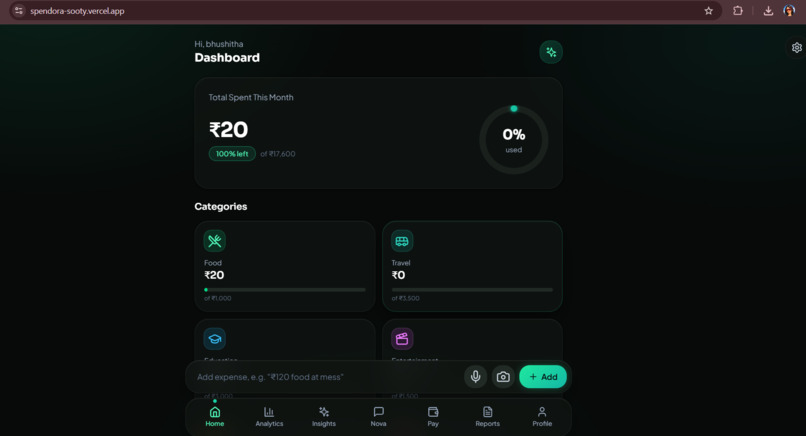
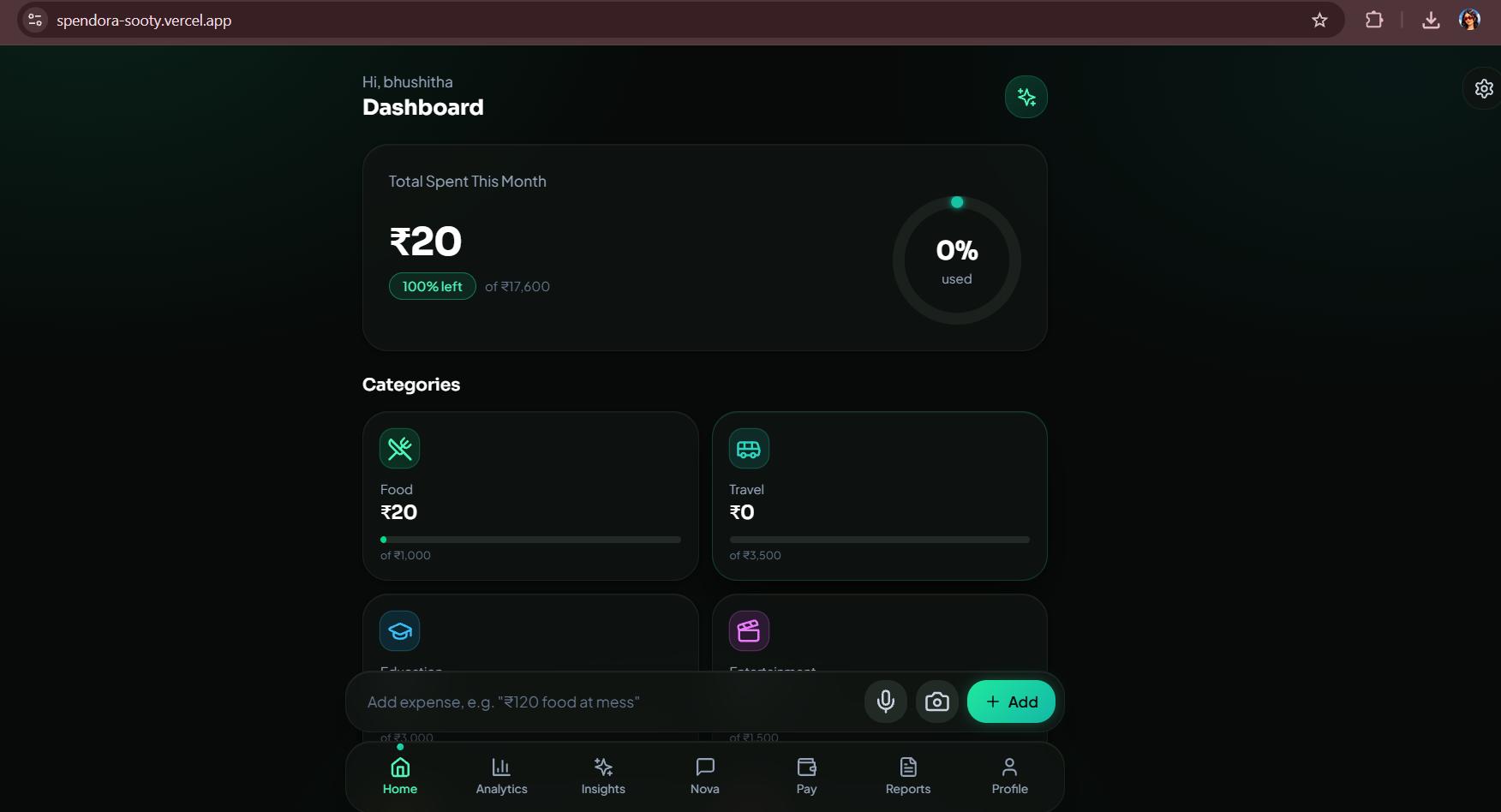
Spendora home: spending, budgets and AI insights in one dark, 3D-styled dashboard
-
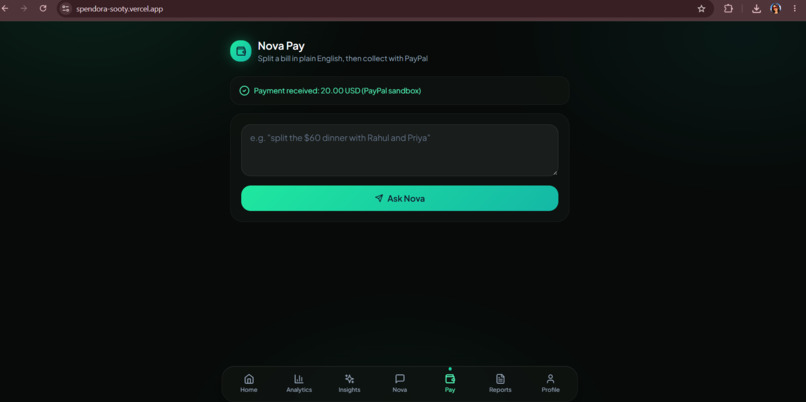
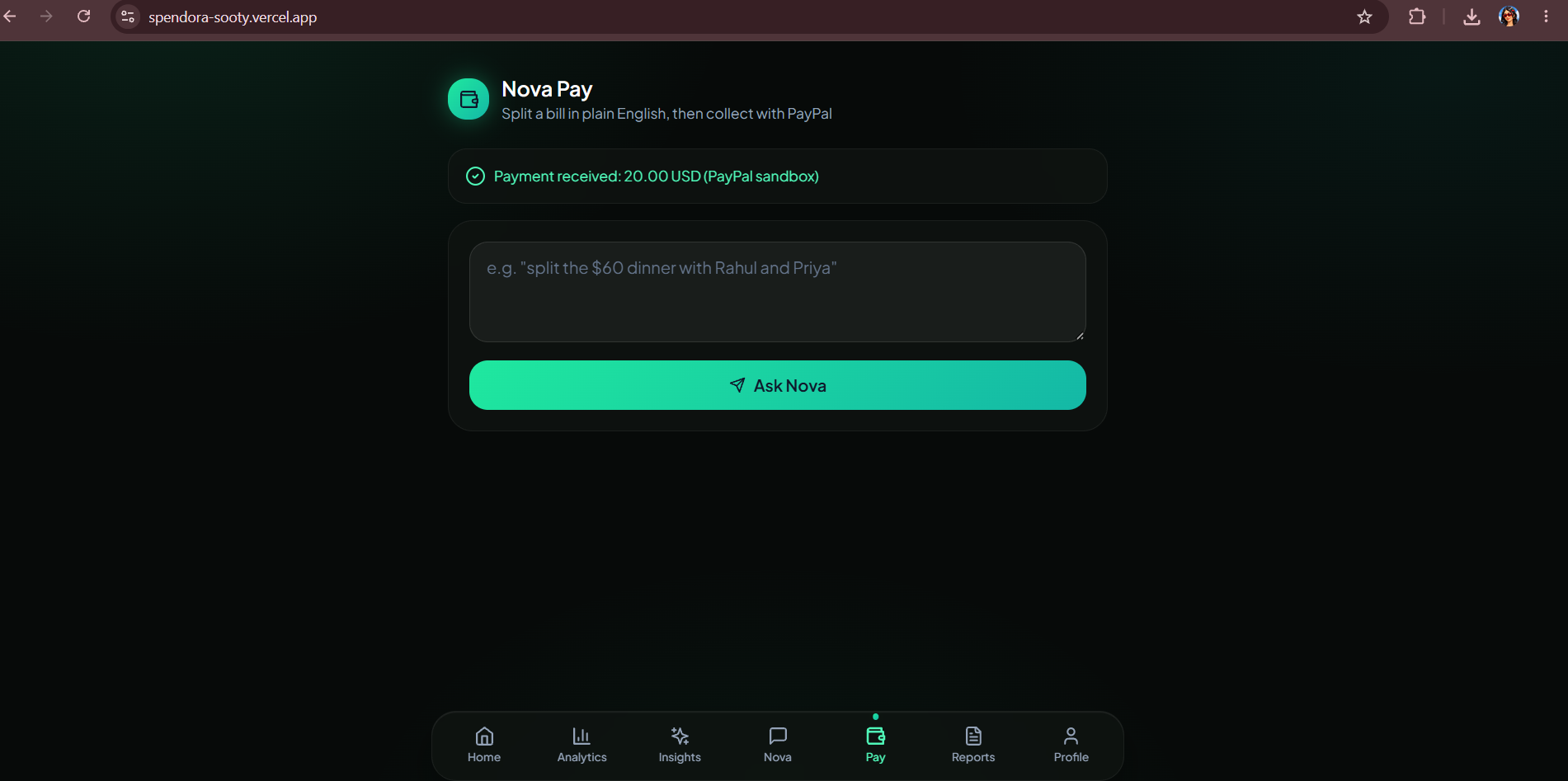
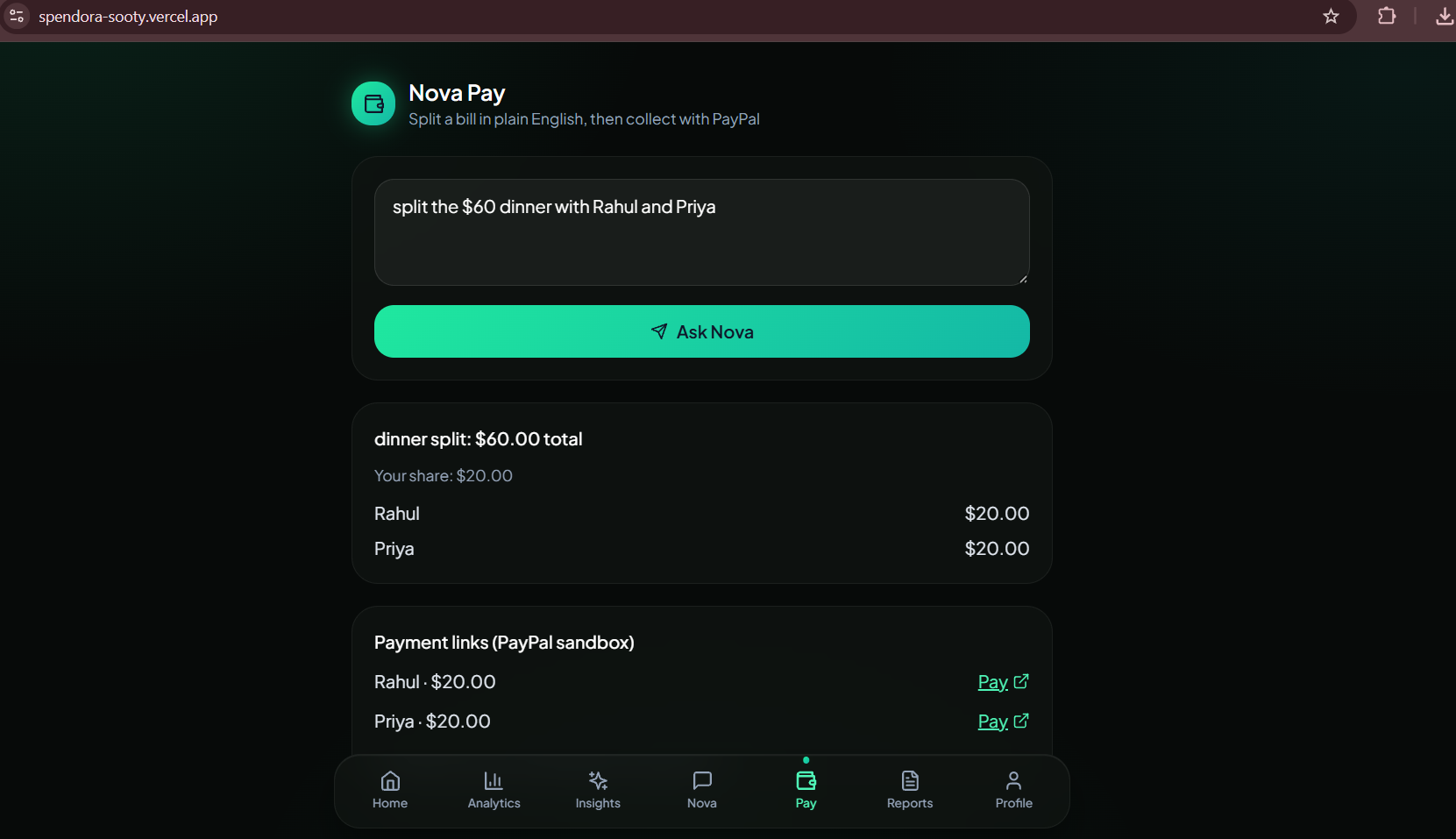
The new Pay tab: type a bill in plain English and ask Nova
-
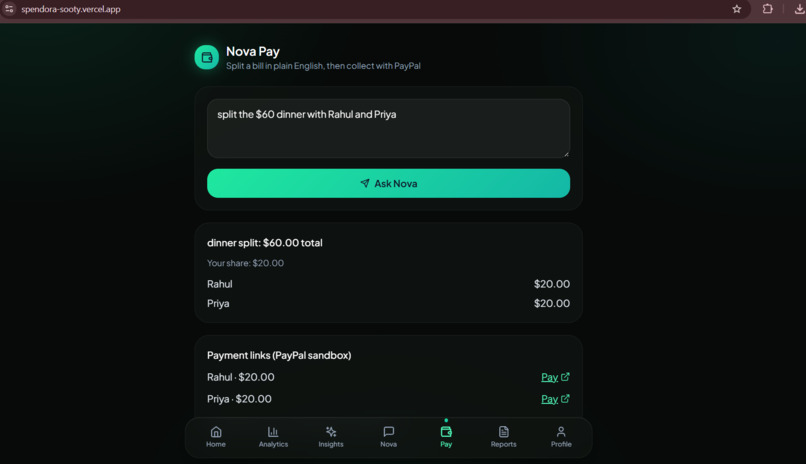
Nova Pay: "split the $60 dinner with Rahul and Priya" becomes one PayPal payment request per friend
-
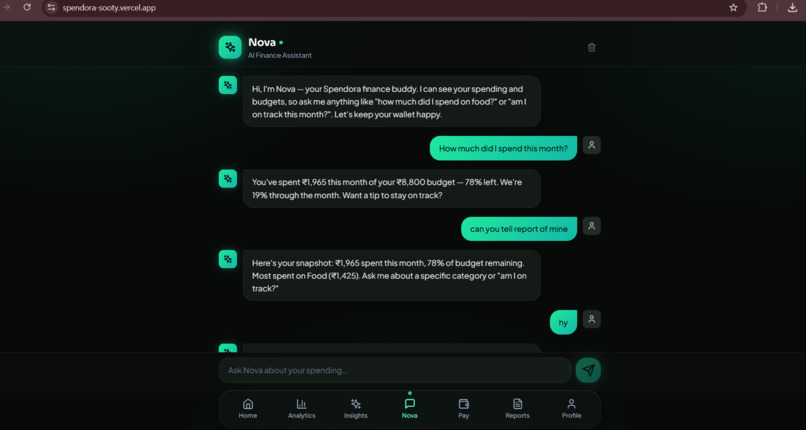
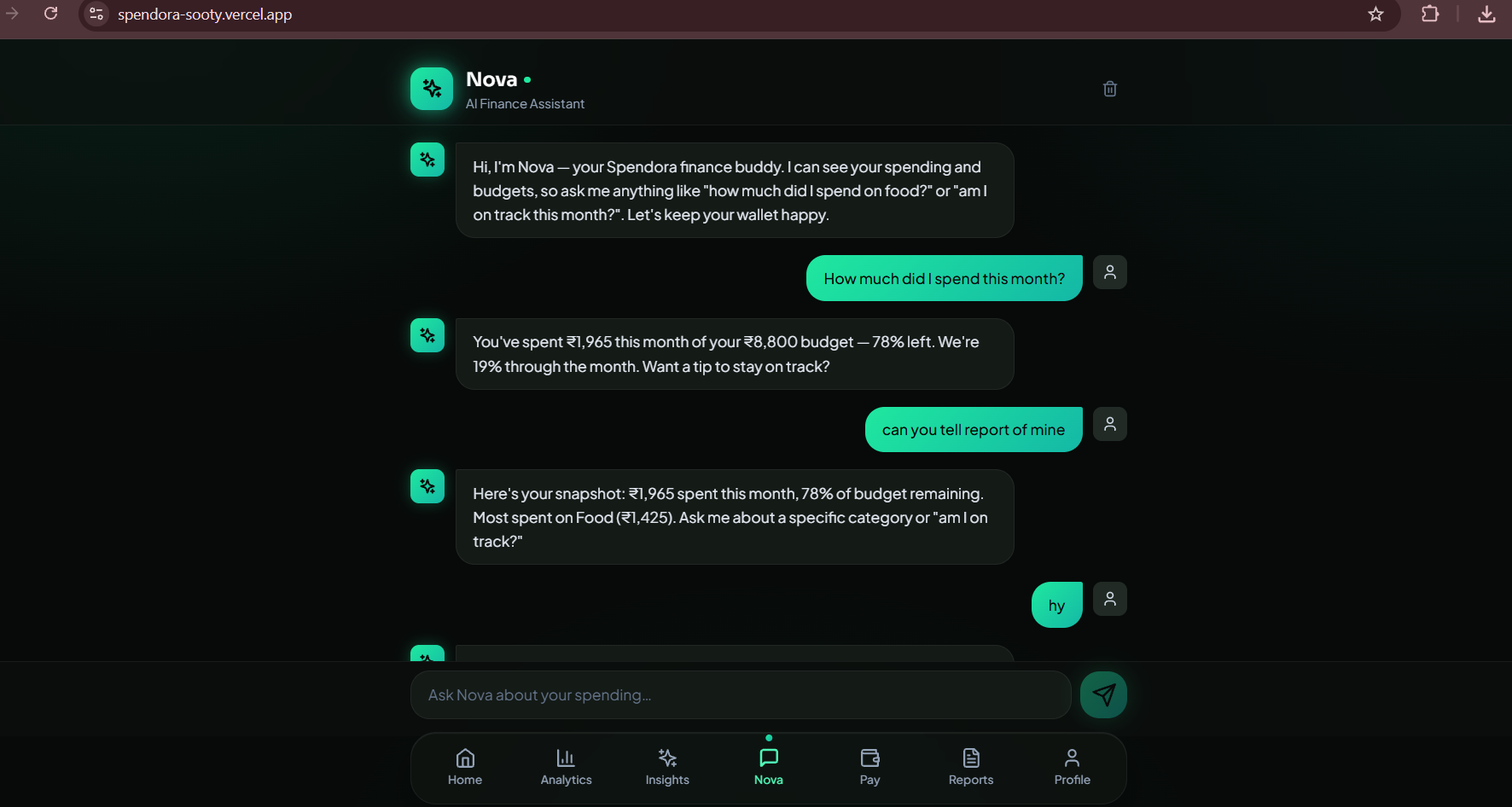
Nova, the conversational AI assistant, answers questions about your spending
Inspiration
Splitting a bill with friends is awkward: someone does the math, then everyone chases each other for money. Spendora is my AI finance assistant for campus life, so I asked what would happen if its assistant, Nova, could not only track spending but also collect money.
What it does
Nova Pay turns a plain-English sentence into real payment requests.
Type: "split the $60 dinner with Rahul and Priya", and Nova:
- Works out the total, the names and who owes what ($20 each)
- Creates a separate PayPal payment request for each friend
- Saves your own share as an expense, categorized automatically by AI
- Captures each payment when the friend approves it on PayPal and shows a confirmation
How I built it
- Frontend: React, TypeScript, Vite and Tailwind. Nova Pay is a new "Pay" tab in the existing Spendora app.
- AI: A Groq-hosted model reads the sentence and returns only the total, description and names. The split math is done in code, in cents, so the shares always add up exactly. I deliberately don't let the AI do arithmetic.
- PayPal: Vercel serverless functions call the PayPal Orders v2 API to create and capture orders. The PayPal credentials stay on the server and are never sent to the browser.
- Data: Supabase (PostgreSQL) stores users and expenses.
Challenges I ran into
- My first PayPal sandbox accounts were set to India, which rejected USD payments. I created US sandbox accounts and a new app to fix it.
- PayPal's sandbox sometimes rejected one of two simultaneous order requests, so the app now creates orders one at a time and retries up to three times.
- A failed attempt used to save an expense even when a payment link failed. The expense is now saved only when every link is created.
Accomplishments that I'm proud of
A complete flow that works end to end on a live deployment: sentence, split, PayPal checkout, capture, and a recorded expense.
What I learned
How the PayPal Orders API works (create, approve, capture), how to keep secrets on the server, and why AI should extract information while code does the math.
What's next
Saving each request in the database so every friend shows as Pending or Paid, receiving payments through PayPal webhooks, and supporting more currencies.
How to test
Open the live demo, log in with the demo account below, and open the Pay tab. Type split the $60 dinner with Rahul and Priya, click Ask Nova, then Create PayPal payment requests. Click Pay next to a name and log in on PayPal with the sandbox buyer account below. This is the PayPal sandbox, so no real money moves.
- Live demo: https://spendora-sooty.vercel.app
- Spendora demo account: [email protected] / Demo@1234
- PayPal sandbox buyer: [email protected] / Test@12345
Built With
- groq
- paypal
- paypal-orders-api
- postgresql
- react
- supabase
- tailwindcss
- typescript
- vercel
- vite
