-
-
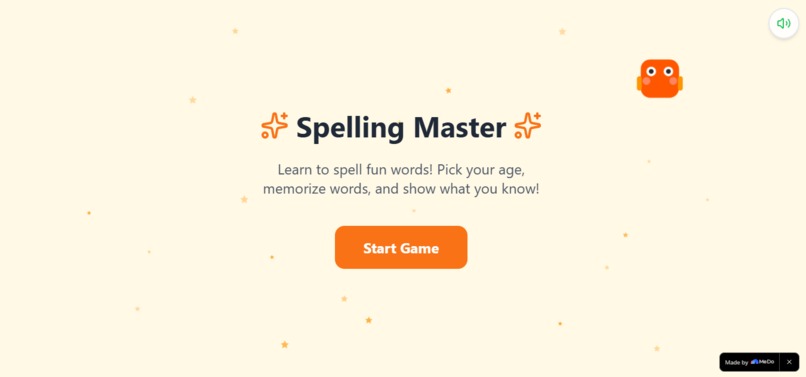
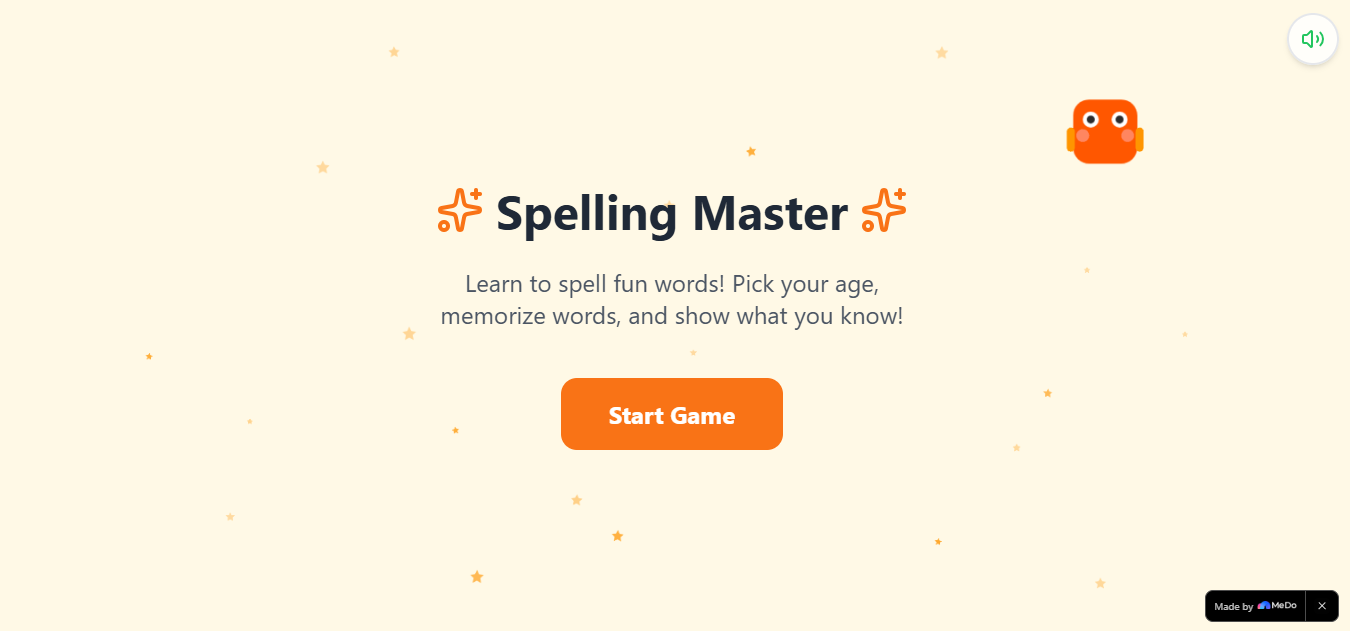
The app when start
-
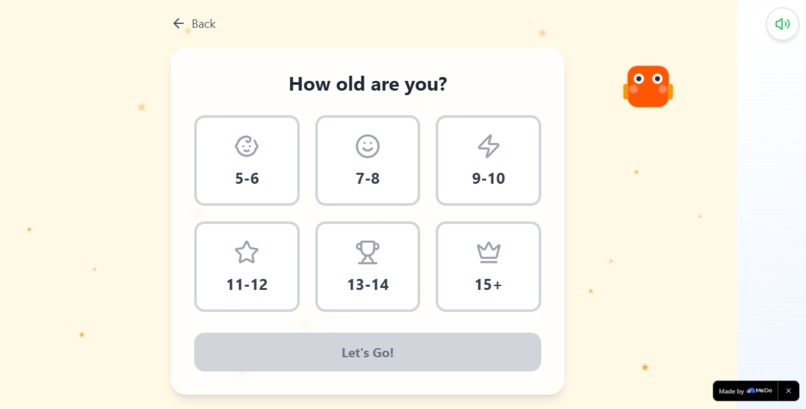
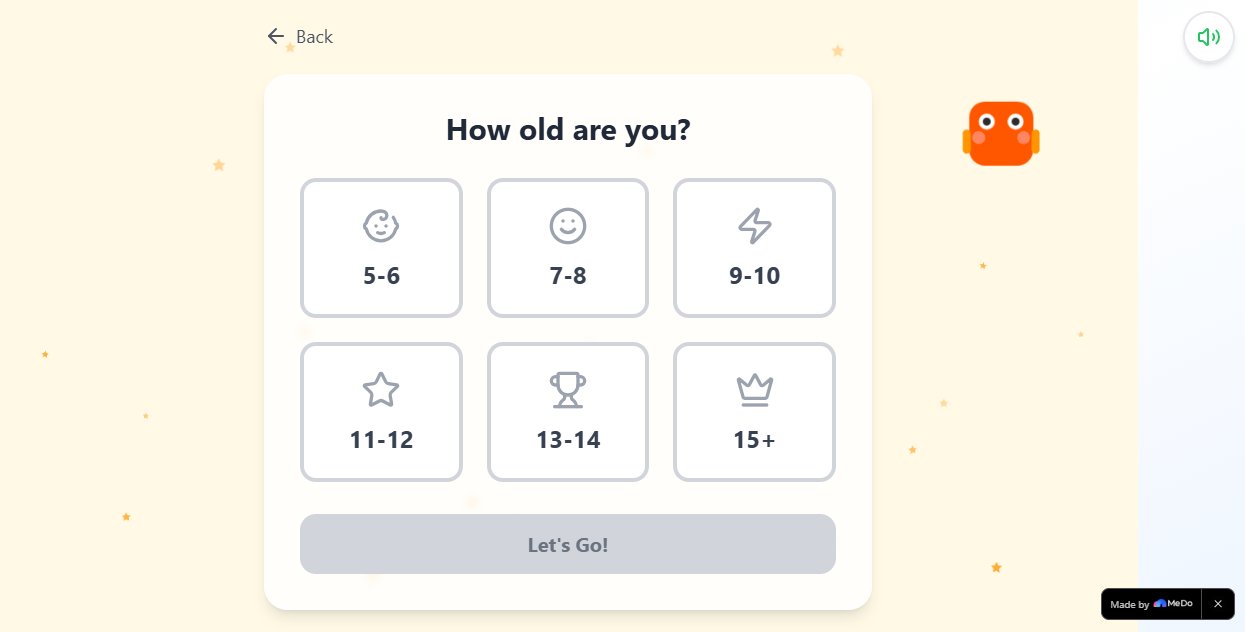
Age range selection
-
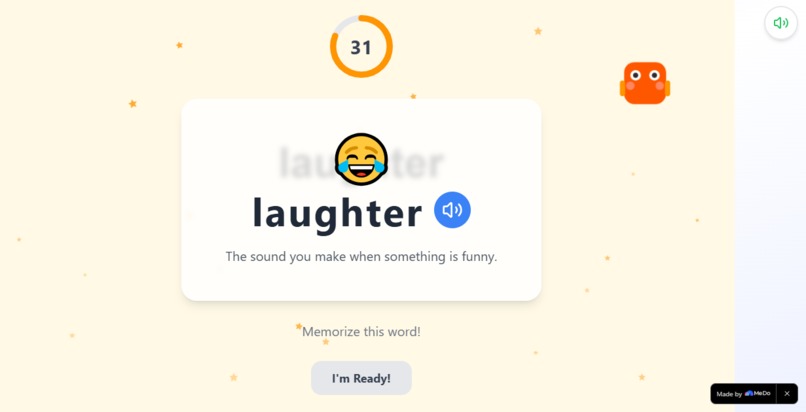
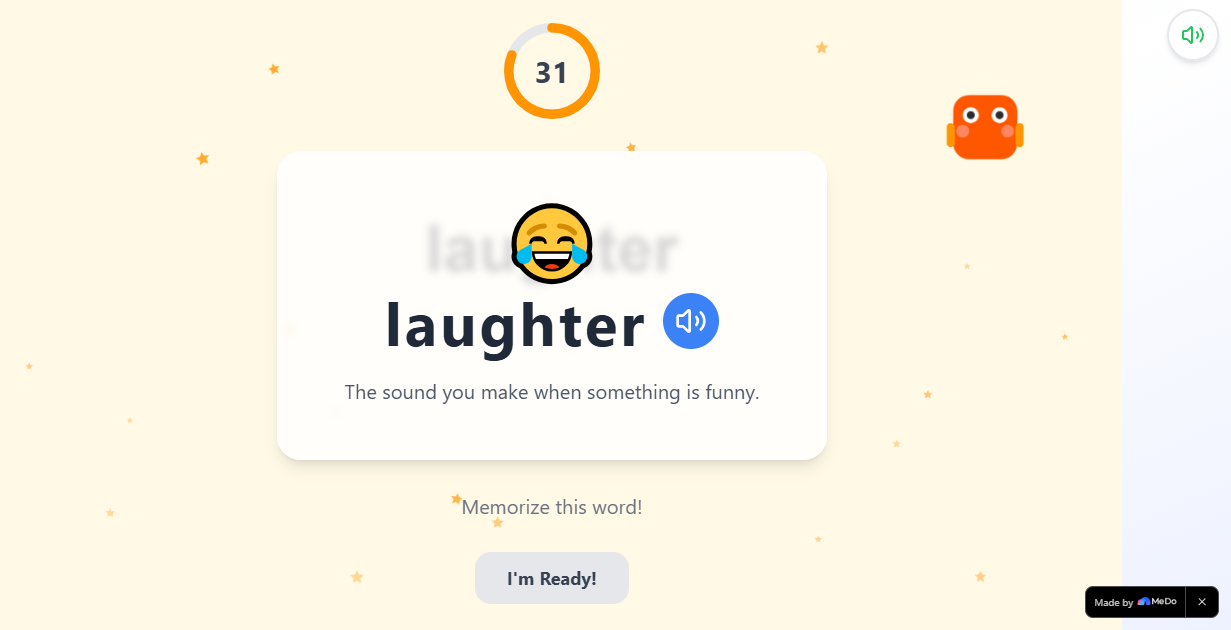
Word generated or given by the app
-
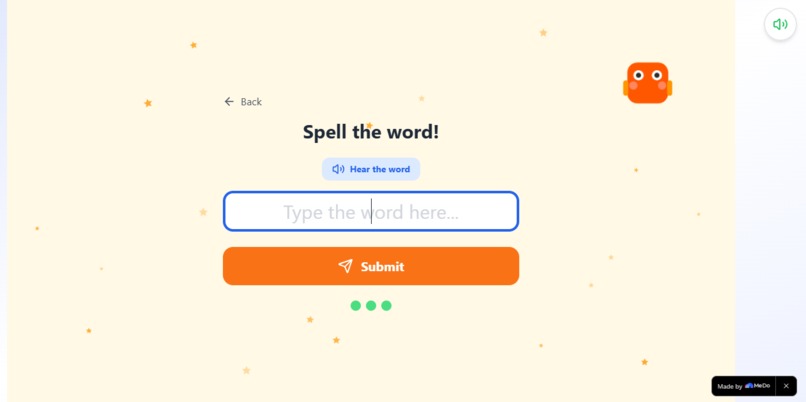
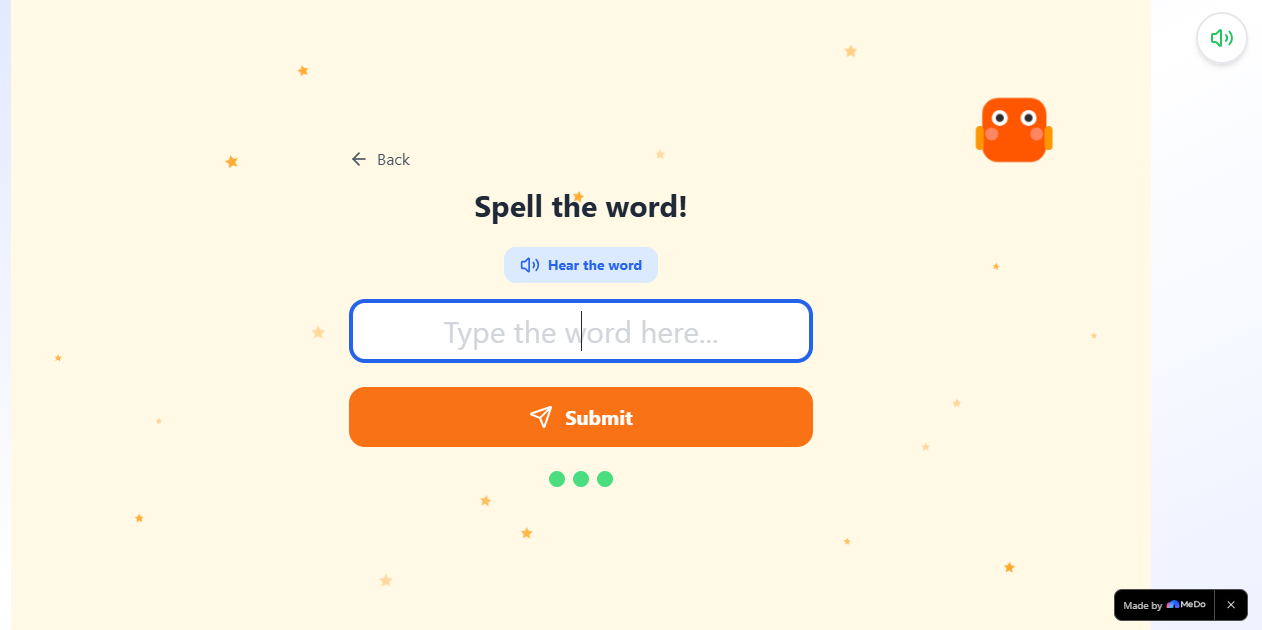
Spelling typing
-
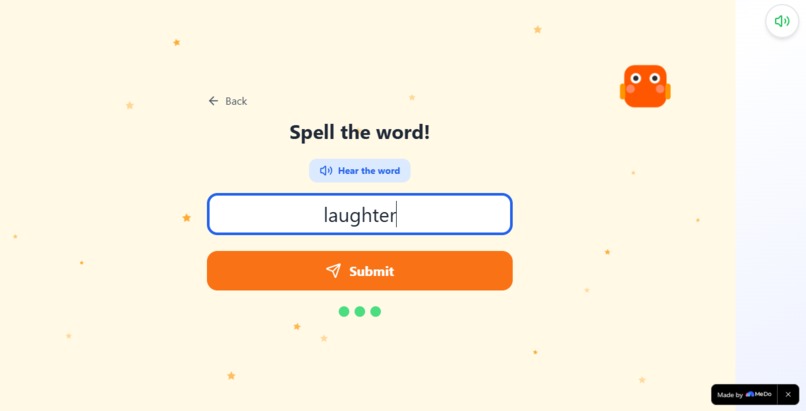
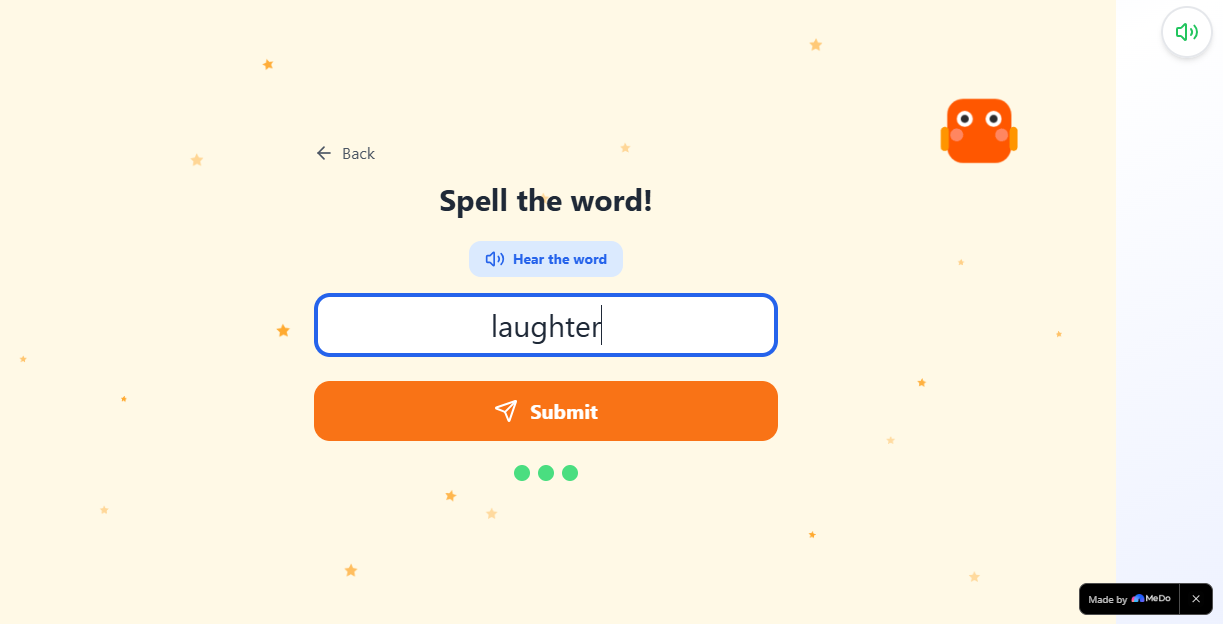
Spelling after written
-
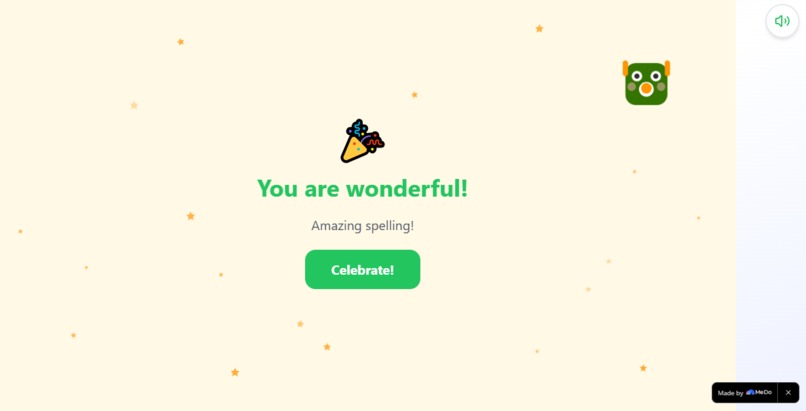
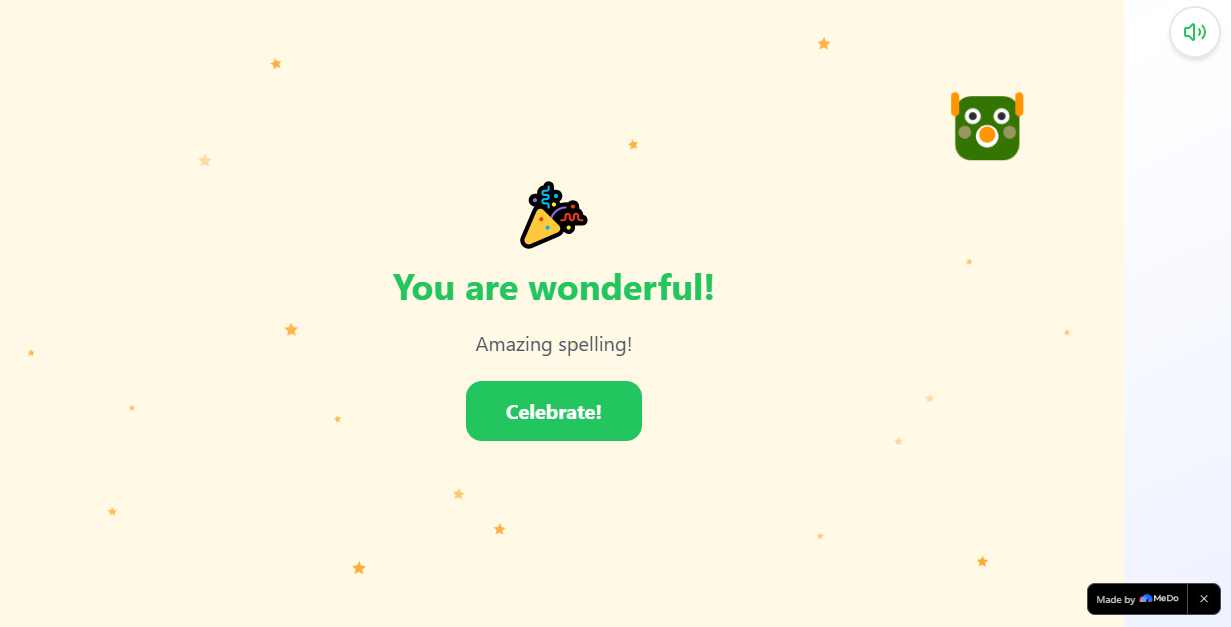
When successfully submitted the word spelling
-
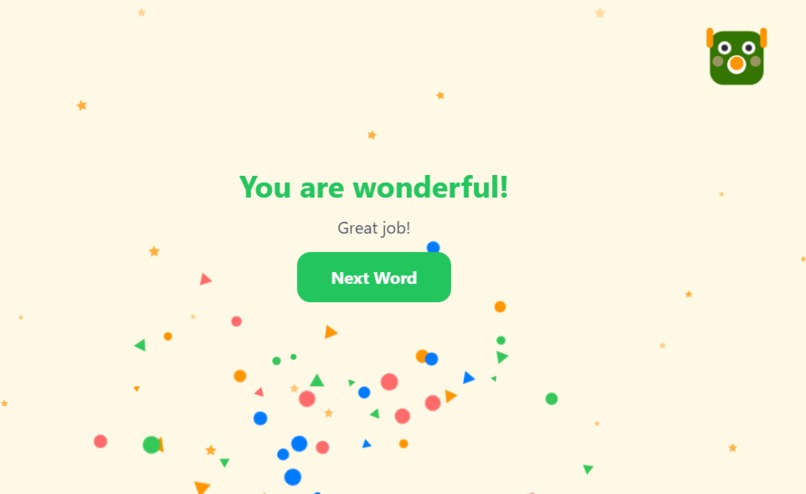
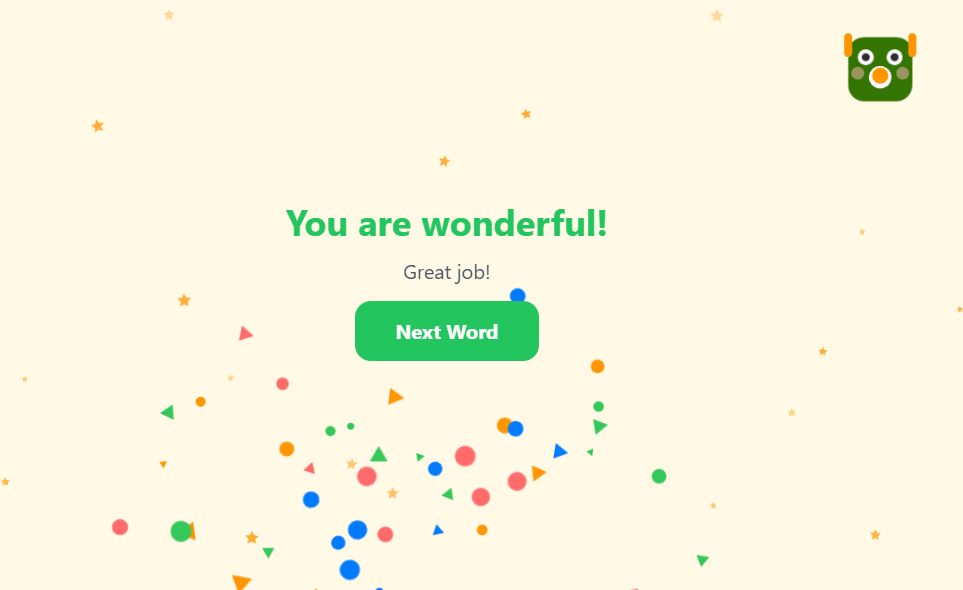
When celebrating after correctly answer the spelling
Inspiration
Many children can pronounce words correctly when they speak, but they often struggle when asked to write the same words. I wanted to create an app that turns spelling practice into something that feels fun, supportive, and age-appropriate, so children stay motivated while improving both spelling and pronunciation.
What it does
Spelling Master for Kids is an educational app designed to help children of different age groups: Practice spelling words in a structured way Learn word meaning to improve understanding (not just memorization) Improve pronunciation while learning spelling Receive friendly feedback when answers are wrong and encouraging rewards when answers are correct Progress through a game-like experience that motivates children to keep practicing
How we built it
We built the app using MeDo to generate the full project code. I guided MeDo by interacting using plain text instructions and giving clear requirements for the app’s behavior and learning flow.
During development, I structured the process sequentially:
Explained the app goal (help kids spell correctly) Listed the key features needed (spelling practice, meaning, pronunciation support, age-based learning) Generated documentation and reviewed it Asked MeDo to modify parts of the project to match my exact requirements Built and tested the app, then requested updates based on testing results Added improvements (like engaging features and helpful visuals) to make the app more effective for children
Challenges we ran into
Ensuring the app remains simple and friendly for young learners Designing a flow that helps children learn from mistakes without losing motivation Making sure the content is categorized by age range so the difficulty fits each child Creating engaging rewards (including animations) so progress feels exciting and encouraging Aligning pronunciation + spelling learning in a single, easy-to-follow experience
Accomplishments that we're proud of
Successfully created an app that motivates children with supportive feedback Implemented age-based word selection so learning is appropriate for different learners Added celebration moments for correct answers using animated milestone rewards Included helpful learning support such as word visuals/pictures to make recognition easier Built a “gaming-like” experience that encourages frequent practice
What we learned
Children learn best when spelling practice feels like a game, not like a test Positive reinforcement is important—children should feel encouraged after mistakes Age-based content improves learning because it matches children’s current level Clear structure (practice → feedback → celebration) increases engagement and consistency
What's next for Spelling Master
Expand the word database and categories to cover more topics and learning levels Add more interactive mini-games and learning modes Improve personalization (optional customization based on user progress) Add more visual aids and stronger learning analytics to track progress over time
Built With
- autoprefixer
- biome
- css
- eventbus
- lucide
- lucidereact
- phaser.js
- phaser3
- postcss
- react
- react19
- tailwind
- tailwindcss-animate
- tone.js
- tone.js15
- typescript
- vite
- webspeechapi
- zustand
- zustand5

Log in or sign up for Devpost to join the conversation.