-
Electron Dashboard
-
edit
Forging the Spellbook: An AI-Powered Script Library & Automation Hub
The Inspiration
In the world of software development and system administration, the command line is our wand. Yet, we found our spellbook (our collections of scripts and commands) to be scattered, disorganized, and often cryptic. We would spend precious time hunting for that one-liner we wrote months ago or struggling to remember the arcane syntax of "ffmpeg" or "awk". What if we created a tool that not only stored our scripts but also helped us understand, find, and even create them just by describing what we wanted to do? That's how the idea for Spellbook was born: an AI-powered desktop app to make the command line more accessible and powerful for everyone.
What We Learned 🧠
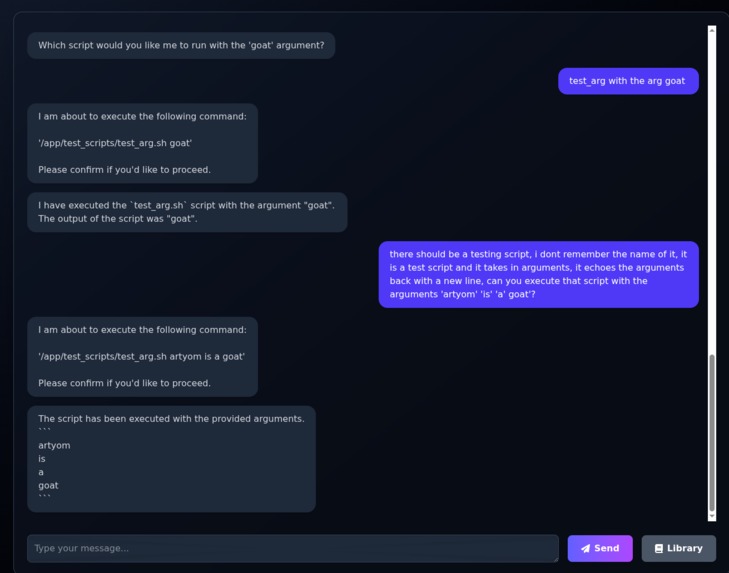
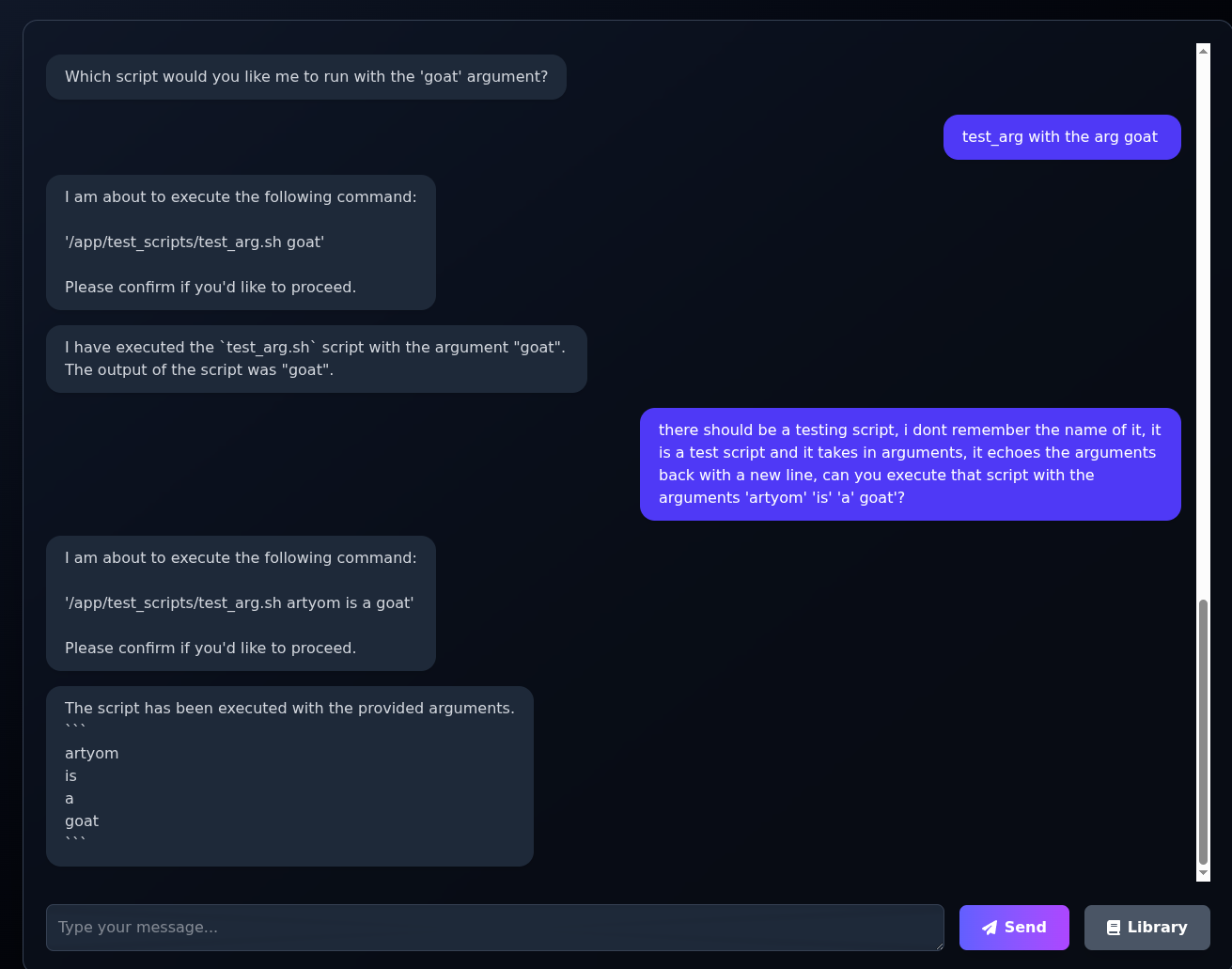
- AI Integration: We deepened our understanding of integrating LLM-based APIs (Google Gemini) to interpret natural language, generate code, and automate user actions—all while keeping user control and safety top of mind.
- Cross-Platform Desktop Engineering: Building a seamless experience with Electron and React taught us about the intricacies of desktop integration (file system, permissions, native dialogs) and the importance of performance tuning for a smooth UX.
- Modern Full-Stack Practices: Docker Compose allowed us to iterate rapidly, ensuring backend (FastAPI), frontend (React), and database (MongoDB) worked harmoniously from dev to prod.
- Secure Script Execution: We explored sandboxing strategies and environment variables to execute scripts safely, learning a lot about potential security pitfalls in user-supplied code.
How We Built Spellbook
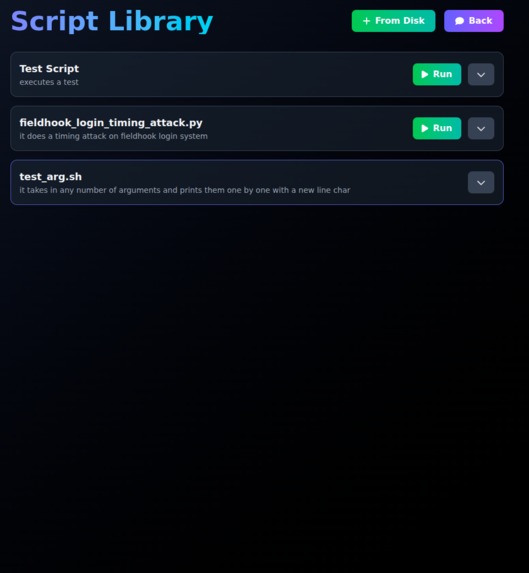
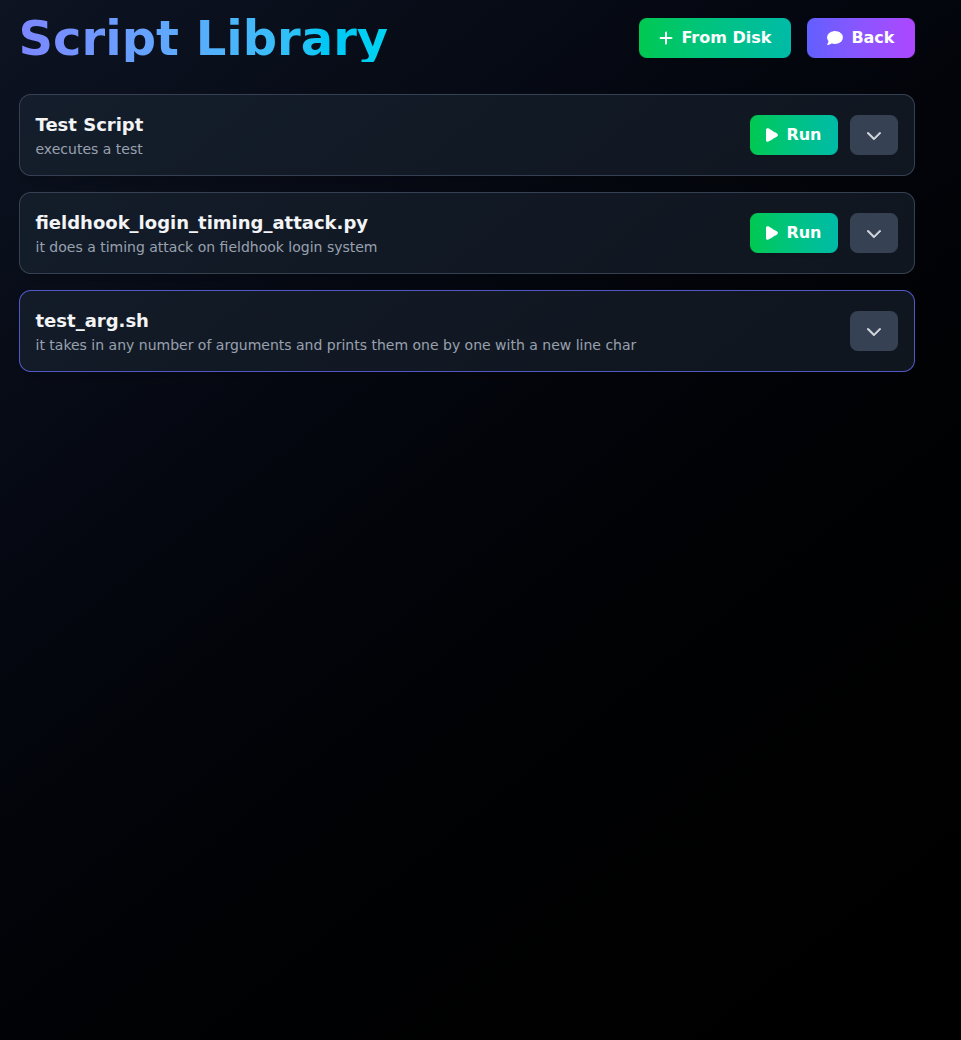
- Frontend: Built with React and Tailwind CSS, wrapped in Electron for a native-like cross-platform desktop app. The UI is designed for intuitive script organization, clustering, and drag-and-drop execution.
- Backend: FastAPI (Python) provides a RESTful API for script management, user auth, and acts as the bridge to AI services and the database.
- AI Layer: Connected to Google Gemini API, enabling natural language chat, code generation, and smart script orchestration.
- Database: MongoDB (Dockerized) stores scripts, user data, and clusters.
- Containerization: Docker Compose orchestrates backend, frontend, and database for easy local development and production deployment.
- Development Workflow: Hot reload for frontend and backend, robust error logging, and clear separation of services for maintainability.
Challenges We Faced
Safe Script Execution: Letting users run arbitrary scripts is risky. We spent significant effort on sandboxing, user confirmation dialogs, and environment isolation to prevent accidental or malicious system changes.
AI Code Quality: LLMs are powerful but not perfect. Ensuring AI-generated scripts were correct, safe, and user-friendly required careful prompt engineering and validation.
Desktop Integration: Electron’s bridge between Node.js and the system required careful handling of permissions, especially around file access and execution.
Syncing Services: Coordinating multiple containers with Docker Compose, especially ensuring MongoDB was always available before backend initialization, took some tuning.
User Experience: Making automation approachable for both novice and advanced users meant lots of user testing and iteration on the UI/UX.
Conclusion
Spellbook combines the power of AI with the utility of a script library, making automation accessible, intelligent, and enjoyable. We are proud of how far we’ve come and excited to see how users will unlock new productivity “magic” with Spellbook.


Log in or sign up for Devpost to join the conversation.