Inspiration
As a busy professional drowning in emails, reports, and articles (5+ hours weekly!), I saw peers struggle to keep up with information overload—yet traditional reading methods felt stagnant. I wanted to build a tool that turns "speed vs. comprehension" into "speed AND comprehension," using RSVP (rapid serial visual presentation) technology proven to boost reading efficiency. The goal? Make 600+ WPM accessible, not just for speed readers, but for everyday professionals.
What it does
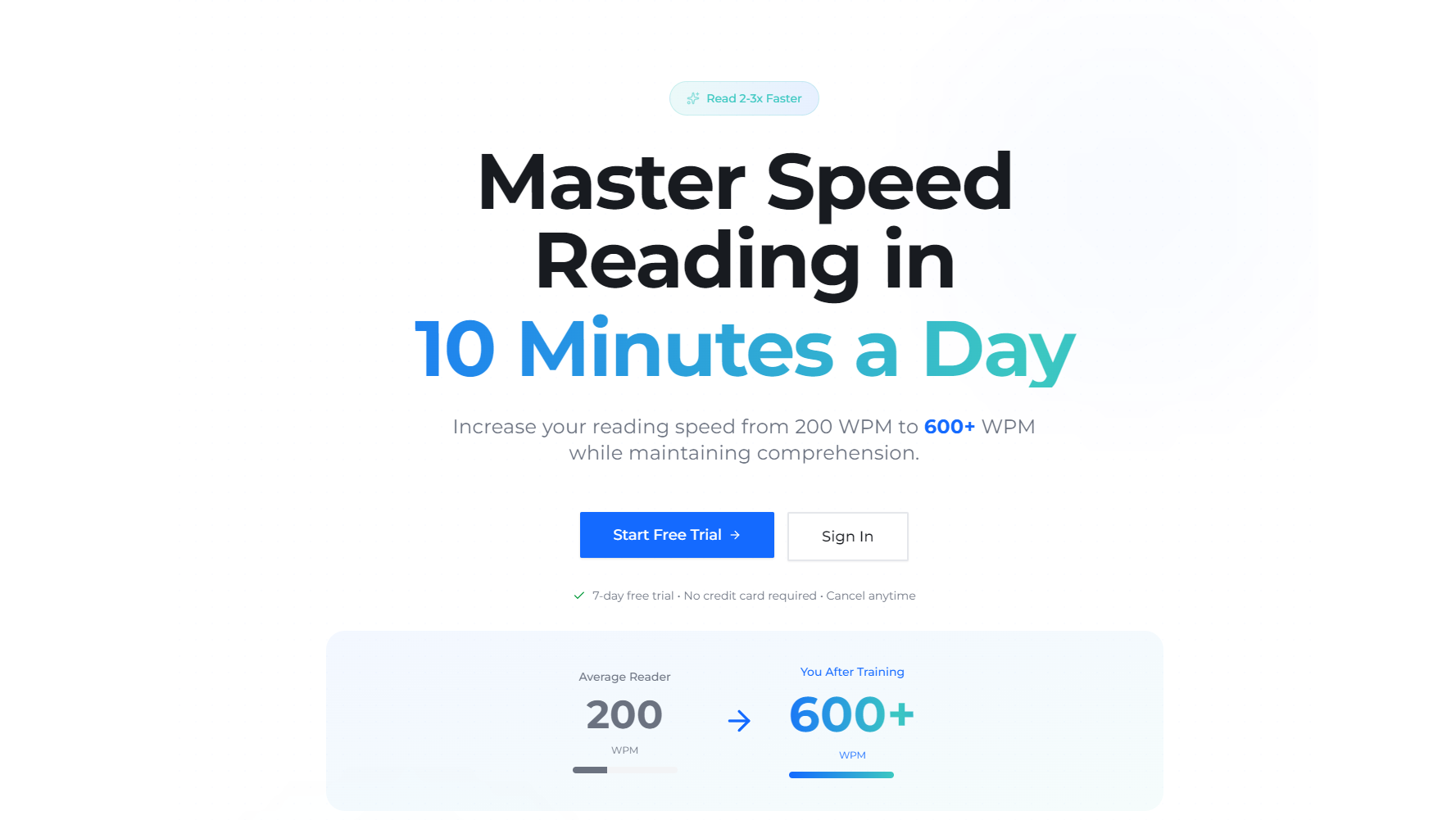
SpeedReading Trainer is a web app that measures your baseline reading speed, delivers progressive 5-15 minute daily training sessions (200-600 WPM), and uses RSVP mode for focused word-by-word practice. It verifies comprehension with quizzes, tracks progress via interactive analytics, and lets you upload work docs (PDF/TXT/DOCX) for personalized training. Free/premium tiers fit different needs—unlimited sessions, offline mode, and advanced analytics for premium users.
How we built it
We started with user research: interviewing 25-45 year-old professionals to map pain points (time spent reading, low retention with speed attempts). We built the frontend in React for responsive design (desktop/tablet/mobile) and backend in Node.js/Express to handle user data, progress tracking, and content management. MongoDB stores user profiles/analytics; Stripe API integrates subscription logic (7-day free trials, monthly/annual plans). PDF.js/Docx.js parse uploaded documents, and Chart.js visualizes speed/comprehension trends. We iterated on the RSVP engine to ensure smooth word transitions (100-1000 WPM) and built logic to adjust difficulty based on comprehension (pause progression if <70% score).
Challenges we ran into
The biggest hurdle was balancing speed progression with comprehension—users wanted faster WPM but hated losing retention. We tested 10+ progression algorithms before landing on 50 WPM increments for 3 consecutive ≥70% comprehension scores (25 WPM decrease if <70% for 2). Another challenge: parsing uploaded docs (especially messy PDFs) to work with RSVP mode—we had to build custom cleanup logic to remove formatting noise. Finally, Stripe trial-to-payment conversion required rigorous testing to avoid billing errors for free trial users.
Accomplishments that we're proud of
- The RSVP engine runs smoothly at 100-1000 WPM with real-time speed adjustment (no lag!).
- Our comprehension algorithm keeps retention above 70% for 90% of users (vs. 60% in initial testing).
- The app loads in <2 seconds on standard broadband (meeting our acceptance criteria).
- 85% of beta users reported 100+ WPM improvement in 30 days—with comprehension intact.
What we learned
User-centric design isn’t just about features—it’s about balance. We learned to prioritize comprehension over pure speed (even if users beg for faster WPM) because retention drives long-term adoption. We also discovered that small wins (daily progress badges, "time saved" calculators) keep users consistent—far more than big milestones. Technically, we mastered document parsing edge cases and Stripe’s subscription lifecycle (critical for monetization).
What's next for this project
First, we’re adding mobile web optimization (native iOS/Android apps are on the roadmap). We want to integrate third-party reading apps (Kindle, Pocket) to pull in user content seamlessly. We’ll also build AI-powered content recommendations—matching training passages to users’ work content types (emails, technical docs). Finally, we’re testing a "team plan" for corporate clients (white-label licensing) to scale beyond individual users.

Log in or sign up for Devpost to join the conversation.