-
-
-
-
-
-
-
-

App icon

Inspiration
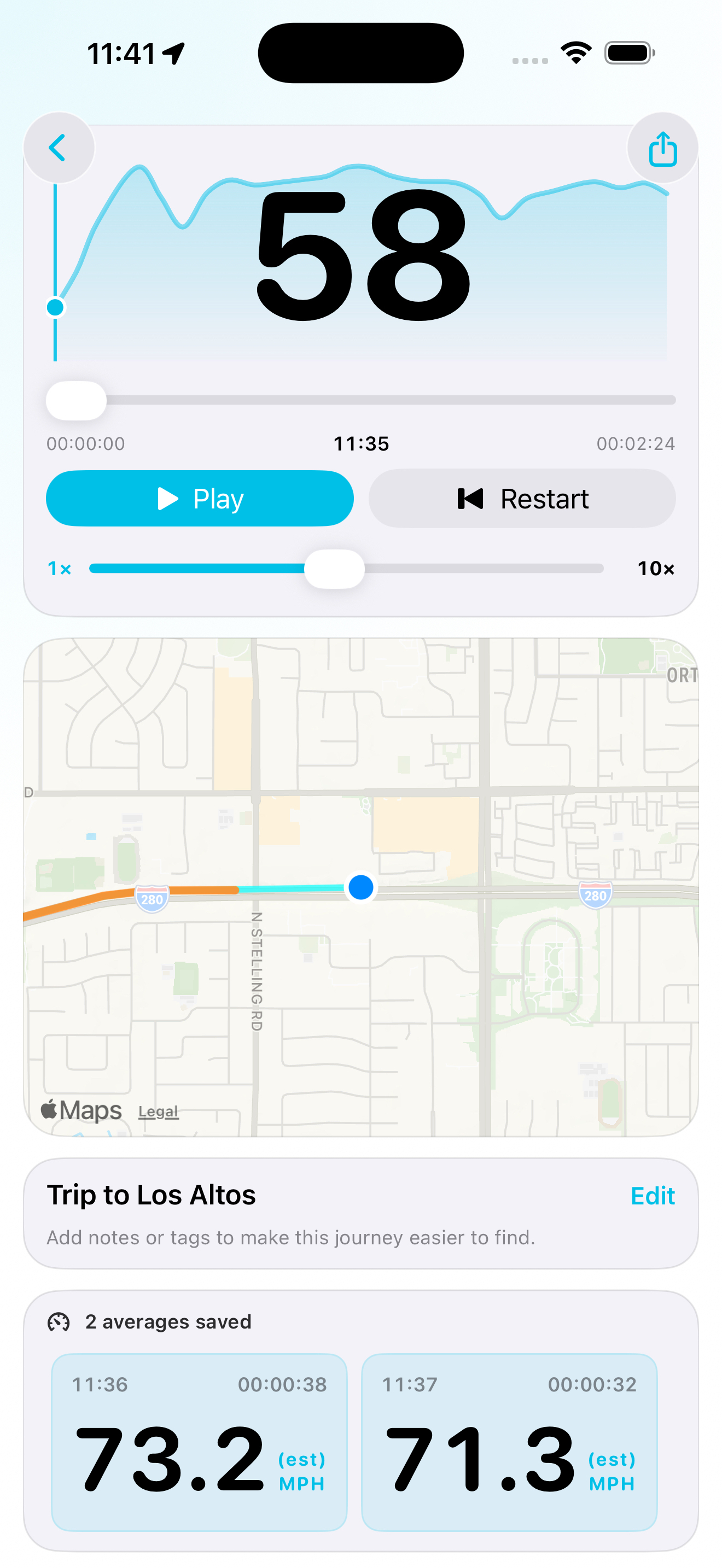
I started Speed Trip because I wanted a simple way to check my estimated average speed over a particular stretch of road. A current-speed display only tells part of the story—I wanted to start a check, travel a section and see the average for that section.
That led to another priority: making it usable hands-free. Siri controls and CarPlay dashboard activities became central to the project, allowing me to control a check by voice and see its progress without handling my phone.
What it does
Speed Trip lets you start an average-speed check at any point during a journey. It estimates your average using the distance and elapsed time recorded between the start and finish of that check.
The three features at its heart are:
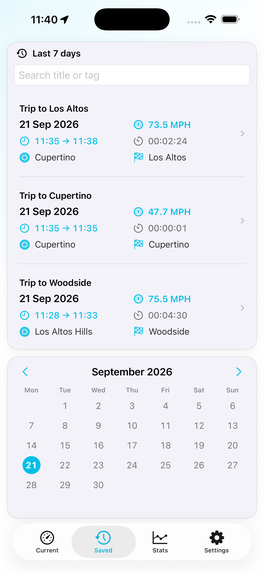
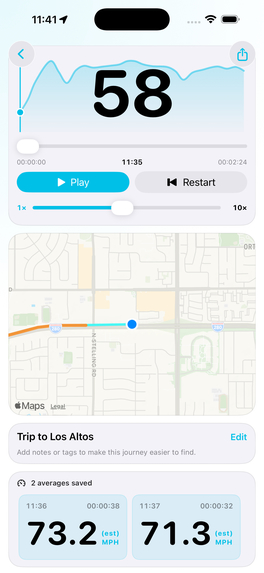
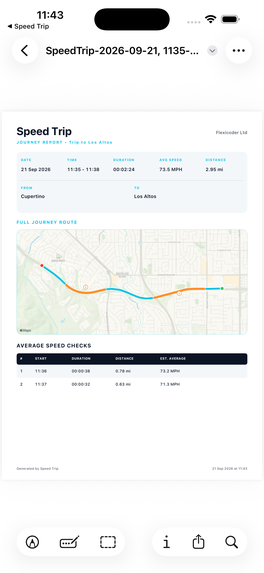
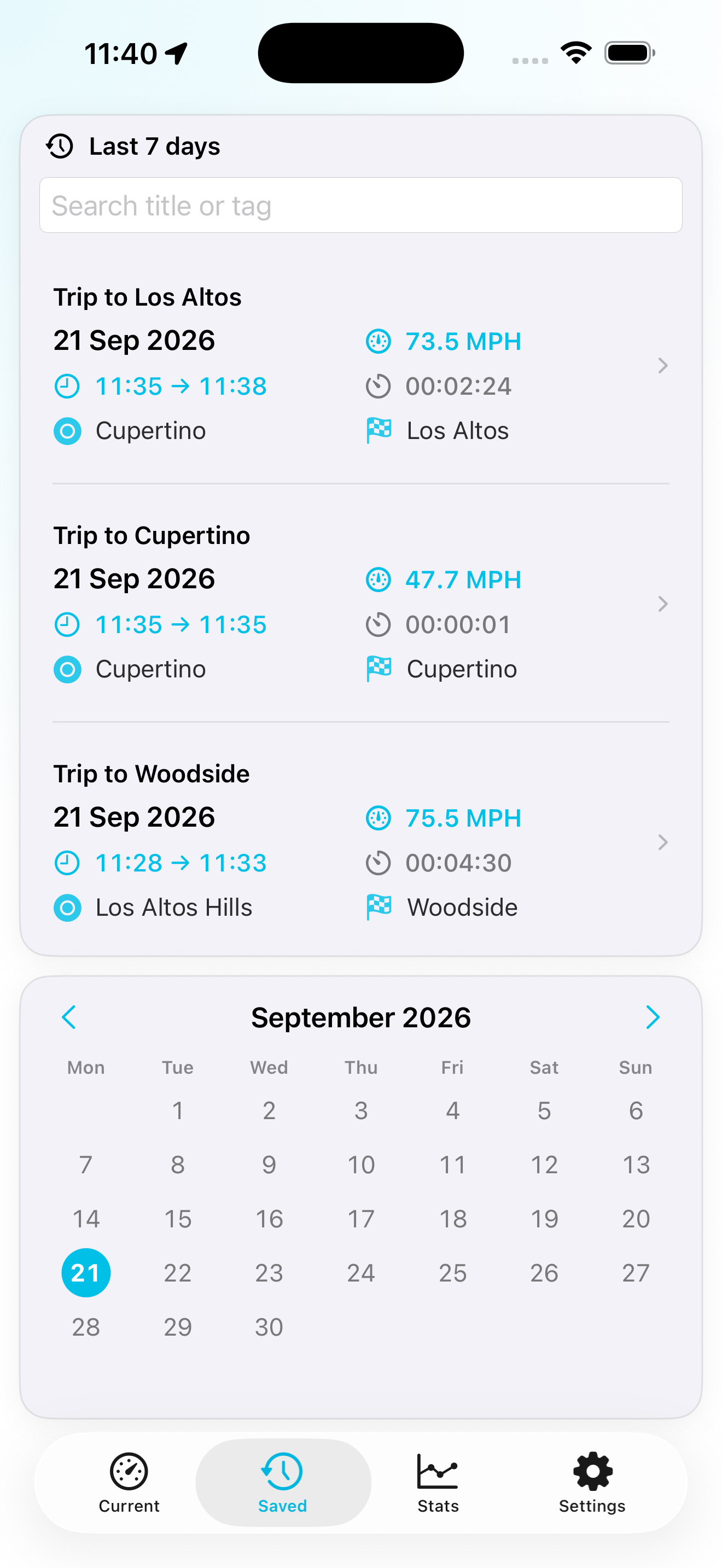
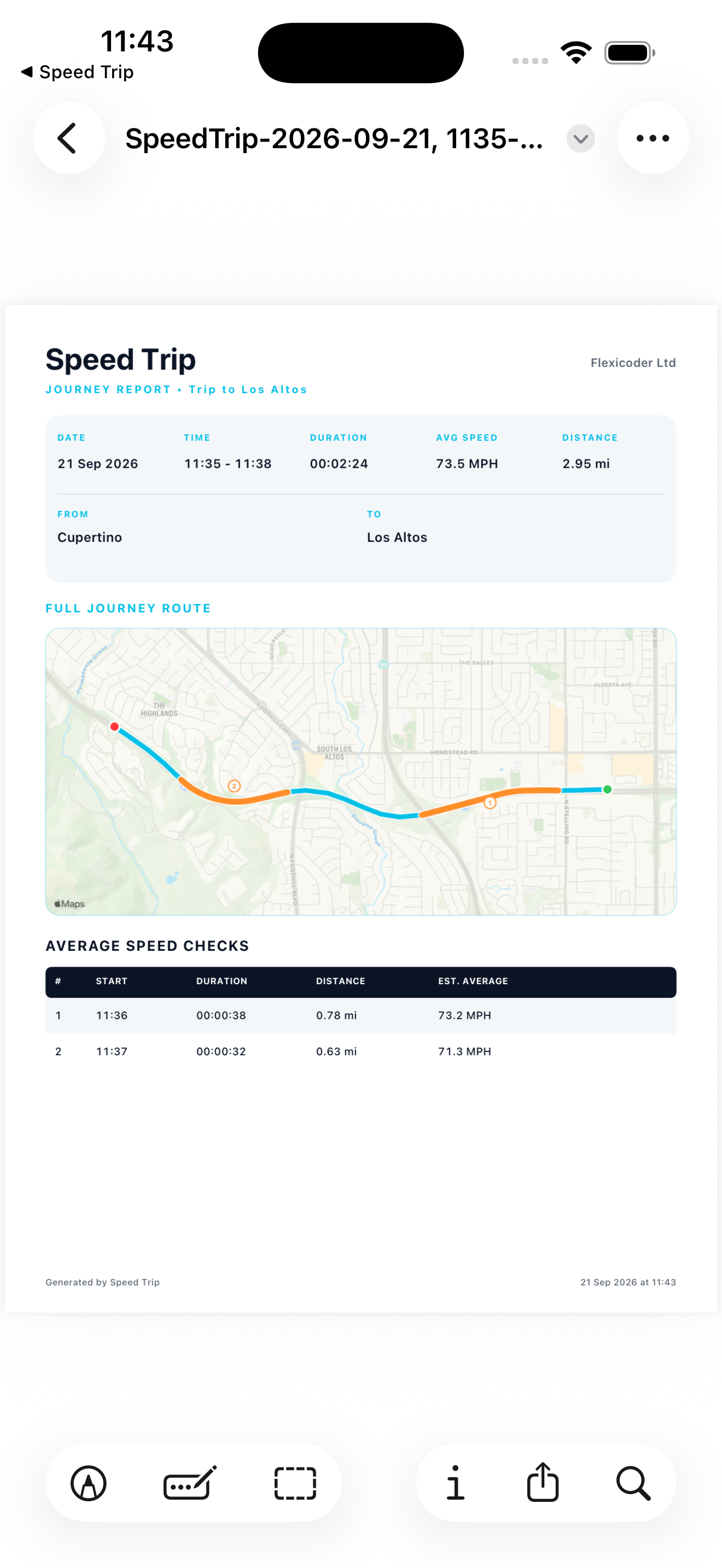
- Average-speed checks: Measure individual sections of a journey and review the results later.
- CarPlay dashboard activities: Follow an active check through a Live Activity on supported CarPlay displays.
- Hands-free Siri controls: Use App Intents to start and finish checks, as well as start, pause, resume and stop journey recording.
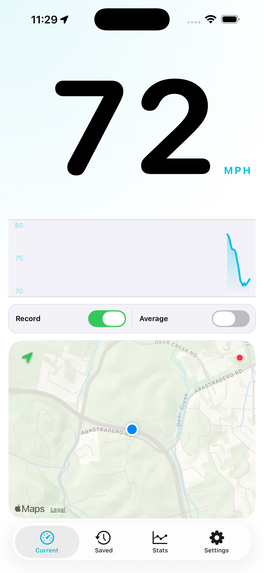
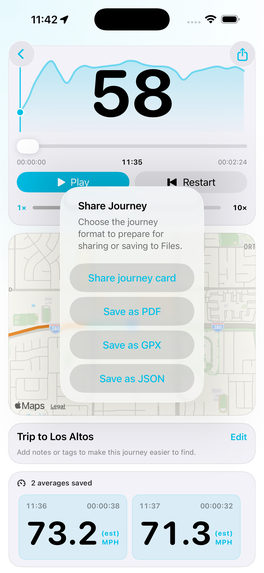
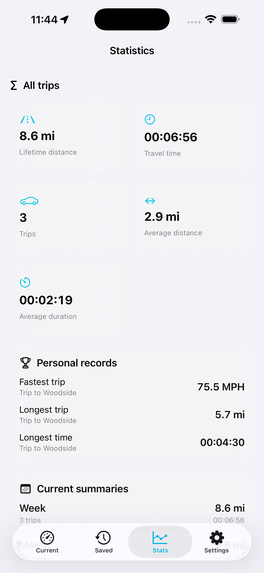
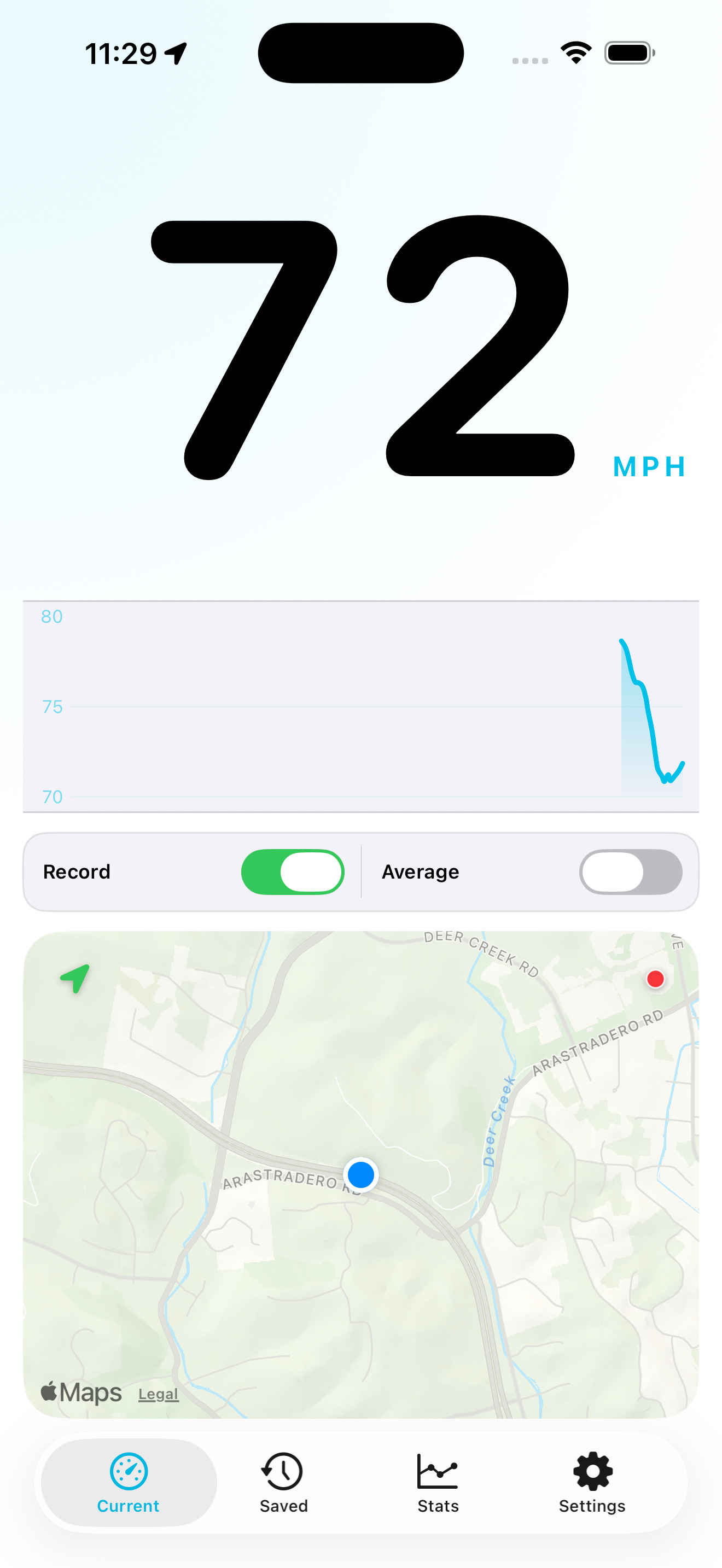
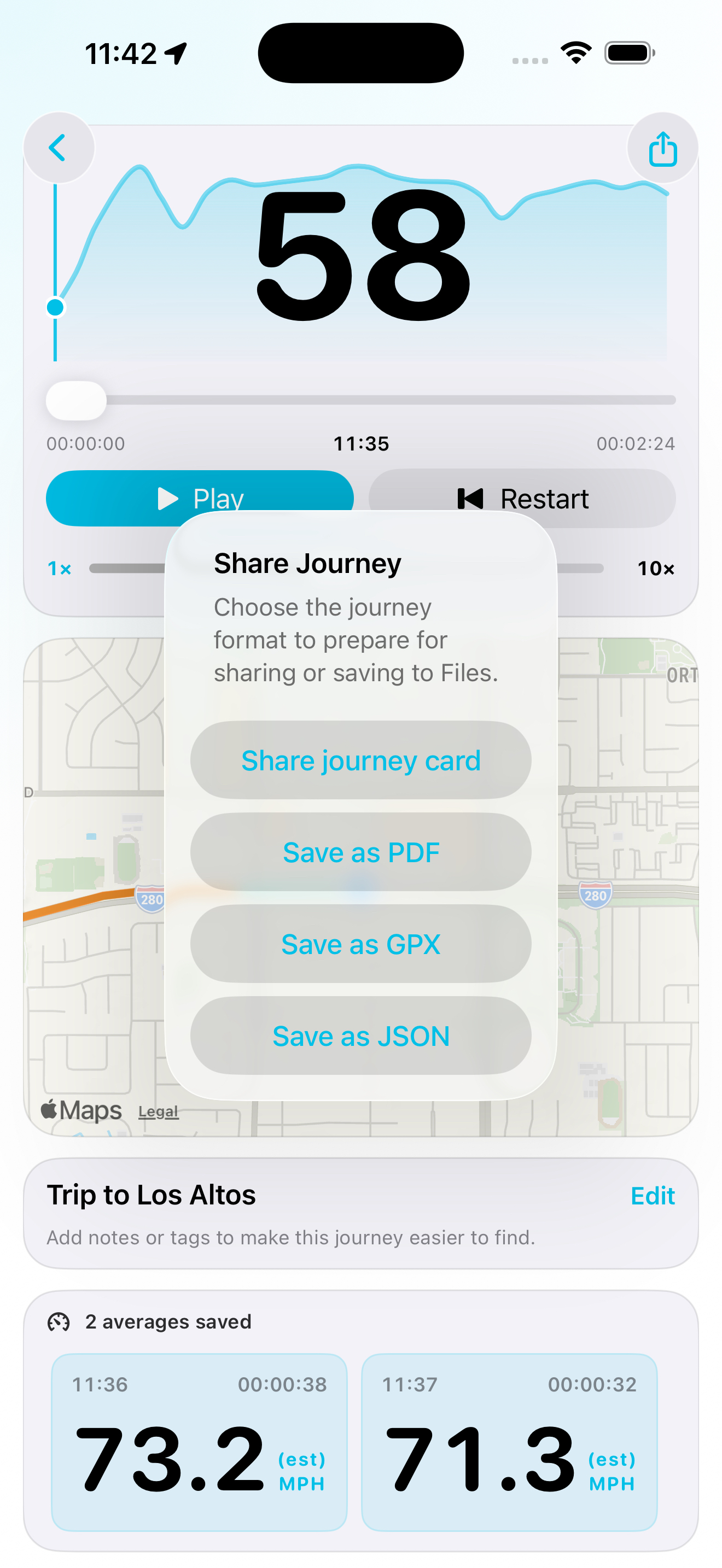
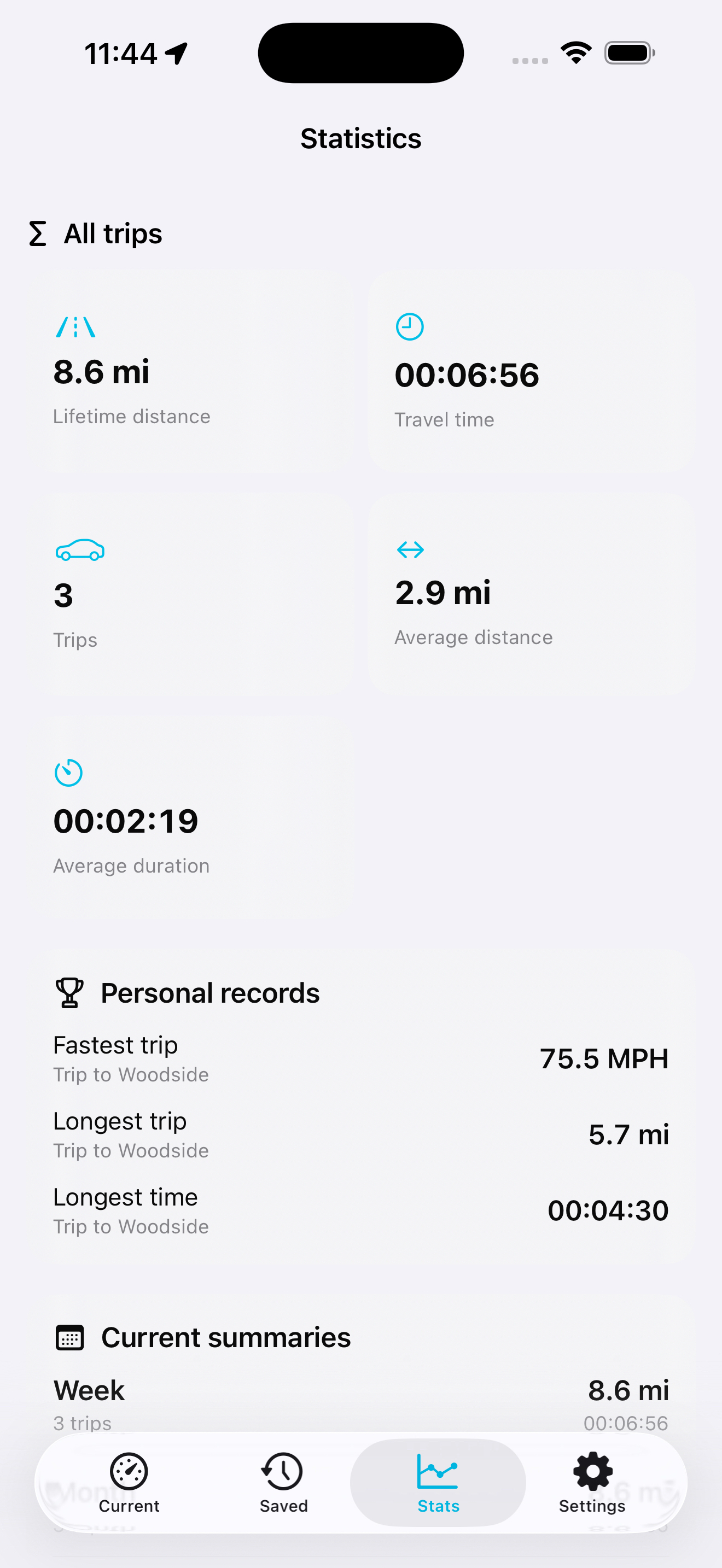
Around those core features, I added a GPS speed display, saved journey maps, route replay, statistics, Apple Watch controls and PDF, GPX and JSON exports.
Journeys stay on your device unless you enable private iCloud sync. Anything you have already recorded remains accessible after your trial or subscription ends.
How I built it
I built Speed Trip in Swift and SwiftUI, using Core Location to capture GPS updates and SwiftData to store journeys and average-speed sections.
App Intents make the recording and check controls available through Siri and Shortcuts. Live Activities carry information about an active check onto supported iPhone and CarPlay displays, while WatchConnectivity supports controls on Apple Watch.
I used AI-assisted development alongside hands-on testing in Xcode, working through individual features and adding regression tests as issues appeared. I also used RevenueCat to manage purchase access through Apple’s subscription and in-app purchase systems.
Challenges I ran into
The biggest challenge was making an average-speed check behave consistently throughout a real journey. Starting and stopping a check sounds straightforward, but repeated commands, delayed GPS updates, background operation and interrupted recordings all need careful handling.
Hands-free operation added another layer. A Siri command has to respect the app’s recording state and purchase access without relying on someone navigating the screen.
I also needed to keep the information shown by the app, widgets and connected experiences consistent, while ensuring that saved journeys remained available after recording access expired.
Accomplishments that I'm proud of
I turned the original average-speed idea into a working app with voice controls, CarPlay dashboard activities and a complete journey history.
I’m particularly proud of connecting those features: starting a check through Siri, following it through a dashboard activity and keeping its result with the recorded journey.
What I learned
I learned that the difficult parts often happen between actions: when a check starts twice, recording pauses, the app moves into the background or a voice command arrives before everything is ready.
Building for Siri and CarPlay also pushed me to think beyond the phone screen. An action needs to have a clear purpose, behave predictably and provide useful feedback with minimal interaction.
I learned to treat automated tests and real-device testing as complementary. Both are needed to build confidence in an app that depends on GPS, background recording and connected devices.
What's next for Speed Trip
Integration with known speed check camera locations iPhone Duo support
Built With
- codex
- swift
- swiftui


Log in or sign up for Devpost to join the conversation.