-
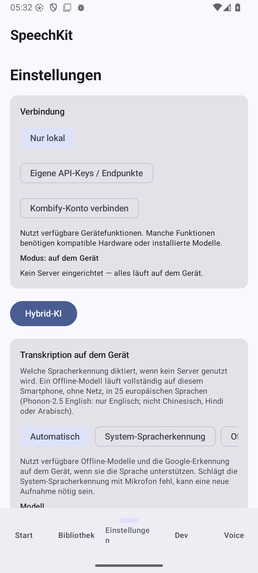
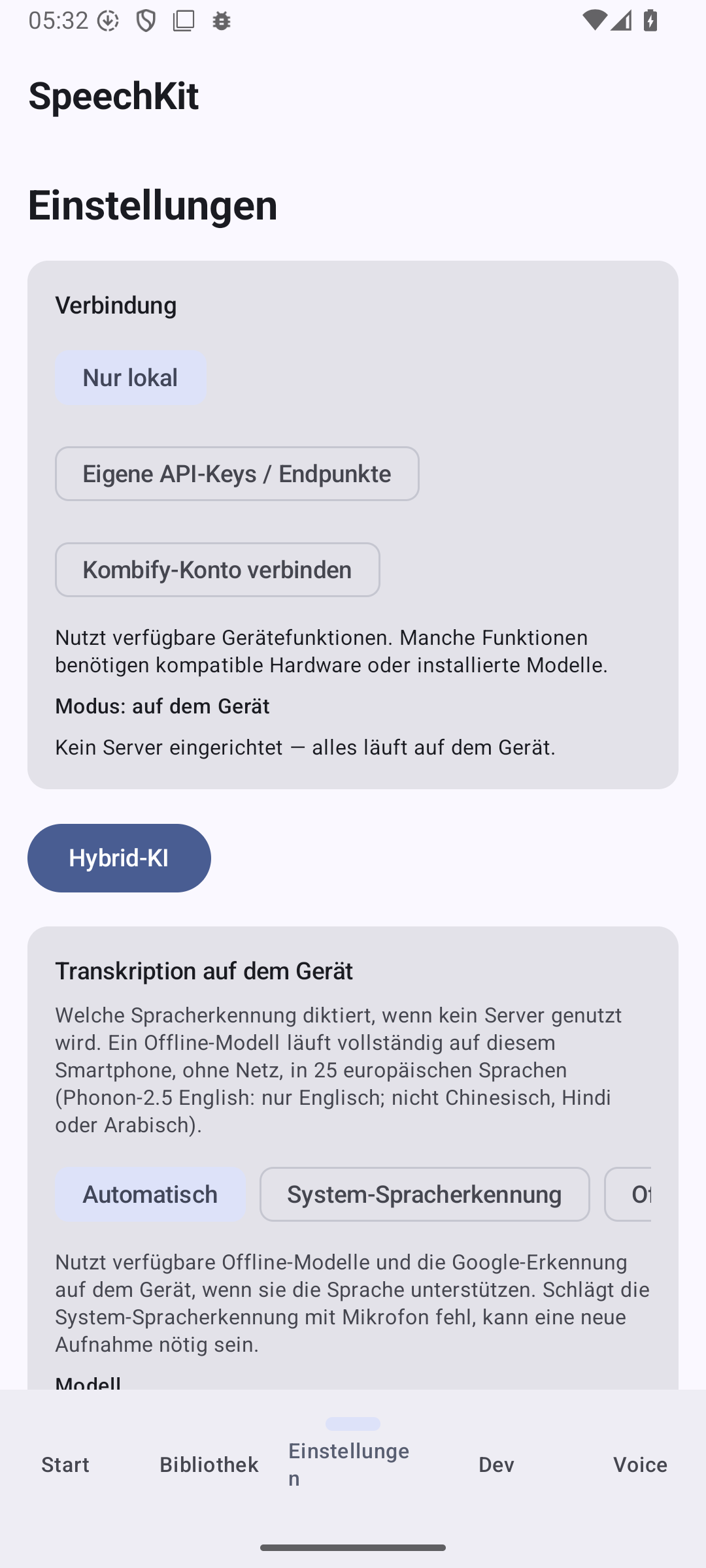
Android setup: local use, own keys/endpoints, or a Kombify account. German development UI; local mode selected.
-
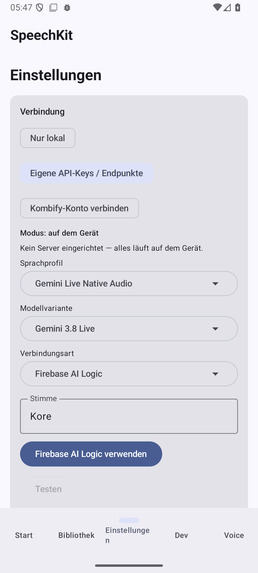
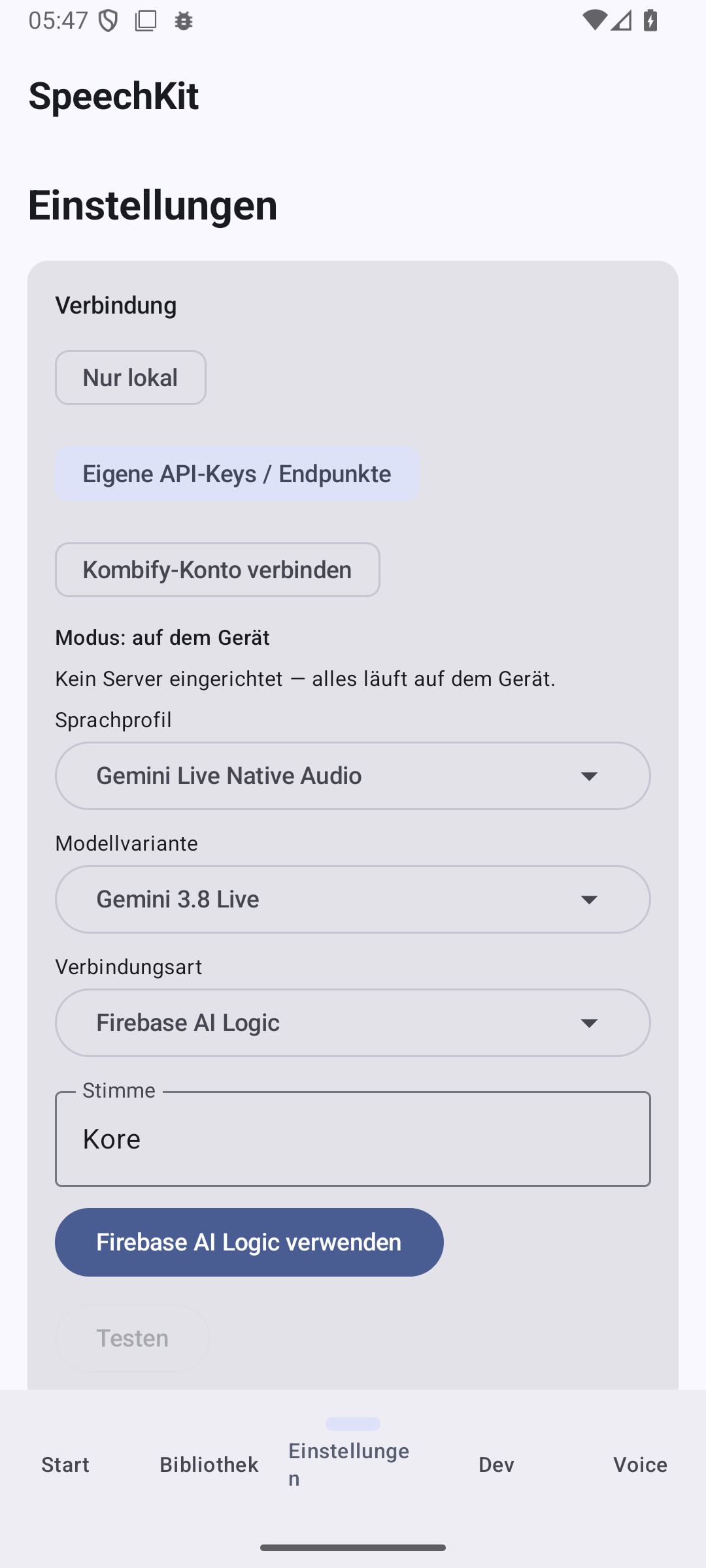
Dynamic provider, model, and Firebase method dropdowns. Configuration screen before activation; not a successful voice session.
-
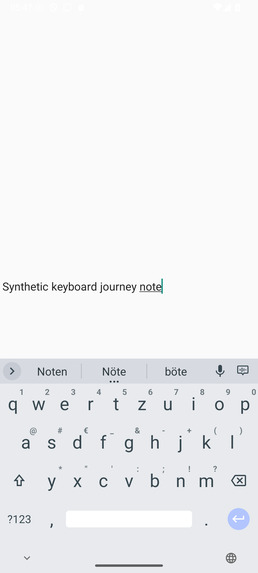
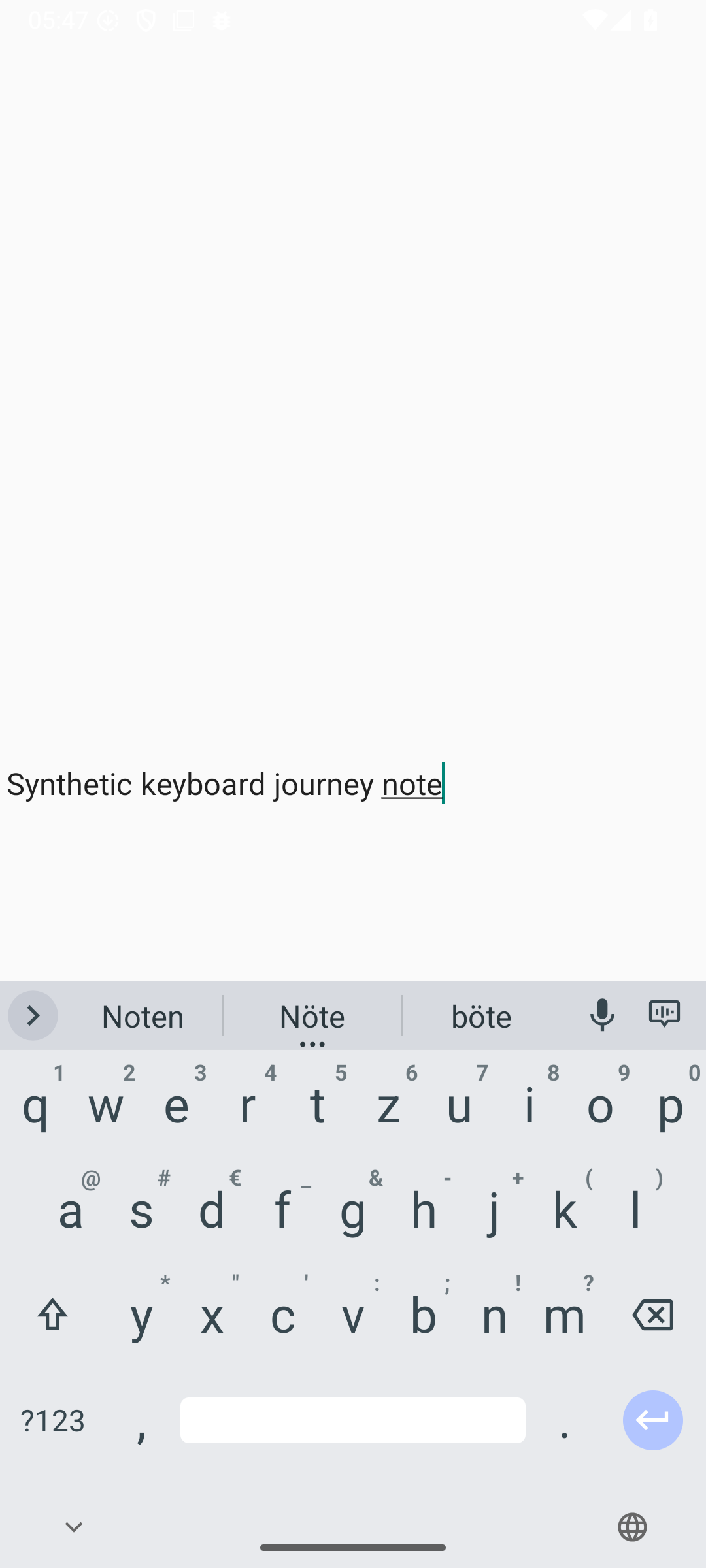
Installed Android keyboard with dictation and Voice Agent controls. Typed synthetic note in the test editor.
-
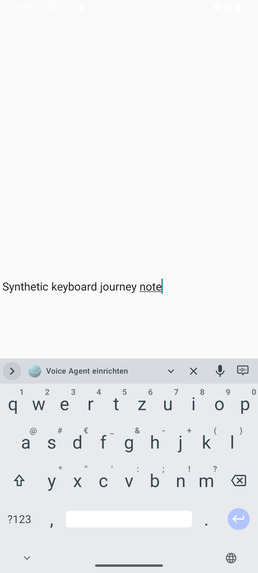
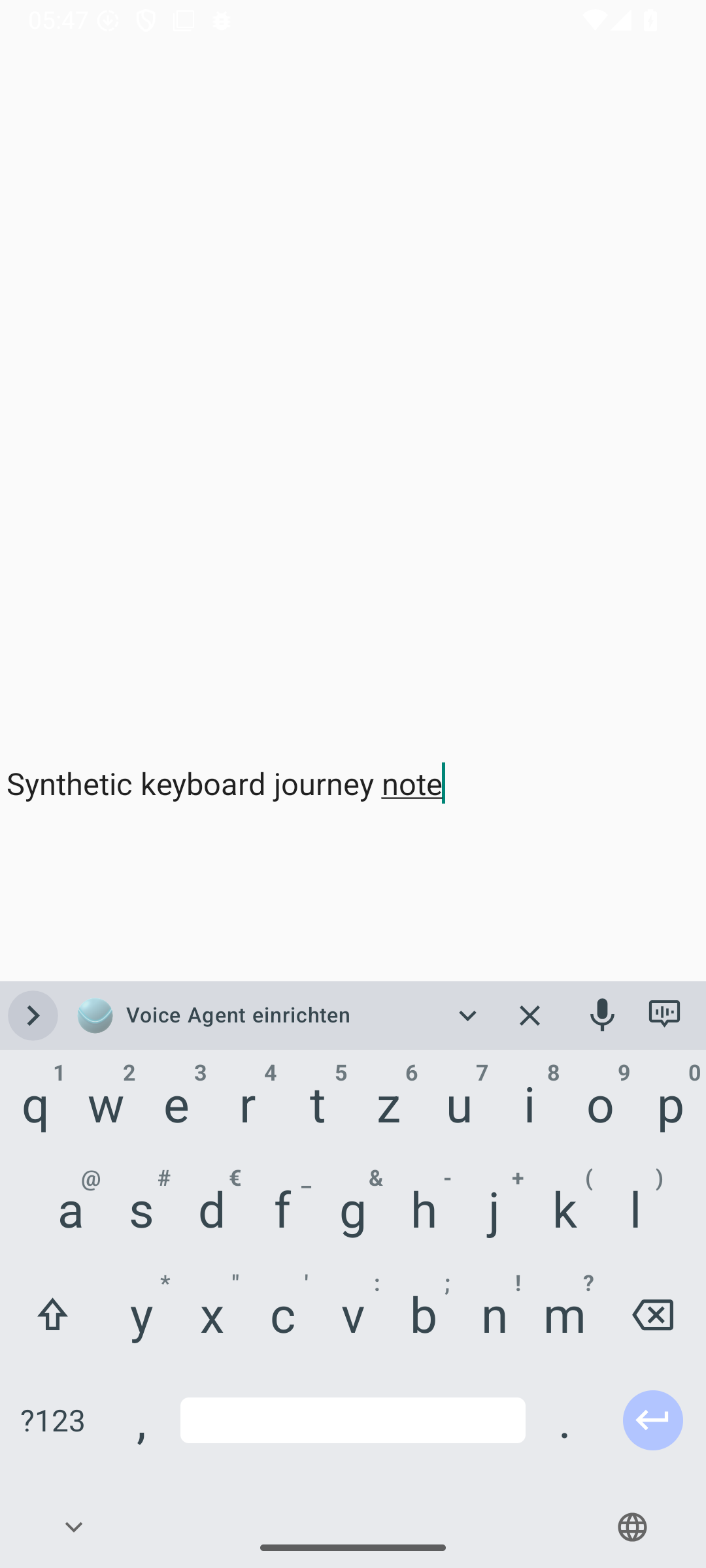
Compact Opal integrated into the shortcut strip. 'Set up Voice Agent' state; no provider connected in this capture.
Inspiration
People dictate messages, shorten notes, and correct text while working inside other apps. They should be able to choose where that processing happens without reconfiguring their keyboard for every action. An unreliable connection should not erase a recording, and a private request should stay local when local processing is selected.
What it does
SpeechKit Hybrid is a native Android voice keyboard and reusable SDK. The development build combines dictation, text assistance, and voice-agent controls in the keyboard's shortcut panel.
- Choose local use, your own API keys or endpoints, or a Kombify account.
- Select a voice provider and model from the existing SpeechKit catalog through dynamic dropdowns. The selection belongs to the active connection.
- Dictate, summarize, rewrite, or correct text. Text actions preview a result before insertion and check that the original editor is still active.
- Use Cloud First or Local First, or restrict processing to Local Only or Cloud Only. In either preferred mode, a long hold selects the opposite destination for that invocation only. Exclusive modes use the hold to communicate at their fixed destination. A ring and lock or cloud symbol show the armed destination.
- Keep keyboard shortcuts visible while idle. An active voice session brings Opal into the compact strip. Expanded voice mode is implemented but still needs successful device acceptance.
- Reuse a bounded recording across compatible local recognition adapters, including installed Phonon/Parakeet models and ready Google ML Kit recognition. Availability and language support determine which adapter can run.
How we built it
Firebase AI Logic handles hybrid text inference through its official Android SDK. SpeechKit maps its four execution policies to the SDK's inference modes and records the reported processing location. App Check protects the Firebase path.
Firebase Live and cloud audio transcription use their official SDK APIs. Transcription on the device uses separate native or ML Kit speech adapters. Firebase's hybrid text fallback does not provide an automatic offline replacement for a Live session. Own-key Gemini access is an explicit direct adapter.
The Android modules separate task policy, bounded audio handling, adapter selection, provider connections, and native UI. Applications can reuse those contracts without embedding the reference keyboard. The optional hybrid module builds as an Android library with source and dependency metadata.
Local fallback respects the invocation's destination permission. Local-only work never becomes a cloud request because a model is missing. Adapters do not silently download a model or substitute the phone's language for a multi-language request. Firebase cloud-preferred text fallback follows the SDK's offline behavior; it does not retry every provider denial.
Existing foundation and hackathon work
SpeechKit predates this event. Its native HeliBoard keyboard, dictation controllers, downloaded recognizers, remote voice protocol, and Room storage provide the foundation. Opal is an existing SpeechKit voice visual.
The work started on November 24 adds Firebase hybrid integration, native connection setup, policy-aware gestures, keyboard text actions, Opal keyboard integration, shared local speech adapters, local tools, and receipt handling. Android is the entered platform. We do not claim a new Web or iOS build.
Challenges and what we learned
Hybrid behavior has two distinct choices: whether a request may leave the device, and which available local engine can handle it. Separating those choices avoids turning a local model failure into unintended cloud processing.
SDK availability also differs by feature. A device can run the keyboard while the required on-device model remains unavailable. Classic Android recognition owns its microphone, whereas buffered adapters can reuse captured audio. The implementation exposes those differences rather than promising identical fallback for every provider.
Accomplishments and current evidence
Both Android app variants and their instrumentation APKs build. The hybrid library artifacts build, and 15 existing authentication-related tests pass. Installed-device journeys verified setup and local audio decoding/readiness. The keyboard opened, accepted typing, and displayed compact Opal.
An earlier physical-device candidate produced a Firebase cloud text response with App Check enforced. A separate earlier direct-key Gemini candidate verified audio response, interruption, an audio follow-up, and stale-profile rejection. Those results have separate scope: they do not establish the latest Firebase Live integration or offline Nano inference.
What is next
The remaining acceptance work is actual Nano 4 generation through Firebase on a supported, provisioned phone, the final Firebase SDK voice/audio journey, expanded-panel and gesture verification, and the complete offline workflow. The latest combined device rerun did not execute because the test quota was exhausted. Ordinary builds keep the new features disabled while acceptance is open. A public judge build and the English demonstration video are still pending.