-
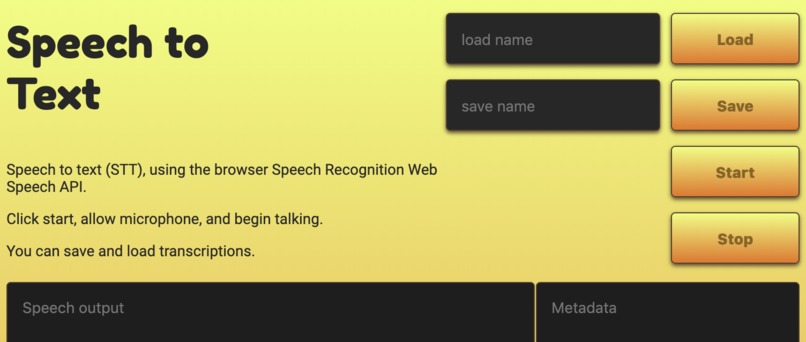
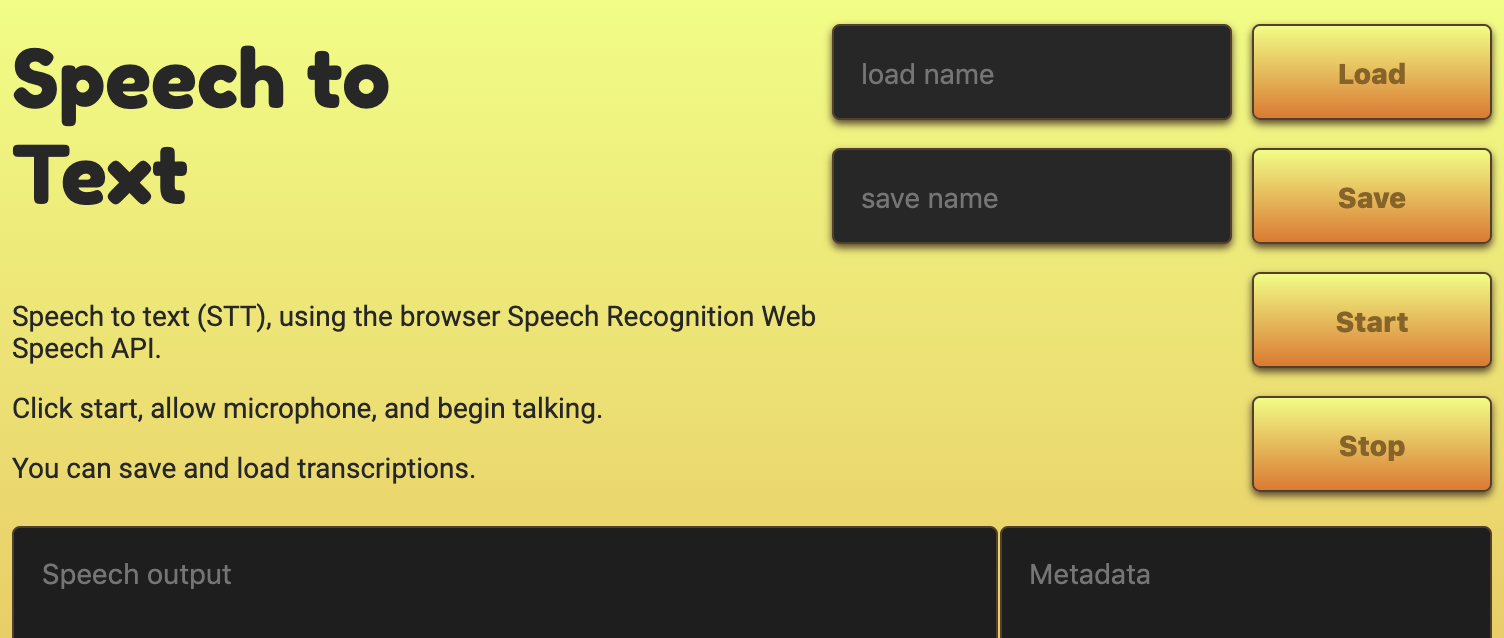
Screenshot of website
Inspiration
Through learning about modern browser capabilities such as Speech Recognition, I decided to create a small app which utilized these powerful features of the web. The idea was to make it easier to transcribers, as it would take away some of the manual transcription work they might have otherwise had to do.
What it does
Transcribes speech to text on the fly.
How I built it
I took advantage of the native Speech API in browsers such as Chrome and Firefox for the main functionality, using JavaScript, and used pure HTML and CSS for the User Interface (UI).
Challenges I ran into
I'm not a great UI/UX designer, so I had to learn how to make it look vaguely nice and be at all usable. I'm continuing to learn UI/UX in order to become a better developer. This is my main obstacle when working on solo projects.
Accomplishments that I'm proud of
The website is light-weight and self-contained, doing what it says on the tin.
What I learned
I learnt a little more about how to use modern browser APIs (the speech API) and a little bit about design.
What's next for speech2text
There's many improvements I feel that I could make to speech2text:
- Remove the metadata column and instead create a more intuitive use of this metadata such as a visual representation of confidence, and give immediate visual feedback to tell the user when it is recording their voice or not etc.
- Don't insert additional lines into the transcribed text, that is not user friendly.
- Make the save/load feature easier to user and understand.
- Make the start/stop action easier.

Log in or sign up for Devpost to join the conversation.