-
-

-
Welcome Screen
-
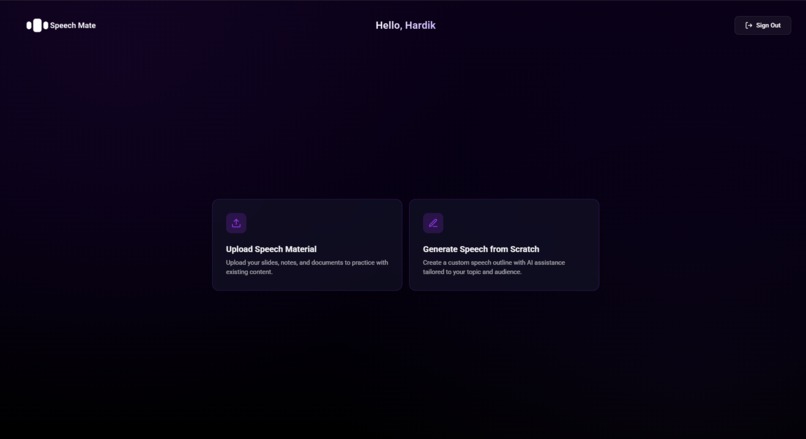
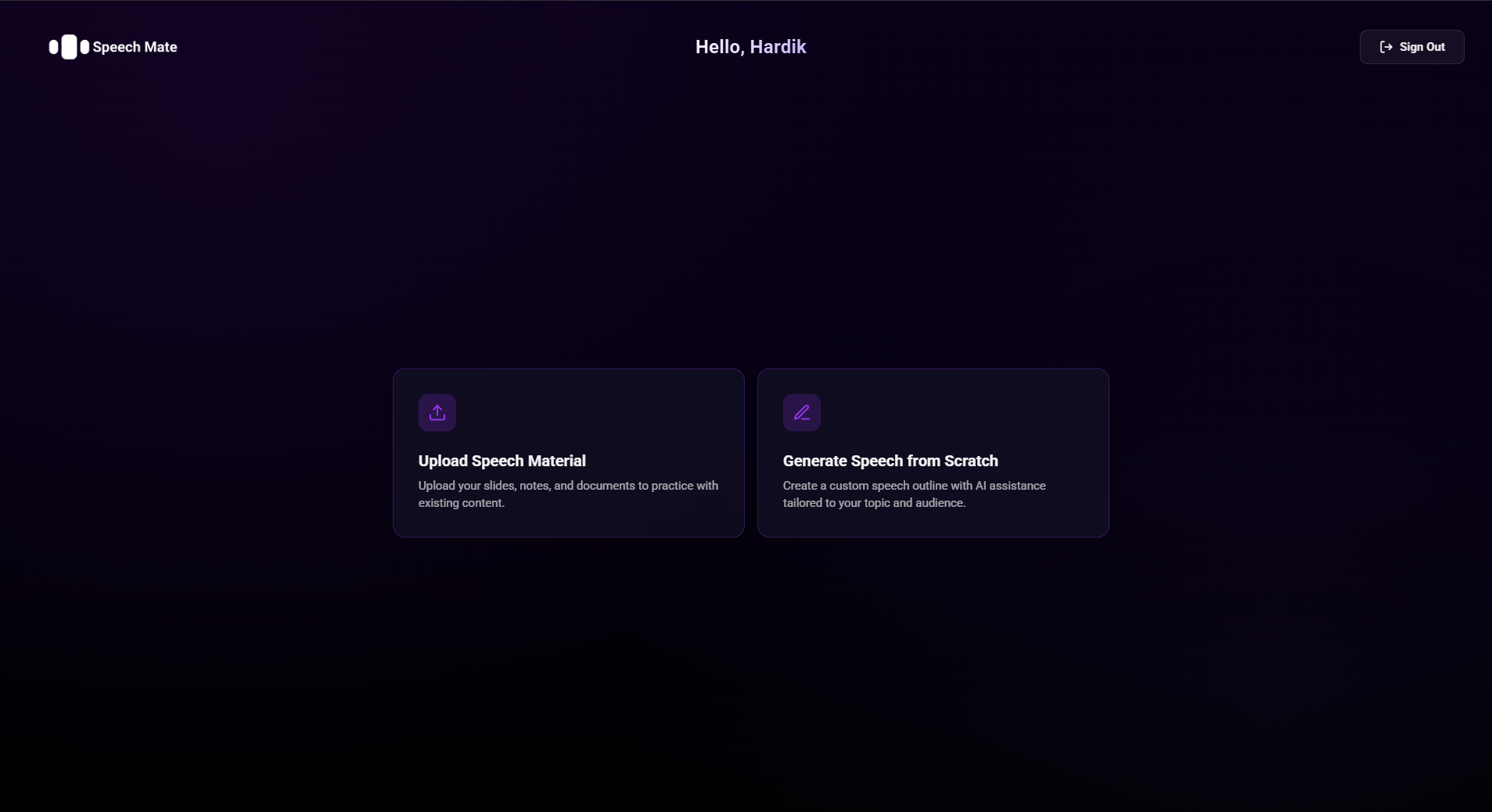
Home Page
-
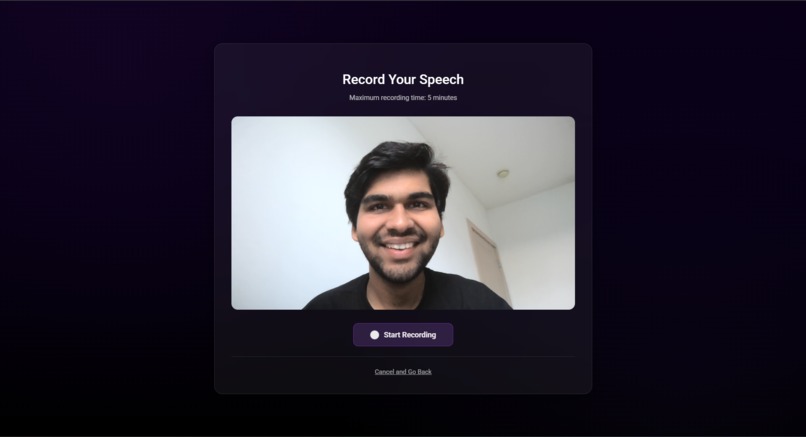
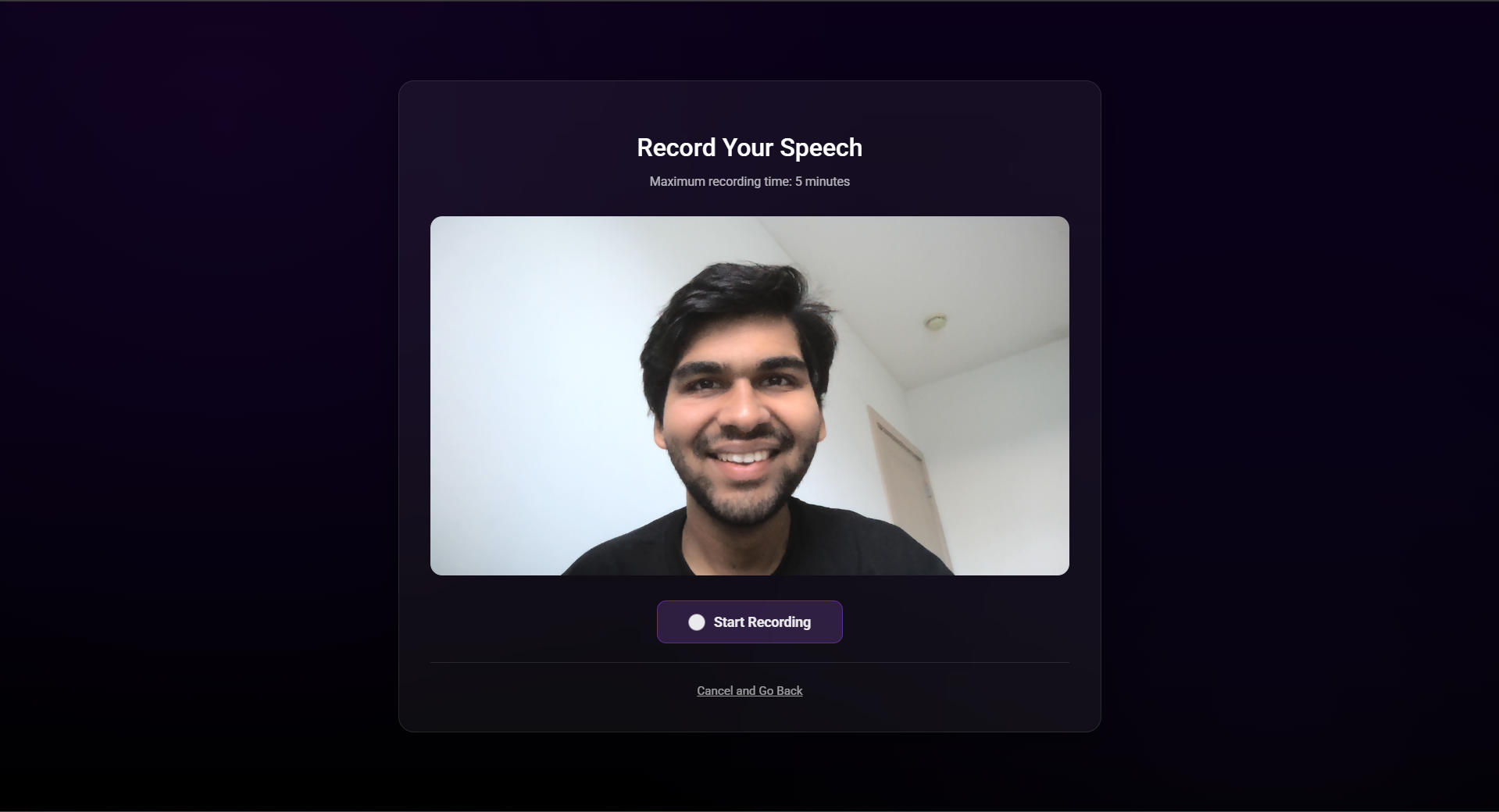
Video Recording
-
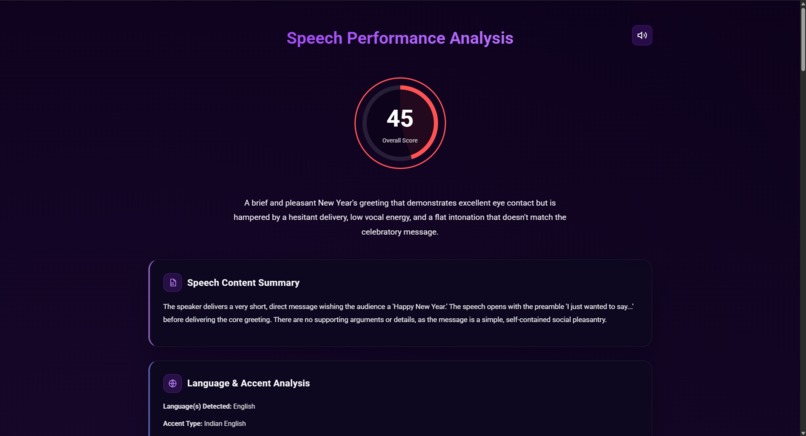
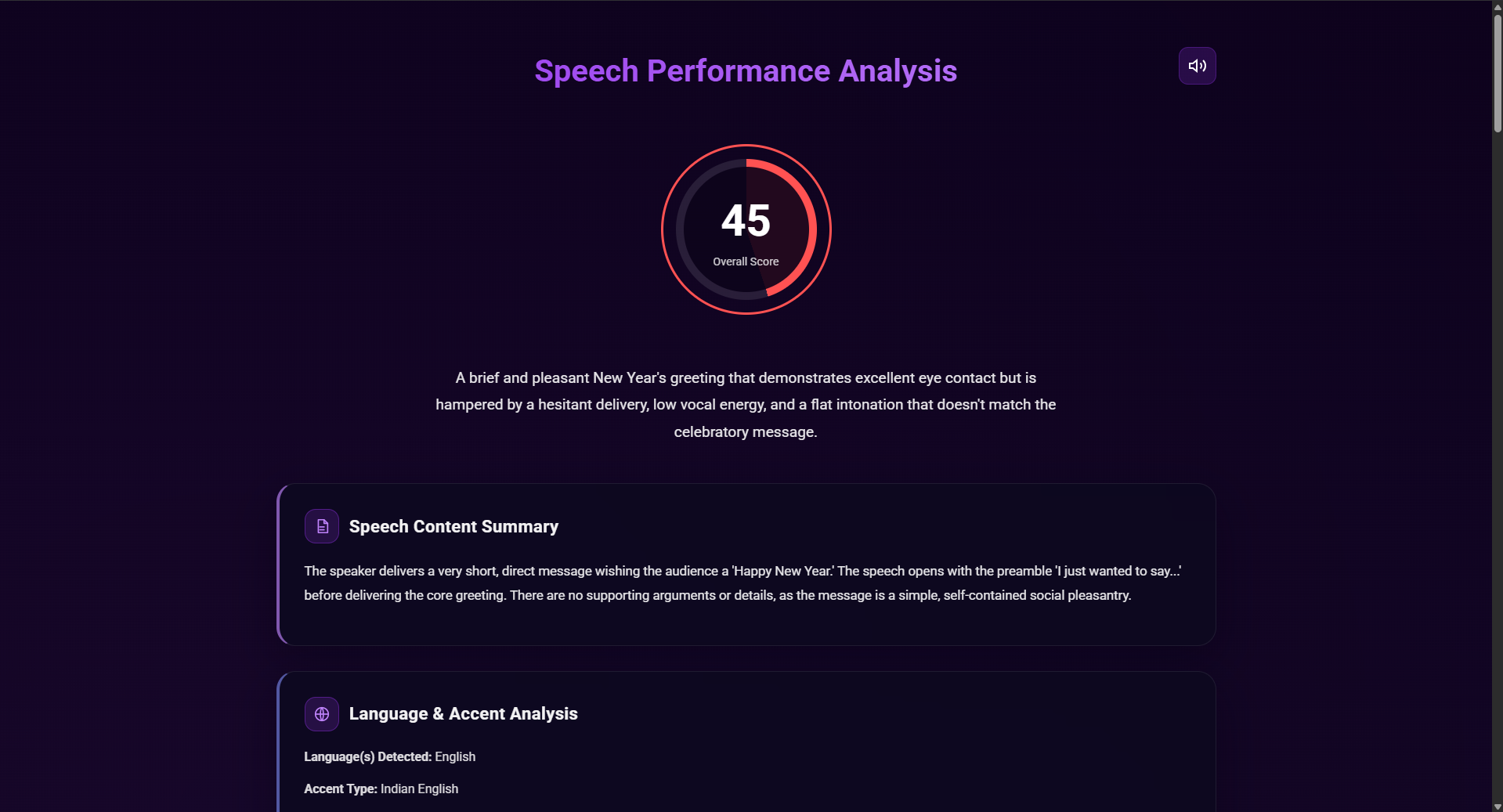
Final analysis
-
-
-
Inspiration
Public speaking is a top-ranked phobia, yet it's a critical skill for professional and personal success. We wanted to build a tool that makes speech coaching accessible to everyone. Getting feedback is hard—it's expensive to hire a human coach, and friends are often too kind to be critical. We were inspired by the new generation of multimodal AI models to create a "coach in your pocket" that could provide the detailed, honest, and actionable feedback that people need to actually improve.
What it does
Speech Mate is a full-cycle, AI-powered public speaking coach.
- 1. It Writes With You: You give it an idea (topic, tone, audience, length), and it generates a complete, structured speech outline for you using Gemini 2.0 Flash. This includes a title, a thesis, timed sections with talking points, and a strong conclusion.
- 2. It Listens & Analyzes You: This is the core feature. You upload a video of yourself practicing (and your slides, if you have them). Our backend uses the Gemini 2.5 Pro multimodal model to analyze everything—what you said, how you said it, and what you looked like.
- 3. It Talks to You: You can practice your speech by listening to a hyper-realistic audio version generated by the ElevenLabs API, helping you nail the timing and cadence.
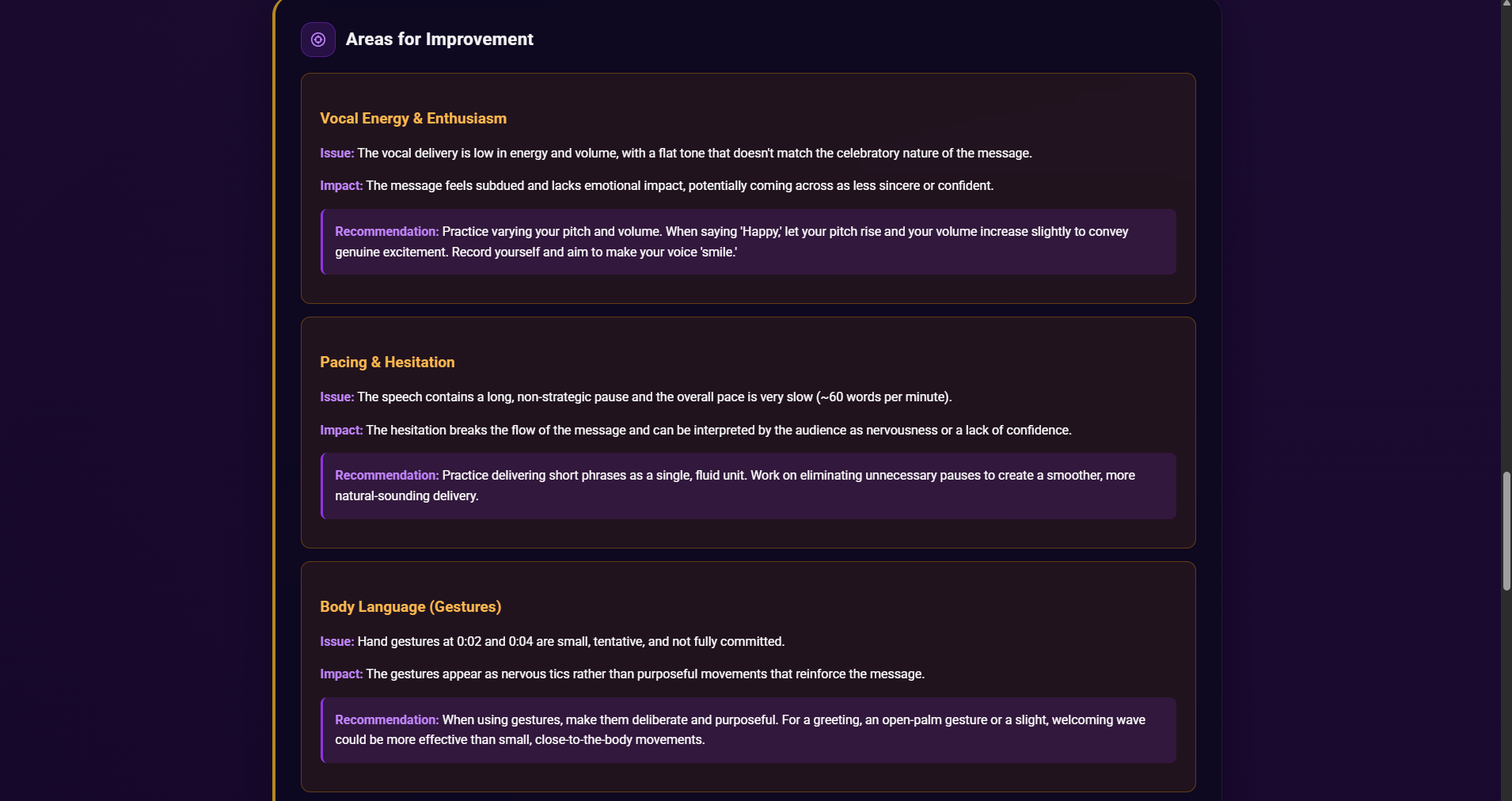
- 4.It goes beyond words & sound: It evaluates your body language—posture, stance, and gesture quality; eye contact and gaze patterns; facial expressiveness; purposeful movement vs. nervous pacing; slide interaction and camera framing/lighting—then flags red signals through your video and delivers timestamped, drill-ready fixes.
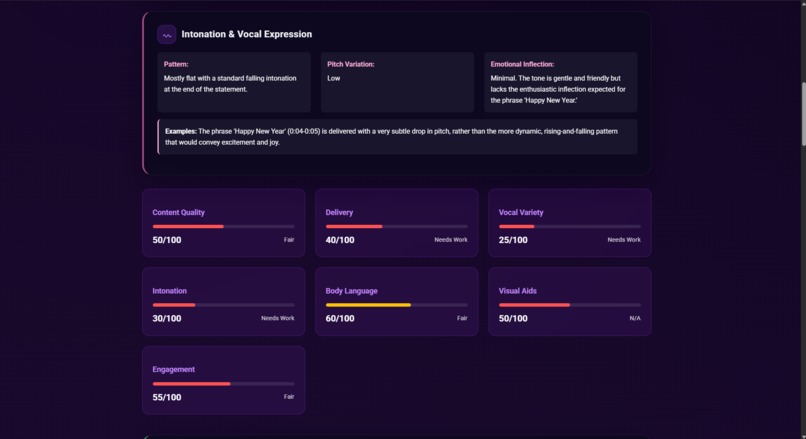
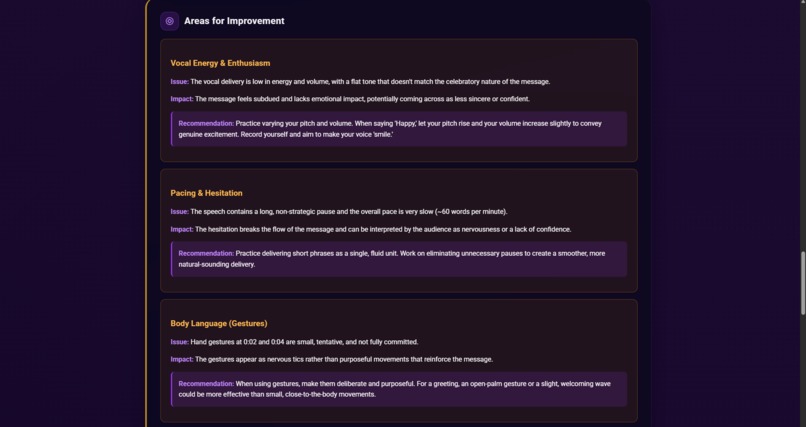
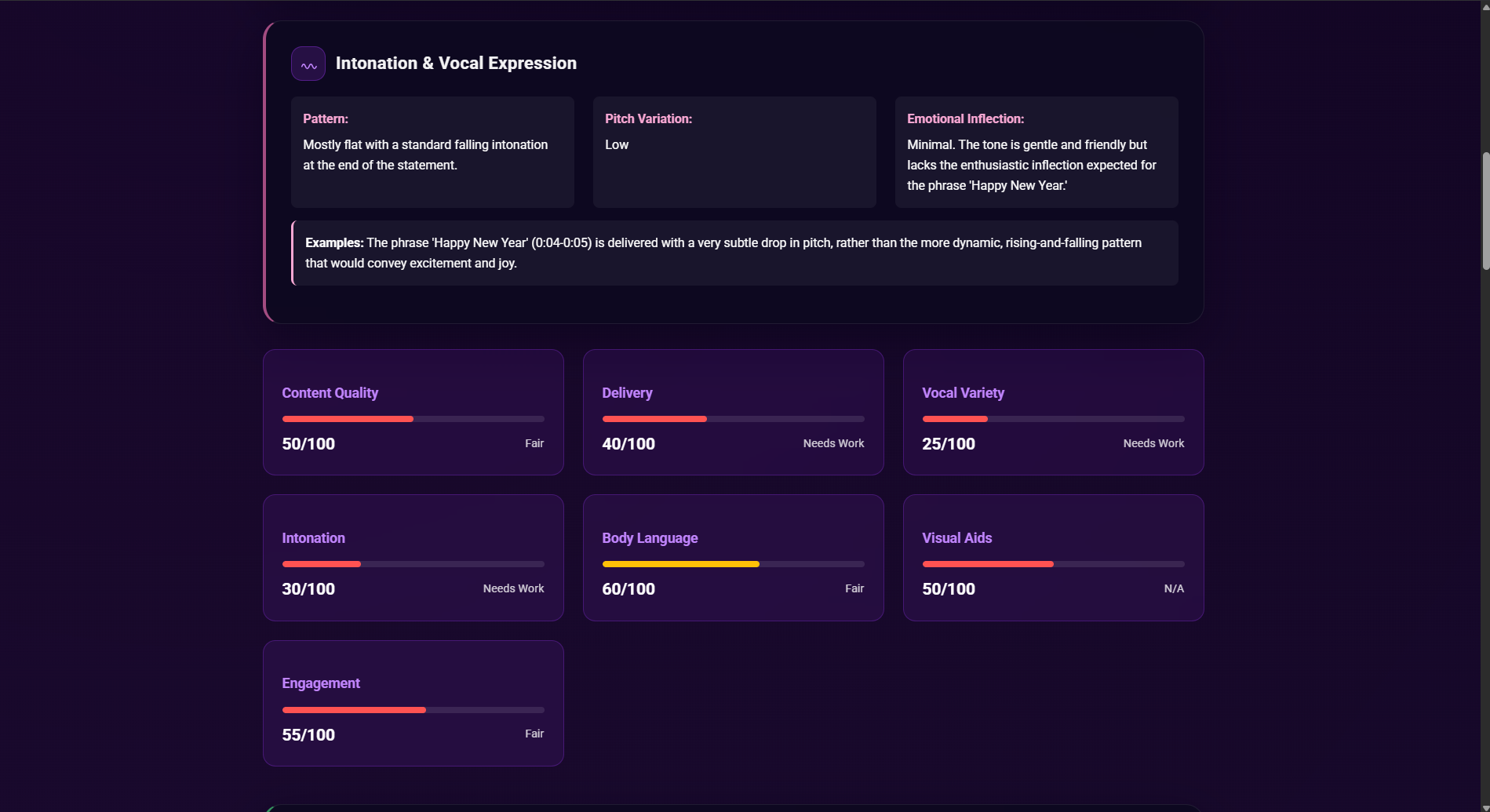
- 5. It Gives You a Report Card: The app presents a detailed analysis report with:
- An Overall Score (0-100).
- Category Scores for Content, Delivery, Vocal Variety, Body Language, etc.
- Language & Accent Analysis: Identifies your accent and analyzes pronunciation clarity.
- Intonation Analysis: Detects if you sound monotone or dynamic.
- Filler Word Count: Literally counts your "ums," "ahs," "likes," and "you knows."
- Specific Statement Feedback: Pulls exact quotes from your speech and gives you feedback on them.
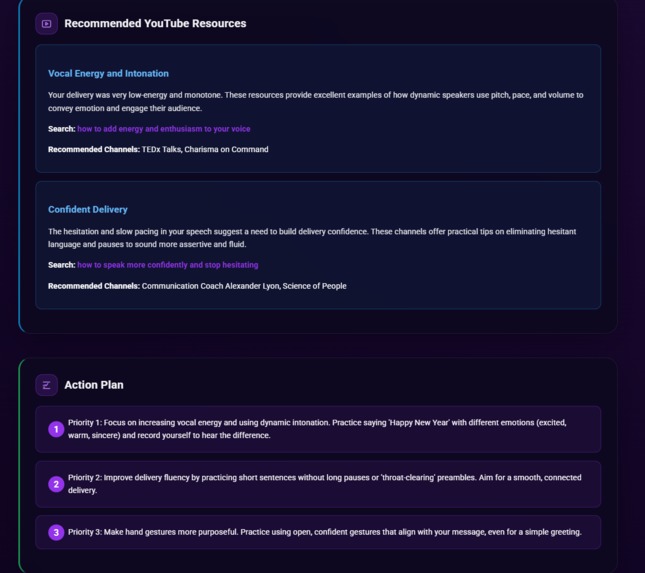
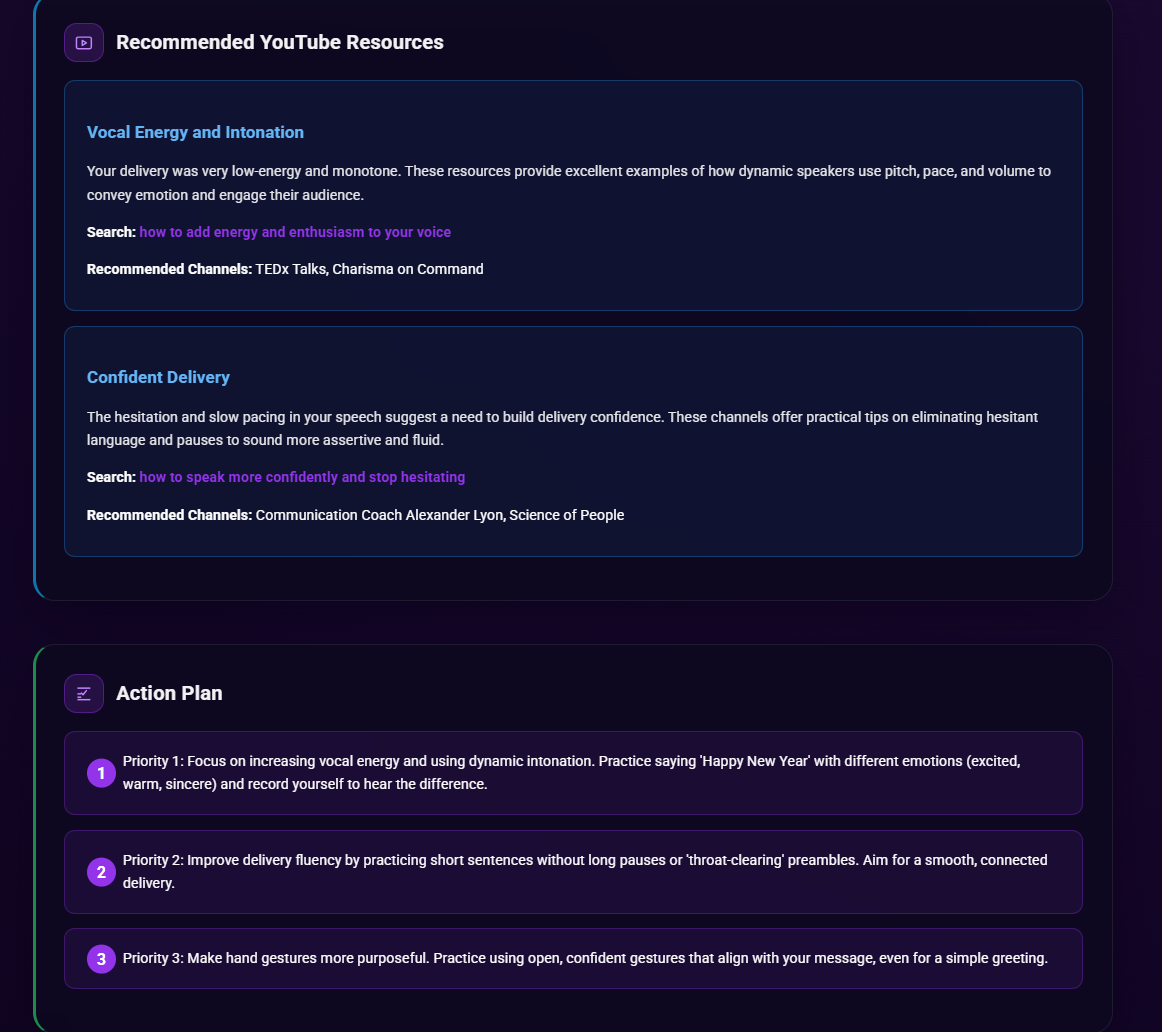
- Action Plan: A simple, prioritized list of what to work on.
- 6. A complete coach - YouTube Recommendations: Suggests specific YouTube videos to watch to improve your weakest areas.
How we built it
We built this as a full-stack web application with a Java Spring Boot backend and a React (TypeScript) frontend.
- Backend: We used Java 21 and Spring Boot 3.5. We implemented
Spring Securitywith Google OAuth 2.0 for secure user login. The core of the backend is theGeminiService. We used Spring'sWebClient(from WebFlux) to make asynchronous API calls to the Google Gemini and ElevenLabs APIs. - Frontend: We used React 19 with TypeScript and Vite. We used
React Routerfor page navigation,Axiosfor all API calls, andFramer Motionfor smooth page transitions. - The AI "Magic": The project's power comes from its strategic use of different Gemini models.
Gemini 2.0 Flash-Lite: We use the fastest, cheapest model to generate quick public speaking tips for the user's dashboard.Gemini 2.0 Flash: We use this for generating the speech outlines. It's fast and great at returning structured JSON when given a good prompt.Gemini 2.5 Pro: This is our heavy hitter. We built a very long, detailed prompt that instructs the model to act as an expert linguistic and communication coach. We send it the video, slide images, and context, and it returns one giant JSON object (which we defined) containing the entire analysis. The frontend (SpeechAnalysis.tsx) is built specifically to parse this JSON and render it.
Challenges We Ran Into
Button Functionality: One of our biggest challenges during the hackathon was making sure all our buttons worked smoothly across different pages and states. We ran into several issues where button clicks didn’t trigger the right actions or animations, forcing us to refactor parts of our frontend logic multiple times.
Animations and Transitions: Getting our animations to look clean and consistent was tougher than expected. We wanted a polished experience — especially for transitions like elements sliding or fading — but synchronizing timing and motion between React components and CSS animations took a lot of trial and error.
Deployment Issues: Deploying the project turned out to be a major roadblock. We faced environment variable mismatches, backend/frontend routing issues, and authentication redirect errors when moving from localhost to the hosted site. One of the biggest challenges came from uploading and configuring everything through Azure, which caused several unexpected errors during the deployment process. Debugging and reconfiguring everything for production took a big chunk of our time.
Accomplishments that we're proud of
- We made the video feature hallucination-proof, it can tell when a speech isn’t genuine (e.g., someone voicing over unrelated video) by catching AV misalignment and lip-sync issues.
- The sheer detail of the analysis report. We're not just giving a simple score; we're providing data-driven feedback, like filler word frequency, intonation patterns, and accent analysis, which is something users can actually use to improve.
- Successfully integrating three different Gemini models and using the right model for the right job (Lite for tips, Flash for outlines, Pro for analysis).
- The
specific_statements_feedbackfeature. The AI identifies exact quotes from the speaker and gives targeted feedback, which feels incredibly personal and useful. - Building a secure, full-stack, and genuinely useful AI application from scratch in a short timeframe.
What we learned
- Prompt Engineering is Everything: The quality of your AI product is directly proportional to the quality of your prompts. A well-structured prompt that demands a specific JSON schema is a superpower.
- Use the Right Tool: Don't use your most powerful (and expensive) model for every task. Using Gemini Flash-Lite for simple tips and Flash for generation saved on cost and improved speed, reserving the powerful 2.5 Pro for the complex analysis.
- Multimodal is the Future: Being able to analyze video, audio, and slides all at once unlocks entirely new product categories. A "speech coach" was hard to build before; now, it's possible.
What's next for Speech Mate
- Real-time Feedback: Implement a "Practice Mode" that uses the microphone to provide real-time feedback on filler words and pacing as you speak.
- In-App Recording: We have a route for
/record-video, but the next step is to build it out so users don't have to upload a file. - Tracking Progress: We want to save analysis reports so users can see a chart of their scores and filler word counts improving over time.
- Team Features: Add the ability for users to share their speech analysis with a mentor or manager for feedback within the app.
Try it out now on www.thespeechmate.tech!
Built With
- azure
- elevenlabs
- gemini
- google-gemini
- google-oauth
- java
- react
- springboot
- typescript
- vite


Log in or sign up for Devpost to join the conversation.