Background
At the start of the project, the team discovered the AssemblyAI API had a live transcription feature that allowed members to send over audio data in real time and get back a text transcription. We thought that this feature could be used for more simple accessibility when navigating the internet. Seeing how this could be applicable in javascript, specifically within a chrome extension, we noted the possibility of overriding different elements on a browser page to take advantage of the speech to text capabilities. Thus, Speech Box was created.
What is Speech Box?
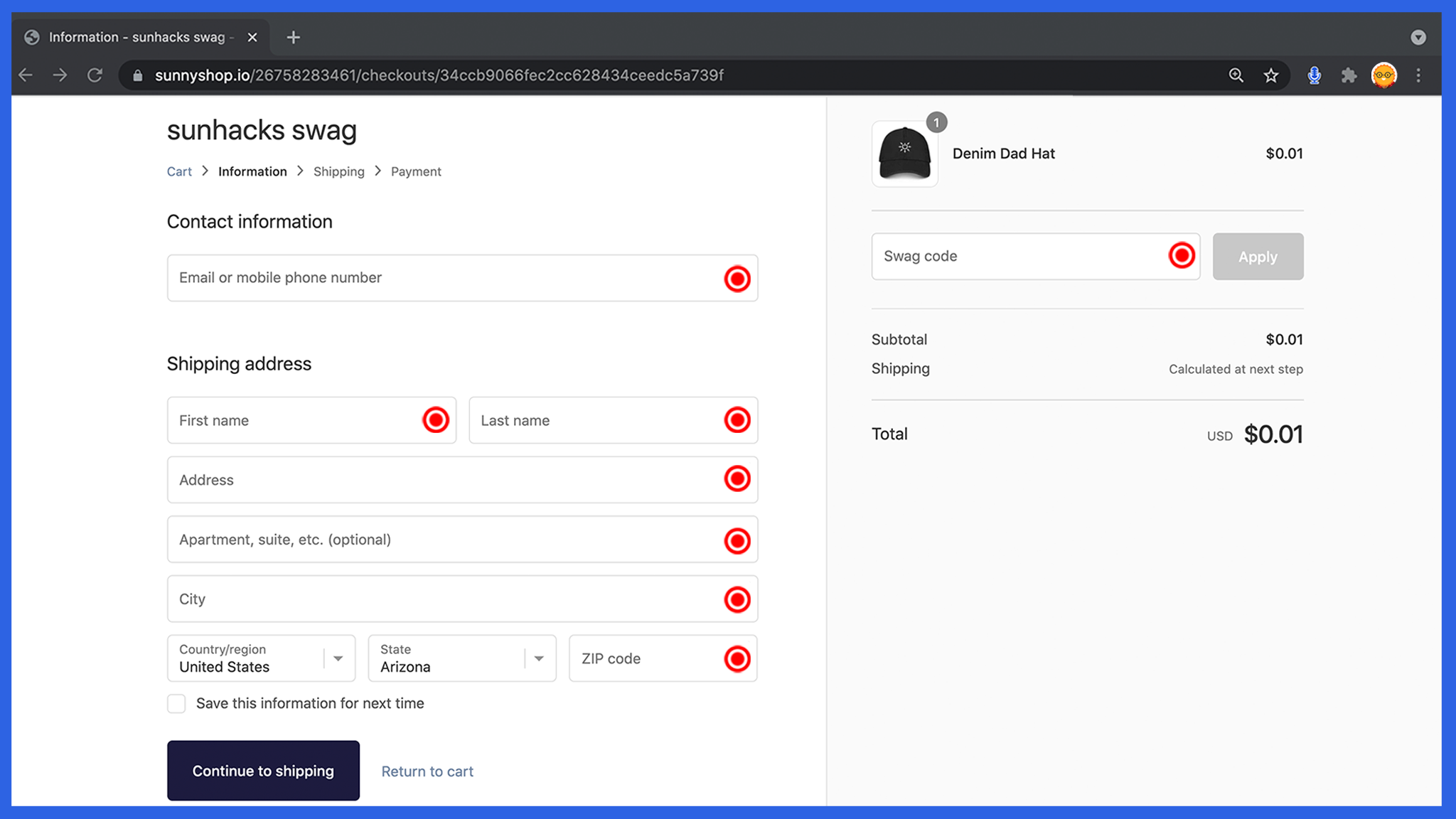
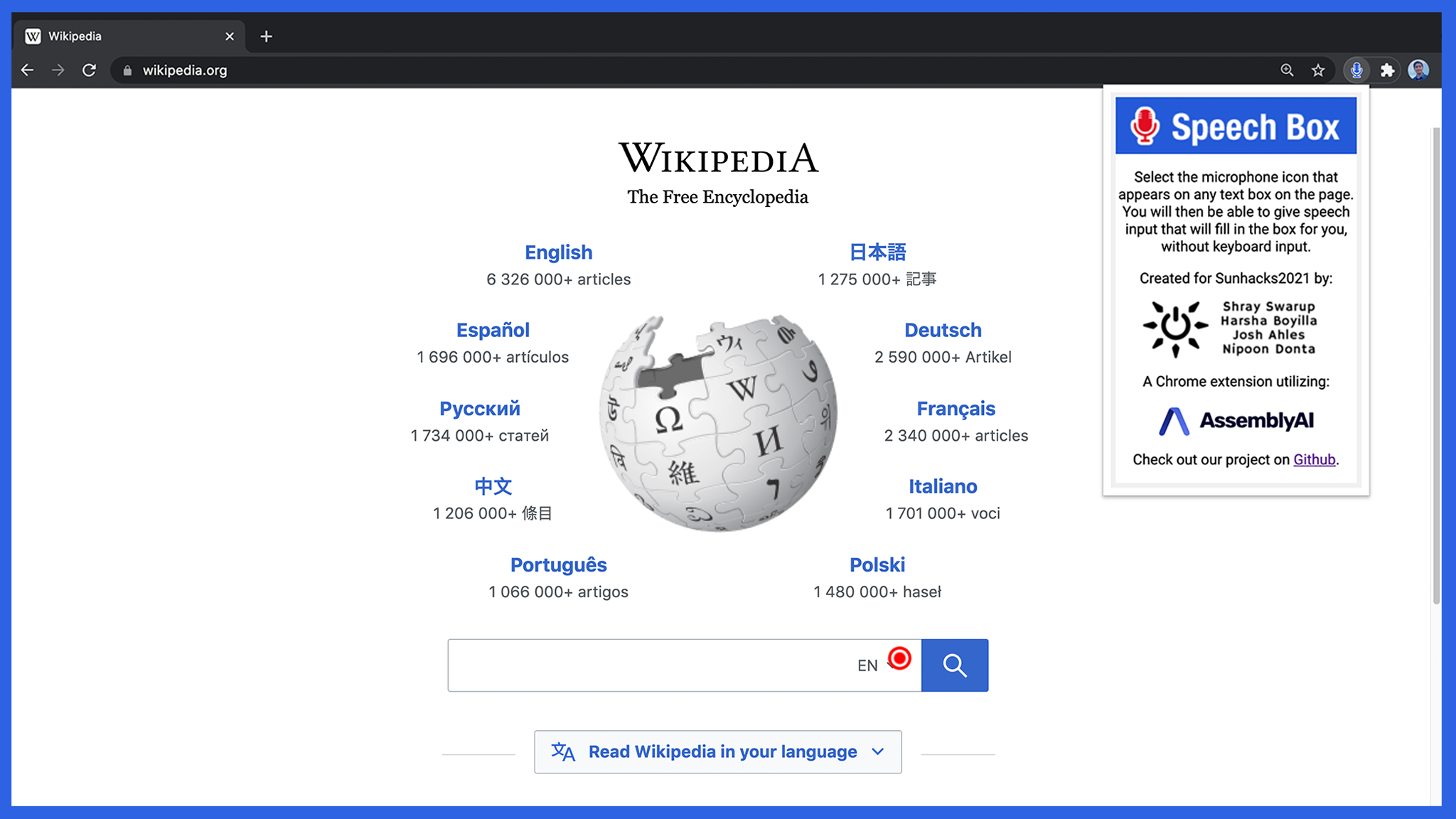
Speech Box is a Google Chrome extension that allows users to use their speech in order to fill in any text box on the world wide web. Simply press and hold on the record button and say whatever you want to be transcribed into the box.
How we built it
The extension was built using javascript with JQuery, HTML, and CSS while utilizing RecordRTC to record a user's speech and the AssemblyAI API for processing the audio and converting it to text. All of the requests to the API are authenticated using a separate process run off of a server instance in order to allow the private API token to remain secure.
Challenges we faced
To start, initially we wanted to utilize various npm packages that we would bundle into our chrome extension using the webpack library. Webpack, however, proved fairly difficult to learn and manage in such a short amount of time. Fortunately, for our purposes, we ultimately did not require any npm packages within the chrome extension itself, only within the server instance. Another challenge we ran into was the inability to create a proper system for detecting text boxes. At first, many elements that were not text boxes would be selected by our extension, such as radio buttons or dropdowns. The reason it took a fair amount of time to discover a solution to this problem was because it was not initially clear box identification was the problem. Initially, it was believed that all the misselected input boxes were simply hidden text boxes and that there was no way to differentiate between them. However, we eventually realized we could filter by the type of input box so our problem was solved. Finally, one of the last issues we ran into was the popup for our chrome extension having missized assets, causing it to appear blurry. This was primarily because we were relying on images for the majority of the styling of the popup, which proved fairly ineffective. In the end, we focused more on providing raw CSS for the popup styling, while only using images to supplement the popup with various icons.
What we learned
Through the process of building our Google Chrome extension, our group was able to learn and become more familiar with javascript frameworks, libraries, and API calling through websockets. As Sunhacks was, for most of the group, our first hackathon, the group learned more about using git effectively and distributing workloads.
Accomplishments
Gaining a stronger grasp of different Javascript frameworks, such as being able to manipulate the DOM effectively with JQuery and implementing a simple web server using node.js. Gaining a stronger understanding of various programming fundamentals, primarily asynchronous function usage and websockets. Creating a fairly simple yet effective UI design for the Google Chrome extension popup.
What's next for Speech Box?
Overall, the extension has many branches for improvement. Some of these include making the record button properly positioned in different types of containers, creating a more intuitive interface for the user, and of course, cleaning up the various bugs. We hope to continue to polish this with more time after this event.
Built With
- assemblyai
- javascript
- jquery
- node.js
- npm
- websockets


Log in or sign up for Devpost to join the conversation.