-
-
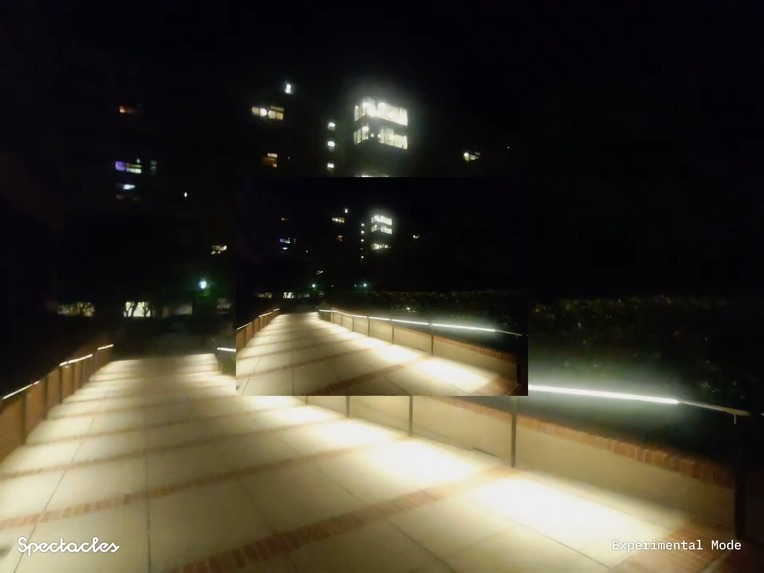
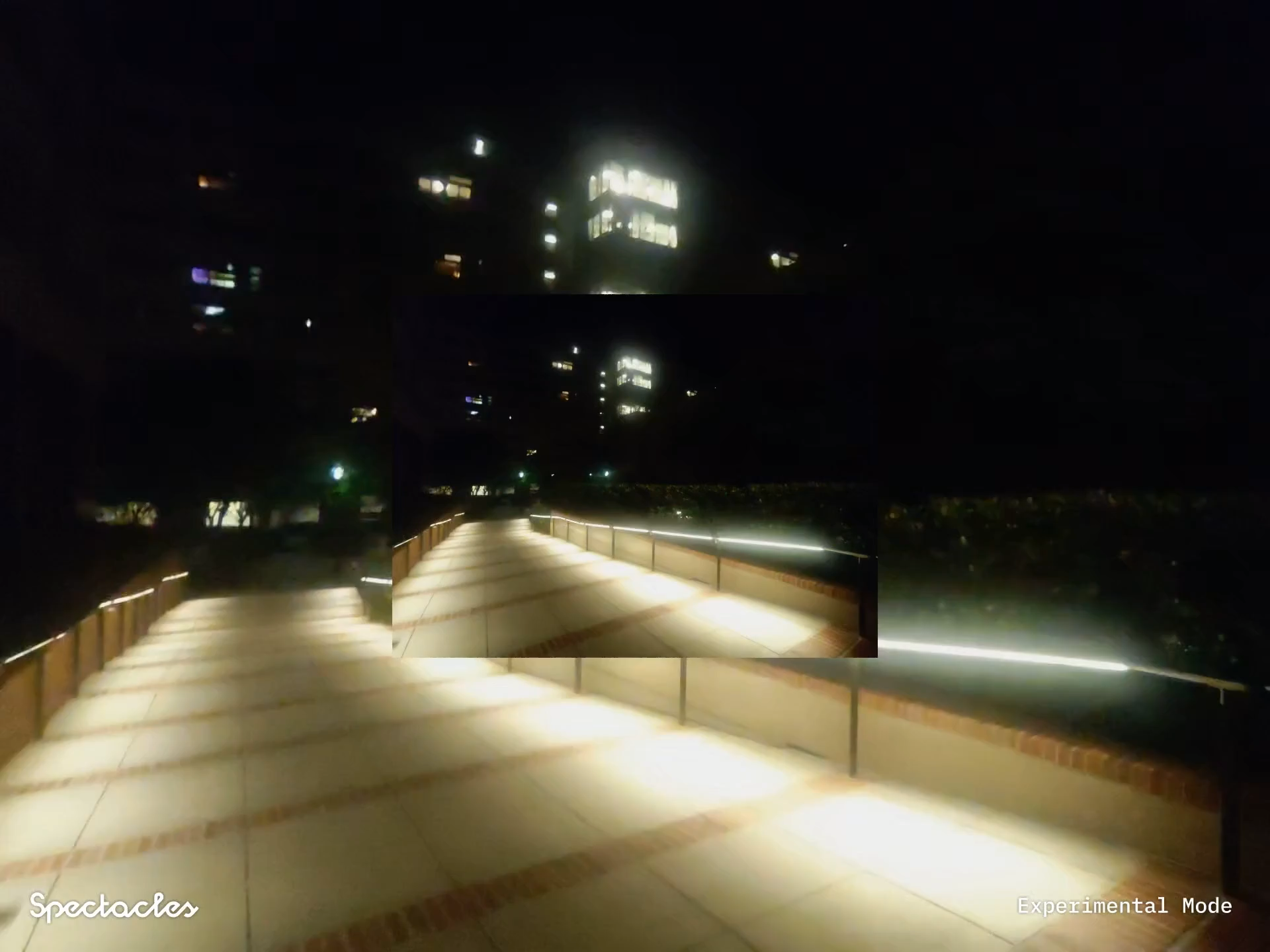
Capturing your environment (this one is outside)
-
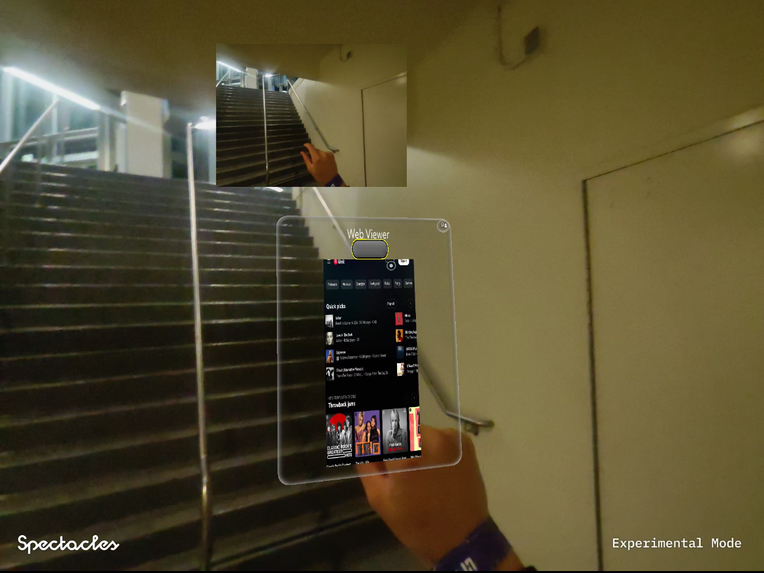
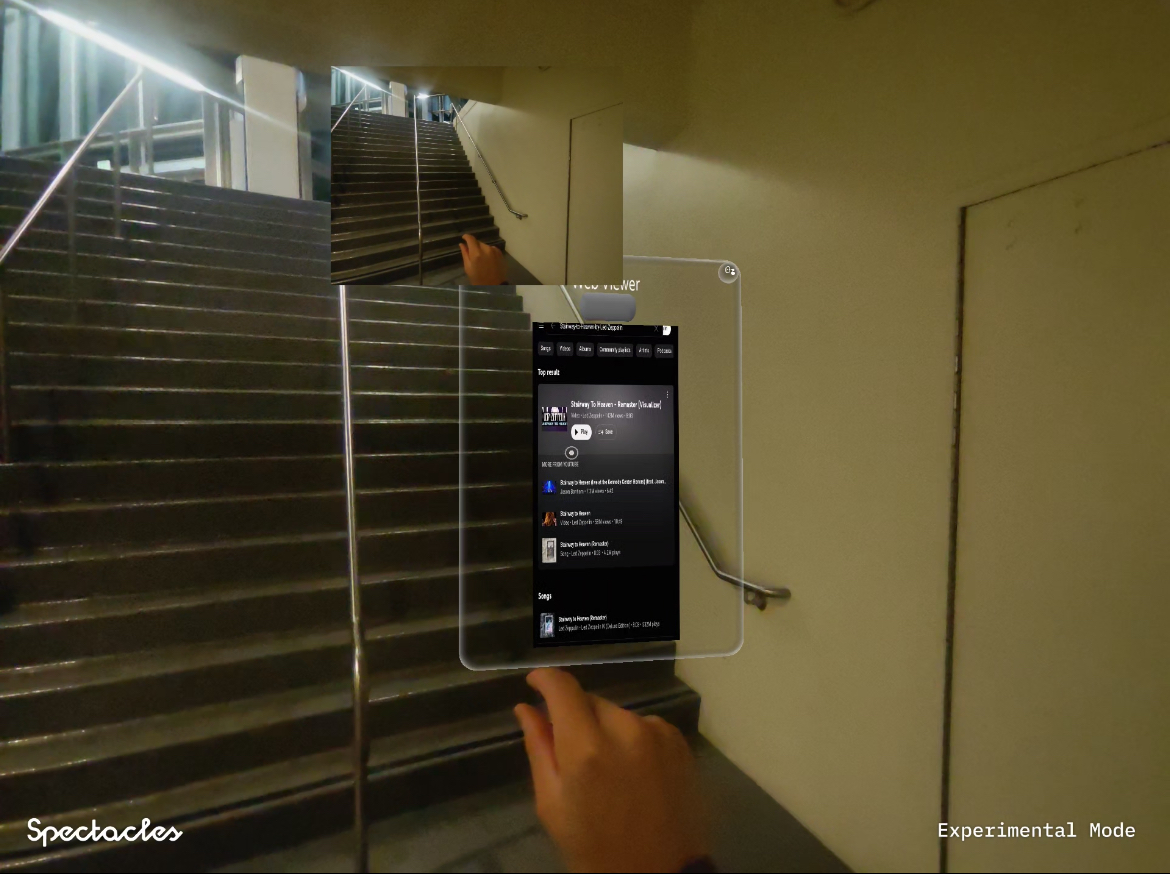
Click the button to get your song
-
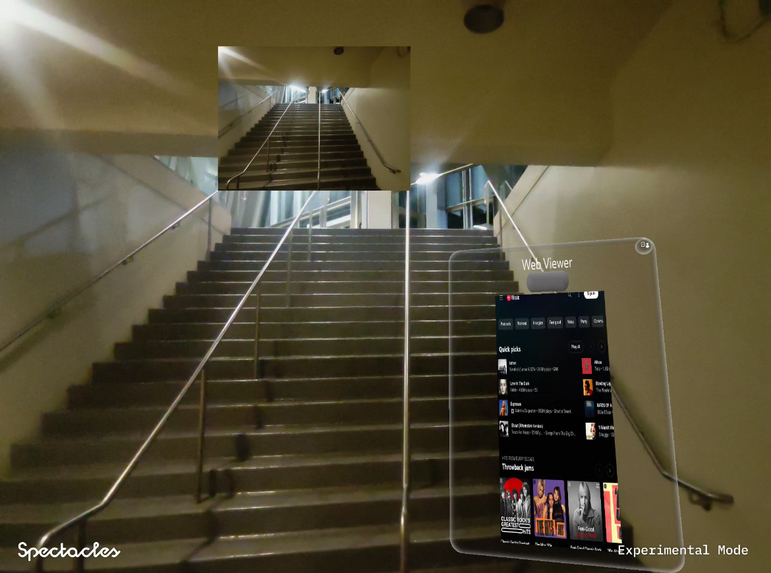
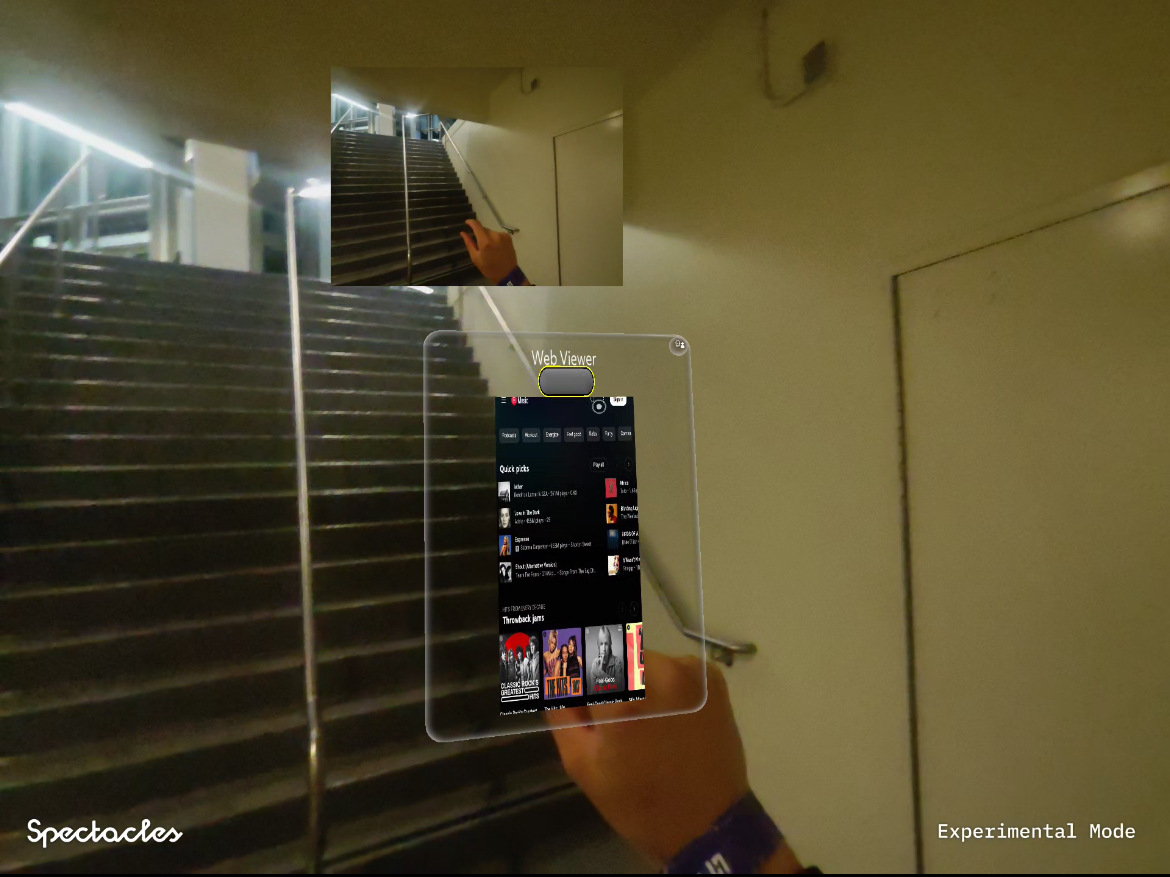
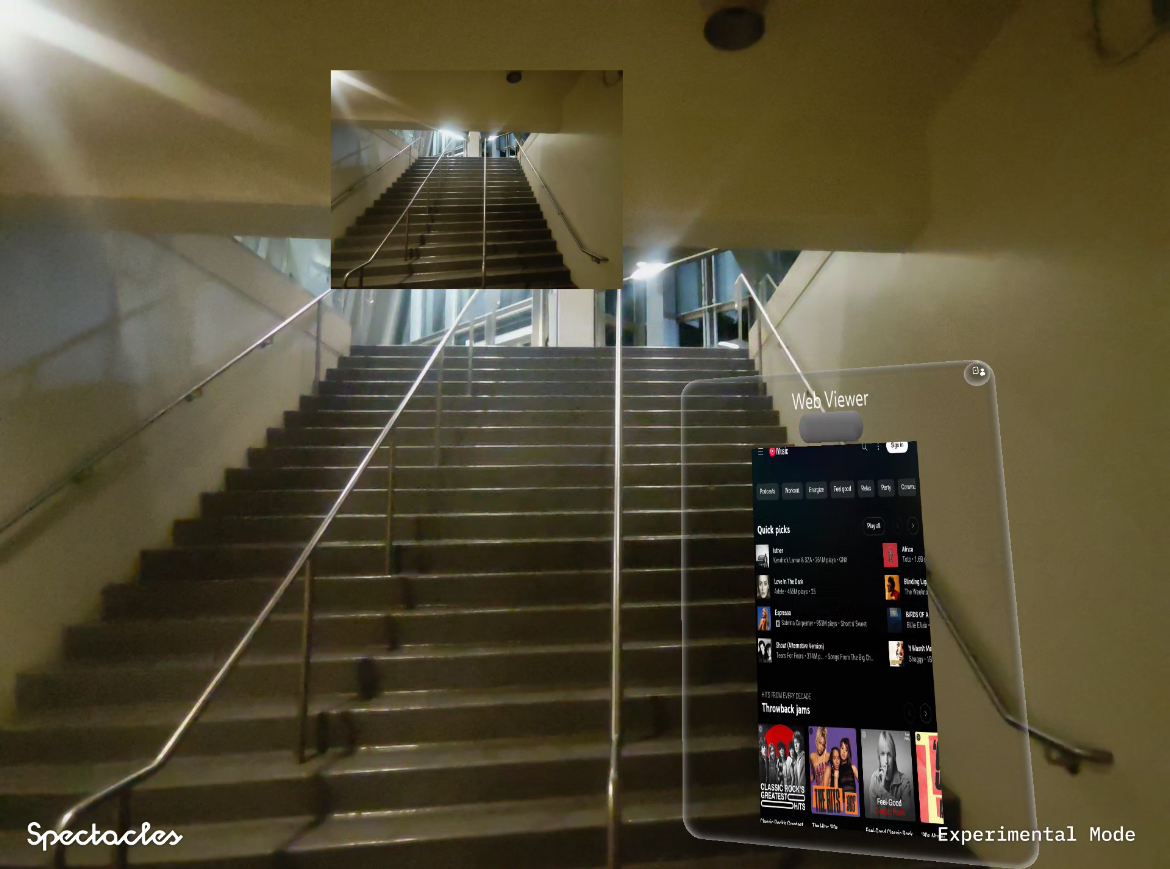
Default Web Viewer to see the web browser
-
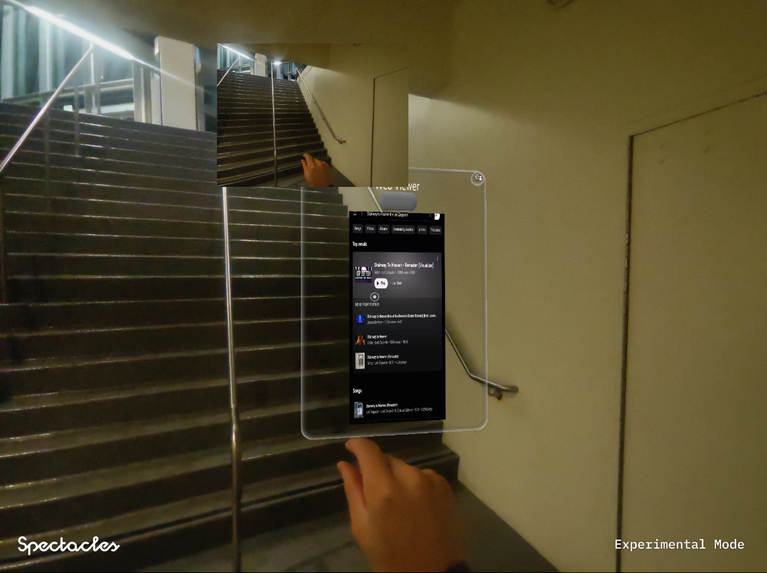
Get the song
-
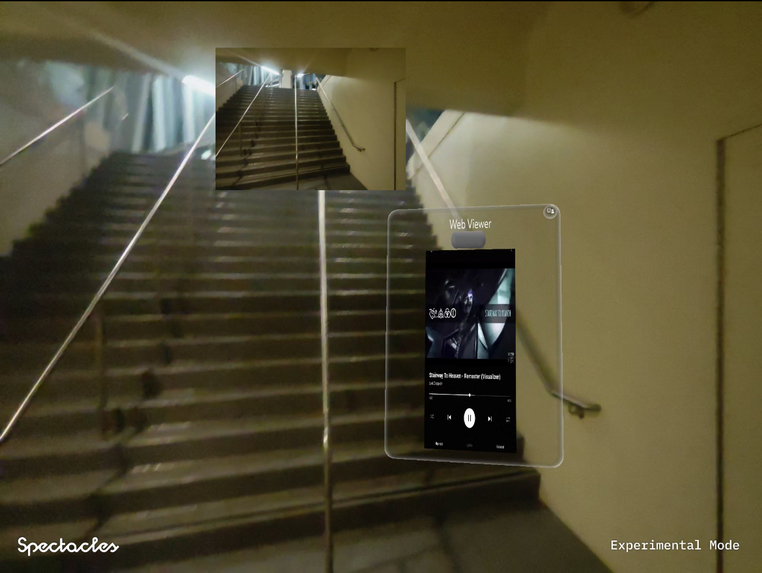
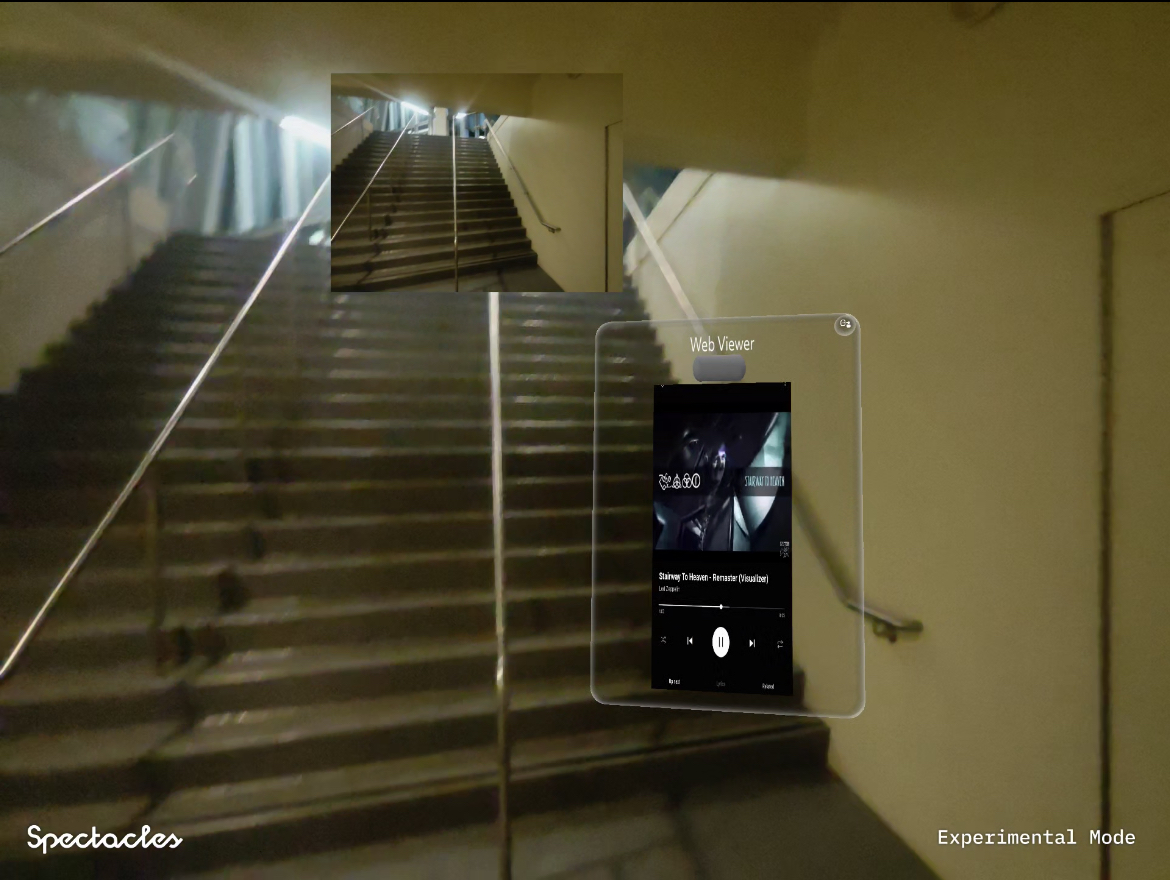
Click to play
Inspiration
Life is about living in the moment. Having used Meta Ray-Bans and felt frustrated about not having the perfect song on the go, we knew Snap Spectacles could capture that moment better with its AR capabilities and developer-friendly interface.
It's really hard to just make a music player like Youtube Music to play a song that's specific to the vibes and the environment around you at that moment. To truly feel those emotions through music at that time, it's hard. Spotify had an improved solution with their Text2Tracks feature. But we wondered, what if you're using your Snap Spectacles, wandering around, and wanted to do the same thing?
That's why we've used the SnapChat Spectacles to take a photo of your environment, enter it into Gemini 2.0 Flash-Lite Image Understanding for decoding the image and finally generating a song that best fits your environment. Immediately, your WebView would be updated with the new url to the song, and you can just play the song away with the pinch of the play button.
What it does
Spectacle Music lets users snap a photo of their environment through Snap Spectacles and instantly get a personalized music recommendation. It matches the vibe of your surroundings to anything: study music, rock, rap, or general moods.
How we built it
We used Snap’s Lens Studio for the front-end photo capture and integrated Gemini to analyze the scene and classify the environment into music genres. We connected it to Snap's WebView to deliver instant YouTube Music track suggestions.
Core Components: Integration with Spectacles Interaction Kit (SIK) for user interactions. Used component-based architecture using TypeScript components with @component decorator with event-driven system.
Image Analysis with Vision Gemini: Applied the VisionGeminiFlash component captures camera input and analyzes with Gemini 2.0 Flash API. Converts image texture to Base64 for API transmission and sends HTTP requests to Google’s Generative Language API. Implements error handling and throttling for API calls.
Web Integration and Navigation: WebView component displays web content within the Lens creating navigation to YouTube Music based on song recommendations. Implements proper URL encoding for search queries.
User Interaction Handling: Interactable components detect UI interactions. Implements onInteractorTriggerStart and onInteractorTriggerEnd callbacks. Coordinates interactions via LensManager class.
Song Recommendation System: Processes Gemini API responses to extract song recommendations. Parses JSON responses with fallback strategies. Formats song names for YouTube Music searches.
Comprehensive Logging System: Custom FileLogger utility for tracking events. Singleton pattern ensures consistent logging.
System Integration and Workflow: LensManager orchestrates features, passes VisionGeminiFlash results to WebView, and manages async operations with async/await. Uses try/catch blocks throughout, provides fallback navigation options, and validates component availability before operations. Throttles API requests with isProcessing flag, compresses images for network transmission, and manages memory in the logging system to avoid overuse.
Challenges we ran into
As we delve into the project, we realized that Lens Studio was a completely new interface for us. Learning Lens Studio for the first time was definitely challenging but rewarding. We also had to figure out how to create new interactive components that could listen to buttons, understand where the user is clicking, and how to interface with the existing SDK to create new Typescript files giving functionality to our new components. Another thing was adjusting the positioning and scaling of components as well, where we tried many times to make our WebView be visible and positioned without getting blocked by other things.
We also didn't know what API to use. There were lots of them and finding the right one took us experimentation, time, and lots of print debugging (that's why we had the logger to see exactly what was logged into the Lens Studio console when Spectacles was on)
We had to figure out how to quickly process images on limited device power, manage scene diversity, and ensure accurate mood-to-music matching in real-time.
Accomplishments that we’re proud of
We successfully created a seamless user flow from snapping a photo to playing a curated song, all running on AR glasses. The integration between visual recognition and music recommendation worked better than we first expected.
What we learned
We learned how to optimize AI models for wearables, how to integrate Lens Studio features with external APIs, and how to think creatively about matching human emotions to environmental cues.
What’s next for Spectacle Music
We plan to include short videos for recommendations (actions), expand to personalized playlists, and allow users to save or share their Spectacle Music moments directly from their glasses.
Built With
- gemini
- javascript
- lensstudio
- snap
- typescript
- webview


Log in or sign up for Devpost to join the conversation.