-
-
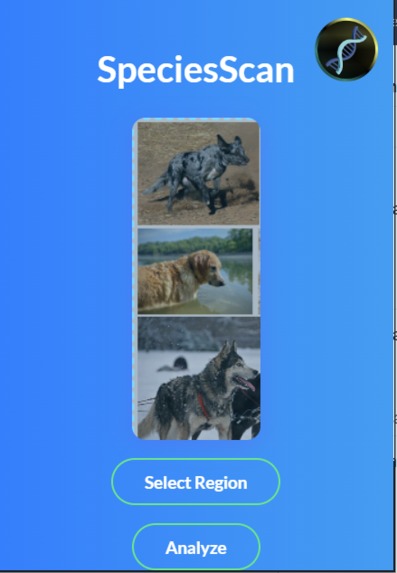
Image 1
-
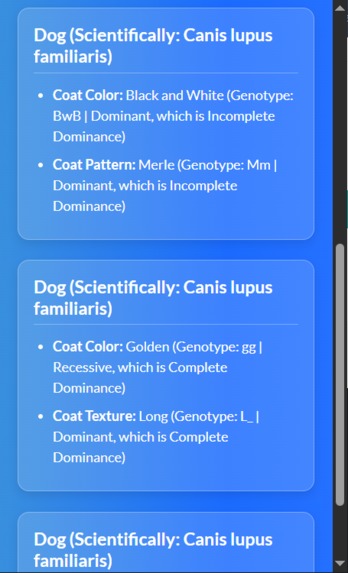
Image 2
-

Image 3

Inspiration
Our inspiration was noticing that many people faced difficulty gaining instant access to information about organisms seen in a screenshot the user provides.
What it does
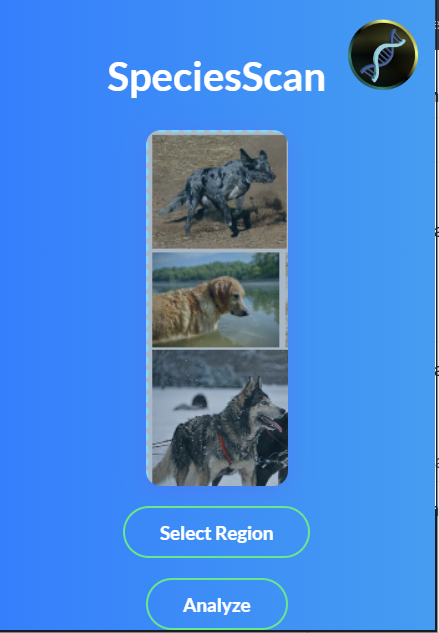
From opening up the extensions shortcut on the user's PC, the user is able to take a screenshot of an organism they see, and the integrated AI inside the program analyzes the image to provide details like...
- Organism's common & scientific name
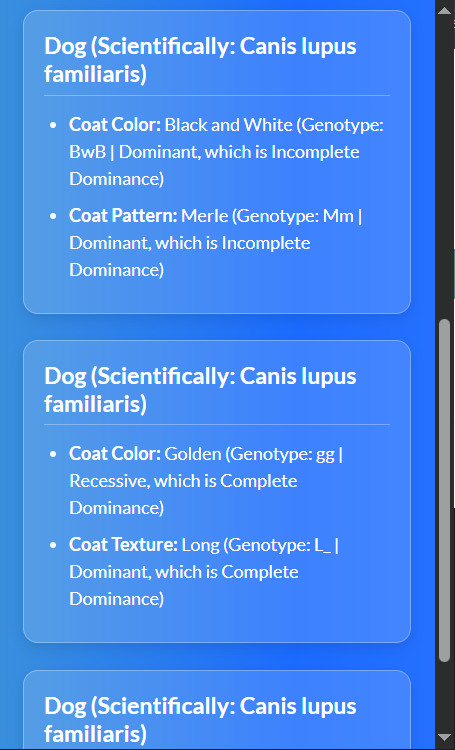
- Organism's characteristics & traits
- Including whether the traits are recessive or dominant - The trait's genotype (including underscore if you cannot tell if it's heterozygous dominant or homozygous dominant) - Say if it is incomplete dominance or complete dominance - Say if it is codominant
How we built it
We built an extension using Python, CSS, HTML, JavaScript, and we integrated Groq into the program using its API Key.
Challenges we ran into
- The program's logo is not being properly visible inside the extension.
- Dragging & Dropping screenshots inside the extension
- AI knowing too much information, including polygenic traits; the AI not giving data back in the proper structure we wanted it in.
Accomplishments that we're proud of
- Entirely achieving the true purpose of the program we created
- Troubleshooting and debugging until all of our bugs and challenges were eventually fixed
What we learned
This was our first time creating an extension, and we learned how to make complex response schemas. We also decided to play around with the logo, which we were proud of crafting.
Why an extension?
Through the fun and frustration of creating an extension, specifically a chrome extension, it is easy to lose sight of the entire purpose of creating one in the first place. The reason why this program couldn't instead be a website is because it needs to be able to take screenshots on multiple websites. This functionality is not possible on a website, but is perfect as a chrome extension.


Log in or sign up for Devpost to join the conversation.