-
-
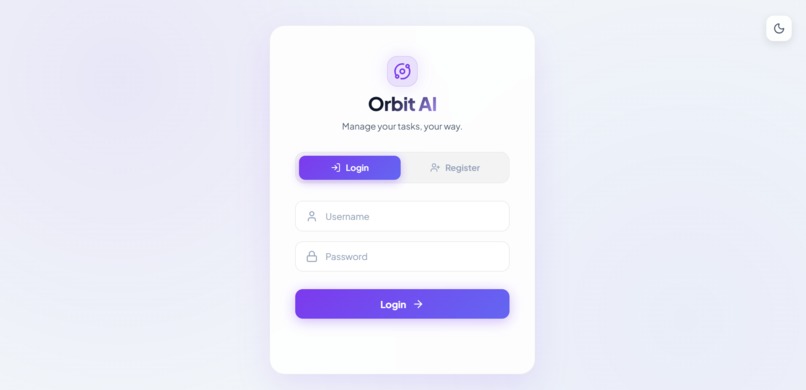
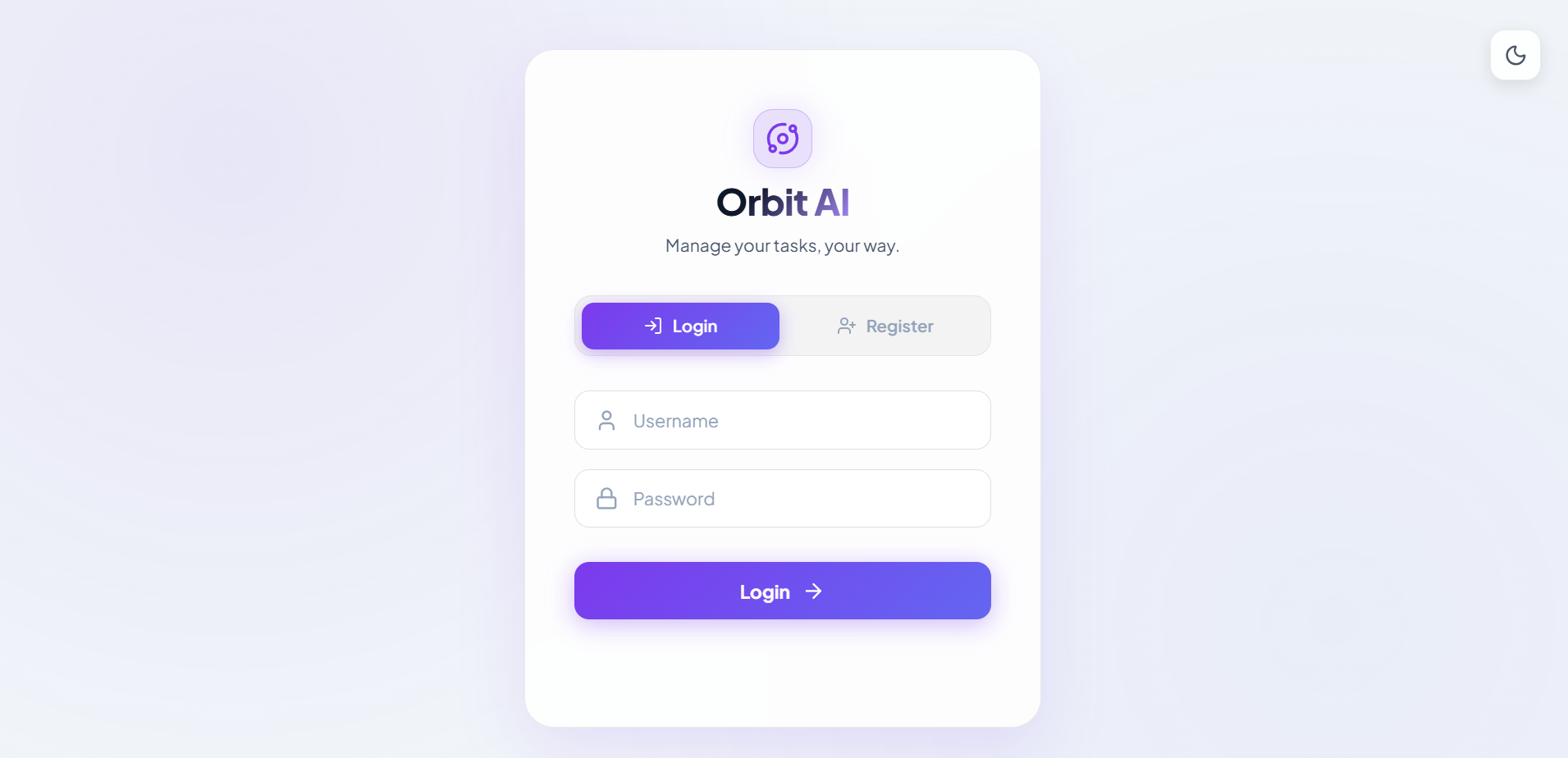
Secure user authentication and access to Orbit AI.
-
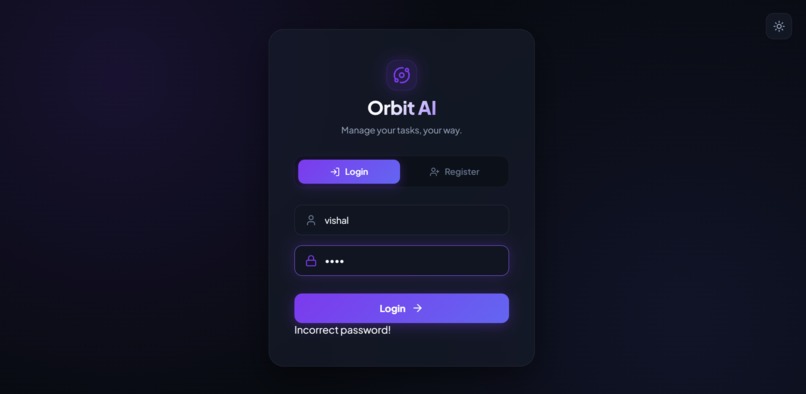
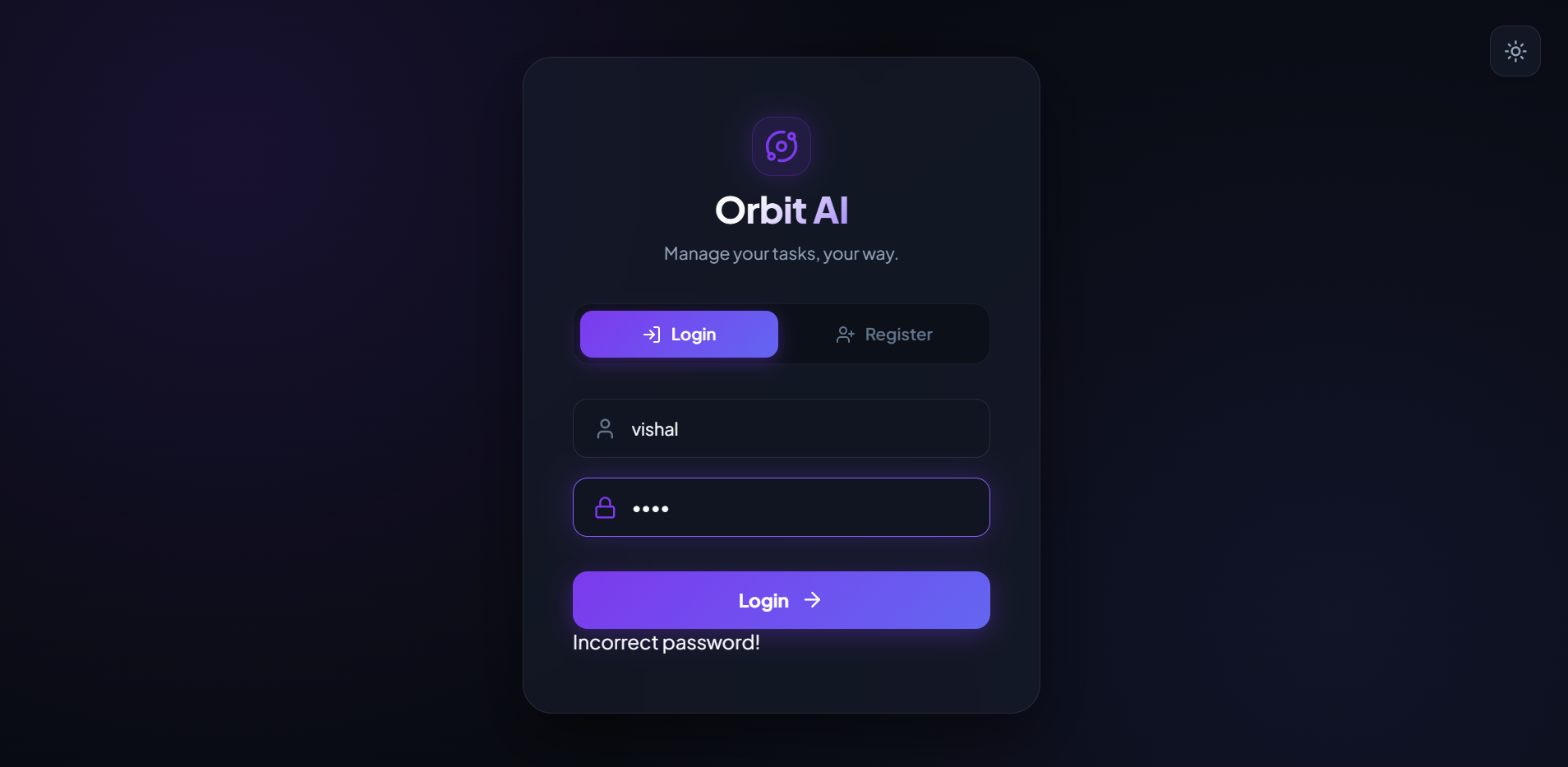
Clear validation feedback for incorrect credentials.
-
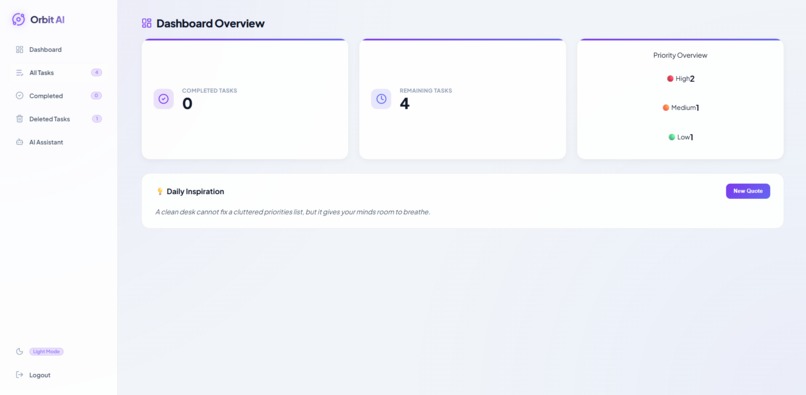
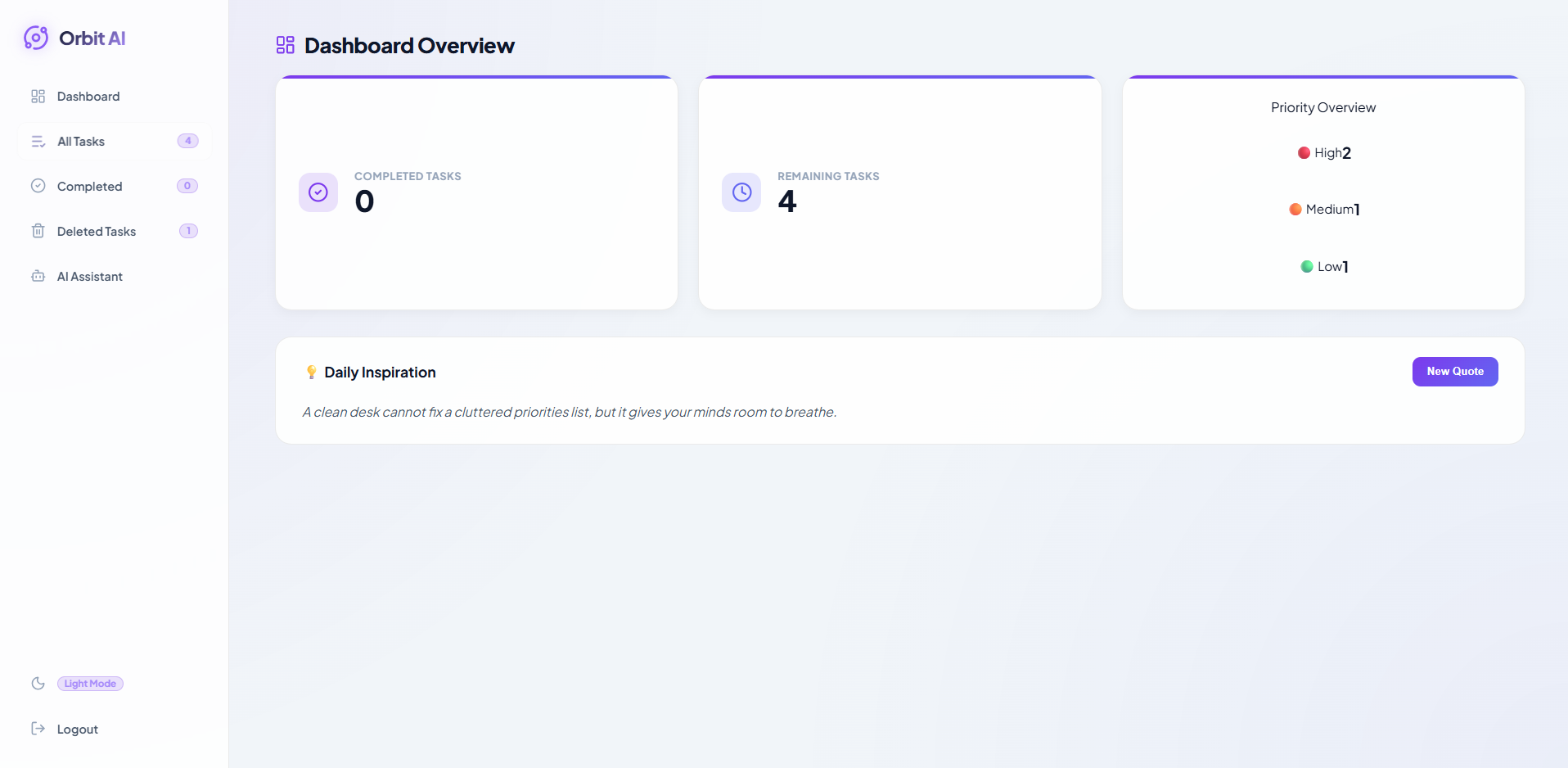
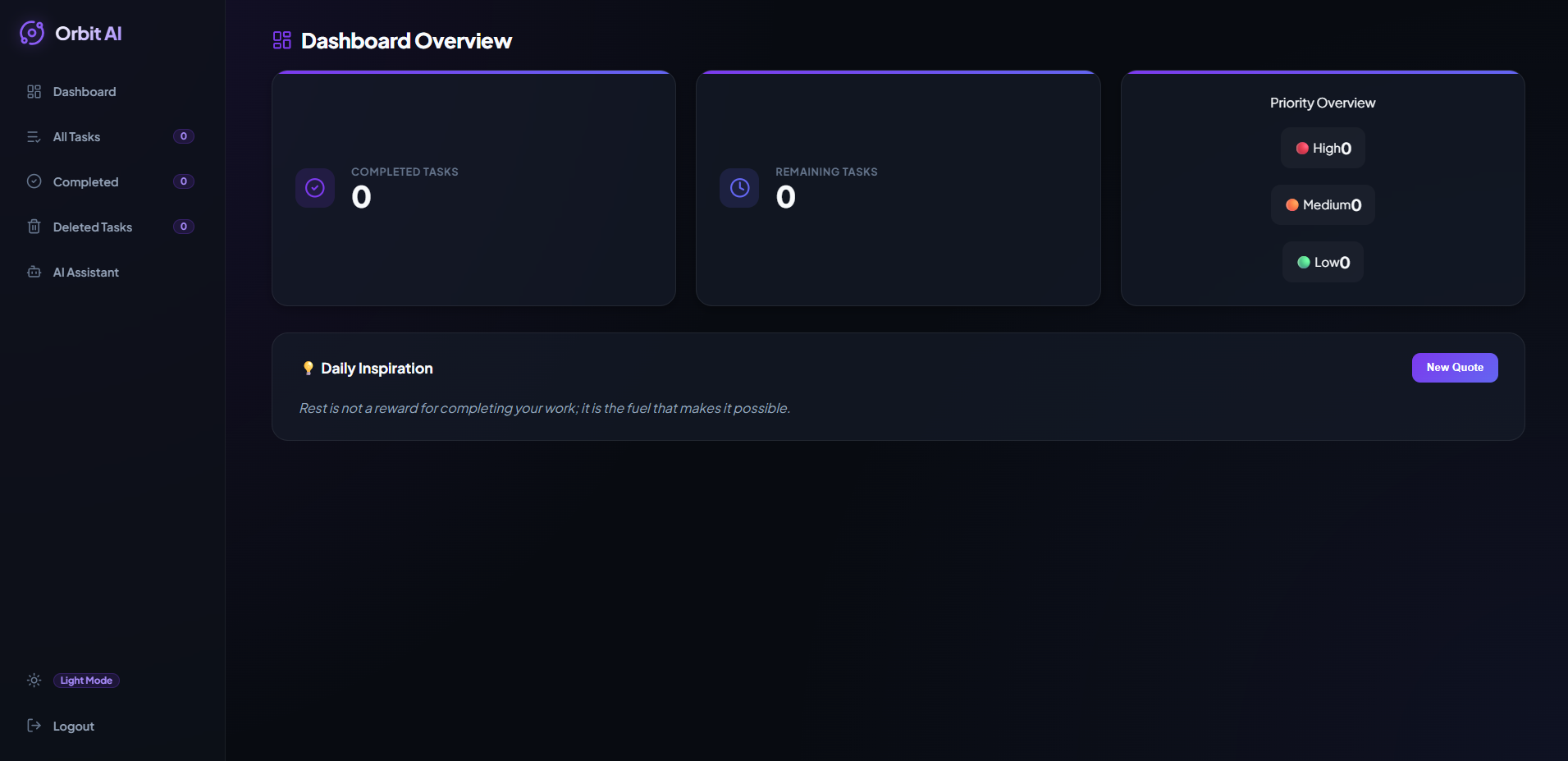
Centralized overview of tasks, progress, and productivity.
-
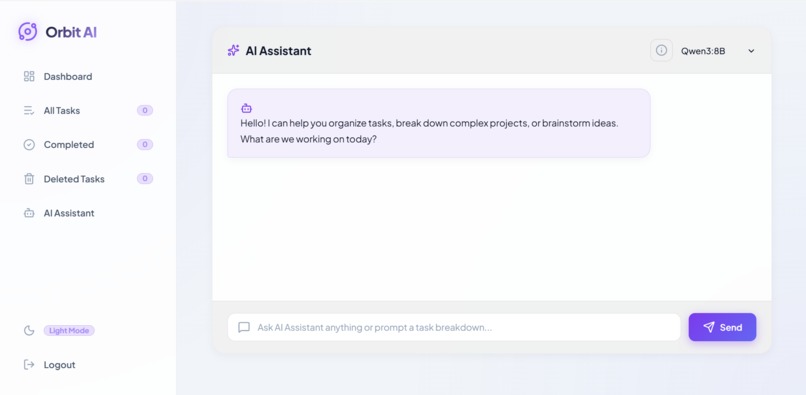
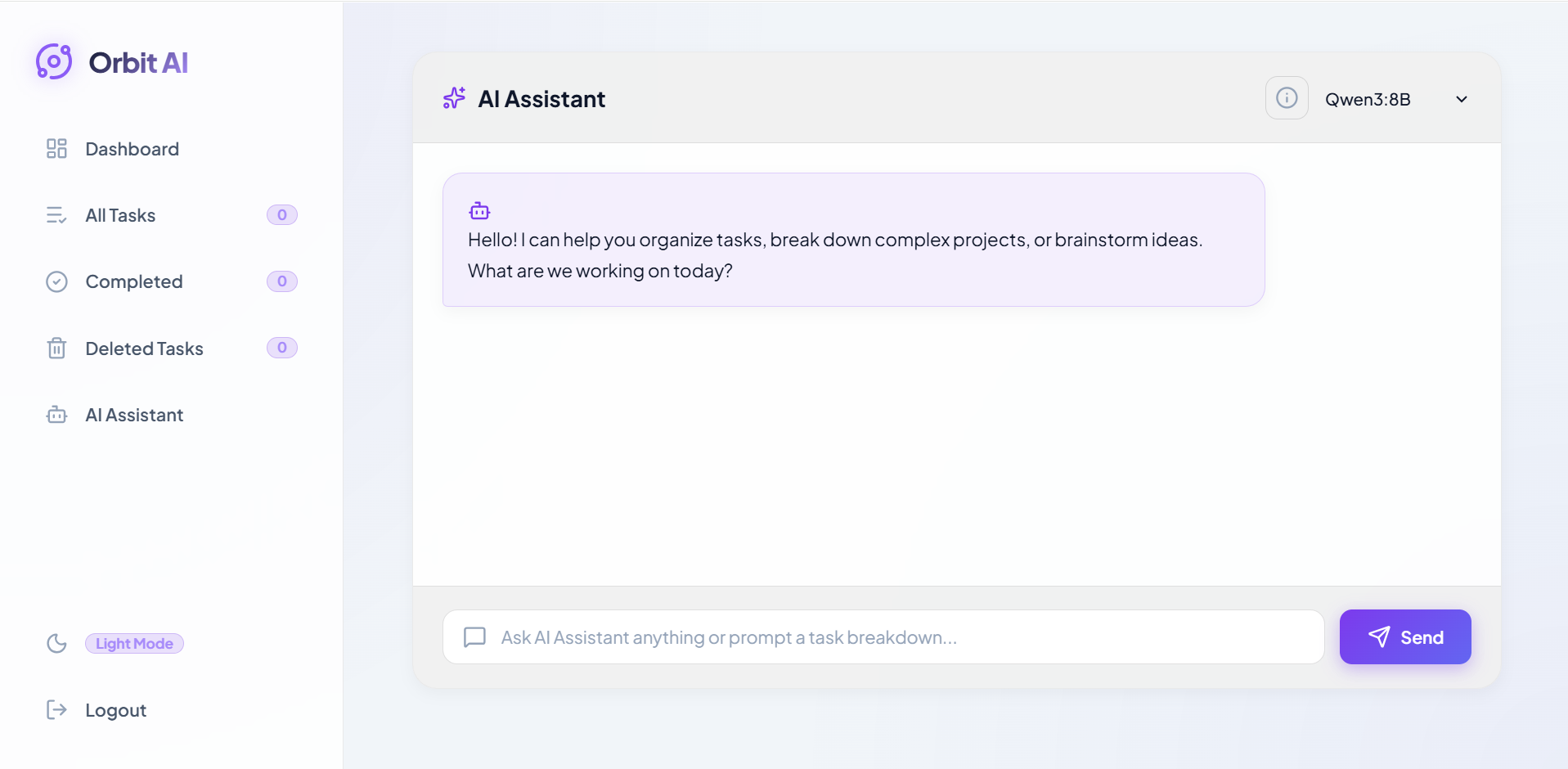
Interactive AI assistant for task and productivity support.
-
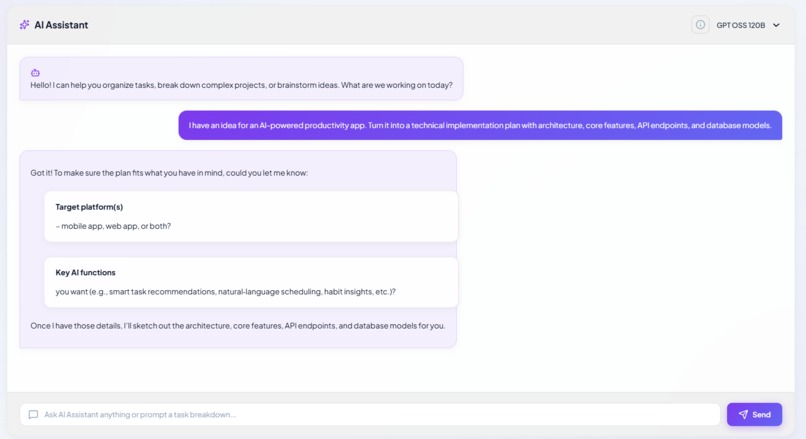
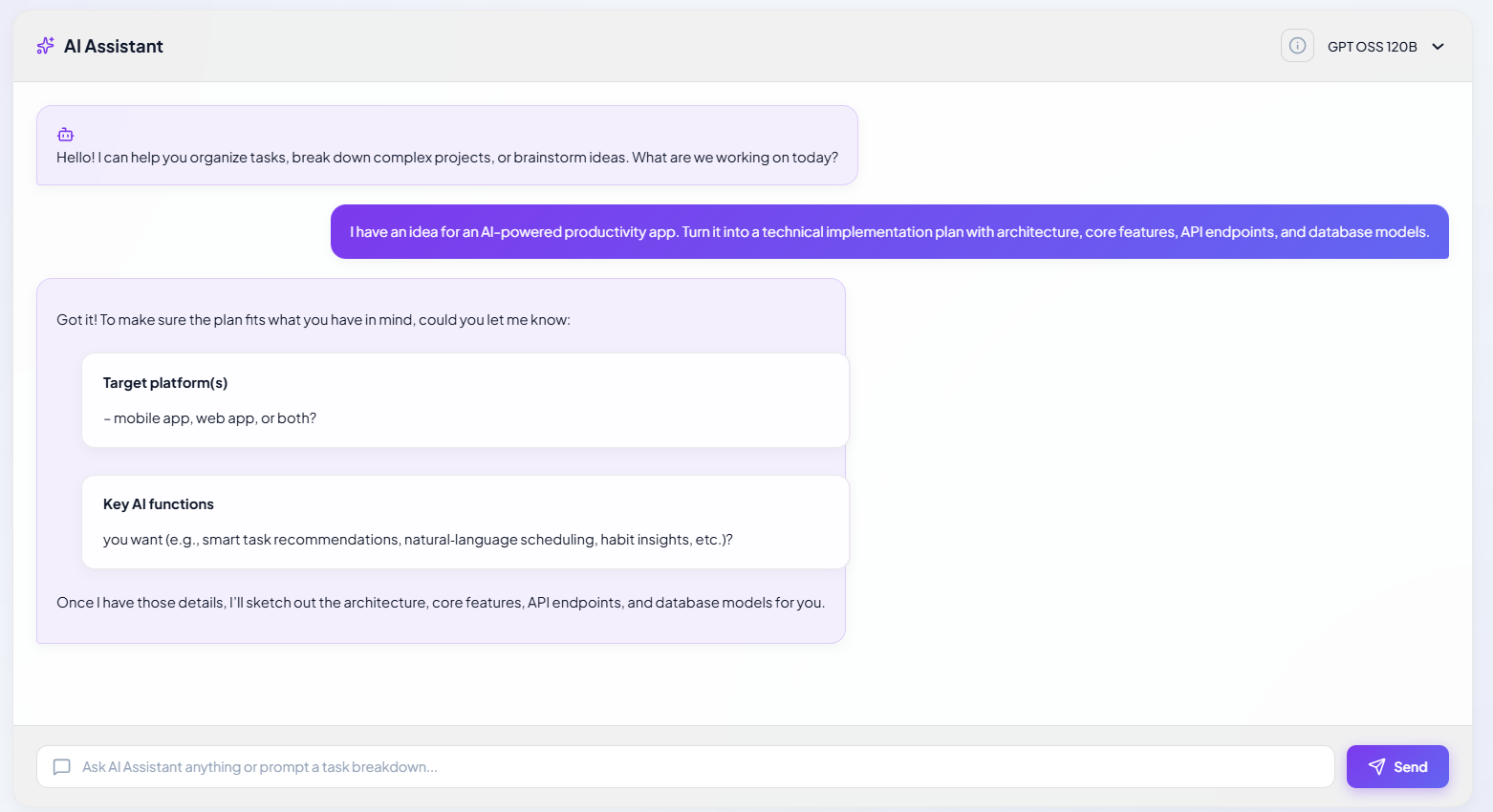
AI-generated guidance based on the user's request.
-
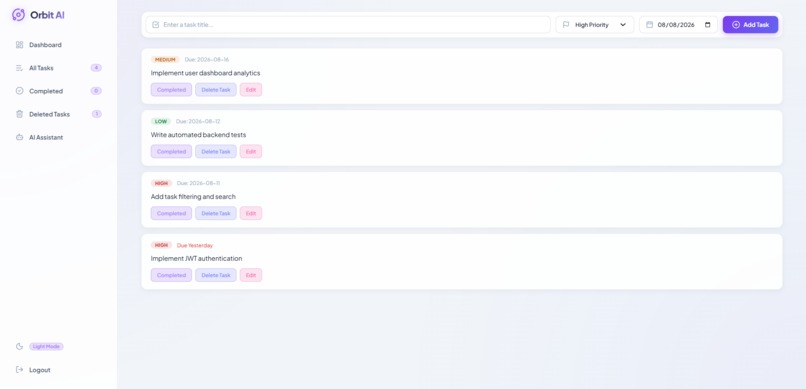
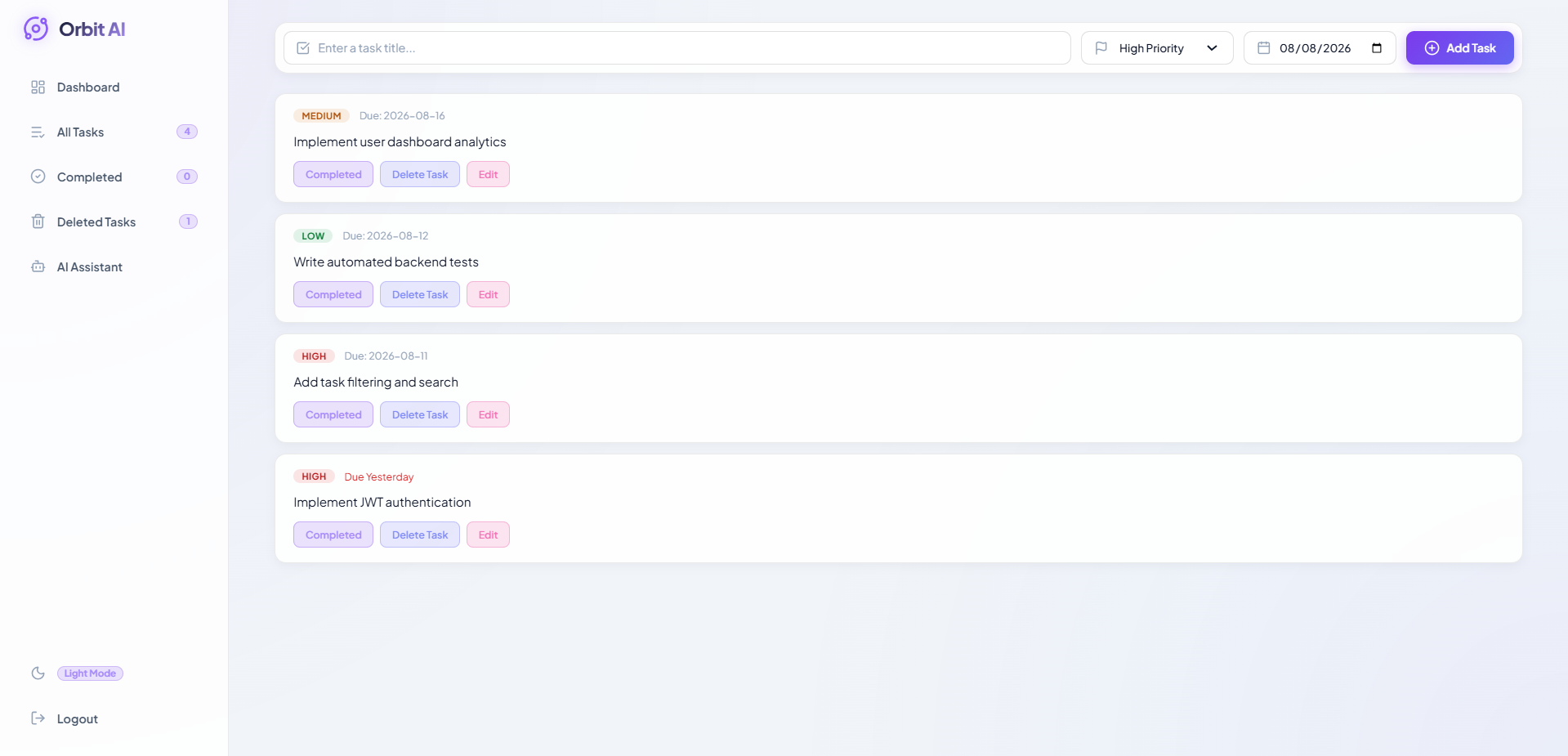
Centralized view of active and completed tasks.
-
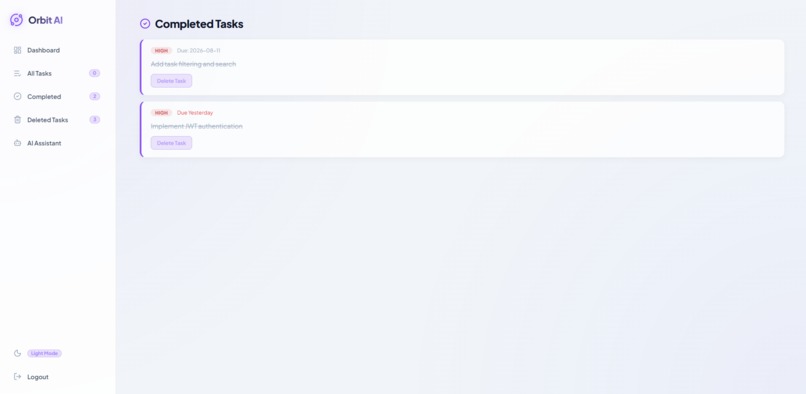
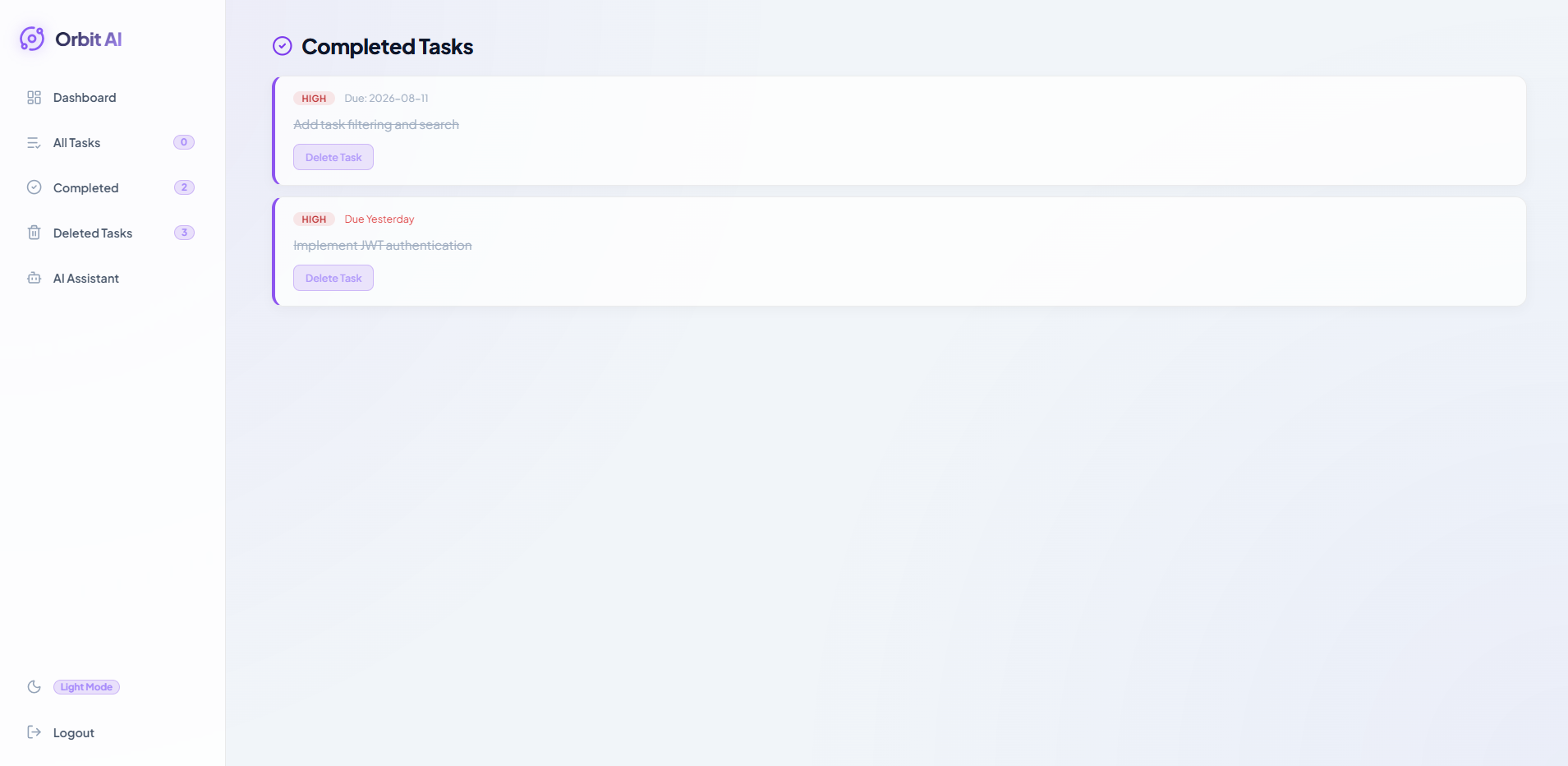
Track completed work and overall progress.
-
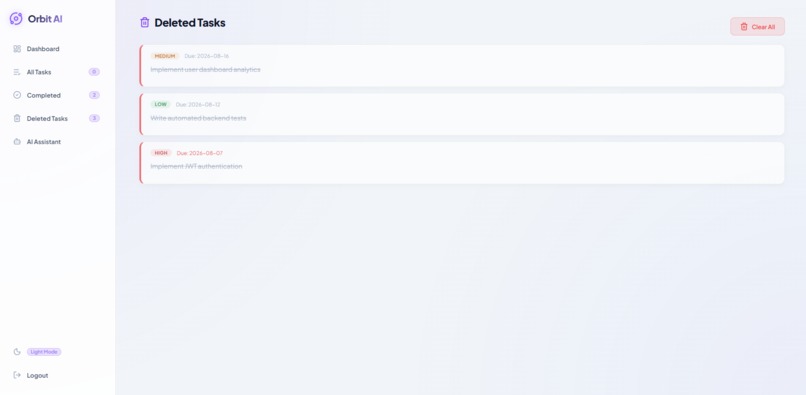
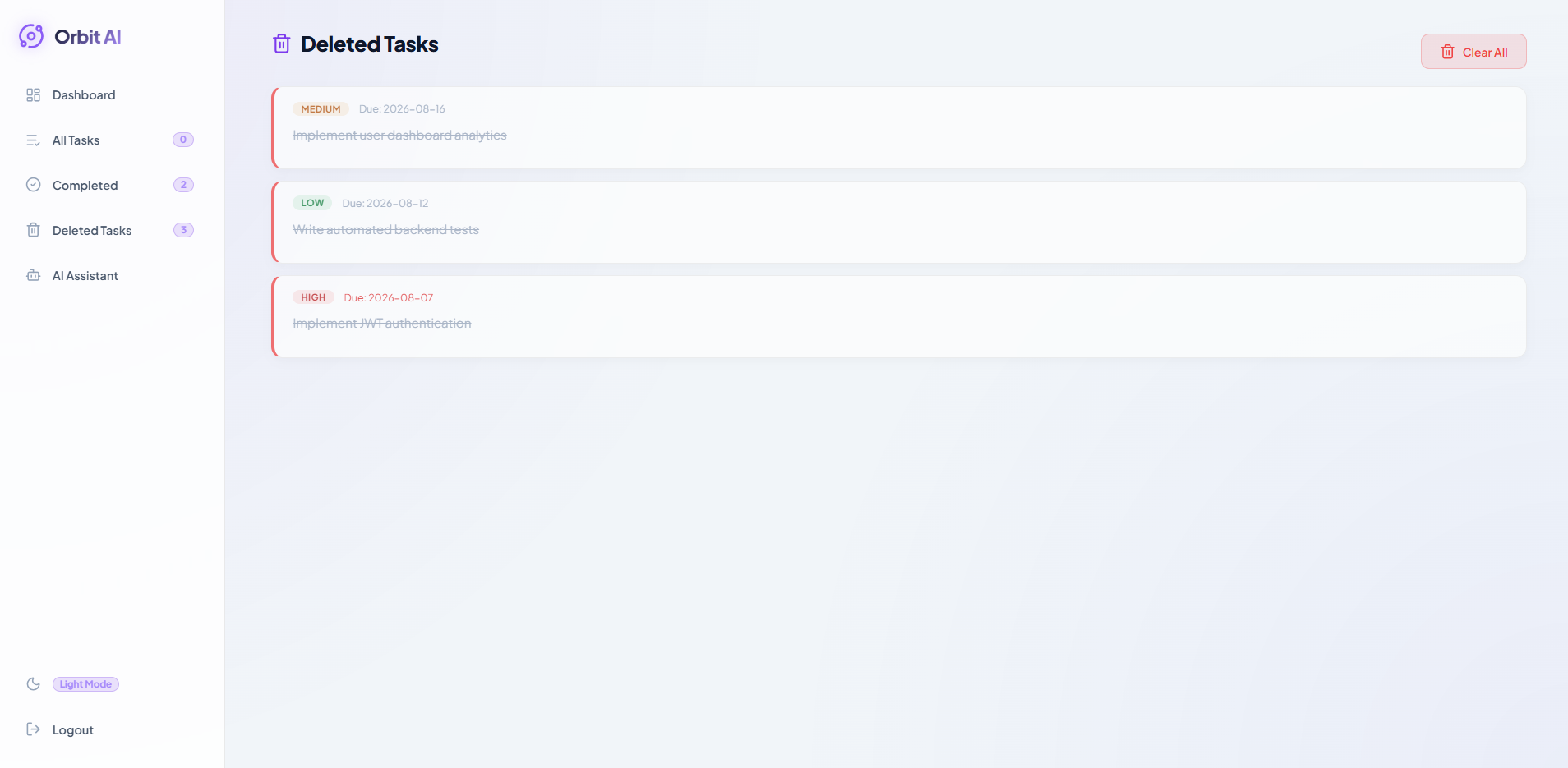
Task management with the ability to remove completed or unnecessary tasks.
-
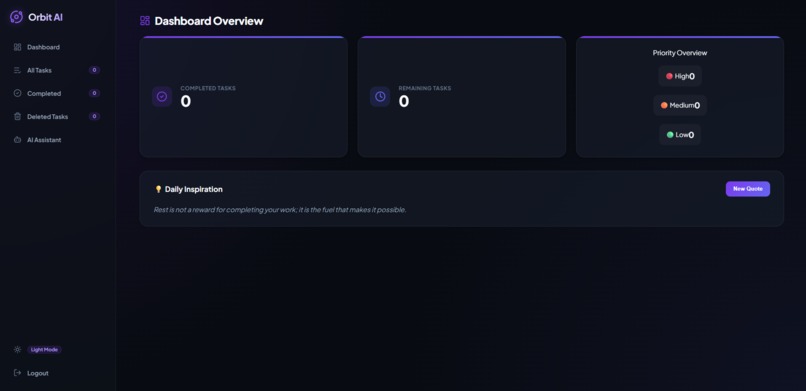
Dark-themed interface for comfortable extended use.
Inspiration
Managing tasks often becomes another task in itself. Traditional task managers can organize work, but they usually treat task management and AI assistance as separate experiences.
We wanted to build a lightweight productivity application where users could manage their tasks and interact with an AI assistant from the same interface. The goal was not just to create another to-do list, but to make task management more interactive and useful through AI.
What it does
Orbit AI is an AI-powered task management application that combines task organization with an integrated AI chatbot.
Users can:
- Log in securely and access their personal workspace.
- Create, manage, and organize tasks.
- View all active tasks in one place.
- Track completed tasks separately.
- View deleted tasks.
- Interact with an AI chatbot using natural-language prompts.
- Receive AI-generated responses directly inside the application.
- Switch between light and dark modes.
The application brings these capabilities together in a single interface rather than requiring users to switch between a task manager and a separate AI assistant.
How we built it
Orbit AI was built as a full-stack web application.
Frontend
The frontend uses HTML, CSS, and JavaScript to provide the application interface, handle user interactions, communicate with the backend, and manage the different task views and UI states.
Backend
The backend is built with Python and FastAPI. It exposes REST APIs that handle authentication, task operations, database communication, and AI-related requests.
AI
The chatbot integrates LLM APIs through Google Gemini and Groq, allowing users to communicate with an AI assistant using natural-language prompts.
Data & Configuration
The application uses a database for persistent task data and environment variables for sensitive configuration such as API credentials.
The overall architecture follows a frontend → REST API → backend → database/AI services flow.
Challenges We Ran Into
One of the main challenges was integrating AI functionality into a traditional task-management workflow without making the application unnecessarily complicated.
We also had to handle several different application states, including authentication failures, active tasks, completed tasks, deleted tasks, and AI responses while keeping the interface consistent.
Another challenge was connecting the frontend and FastAPI backend reliably and managing API credentials without exposing sensitive keys in the frontend or repository.
Finally, designing the application around both productivity features and AI functionality required deciding where AI actually adds value instead of adding AI simply for the sake of having it.
Accomplishments We're Proud Of
We are most proud of turning a basic task-management concept into a functional full-stack application with an integrated AI assistant.
Key accomplishments include:
- Building a working authentication flow.
- Implementing task CRUD functionality.
- Separating active, completed, and deleted tasks.
- Integrating LLM-powered chatbot functionality.
- Connecting a JavaScript frontend to a FastAPI backend.
- Handling API credentials through environment variables.
- Building a dashboard that brings the main features together.
- Implementing a consistent dark-mode experience.
Most importantly, Orbit AI demonstrates how conventional productivity software can be extended with AI without making the core workflow dependent on it.
What We Learned
Technically, we gained practical experience building a full-stack application where the frontend, backend, database, and external AI services have to work together reliably.
We also learned that integrating an LLM is more than simply sending a prompt to an API. Good AI features require thoughtful interaction design, reliable backend communication, proper error handling, and secure API-key management.
From a development perspective, we learned the importance of prioritizing the core functionality first, testing features incrementally, and making trade-offs when working under a deadline.
What's Next for Orbit AI
The next stage of Orbit AI would focus on making the AI assistant more useful within the context of the user's actual tasks.
Planned improvements include:
- AI-powered task recommendations.
- AI-generated productivity summaries.
- Task prioritization and deadline suggestions.
- Natural-language task creation.
- Task-aware chatbot conversations.
- Persistent AI conversation history.
- Task search and filtering.
- Notifications and reminders.
- Automated testing.
- Docker-based deployment.
- Production deployment and monitoring.
The long-term goal is to evolve Orbit AI from an AI-enabled task manager into a more intelligent productivity workspace where the AI can understand the user's tasks and actively assist with planning, prioritization, and execution.
Built With
- ai-integration
- css3
- docker
- fastapi
- generative-ai
- git
- github
- html5
- javascript
- llm
- postgresql
- pydantic
- python
- react
- sqlalchemy
- tailwind
- vite

Log in or sign up for Devpost to join the conversation.