-
-
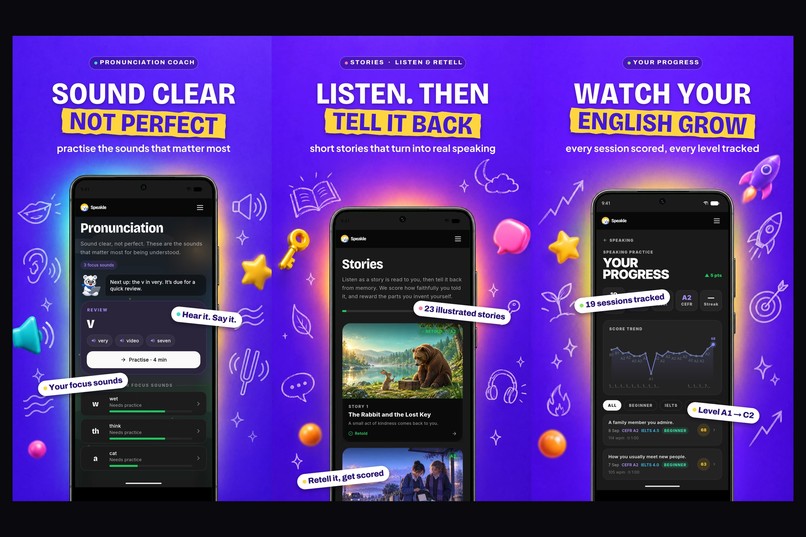
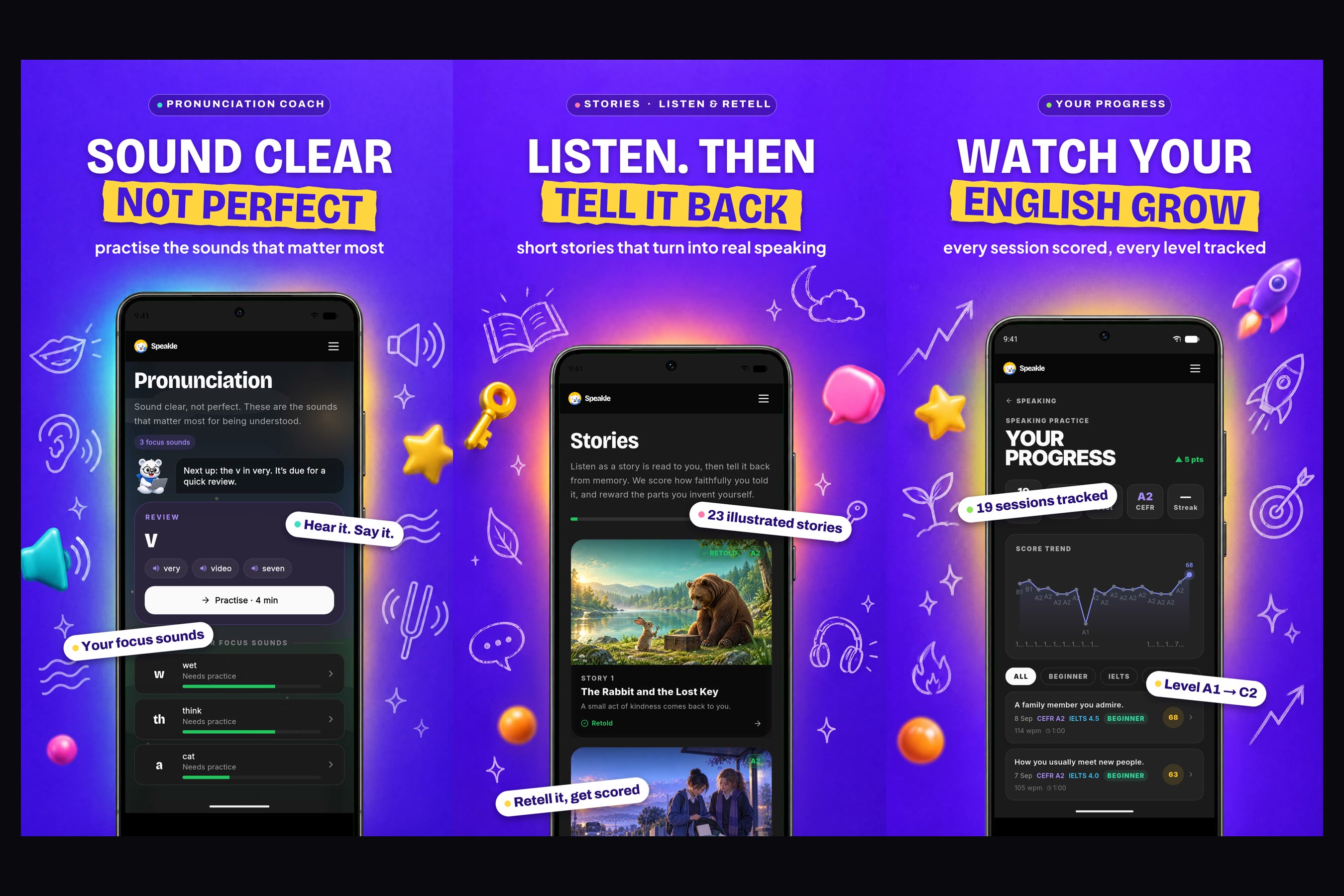
Train the hardest sounds, listen to stories and retell them, and watch your English grow with every speaking report.
-
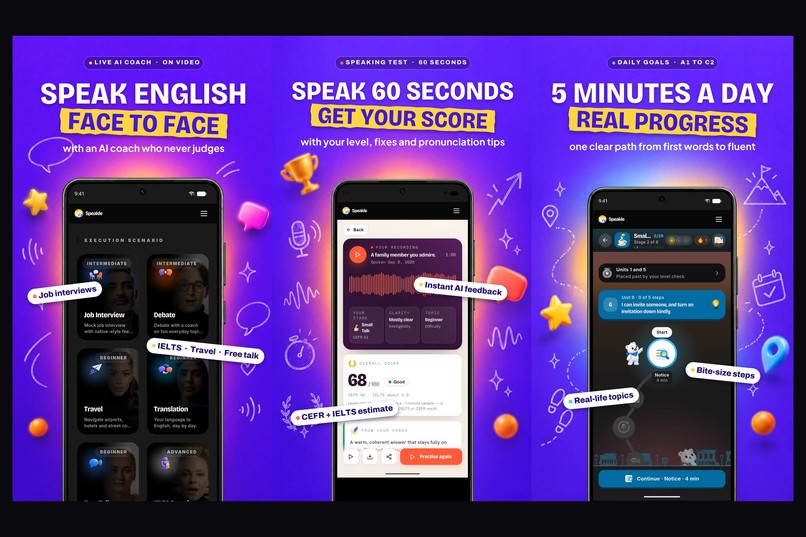
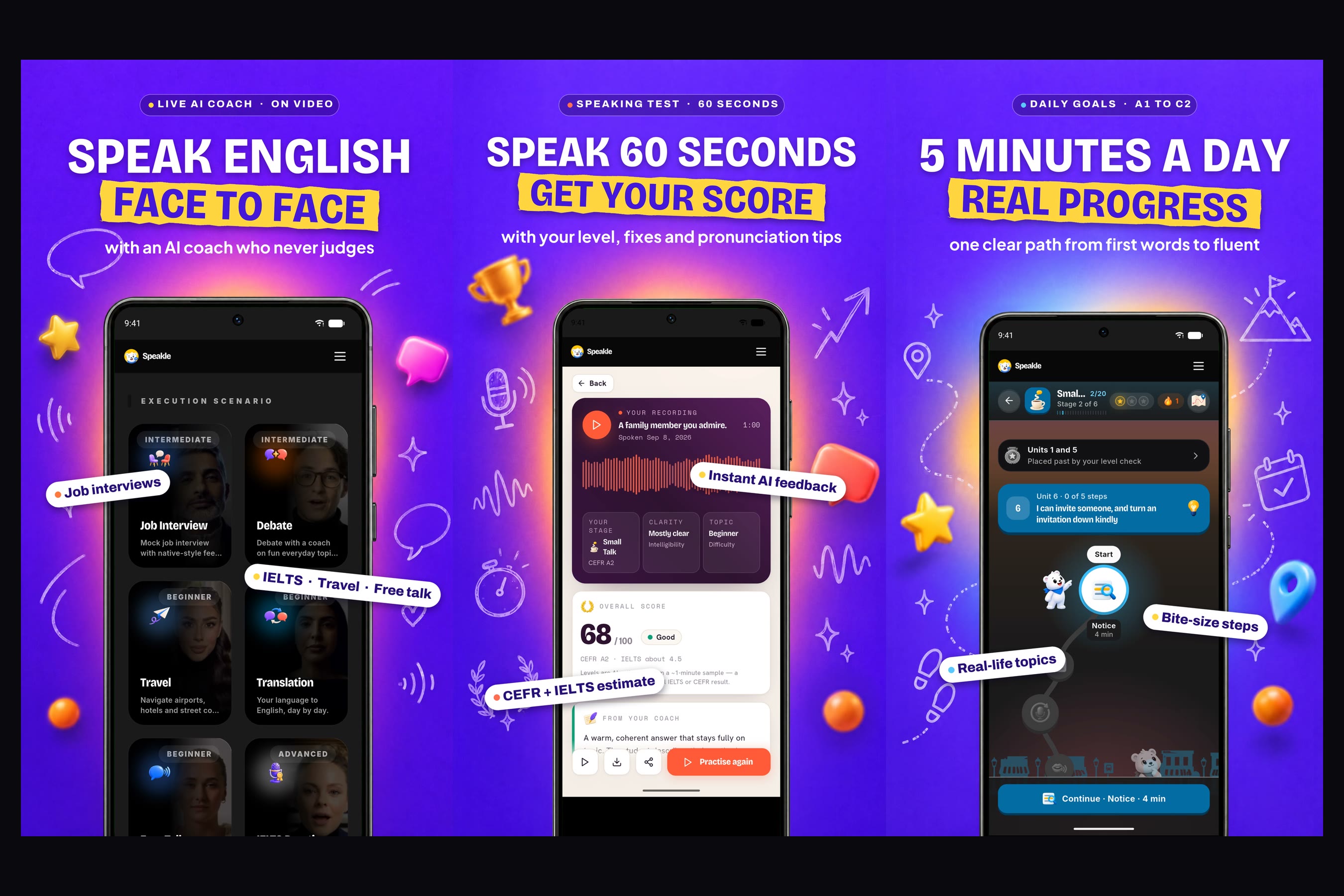
Rehearse real moments with an AI video coach, speak for 60 seconds to get an honest score, and make real progress in 5 minutes a day.
-


Inspiration
I didn't start Speakle as a product. I started it for one person: my girlfriend. She's a teacher, and she wanted to practise speaking English more. So did I.
We both knew what we were missing, and it wasn't grammar. With a language, speaking matters more than anything else, and speaking was exactly what we never got to practise.
We tried the apps. They felt shallow: tap the right answer, match the words, keep a streak. None of them made us actually speak, told us honestly how we sounded, or showed whether we were getting better from one week to the next.
So I built what we needed: an app that makes you speak out loud, gives honest feedback on what you said, and keeps a record of your progress you can trust. I also wanted it to look and feel great, because we were going to open it every day.
Then friends from other countries wanted to use it, and they needed the explanations in their own languages. So I added those languages for them. After that, my analytics showed people arriving from countries whose languages I hadn't added, Spanish speakers most of all. So I added those too.
Then it came full circle. She started using Speakle with her own students. A practice app wasn't enough for that: she needed to see who was speaking, who had gone quiet, and which mistakes the whole class kept making. So I built her a teacher panel. Today it's the tool she relies on most to teach.
What began as a practice app for two people now has more than 350 verified learners and teaches in ten languages.
One detail I left out: I had never built an app before.
What it does
Speakle is daily English speaking practice, explained in your own language.
For learners (the app)
- Speak for a minute, get an honest score. Pick a topic, talk for 60 seconds, and get a full report: your level, clarity, the mistakes you made with the fixes, and your pronunciation.
- A daily speaking course from first words to fluent (A1 to C2). A quick spoken check places you, then 109 units take you forward a few minutes a day. Every unit ends with you saying it out loud, not tapping it.
- Rehearse real moments, face to face. An AI video coach runs job interviews, speaking-test practice, travel situations and debates. An interview ends with a clear result (hired, second round, or not yet) and a report explaining why.
- Explained in your own language. Hints, grammar rules and word meanings come in 10 languages: Hindi, Arabic, Japanese, Korean, Malay, Thai, Vietnamese, Turkish, Portuguese and Spanish.
- More ways to practise: pronunciation training on the hardest sounds, stories you listen to and retell, an AI chat tutor, vocabulary games and grammar quizzes.
For teachers (a web panel that works with the app)
- Know every student. Each student's level and whether it's moving up or down, where they are in the course, how many minutes they spoke this week, and their attendance.
- What to teach next. Speakle collects the mistakes a class makes while speaking, chatting and doing quizzes, and shows the teacher the top grammar topics to cover, with which students need each one.
- Early warnings. The teacher is told when a student goes quiet for a week, when scores start dropping, or when someone is stuck on a unit.
- Homework that checks itself. Speaking, story and course assignments mark themselves done when the student finishes them in the app. A drill can be built for each student from that student's own mistakes.
- Encouragement and families. Teachers can send a shout-out to a student, and share a progress link with parents that shows progress only, never recordings or chats.
How I built it
This is the first app I've ever built. I built it solo, with Claude Code as my pair programmer.
- It started as a web app at speakle.ai for the two of us. Once other learners arrived, I rebuilt it as one Flutter app for Android and iOS, on a Next.js and PostgreSQL backend. The teacher panel runs on the web and reads the same data, so a teacher sees what a student did in the app minutes later.
- Each new language went in the same way: a friend or a group of learners needed it, so I added it across the course, the grammar, the vocabulary and the hints.
- The RevenueCat SDK loads the plans from Google Play and runs every purchase and restore, using the learner's account ID as the RevenueCat app user ID. My server then double-checks each purchase with Google and unlocks the plan.
- Six Google Play subscriptions map to three RevenueCat entitlements: learner, speaker, achiever.
How it makes money
- Free is genuinely useful: a scored speaking session every day, the AI chat tutor and 35 of 49 grammar chapters, free forever.
- Three plans unlock unlimited practice, the video coach and full reports.
- Priced for where you live. Each country has its own price instead of a converted dollar price: $6.99 / $12.99 / $24.99 a month in the US, ₹299 / ₹699 / ₹1,499 in India, with local prices in 47 countries. My learners come from many countries, so one dollar price would have shut most of them out.
- RevenueCat gives me one view of subscribers, renewals and churn across every country, which is what I need to tune those prices.
Challenges I ran into
This is my first app, so almost everything was new. A few moments stand out:
- Payments nearly went live broken. Two days before the deadline I found that a missing server key meant every Android purchase would have charged the learner and never unlocked their plan. Nobody had bought yet. I'm glad I found it before a real customer did.
- Apple taught me its rules the hard way. An app's first subscriptions have to be submitted together with the app version, and the subscription group has to go in before the subscriptions. It took four attempts to get one submission accepted.
- Google blocked my production release because a declaration said the app used an advertising ID. It doesn't: Speakle has no ads. One wrong tick box held up the launch.
- Honest scoring. An AI can flatter or crush. I kept tuning the report until it showed the exact sentence you said and the better version, and nothing vaguer.
- Turning mistakes into a lesson plan. A teacher doesn't want a list of 400 errors. Grouping what a whole class gets wrong into a few topics she can teach on Monday took several rebuilds.
- One app, ten languages. What started as a favour for friends became the hardest part: every rule, word and hint has to make sense in each language without assuming a learner's country or culture.
- Pricing for 47 countries so that nobody feels they're paying someone else's price.
Accomplishments that I'm proud of
- Shipping my first ever app: live on Google Play, with the iOS version in App Store review.
- More than 350 verified learners, from an app I built for two people.
- 55 new verified learners in the first four days after the Google Play launch.
- The person I built it for now teaches with it.
- Ten native languages and local prices in 47 countries, built by one person.
- A course that reads as a painted road through six illustrated worlds, five visual themes, and full light and dark modes.
- Payments live through RevenueCat. Subscriptions only went live days ago, so it's too early for revenue numbers.
What I learned
- Build for one real person first. Every feature my girlfriend asked for turned out to be something other learners and teachers needed too.
- Let the learners decide. I added Spanish because the data showed people asking for it, not because I had planned to.
- You can build a real product without having built one before, as long as you test everything. I learned that after trusting code that looked right and wasn't.
- Payments are a product of their own. Getting a purchase to reliably unlock a plan took more care than any feature.
- People don't stop practising because lessons are hard. They stop because speaking feels unsafe. Every design choice that removed judgement did more for practice than any new feature.
What's next for Speakle
- iOS release on the App Store (in review now), with the same RevenueCat setup.
- Opening the teacher panel to more teachers and schools.
- More native languages, chosen the same way: by where learners are coming from.
- The same country pricing through RevenueCat on the web, so a learner's plan follows them from phone to browser.
Try it (for judges)
Install from Google Play, sign up, and redeem the promo code freemonth to unlock a paid plan. Start with Speak for a minute on the home screen. That's the heart of Speakle.
Built With
- dart
- flutter
- google-play-billing
- next.js
- postgresql
- revenuecat
- typescript

Log in or sign up for Devpost to join the conversation.