-
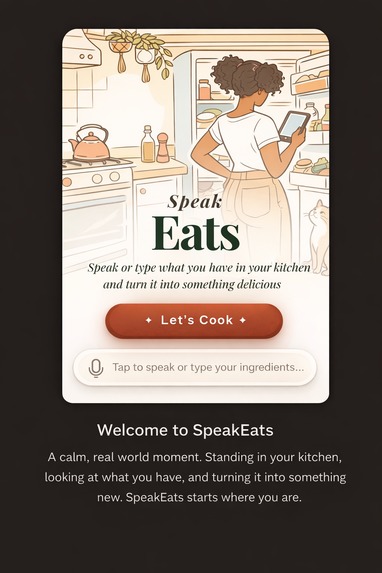
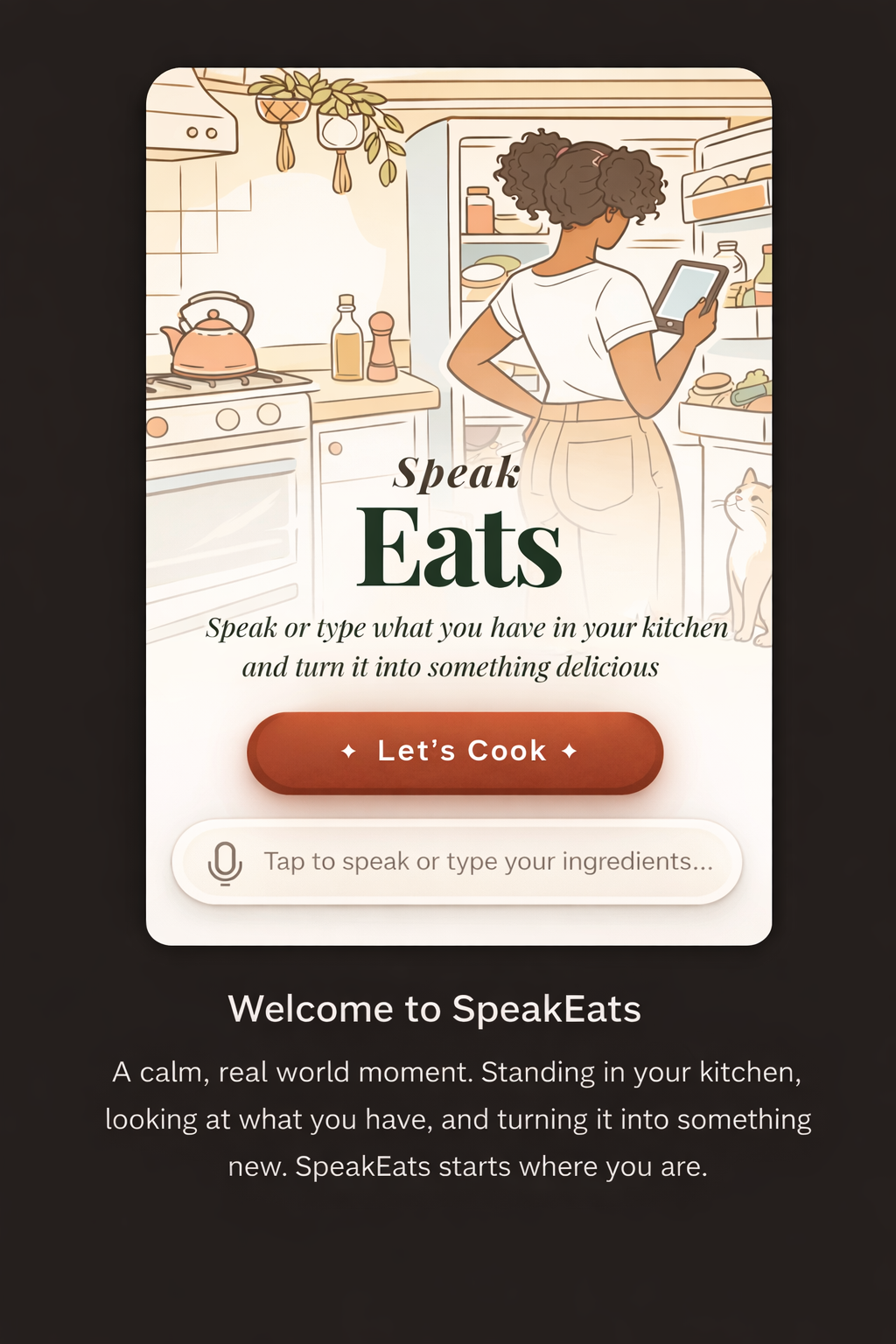
SpeakEats — turn whatever is in your kitchen into a real recipe.
-
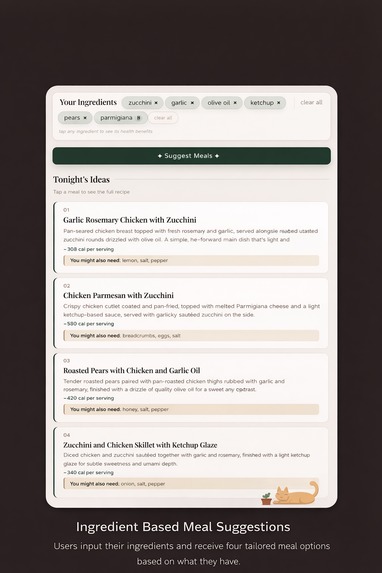
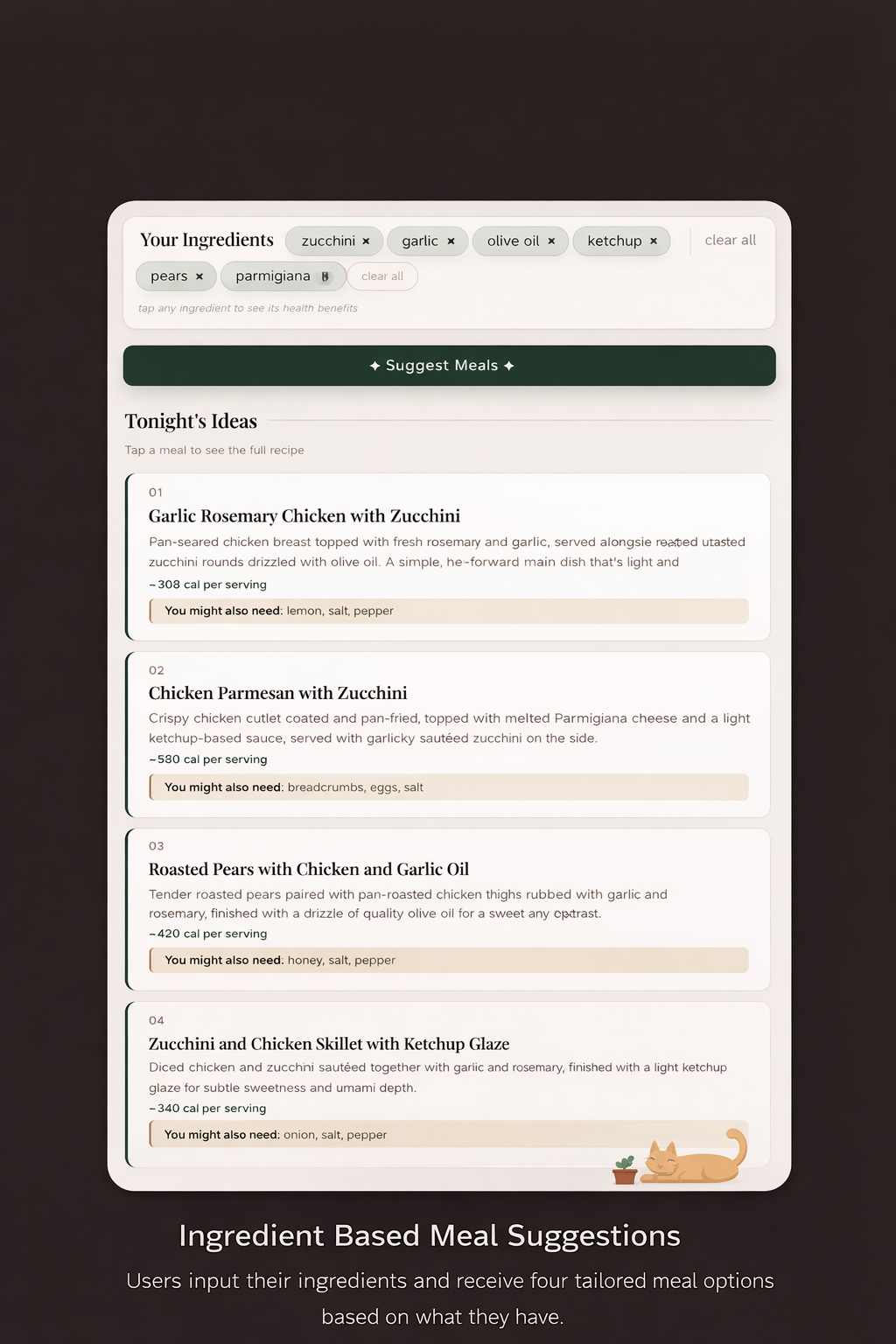
Speak or type your ingredients and get four instant meal ideas with calorie estimates.
-
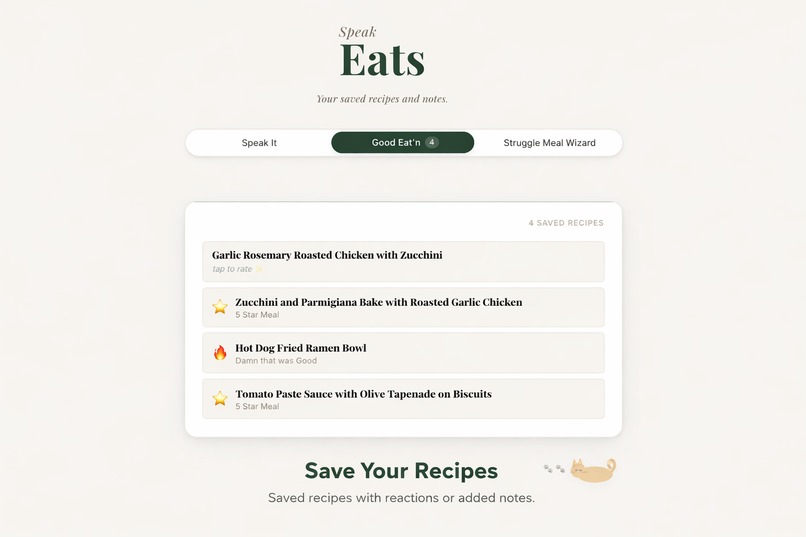
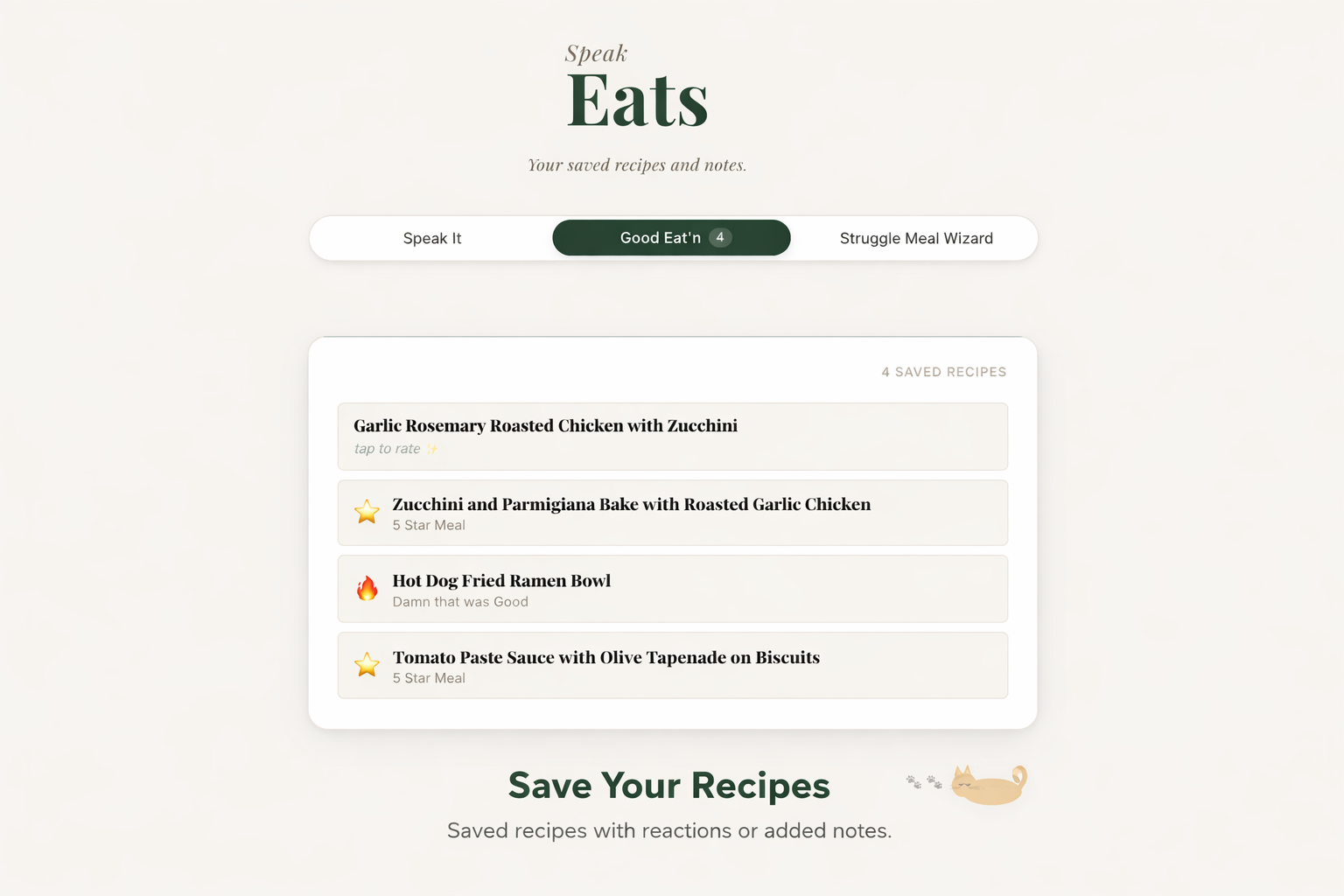
Good Eat’n tab lets you save recipes, add reactions, or notes.
-
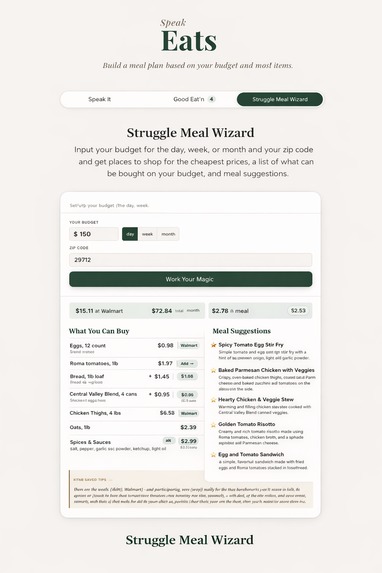
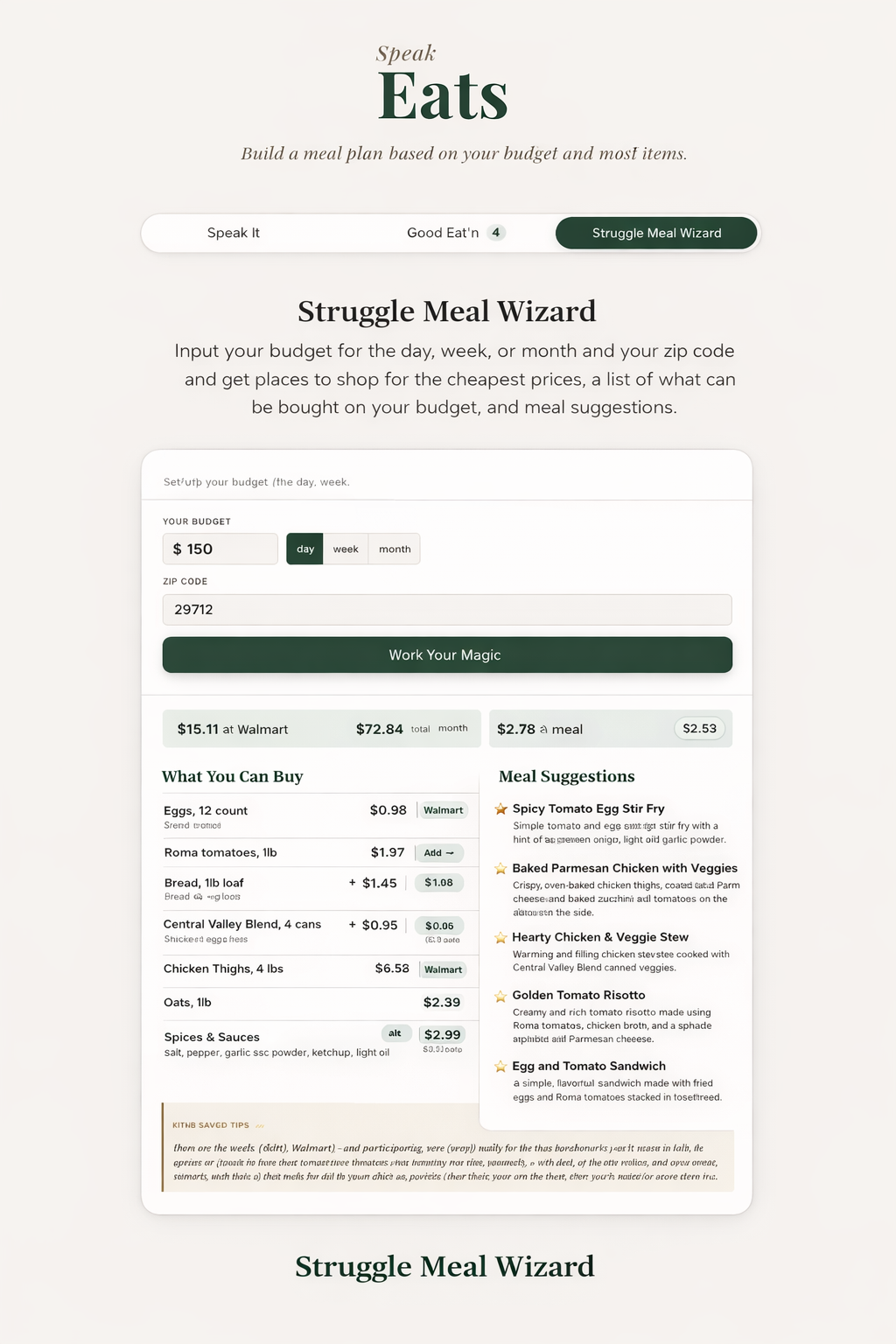
Struggle Meal Wizard helps you enter your budget and zip code to find the cheapest places to shop, what you can afford, and meal ideas.
The Inspiration
It started in my kitchen.
I buy the same groceries every week. Same basics, same routine. But my cabinet is packed with spices, and somehow I was still eating the same meals over and over again. I was bored, and honestly a little frustrated.
I wanted something new without buying more.
So I started using ChatGPT with what I already had.
At first I was typing ingredients in. It worked, but it still felt like effort. Then I tried speaking. Just saying everything I had out loud and getting ideas back instantly.
That changed everything.
Simple ingredients turned into full meals, new sauces, and combinations I would have never thought of. It did not feel like following a recipe. It felt like chemistry.
That is when I realized this should not be a workaround.
It should be a product.
That became SpeakEats.
What It Does
SpeakEats is a voice and text driven meal experience designed for real life.
Not perfect kitchens. Not long ingredient lists. Just what you already have.
Speak It lets you say or type your ingredients and instantly get meal ideas that actually make sense. You can also switch into Moody Foodie mode to get suggestions based on your mood, your time, and how hungry you are.
Good Eat'n is your personal food journal. You save meals you liked, react to them, and build your own collection over time so you are not starting from scratch every time you cook.
Budget Planner helps you stay realistic. You enter your budget, your must haves, and your location, and it builds a grocery plan that fits your life, not the other way around.
How I Built It
I built SpeakEats like a real product, not just a quick project.
Every feature started with a clear idea of how it should feel before I wrote any code.
The app uses React and Vite on the front end, Express on the back end, and Claude to generate meal ideas, recipes, and grocery plans in real time. Voice input is handled directly in the browser, with text as a fallback.
AI accelerated development, but I stayed in control of the product direction, design, and experience.
Challenges
One of the biggest challenges was working with AI in a way that still allowed me to own the product.
At times, Claude Code would generate entire sections of the app without including me in the design decisions. The code worked, but it did not always match my vision. I had to learn when to let it build and when to step in, rewrite, and push until the result actually felt intentional.
Claude also timed out during critical changes, breaking flow and forcing me to rethink how I structured prompts. That led me to adopt smaller, more focused requests instead of large, open ended ones.
On the backend, I dealt with inconsistent AI responses by building a shared parser to clean and structure data reliably across all API endpoints.
Before deploying, I also identified and fixed a server side security issue by adding input validation, length limits, and sanitization across all routes to prevent prompt injection and unnecessary API cost usage. Most beginner projects overlook this. I did not.
This process taught me how to guide AI, not rely on it. The difference between a working app and a well designed product came down to control, clarity, and knowing when to take over.
What I Learned
I learned that building with AI is not about letting it take over.
It is about direction.
The quality of the result depends on how clearly you think, how well you communicate, and how willing you are to step in and refine what it produces.
A working app is easy.
A thoughtful product takes control.
What is Next
SpeakEats is just getting started.
Next, I am adding meal photo uploads, user accounts, mobile support, and a feature that helps people find food resources in their area.
This is bigger than recipes.
It is about turning everyday ingredients into something new without overthinking it.
Built With
- claude-haiku-4-5-20251001
- css3
- express.js
- node.js
- react
- vite
- webspeechapi

Log in or sign up for Devpost to join the conversation.