-
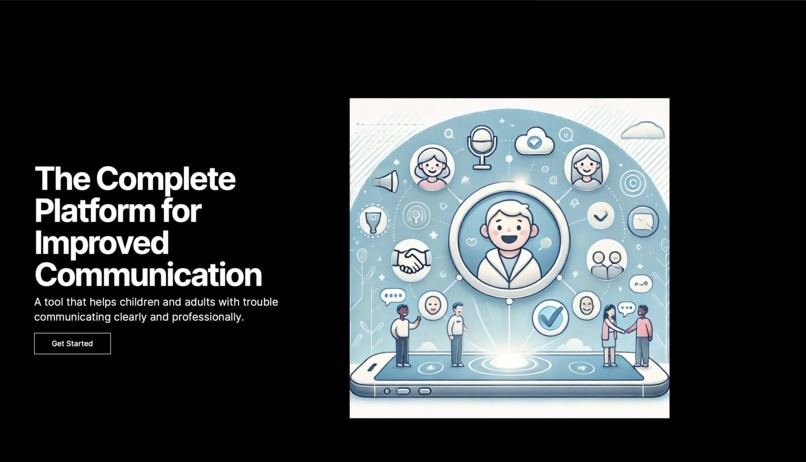
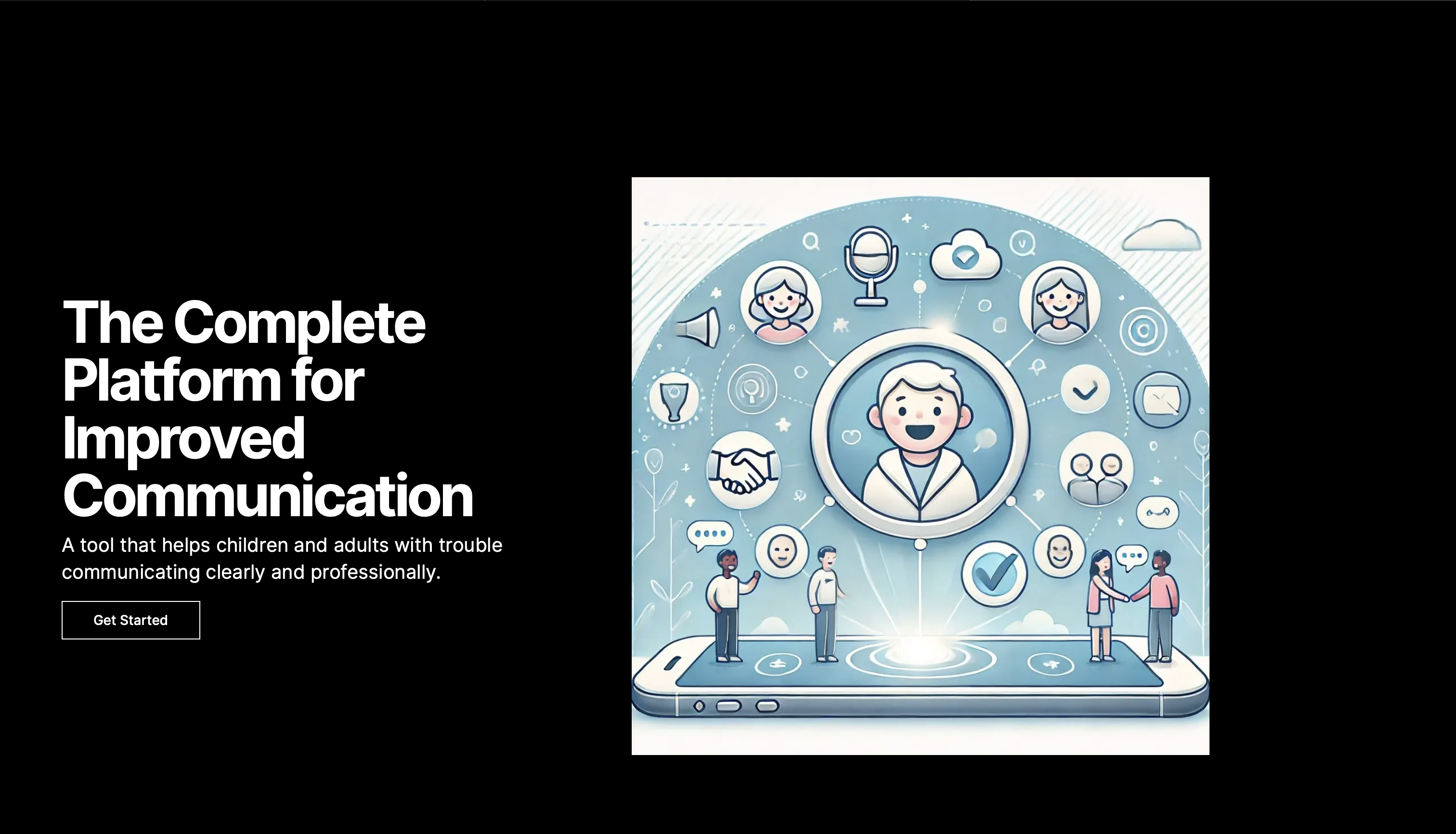
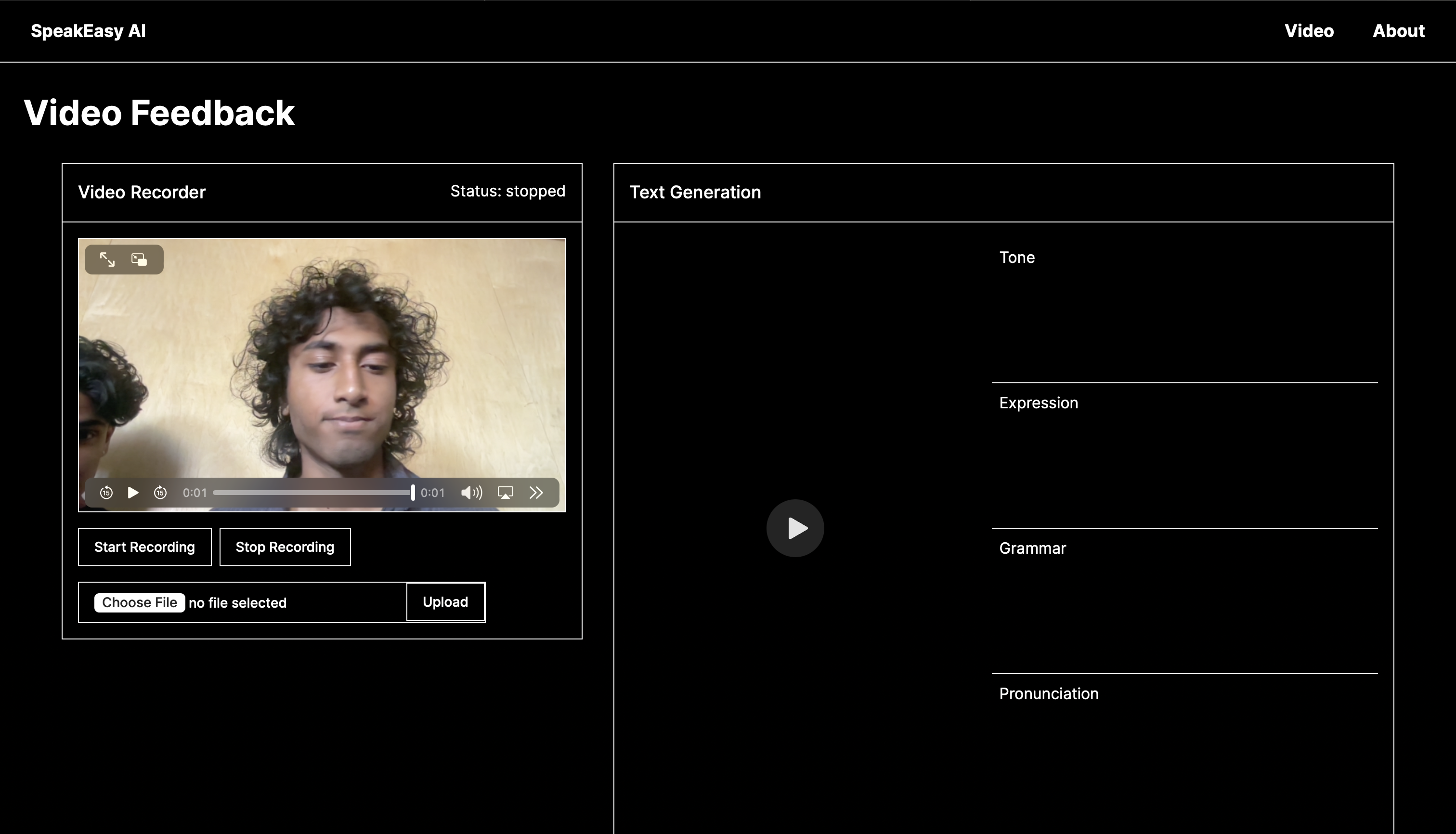
Homepage
-
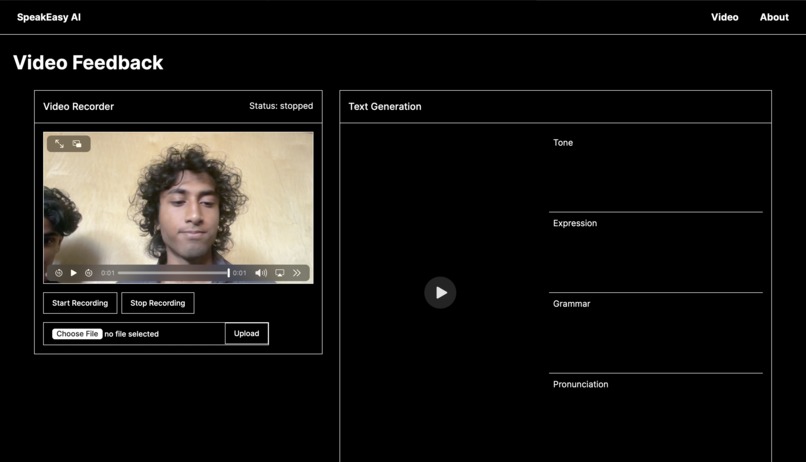
Builtin Video & Audio Recorder
-
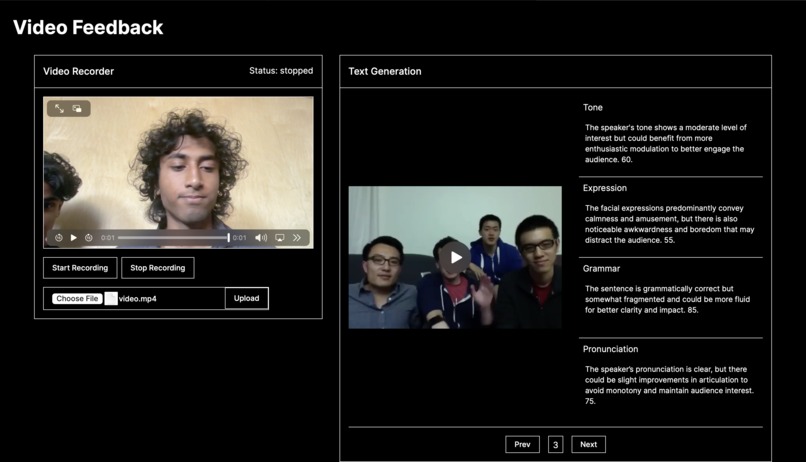
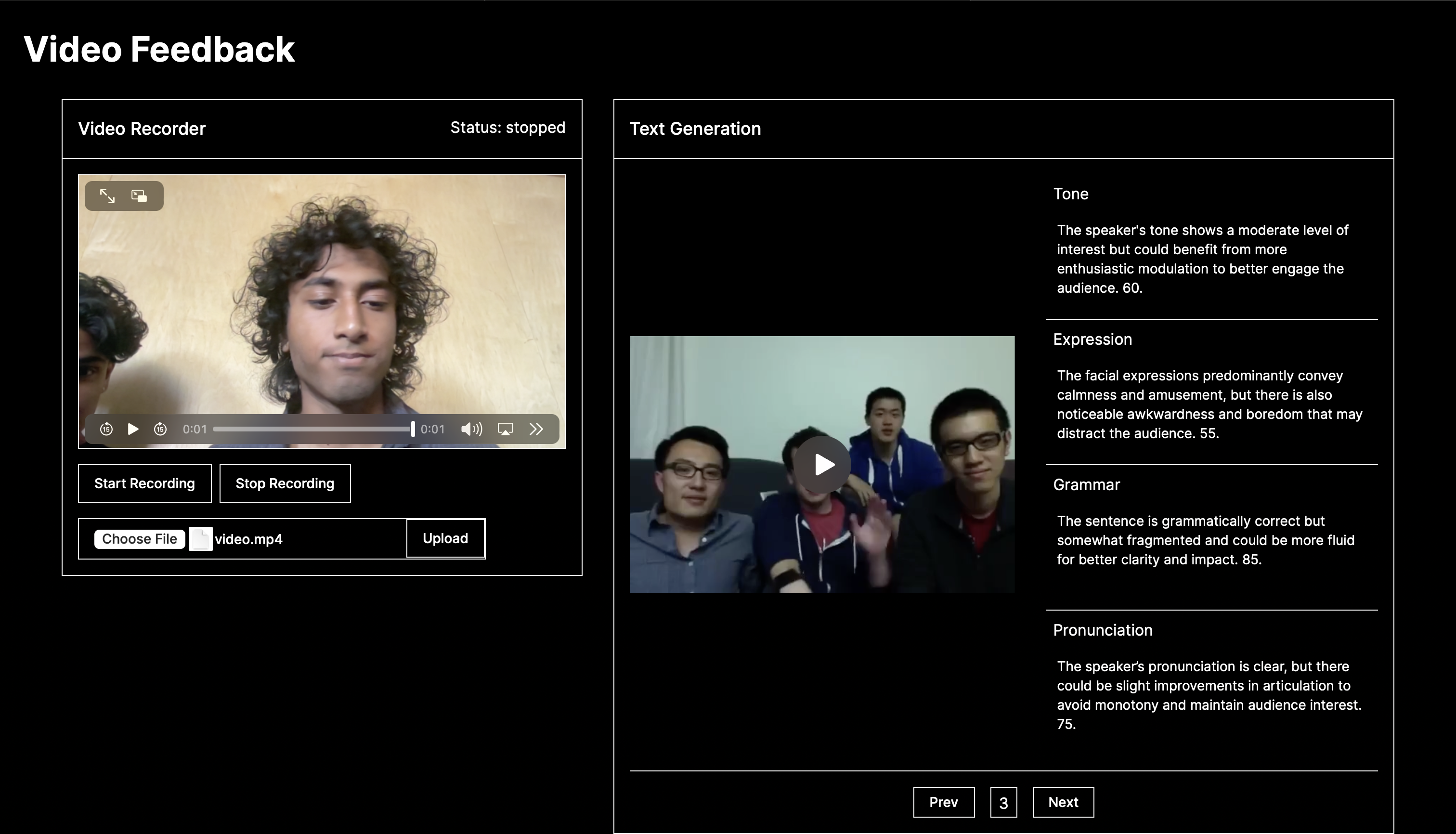
Upload Video/Audio Feature
Hackathon Project: SpeakEasy
Inspiration
We have friends with special needs who struggle with communication, especially in understanding how to respond in specific scenarios. Witnessing these challenges firsthand inspired us to create a tool that provides real-time, actionable feedback to help improve their communication skills. We wanted to make a difference by leveraging technology to support effective communication and build confidence.
What it does
SpeakEasy is an innovative platform designed to enhance communication abilities through real-time feedback on tone, grammar, pronunciation, and facial expressions. Users can record and upload videos, which are then analyzed to provide detailed, sentence-by-sentence feedback, helping them refine their speaking skills and build confidence.
How we built it
- Frontend: Built with Next.js, allowing users to easily record and upload videos directly from the web interface.
- Backend: Implemented with FastAPI, handling video processing, feedback generation, and communication with AI models.
- Whisper: Used for transcribing audio with word-level timestamps for precise feedback.
- Pydub: Utilized to split audio into manageable segments for detailed analysis.
- Hume AI: Analyzes prosody (tone) and facial expressions in video clips to provide comprehensive feedback.
- OpenAI GPT-4: Generates detailed feedback on tone, grammar, pronunciation, and facial expressions based on the analyzed data.
- MoviePy: Processes video files to extract and split clips corresponding to individual sentences.
- FFmpeg: Used for real-time audio and video processing, ensuring accurate synchronization and seamless analysis.
- Postman: Utilized for API testing to ensure seamless communication between frontend and backend components.
Challenges we ran into
- Rendering and Splitting Clips: Ensuring clean and accurate rendering of video clips without overlaps or errors was challenging. Training our AI models with reliable code samples helped ensure precise analysis.
- Syncing Audio and Video: Initially, syncing text-to-speech audio with video clips was problematic. FFmpeg was instrumental in stitching the audio and video accurately.
- Fine-Tuning AI Models: Prompt engineering and tuning our generative AI models to provide precise and useful feedback required significant effort.
Accomplishments that we're proud of
- Successfully integrating multiple AI models to achieve smooth and accurate feedback.
- Implementing an automated process where AI models correct their own errors, enhancing feedback reliability.
- Creating an interactive and user-friendly frontend that allows users to easily navigate and engage with the feedback.
What we learned
- Advanced prompt engineering techniques for effective AI communication.
- Video and audio editing using command-line tools like FFmpeg.
- How to integrate and orchestrate multiple AI models to work seamlessly together.
- Developing a user-centric interface that enhances the learning experience.
What's next for SpeakEasy
- Scenario-Based Training: Implementing features that ask users to respond to various scenarios, providing context-specific feedback to improve their communication in different situations.
- Multilingual Support: Allowing users to choose their preferred language for feedback.
- Subtitles and Accessibility: Implementing subtitles for feedback to increase accessibility.
- Expanded Capabilities: Extending the platform to cover more disciplines and providing additional educational resources.
- Optimized Backend: Continuously optimizing backend requests and improving error handling for a smoother user experience.
Join us in making communication accessible and effective for everyone!

Log in or sign up for Devpost to join the conversation.