-
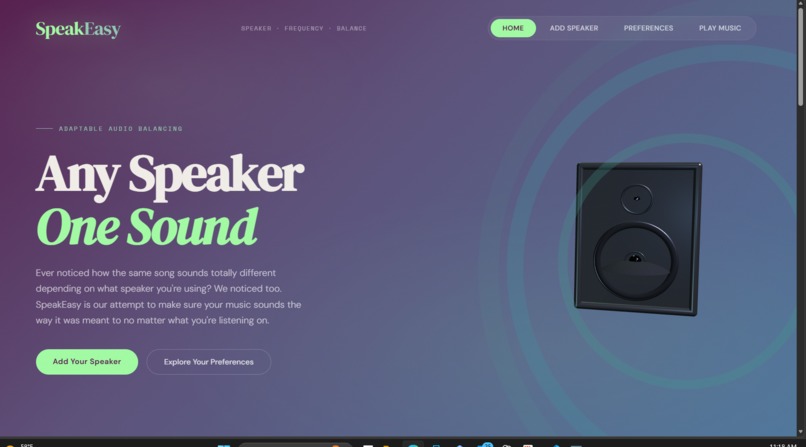
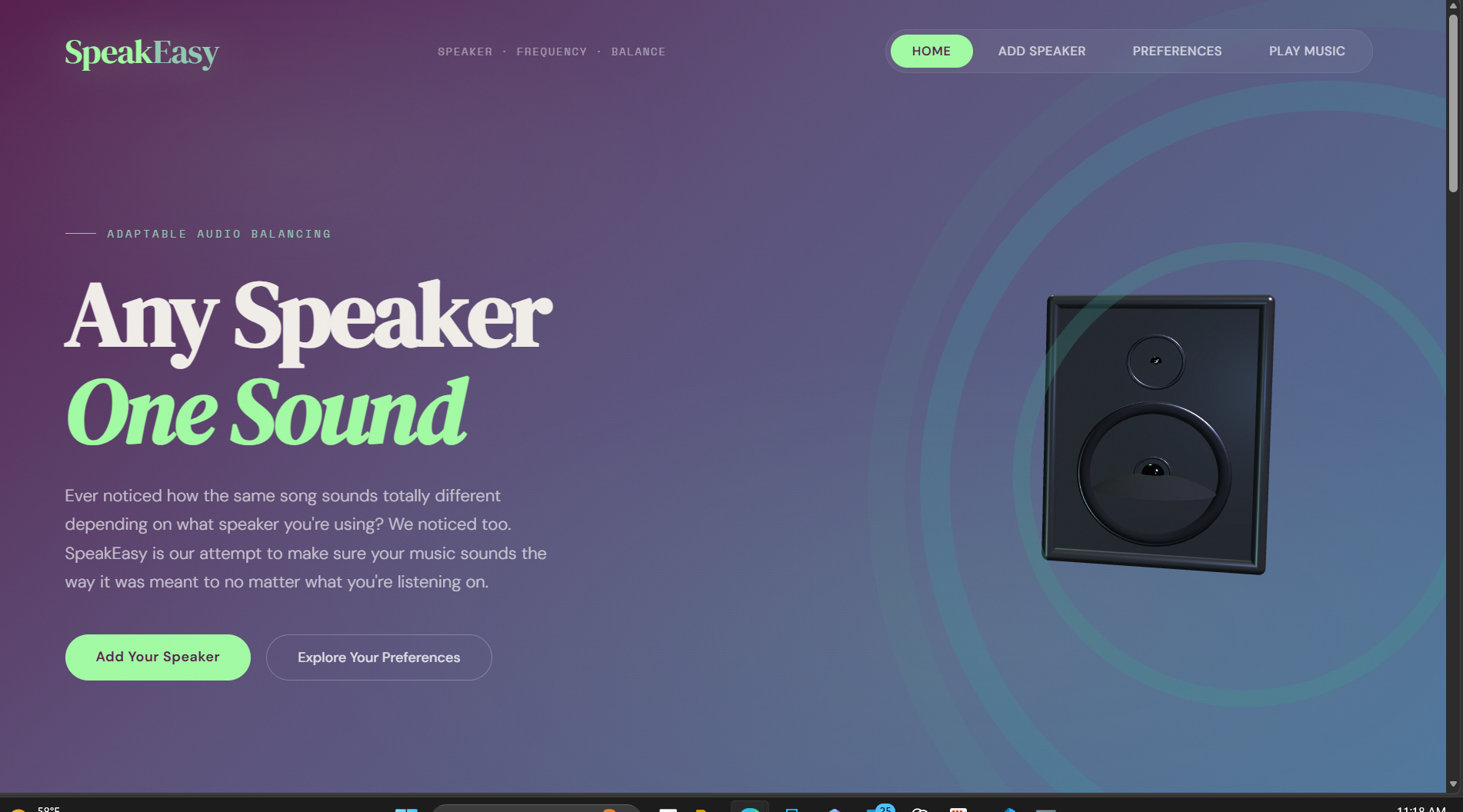
Our Home Page, where the user first enters. The blue audio lines move in and out from the speaker as the user scrolls up and down.
-
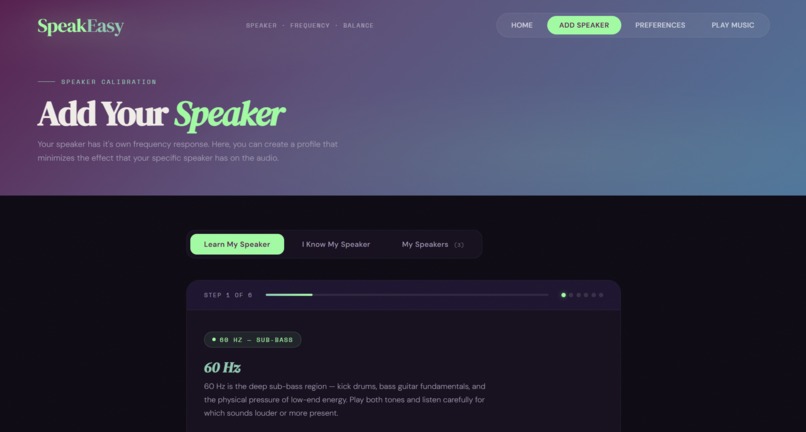
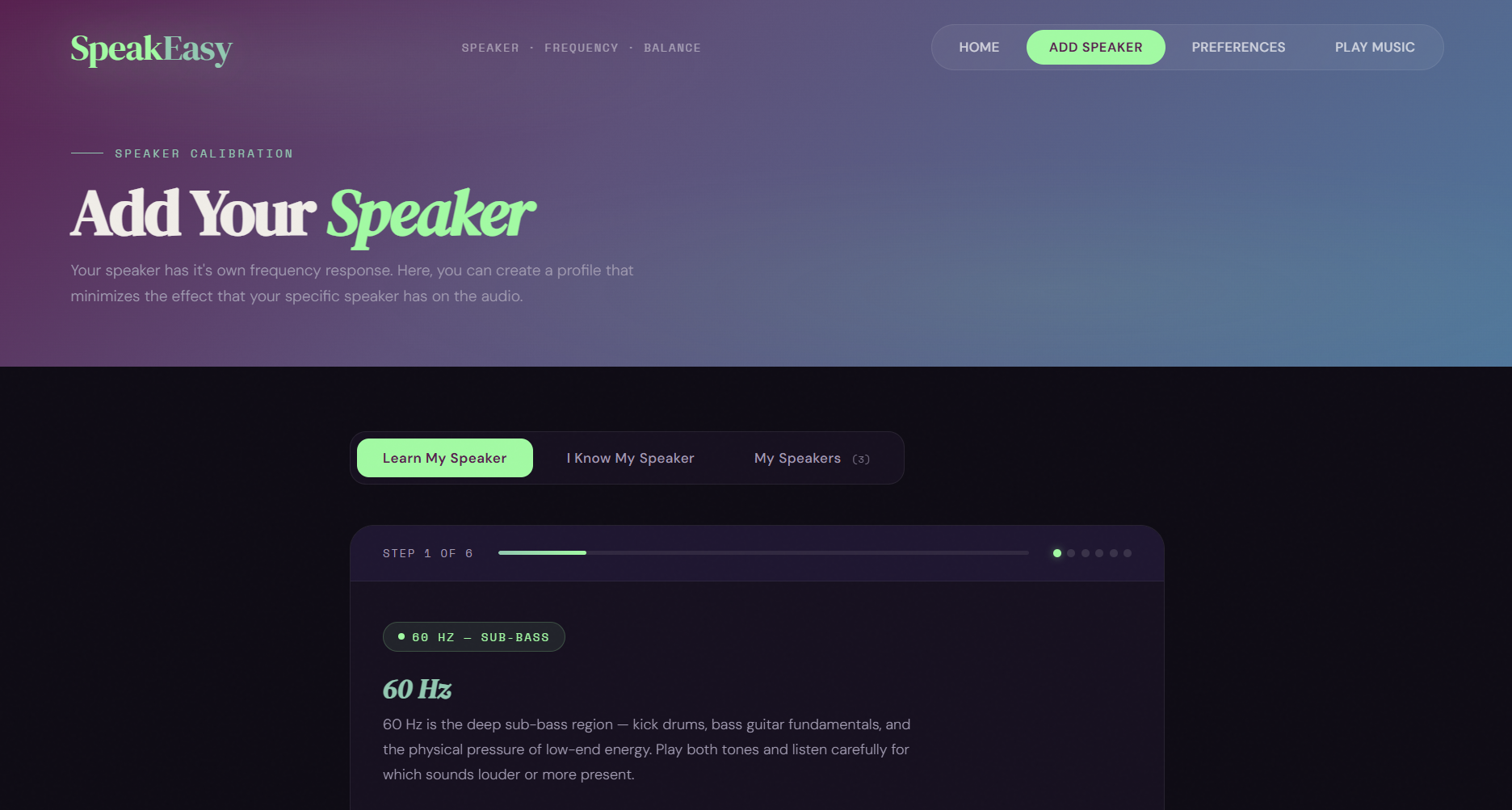
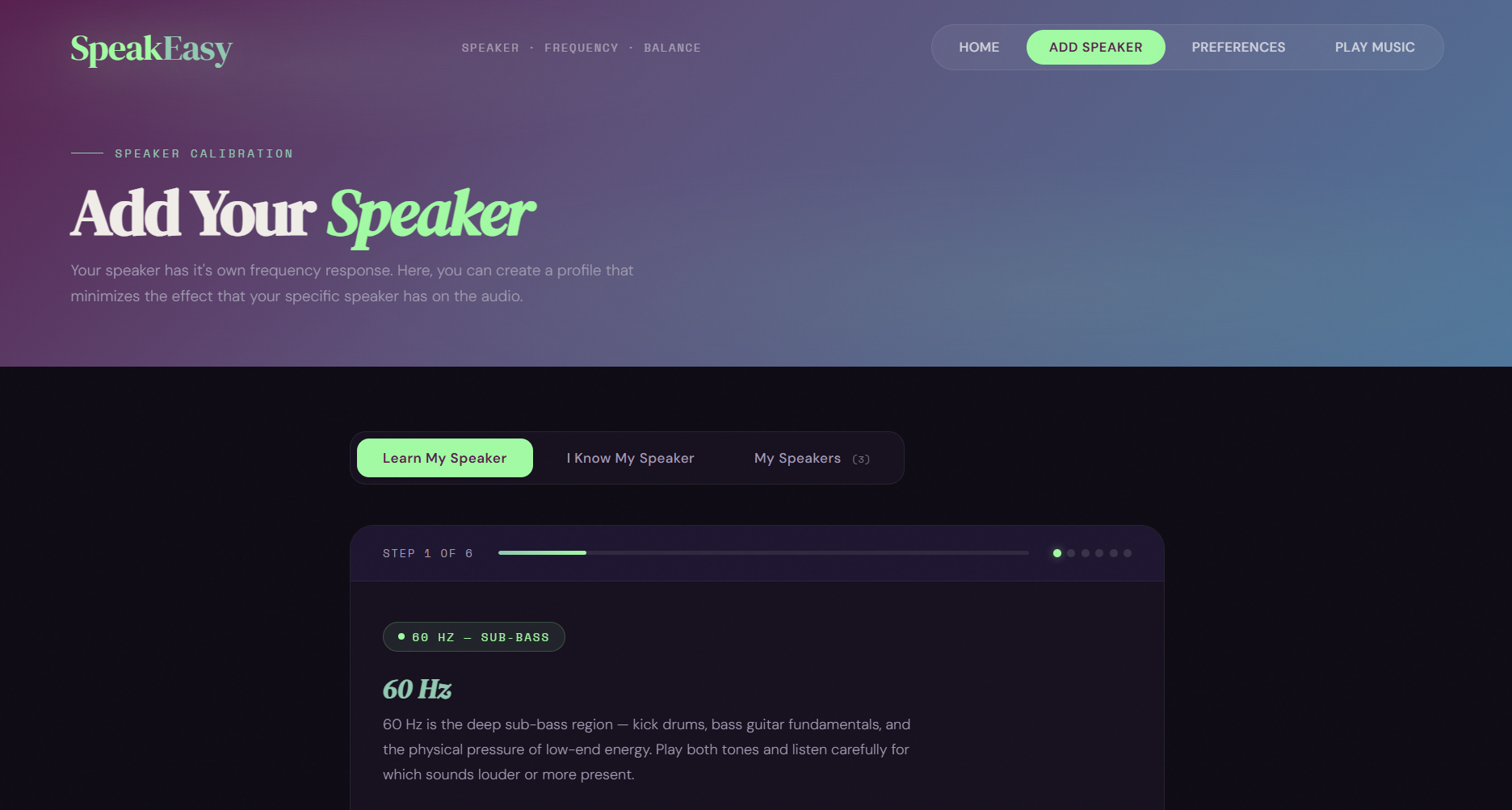
Add Your Speaker Tab: where the user can add a new speaker to their saved speaker and that data is saved to local storage
-
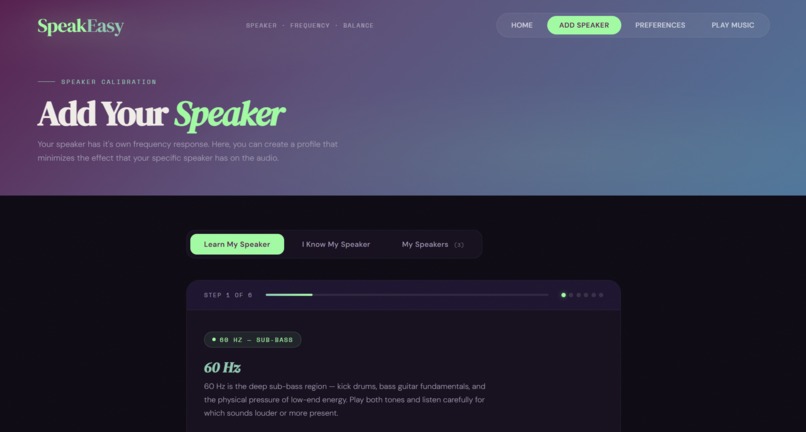
The user then has a choice to test their speaker they are adding by playing different frequencies to test your speaker's capabilities.
-
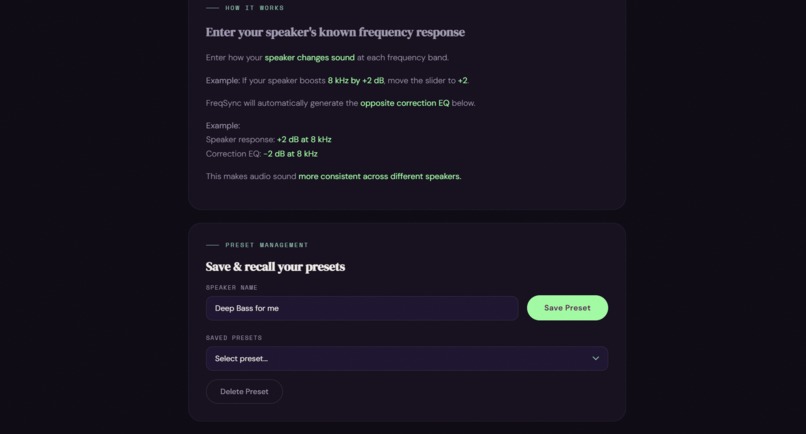
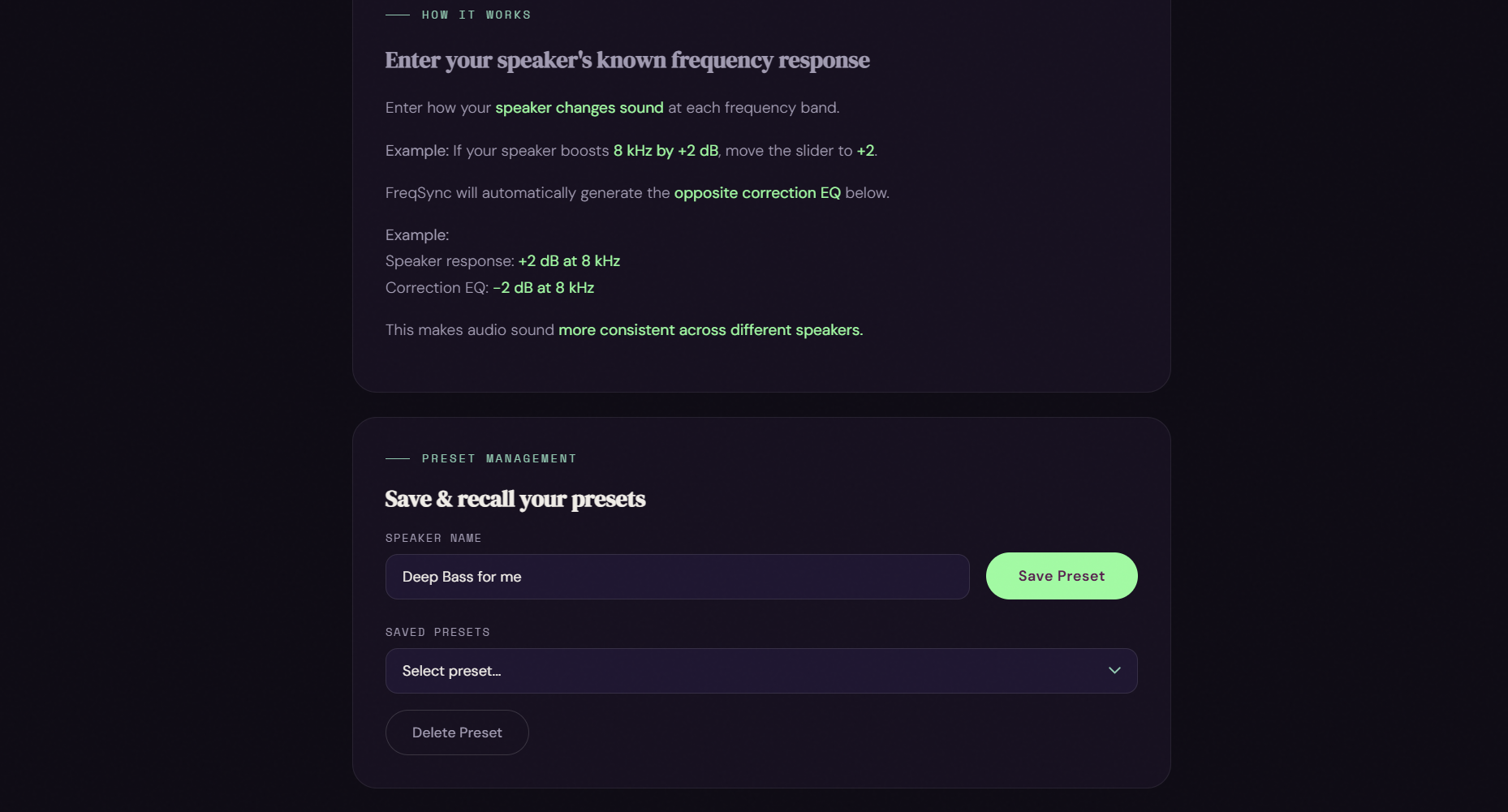
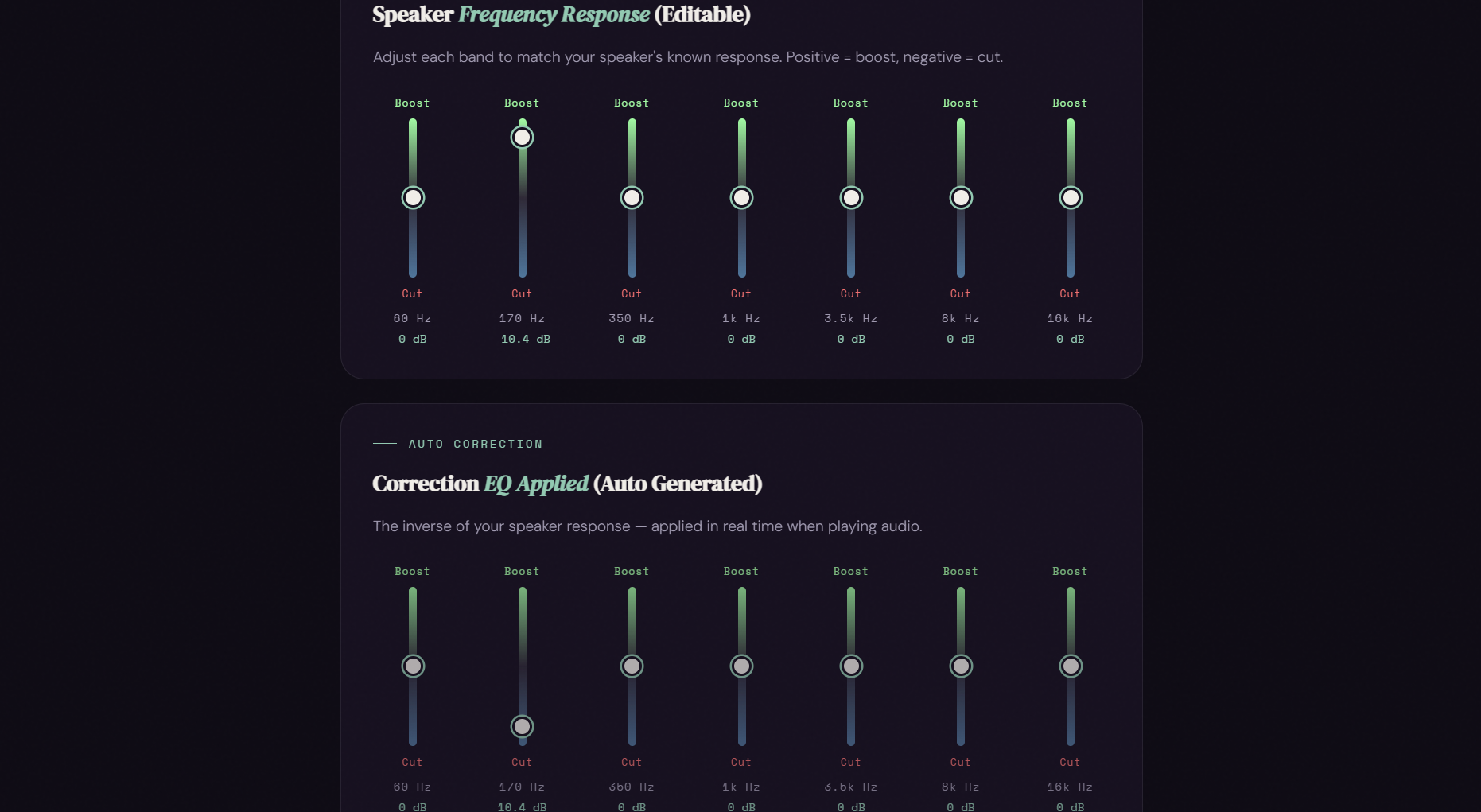
The user's second choice is to base their new speaker settings on knowledge they already have on their speaker, without the audio test.
-
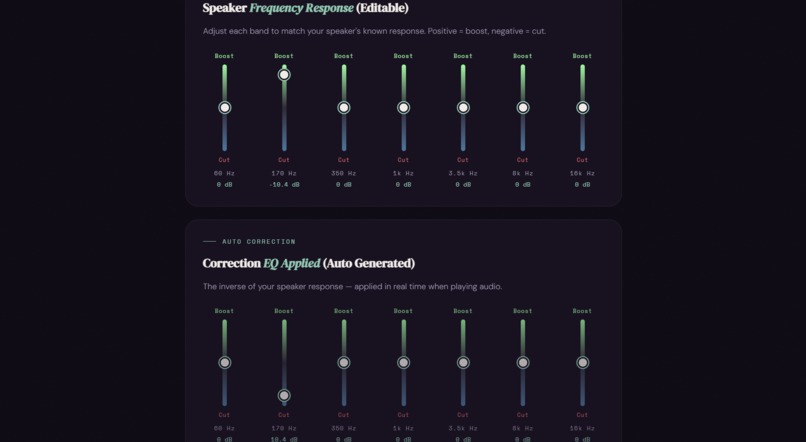
Continuation I know my Speaker if user imputs that the bass doesn't come through on their speaker well, the program will then boost the bass
-
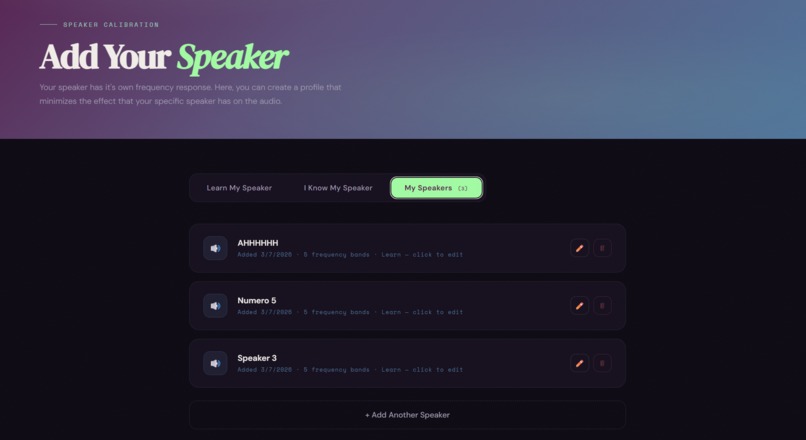
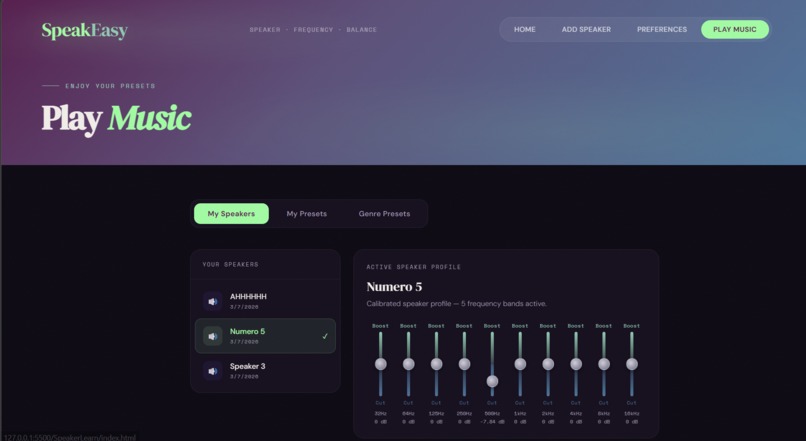
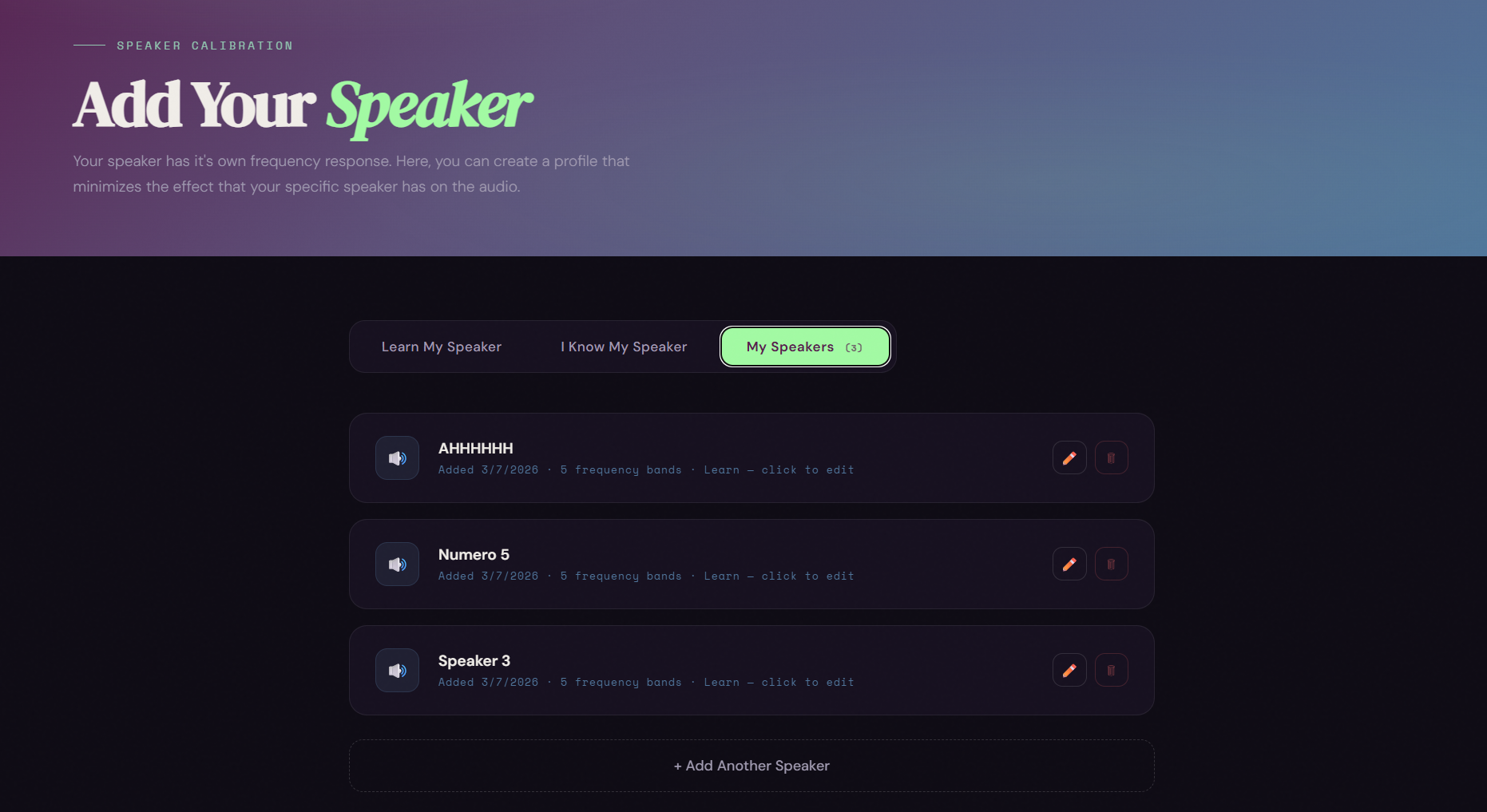
Shows user's saved speakers
-
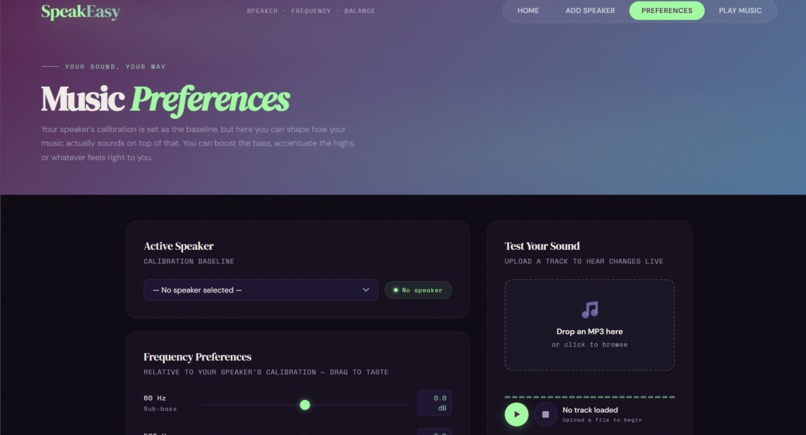
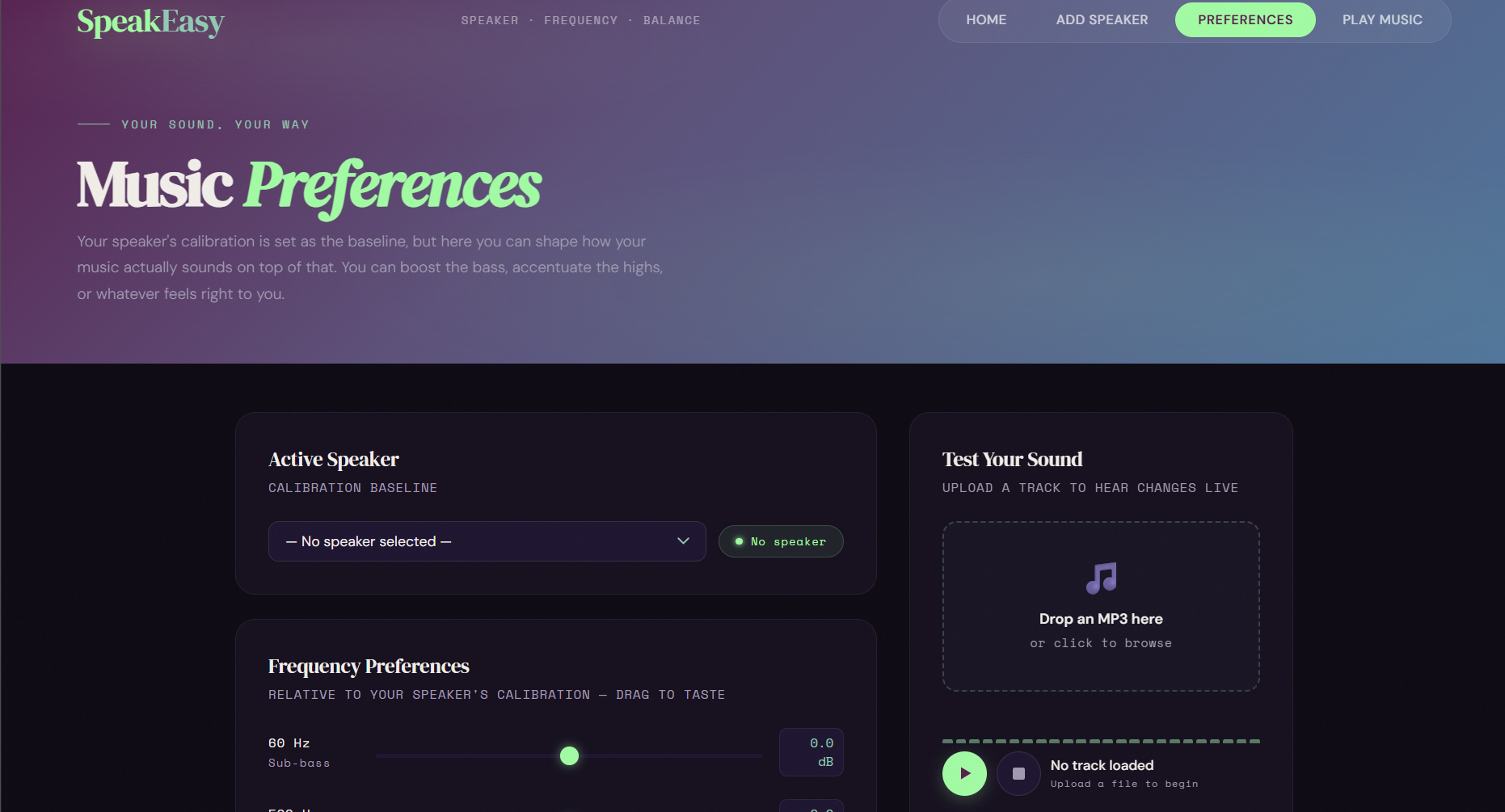
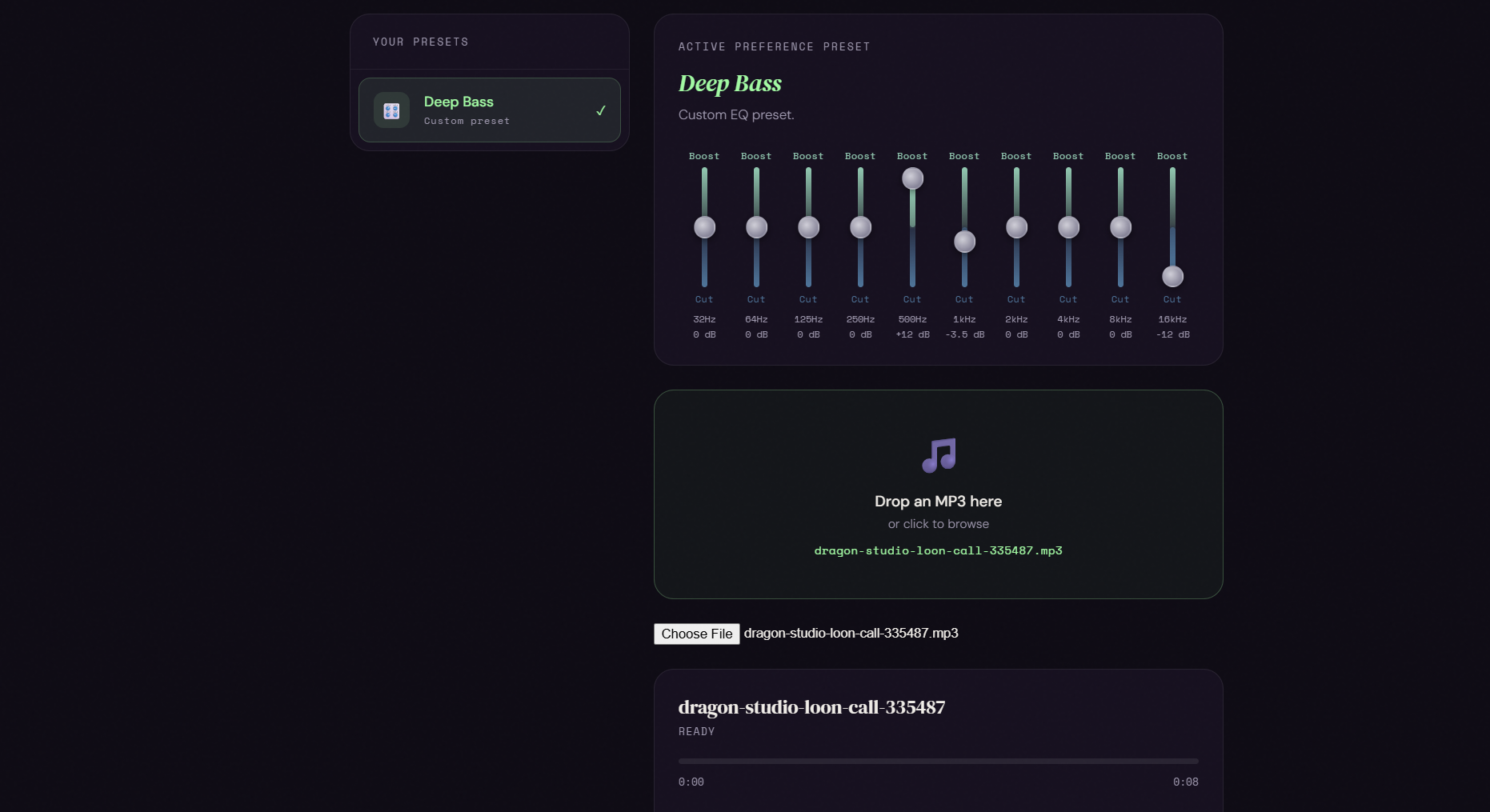
Music Preference Page: user can choose music balancing solely on their preference: more bass/less bass etc
-
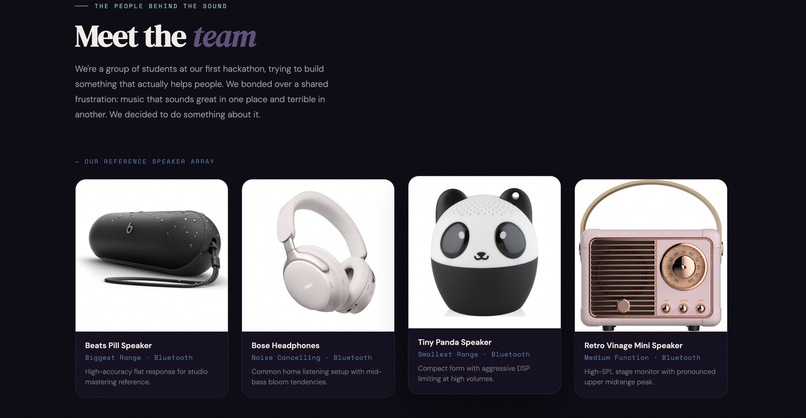
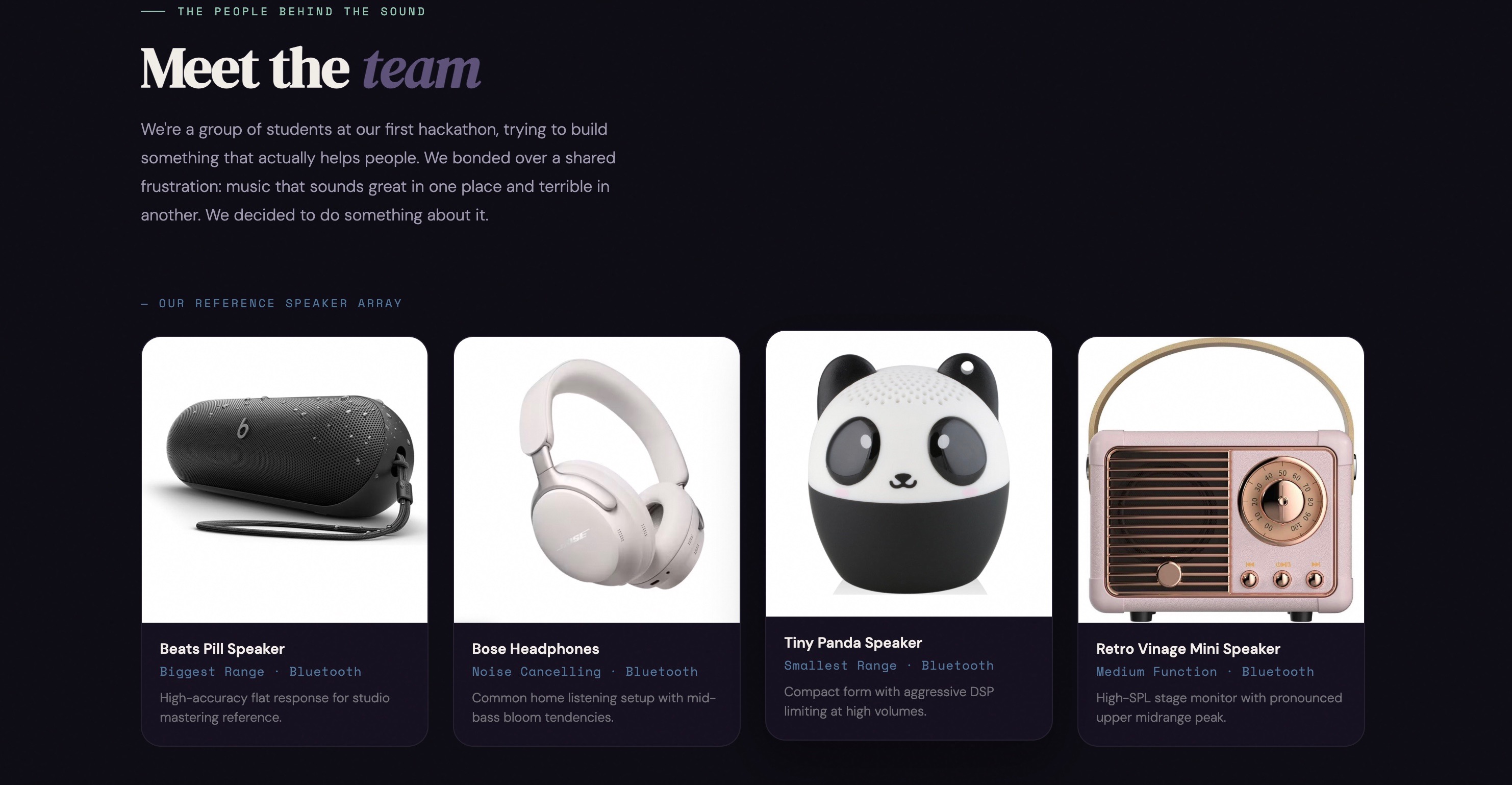
The speakers we the creators tested to show the users examples (on the home page)
-
Music playing from either an mp3 file or any computer audio currently playing (allows for spotify integration)shown uploaded and plays
-
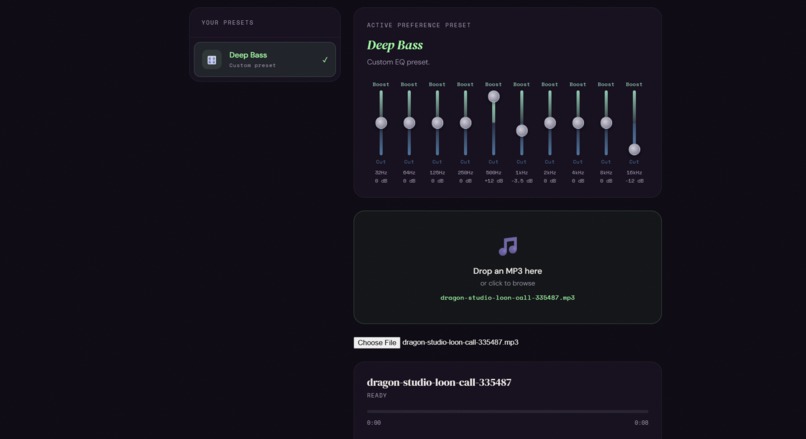
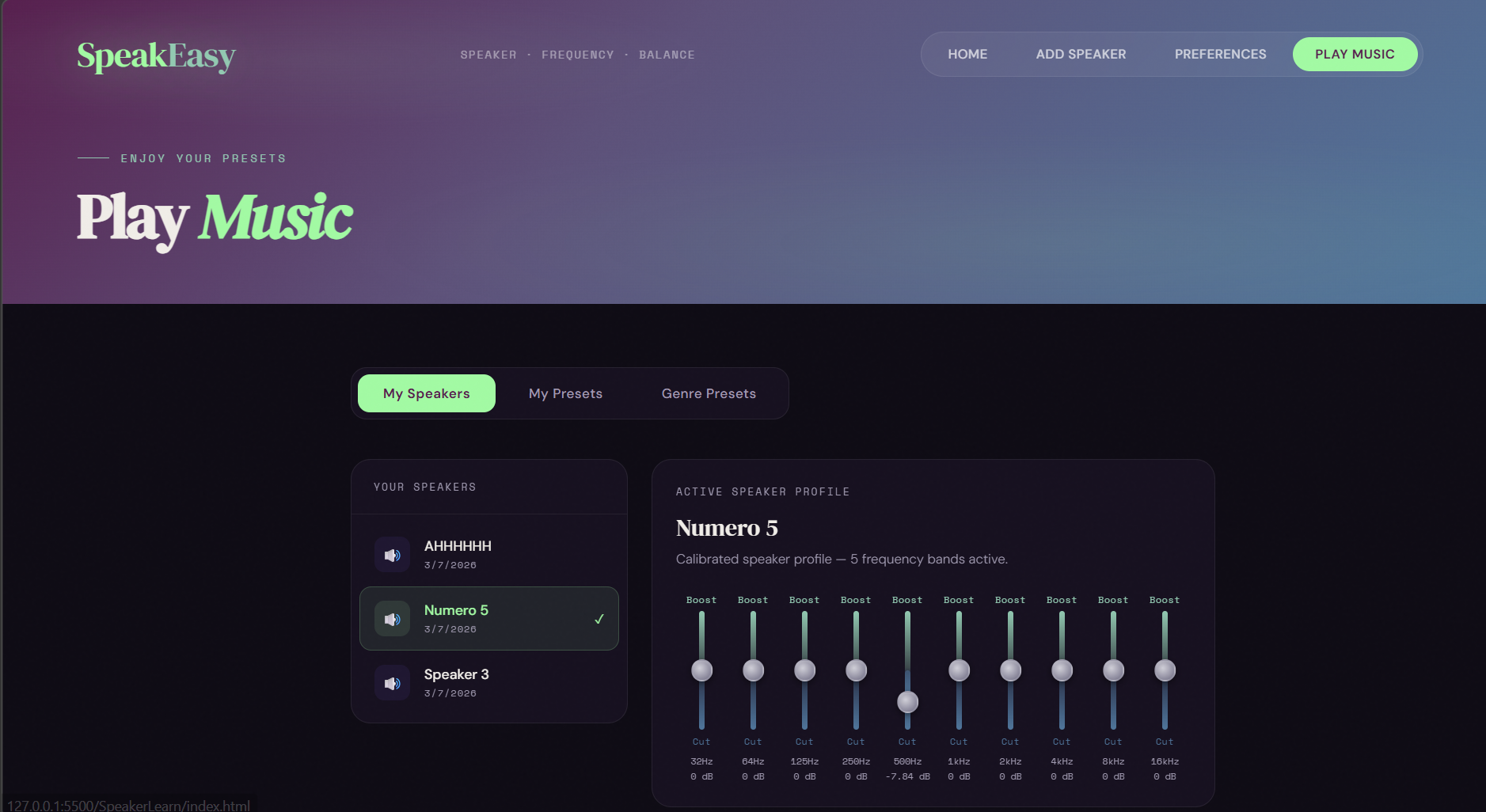
PlayMusic page user can choose to use speaker preset or preferences from last tabs
-
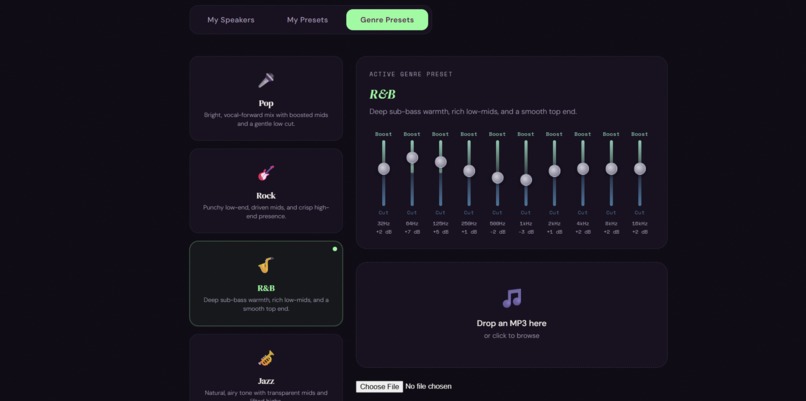
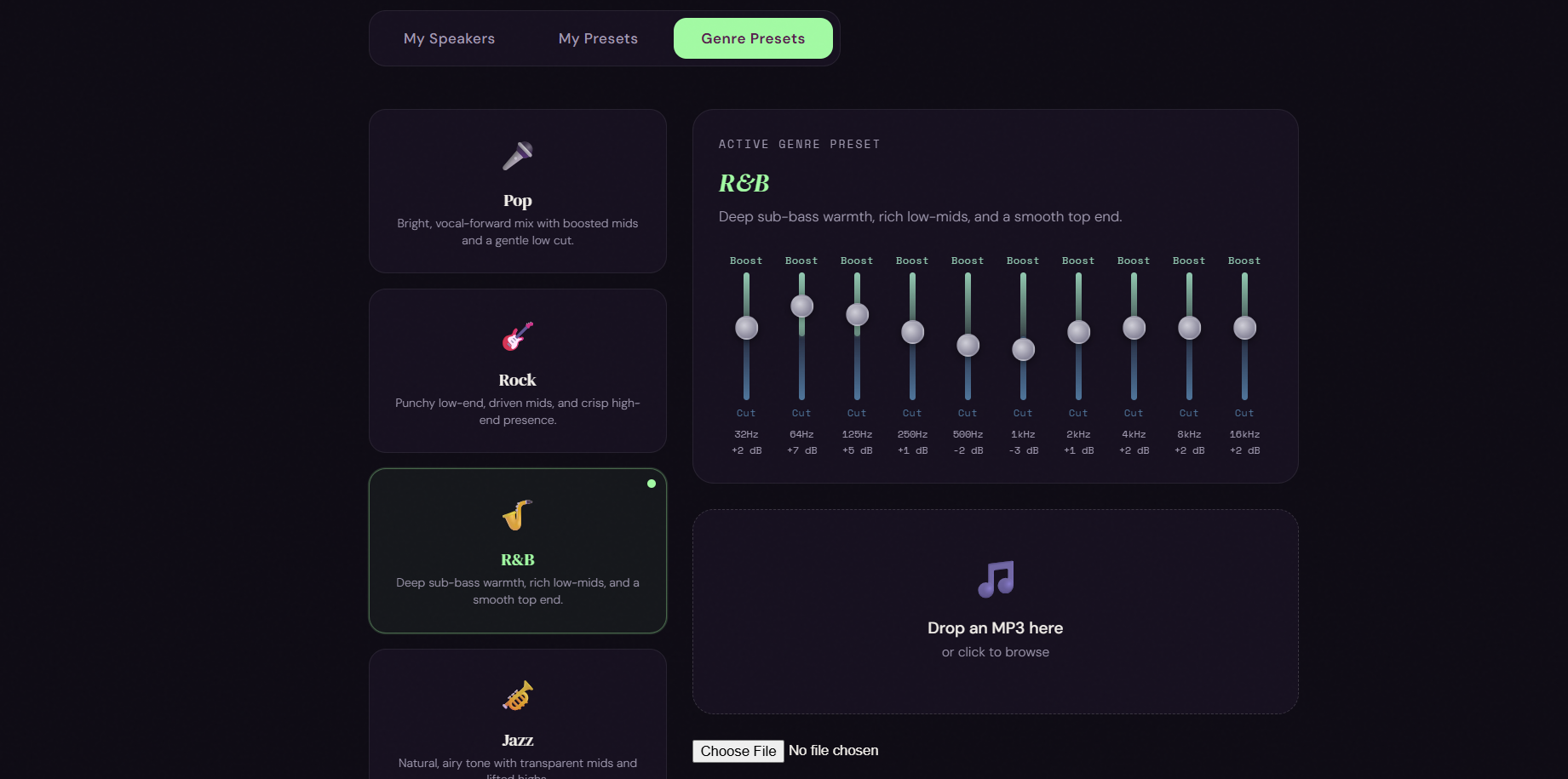
Preset music genres users can choose from to balance their audio if they do not have a speaker or preference set
Inspiration
As a team, we all really love listening to music in different places. However, when you play music on different speakers, the audio can sound different depending on the specific speaker hardware and it's frequency response.
What it does
SpeakEasy is an online web based frequency balancer. It creates different Equalizer presets for your speaker to change the frequency response of the audio. If you have a speaker that heavily boosts the base, you can create a preset that removes some of the bass frequencies, so that when you go to play the same song on a different speaker, the differences aren't so jarring. You can also make custom presets customized to your audio preferences, so if you really want the bass to be boosted, you can hear that on all your speakers.
How we built it
We started with a general plan for the layout of the website. We decided how many pages we wanted and what they should look like, walked through the user flow. Then we chose some general aesthetics for the website (color palette, fonts, etc) and asked Claude AI to help us generate the beginnings of a website. We continued to prompt Claude with changes that we wanted to make to the graphics. As far as the logic of the functions, the program choses the audio output based on the devices connected to your computer. It then creates and EQ preset determined by the user input and saves that data in the user's local storage. Then, an audio is uploaded by the user to play music, and the audio filters through the preset using the web audio API and back out through the computers output. We used Cursor to help implement this logic. After we finished the general home page, we modeled the rest of the pages after it.
Challenges we ran into
There were a lot of iterations that we had to go through in order to get certain functions working. We had to reprompt our AIs to fix issues consistently. We also ran into some limitations while working out how the speaker functions would actually work. For example, we had to decide how the presets would apply to the final audio. We also ran into some issues testing the frequency test tones. We had to make sure that the test tones could actually be heard by the user through each speaker.
Accomplishments that we're proud of
We are really proud of the way that the website looks graphically and the way that it functions. We spent a lot of time thinking about the user interface, and we are proud of the way that it came together. We are also really happy with the way the testing feature came together. The function where 2 different audio outputs can be played interchangeably. That function took a long time to work out.
What we learned
We learned how CSS styling works on HTML sites. We learned a lot about flexbox and grid, and how elements are laid out on a page. We also learned a lot about how to implement JavaScript and APIs work to create functionality on a website. This was learned by prompting and reprompting the AI's to help fix issues on our site.
What's next for SpeakEasy Frequency Balancer
We would love to implement a Spotify feature, where you can listen to your playlists in real time instead of having to upload your MP3s individually to the site. It would also be really cool to implement a multiple speakers feature, so that you could play different presets on different speakers at the same time.


Log in or sign up for Devpost to join the conversation.