SpeakEasy
Overview
SpeakEasy: AI Language Companion
Visiting another country but don't want to sound like a robot? Want to learn a new language but can't get your intonation to sound like other people's? SpeakEasy can make you sound like, well, you!
Features
SpeakEasy is an AI language companion which centers around localizing your own voice into other languages.
If, for example, you wanted to visit another country but didn't want to sound like a robot or Google Translate, you could still talk in your native language. SpeakEasy can then automatically repeat each statement in the target language in exactly the intonation you would have if you spoke that language.
Say you wanted to learn a new language but couldn't quite get your intonation to sound like the source material you were learning from. SpeakEasy is able to provide you phrases in your own voice so you know exactly how your intonation should sound.
Background
SpeakEasy is the product of a group of four UC Berkeley students. For all of us, this is our first submission to a hackathon and the result of several years of wanting to get together to create something cool together. We are excited to present every part of SpeakEasy; from the remarkably accurate AI speech to just how much we've all learned about rapidly developed software projects.
Inspiration
Our group started by thinking of ways we could make an impact. We then expanded our search to include using and demonstrating technologies developed by CalHacks' generous sponsors, as we felt this would be a good way to demonstrate how modern technology can be used to help everyday people.
In the end, we decided on SpeakEasy and used Cartesia to realize many of the AI-powered functions of the application. This enabled us to make something which addresses a specific real-world problem (robotic-sounding translations) many of us have either encountered or are attempting to avoid.
Challenges
Our group has varying levels of software development experience, and especially given our limited hackathon experience (read: none), there were many challenging steps. For example: deciding on project scope, designing high-level architecture, implementing major features, and especially debugging.
What was never a challenge, however, was collaboration. We worked quite well as a team and had a good time doing it.
Accomplishments / Learning
We are proud to say that despite the many challenges we accomplished a great deal with this project. We have a fully functional Flask backend with React frontend (see "Technical Details") which uses multiple different APIs. This project successfully ties together audio processing, asynchonrous communication, artificial intelligence, UI/UX design, database management, and so much more. What's more is that many of our group members learned this from base fundamentals.
Technical Details
As mentioned in an earlier section, SpeakEasy is designed with a Flask (Python) backend and React (JavaScript) frontent. This is a very standard setup that is used often at hackathons due to its easy implementation and relatively limited required setup. Flask only requires two lines of code to make an entirely new endpoint, while React can make a full audio-playing page with callbacks that looks absolutely beautiful in less than an hour. For storing data, we use SQLAlchemy (backed by SQLite).
- When a user opens SpeakEasy, they are first sent to a landing page.
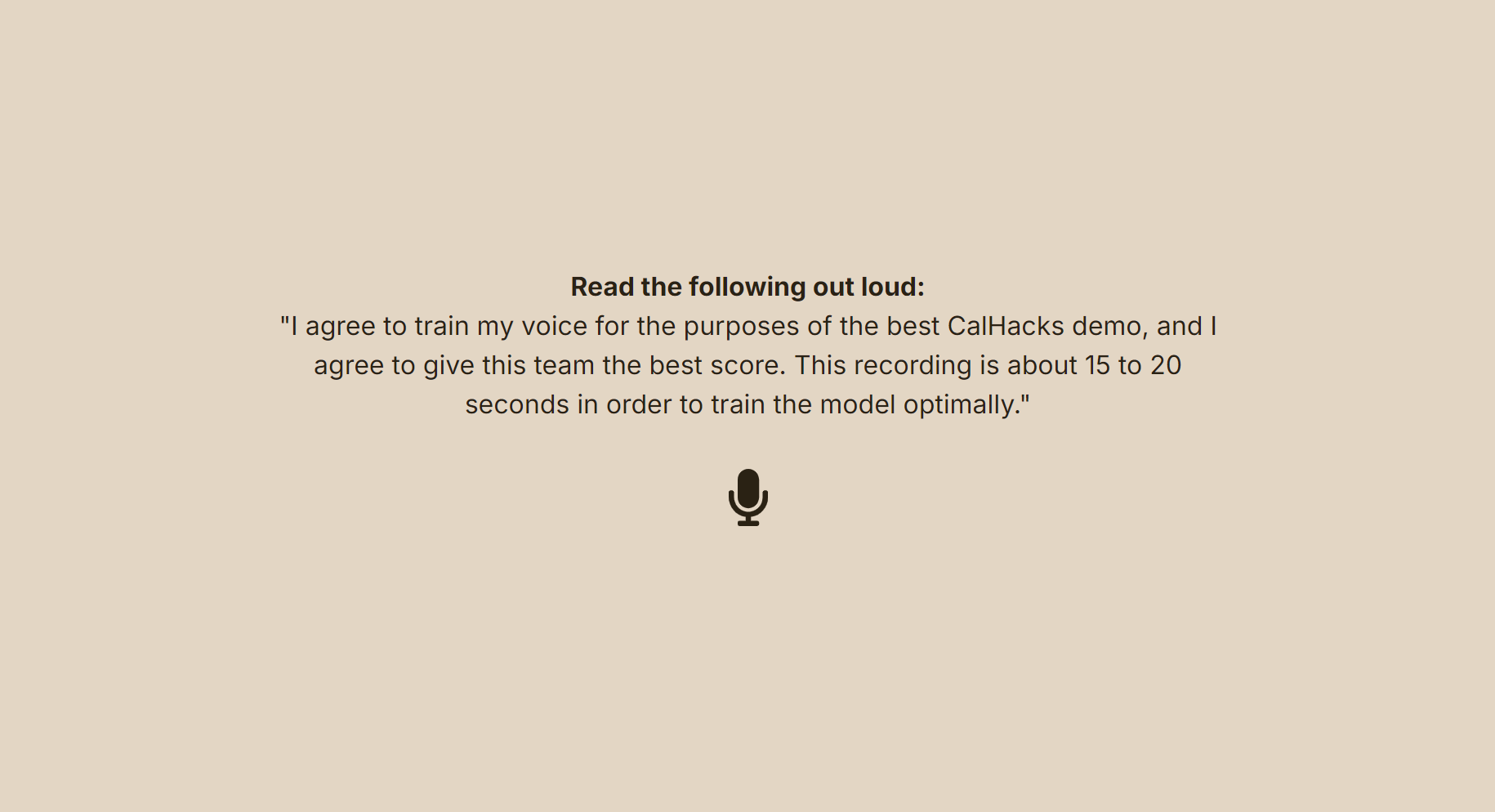
- After pressing any key, they are taken to a training screen. Here they will record a 15-20 second message (ideally the one shown on screen) which will be used to create an embedding. This is accomplished with the Cartesia "Clone Voice from Clip" endpoint. A Cartesia Voice (abbreviated as "Voice") is created from the returned embedding (using the "Create Voice" endpoint) which contains a Voice ID. This Voice ID is used to uniquely identify each voice, which itself is in a specific language. The database then stores this voice and creates a new user which this voice is associated with.
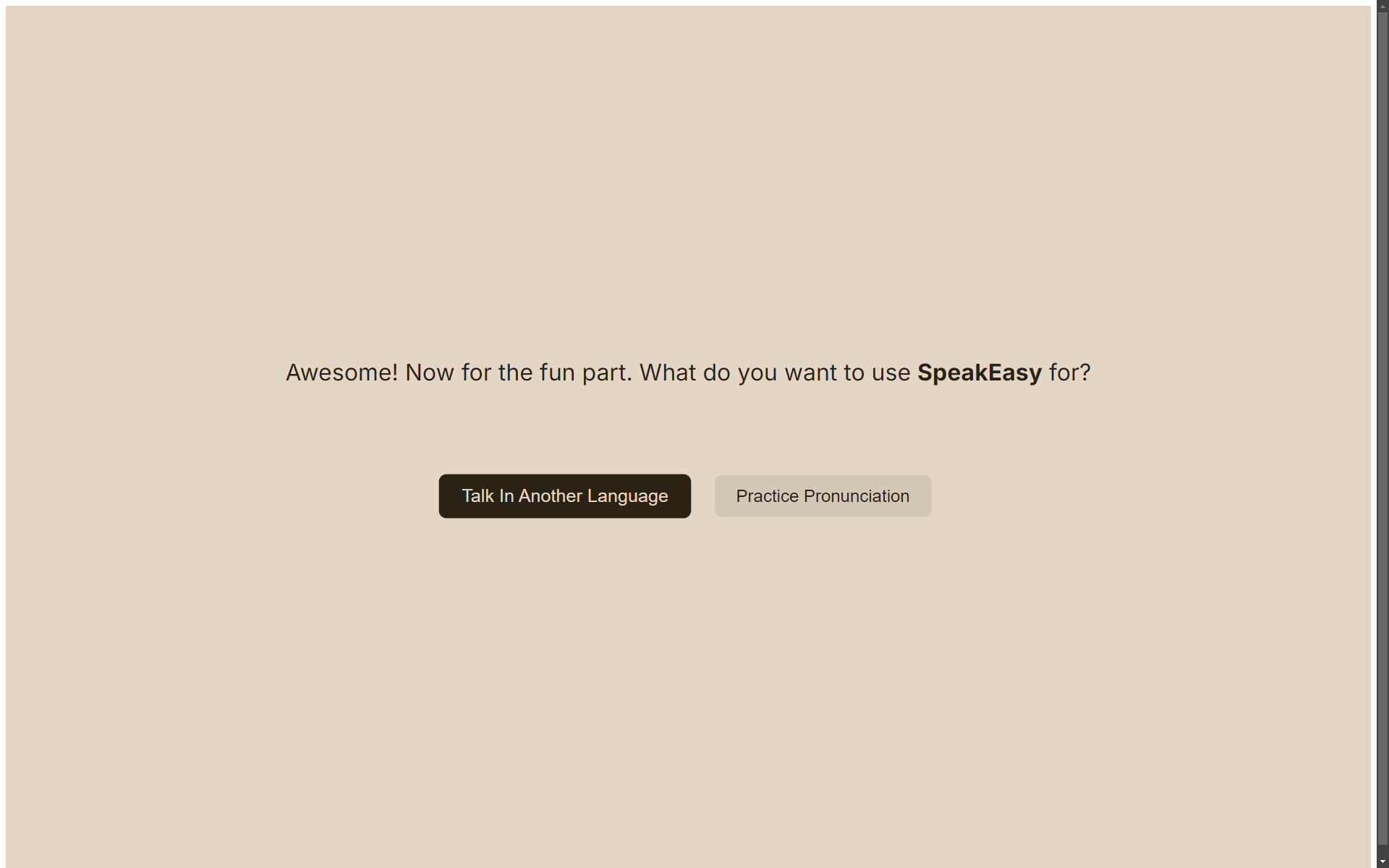
- When the recording is complete and the user clicks "Next", they will be taken to a split screen where they can choose between the two main program functions of SpeakEasy.
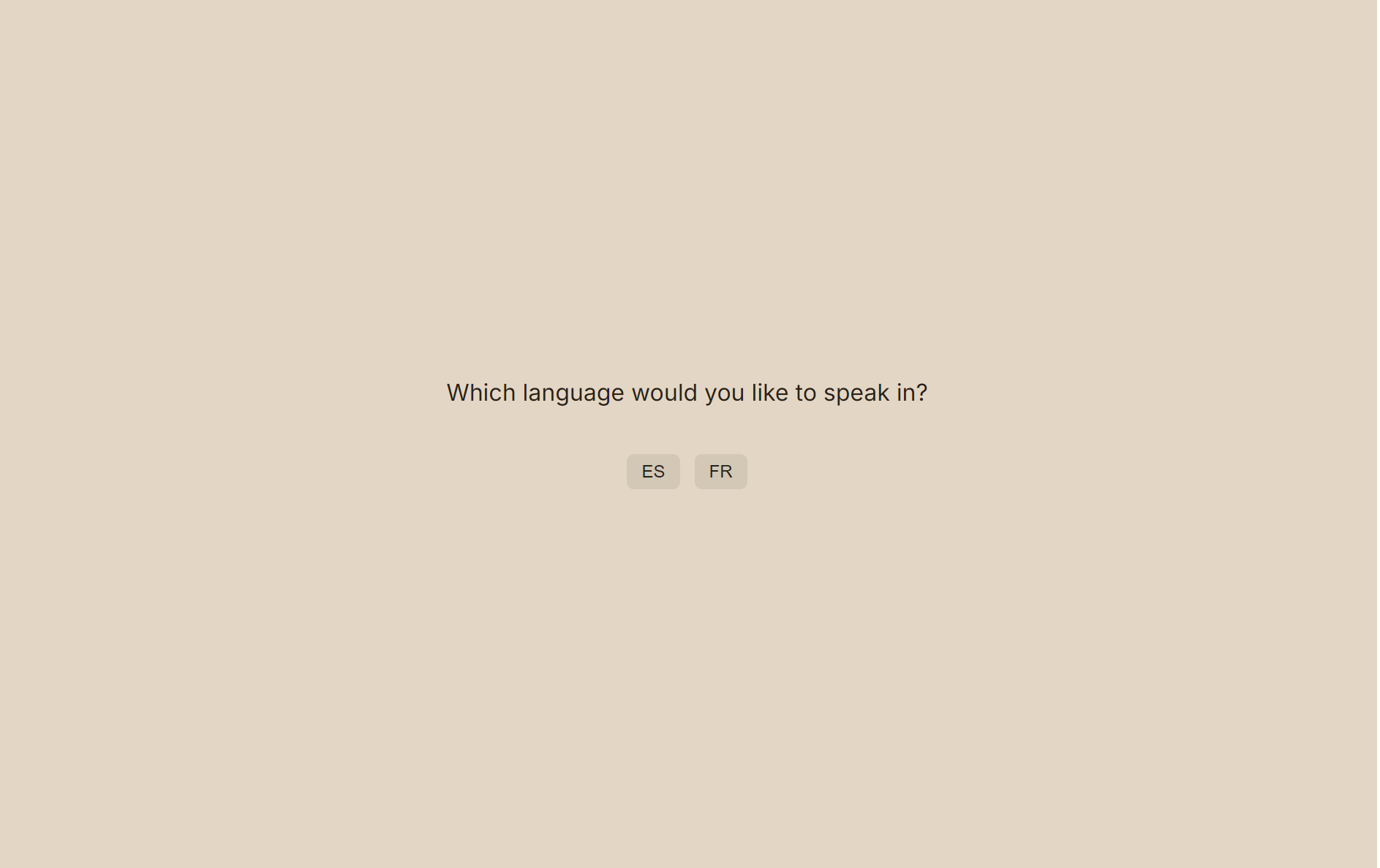
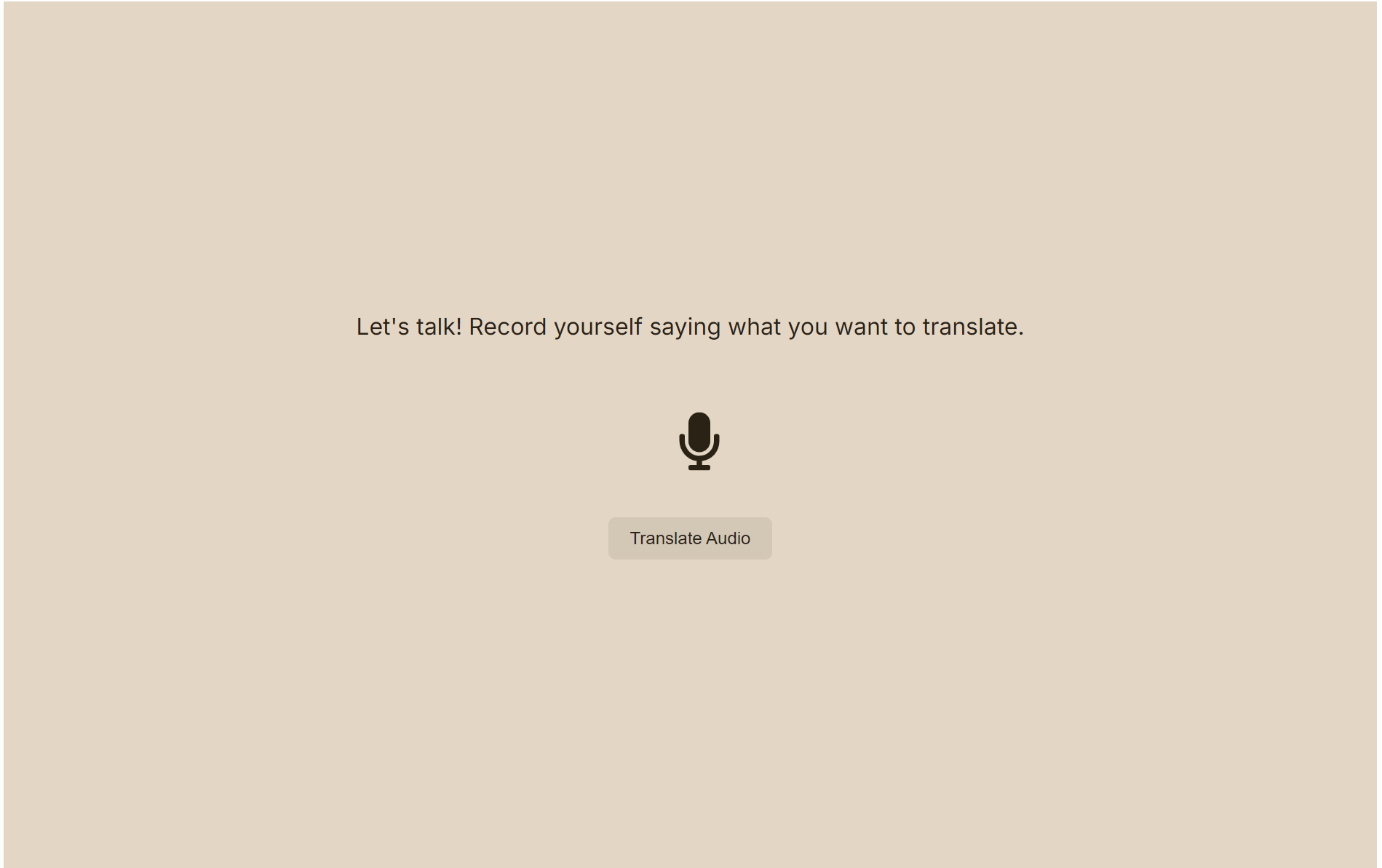
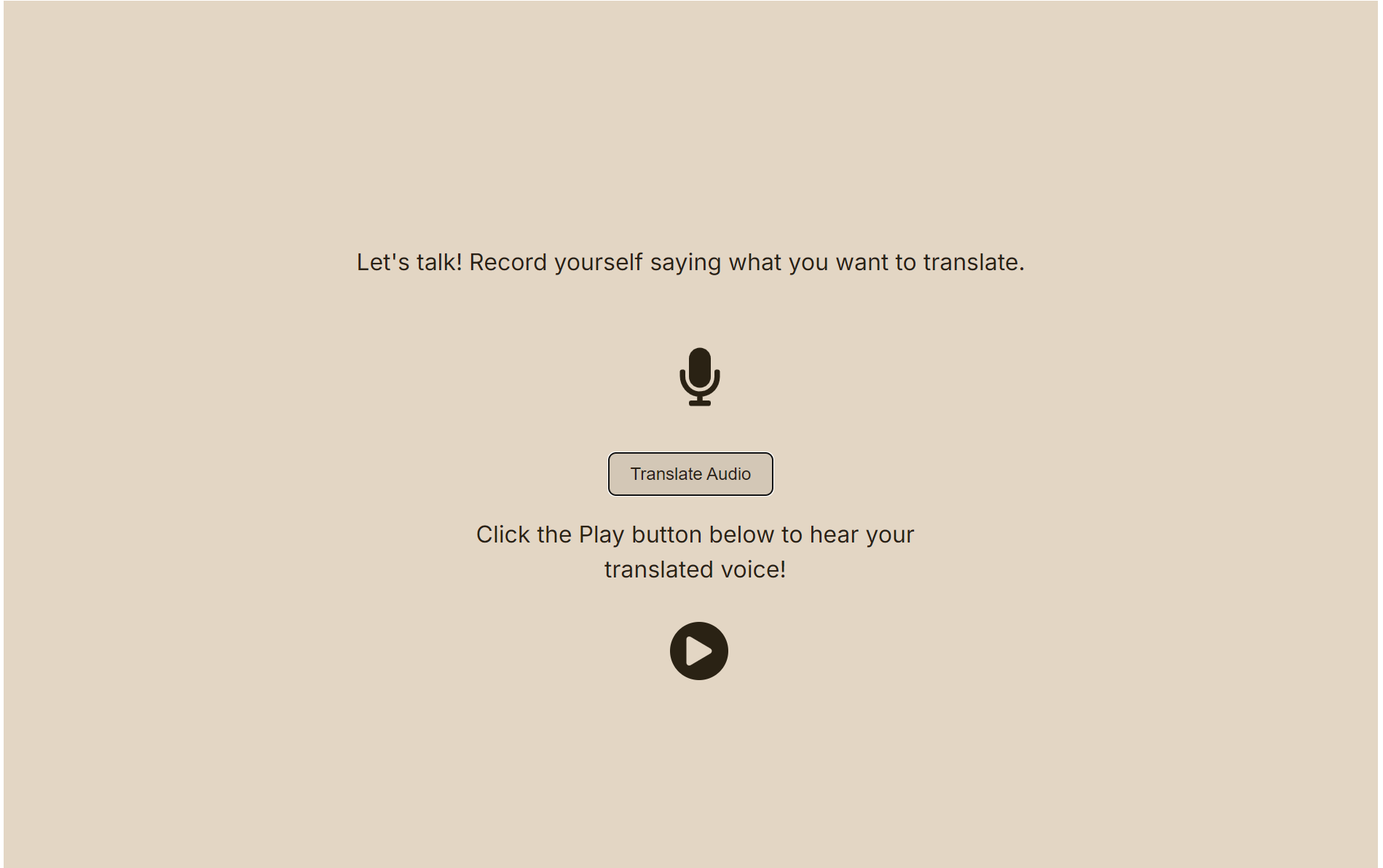
- If the user clicks on the vocal translation route, they will be brought to another recording screen. Here, they record a sound in English which is then sent to the backend. The backend encodes this MP3 data into PCM, sends it to a speech-to-text API, and then transfers it into a text translation API. Separately, the backend trains a new Voice (using the Cartesia Localize Voice endpoint, wrapped by get/create Voice since Localize requires an embedding instead of a Voice ID) with the intended target language and uses the Voice ID it returns. The backend then sends the translated text to the Cartesia "Text to Speech (Bytes)" endpoint using this new Voice ID. This is then played back to the user as a response to the original backend request. All created Voices are stored in the database and associated with the current user. This is done so returning users do not have to retrain their voices in any language.
- If the user clicks on the language learning route, they will be brought to a page which displays a randomly selected phrase in a certain language. It will then query the Cartesia API to pronounce that phrase in that language, using the preexisting Voice ID if available (or prompting to record a new phrase if not). A request is made to the backend to input some microphone input, which is then compared to Cartesia's estimation of your speech in a target language. The backend then returns a set of feedback using the difference between the two pronounciations, and displays that to the user on the frontend.
- After each route is selected, the user may choose to go back and select either route (the same route again or the other route).
Cartesia Issues
We were very impressed with Cartesia and its abilities, but noted a few issues which would improve the development experience.
- Clone Voice From Clip endpoint documentation
- The documentation for the endpoint in question details a
Responsewhich includes a variety of fields:id,name,language, and more. However, the endpoint only returns the embedding in a dictonary. It is then required to send the embedding into the "Create Voice" endpoint to create anid(and other fields), which are required for some further endpoints.
- The documentation for the endpoint in question details a
- Clone Voice From Clip endpoint length requirements
- The clip supplied to the endpoint in question appears to require a duration of greater than a second or two. Se "Error reporting" for further details.
- Text to Speech (Bytes) endpoint output format
- The TTS endpoint requires an output format be specified. This JSON object notably lacks an
encodingfield in the MP3 configuration which is present for the other formats (raw and WAV). The solution to this is to send anencodingfield with the value for one of the other two formats, despite this functionally doing nothing.
- The TTS endpoint requires an output format be specified. This JSON object notably lacks an
- Embedding format
- The embedding is specified as a list of 192 numbers, some of which may be negative. Python's JSON parser does not like the dash symbol and frequently encounters issues with this. If possible, it would be good to either allow this encoding to be base64 encoded, hashed, or something else to prevent negatives. Optimally embeddings do not have negatives, though this seems difficult to realize.
- Response code mismatches
- Some response codes returned from endpoints do not match their listed function. For example, a response code of 405 should not be returned when there is a formatting error in the request. Similarly, 400 is returned before 404 when using invalid endpoints, making it difficult to debug. There are several other instances of this but we did not collate a list.
- Error reporting
- If (most) endpoints return in JSON format, errors should also be turned in JSON format. This prevents many parsing issues and would simplify design. In addition, error messages are too vague to glean any useful information. For example, 500 is always "Bad request" regardless of the underlying error cause. This is the same thing as the error name.
Future Improvements
In the future, it would be interesting to investigate the following:
- Proper authentication
- Cloud-based database storage (with redundancy)
- Increased error checking
- Unit and integration test coverage, with CI/CD
- Automatic recording quality analysis
- Audio streaming (instead of buffering) using WebSockets
- Mobile device compatibility
- Reducing audio processing overhead


Log in or sign up for Devpost to join the conversation.