-
-
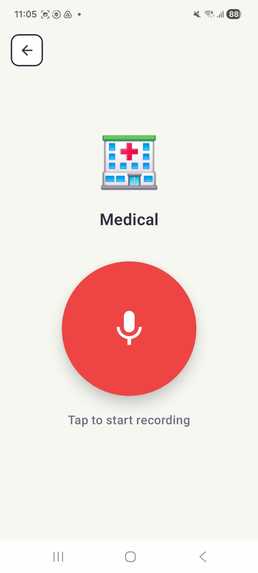
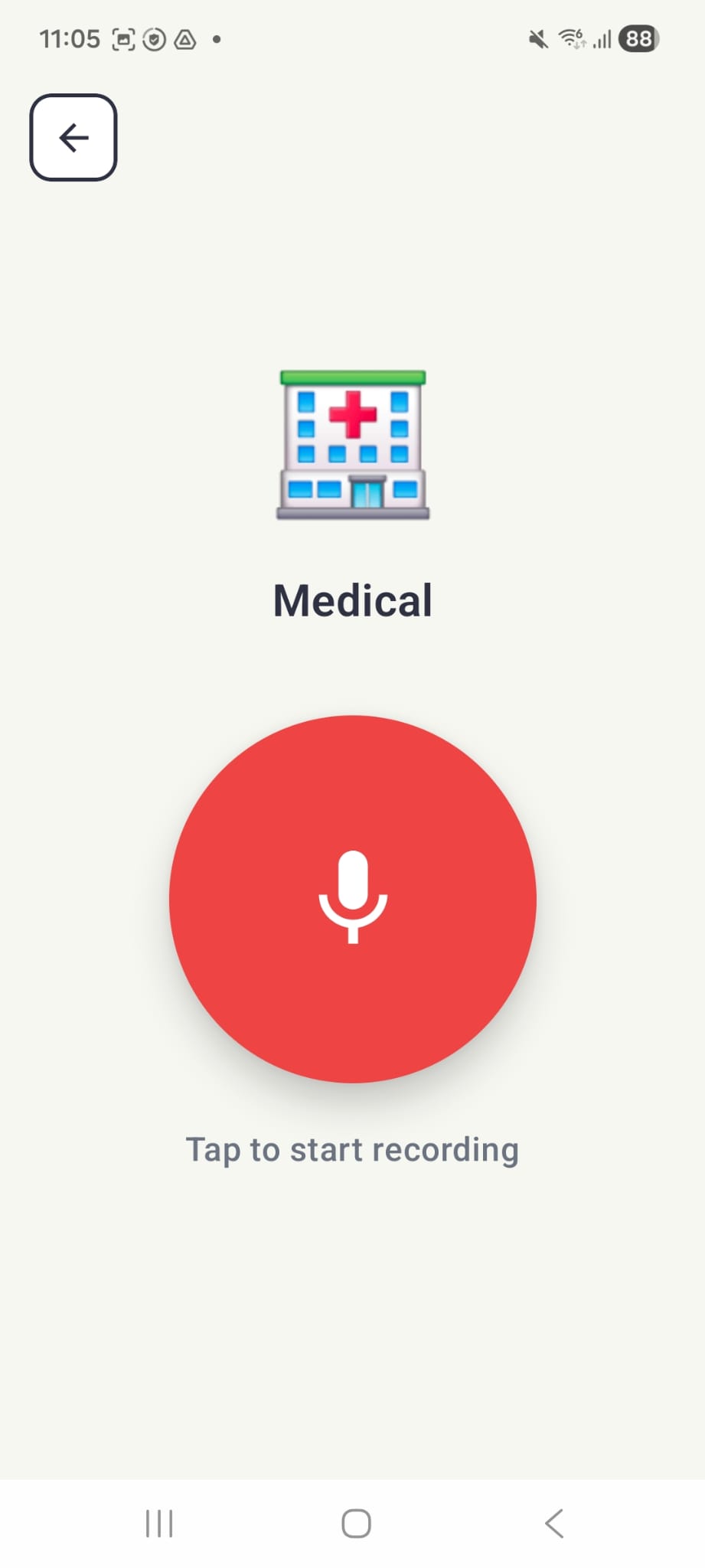
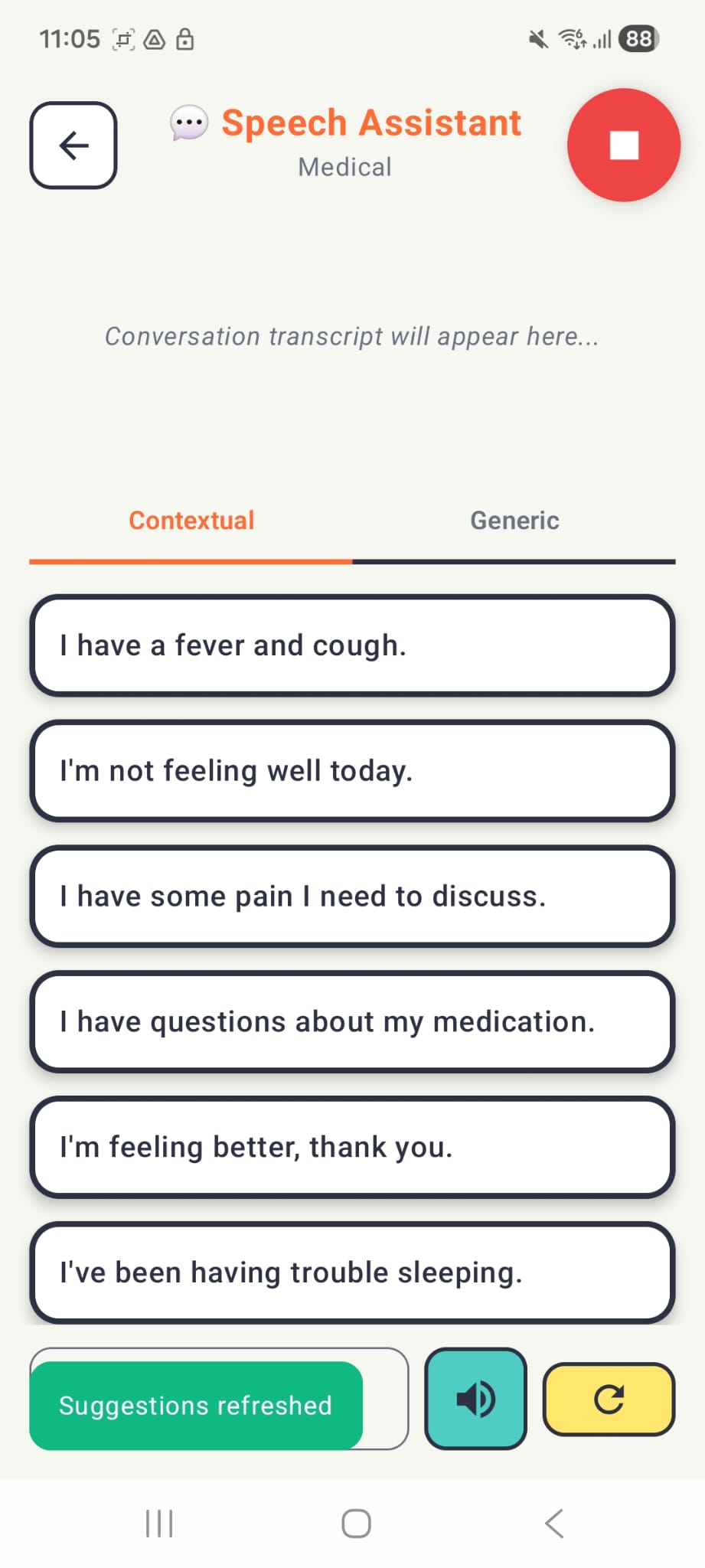
Start recording page
-
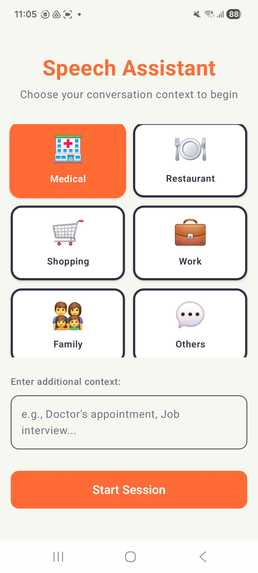
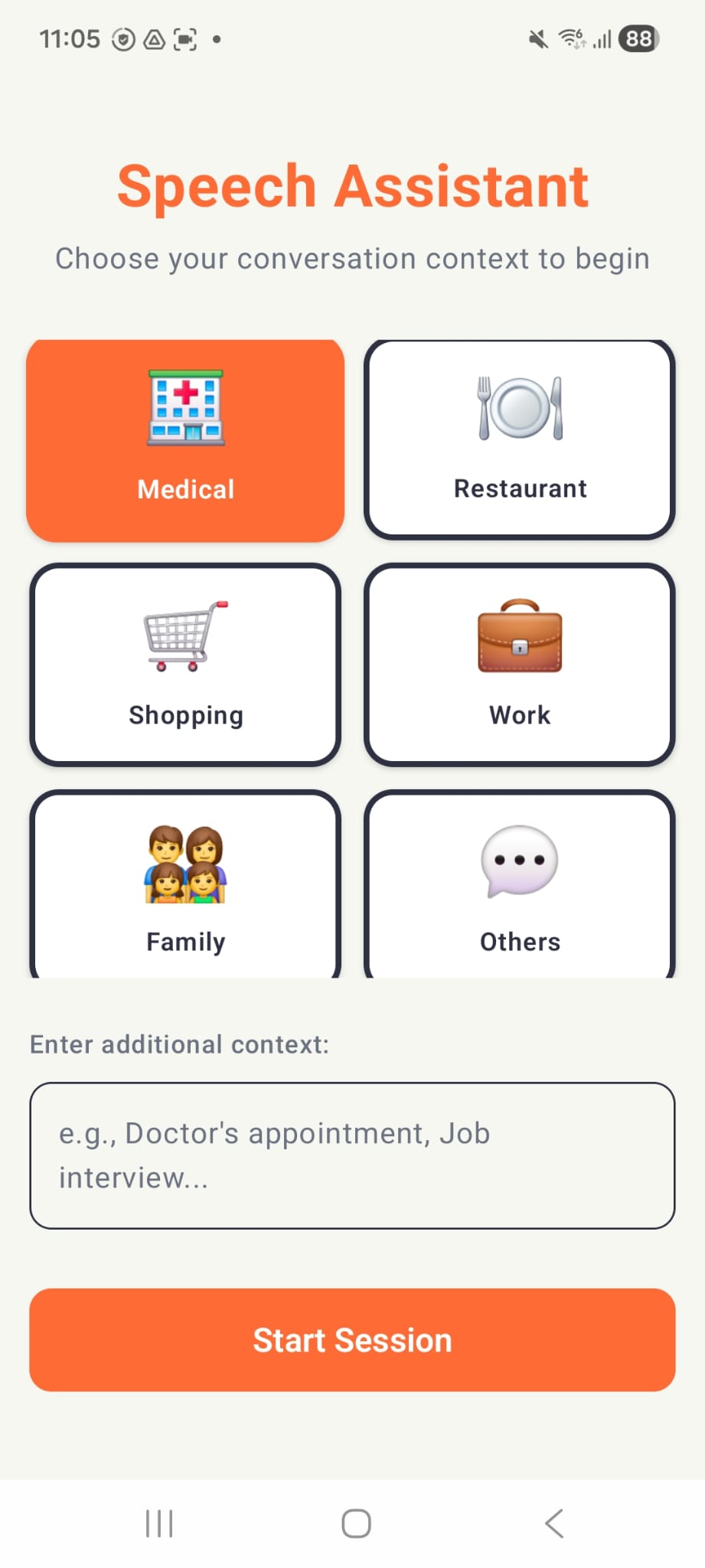
Main Page (Context selection)
-
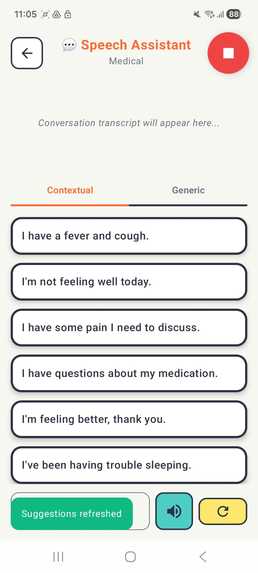
Context-aware communication board
Problem
Communication is a fundamental human right, yet millions of people with speech impairments face barriers daily. Sign language, while helpful, is not universally understood, and typing or texting is impractical in real-time conversations. By the time a user types a response, the conversation may have already moved on. Traditional AAC (Augmentative and Alternative Communication) devices are often rigid, expensive, or too slow to keep up with fast-paced interactions, leaving users frustrated, socially isolated, and dependent on others.
Solution
SpeakEasy is a context-adaptive AAC communication app that updates communication buttons in real time based on the ongoing conversation. It listens to short segments of the other person’s speech and suggests relevant, ready-to-use AAC options, enabling faster, more natural responses without navigating static vocabularies or pre-programmed phrases. This significantly reduces cognitive and motor load while helping users stay engaged as conversations evolve. Unlike traditional AAC systems with fixed layouts, SpeakEasy adapts dynamically while preserving full user agency. It never speaks autonomously or guesses intent. Instead, it acts only as a conservative suggestion layer. Key features include:
- Conversation-aware AAC buttons
- Accessible low-effort interaction design
- Editable phrase suggestions
- Explicit user-controlled listening
- Resilient fallback support to ensure basic communication even with limited connectivity.
How it works
The app is built entirely in Kotlin using Jetpack Compose, providing a modern and accessible user interface. At the core of the intelligence layer is Koog, JetBrains’ AI agent framework, which manages the app’s conversational logic. When a user interacts, the Android SpeechRecognizer captures the other person’s speech and converts it into a transcript. This transcript, along with the user-selected context (e.g., Medical), is passed to the SpeechAgent. The agent then leverages the simpleAnthropicExecutor to generate a structured prompt for Claude Haiku, chosen for its combination of low latency (approximately 1–2 seconds) and cost efficiency. The model’s output is rendered as “Tap-to-Speak” chips, which the user can select to have the Android TextToSpeech engine vocalise immediately. This architecture demonstrates a seamless integration of front-end UI and AI-driven processing to create a responsive and context-aware communication assistant.
Challenges we ran into
The primary hurdle was state management across asynchronous AI calls. In a live conversation, if a user changes the context or starts a new recording while the AI is still "thinking" about the last prompt, the app could crash or display irrelevant data. We had to redesign the SpeechAssistantViewModel to use a robust state machine with Kotlin Coroutines and Flow. This ensured that only the most recent "intent" was processed and that UI transitions remained fluid. Additionally, moving from a Python-based FastAPI backend to a mobile-native Koog implementation required a complete rethink of how we handle API secrets. We moved from simple .env files to a secure Gradle-based injection system to ensure API keys aren't exposed in the version control.
Accomplishments that we're proud of
Building this project showed us the real power of agentic workflows on mobile. By integrating the Koog framework, we learned to think of an LLM not just as a chatbot, but as a modular executor—something we could refine or swap out without touching the UI.
Our biggest win was creating a truly fluid feedback loop. Watching a user hear a question and tap a contextually perfect, AI-generated response in under three seconds made it clear that we were meaningfully reducing cognitive and social friction for people with speech difficulties. More than anything, this project reinforced the importance of inclusive design: technology should adapt to people, not the other way around.
What's next for SpeakEasy
In the long run, we’re looking to make the app feel a lot more personal by building a memory system that actually learns from how you communicate. Instead of just giving contextual advice from recent questions, the app would remember the specific phrases, jokes, or even the shorthand you prefer in certain situations. It’s all about moving away from a "one-size-fits-all" AI and toward an assistant that grows with you—the more you use it, the more it starts to sound like you, making the whole experience feel way more natural and a lot less like you’re just tapping buttons on a screen.
Built With
- android-studio
- claude
- jetpack
- koog
- kotlin
- ktor

Log in or sign up for Devpost to join the conversation.