Inspiration
Many students understand a topic internally but struggle to explain it clearly to another person. Most learning tools focus on answers, grammar, or pronunciation, but not on the gap between “I know this” and “I can teach this simply.”
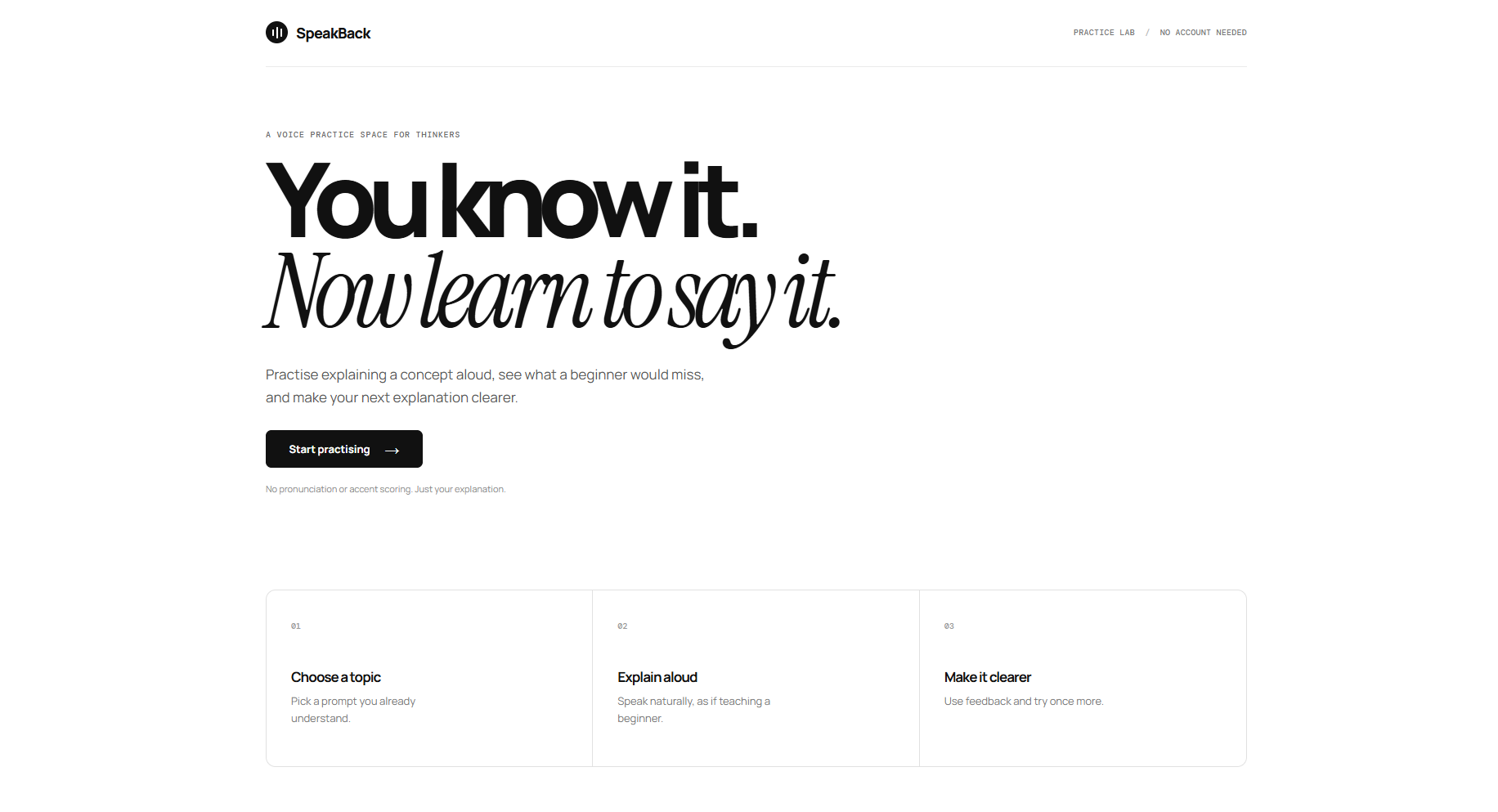
I built SpeakBack to make that practice loop fast, private, and low-pressure: choose a topic, explain it aloud, receive focused feedback, and try once more with a clearer structure.
What it does
SpeakBack is an AI-powered voice practice space for students.
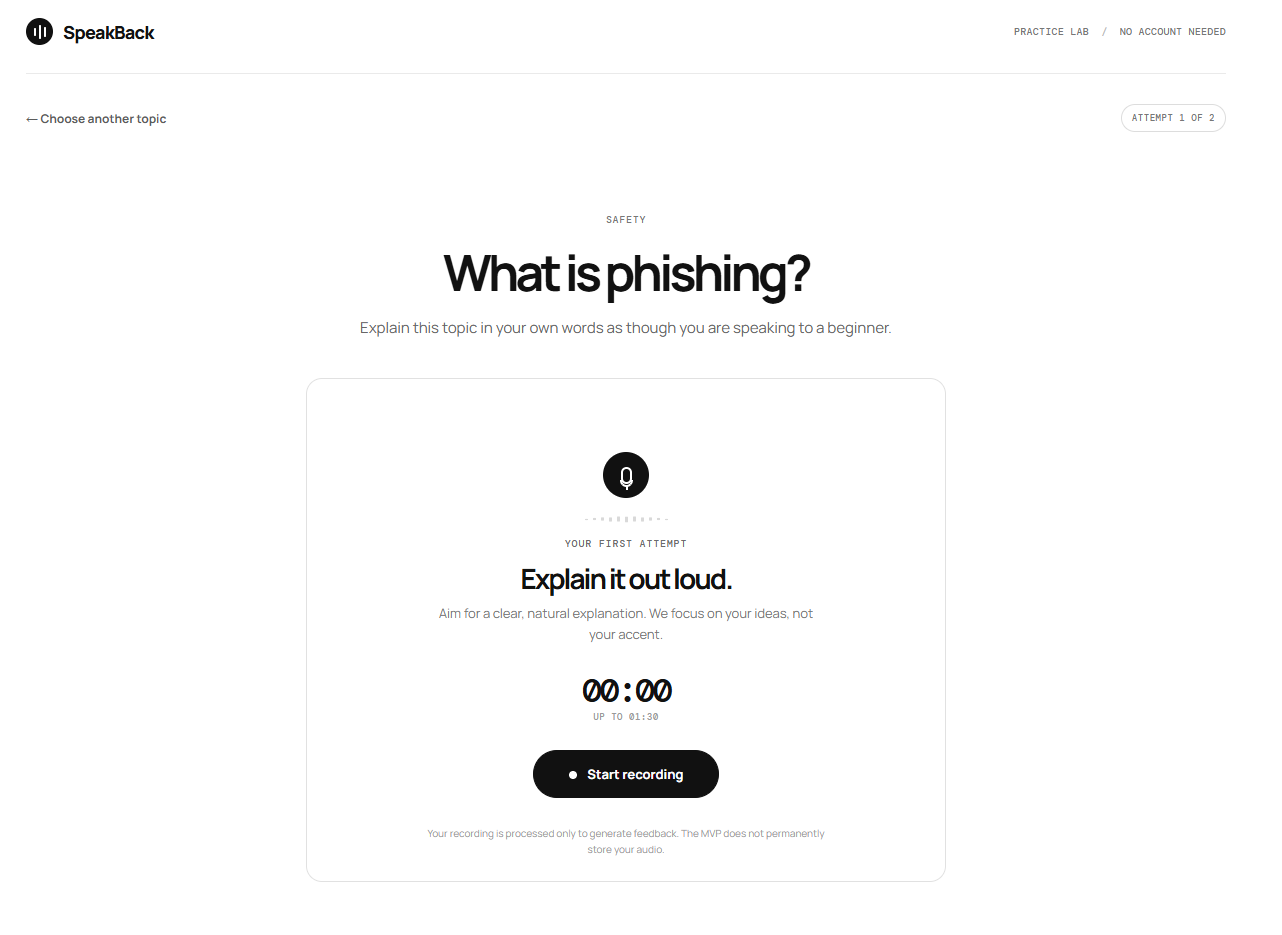
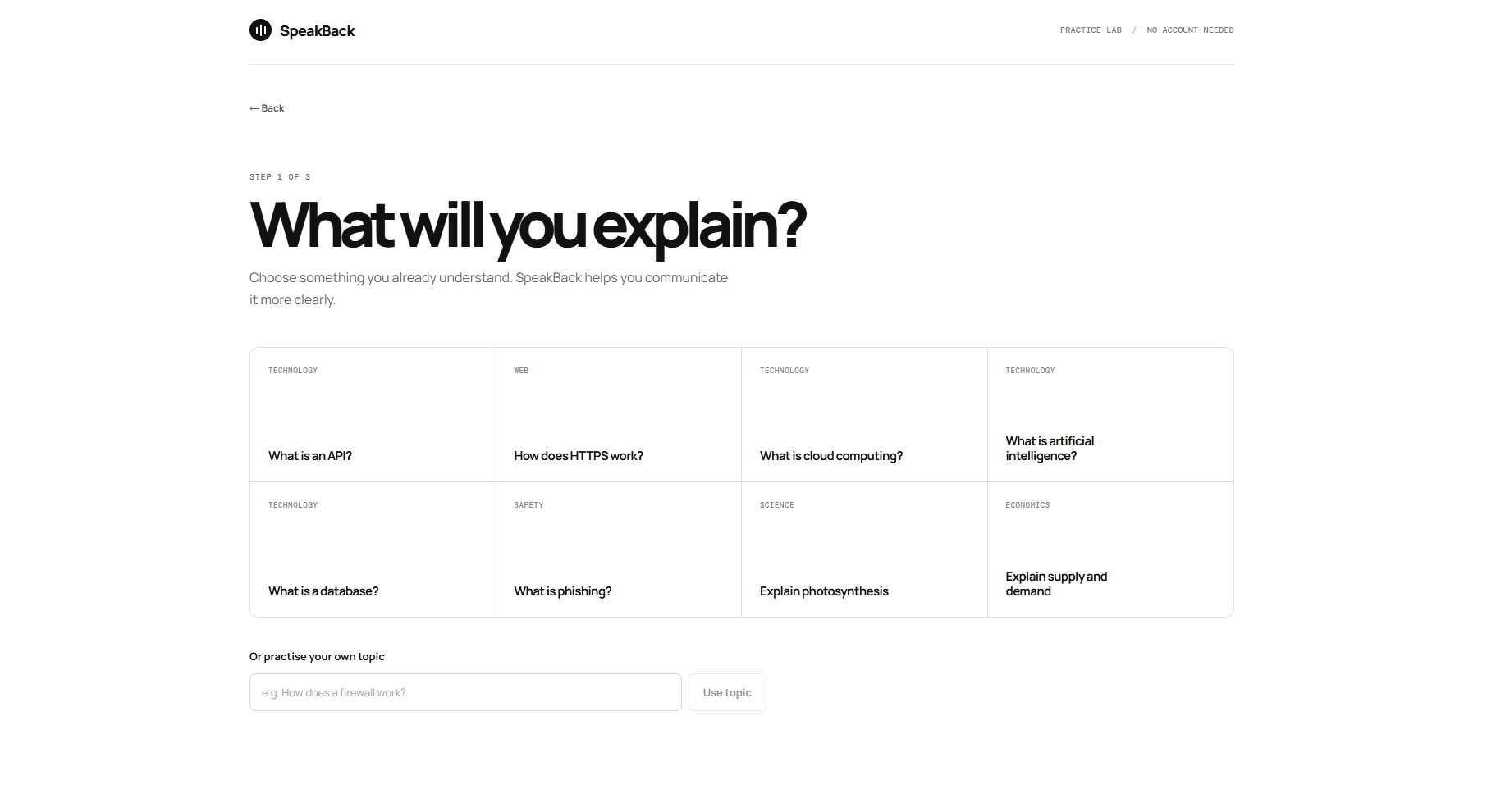
A learner chooses a topic such as “What is an API?”, records a short explanation, and receives feedback on:
- Correctness and completeness
- Clarity and structure
- Simplicity for a beginner
- Unclear statements
- Repeated filler words
- One focused improvement to use in the next attempt
The learner can then record a second explanation and see a clear before-and-after comparison. SpeakBack does not score accents or pronunciation; it focuses on whether the idea was explained well.
How I built it
I built the frontend with React, TypeScript, TanStack Start, and Vite. I created a responsive, white-theme interface with a live microphone meter, recording preview, custom playback controls, topic selection, feedback screens, and progress comparison.
The backend runs on Cloudflare Workers. I used Cloudflare Workers AI to transcribe recordings with Whisper Large v3 Turbo, then evaluate transcripts with Qwen to generate structured coaching feedback.
I deployed the app as a Cloudflare Worker and kept the experience account-free, so students can start practising immediately.
Challenges I ran into
One challenge was making browser-recorded audio work reliably across formats such as WebM and MP4. I normalized recorder MIME types and updated the Workers AI audio handoff to use the base64 format expected by the Whisper binding.
I also improved the recording experience by making the sound meter react only to real microphone input, rather than showing decorative motion during silence. Finally, I replaced the browser-native audio preview with a custom playback control so the play and pause state always matches the actual recording.
What I learned
I learned how to connect browser media APIs with an edge-deployed AI pipeline, how to handle audio formats safely, and how much better feedback feels when it is specific, encouraging, and actionable.
Most importantly, I learned that helping someone explain an idea clearly is not just about correctness — it is about structure, examples, and empathy for the listener.
Built With
- ai
- api
- audio
- cloudflare
- eslint
- large
- mediarecorder
- prettier
- qwen
- react
- start
- tanstack
- turbo
- typescript
- v3
- vite
- vitest
- web
- whisper
- workers


Log in or sign up for Devpost to join the conversation.