-
-
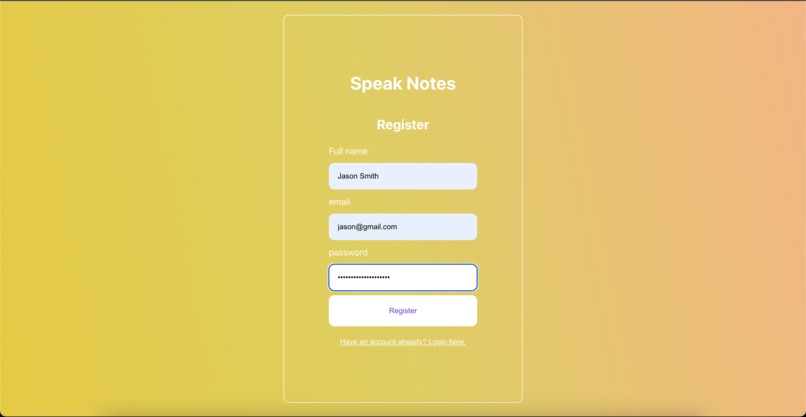
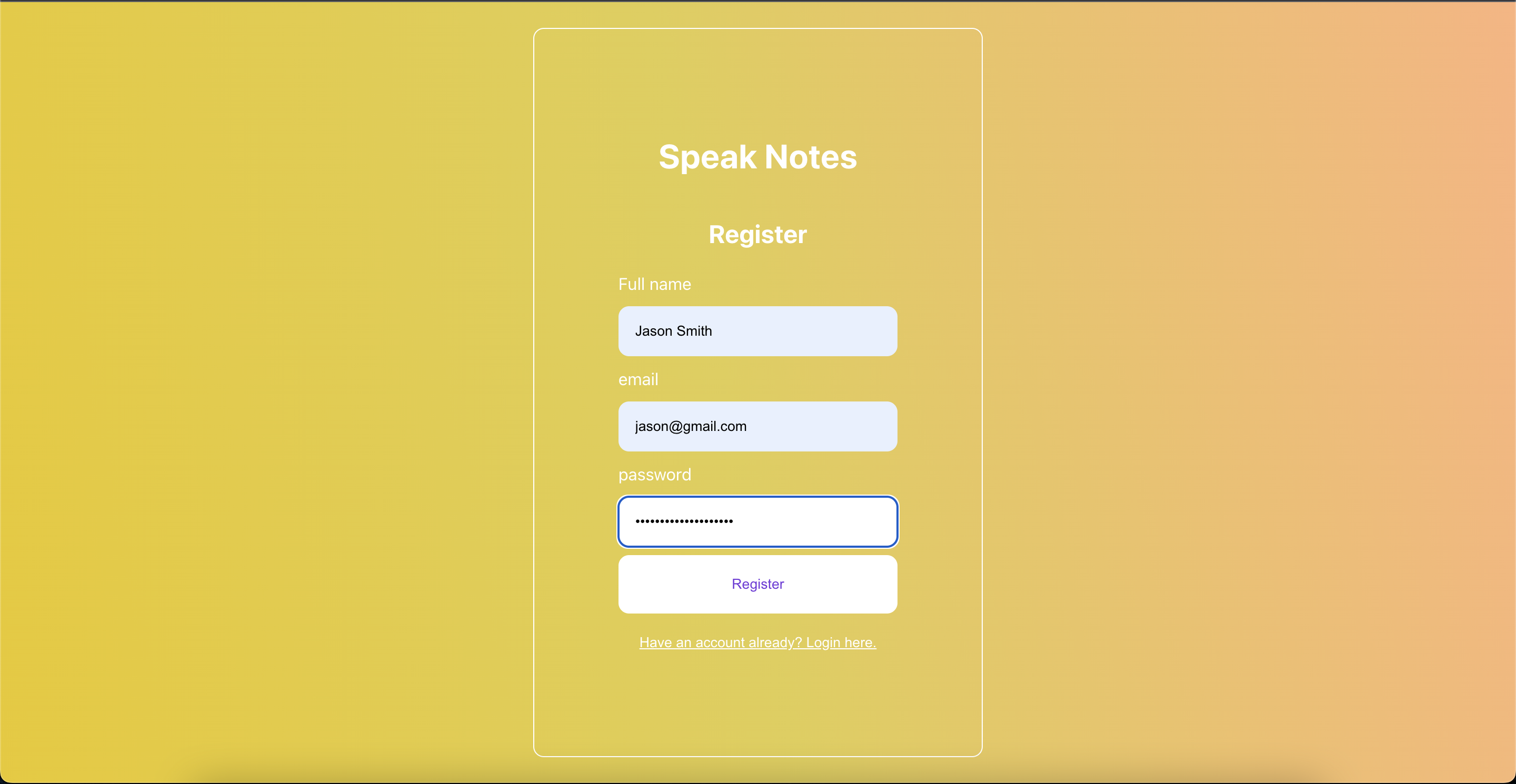
Simple User registration
-
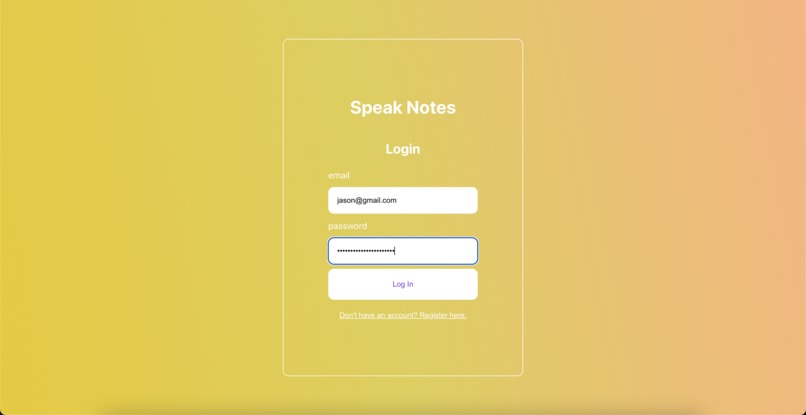
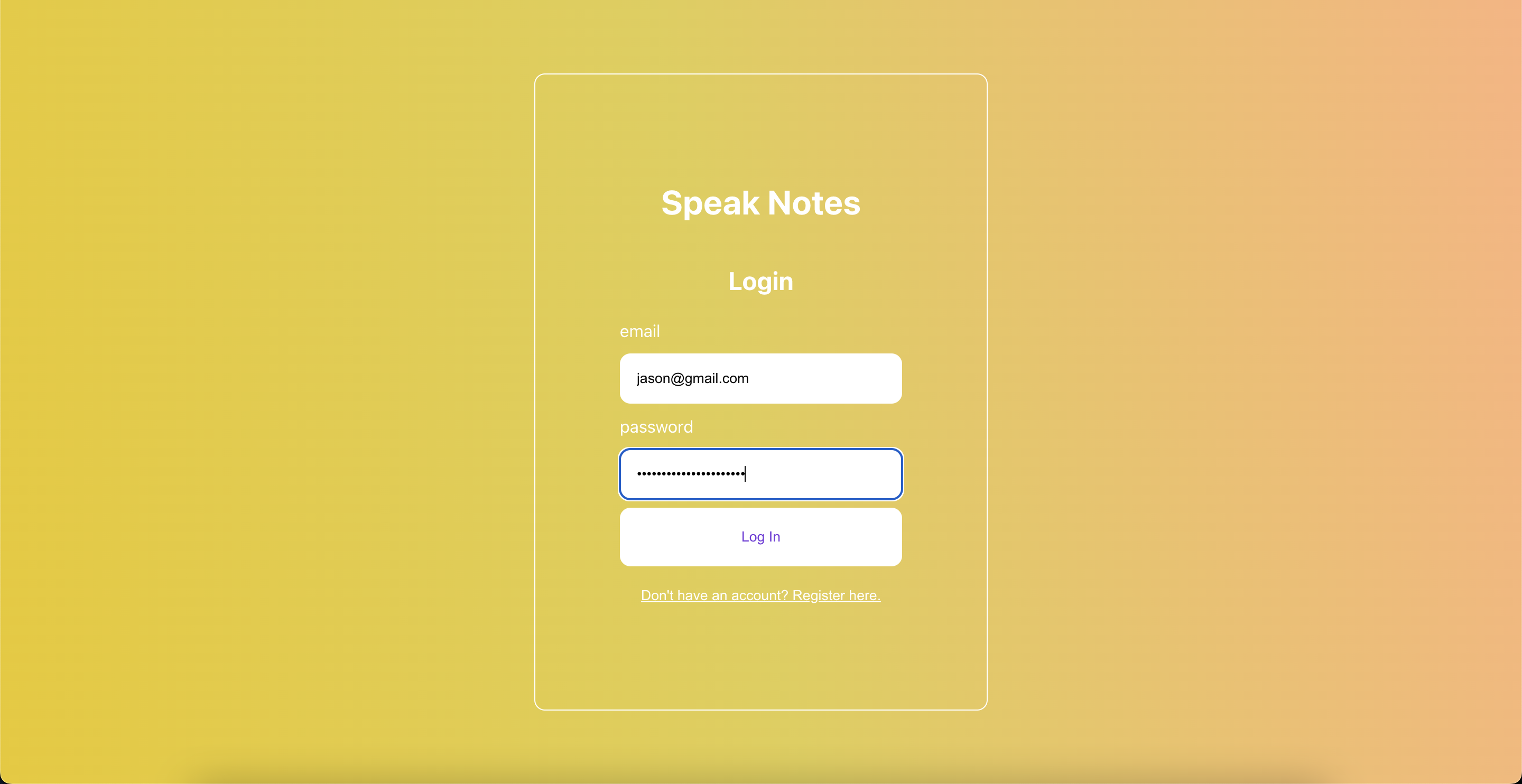
Login for registered users
-
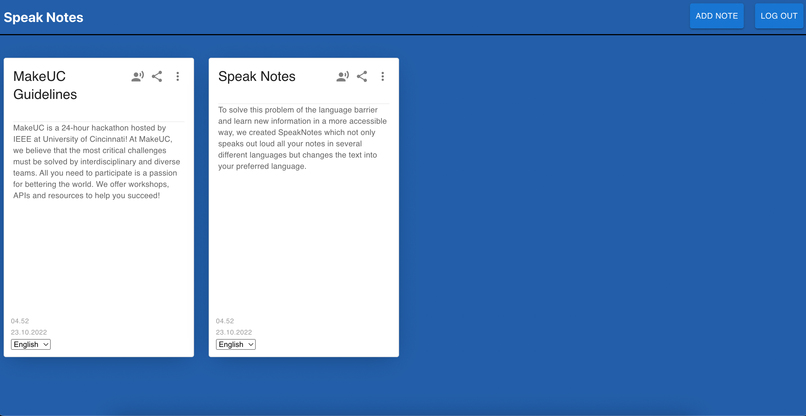
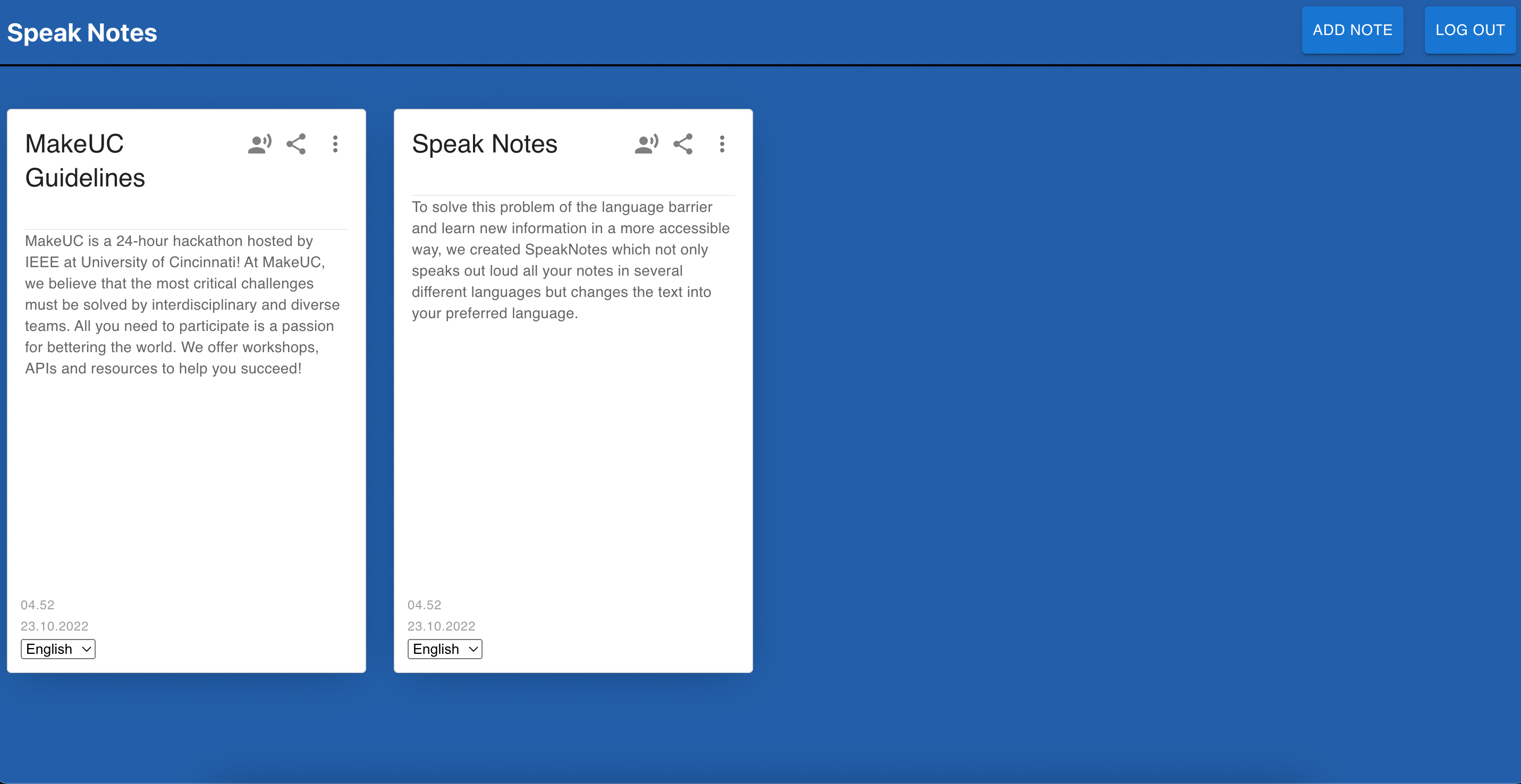
Homepage with already created notes
-
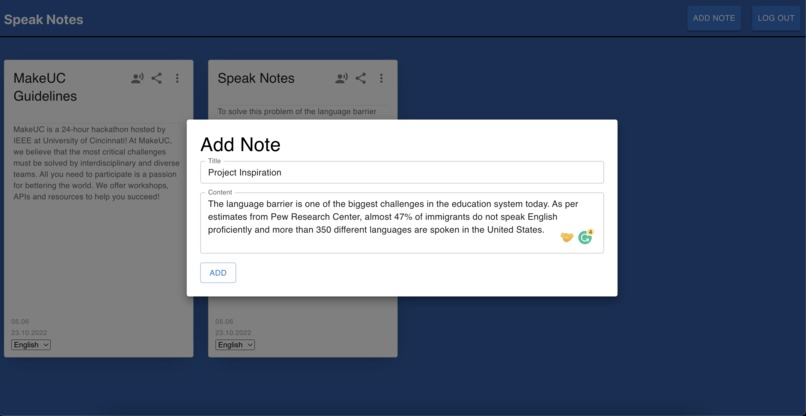
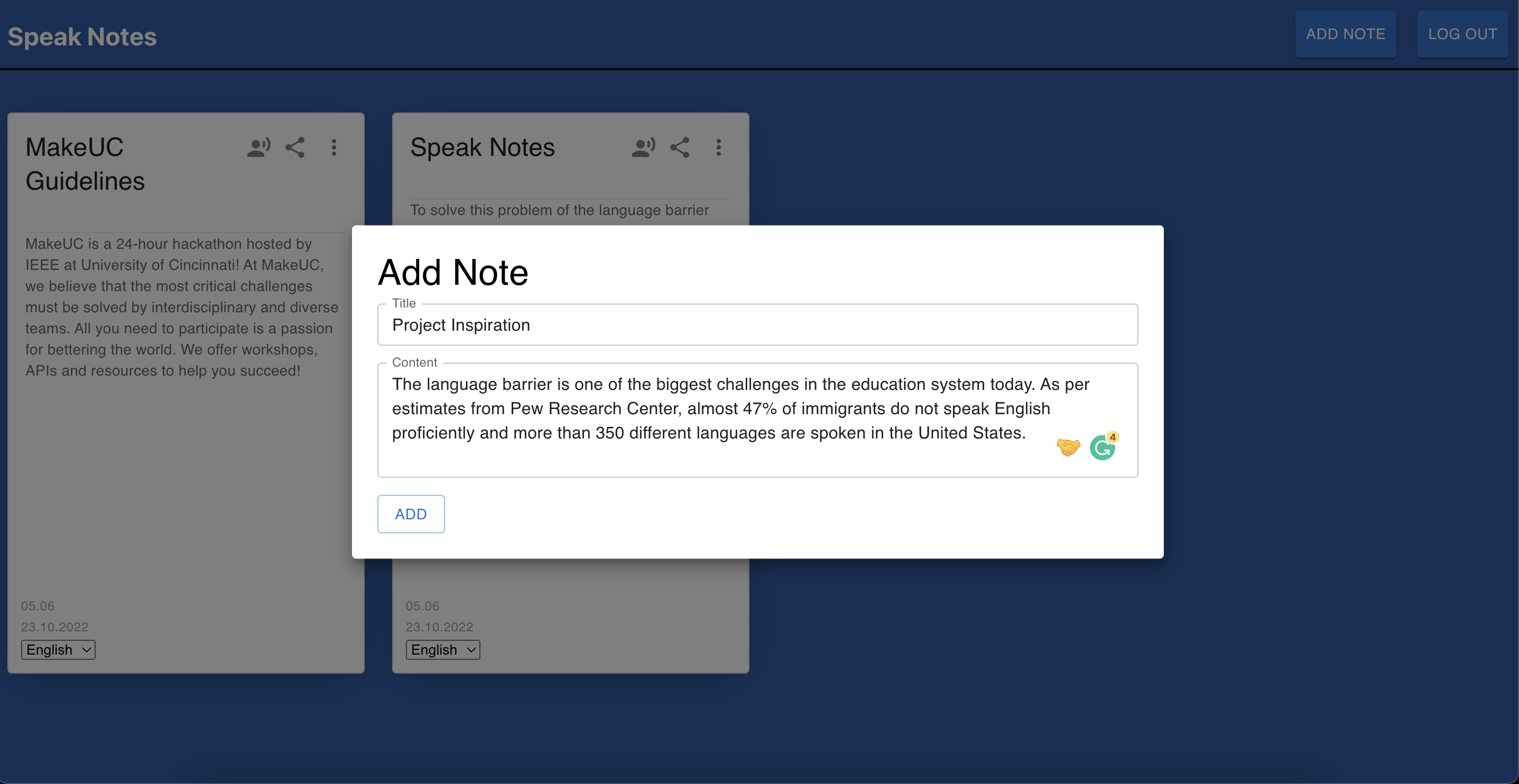
Adding a new note
-
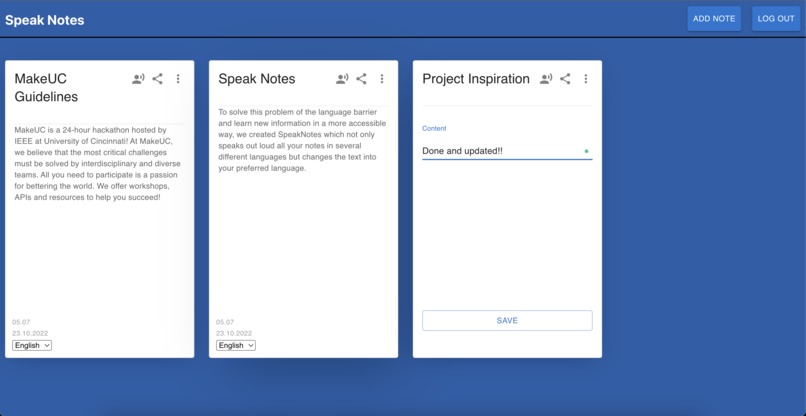
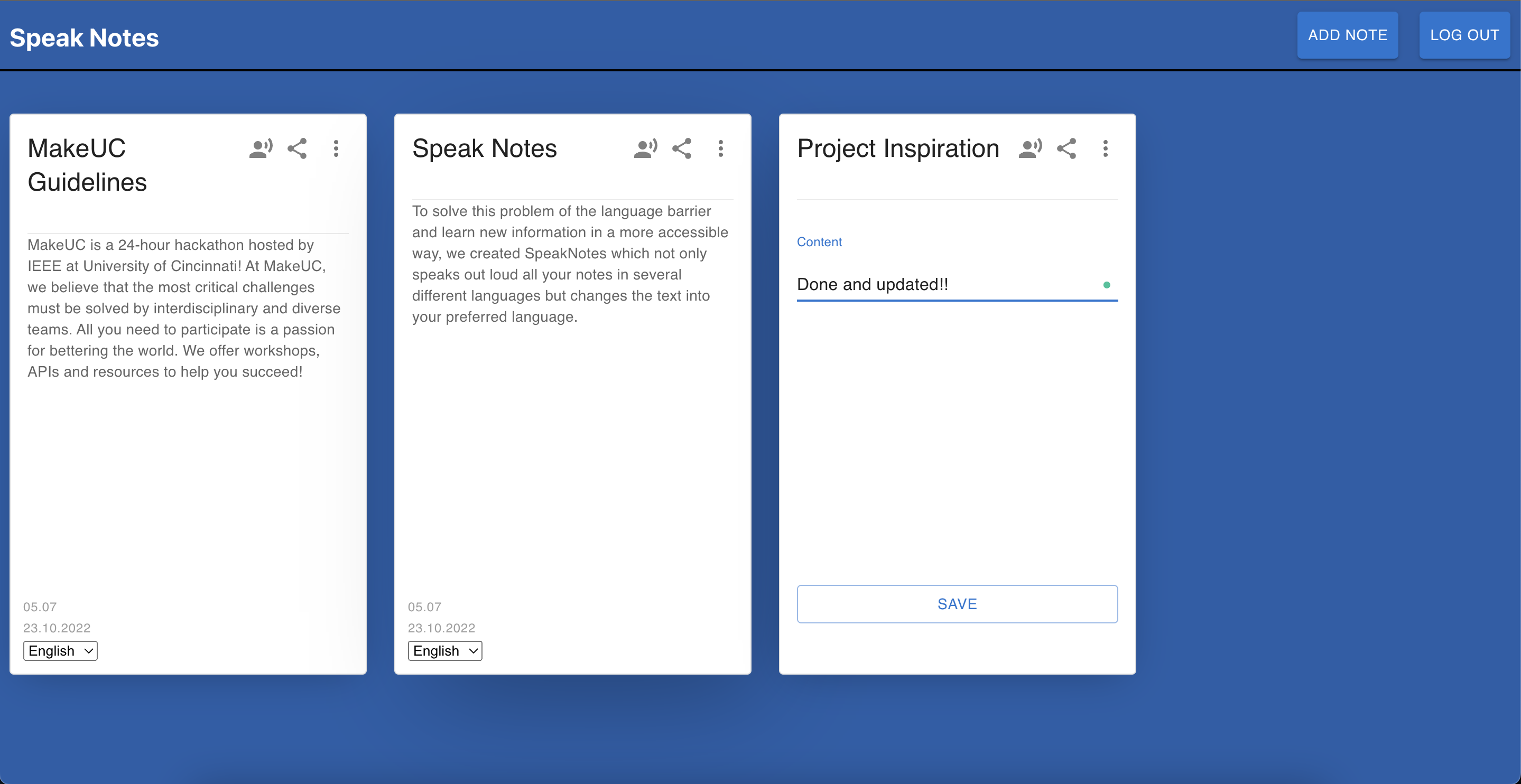
Editing a created note
-
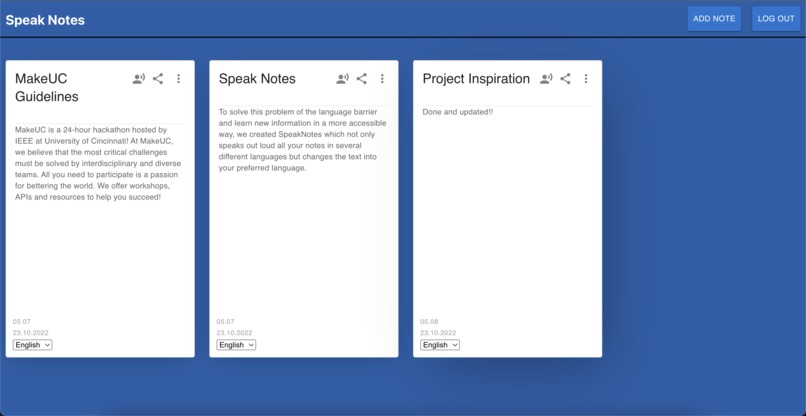
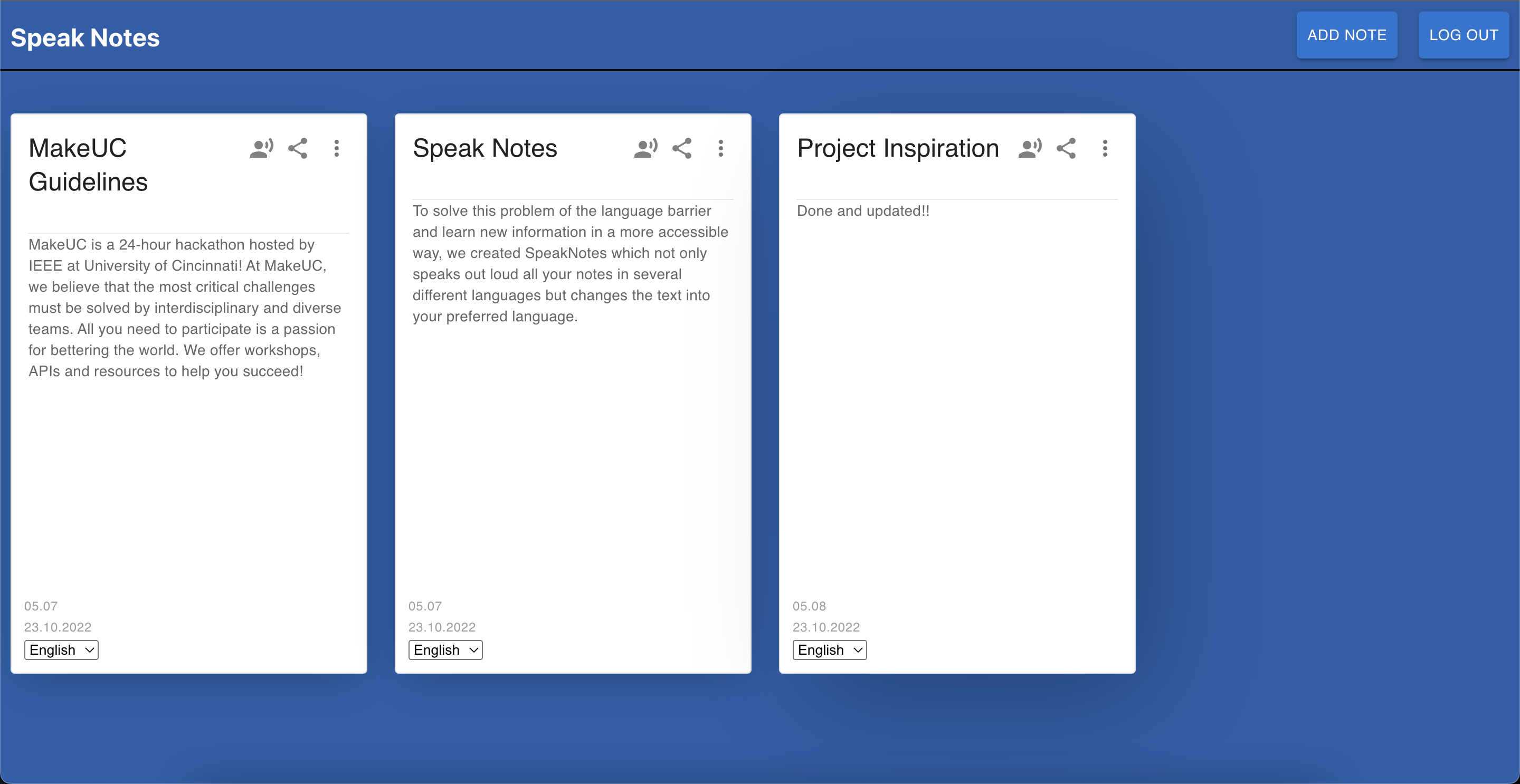
Updated note
-
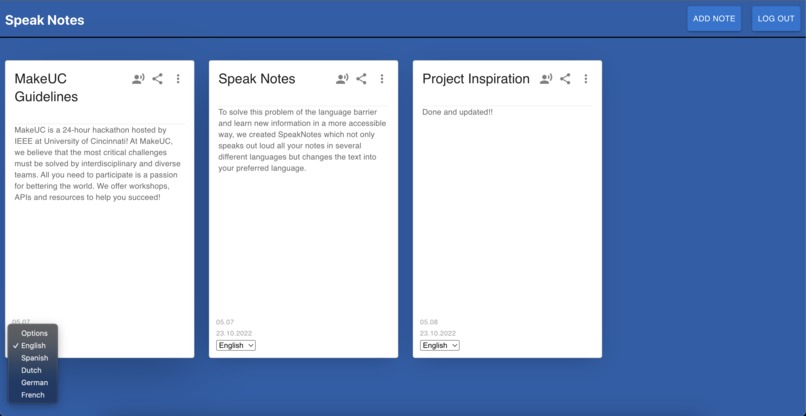
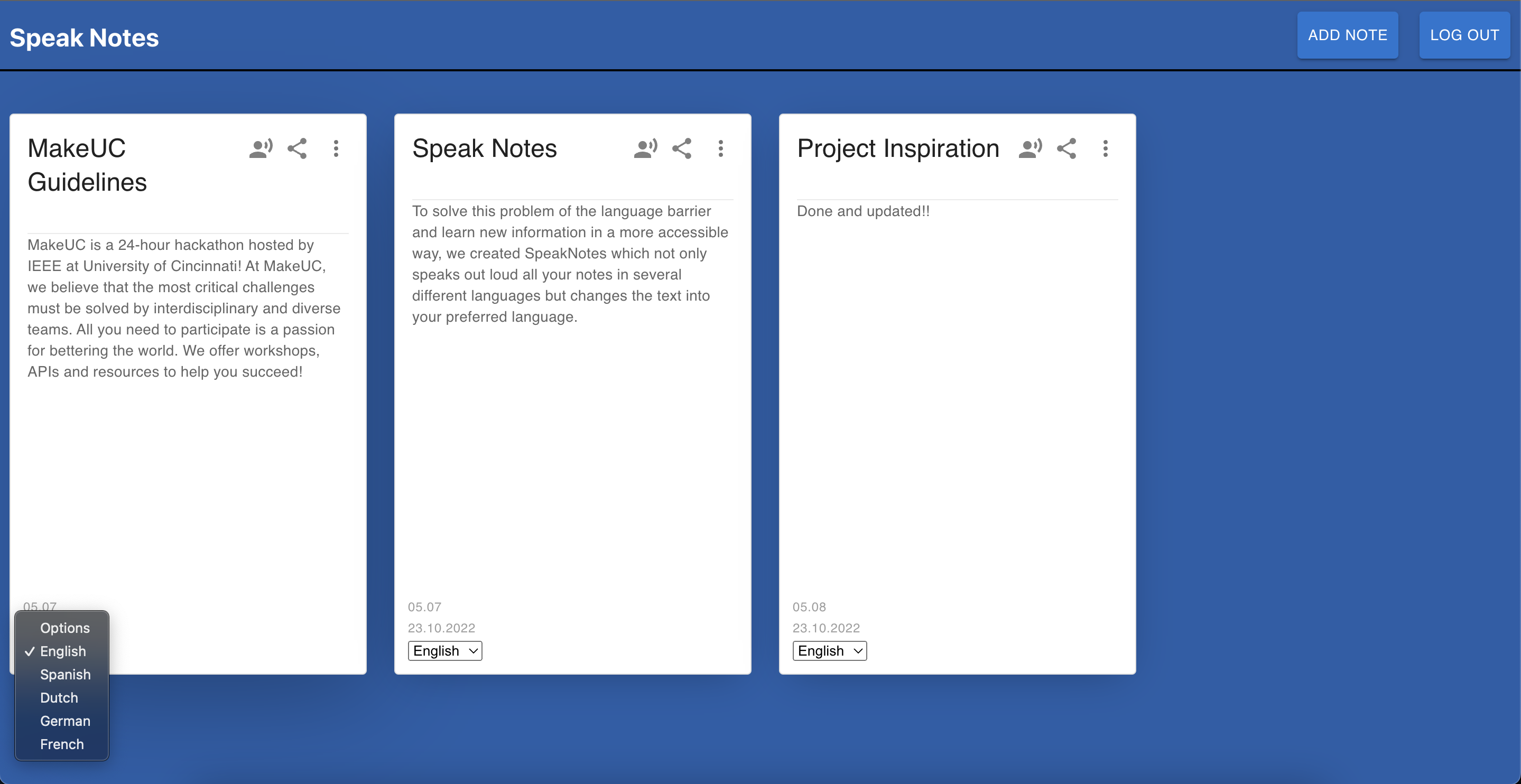
All notes have language options for listening and converting
-
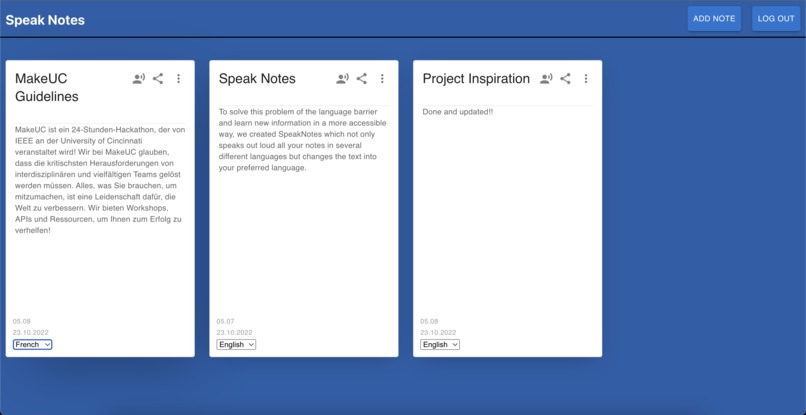
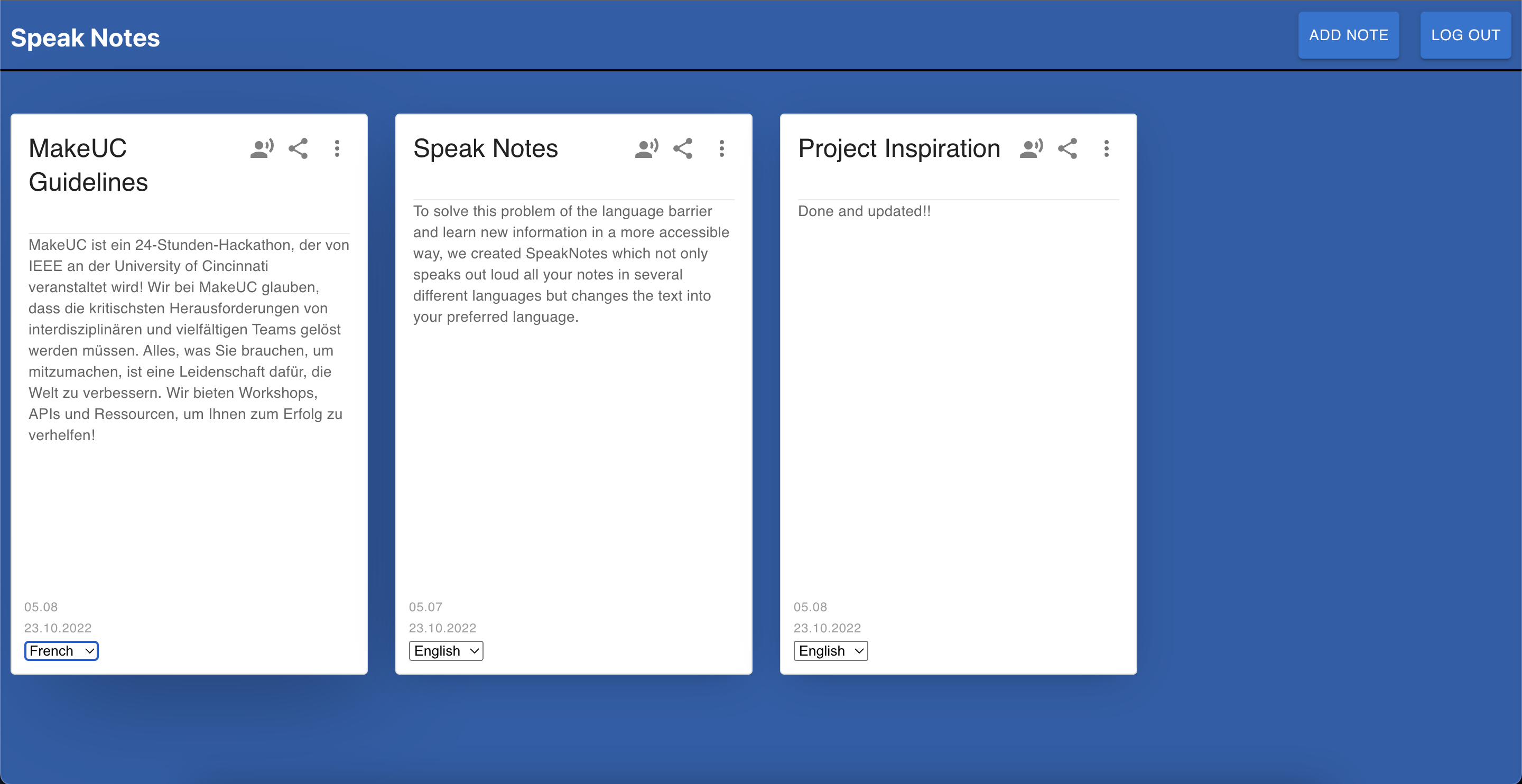
Converted a note to French language
Inspiration
The language barrier is one of the biggest challenges in the education system today. As per estimates from Pew Research Center, almost 47% of immigrants do not speak English proficiently and more than 350 different languages are spoken in the United States. To solve this problem of the language barrier and learn new information in a more accessible way, we created SpeakNotes which not only speaks all your notes in several different languages but changes the text into your preferred language.
What it does
Speak notes help students all across the globe to learn new things more conveniently. It is a powerful note-taking app that lets you listen to your notes like an audiobook and even change its language. Students can also share their notes with other users for knowledge sharing and collective learning.
How we built it
We used ReactJs as the frontend framework to create an application and utilized Flask Rest APIs as the backend server. All user creation, notes management, text-to-speech, and note sharing
features are accomplished using these API CRUD operations.
Google cloud's text-to-speech API is used for converting the note text to speech, along with Google cloud's translate API for text language conversion.
A CockroachDB(PostgreSQL) database was deployed on AWS to store the data, which was accessed from Python backend using psycopg2 package.
Challenges we ran into
The most challenging tasks we encountered were:
- API integration: We used many flask and Google Cloud APIs. Integrating them with Front end was challenging and a great learning experience.
- Setting GCloud and CockroachDB environment: Both our DB server and Google APIs needed cloud account creation, local environment setup along with API keys and auth. Configuring and Developing it took some time.
Accomplishments that we're proud of:
- With Speak Notes app, people with disabilities can get aid by using the text-to-speech feature.
- Students all across the globe can use the app by using the language change feature for the notes.
- Students can now share their notes which will promote learning.
- We learned new Technologies such as Google cloud APIs, Flask etc.
- Once hosted, this app is online and can be accessed with any device(iPad, iPhone, Android, Web browser) which makes it user-friendly.
Runtime Instructions
Note
The app requires environment setup for accessing Google Cloud APIs and CockroachDB. Setup below parameters in your .env file at project root folder:
- DATABASE_URL ="cockroach db database URL"
- GOOGLE_APPLICATION_CREDENTIALS ="Local path to downloaded credentials file with access to project on Google Cloud"
Python instructions
pip3 install -r requirements.txt
Installs all python packages used in project
python3 app.py
Runs all flask Apis locally.
Node instructions
npm install
Installs all the dependencies on the local machine.
npm start
Runs the app in the development mode.
Built With
- cockroachdb
- css
- flask
- google-cloud-text-to-speech
- google-cloud-translate
- javascript
- python
- react


Log in or sign up for Devpost to join the conversation.