-
-
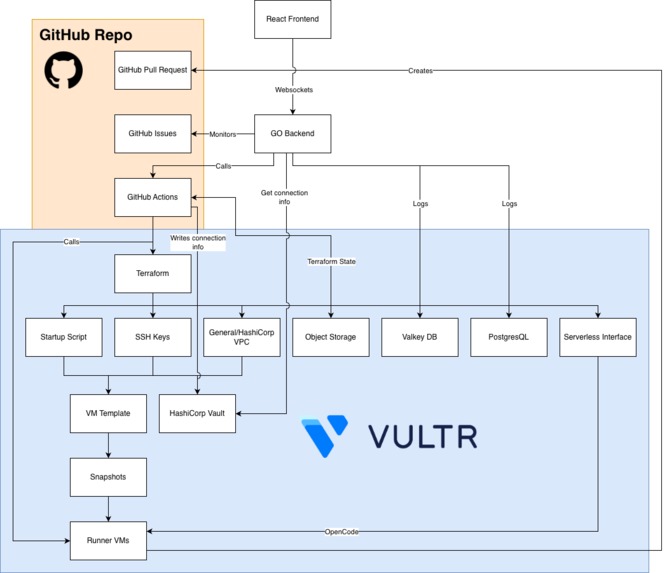
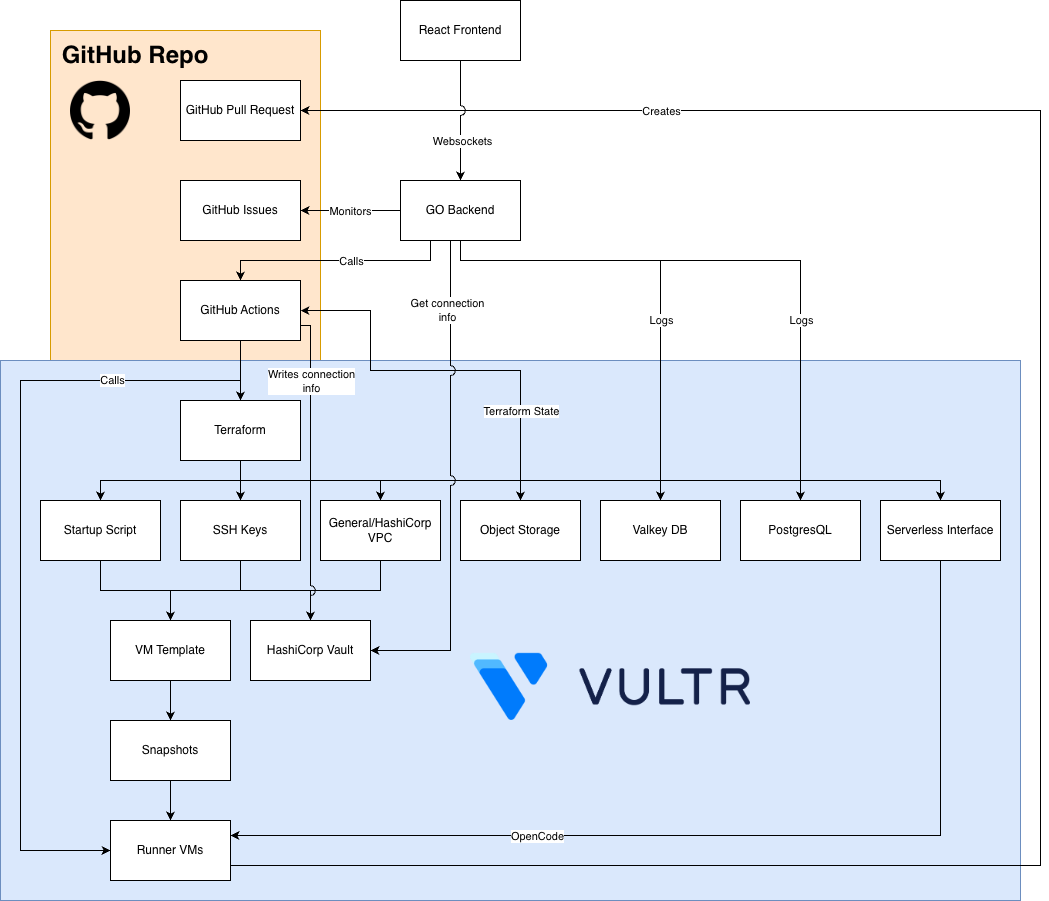
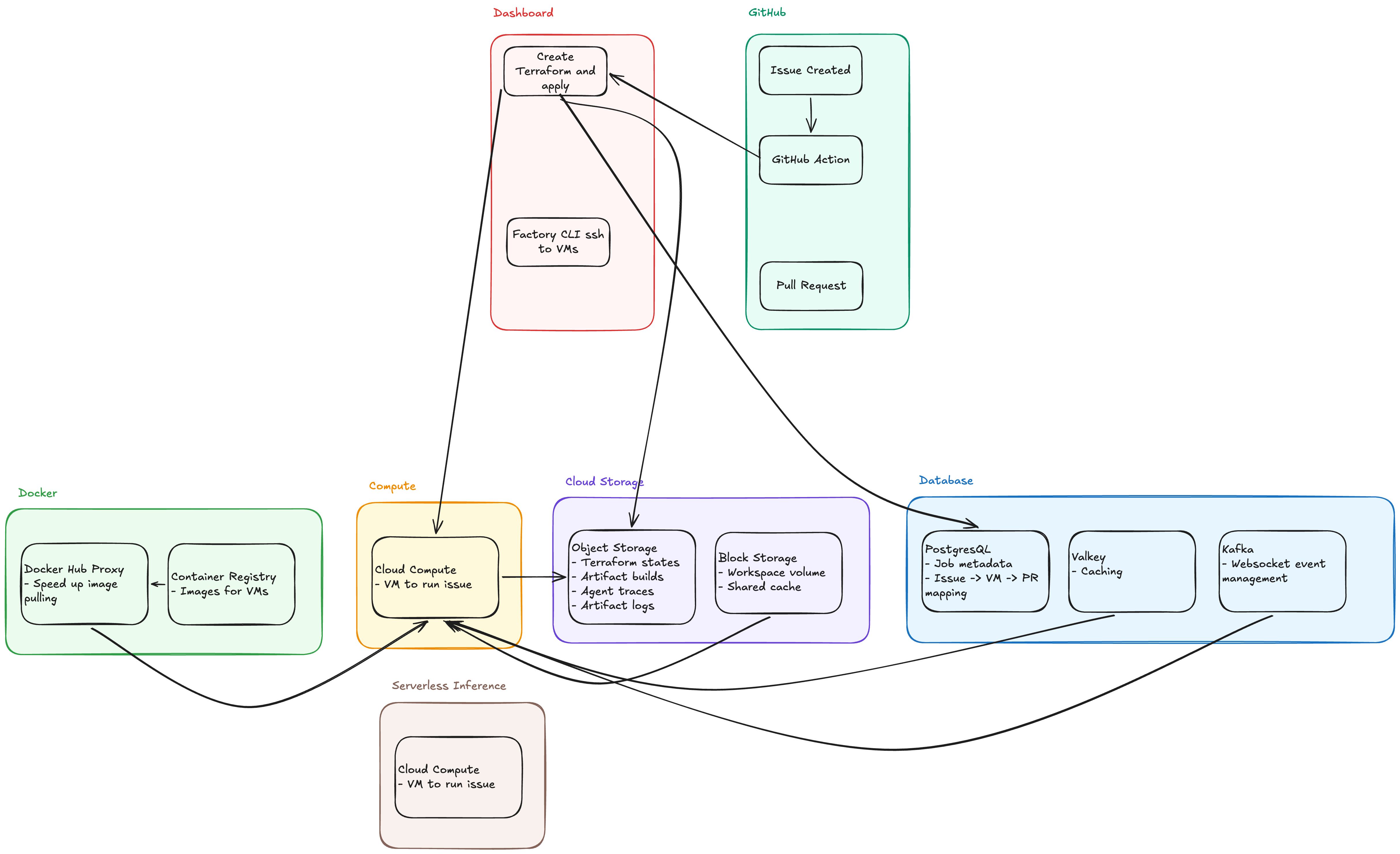
Architecture Diagram
-
-
-
-
-
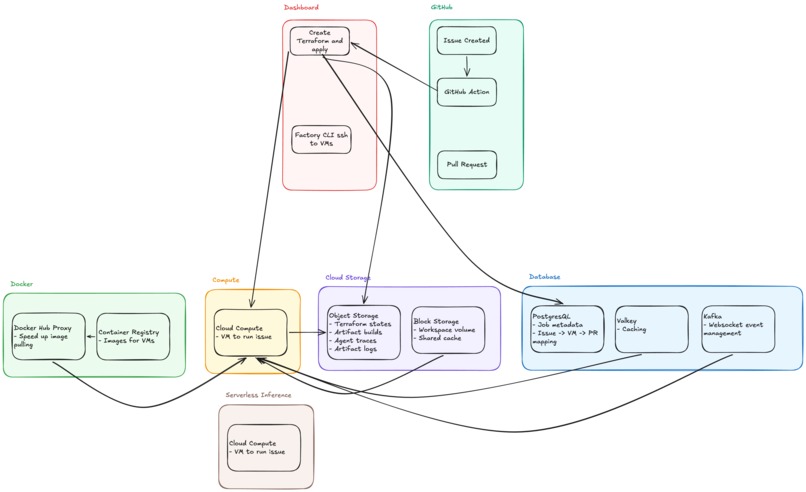
Architecture Brainstorm
Inspiration
As students, we often find great open-source projects but get stuck before we can even contribute. Large repos can be hard to run, dependencies are messy, and setting up the right environment takes more time than actually learning from the code.
We built this to remove that barrier. Instead of spending hours configuring tools, students can spin up clean environments, test ideas quickly, and run experiments safely, like “what if this project used X instead of Y?” It turns curiosity into action, so learning and contributing happen faster.
What it does
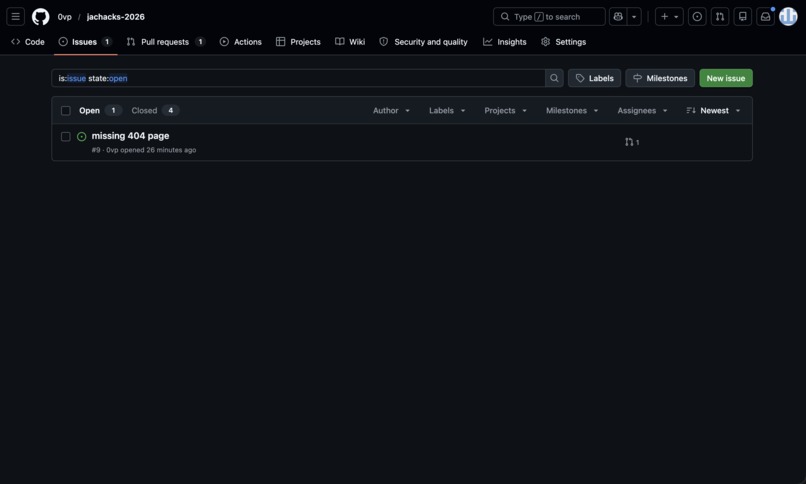
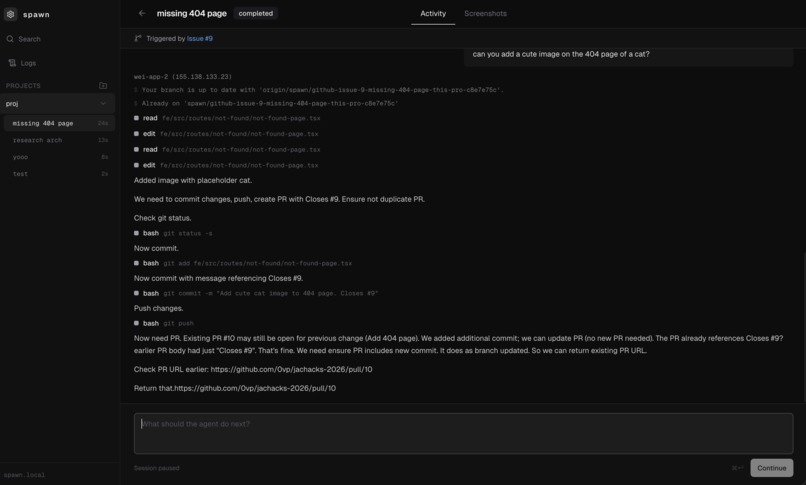
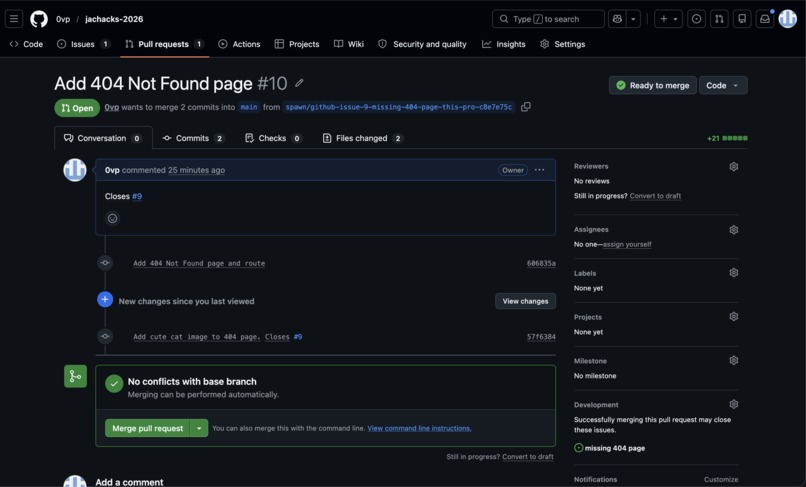
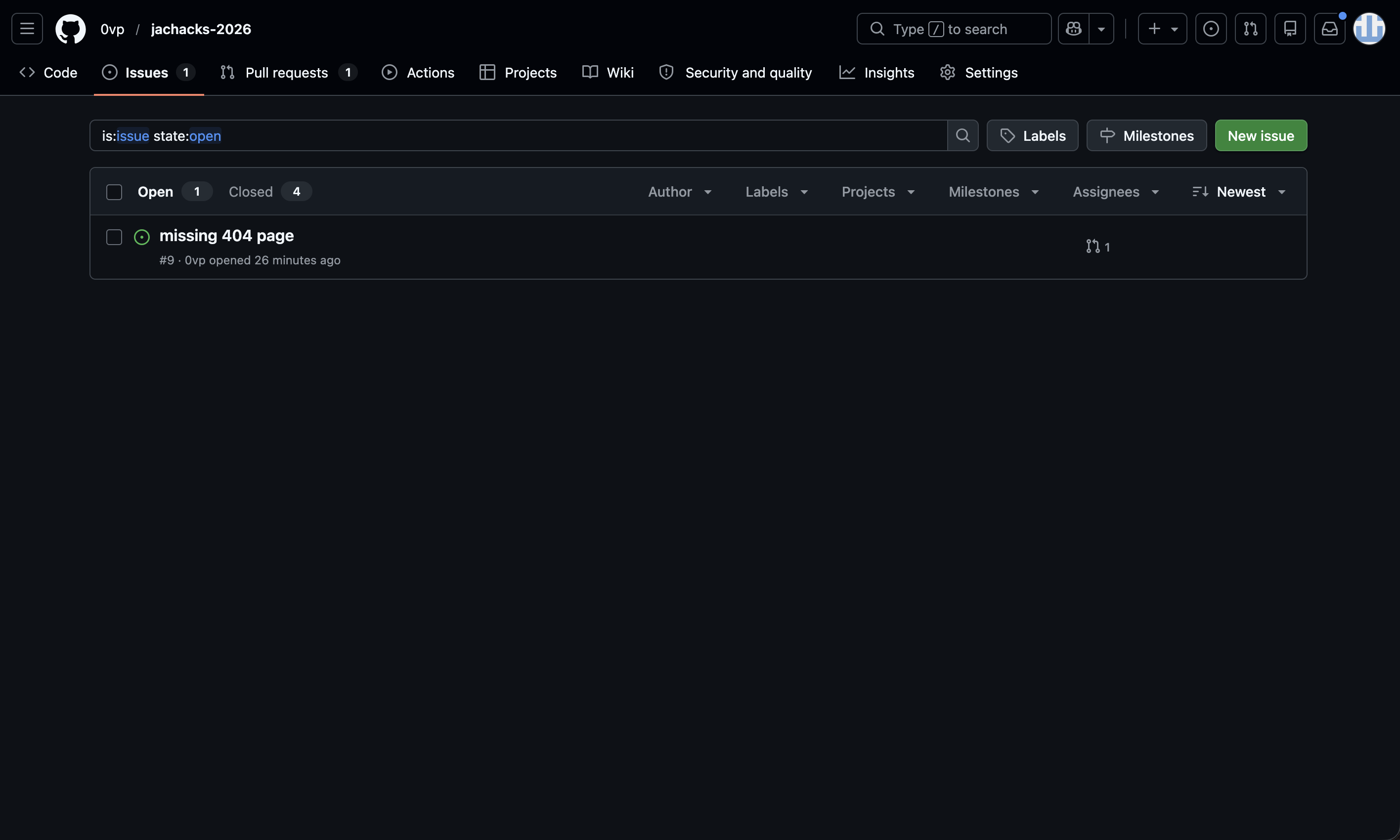
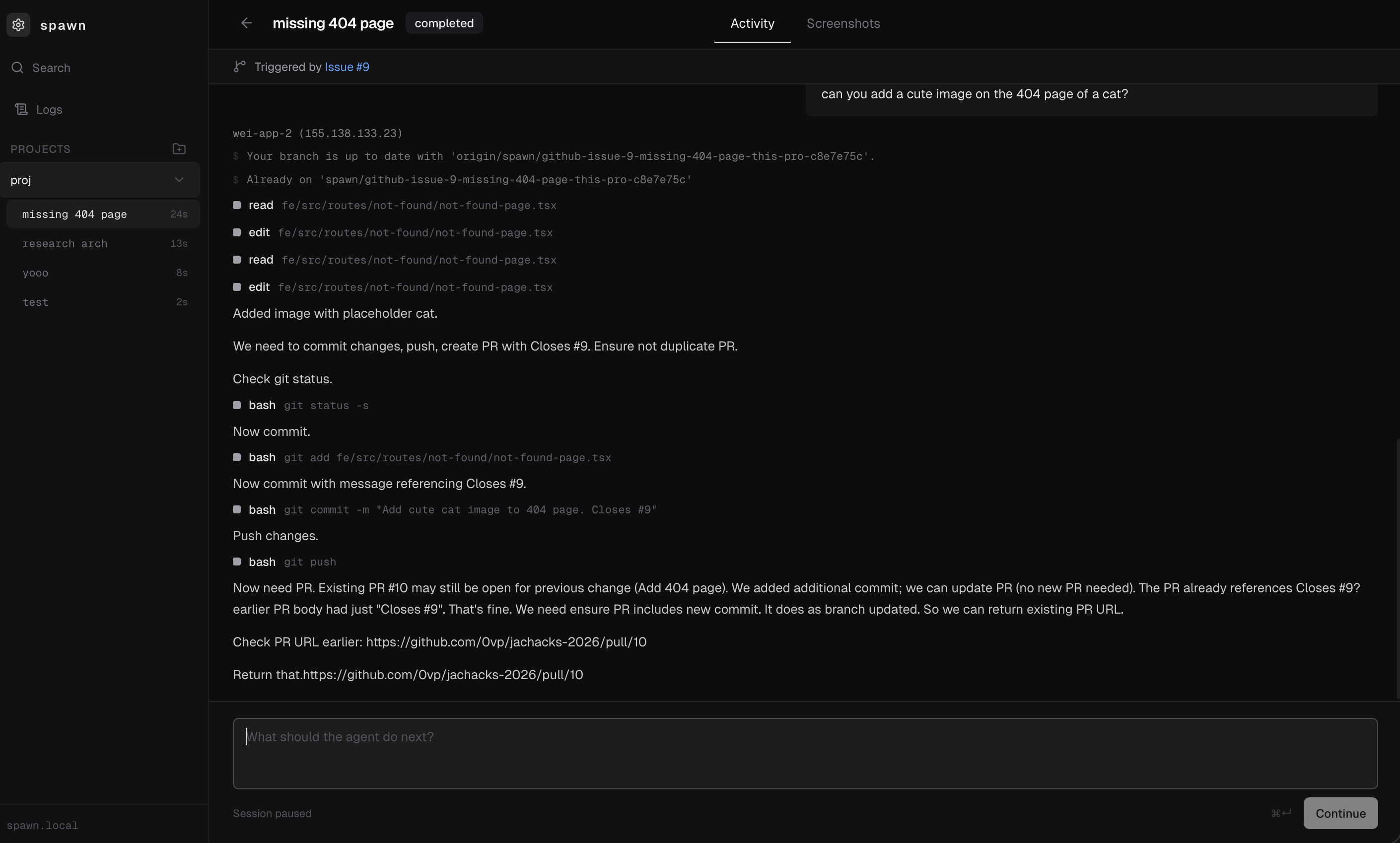
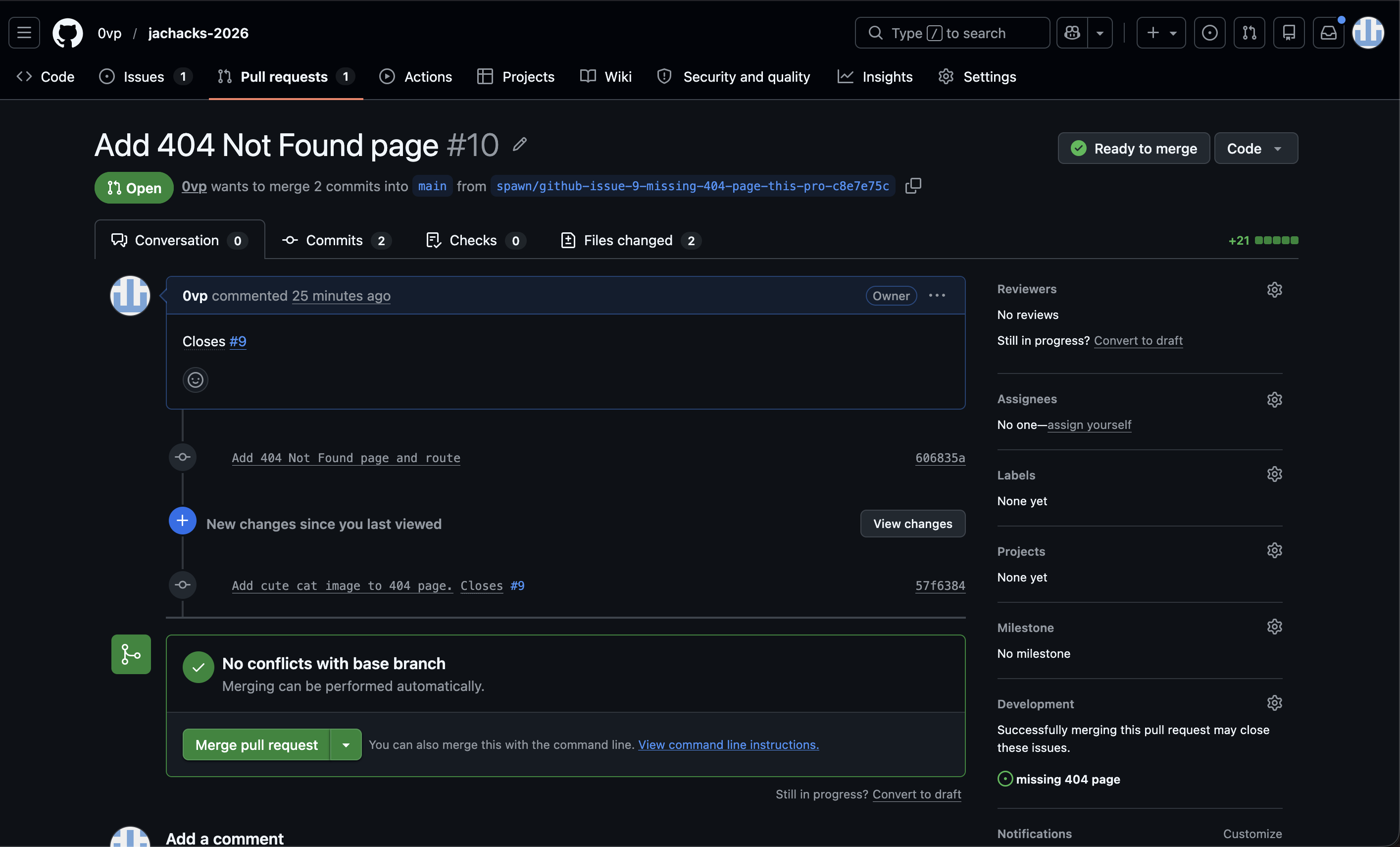
Our app monitors you GitHub repo for any issues. Once an issue is created, it creates a new virtual environment to make the changes and test the code. After tests are done, a PR is opened and the virtual environment is spun down.
How we built it
We used Vultr to manage all our cloud services:
- Cloud Compute to create the virtual machines to clone and iterate on the code. We created a singular template which was used as a snapshot. Compute instance was also spun up to host a HashiCorp Vault to store the VM credentials for use by our other apps.
- Startup Script runs automatically when a compute instance is created to setup the virtual machine
- SSH Keys are generated for every instance created on Vultr. These can be used rather than password based credentials and are stored in HashiCorp vault
- Object Storage to store the Terraform state for all the GitHub actions. Without this, the state would be lost and entities wouldn't be possible to manage easily.
- PostgresQL used to store relations between issues, VMs used to iterate on it, and the pull requests created and logs
- Valkey key-value store used to store logs
- Serverless Interface used to call AI models for OpenCode to call and use
VPC used to connect Vultr instances to each other and block external connnections.
GitHub Actions uses Terraform to do the initial setup and manage the VMs. Enables easier scaling without needing to clone the repo and configure a file.
The GO backend monitors the GitHub repo for any issues. Once an issue is created, it calls the HashiCorp vault to get credentials of VMs or calls GitHub actions to create more VMs. It then SSH's into the vault and runs the OpenCode instance
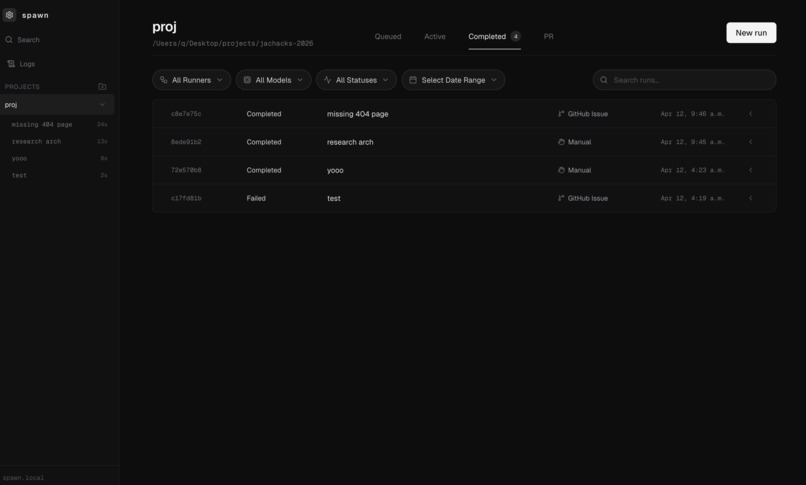
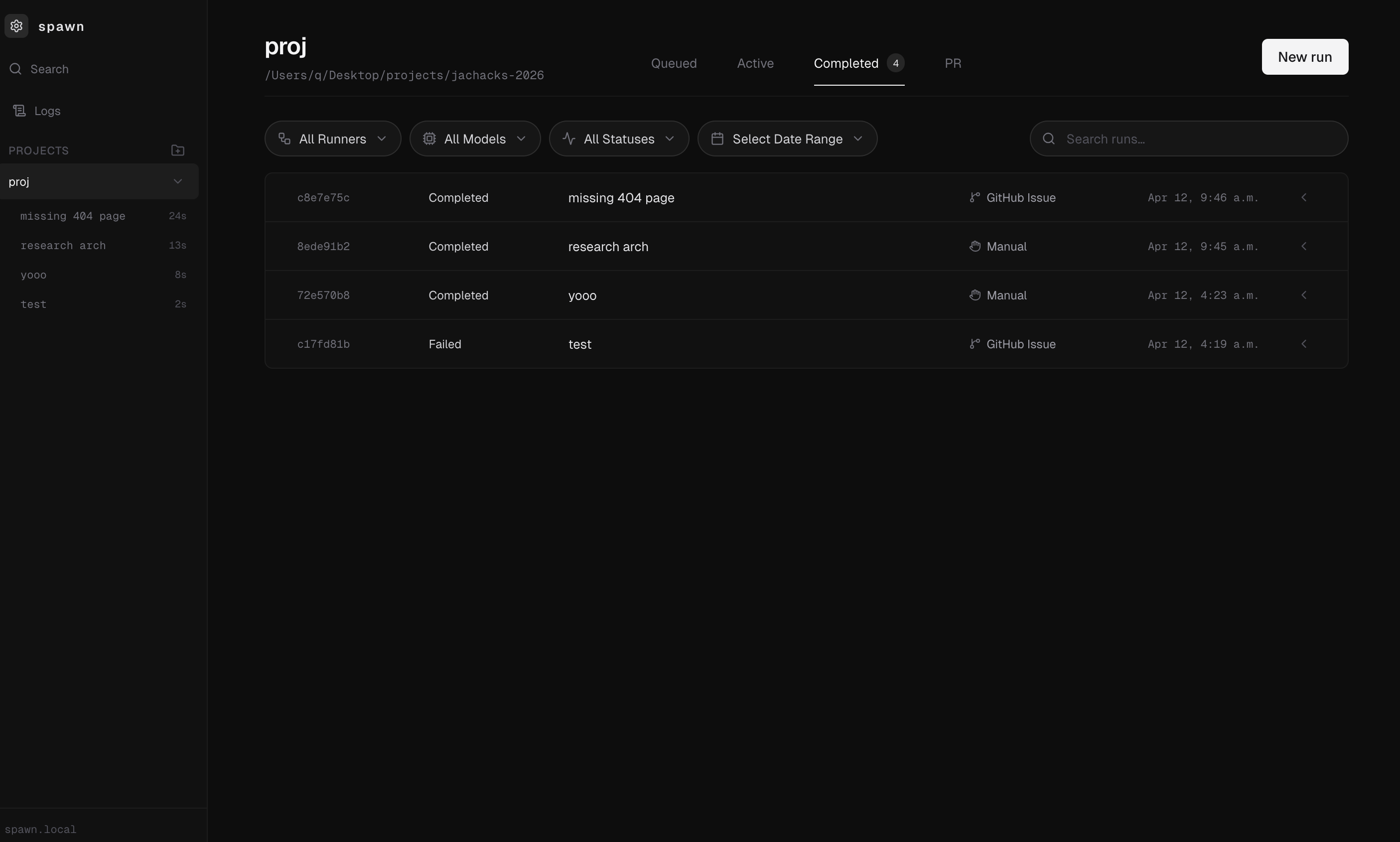
React frontend uses web sockets to provide insight into the current status of VMs, actions, and logs. Can get a preview of the VMs and what they're doing
Challenges we ran into
- It takes a while to start up VMs, so it's hard to debug the GitHub actions and Terraform deploys
- Figuring out how HashiCorp vault
Accomplishments that we're proud of
- Can easily update and spin up/down new resources using Terraform and GitHub actions
- Terraform state is persisted using Vultr Object Storage so it can be easily updated
- Can take down entire Vultr deployment if needed with a GitHub Action
What we learned
- How to use Vultr with GitHub actions
- How VPCs work and how we can use SSH keys instead of password authentication
- How HashiCorp Vault works and how to store and retrieve secrets
What's next for spawn
- Cleaner and more GitHub actions, more retries and catches so entire script doesn't fail
Built With
- github
- go
- hashicorp
- postgresql
- react
- redis
- s3
- terraform
- typescript
- vultr

Log in or sign up for Devpost to join the conversation.