-
-
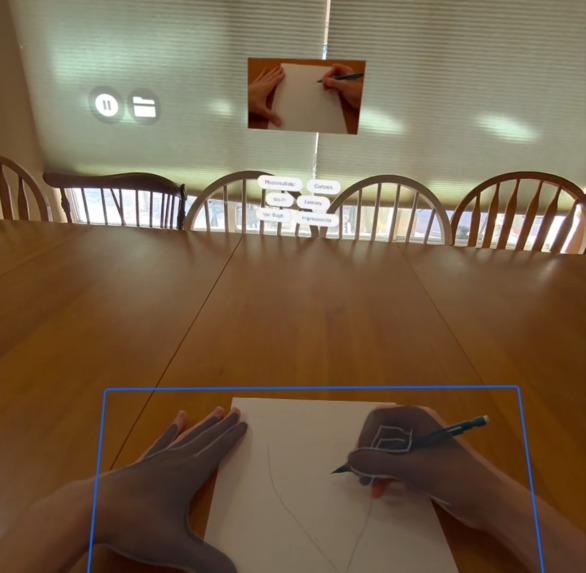
Detection
-
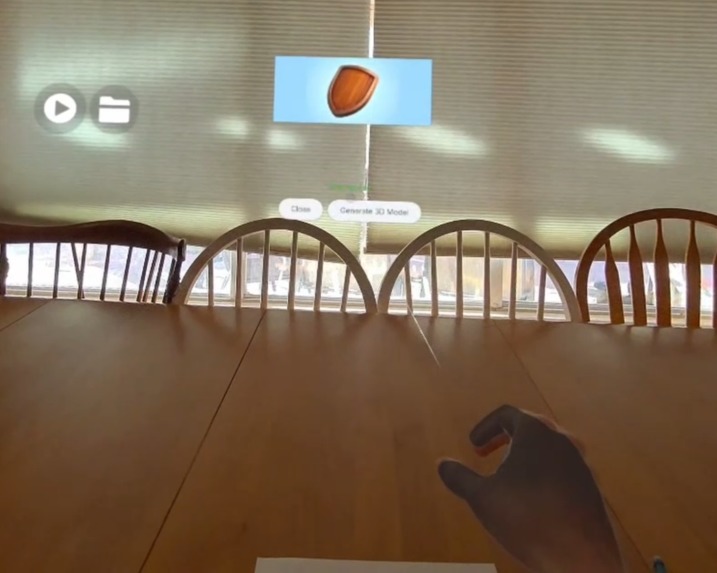
Enhancement
-
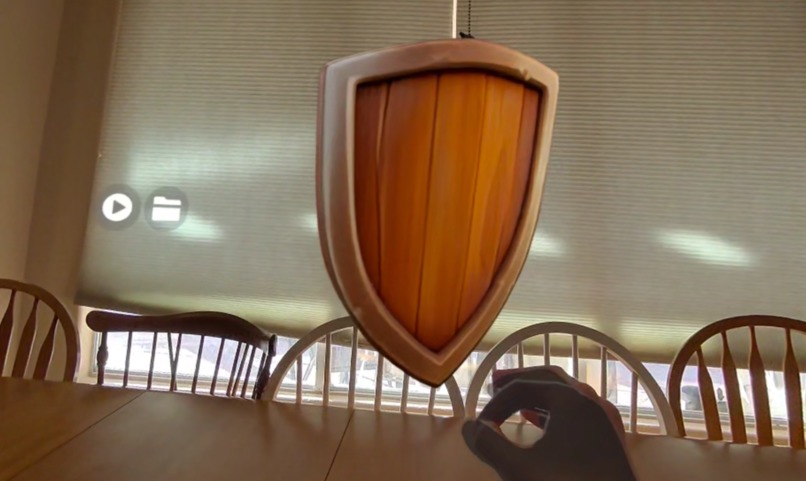
Model Generation
-

Model Export
-

Image Export
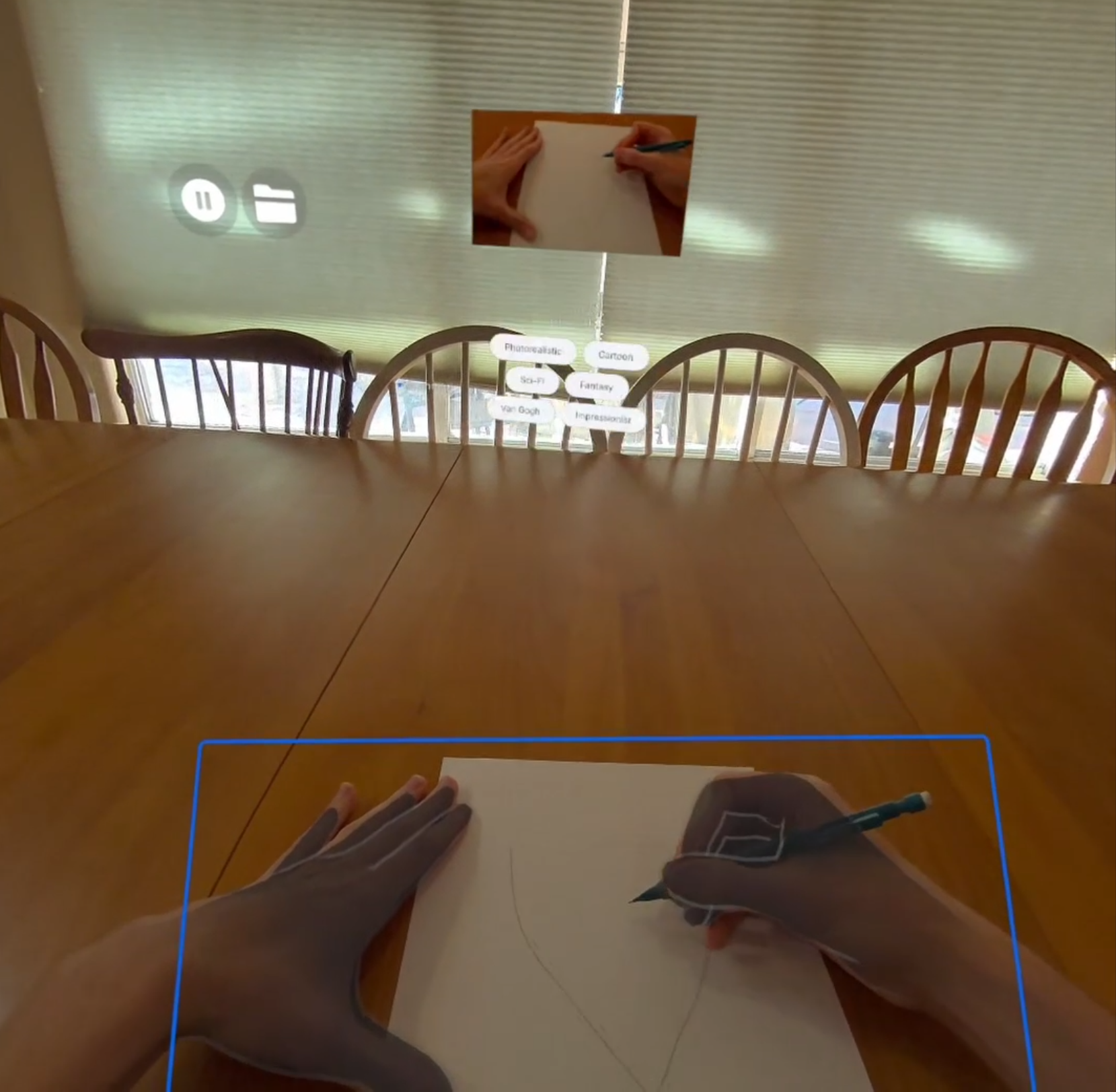


Inspiration
I am fascinated by the promise of AI-powered 3D asset generation. While XR is the ultimate medium for viewing and understanding 3D models, creating them inside a headset remains difficult.
By leveraging AI style transfer to enhance sketches users create on real paper, Spatial Sketch makes it possible for beginners to instantly create high-quality 3D content, while giving experienced artists granular control over the final model through their detailed physical drawings.
What it does
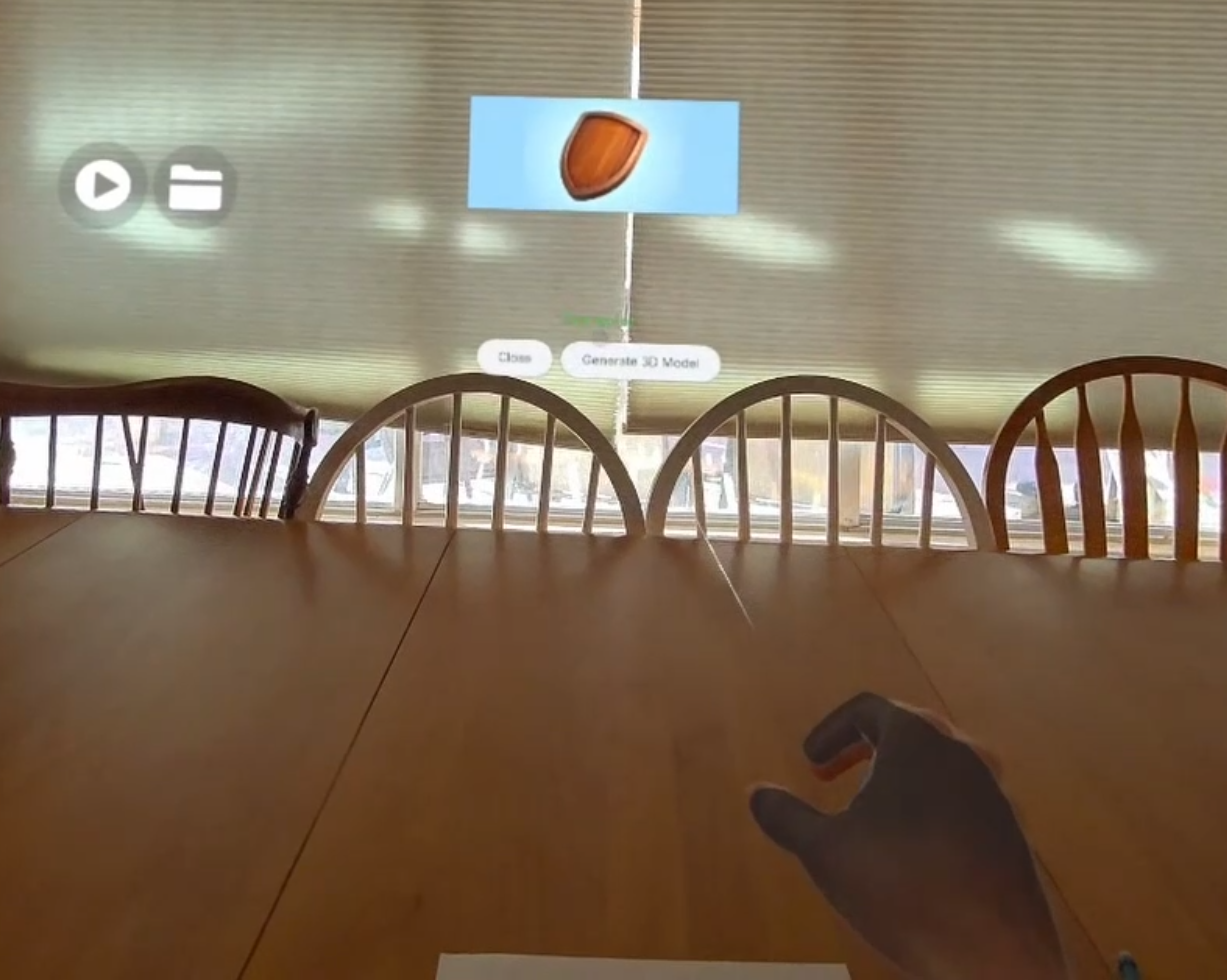
Spatial Sketch creates a pipeline from physical paper to virtual reality:
Scans: Uses Passthrough Camera Access and on-device AI to detect and capture physical sketches from the user's environment.
Styles: Allows the user to select from various artistic styles, using Generative AI to transform the rough sketch into a polished texture.
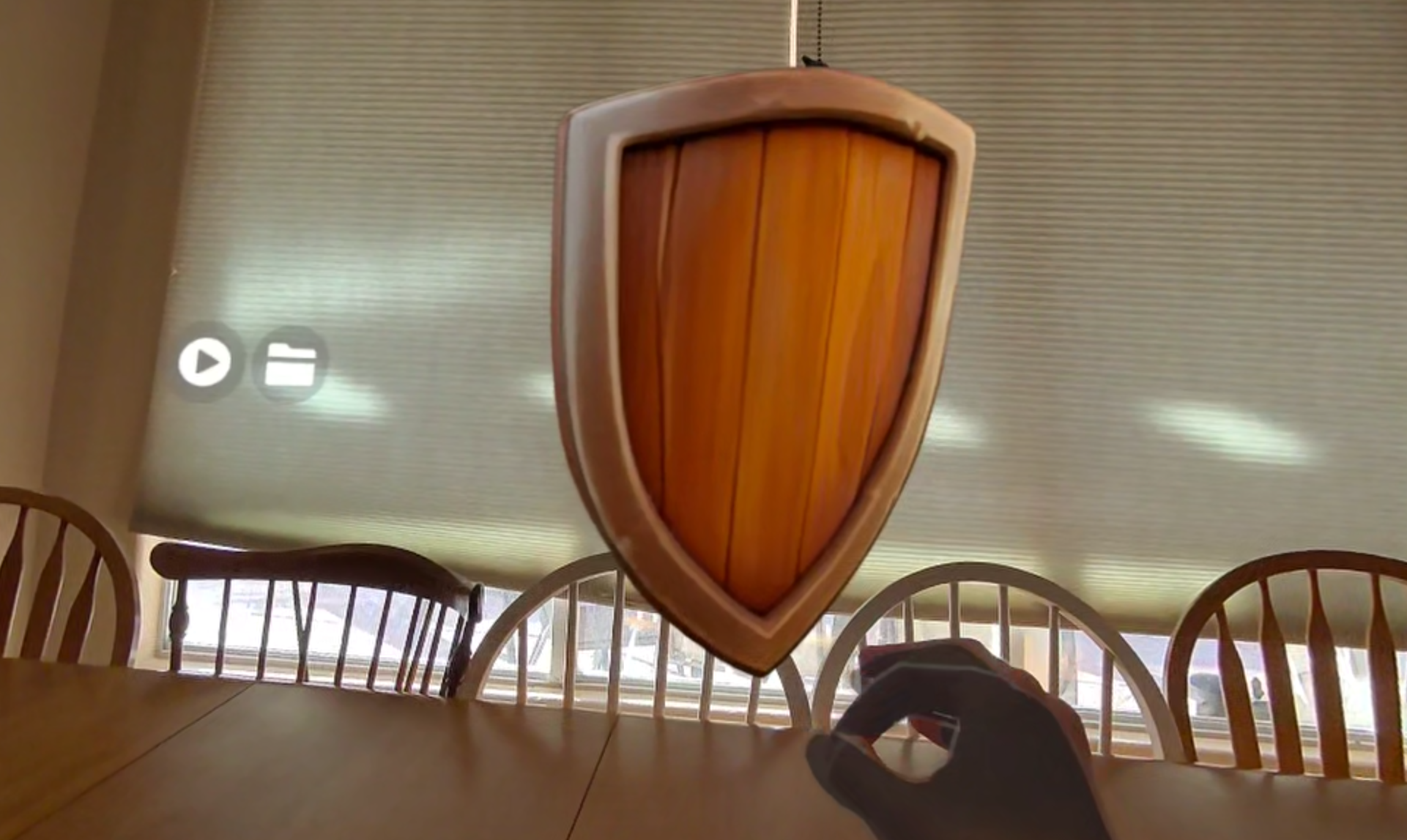
Generates: Converts the 2D image into a 3D volume using Meta's SAM 3D Objects model.
Renders: The final output is rendered as a Gaussian Splat for high-fidelity visualization.
Archives: Automatically saves generations to the Downloads directory and maintains a history view for easy export and reviewing. View some examples!
How I built it
I built the core experience using the Meta Spatial SDK and UI Set for the interface.
Vision: I utilized the Passthrough Camera API to detect and capture physical sketches.
AI Pipeline: I implemented a pipeline of Style Transfer, Image Understanding, and 3D Model Generation, all powered by state of the art AI models.
Rendering: I used the new experimental Gaussian Splat component with the Spatial SDK.
Challenges I ran into
The "Splat Flip": I discovered that rendering Gaussian Splats required flipping the Z-position of their Transform component. This unexpectedly broke interaction with the Grabbable() component and other systems, requiring a custom refactor of the interaction and placement logic.
Optimization: Handling heavy GenAI assets caused frame drops. I had to get very comfortable with asynchronous programming and threading to keep the UI responsive during generation.
Segmentation: Getting reliable automatic object segmentation from the generated image (without forcing the user to manually click points) was a significant hurdle.
Accomplishments that I'm proud of
UX Polish: Creating a seamless flow from a piece of paper to a floating 3D mesh.
Real-world Utility: Building a tool that actually speeds up the workflow for 3D prototyping.
What I learned
Android App development and Meta Spatial SDK / Entity Component System.
MLKit for running AI on Android.
Setting up locally hosted large AI models like SAM 3D Objects.
Integration with Cloud AI providers.
What's next for Spatial Sketch
Finetuning an object detection model for better paper detection.
Automatic Splat decimation to enable viewing of extremely detailed models.
Social features to make it easy to share your creations with friends.
Integration with a 3D-Print-On-Demand service to turn the virtual models back into physical objects.
Built With
- ai
- hands
- metaspatialsdk
- passthrough
- sam-3d-objects


Log in or sign up for Devpost to join the conversation.