-
-
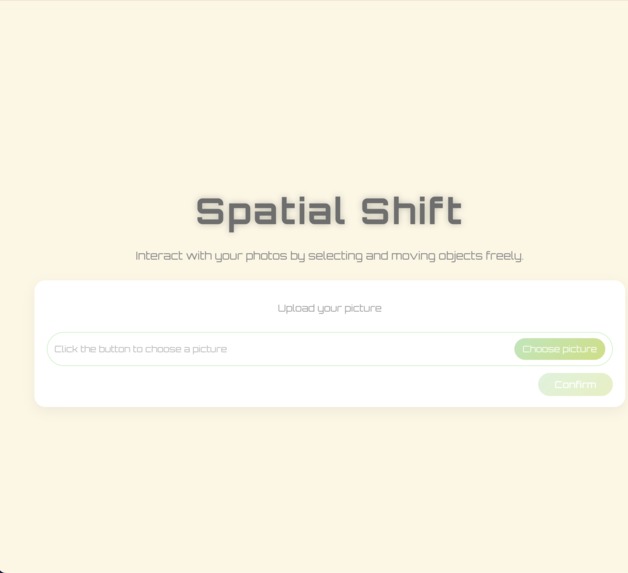
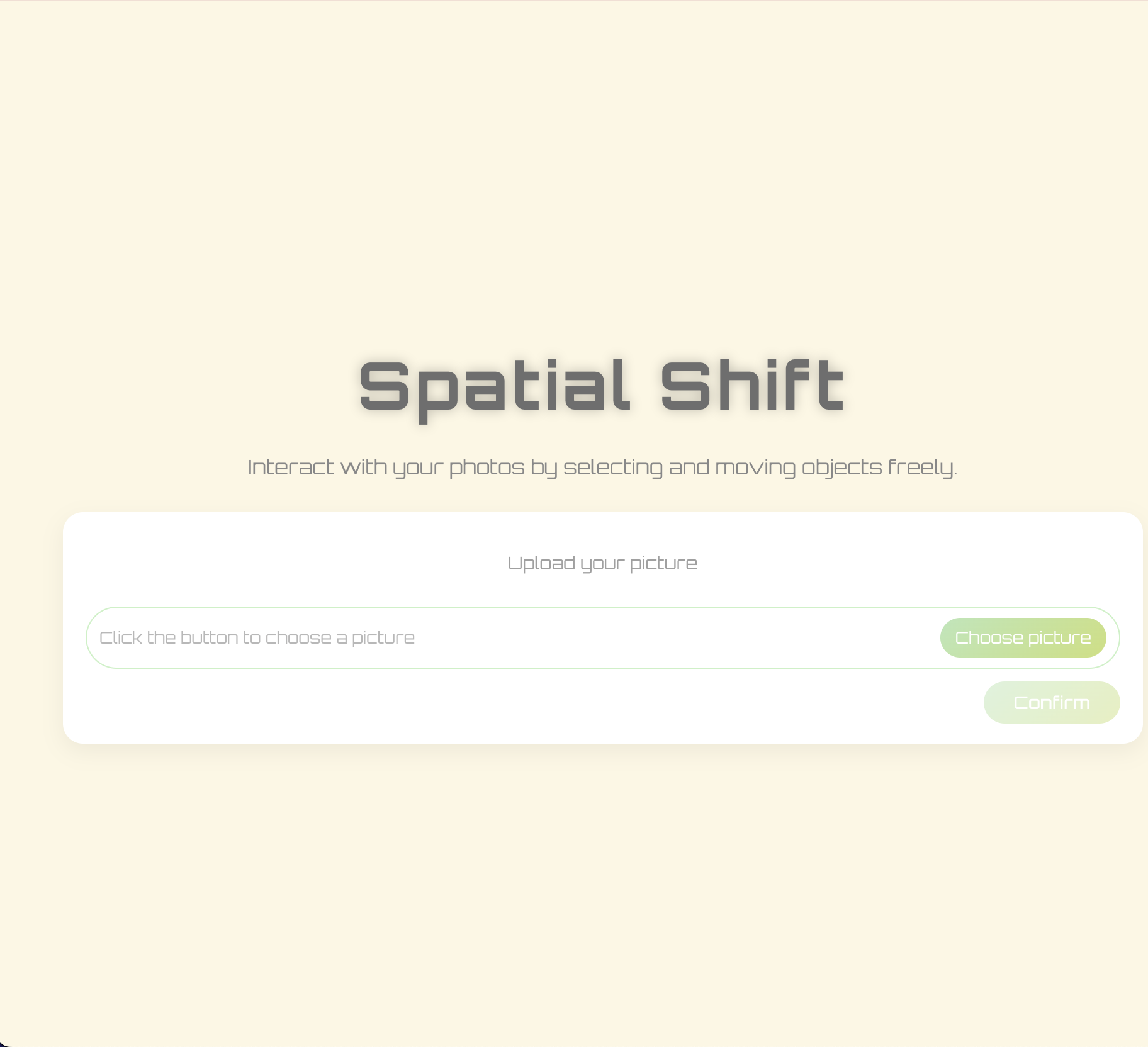
This is the main page for our project
-
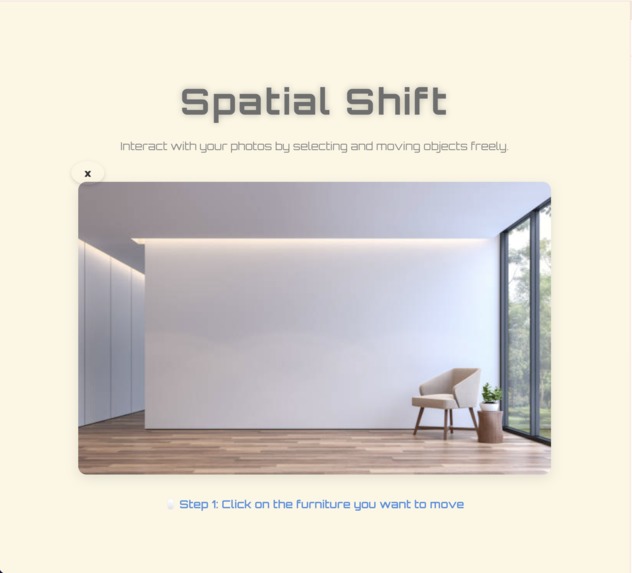
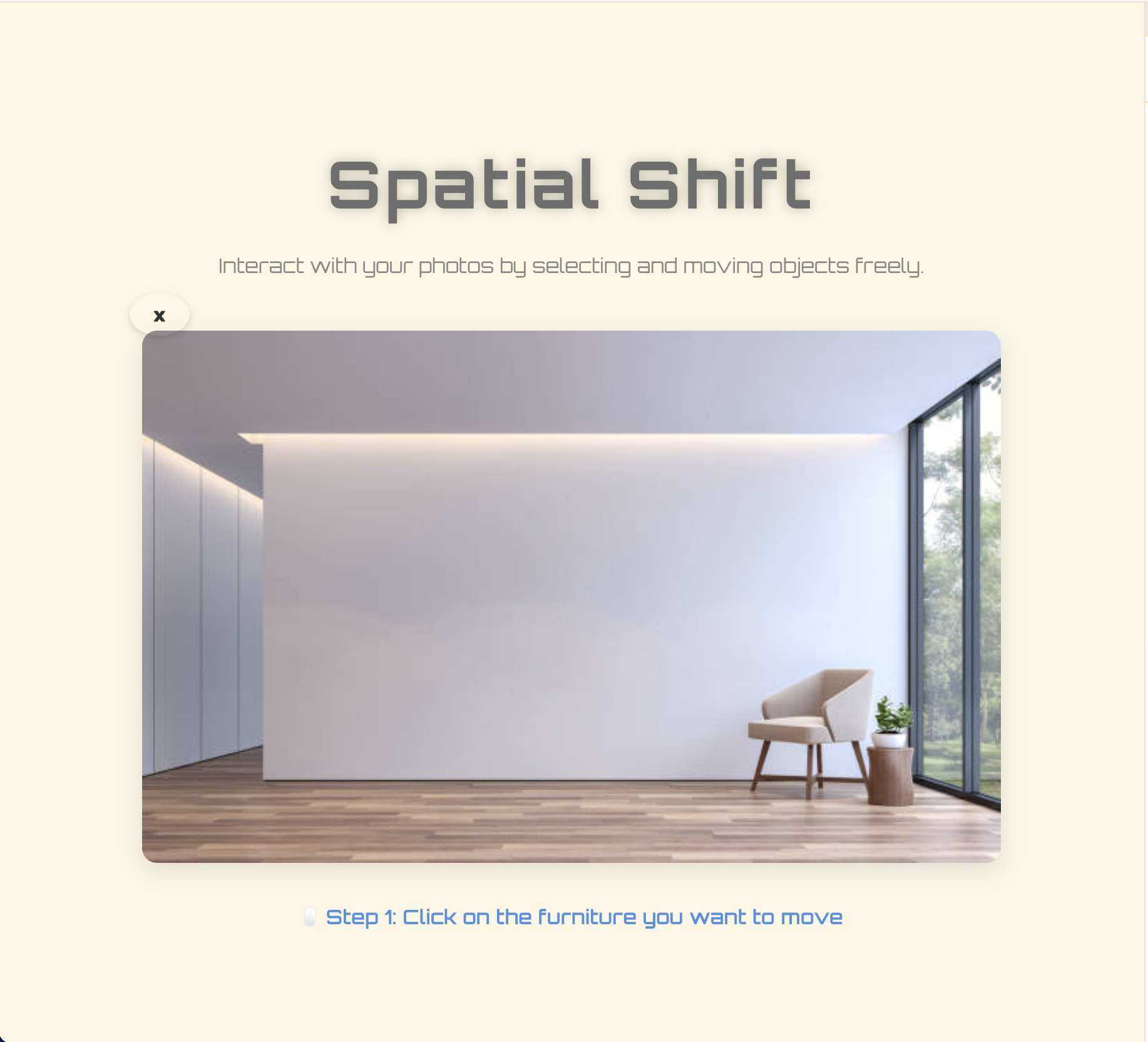
This is how it like when you uploaded a picture with furnitures.
-
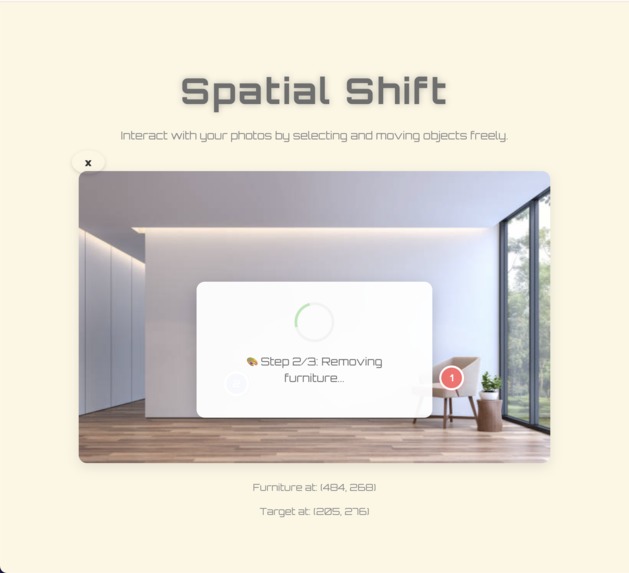
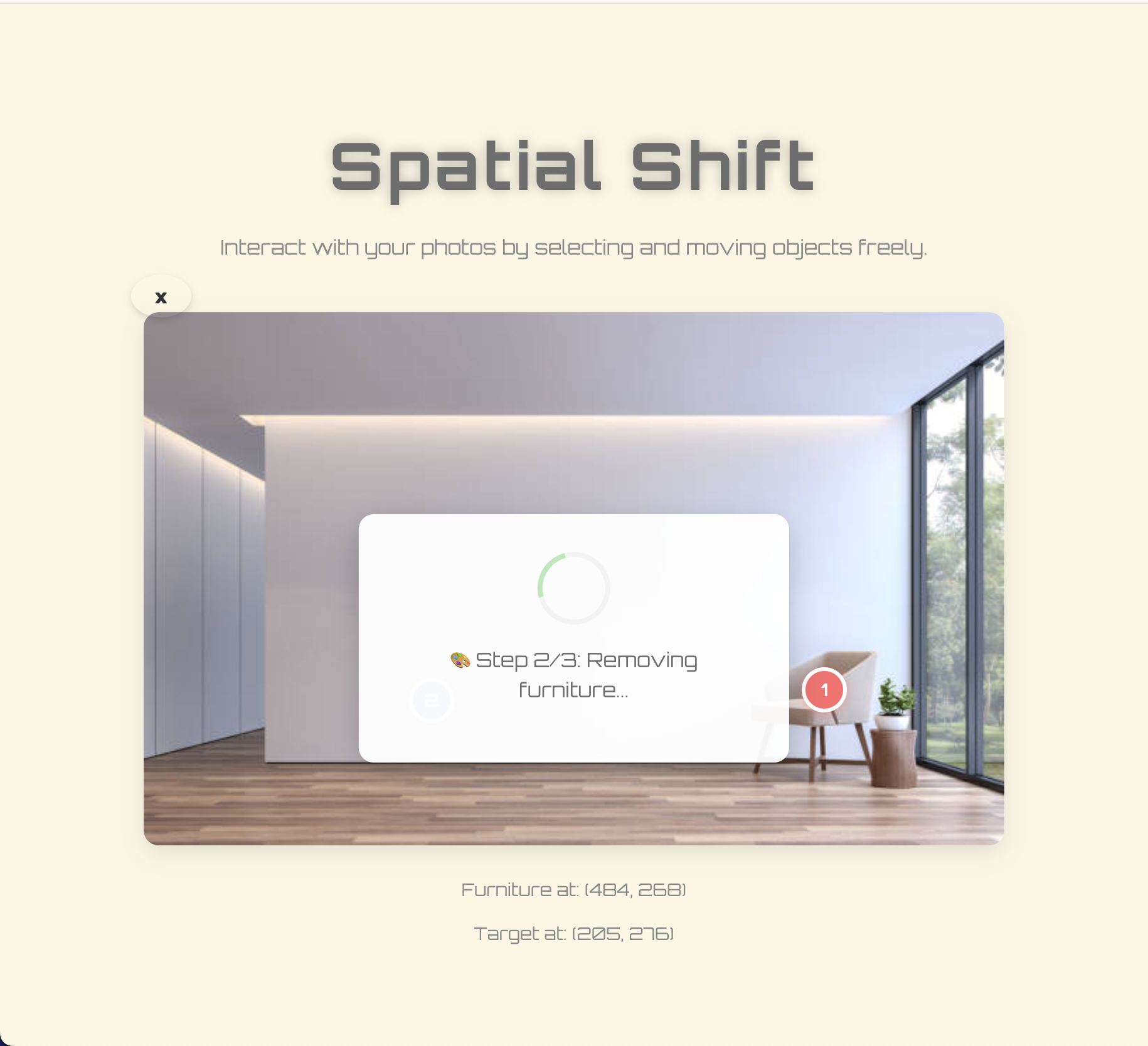
This page is about loading when you try to move one furniture to another place.
-
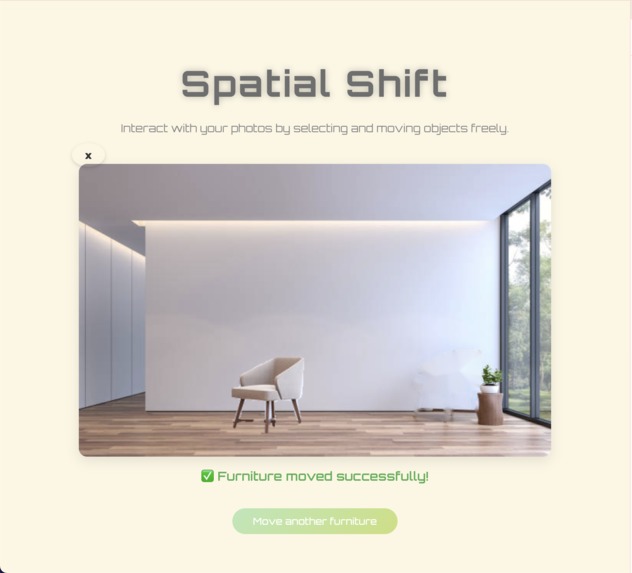
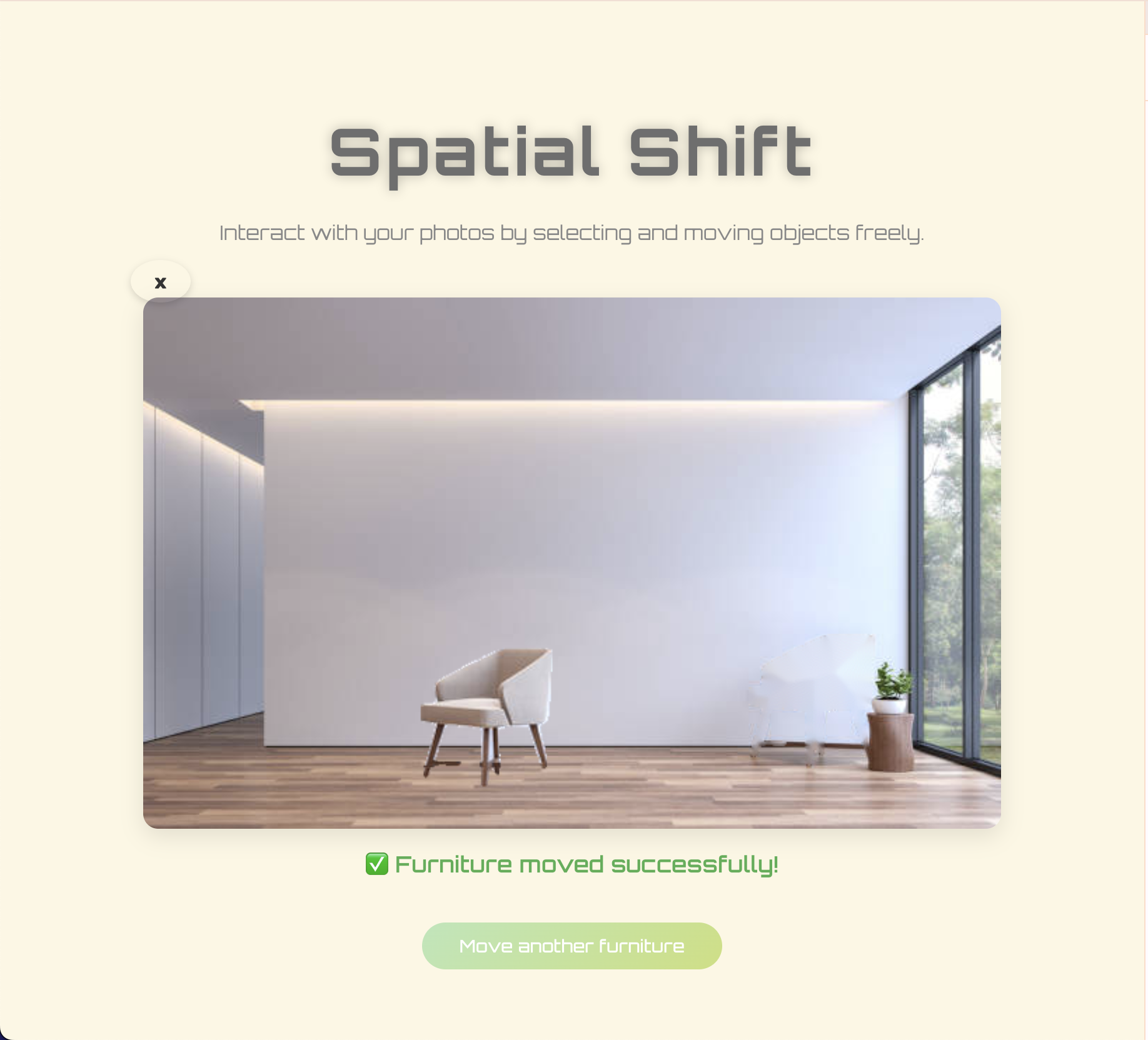
This is a picture when you successfully moved the furniture.
Inspiration
The inspiration for this project actually comes from a very daily dilemma: every time we want to rearrange the room, we can only rely on our brains to make up for it, completely unaware of whether changing the furniture's position will make it look better. We just thought that if we could directly click on furniture in the photo, drag it to another place, and then let AI automatically fill in the new scene, wouldn't that be much faster than we imagined? This idea later became the core of what we wanted to do - to make spatial planning more intuitive and fun.
What it does
Spatial Shift allows users to directly move furniture within photos. You upload an image, click on the object you want to move, we will recognize it, frame it, and then you can drag it to a new position like a layer. Click again, and the AI will regenerate the object at that location and display the updated scene to you. The whole process is like "grabbing" furniture and rearranging it in a photo.
How we built it
Let's start with front-end interaction to solve the problem of "clicking on the image → obtaining the real pixel coordinates", and then let the box drag along with the mouse. In the backend part, we use object detection and segmentation models to identify the objects pointed by the user, and then use generative models to re render them in new positions. A complete interaction cycle is formed between the front-end and back-end through coordinate and image data communication, including clicking, recognizing, dragging, generating, and updating
Challenges we ran into
The most difficult part is actually the coordinate system. The image will be scaled, centered, and adapted to the window in the front-end, so the position clicked by the mouse may not necessarily be the actual pixel position. It took us a long time to accurately convert this. The experience of dragging the box has also been adjusted many times. If it is too sensitive, it will jump around, and if it is too dull, it is not easy to use. The alignment of the front and back coordinates is also crucial, as any slight difference will cause the generated position to deviate. Finally, it's about generating the effect itself. Furniture needs to naturally blend into the original scene, which is much harder than imagined.
Accomplishments that we're proud of
What we are most proud of is that we have truly streamlined the entire interaction process: users can click on it and the box will appear accurately; Dragging the box feels smooth and natural; After clicking again, the AI can generate objects at the new location and update the scene. Although there are still many areas for improvement, the sense of achievement is still strong when seeing the furniture in the photo really being "grabbed" and moved.
What we learned
We have learned a lot about image interaction, coordinate systems, front-end and back-end communication, and visual models. Especially how to map mouse events to real pixels, how to make drag boxes consistent with images, and how AI models recognize and redraw objects. These were all previously only known in theory, but this time I actually did them hands-on and gained a deeper understanding.
What's next for Spatial Shift
Next, we want to make the generated effects more natural, such as better handling lighting, shadows, and perspective relationships. We also want to incorporate more interactive methods, such as zooming, rotating objects, and even automatically recommending better room layouts. Ultimately, we hope that Spatial Shift is not just a demo, but a tool that truly helps users plan their space.


Log in or sign up for Devpost to join the conversation.