-
-
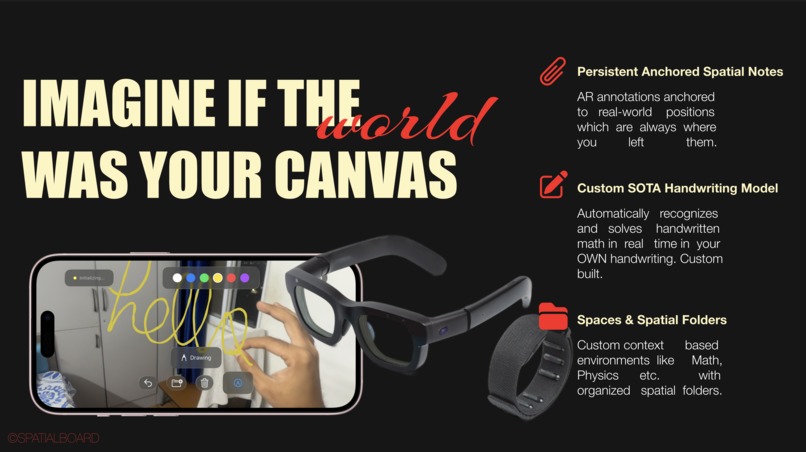
the idea
-
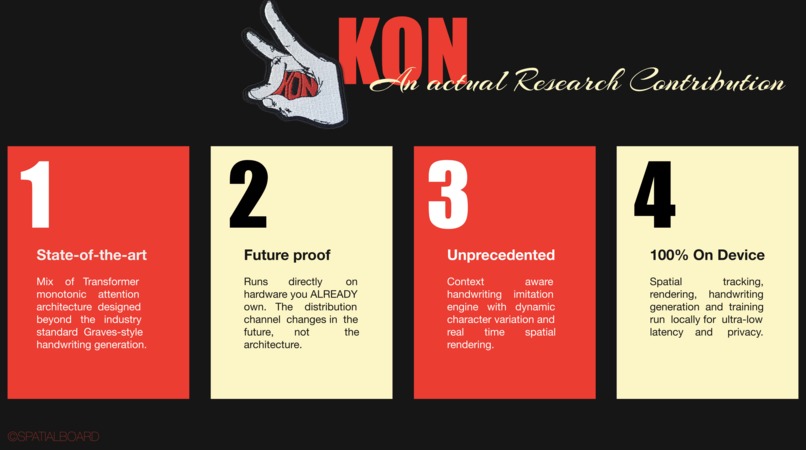
Kon
-
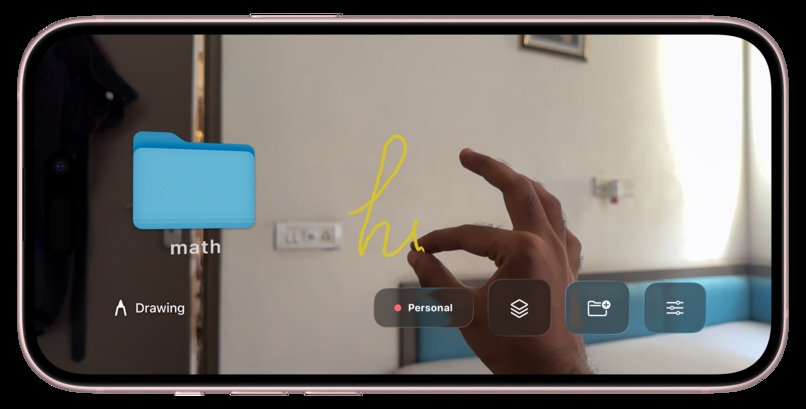
Folders and AR
-
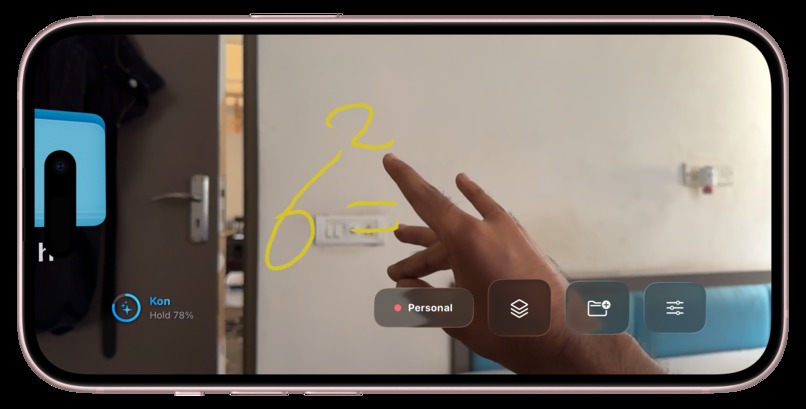
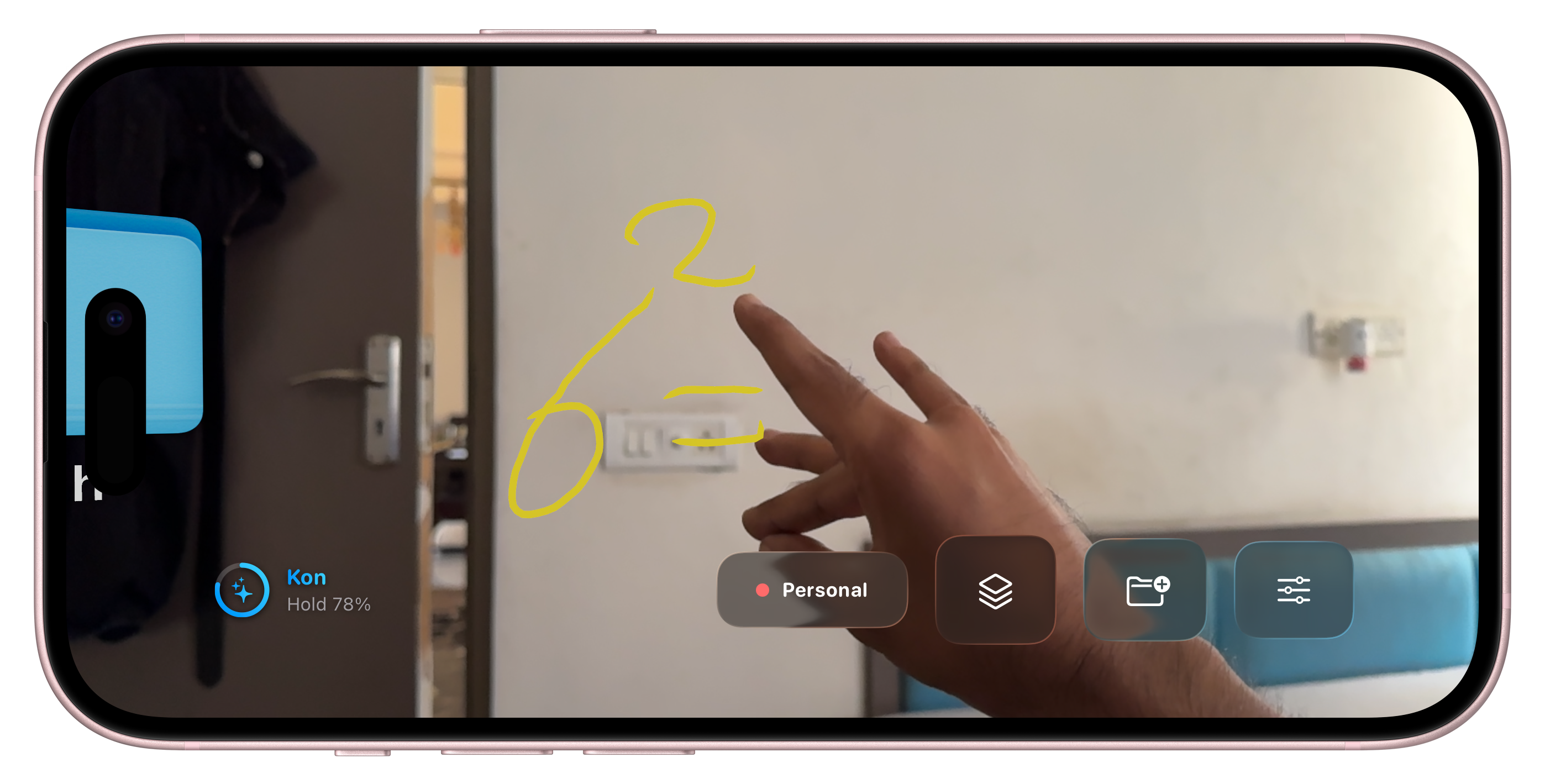
Kon live math solving
-
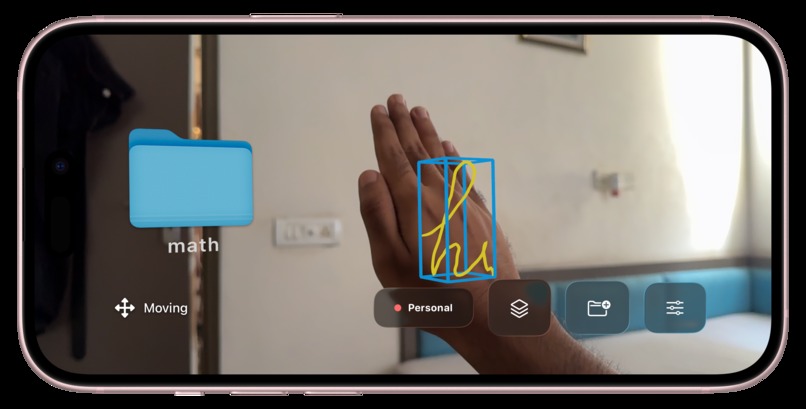
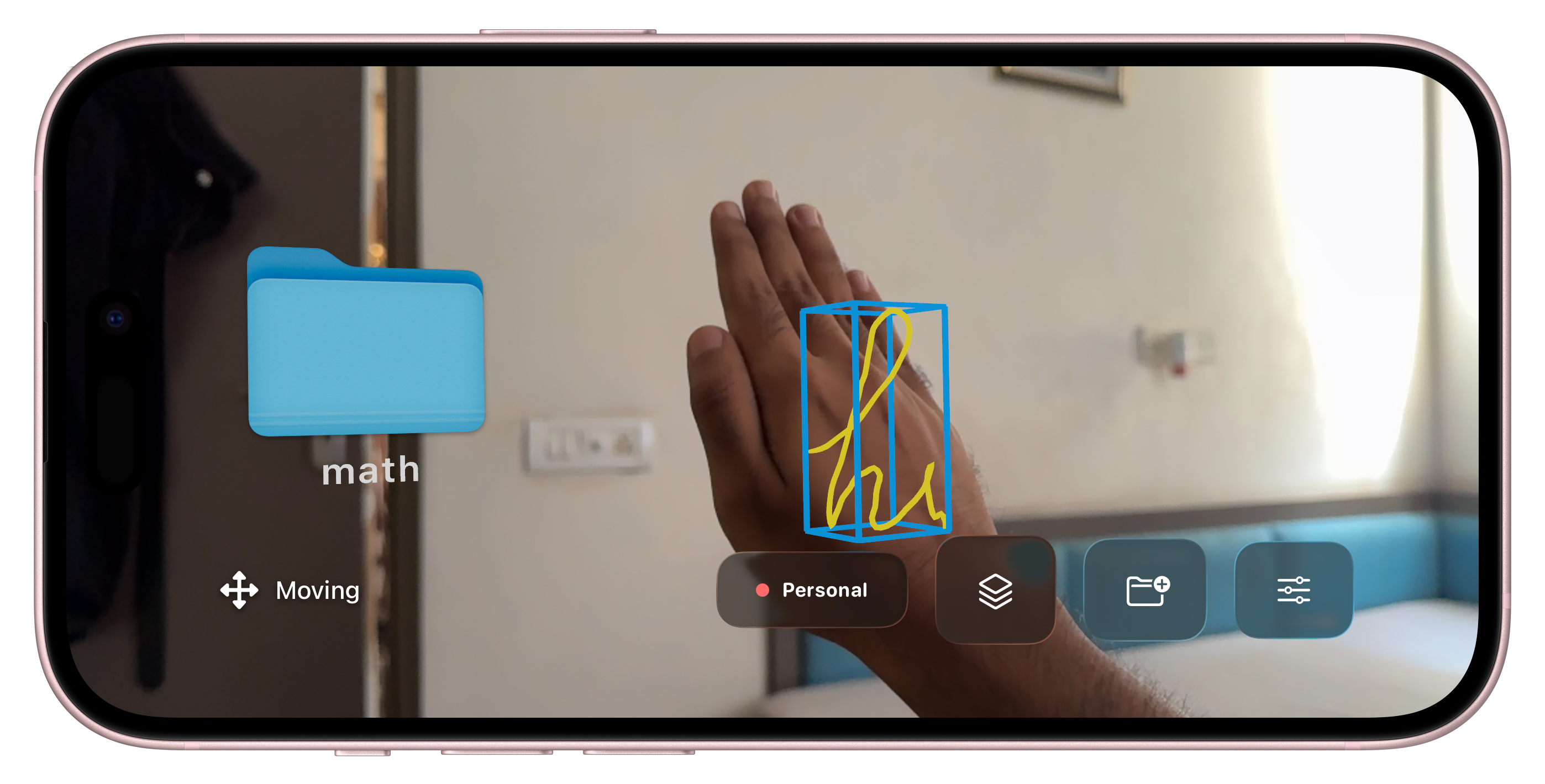
moving feature
For the judges (start here)
Everything you need to try it in 60 seconds:
- Live web app: https://spatial-board-notes.vercel.app
- Demo video (under 3 min): https://youtu.be/sIWVNEsMZm8
- AWS database: Amazon Aurora Serverless v2 (PostgreSQL) with pgvector
- Frontend: Next.js (App Router) on Vercel
Once you log in: notes you scribbled in AR are already split by topic and filed into AI named folders. Tap a note to watch your handwriting redraw itself, try the hybrid search, hit Ask to question your whole brain dump, then share or pin a note. Login sticks for 30 days. There's already notes there which I drew in my room :)
Inspiration
Flat screens fight your brain. You remember where the sticky note was, you spread papers across a desk, you map arguments on a whiteboard, and then we cram every thought into plain text behind a 13 inch slab. It is the era of spatial computing and we are still designing against our own wiring.
So we asked a different question. What if your room was the canvas? Write, sketch, and solve math in the air with your hands, and let ideas stay where you put them. There is just one catch with thinking in space. It is incredible for brainstorming and completely useless for finding anything a week later. That gap is the whole project. We did not want to build one app. We wanted to build the infrastructure that makes spatial thinking permanent, searchable, and useful: the connective tissue between the messy 3D world where you think and the clean, queryable knowledge base where it all gets remembered.
What it does
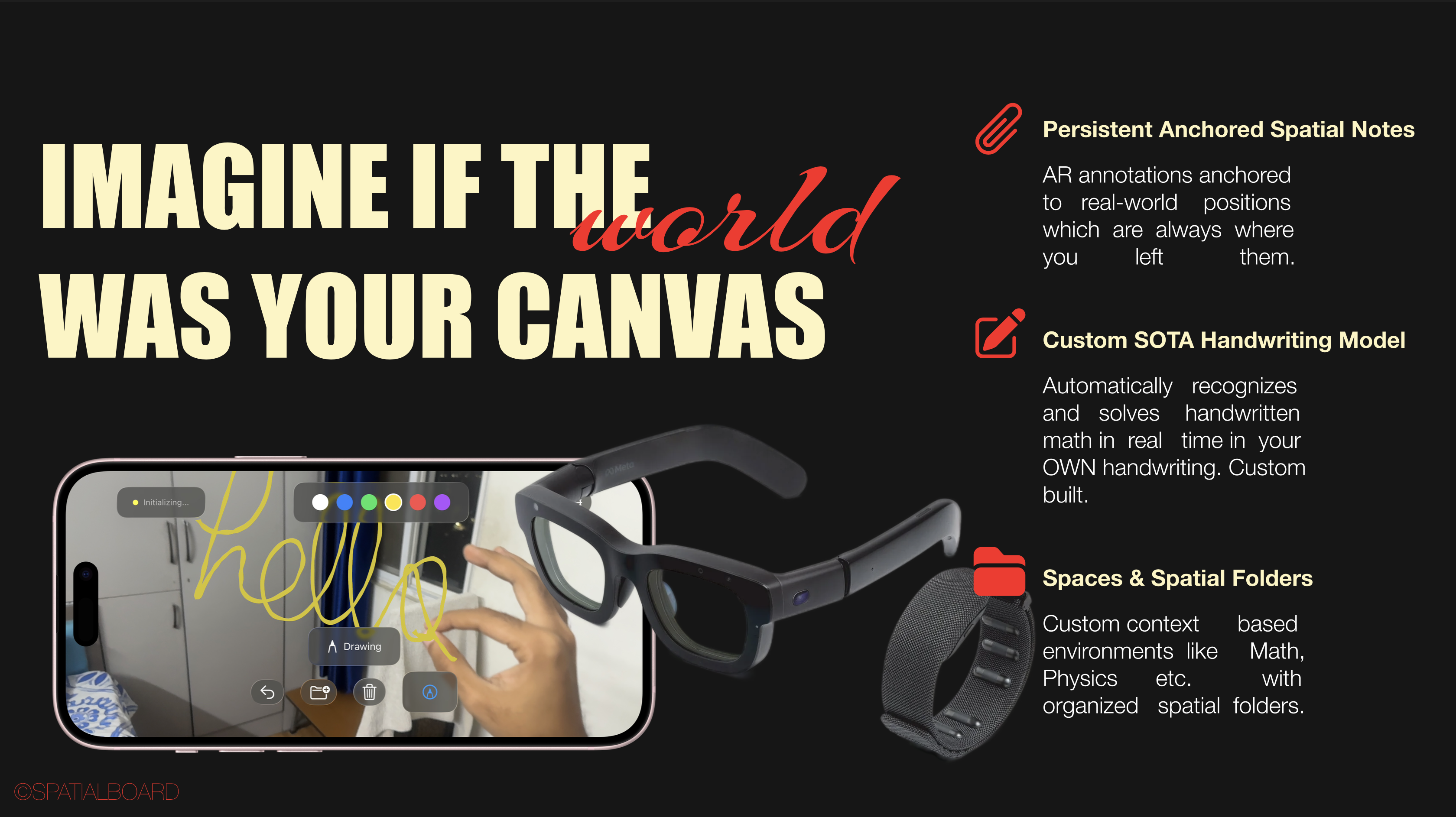
SpatialBoard is a spatial computing ecosystem, not a single app. It has three layers that only matter because they hand off to each other.
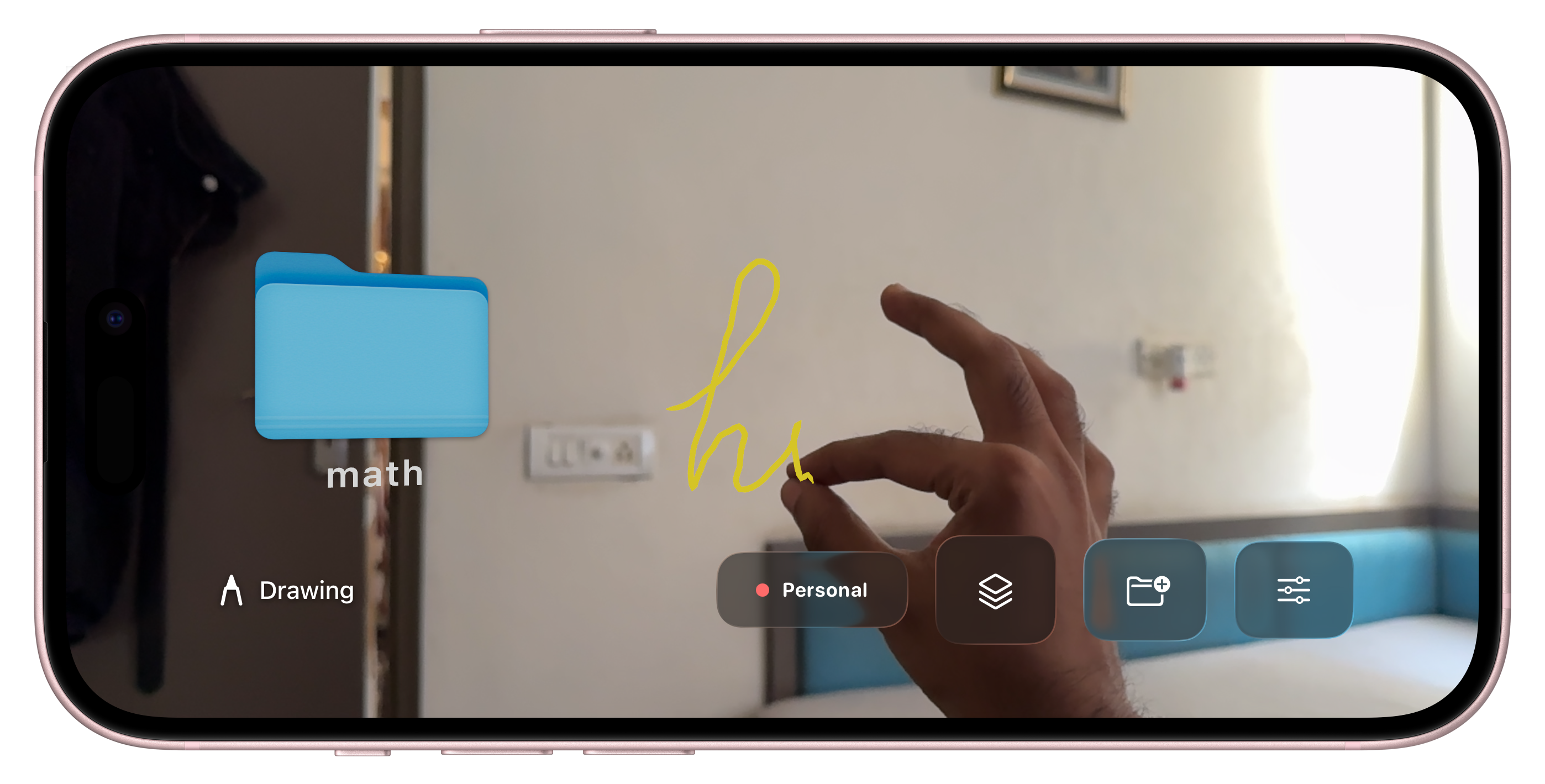
Capture (iOS / AR). Write notes by hand in mid air using LiDAR and hand gestures, no stylus and no keyboard. Pinch to draw, two hand pinch to select, palm to move strokes and folders in 3D, pinch to resize, open palm to erase, point to open and close folders. Notes anchor to real world coordinates and persist across sessions. You can keep multiple named spaces (separate spatial workspaces), organize with real 3D folder entities, and even solve handwritten math mid air, with the answer dropped right next to your equation in your own handwriting style.
The cloud brain (AWS). This is where the magic happens. Raw 3D stroke batches get clustered into notes, projected into clean 2D SVG, read by a vision model, embedded for semantic search, and auto sorted into AI named subject folders. It auto splits a messy board into separate notes by content, gives each a subject (the folder) and a topic (the note), and does context aware append: write more about Newton's Laws next week, anywhere in your space, and it folds into the existing note instead of making a duplicate. Zero tagging. You did nothing. Nice.
Recall (Web / Vercel). A snappy three pane workspace with everything you captured, now findable:
- Hybrid search that fuses keyword (
tsvector) and semantic (pgvector) results with Reciprocal Rank Fusion inside one SQL query. - Ask your notes (RAG): it embeds your question, pulls the closest notes, and streams back a cited answer.
- Handwriting playback: every note redraws your actual strokes in reading order, like a real pen.
- Type aware transcription: to dos become tickable checkboxes (state persists), math renders in an equation card, code gets a mono block, ideas get a callout.
- Related notes surfaced per note via vector distance.
- Sharing and collaboration: hand a note to another account by email and choose what they see, handwriting, text, or both.
- Convert to text on demand for any note.
- The little things: spaces and folders, pinning, move to folder, a Command Palette, light and dark themes with theme aware handwriting, a responsive mobile layout, and a 30 day login.
The phone is where you think. The cloud is where it gets understood. The web is where it all gets remembered.
How we built it
The database is the main character, and per the hackathon brief of a back end designed for scale, that is Amazon Aurora Serverless v2 (PostgreSQL), reachable over the RDS Data API.
One Aurora cluster does the work of three databases: relational metadata, JSONB stroke blobs, full text keyword search (tsvector), and vector semantic search (pgvector, a vector(1024) column), all side by side, with no second store bolted on to look fancy.
The pipeline around it:
- API Gateway to Ingest Lambda: takes stroke batches from iOS, runs single linkage clustering (0.16 m) to group strokes into notes, and only re enqueues notes that actually changed, for cost control.
- SQS (plus a DLQ): keeps instant ingest separate from heavy enrichment.
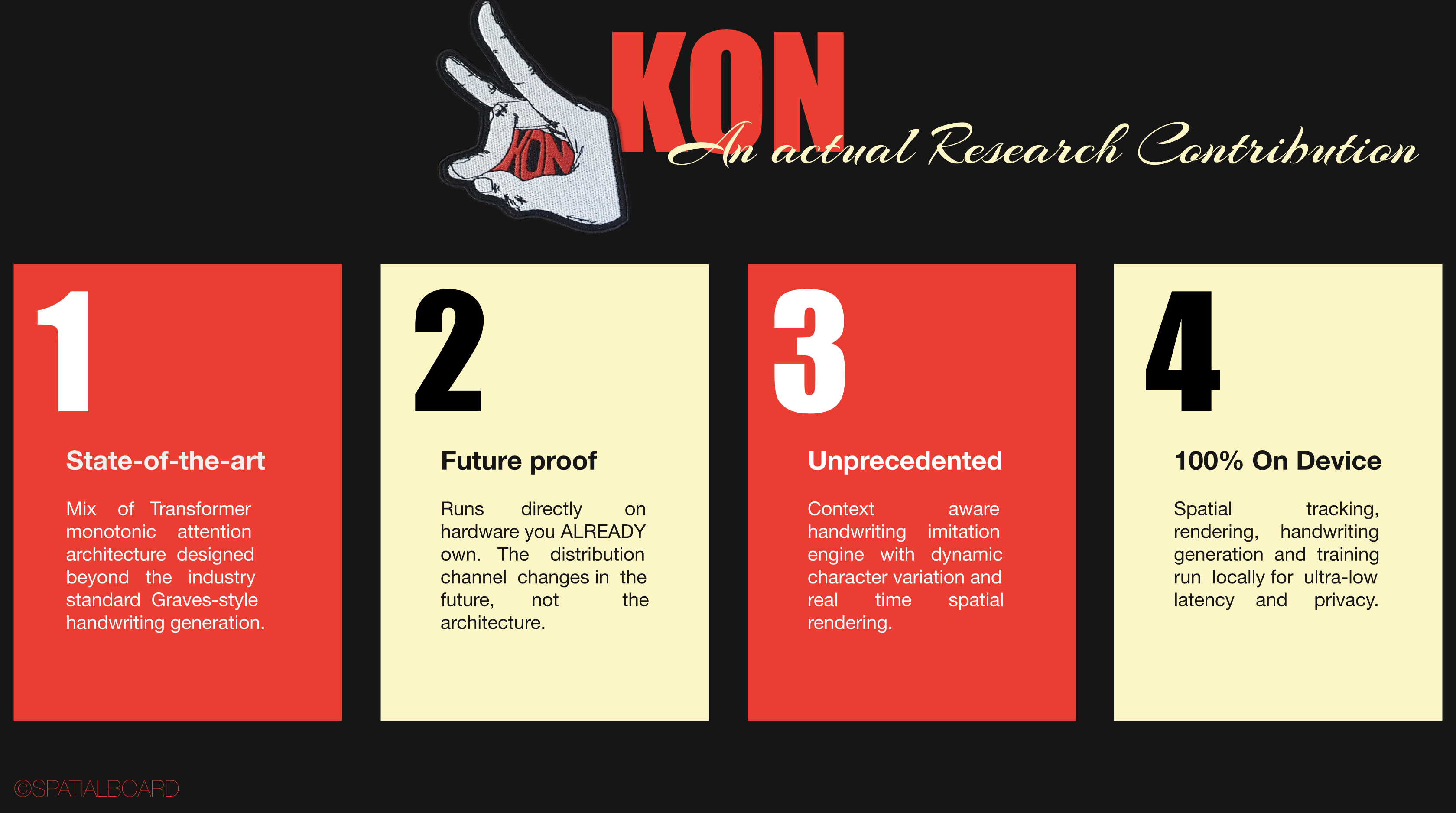
- Process Lambda: projects 3D strokes into smoothed 2D SVG with Catmull Rom, then calls Amazon Bedrock with Nova Pro to read the page, split it into distinct pieces, and label each with subject, topic, and type, and Amazon Titan v2 for 1024 dimension embeddings used by both search and topic matching.
- Auth Lambda: email and password identity (scrypt plus JWT), shared with the web app through a deterministic per email UUID, so a note synced from iOS lands in the right web account.
- Frontend: Next.js on Vercel, talking to Aurora over the Data API, so the serverless functions never deal with VPC or connection pool pain.
- iOS app: built in the same push, with ARKit, RealityKit, the Vision framework for hand tracking, SwiftData for persistence, a JWT SyncService, and a Live Activity for the background upload.
The part we are quietly smug about: Aurora scales to 0 ACU when nobody is around, and because the Lambdas reach it through the Data API, the VPC needs no NAT gateway. Idle cost is basically a rounding error. The database scaling to literal zero dollars and waking itself back up is the moment we went okay, AWS is genuinely AWSome. We do not make the rules.
Challenges we ran into
- 3D to 2D is harder than it sounds. Turning world anchored 3D tube strokes into clean, readable 2D SVG (right reading order, smoothed, not a tangle) took real geometry work inside a plain Lambda.
- A Bedrock billing curveball. We first wired up Claude on Bedrock, but it is sold through AWS Marketplace, which needs a chargeable card that AWS credits cannot cover, and the agreement kept creating and instantly expiring. We pivoted to Amazon Nova Pro, first party and credit friendly, which sidestepped the whole mess and does the vision reading beautifully.
- Keeping notes from multiplying. Naive clustering made a new note every session. Context aware append (same subject and a tight pgvector cosine distance) was fiddly to tune so EM Waves stays separate from Newton's Laws even though both are Physics.
- Hand tracking that does not flicker. Real time pinch detection needed hysteresis and depth aware raycasting so strokes land where you mean them.
- iOS signing gremlins. Getting the Live Activity widget extension to provision and install on a real device was its own boss fight.
Accomplishments that we're proud of
- A real end to end loop: draw in the air, sync, cluster, read, embed, and find it on the web, all working.
- One Aurora cluster doing relational, keyword, and vector search, fused with Reciprocal Rank Fusion in a single SQL query.
- Genuinely smart organization (auto split, AI named folders, context aware append) that makes a chaotic brain dump feel tidy with no manual tagging.
- Cost engineering as a feature: scale to zero Aurora and a NAT free VPC, so the whole backend idles for cents.
- Sharing, spaces, RAG, hybrid search, pinning, and a clean web workspace, shipped as one connected ecosystem rather than a demo.
What we learned
- Postgres is a Swiss Army knife. With
pgvectorandtsvector, Aurora replaced what we assumed would need a separate vector database and a separate search service. - The RDS Data API is a serverless cheat code. HTTP access to Aurora means no VPC plumbing, no connection pools, and a clean fit for both Lambdas and Vercel.
- Pick the model that fits your billing reality. Nova Pro taught us that the best model on paper is not the right one if the payment path fights you.
- The hard part of spatial computing is not capture, it is making the captured chaos retrievable. The infrastructure is the product.
What's next for Spatial Board
We are treating this as a platform for spatial computing, so the roadmap is about doing more with what you capture:
- Sketches that come alive. Scribble a projectile, a pendulum, or y = sin(x), and Nova classifies it into a known type and extracts parameters, then a deterministic simulator animates it with live sliders. Your physics homework, moving.
- Closing the loop. Let the cloud write notes back, like cheat sheets, summaries, and RAG answers that materialize in your library and eventually float back into your AR space.
- Real time multiplayer spaces. Two people, two devices, drawing into one shared space live, so remote whiteboarding actually feels spatial.
- Study mode. Turn a folder into flashcards and quizzes with spaced repetition stored in Aurora.
The vision is the operating layer for spatial thought: capture anywhere, understand everything, recall instantly.
Built With
- next.js
- python
- swift
- typescript

Log in or sign up for Devpost to join the conversation.