-
-
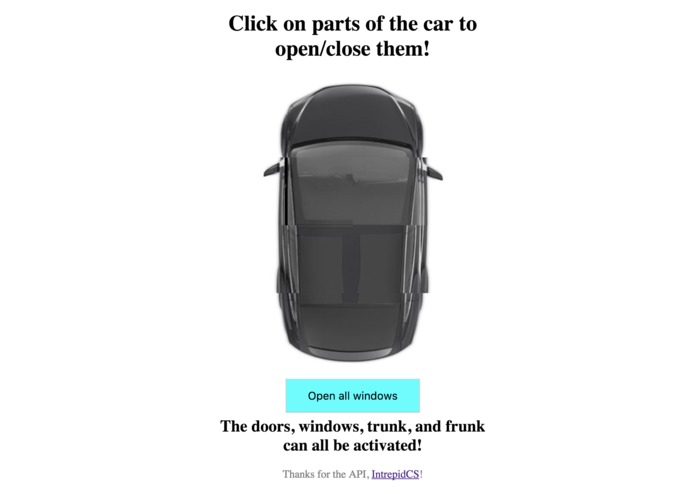
Initial UX
-
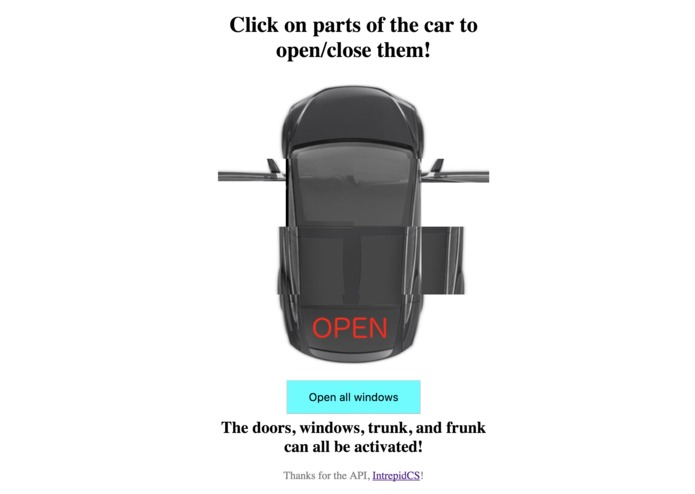
UX with some functionality display
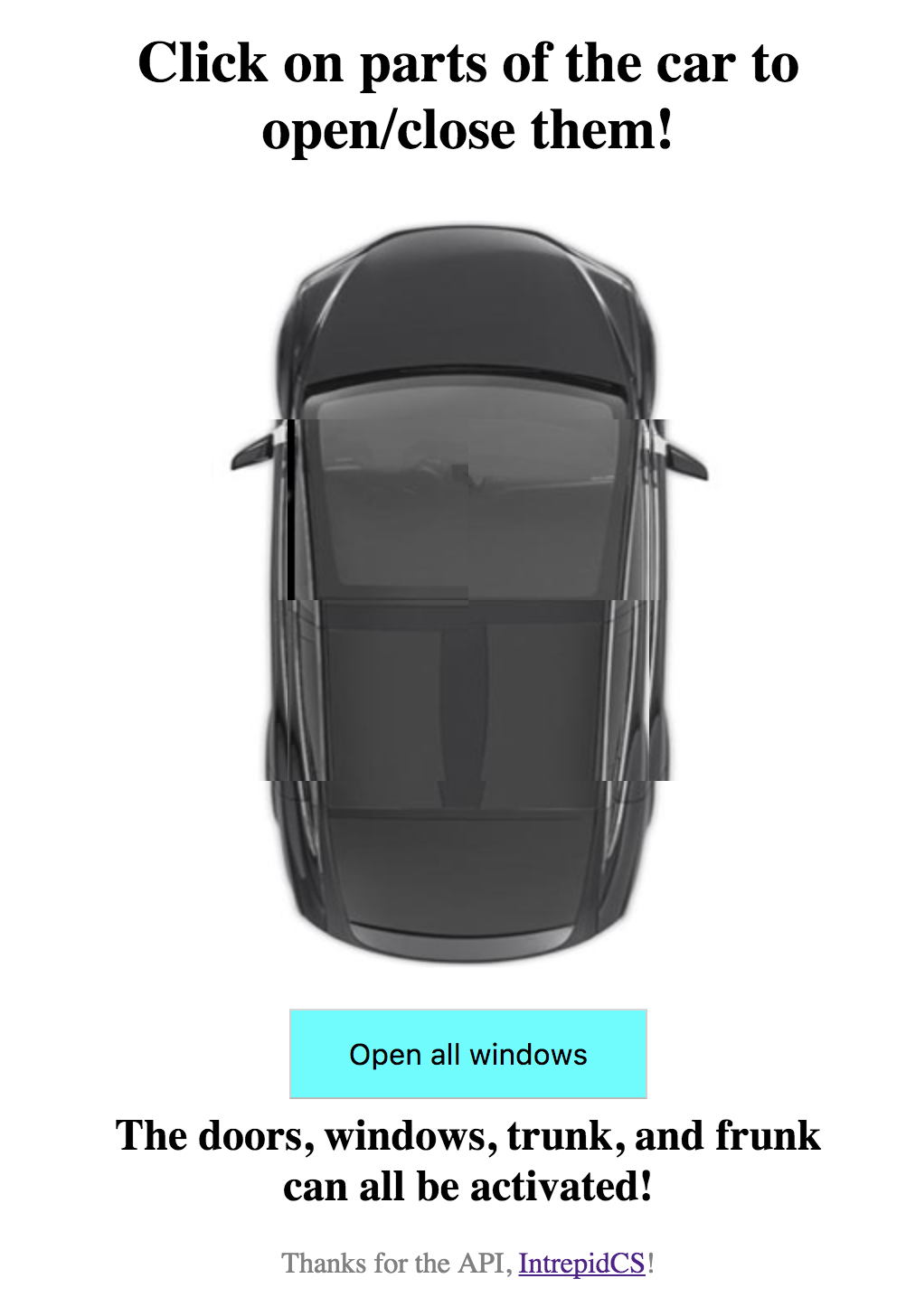
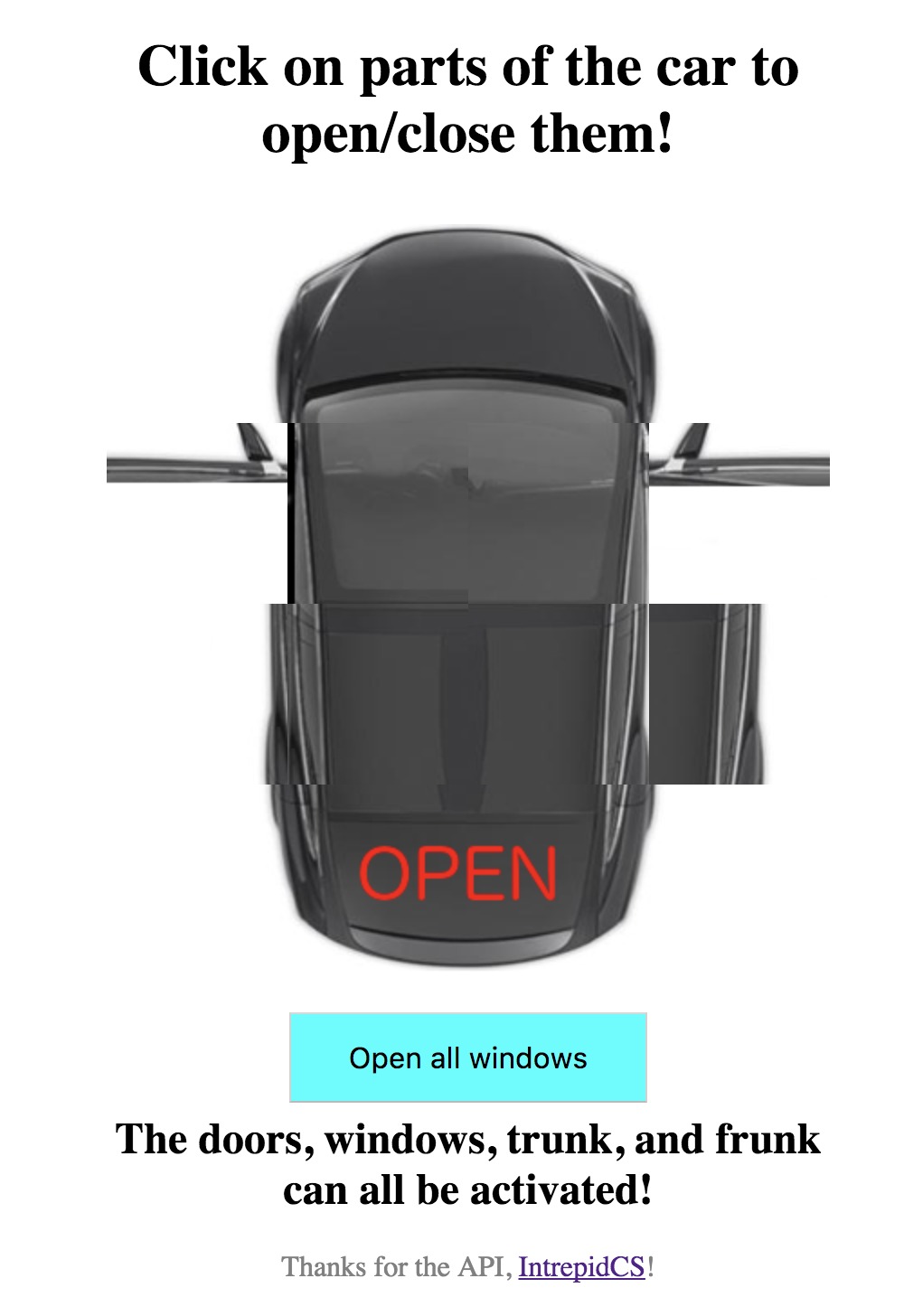
Tesla Remote
Overview
This is an application which utilizes Intrepid Control System's NeoOBD2 Pro (and a corresponding API) to demonstrate the control possibilities of such a device. This application is a remote control for the doors (trunk and frunk included) and windows of a Tesla Model X. By selecting a desired door or trunk or frunk, you can open, and then close that door. You can also open all windows on a hot day before stepping into your car. This application has plenty of room for advancement (pending new API function) and can be applied to any reasonably modern car.
Challenges
Asynchronous API calls took me a while to figure out (which was made even more difficult since testing required setting up a token with the Tesla Model X sitting outside).
There were definitely some CSS hurdles to get the UX to appear presentable and responsive.
I also struggled doing image editing in Gimp (my typical goto has been MS Paint for far too long now, so I finally decided to try out something else).
Successes
I learned a lot about creating a simple HTML/CSS/JS webpage. I got more comfortable with AJAX and asynchronous calls in general. I also realized how simple it can be to implement an app given an API.
I also learned some image editing and video editing as a bonus.
By the end, I was thrilled to have a working application that functioned exactly how I envisioned it.
Built With
Intrepid Control System's NeoOBD2 Pro API - The API mentioned
Gimp - For all that fancy UX work
This image from Kelly Blue Book - Which the UX is entirely based on
Getting Started / Installing
To test this application, you would need a NeoOBD2 Pro, and reasonable knowledge regarding its installation. After installing, you need a Private Key and Public Key, which should be replaced in the code for functionality.
Alternatively, to just experience the UI, you can download this repository, and, within the file.js file, comment out the existing post request function (lines 148-172) and uncomment the dummy function which follows (the dummy function will always return a successful POST response). From here, open index.html on a web browser of your choice, and click on the doors you wish to open/close, as well as the windows.
Obviously, this application was limited to the API provided, so there are no GET API calls to check the statuses of any particular door or window, so the application is under the assumption that the starting condition is all doors and windows are closed.
Acknowledgments
- Intrepid Control Systems
- SpartanHacks, and Michigan State University
- Everyone from SpartanHacks and Intrepid who helped out


Log in or sign up for Devpost to join the conversation.