-
-
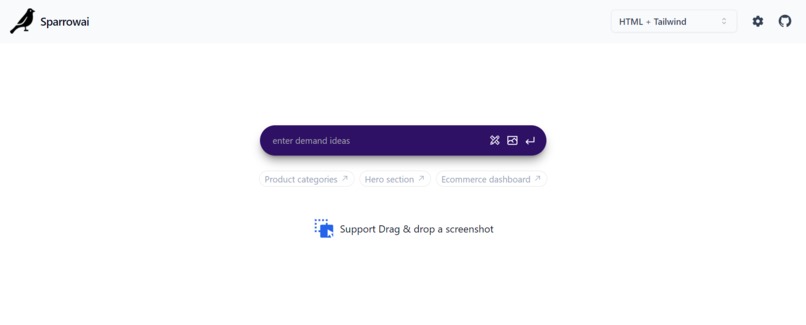
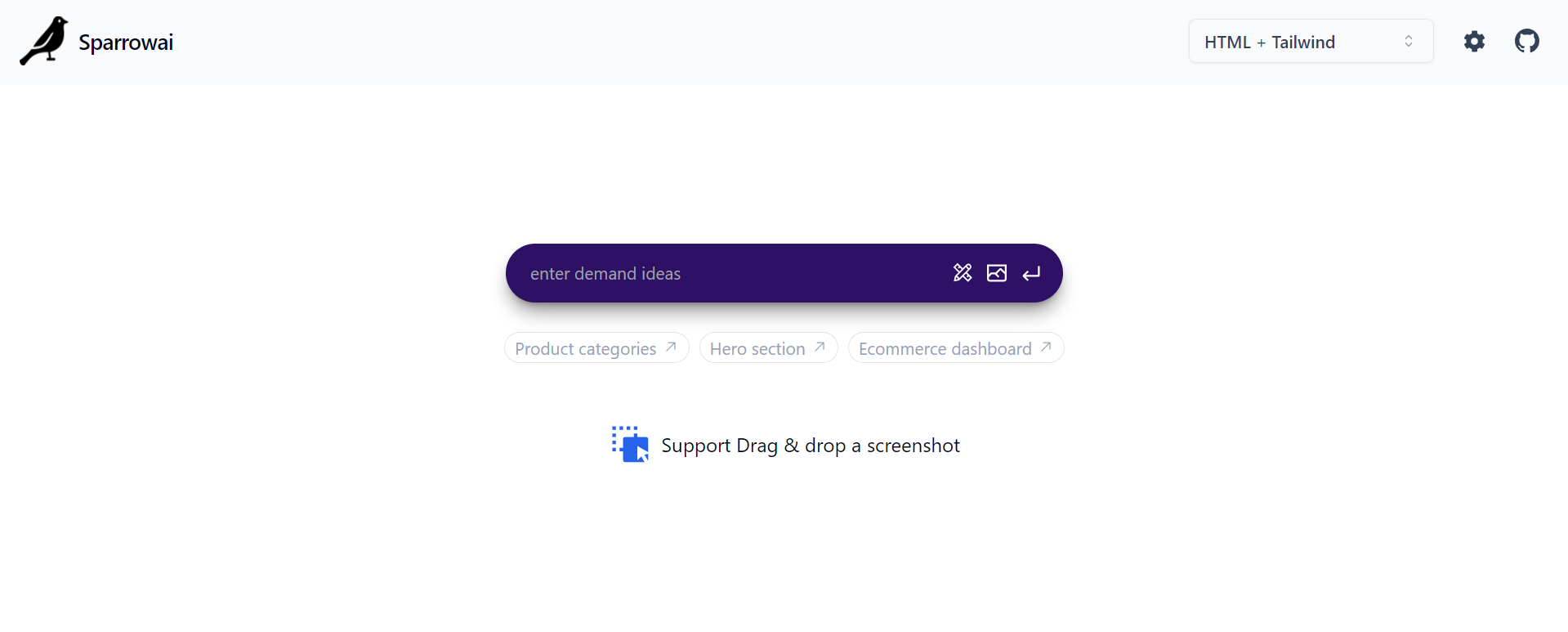
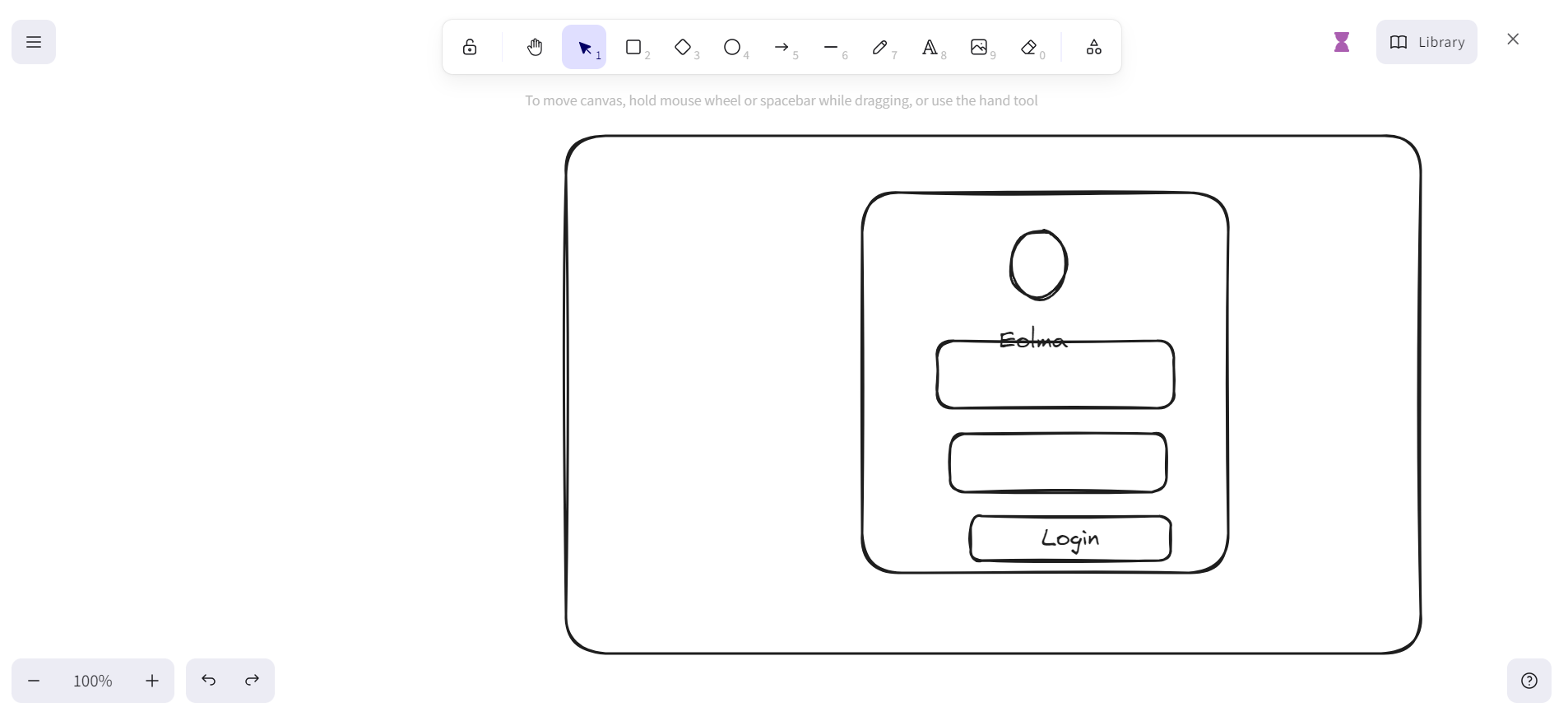
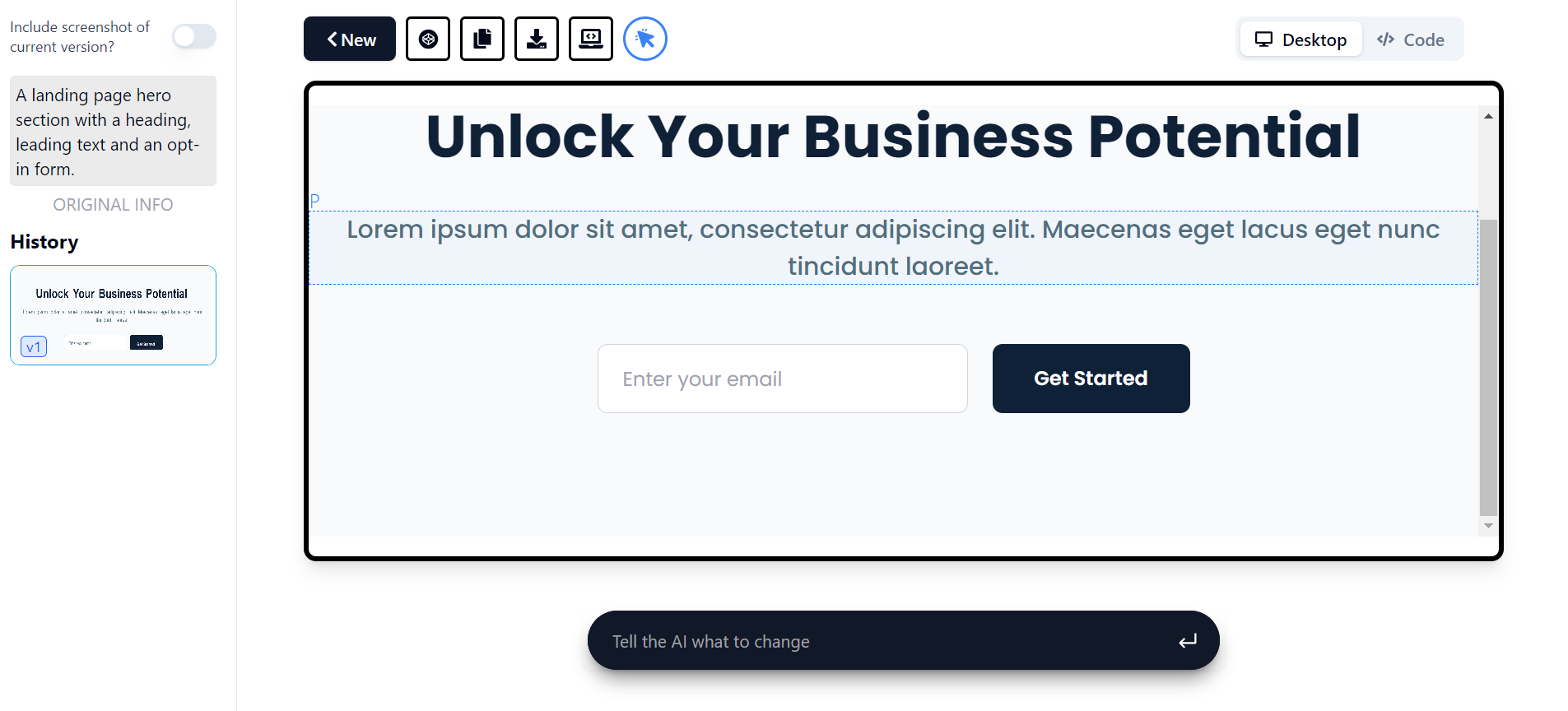
Input page , here you can describe your ui design , upload a screenshot or an image of UI or draw an UI layout using out drawing tool
-
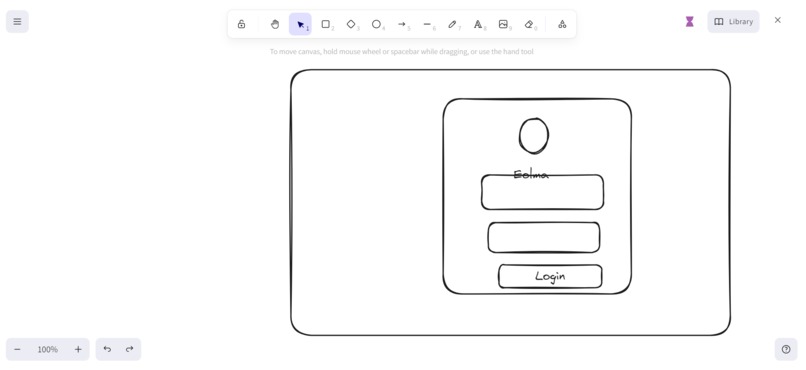
Drawing UI layout
-
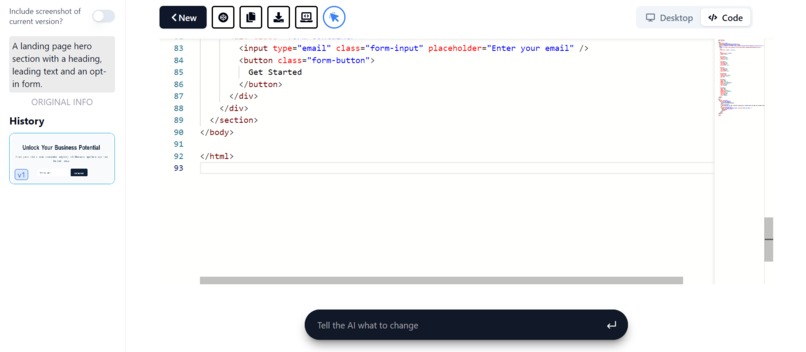
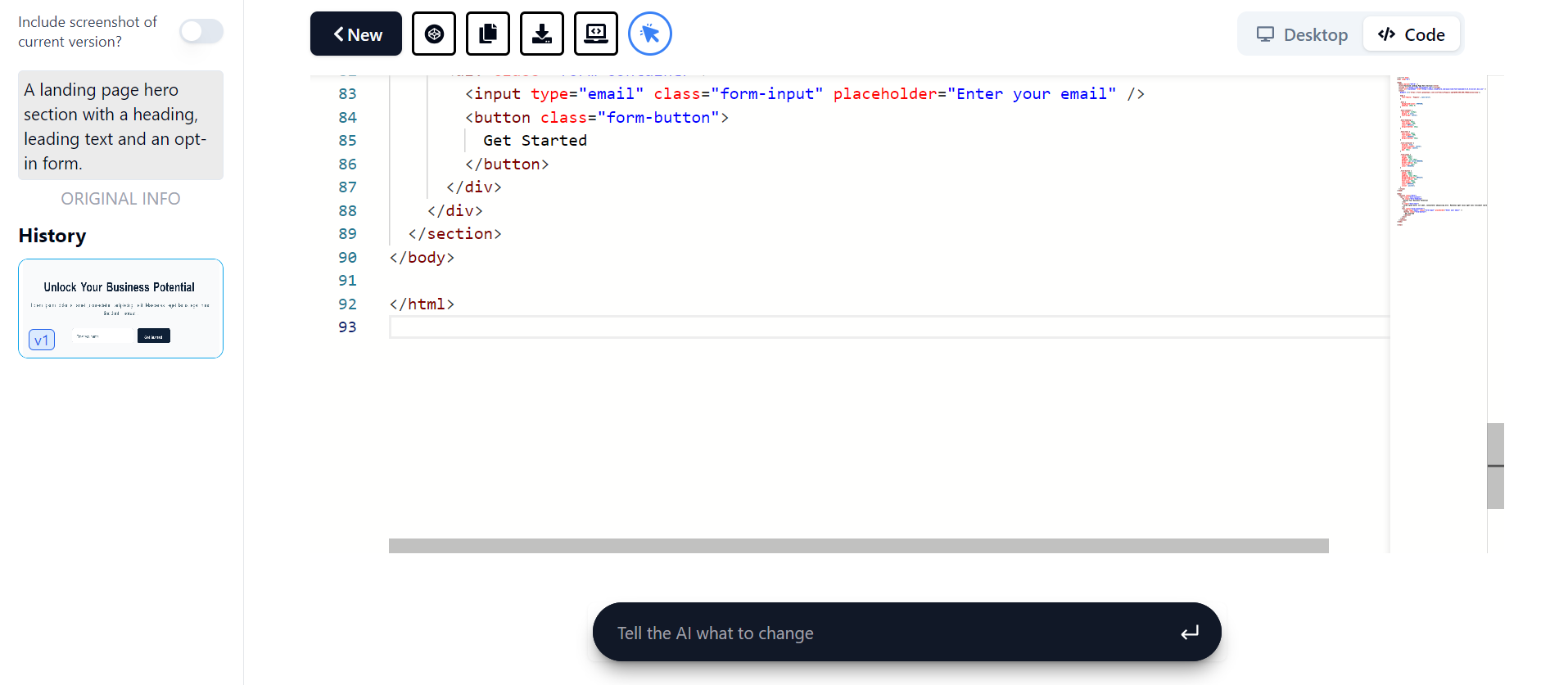
Generated code
-
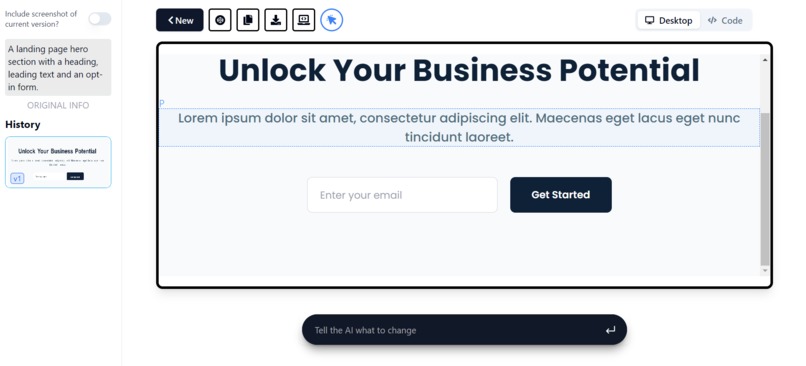
Generate UI component
-
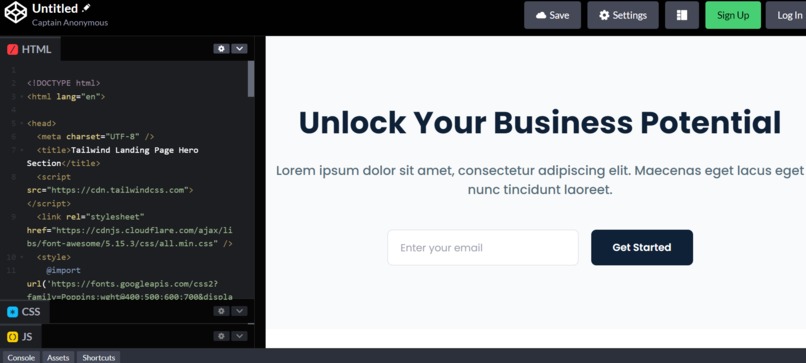
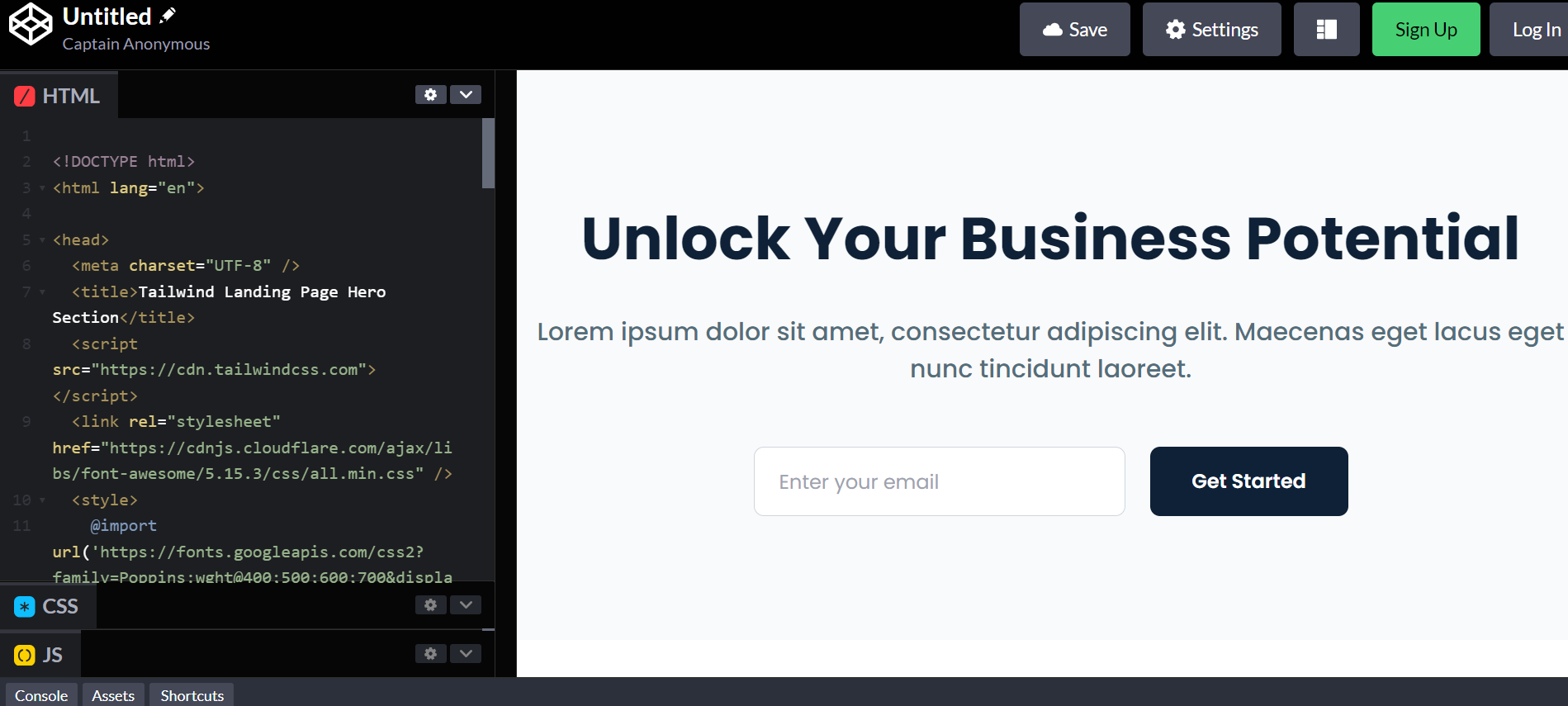
Using our generated code in codepen
Inspiration
In today's fast-paced world of UI/UX design, the journey from inspiration to implementation can often be hindered by time-consuming processes and technical barriers. As a frontend designer myself, I've experienced the frustration of wanting to bring a stunning UI design to life quickly and efficiently.
This frustration sparked the inspiration behind UI Visionizer – an innovative application designed to revolutionize the way frontend designers craft UI designs. The core idea behind SparrowAI is simple yet powerful: to empower designers to effortlessly translate their creative ui designs from figma or dribble into tangible UI components, thereby accelerating the design process and boosting productivity.
What it does
SparrowAI is a generative UI tool that uses Gemini technologies to create highly available code for web (React, Vue, Tailwind CSS) and native (React Native) platforms. It streamlines development by generating code from screenshots, drawings(designs), and inputted ideas, enhancing efficiency and productivity in the design process.

This tool also allows designers and developers to seamlessly import design images downloaded from platforms like Figma or Dribbble. By leveraging these images, SparrowAI generates UI code for web (React, Vue, Tailwind CSS) and native (React Native) platforms, facilitating a smooth transition from design to development.
Additionally, SparrowAI seamlessly integrates with Excalidraw, a virtual whiteboard designed for sketching hand-drawn-like diagrams. Once users have sketched their designs on Excalidraw, they can swiftly generate UI components using SparrowAI. This integration provides a fluid workflow from ideation to implementation, fostering collaboration and efficiency in the design and development process.
Incase the developer is not satsified with the design,he/she gan go ahead and do customization by prompting the ai where to make changes in the design. Through an intuitive and user-friendly interface, designers can fine-tune and refine the generated UI components to perfectly match their need.
NB : To test this app make you configured the Gemini API key in settings:

How we built it
Here's how we built this tool:
Frontend with React and TypeScript: We developed the frontend of the tool using React for its robust component-based architecture and TypeScript for managing the business logic. This combination ensures maintainability, scalability, and type safety throughout the development process.
Gemini 1.4 API for UI Generation: We leveraged the Gemini 1.5 pro API to generate UI components based on the provided design inputs. This powerful API utilizes advanced algorithms to accurately translate design specifications into functional code for web and native platforms.
Excalidraw Virtual Whiteboard Integration: To facilitate the design process, we integrated Excalidraw, a virtual whiteboard tool known for its intuitive interface and support for hand-drawn-like diagrams. Users can sketch their design ideas seamlessly within the tool, enhancing creativity and collaboration.
Integration with CodePen: As part of our commitment to community collaboration, we integrated with CodePen, a popular platform for sharing and showcasing web development projects. This integration enables users to easily share their generated UI code with the community, fostering knowledge exchange and innovation.
Challenges we ran into
Complexity of UI Generation: The process of generating UI components dynamically based on design specifications proved to be complex. Handling various design elements, layouts, and styles while ensuring accuracy and efficiency in code generation demanded meticulous attention to detail and rigorous testing.
Accomplishments that we're proud of
By leveraging the capabilities of the Gemini API, we have empowered designers and developers to expedite their workflow and produce high-quality UI components with ease. Our dedication to innovation and excellence has enabled us to overcome challenges and deliver a solution that pushes the boundaries of what's possible in UI development.
What we learned
Through the development of our UI generation tool, we've learned invaluable lessons:
Generative AI API Utilization: We gained a deep understanding of how to effectively utilize generative AI APIs, such as the Gemini API, to automate the process of UI generation. This involved learning the intricacies of the API, experimenting with different parameters, and refining our approach to achieve optimal results.
Integration with External Platforms: Integrating our tool with external platforms like Excalidraw and CodePen taught us valuable lessons in interoperability and collaboration. We learned how to seamlessly exchange data between different systems, synchronize processes, and ensure a smooth user experience across multiple platforms.
What's next for Sparrowai
The next step for SparrowAI involves transitioning into a Software as a Service (SaaS) model by integrating with a database and offering monthly subscription plans to users. Here's our roadmap:
Database Integration: We'll integrate SparrowAI with a database to enable users to save their projects, access them across devices, and collaborate with team members in real-time. This will enhance data management capabilities and provide a seamless user experience.
Monetization Strategy: By transitioning to a subscription-based model, we'll establish a recurring revenue stream that sustains ongoing development, support, and maintenance of SparrowAI. This will enable us to invest in product enhancements, expand our feature set, and provide responsive customer support.
Built With
- gemini
- nextjs
- typescript

Log in or sign up for Devpost to join the conversation.