-
-
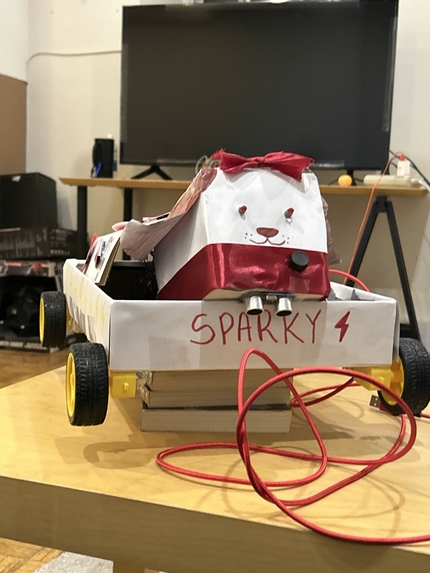
Front view
-
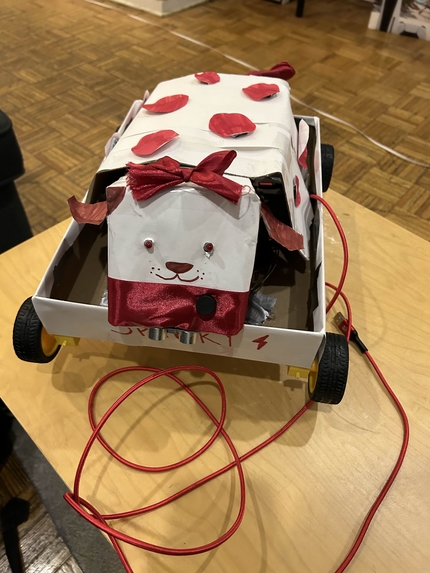
Top down view
-
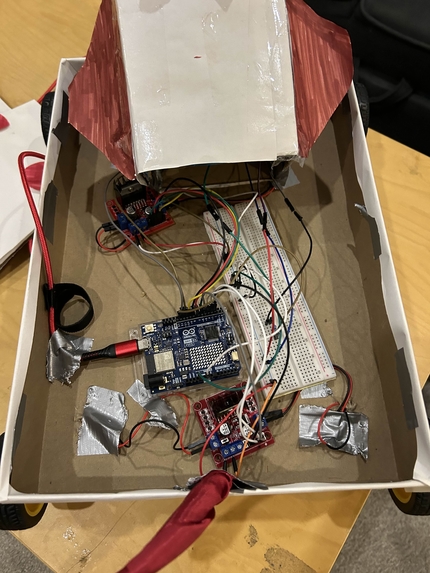
Top down circuitry
-
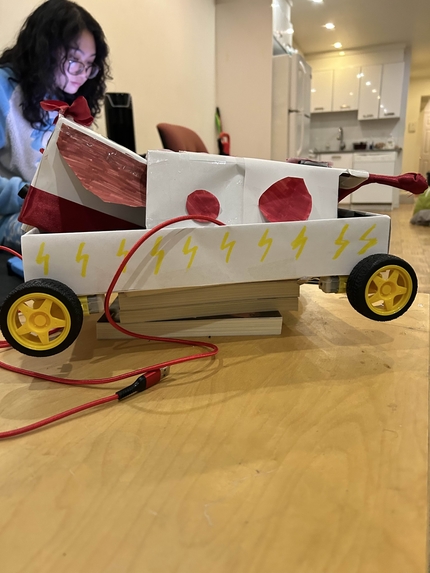
Side view
-
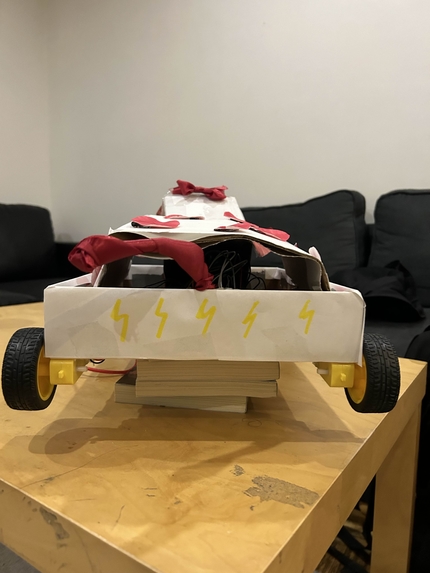
Back view
-
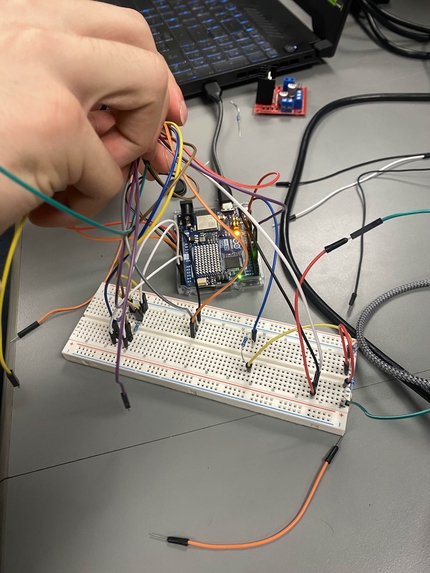
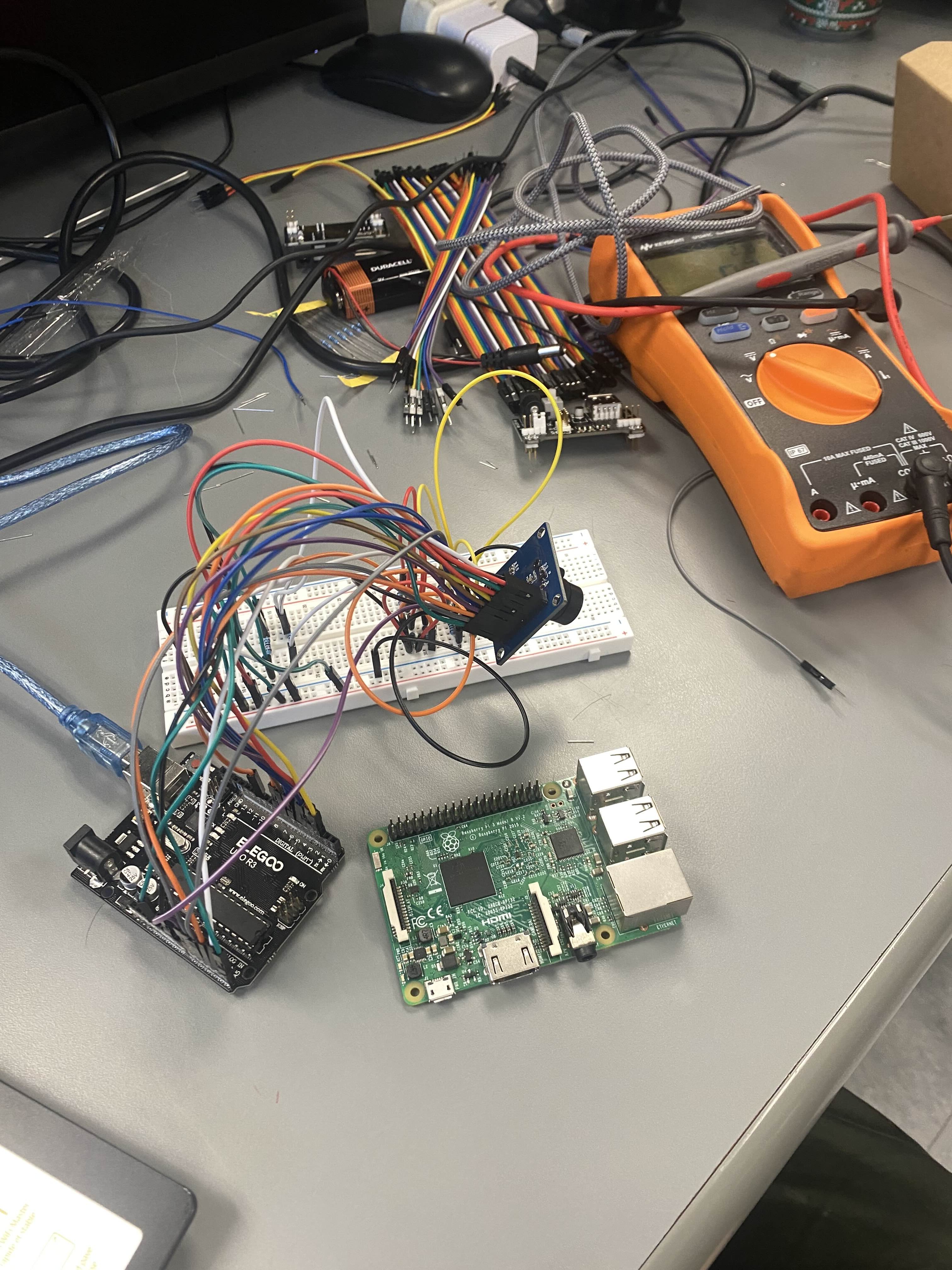
Camera circuitry process
-
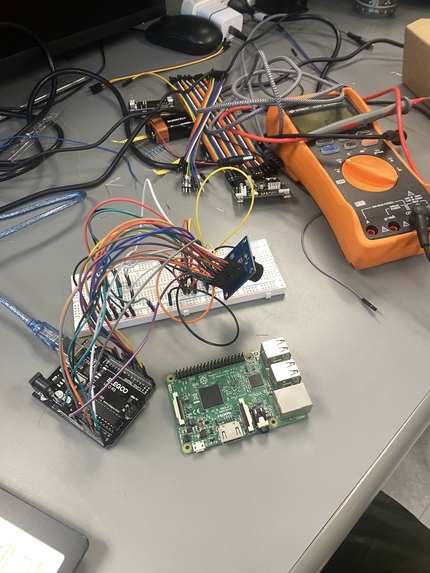
Finished camera circuitry
-
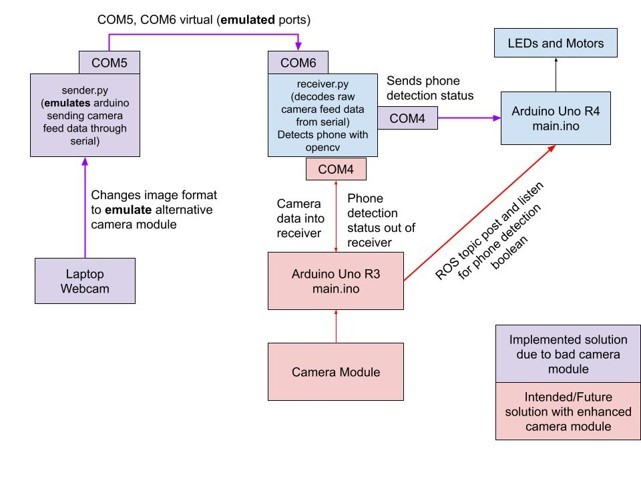
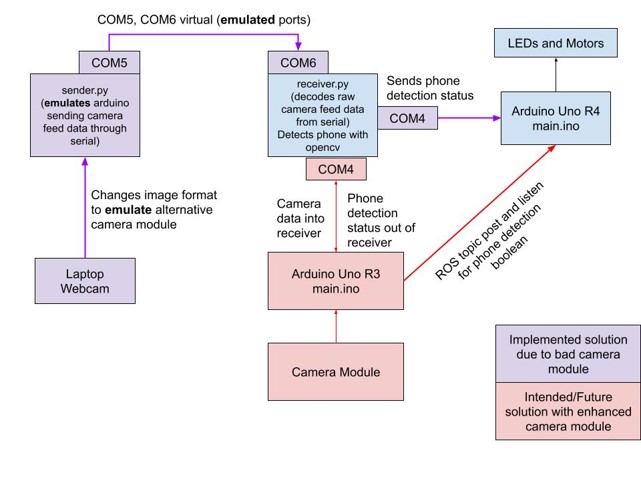
Software Schematic
-
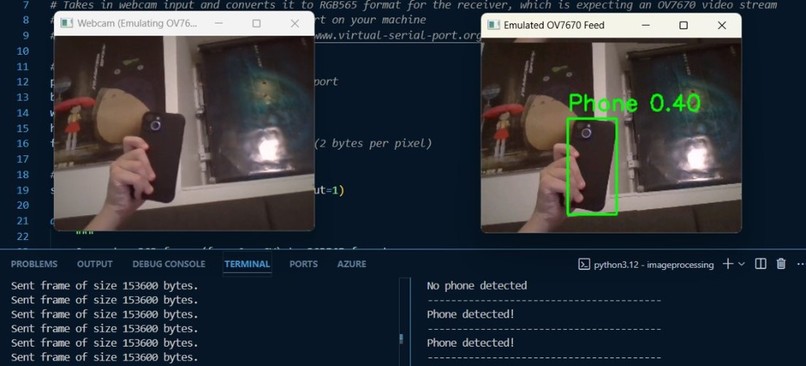
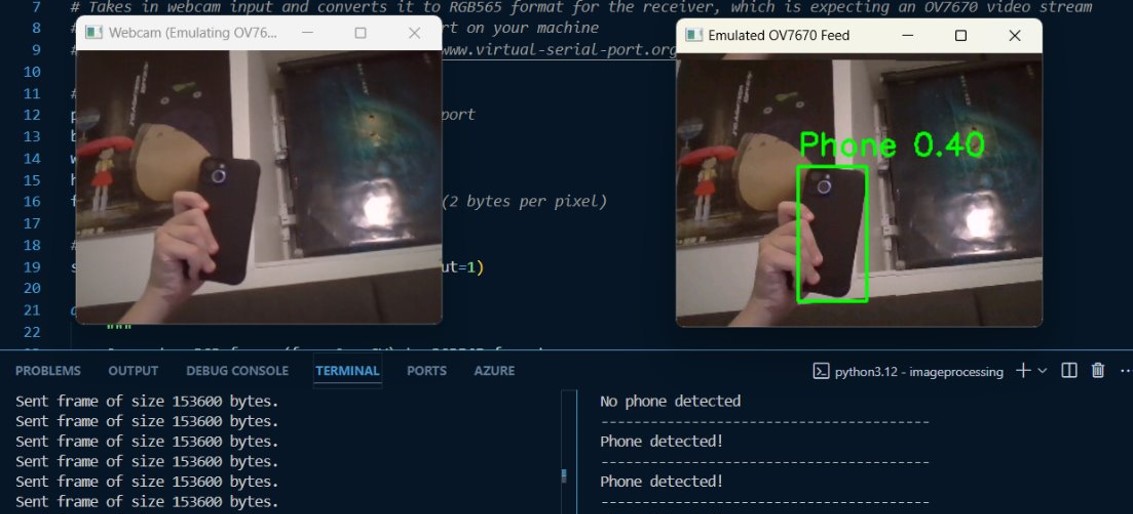
Computer vision output
-
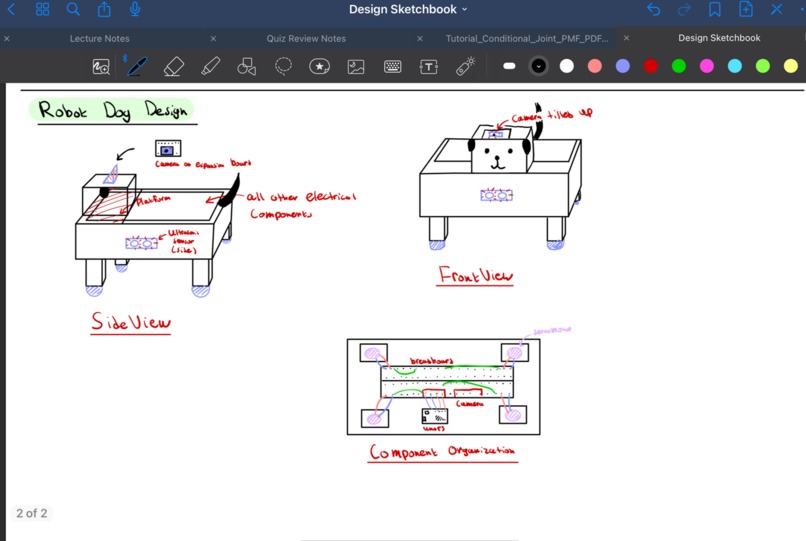
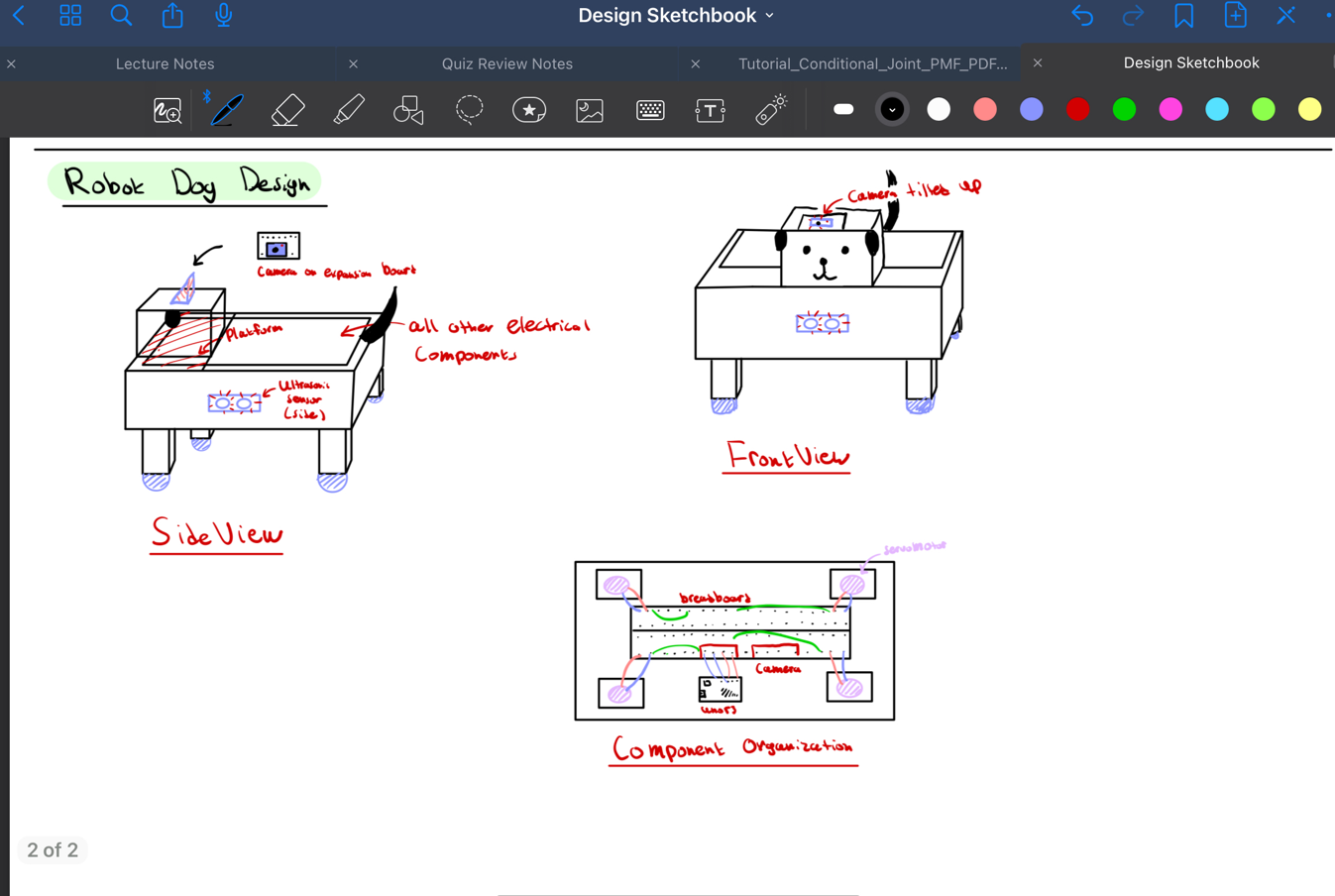
Sparky initial design
-
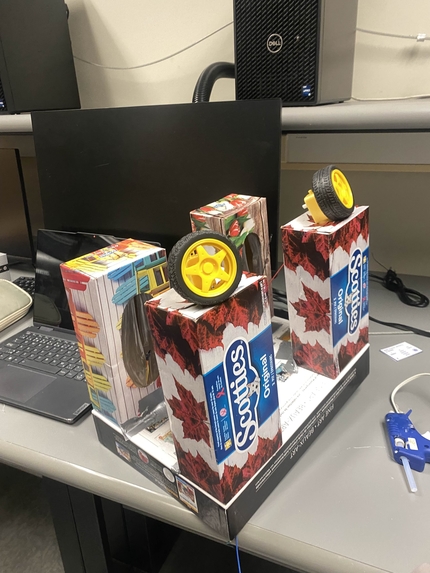
One of Sparky's iterations
-
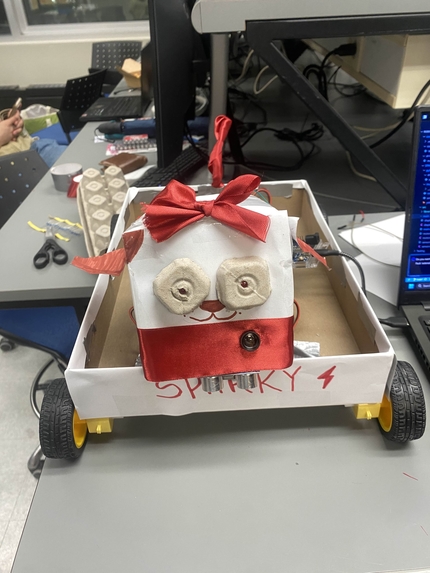
One of Sparky's iterations
-
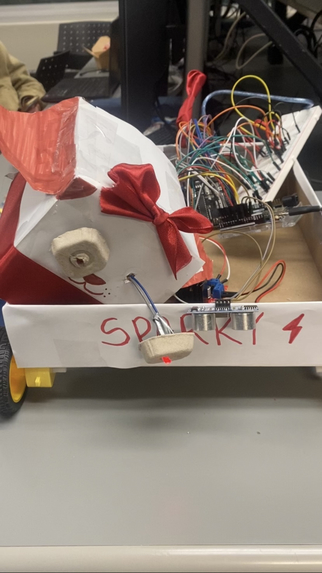
Assembling together
-
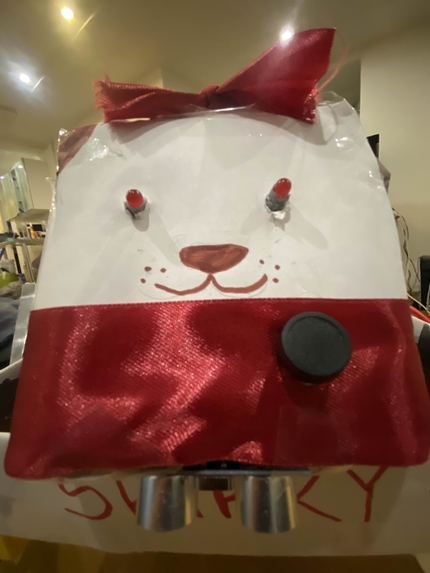
Sparky face :)
Inspiration
With finals season approaching, we noticed our phone screen time climbing and procrastination taking over. What better way to stay locked in for school than with the help of a loyal dog—minus the responsibility of feeding one? Not only does this project tackle procrastination in a unique and fun way, but it also gives us the opportunity to dive deeper into hardware, computer vision, and other skills we’ve always wanted to explore.
What it does
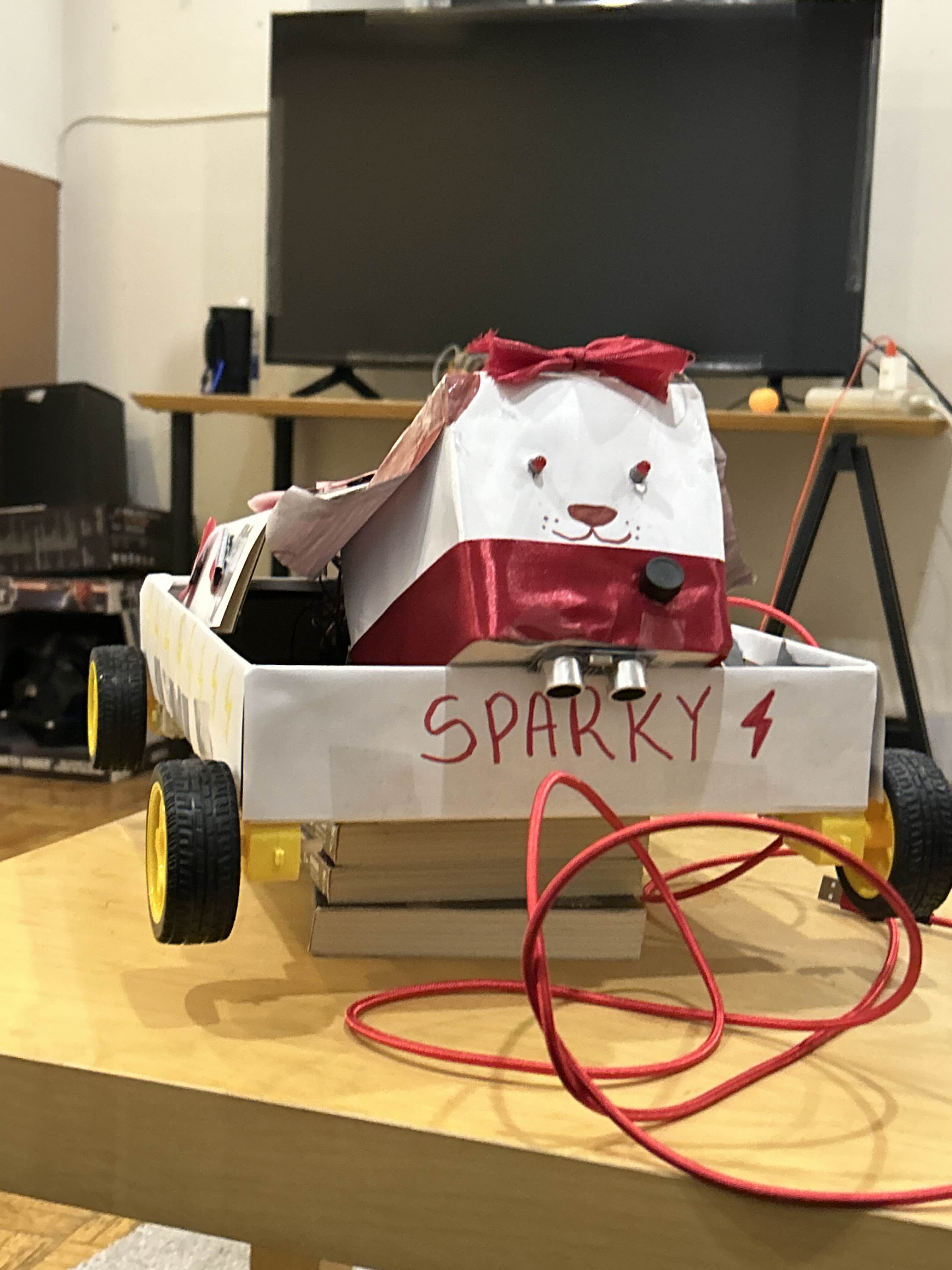
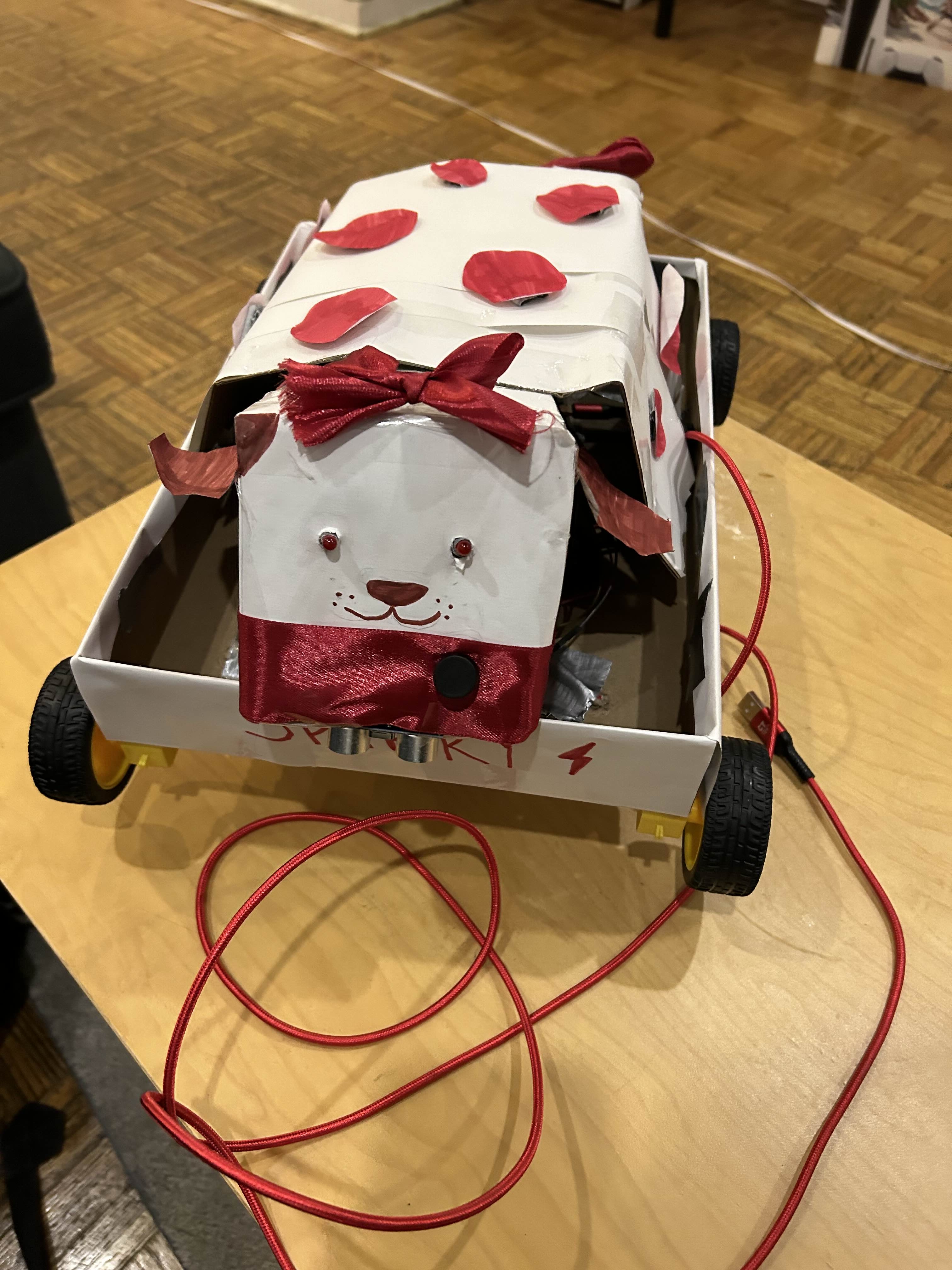
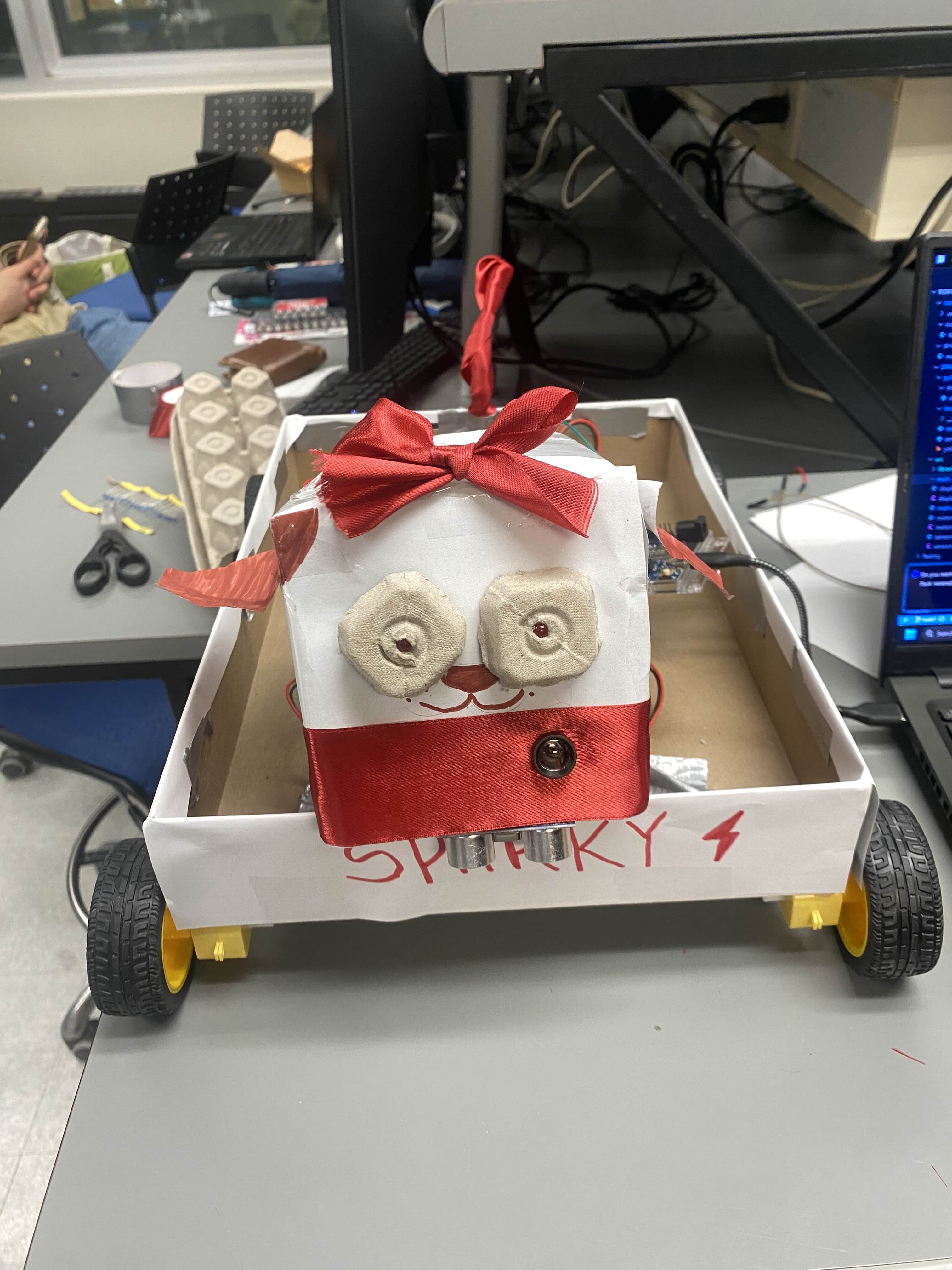
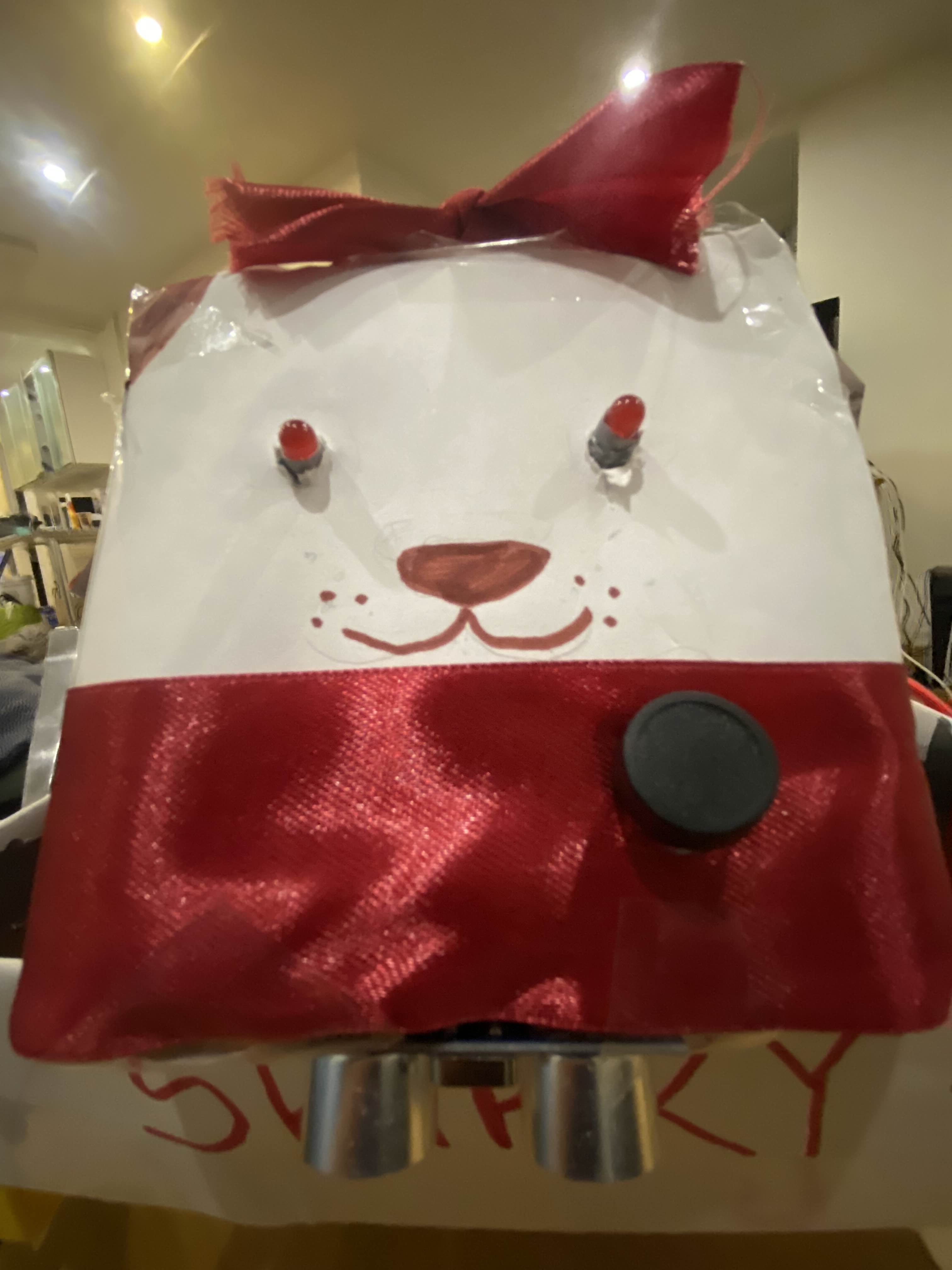
Sparky is a dog with real electric spark. It sits proudly on your desk while you work or study, detects when you take out your phone and barks out different voicelines to remind you to get back to work. His LED eyes flash an intense red, reflecting its anger at your distraction—it knows you’re better than this! Sparky even rolls up to you on its wheels, but don’t worry—it’s clever enough not to fall off the edge of the table. Sparky will help you secure that A one bark at a time.
How we built it
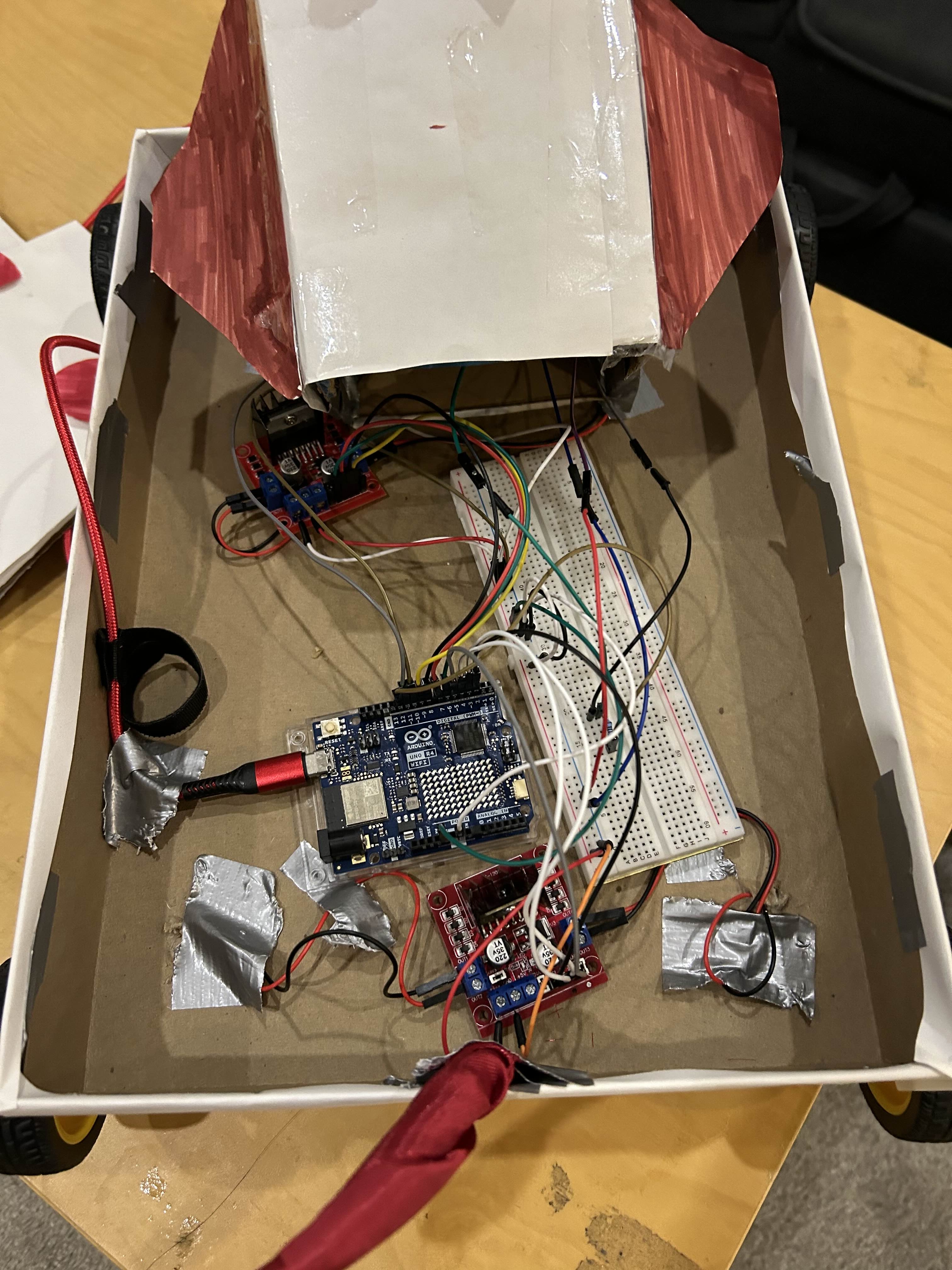
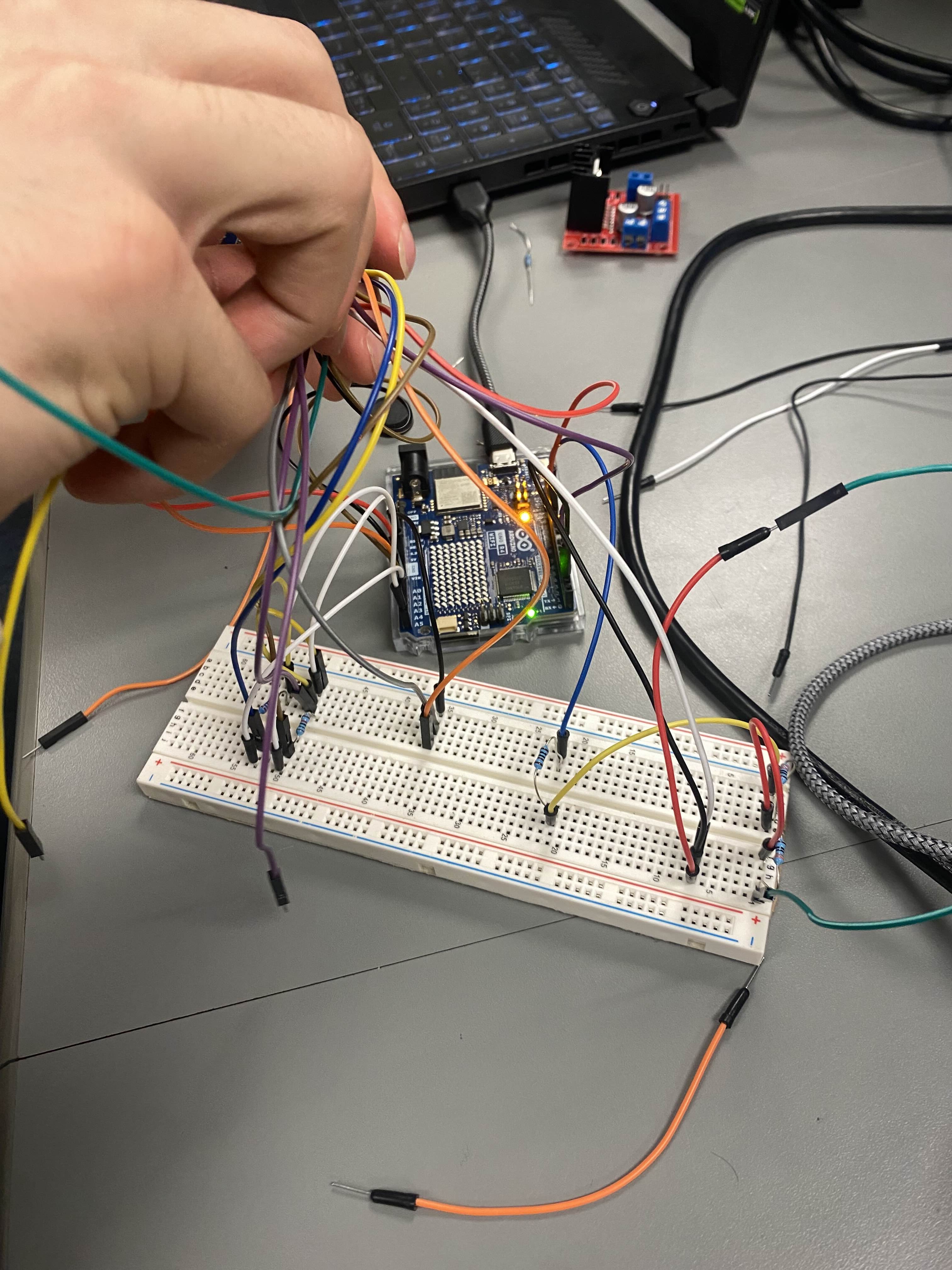
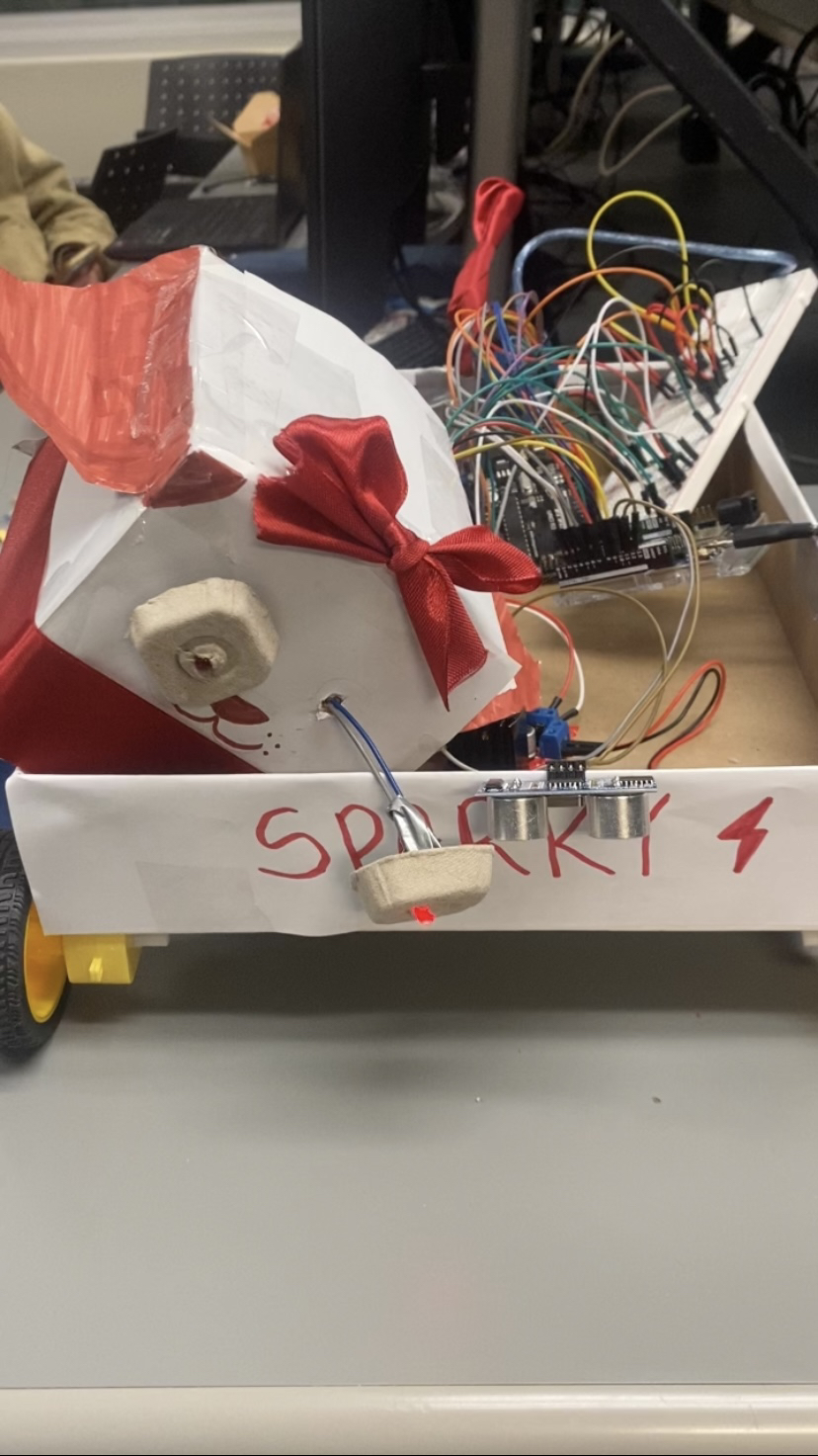
Hardware We started with Sparky's core logic, powered by an Arduino Uno R4 microcontroller, which manages all coding logic and connects to two L298N H-bridge motor controller modules. Each module controls a pair of DC motors that drive Sparky’s wheels, allowing it to roll smoothly forward and backward. We added LED lights, wired to the same breadboard as the Arduino, to flash Sparky’s eyes red whenever it detects a phone. An ultrasonic sensor was mounted to measure the distance to the edge of the table, ensuring Sparky stops in time to avoid falling off. To future-proof Sparky for tasks like ground patrols, babysitting (e.g., spotting dangerous items), anti-theft surveillance, or even monitoring exam halls, we also prototyped a complex standalone camera circuit, attached in the photos. While functional, due to practicality concerns and budget constraints, we swapped to a webcam based model that we will elaborate more on in our challenges.
Software The software development for Sparky began with object detection in Python using OpenCV and YOLO for its accuracy and speed in object classification. To ensure compatibility with future camera module upgrades, the receiver script processes encoded serialized image data, decoding it via an RGB565-to-BGR conversion function. Data from a webcam was encoded in the sender script to RGB565 and transmitted over a virtual serial port, emulating the connection between the receiver and an Arduino-linked camera module. The receiver script also transmits commands via serial to the Arduino, enabling Sparky to react when a phone is detected in the user's hands. Upon detection, Sparky barks, the Arduino activates the eye LEDs and moves Sparky forward or dims the LEDs and moves it back to its starting position. Sparky tracks its movement distance and monitors for desk edges. When the phone is put away, Sparky retraces its steps to the starting point. Arduino code optimizations, such as a timed delay for edge detection, minimize false triggers and ensure smooth, efficient performance.
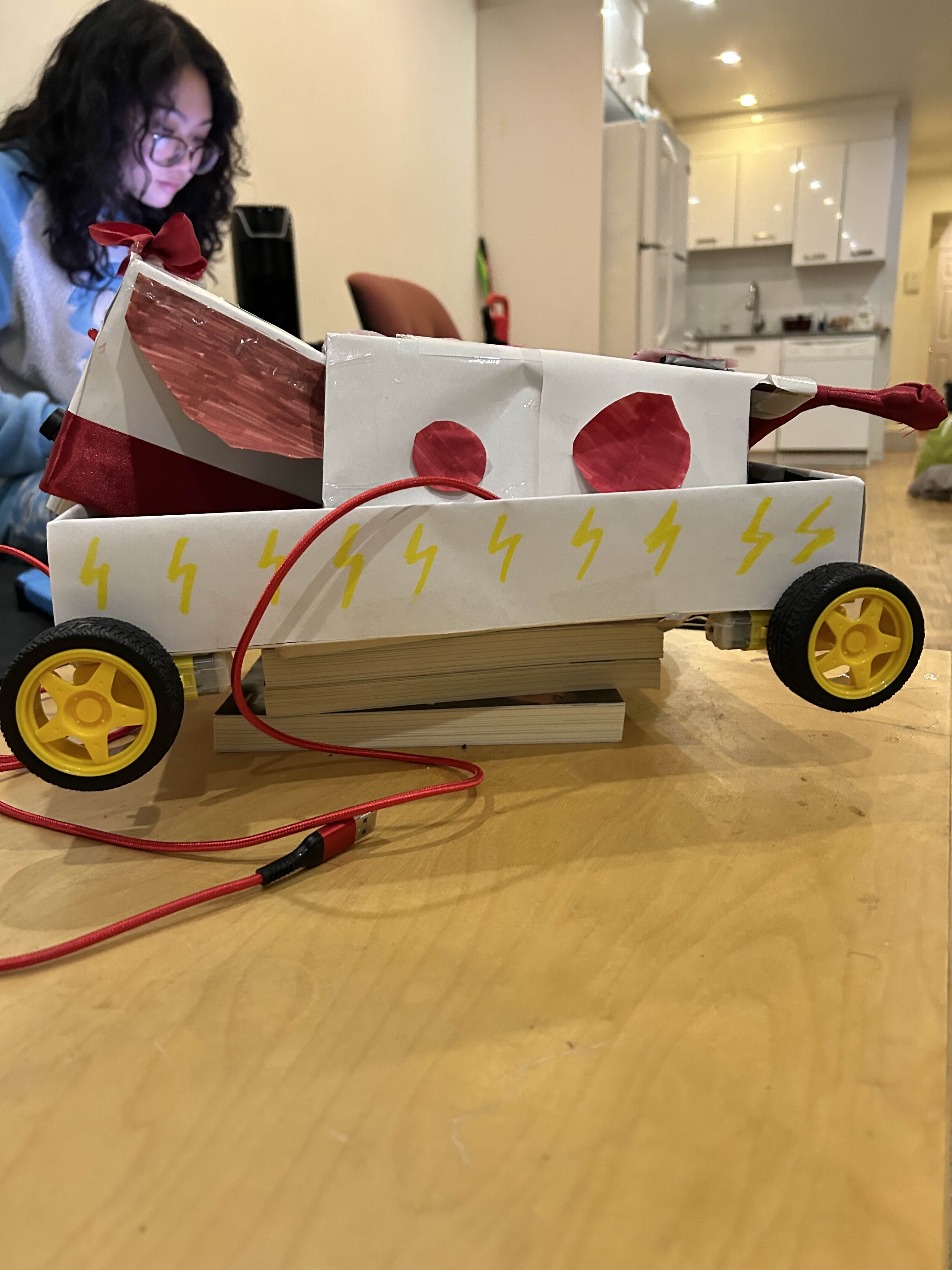
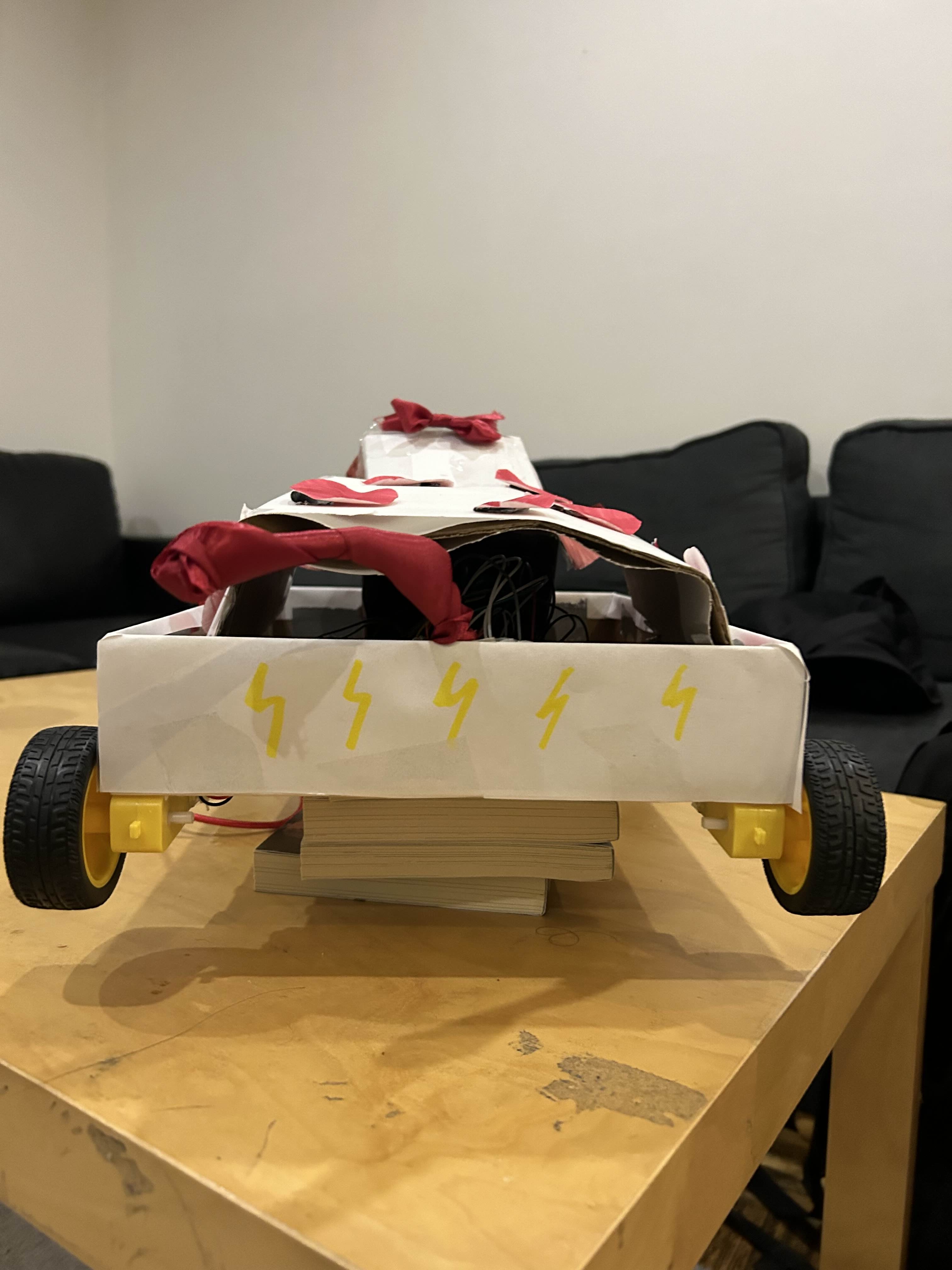
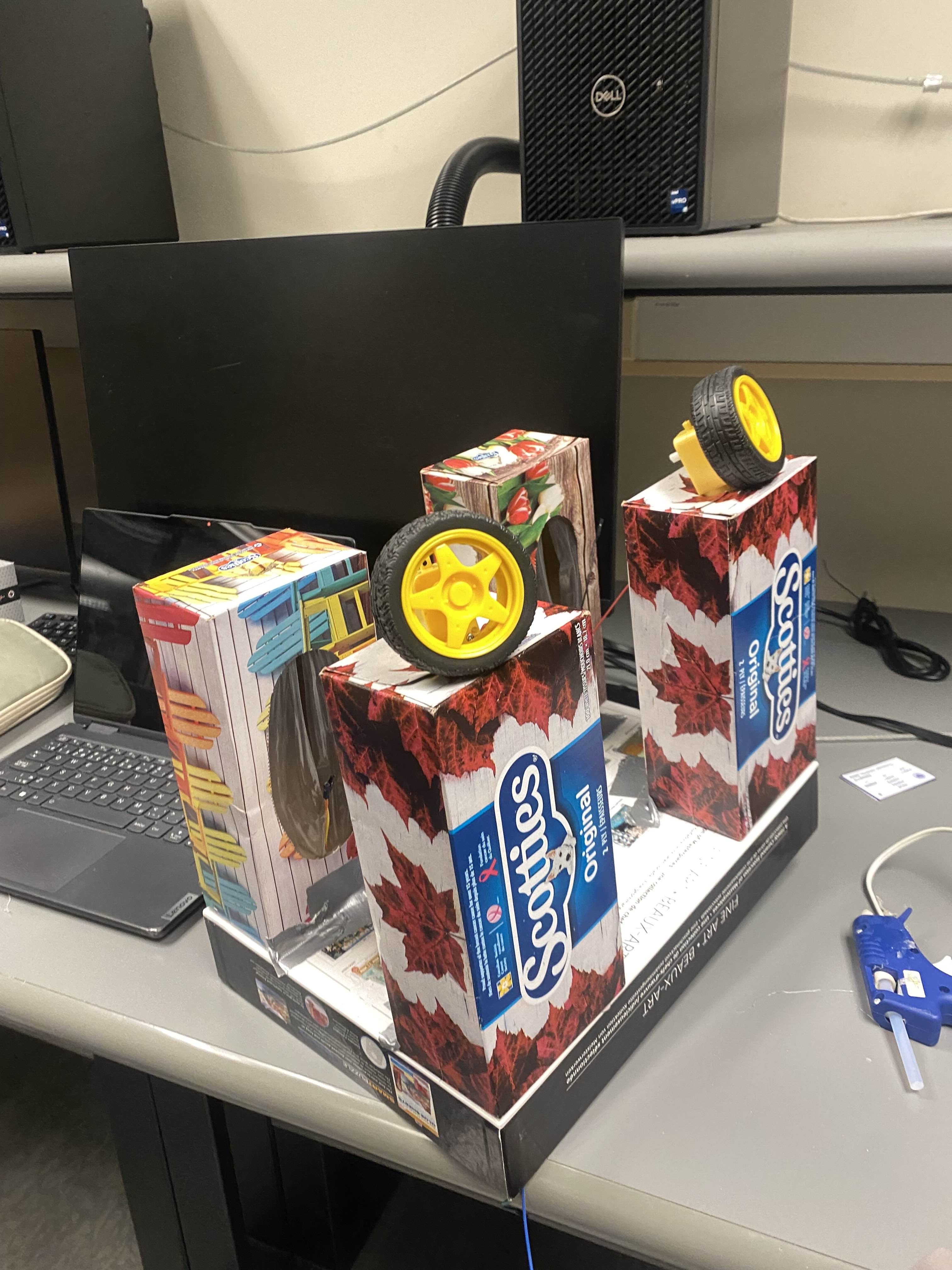
Mechanical Sparky’s body was constructed using everyday materials for sustainability, stability and accessibility. We used sturdy boxes, hot glue, and duct tape to build its frame, ensuring it could support the components while remaining lightweight. Tissue boxes created compartments for easy wiring access, while cutouts from the Saturday meal sandwich boxes formed Sparky’s ears. A Red Bull box became Sparky’s face, with a pre-existing circular hole perfectly fitting the camera lens.The wheels required precise alignment to ensure straight, stable movement. We carefully balanced the weight distribution to prevent tipping and mounted the ultrasonic sensor at an angle that provided optimal edge detection without compromising Sparky’s stability.
Challenges we ran into
Hardware We encountered significant challenges in our initial attempt to make Sparky wireless. We discovered that school Wi-Fi credentials were required to approve the device, a step we hadn’t anticipated. Forced to pivot quickly, we tried using a Raspberry Pi as an alternative, but realized it required a microSD card, which we didn’t have—and by then, all the stores were closed. With no other options, we resorted to using a wired connection to the Arduino creating unexpected challenges in both software and hardware integration. Managing the camera circuit proved particularly difficult, as did organizing the wiring and ensuring proper grounding. Additionally, we ran into complications with the speaker transistors, further adding to the complexity.
Software One of the first challenges we ran into was attempting to make Sparky wireless. The Arduino Uno R4 WiFi is compatible with wireless connectivity however we lacked an internet connection as the school wifi requires id and username to sign in as opposed to a simple SSID and Password protected connection which is how the Arduino would authenticate itself and connect to the internet. Had this solution panned out, instead of using serial ports we would have transmitted data via a web server hosted on the arduino and accessed it via HTTP requests.
Mechanical The main challenges we faced came from the physical limitations of our materials, which presented unique obstacles from the very start. On the first night, we scrambled to gather supplies—one teammate biked through the city at midnight collecting discarded boxes from the street and made last-minute purchases at Best Buy before it closed. We used the Mono Sandwich boxes for our ears and a Redbull box for the head. Once we had the materials, assembling Sparky proved to be no small feat. The design evolved significantly as we confronted practical constraints and worked to optimize performance. By the end, our final design deviated substantially from our initial plans, reflecting the iterative process and constant problem-solving that defined this hackathon experience.
Accomplishments that we're proud of
As a team of students with diverse backgrounds and experiences, we combined our unique strengths to overcome the challenges of this project. Bringing Sparky to life required seamless collaboration across mechanical, electrical, and software design. Each team member contributed to all three components, guided by those with greater expertise in specific areas, fostering a shared learning experience and ensuring the project was truly a team effort.
For half the team, this was their first time working on a hardware hack, making the process both challenging and rewarding. Everyone embraced the opportunity to learn, diving into unfamiliar territory like circuitry design and wiring. We quickly picked up critical concepts, such as ensuring proper mutual grounding, managing connections efficiently, and creating a clean, functional wiring system. Along the way, we faced several unexpected challenges but worked together to come up with innovative solutions, often thinking outside the box to keep the project on track.
One such solution was successfully emulating a camera module, which addressed the shortcomings of our existing camera module and set the stage for future improvements. We also ensured the structural integrity of Sparky by carefully assembling its components, resulting in a durable and reliable build.
What we learned
This hackathon was an incredible learning experience, pushing us to explore areas we hadn’t worked on before. From designing circuits to integrating motors and sensors, we gained hands-on hardware experience that complemented our software skills. We learned how to troubleshoot hardware and software integration challenges, optimize designs on the fly, and adapt quickly when things didn’t go as planned. We also deepened our understanding of object detection models, edge detection techniques, and the intricacies of working with embedded systems. Beyond the technical skills, this project taught us the value of resourcefulness and teamwork—whether it was scavenging materials late at night or brainstorming creative solutions to unexpected hurdles.
What's next for SPARKY
Sparky’s journey doesn’t stop here. We envision expanding its capabilities to patrol the floor, opening up new use cases such as babysitting (e.g., spotting hazardous items), anti-theft surveillance, and even monitoring exam halls for phones.
In the future, we aim to:
Develop a companion phone app for easier control and customization of Sparky’s settings. Upgrade the camera to include tilting functionality for better visual coverage. Add more ultrasonic sensors positioned at different angles for enhanced obstacle detection and navigation. Redesign the structure to improve its aesthetics, making Sparky more visually appealing while maintaining its functionality. With these improvements, Sparky can become a multi-functional robot companion, ready to tackle an even wider range of tasks with its unique spark!


Log in or sign up for Devpost to join the conversation.