-
-
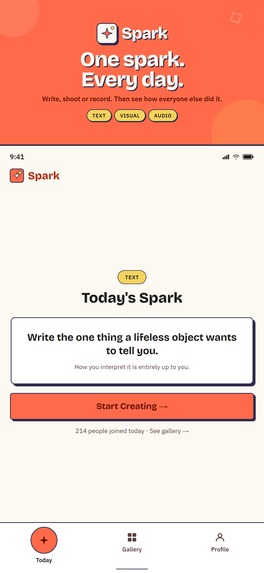
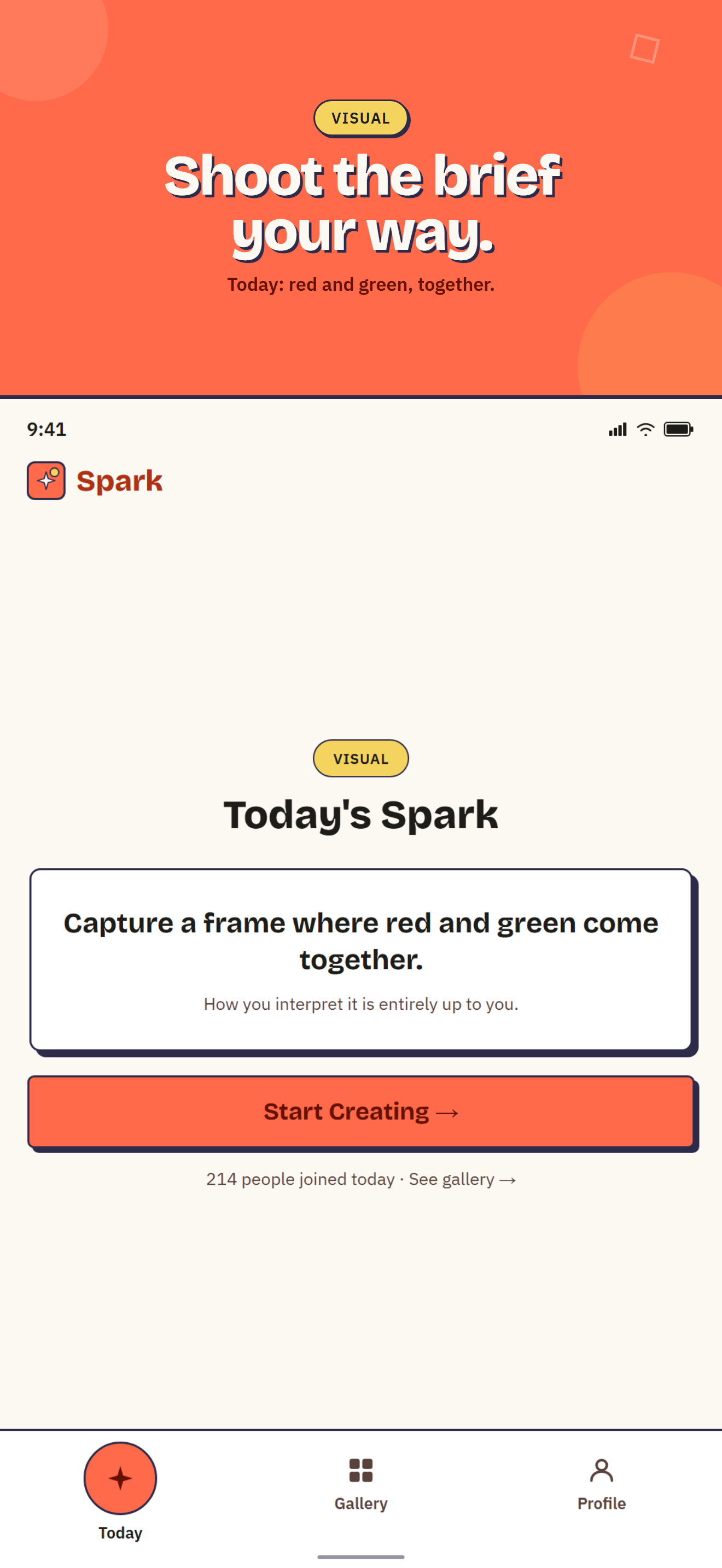
Spark: one creative constraint a day write, shoot, or record in seconds, then see how everyone else interpreted it.
-
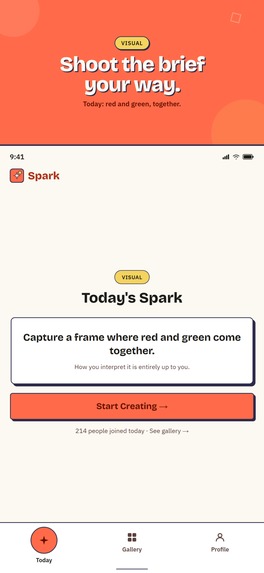
"Today's constraint: a photo brief anyone can shoot in one frame no camera skills required.
-
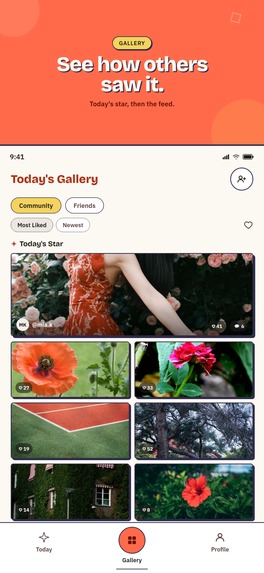
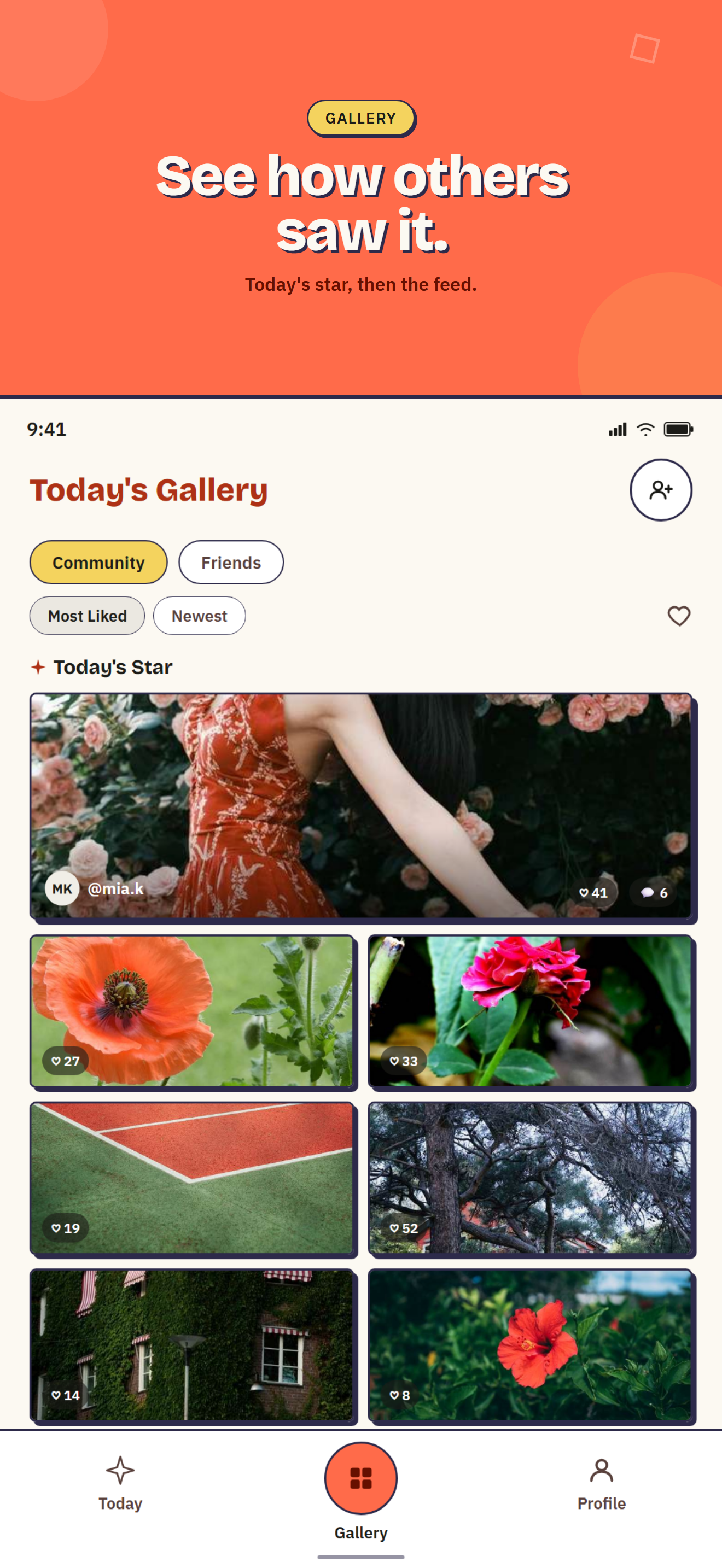
Today's Star plus the full community gallery like, comment, and see how everyone answered the same brief.
-
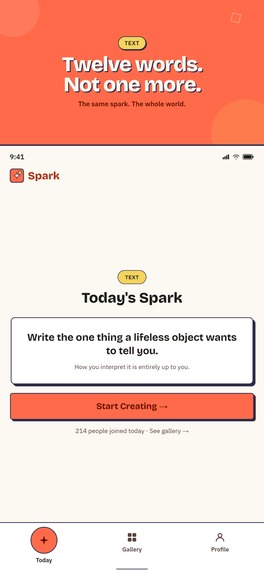
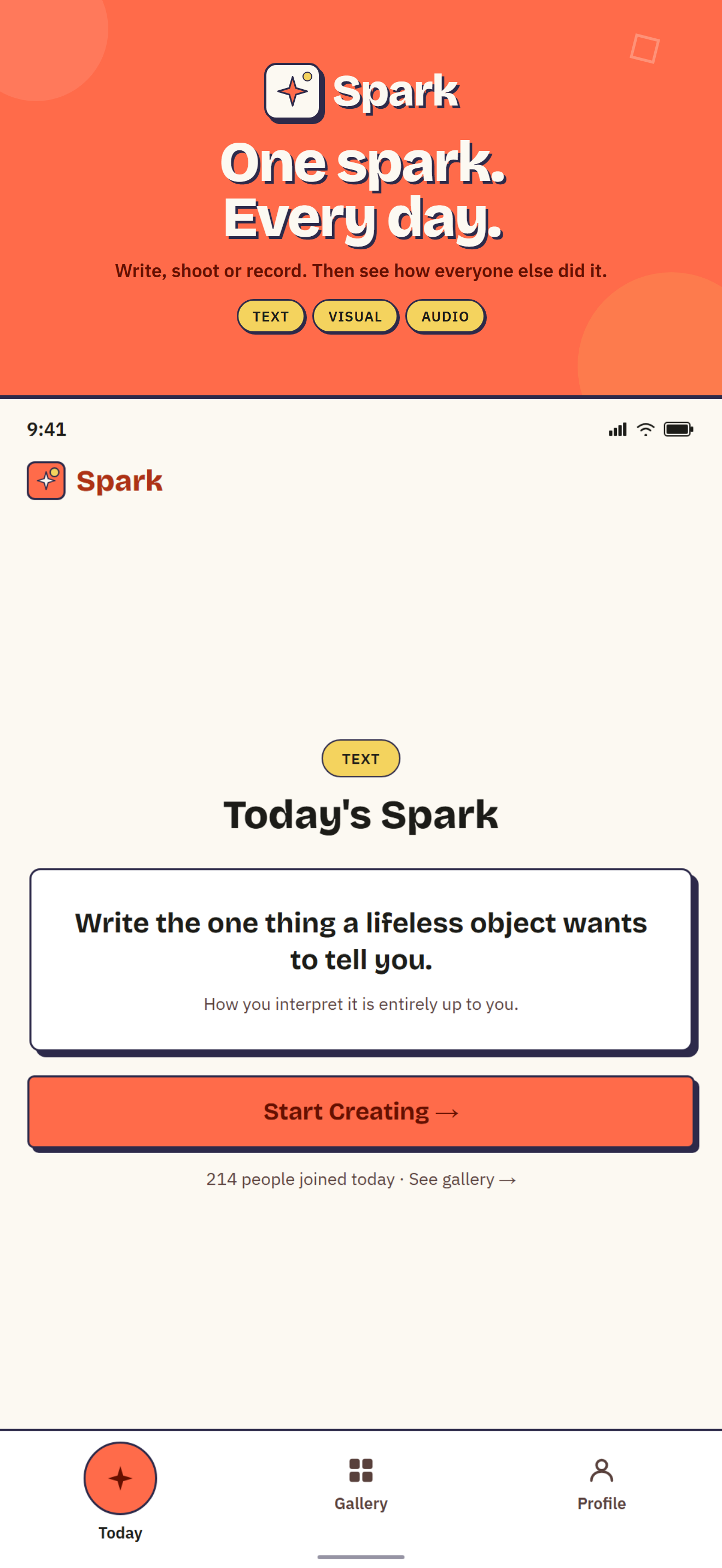
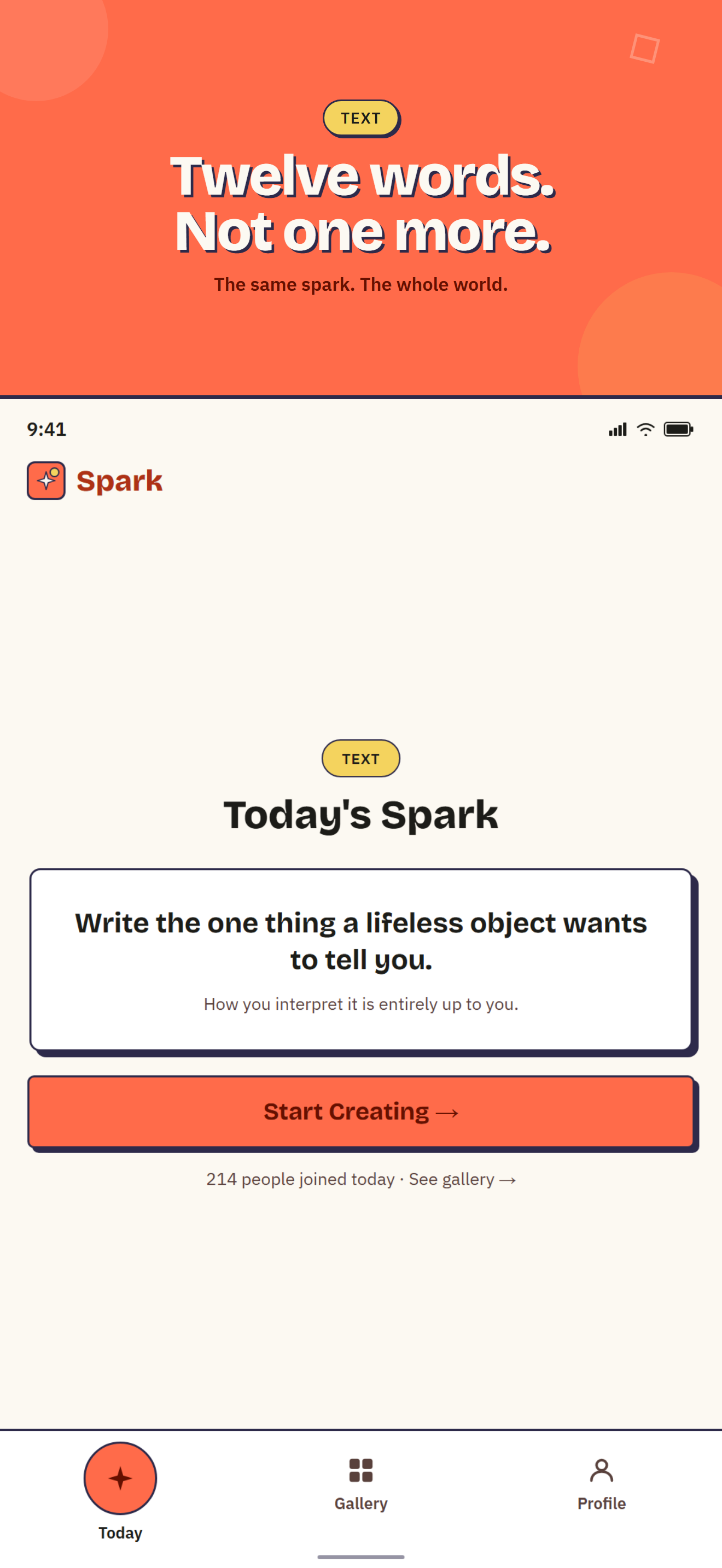
Today's constraint: a 12-word writing prompt. Same rule for everyone, infinite interpretations.
-
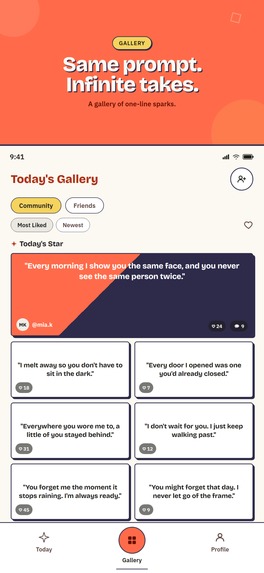
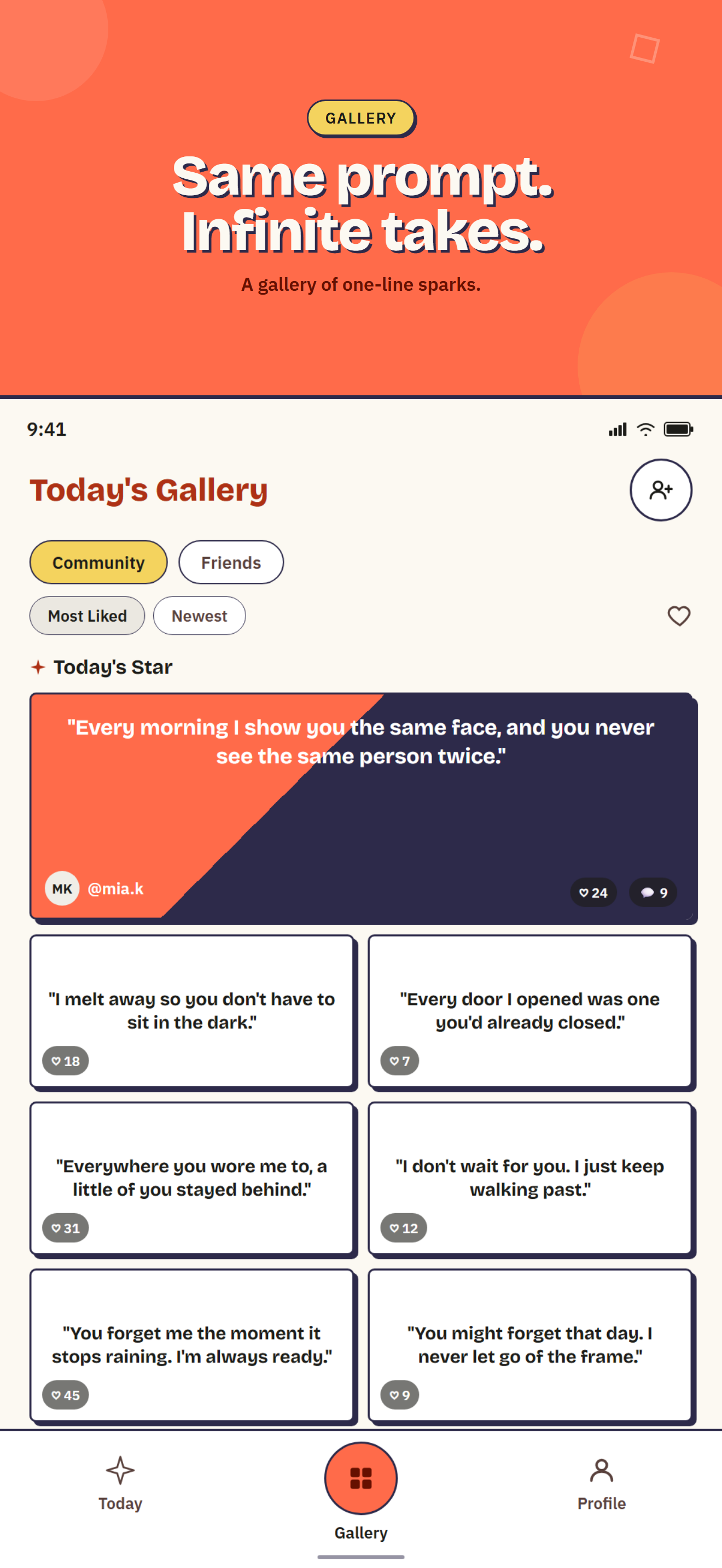
Same daily prompt, wildly different takes browse the community's one-line sparks side by side.
-
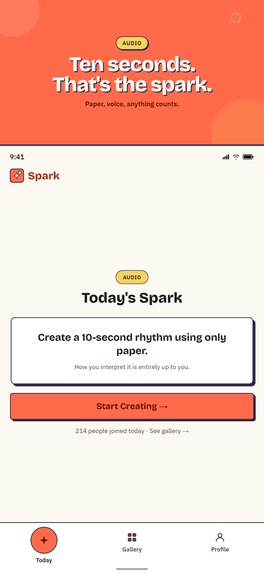
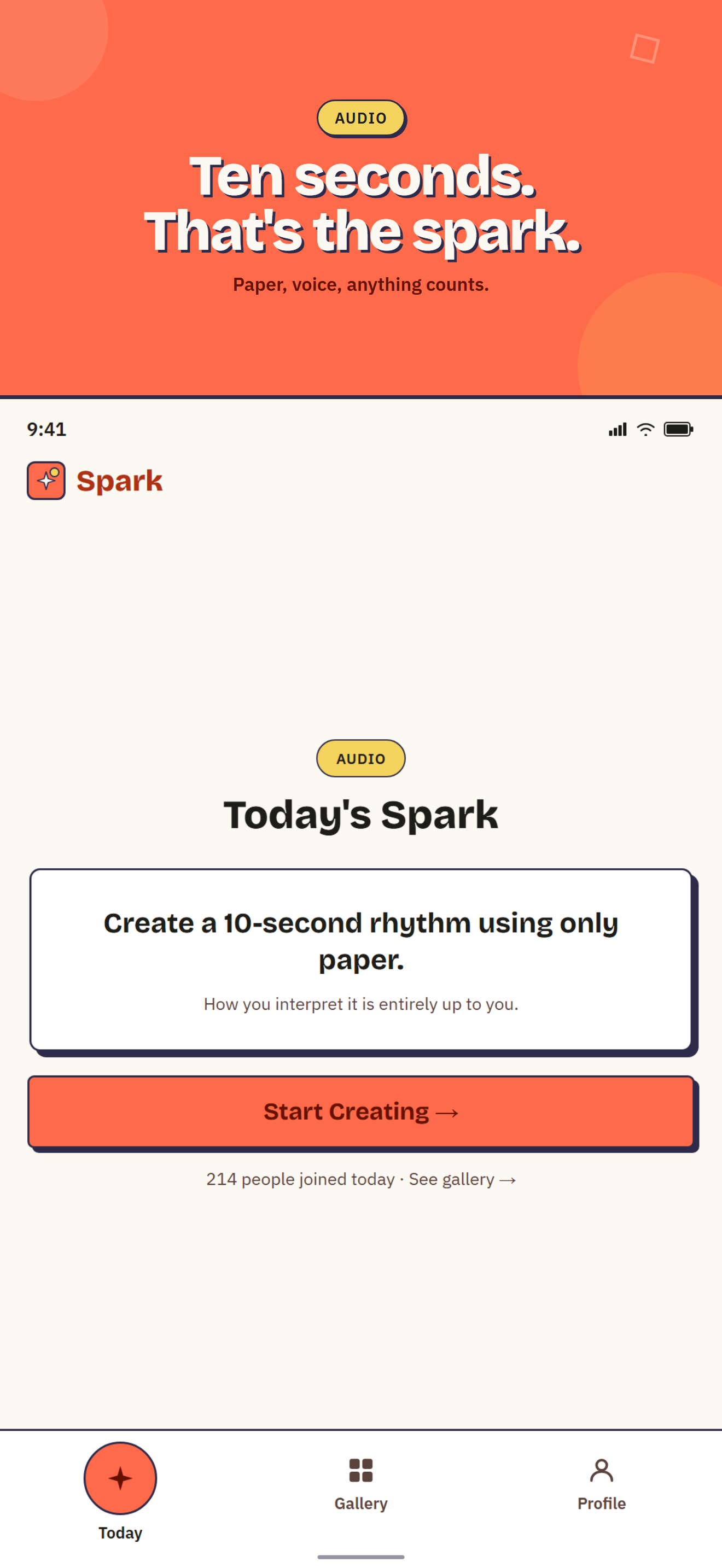
"Today's constraint: 10 seconds of sound, made with your voice or anything lying around no instruments needed.
-
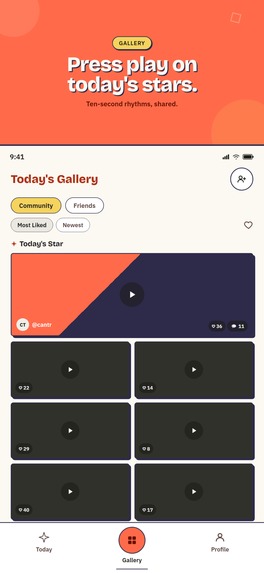
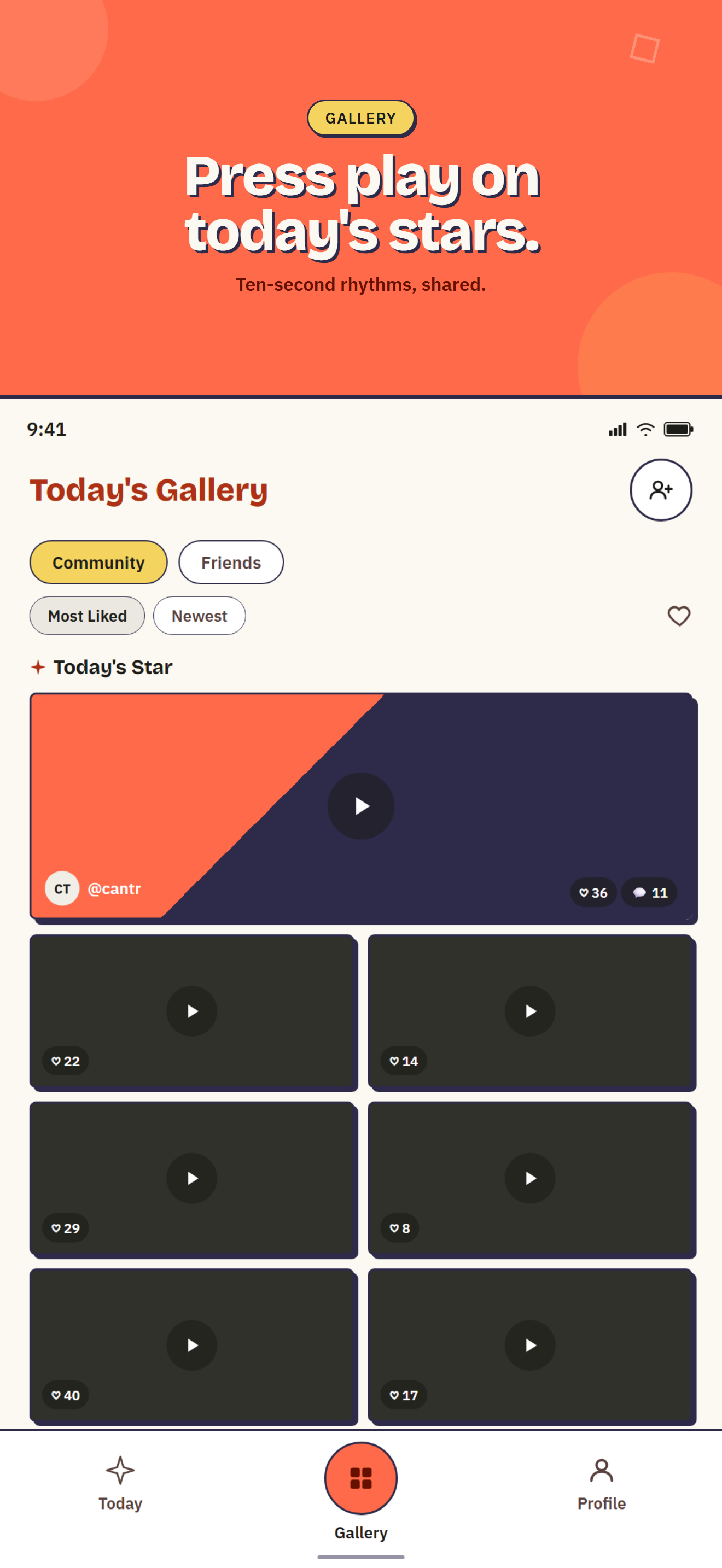
Tap play on today's 10-second audio sparks from the community, ranked by likes.
Inspiration
I wanted a habit I'd actually keep: something small enough to do every day, but real enough to feel like an accomplishment. Every "creativity app" I tried either had no constraint at all (a blank canvas is paralyzing) or was too rigid to enjoy. Spark's answer: one shared constraint a day, in one of three mediums (write, photograph, or record), and everyone in the community works from the exact same prompt at the same time.
What it does
Every day, Spark hands you a single prompt (text, photo, or audio). You complete it once, then see what everyone else made from the same prompt in a public gallery. You build a daily streak, add friends, like and comment on their work, and can restore a broken streak with a one-time purchase. Spark Pro (built on RevenueCat) unlocks your full past archive.
How I built it
Flutter and Dart for a single iOS/Android codebase, Supabase (Postgres, Auth, Storage, Edge Functions) for the backend, Riverpod for state. Daily prompts are generated with Google's Gemini API and reviewed through a small admin panel before they go live. RevenueCat drives the subscription and the one-time Streak Restore purchase, with a webhook keeping entitlement status in sync server-side. Push notifications (Firebase Cloud Messaging) cover both daily reminders and social events like a new friend request or a comment, verified server-side so a client can never spoof a push. I'm not a professional developer this is my first Flutter app, built solo alongside Claude Code as a close collaborator on architecture, Postgres RLS policies, and UI.
Challenges I ran into
Getting Postgres row-level security right for a social feed was the hardest part: submissions, likes, comments, friendships, and now a block/report moderation system all need different visibility rules depending on who's asking, and getting that wrong either leaks private data or silently hides content that should be visible. Real-device testing surfaced its own class of bugs: a stuck sign-out screen that turned out to be a navigation issue, not a network one, and a camera preview that looked fine on an emulator but was subtly distorted on a real phone in portrait mode. Apple's Sign in with Apple flow also needed a nonce fix that only showed up once tested on a real device.
Accomplishments that I'm proud of
A real, working moderation system (report plus block, with automatic hiding after multiple reports) and a genuine accessibility pass: VoiceOver and TalkBack labels throughout, a color-blind-safe way to show selection state, and contrast checked against WCAG AA rather than assumed. For a solo, first-time Flutter build, that's further than I expected to get.
What I learned
How much of "shipping" is actually store compliance and trust-and-safety work, not code: age ratings, a published child safety policy, privacy disclosures, and an EULA are just as real a blocker as any bug.
What's next for Spark
Finishing the App Store and Play Store listings, then watching whether a single shared daily constraint is enough to keep people coming back.
Built With
- dart
- firebase-cloud-messaging
- flutter
- google-gemini
- google-sign-in
- postgresql
- revenuecat
- riverpod
- sign-in-with-apple
- supabase

Log in or sign up for Devpost to join the conversation.