-
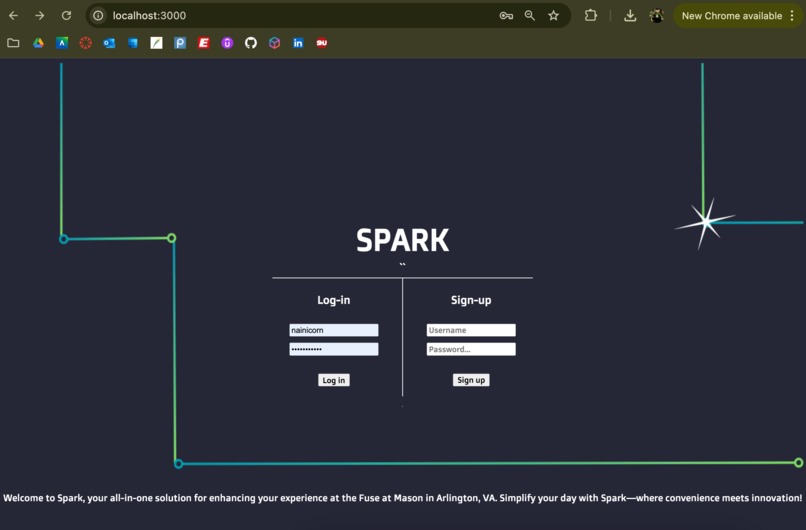
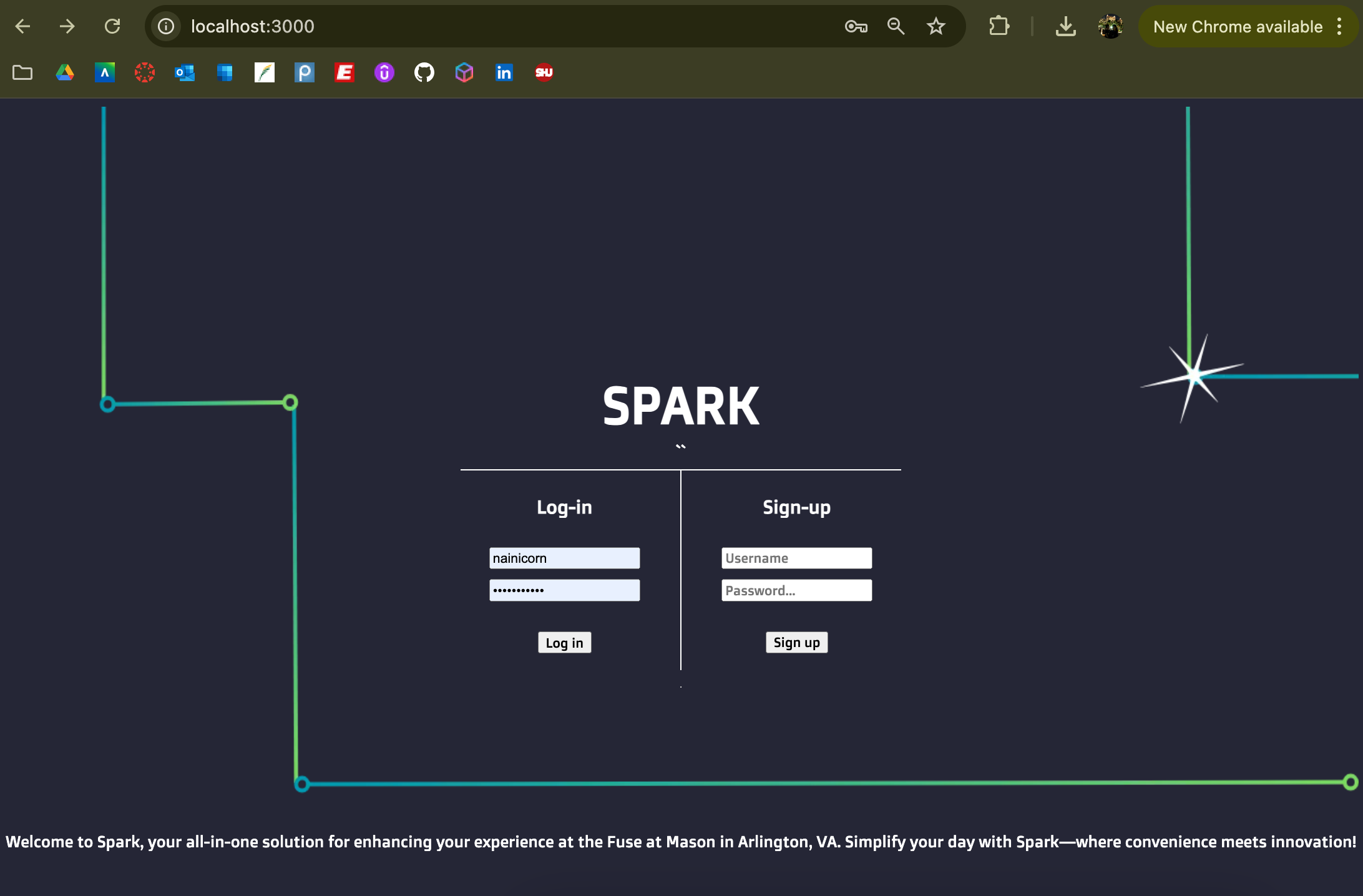
login page: users can login or sign up to use Spark
-
-
-
Inspiration
The Fuse at Mason Square is a hub for innovation, attracting students, researchers, and innovators from diverse backgrounds. With its cutting-edge facilities and high-tech environment, we wanted to create an app that enhances the experience of students and researchers working there. "Spark" was inspired by the need to streamline access to resources, simplify scheduling, and make the most of the tech-forward environment of the building.
What it does
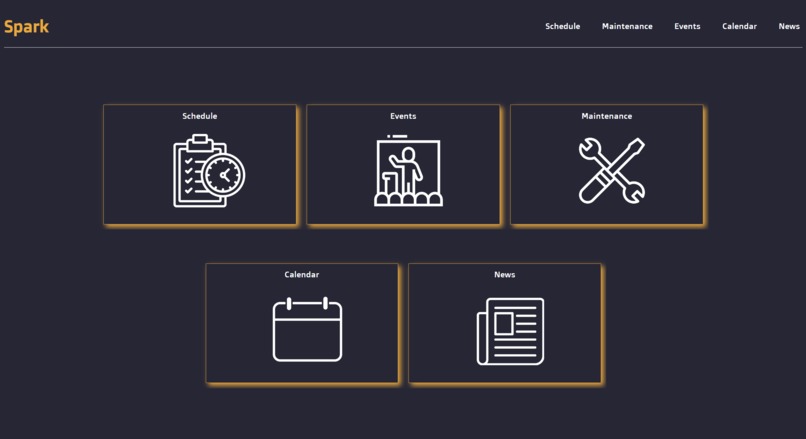
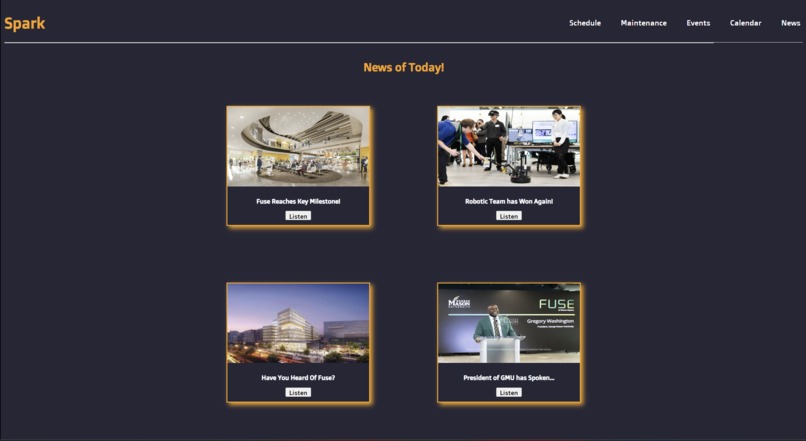
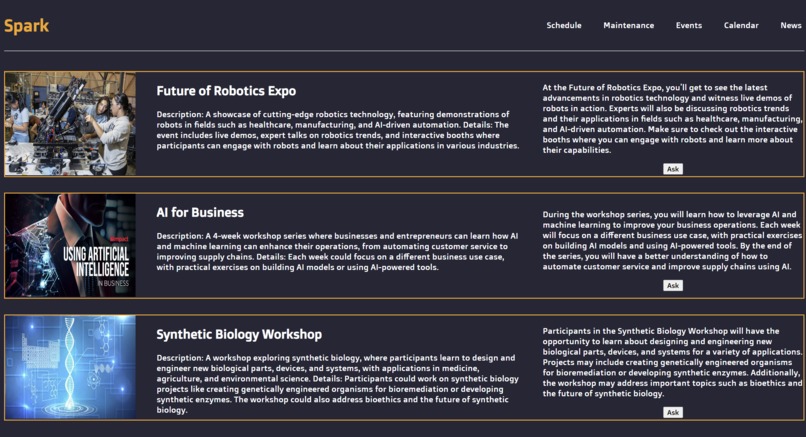
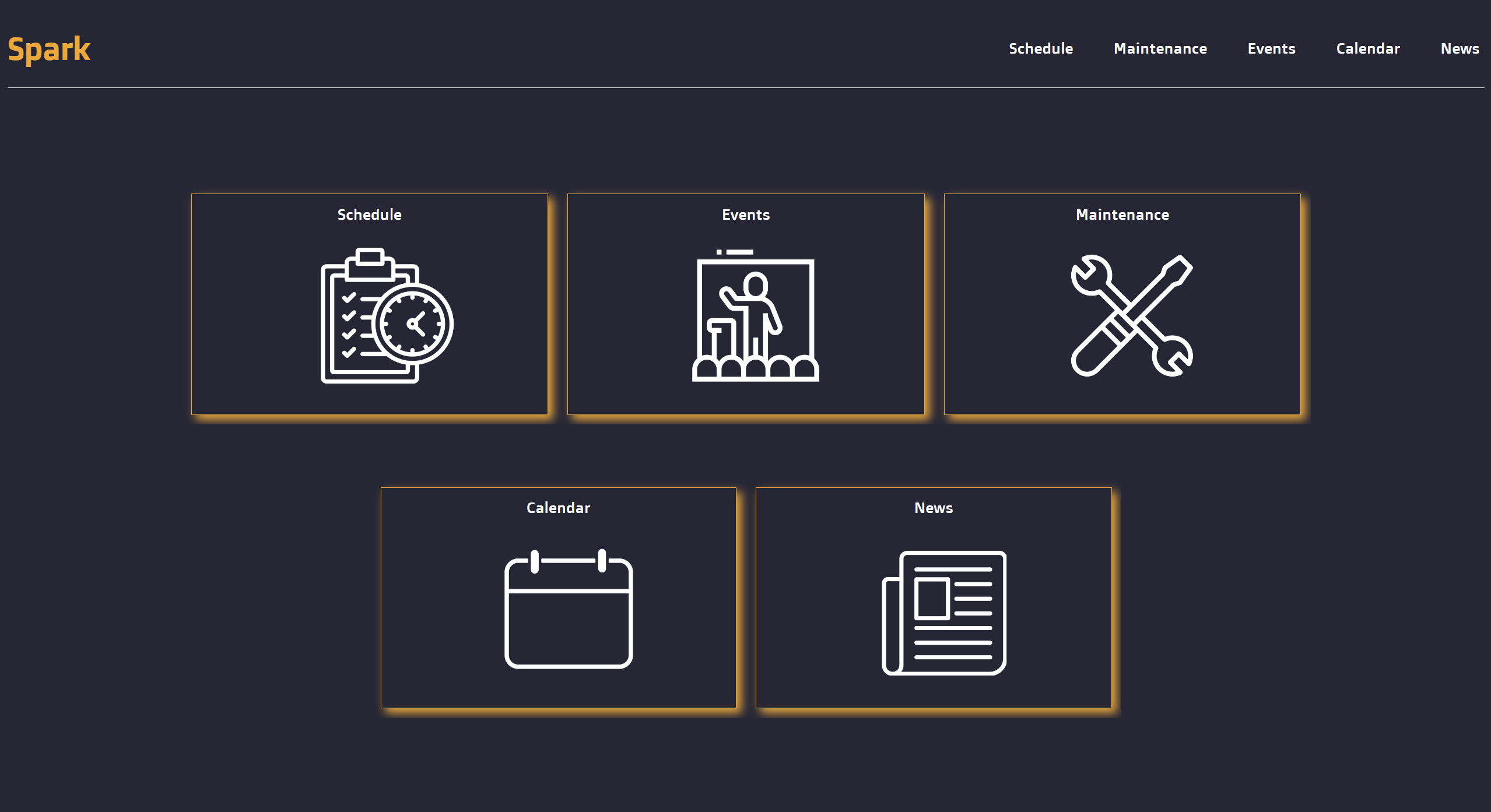
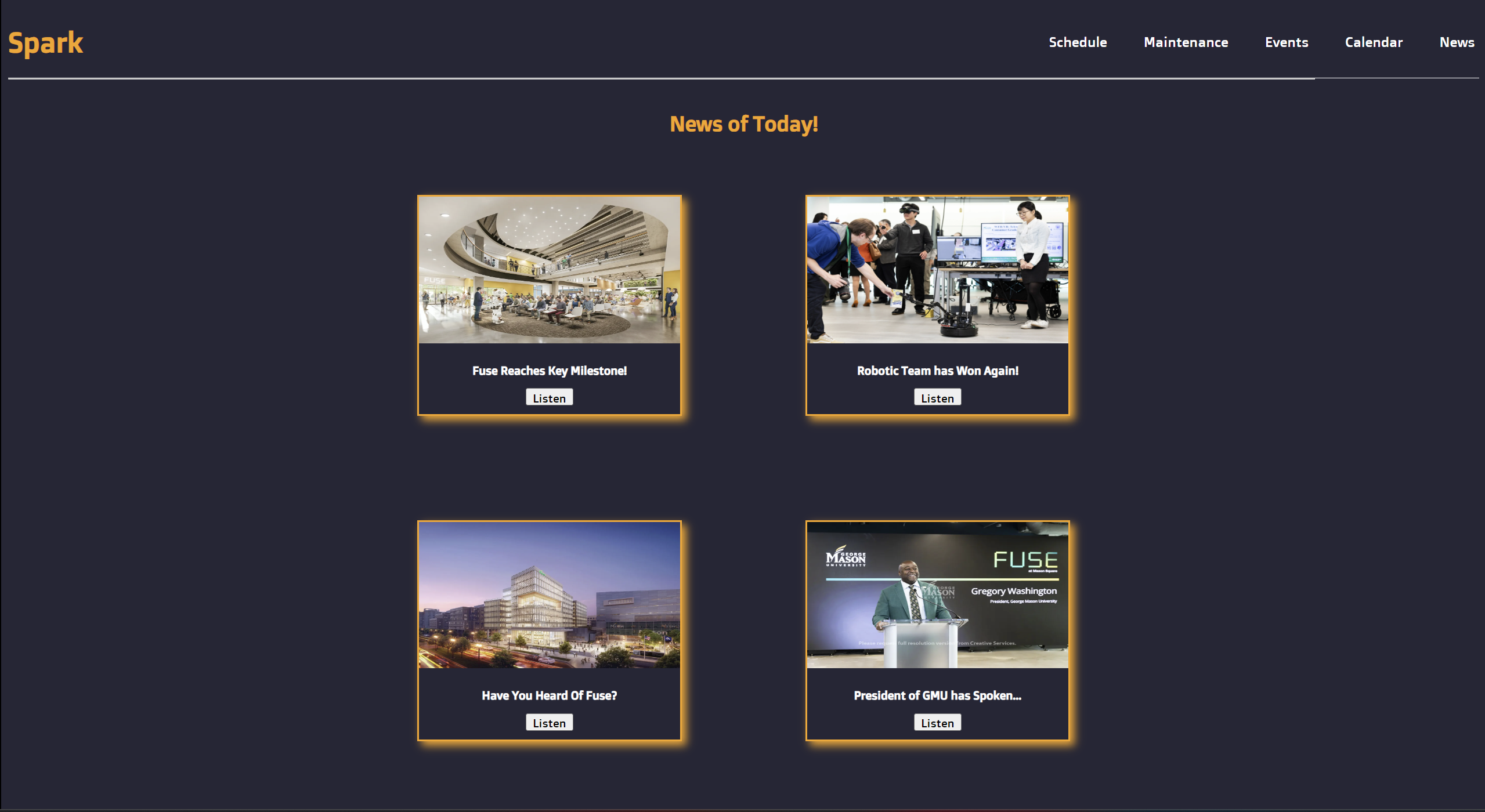
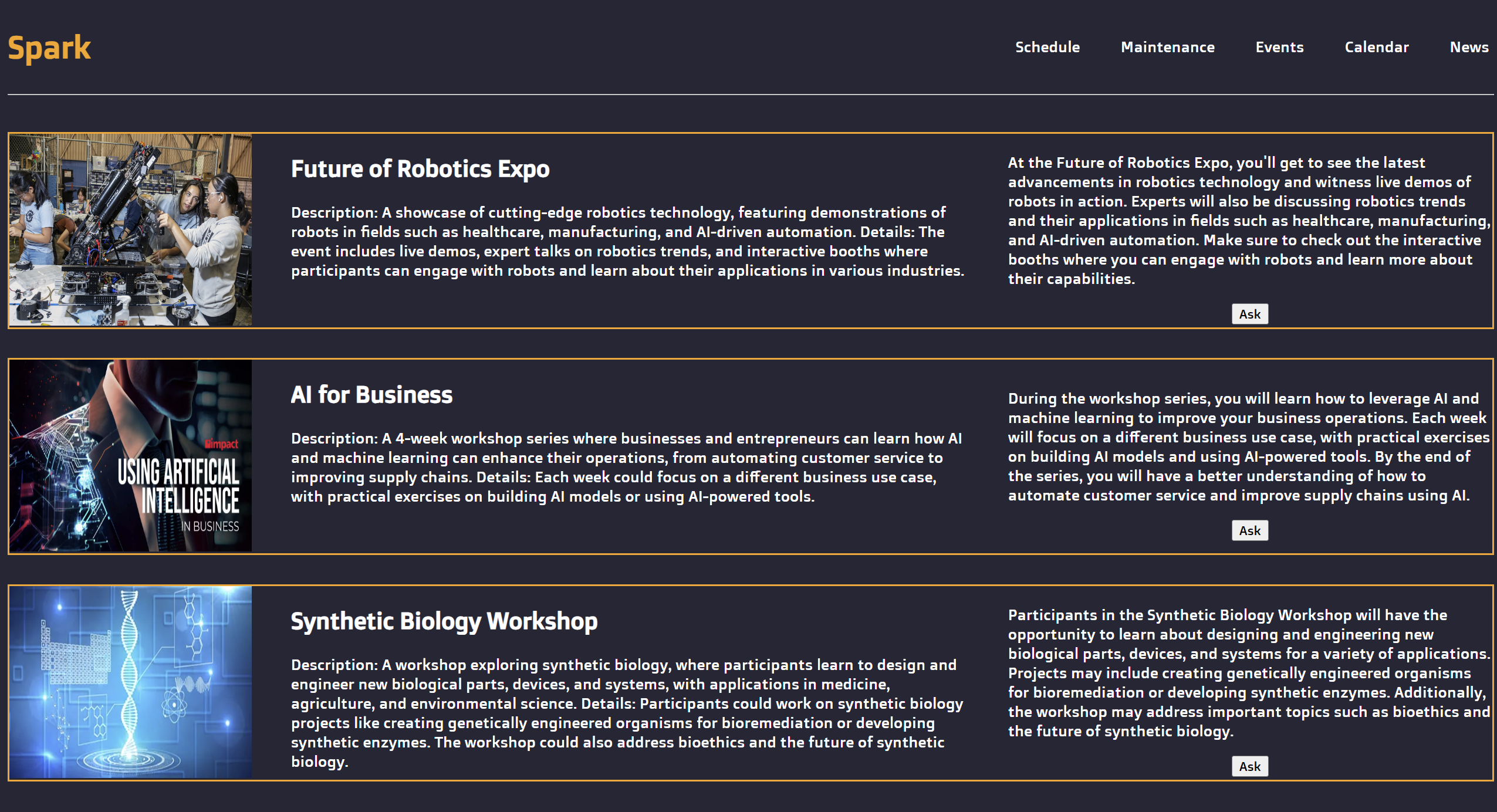
"Spark" is a web and mobile-friendly application designed to help users manage their activities at Fuse. Users can log in and take advantage of features like "Sparky," an AI assistant bot that helps with reserving rooms, scheduling meetings, and maintaining a personalized weekly schedule. The app also includes a news feed for updates about the Fuse and innovations happening within the building. A maintenance bot allows users to report issues, such as malfunctioning resources or broken equipment, which are automatically flagged for fixing. An event section where you can ask "Sparky" to give you advices and information about the event.
How we built it
We built "Spark" using Next.js for the frontend, which allowed us to create a dynamic, server-side rendered web application that performs well on both mobile and desktop platforms. For styling, we used CSS and JSX, ensuring that the design is both sleek and responsive. The AI assistant "Sparky" is powered by Azure OpenAI, enabling it to understand and respond to user inputs in a natural way.
For backend services, we planned to utilize Azure Functions to manage serverless operations and automate processes like scheduling and maintenance notifications. Azure's cloud infrastructure provides scalability, allowing us to handle increased user demand effortlessly. We're also exploring other Azure services such as Azure App Service for hosting the app, Azure Cosmos DB for real-time database management, and Azure Notification Hubs for sending out push notifications about news, events, and updates to students.
Challenges we ran into
One of the main challenges was integrating AI functionalities into the app in a user-friendly way. We wanted "Sparky" to feel intuitive and useful without being overwhelming. Another challenge was managing real-time updates, particularly for the scheduling and maintenance features, ensuring that they worked smoothly even under heavy usage. Additionally, designing an application that is both modern and capable of scaling to include future features was a complex task.
Accomplishments that we're proud of
We are proud of successfully integrating an AI assistant bot that can interact with users to reserve rooms and report maintenance issues. The scheduling and calendar features work flawlessly to help students stay organized, and we managed to build a system that pulls live news about the Fuse building, making sure the app remains up-to-date. We are also proud of the seamless experience across both web and mobile platforms.
What we learned
Throughout the development process, we learned the importance of user experience when designing AI-powered applications. Balancing the advanced functionalities of AI with the need for simplicity and ease of use was a key lesson. We also gained insights into managing real-time data efficiently, especially for time-sensitive features like scheduling and maintenance reporting. Working with multiple integrations for news, calendar, and notifications helped us improve our skills in API management and data synchronization.
What's next for Spark
In the future, we plan to expand the AI assistant's capabilities by allowing it to help students prepare for meetings. We also aim to give students more control over their reserved rooms, such as adjusting the lighting and environment settings. A calendar feature that provides a monthly view of events, meetings, and registered activities. We also plan to introduce a map feature to help users navigate the Fuse building and locate resources efficiently. Additionally, we will implement a point-based game system where students can earn points for energy-saving behaviors, keeping rooms clean, and returning resources, which can be redeemed for perks like priority event registration.
Although we didn't have time to implement these features, we plan to integrate additional Azure services to make the app more scalable and feature-rich:
- Azure App Service: For hosting the app in a fully managed web environment.
- Azure Cosmos DB: To manage real-time, globally distributed databases.
- Azure Notification Hubs: For sending push notifications to keep students informed about news, events, and updates.
- Azure Storage: For managing user data, event details, or shared resources.
- Azure Key Vault: To securely store sensitive information like API keys and connection strings.
- Azure Cognitive Services: To add more AI-powered features like speech recognition, sentiment analysis, or computer vision to enhance the user experience.


Log in or sign up for Devpost to join the conversation.