-
-
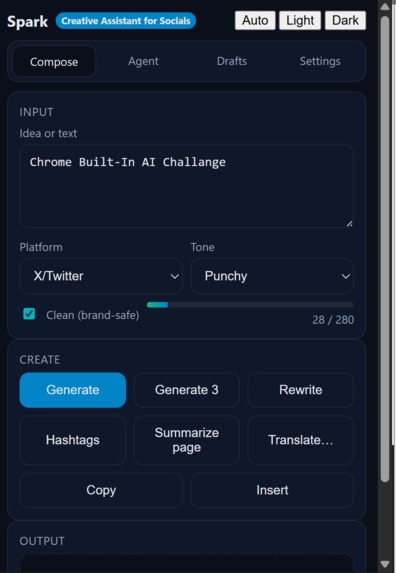
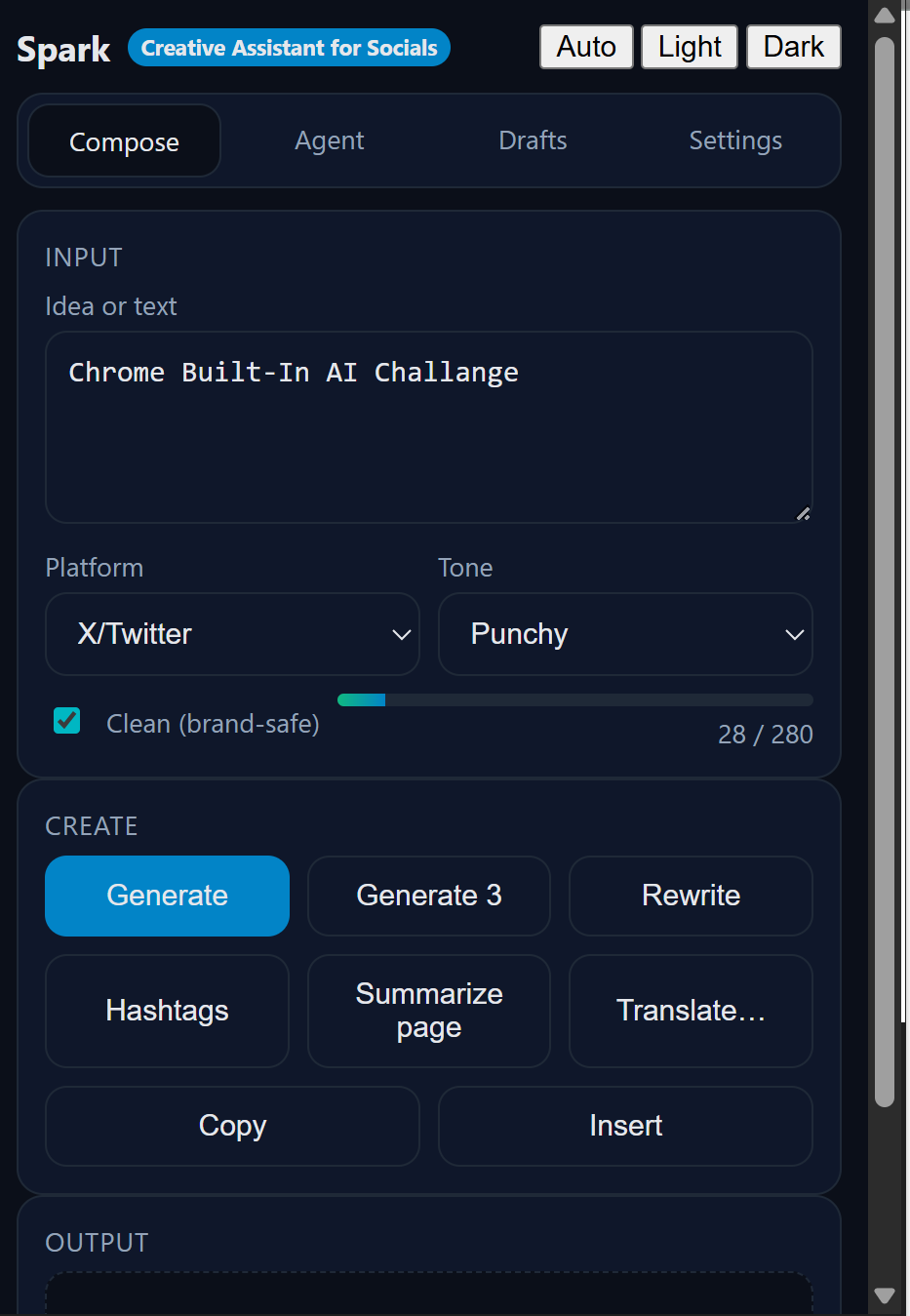
Initial Page
-
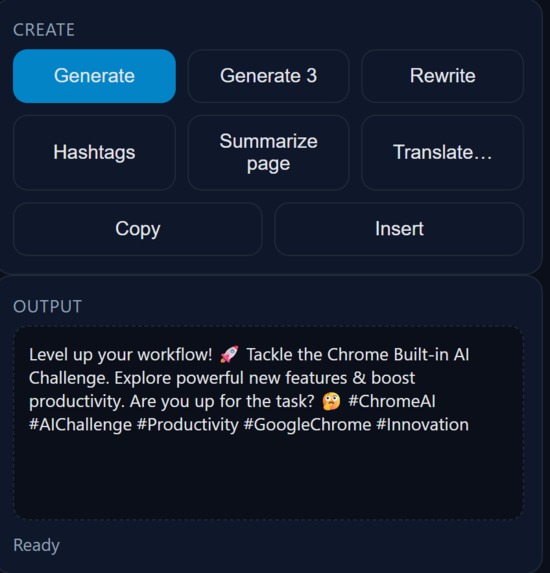
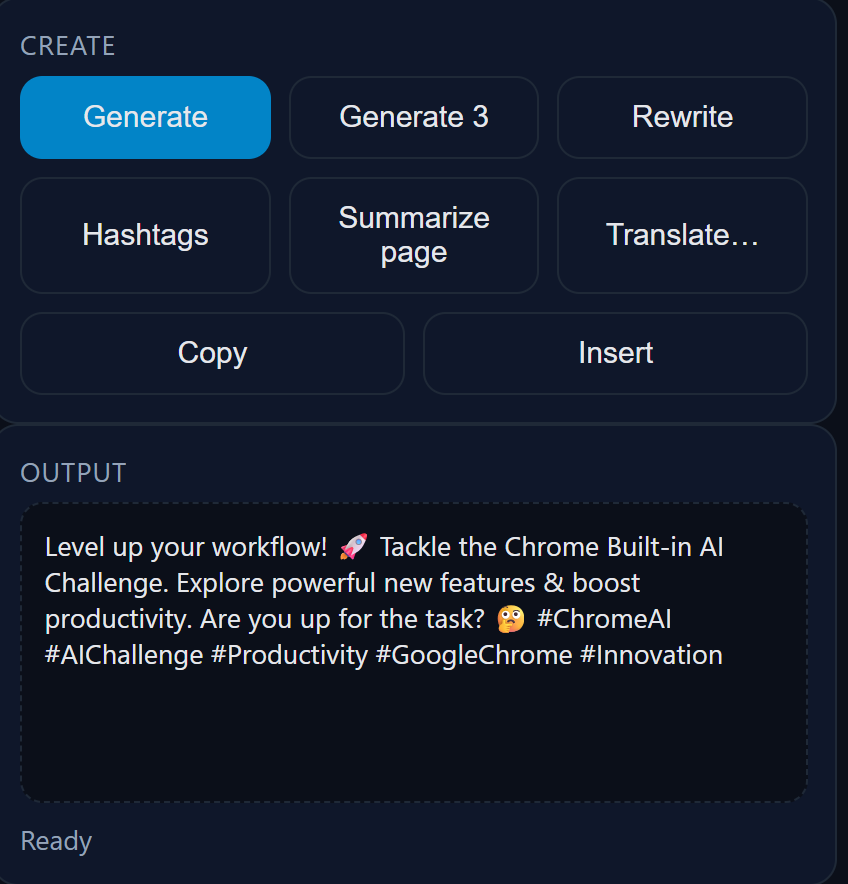
Generated Output
-
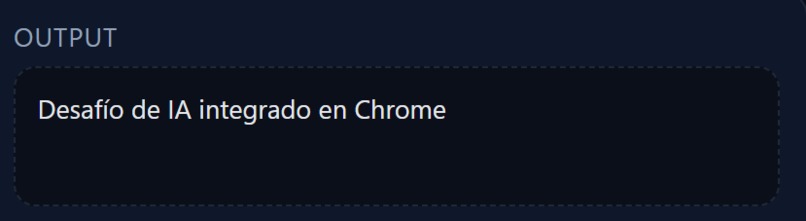
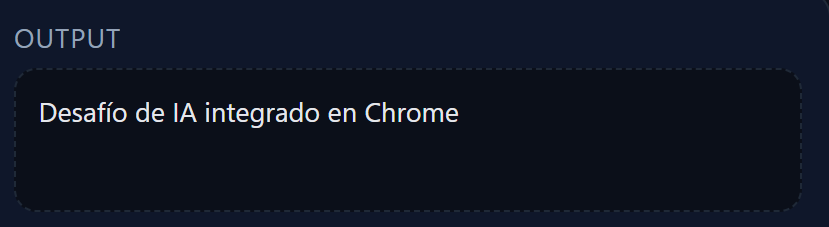
Translator
-
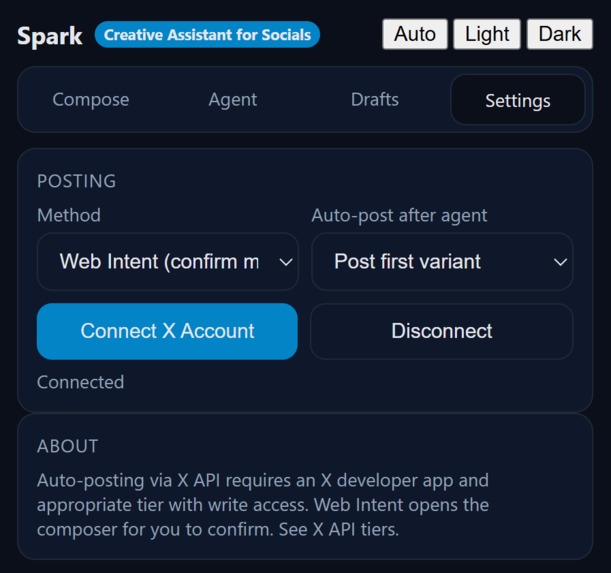
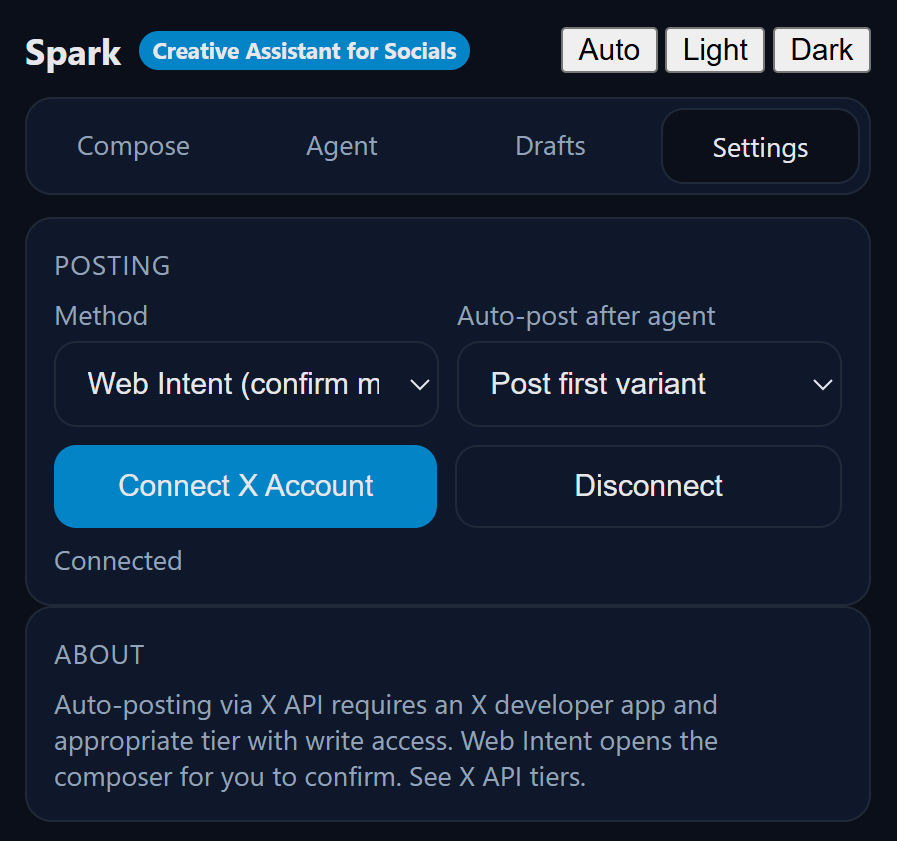
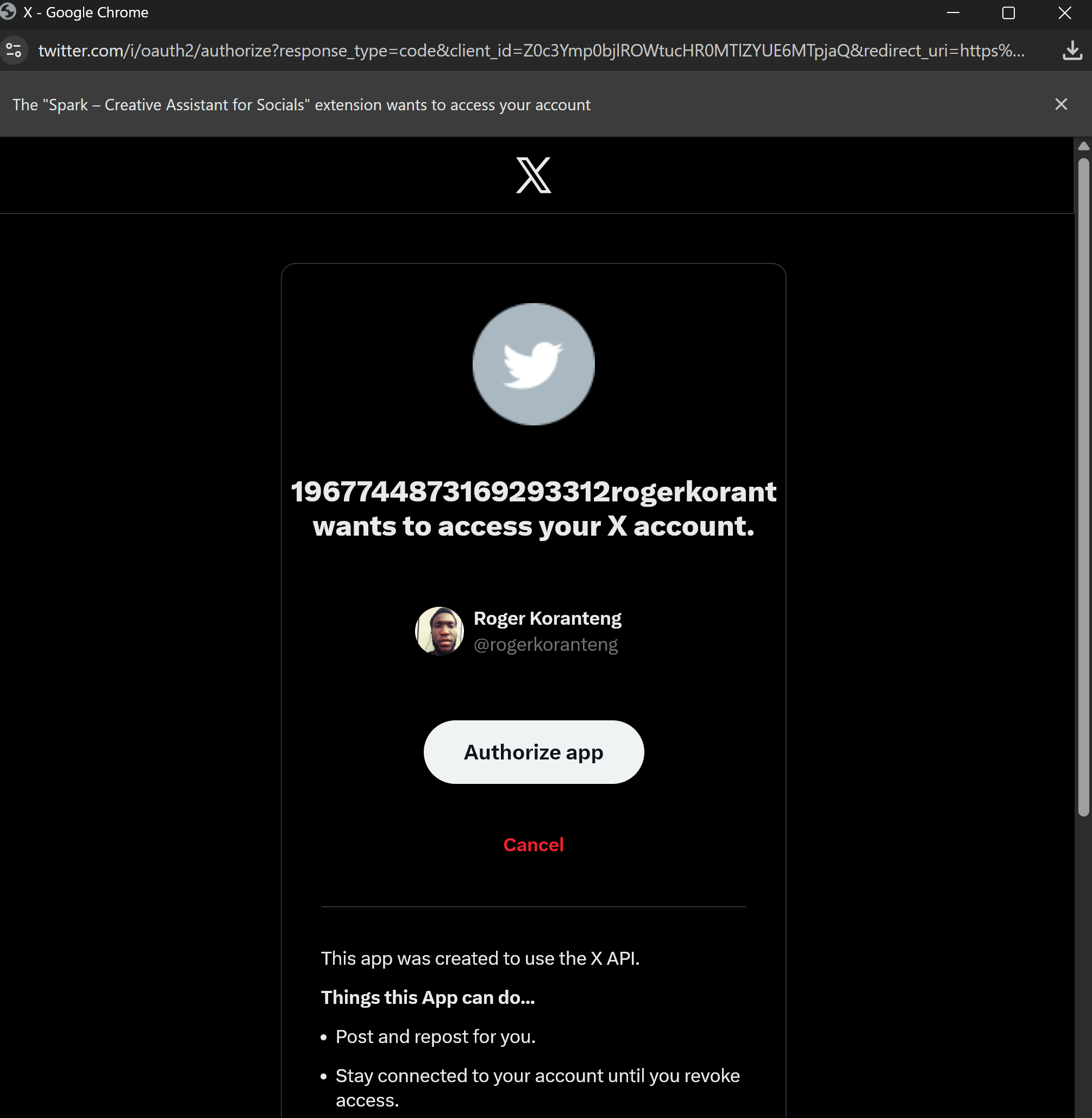
X Account Conncetion
-
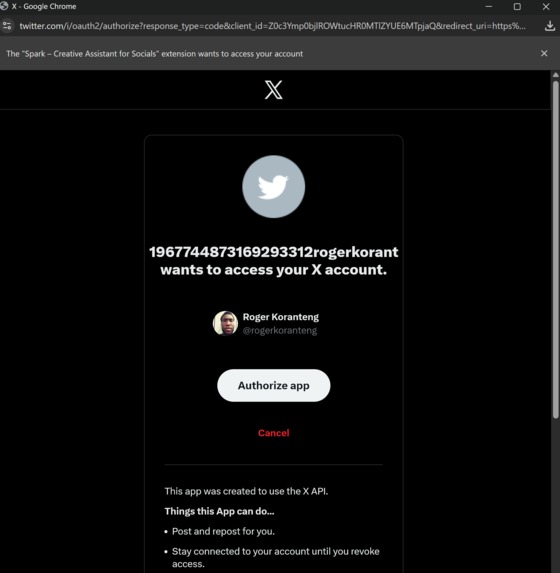
Confirm X Connection
-
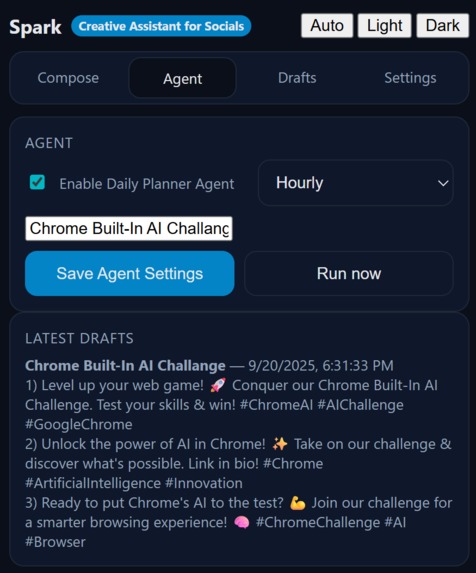
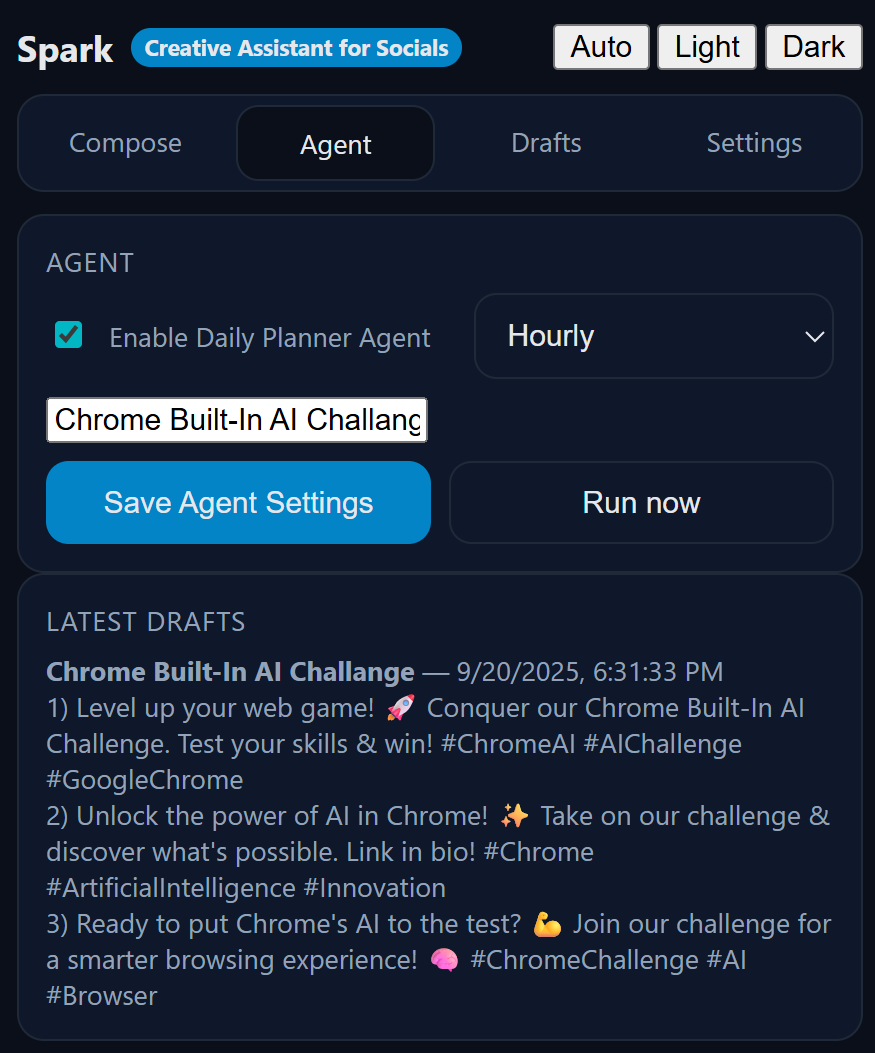
Agent UI & Settings
-
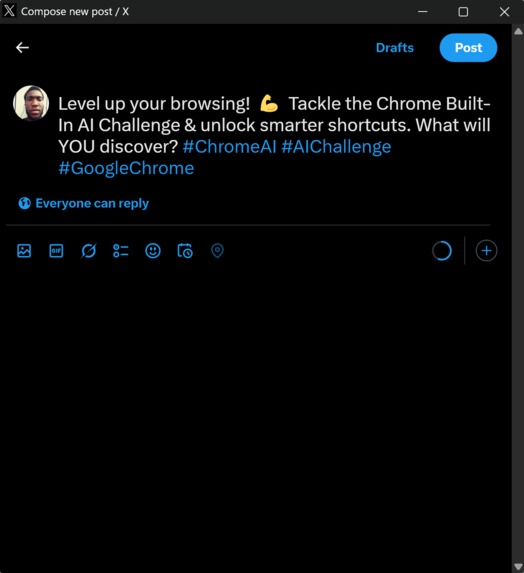
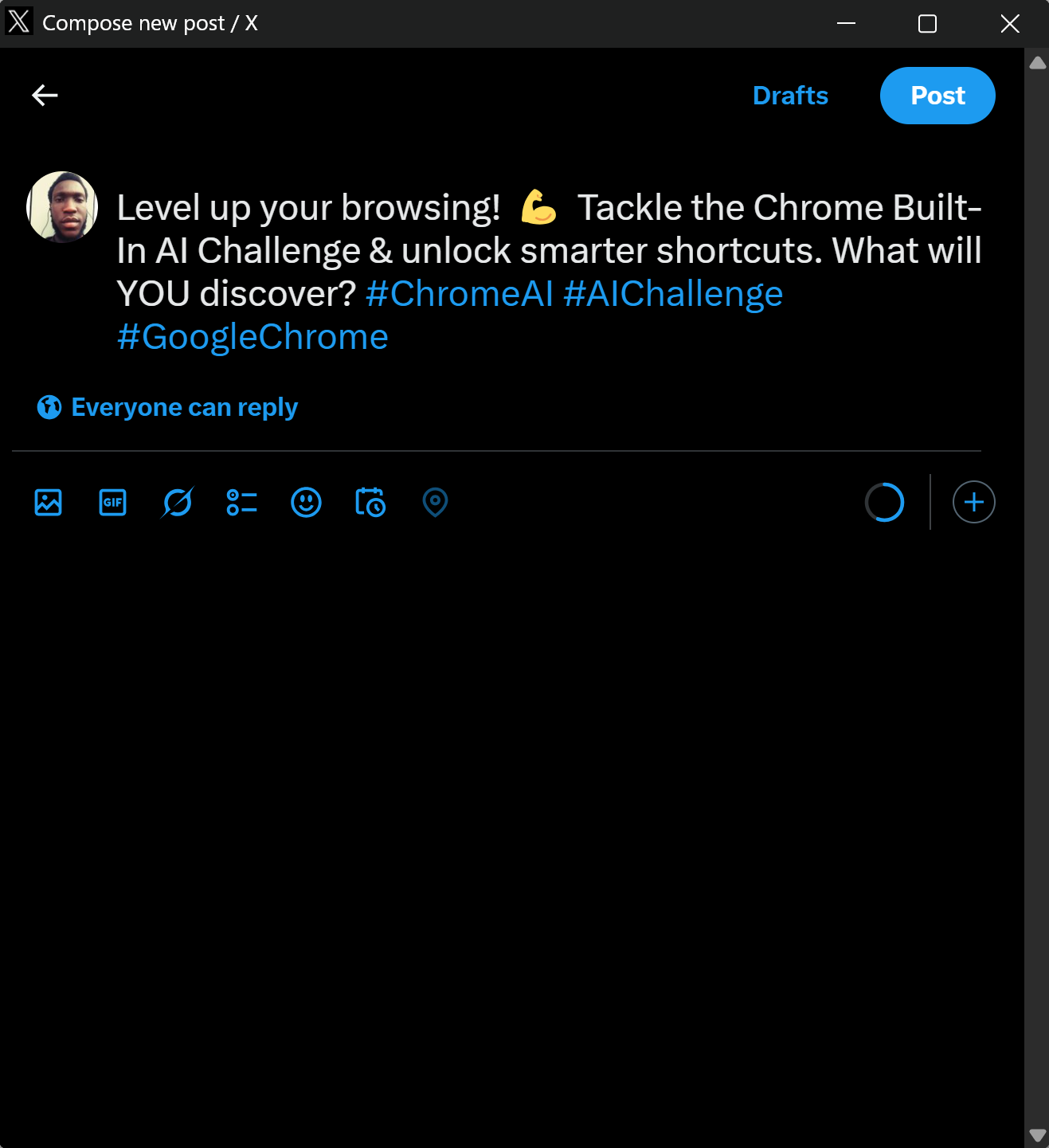
Auto Post to X
-
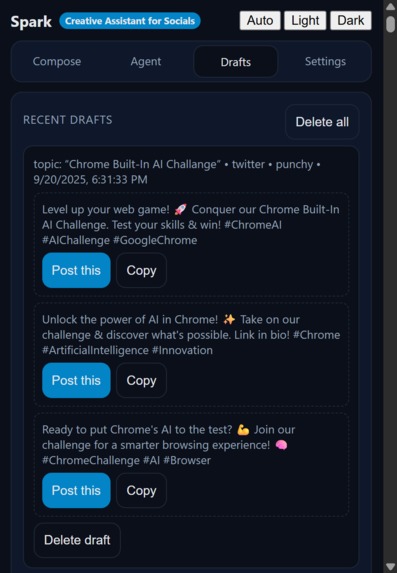
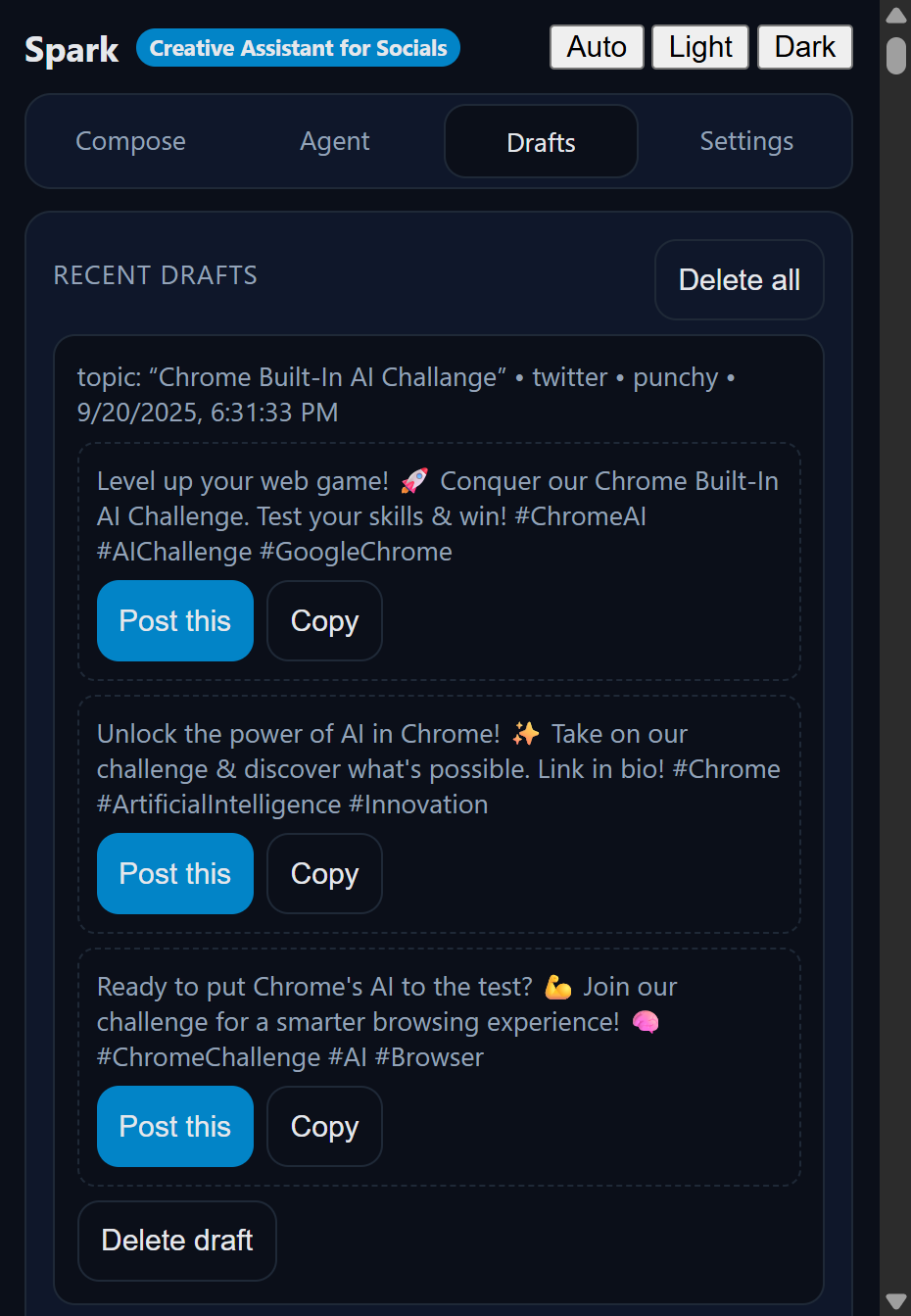
Draft Manager
Overview
Spark is a Chrome Extension powered by Google Chrome’s Built-in AI that helps creators, marketers, and everyday users generate, manage, and publish high-quality social media content directly in the browser.
Instead of juggling multiple AI tools, copy-pasting into drafts, or worrying about server costs, Spark runs fully client-side using Gemini Nano and Chrome AI APIs. This ensures fast, private, and offline-capable AI content creation right where users work: in the browser.
Problem It Solves
- Content fatigue: Social media creators struggle to consistently come up with engaging, on-brand posts.
- Workflow friction: Most tools require switching tabs, paying for cloud APIs, or copying text into publishing platforms.
- Privacy concerns: Sensitive campaign ideas often pass through external servers.
Spark solves this by delivering an always-available, privacy-preserving assistant inside Chrome that can brainstorm, rewrite, and auto-post content—all powered by local AI.
Features & Functionality
- Compose Assist: Enter an idea → Spark generates polished captions optimized for Twitter (X), LinkedIn, Instagram, or TikTok.
- Tone Control: Choose Punchy, Professional, Witty, or Concise tones.
- Brand-safe Mode: Toggle “Clean” to remove profanity or risky phrases.
- Variants: Generate 3 caption drafts at once, and pick the best with one click.
- Hashtag Generator: Context-aware hashtag suggestions.
- Summarizer: Summarize the active web page into a headline and teaser.
- Translator: Translate captions into multiple languages.
- Agent Mode: Schedule Spark to auto-generate fresh daily drafts for campaigns.
- Auto-Post: Seamless integration with Twitter (X)—post directly via API or Web Intent. Users can:
- Auto-post the first draft, or
- Get a notification to select which draft to publish.
- Auto-post the first draft, or
- Draft Management: Save, view, and delete drafts for reuse.
APIs & Chrome AI Used
- Prompt API → Generating captions, rewrites, hashtags.
- Summarizer API → Summarizing pages into social-ready content.
- Translator API → Translating captions to any target language.
- Proofreader/Rewriter API (optional use) → Ensuring grammar correctness and alternative phrasings.
- Local execution (Gemini Nano) → Offline availability, privacy, no server costs.
Why It’s Unique
- Runs entirely in Chrome (no external servers required).
- Combines multiple AI APIs into one smooth publishing workflow.
- Provides an Agent mode—a proactive AI assistant that prepares daily drafts, not just reactive prompts.
- Gives users choice of automation: full auto-post, semi-auto (pick a draft), or manual copy-paste.
Demo Flow
- User installs Spark extension.
- In the popup, they enter a campaign idea: “Tips for studying AI as a student”.
- Spark instantly generates 3 clean, punchy Twitter captions.
- User clicks Pick #2 → Post, and it opens Twitter composer (or posts directly via API if connected).
- Agent runs daily to auto-suggest new drafts, saving them in the Drafts tab.
Impact
- Creators → Save hours brainstorming and editing.
- Marketers → Automate daily campaign drafts while staying in control.
- Students & individuals → Express themselves online without writing anxiety.
- Enterprises → Safer AI use because data never leaves the browser.
Tech & Open Source
- Frontend: Chrome Extension (Manifest V3).
- AI: Chrome Built-in AI APIs (Prompt API, Summarizer, Translator).
- Optional: Secure proxy for X API token exchange.
- Code: Fully open-sourced on GitHub with instructions for building, testing, and connecting Twitter API.
With Spark, we’re giving the Web a brain boost—making AI-powered content creation accessible, private, and seamless for anyone who posts online.

Log in or sign up for Devpost to join the conversation.