-
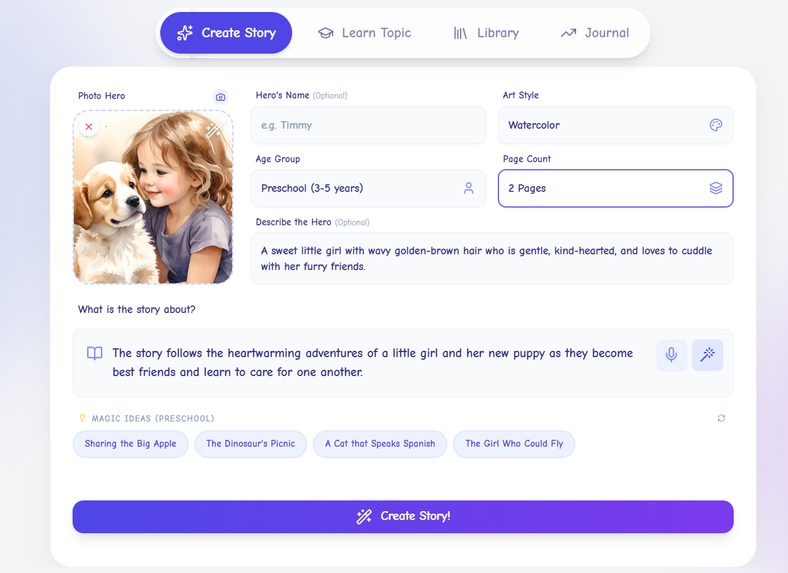
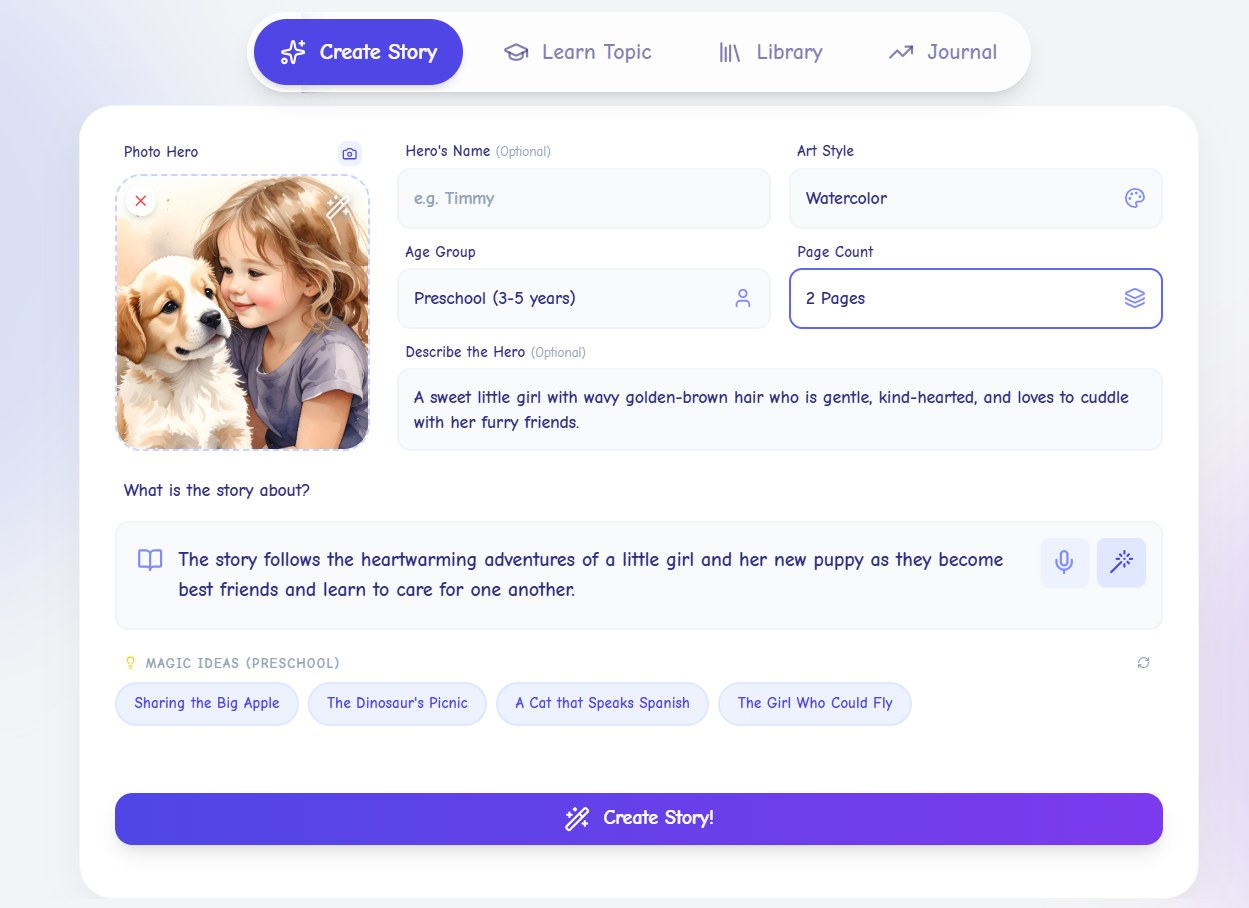
Story Creation
-
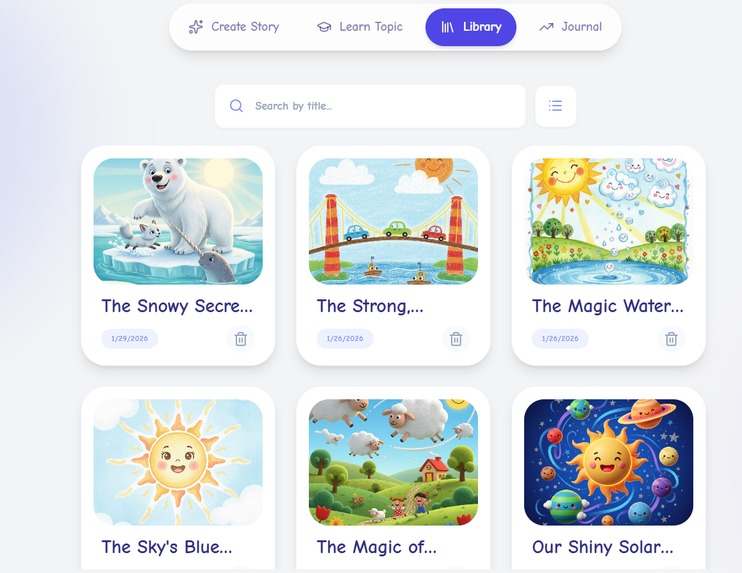
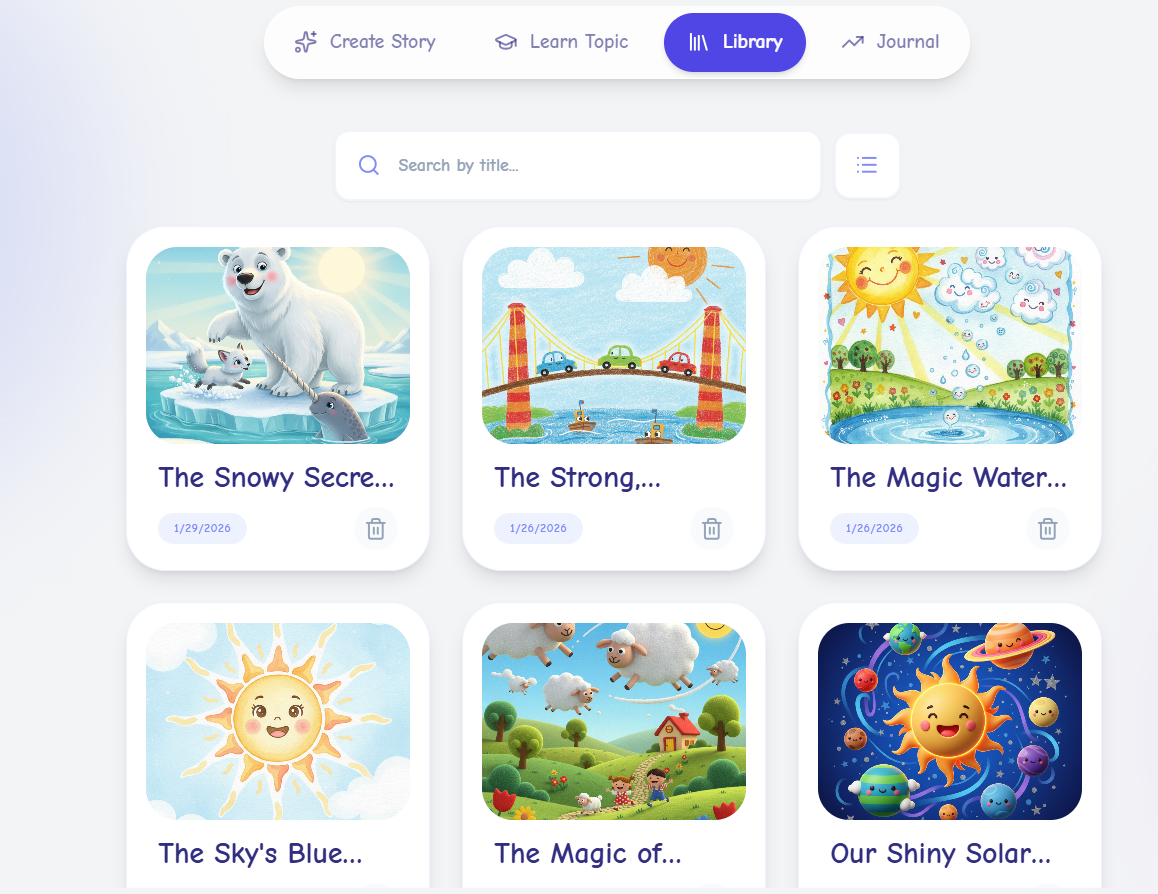
Library Grid
-
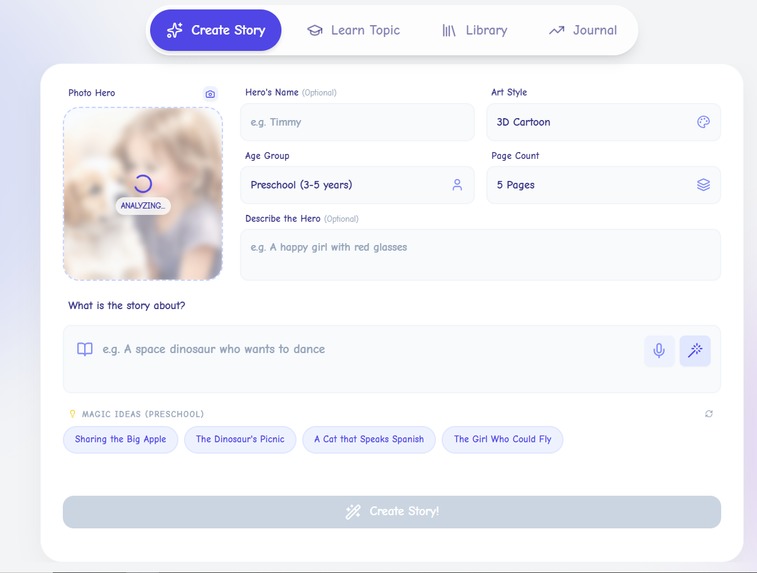
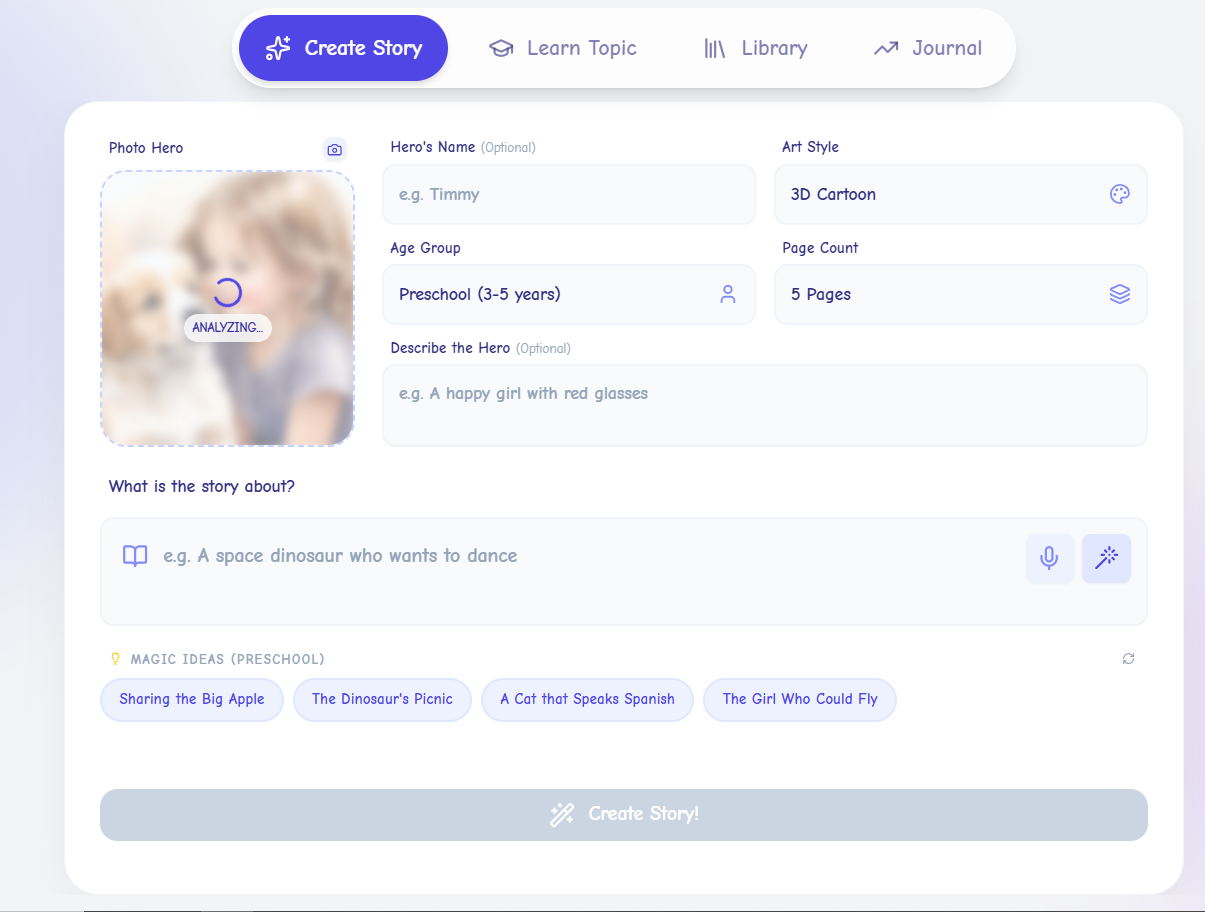
Image Analysis
-
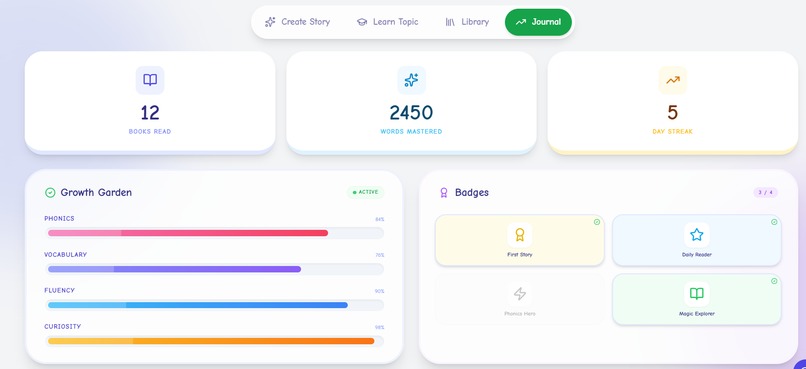
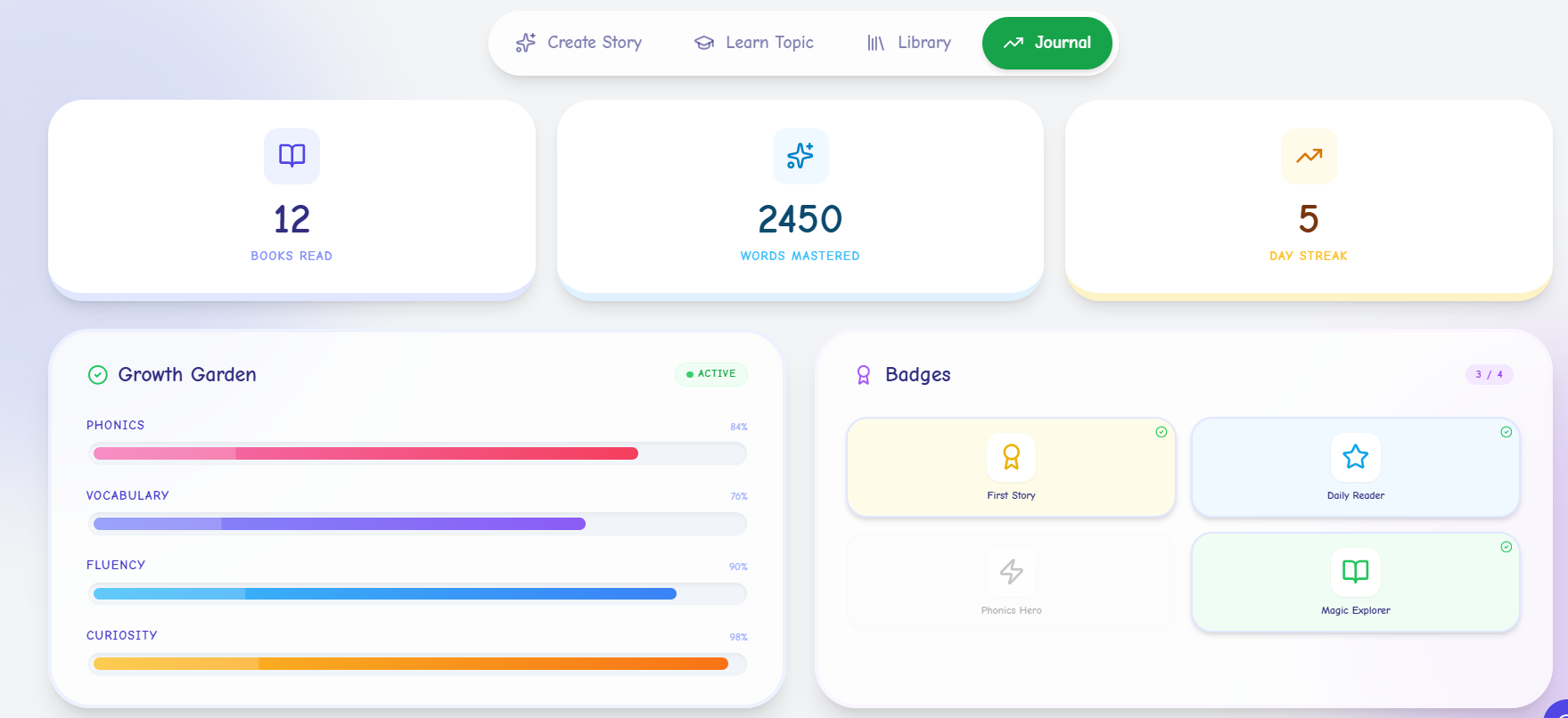
Journal
-
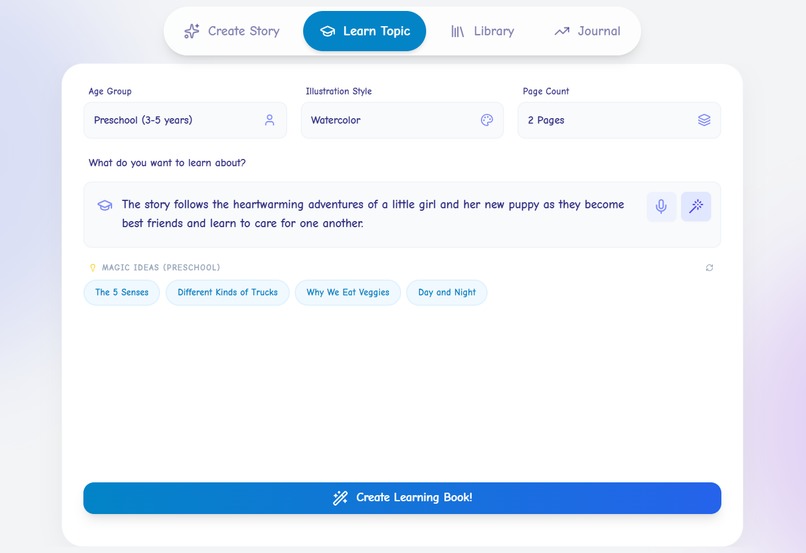
-
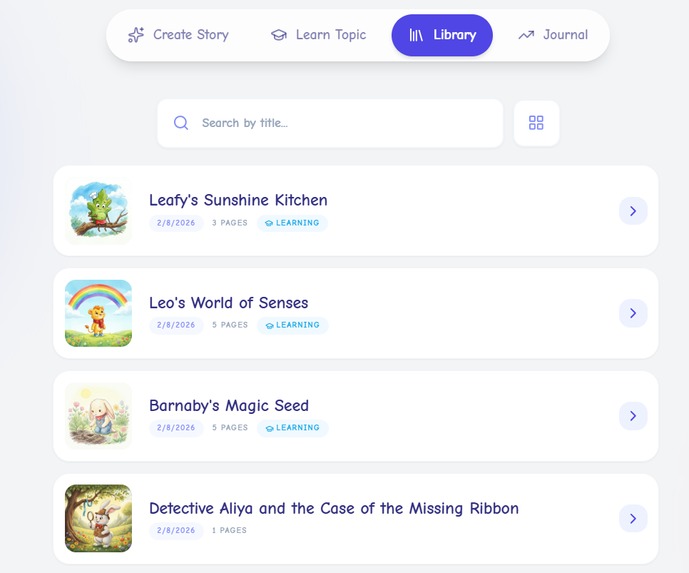
Library List
-
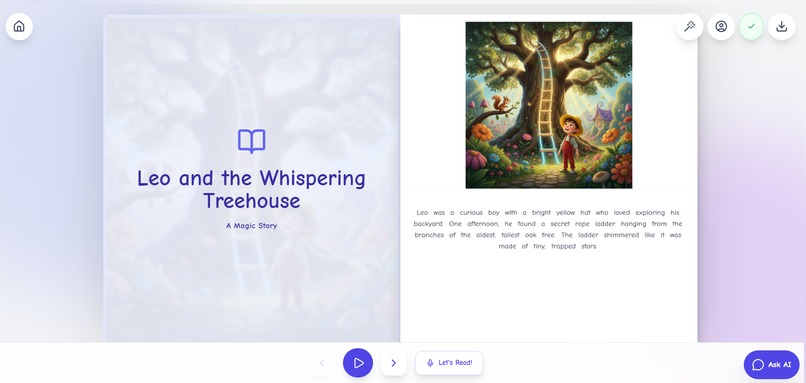
Open book format
-
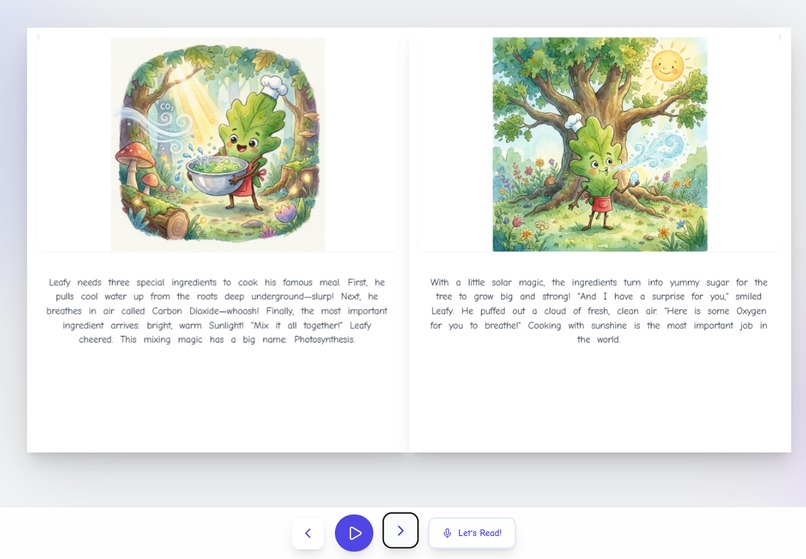
Consistent look and feel
-
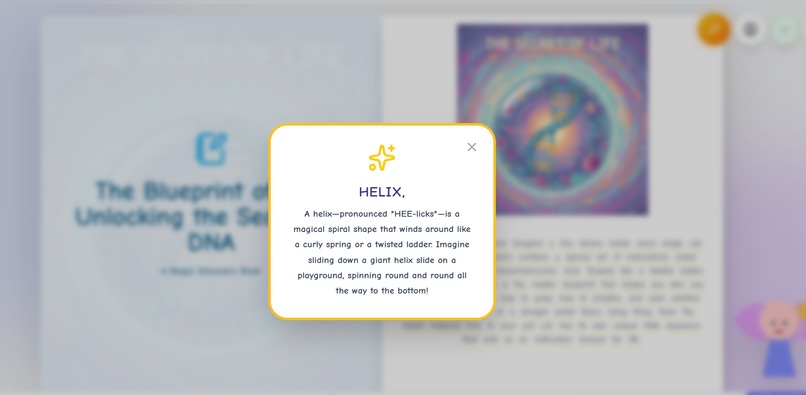
Meaning
-
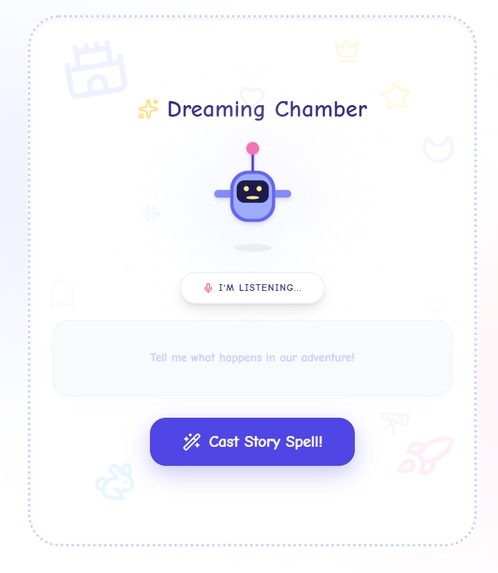
Brainstorm Ideas
-
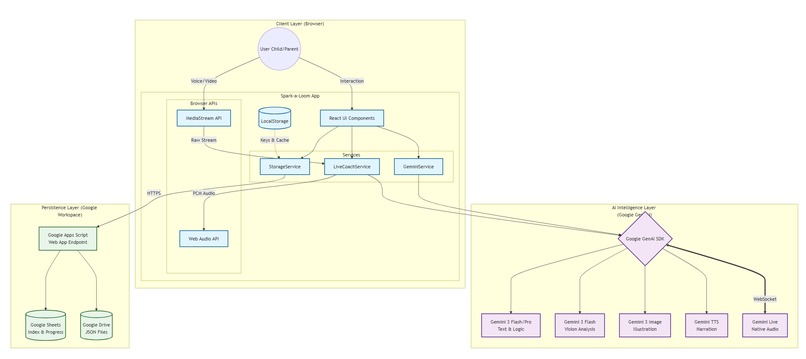
Architecture Diagram
-
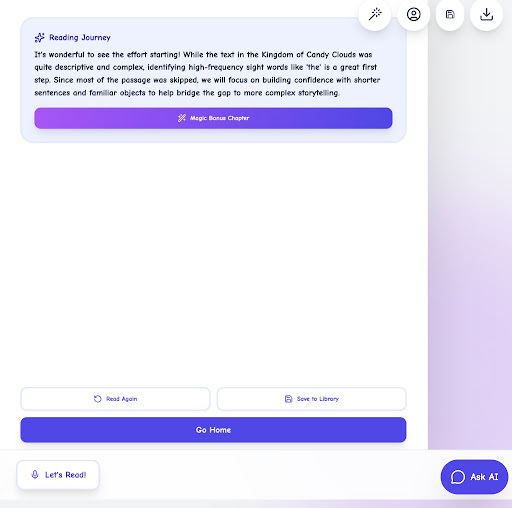
Report
Inspiration
Spark-a-Loom was born from a vision: “What if multimodal AI could transform reading practice into a magical, personalized storytelling journey?”
Millions of children struggle with reading confidence, while parents and teachers often lack the time for the personalized, one-on-one support they need. Traditional apps offer static stories that fail to adapt to a child’s unique pace or interests.
Spark-a-Loom changes this. Powered by Gemini 3’s multimodal reasoning, it merges instant story generation, AI-guided reading, and interactive vocabulary exploration into a single creative experience.
Its impact is intentionally wide-reaching: Parents: Access an adaptive reading companion that grows with their child. Teachers: Gain a classroom tool that supports practice without increasing workload. ESL Learners: Benefit from real-time pronunciation hints and multilingual support. Children: Experience reading not as homework, but as an adventure starring themselves if they like.
Running entirely in the browser for global accessibility, Spark-a-Loom fills a critical educational gap by offering a level of immersion and flexibility traditional tools simply cannot match.
What it does
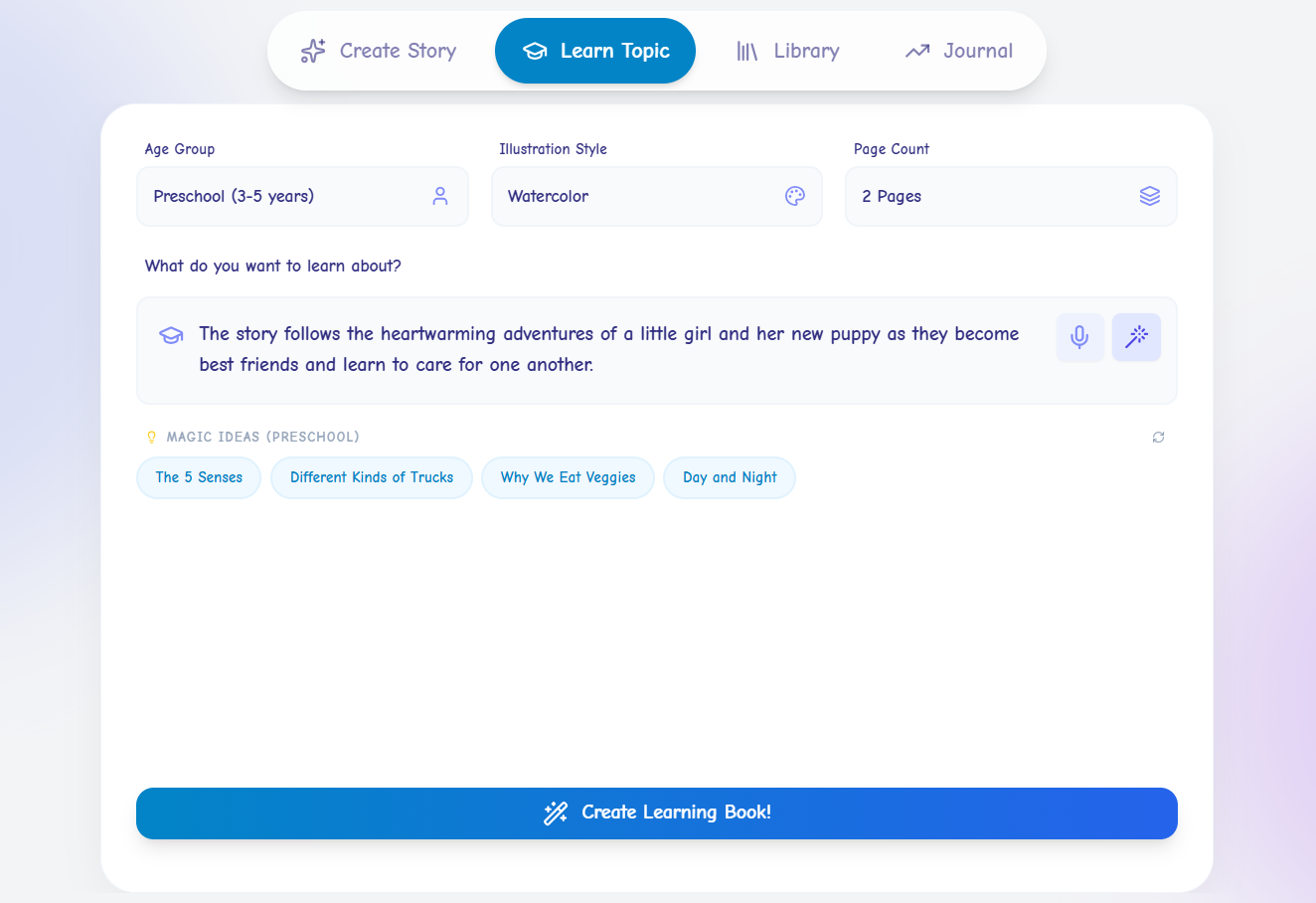
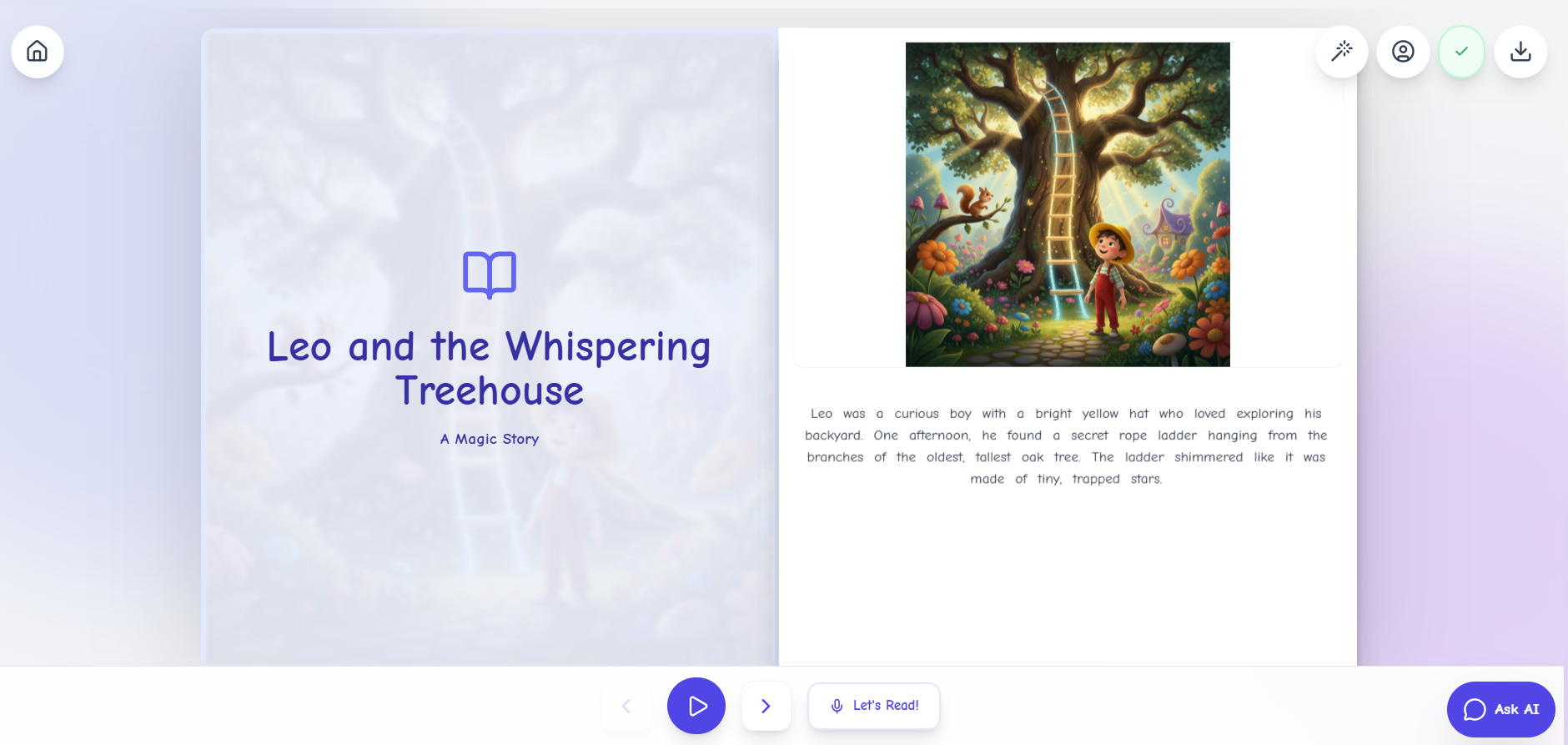
Spark-a-Loom is an interactive, multimodal and multilingual story engine that helps children read, imagine, and learn through play.
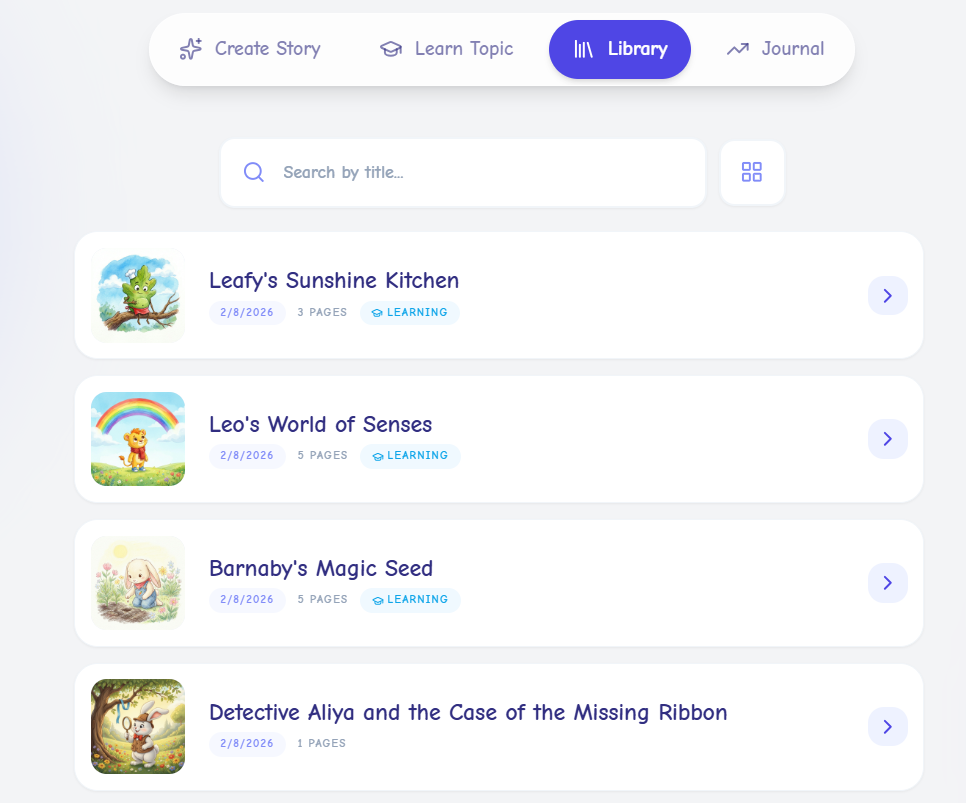
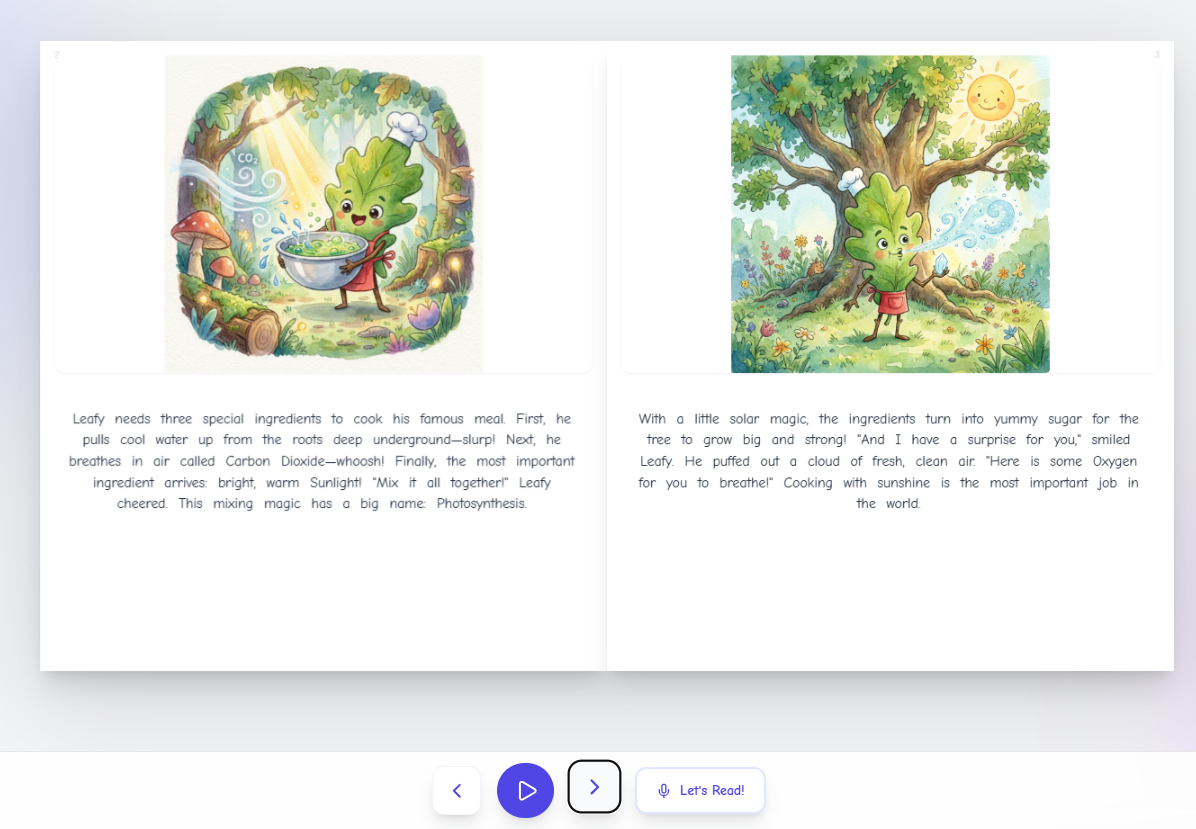
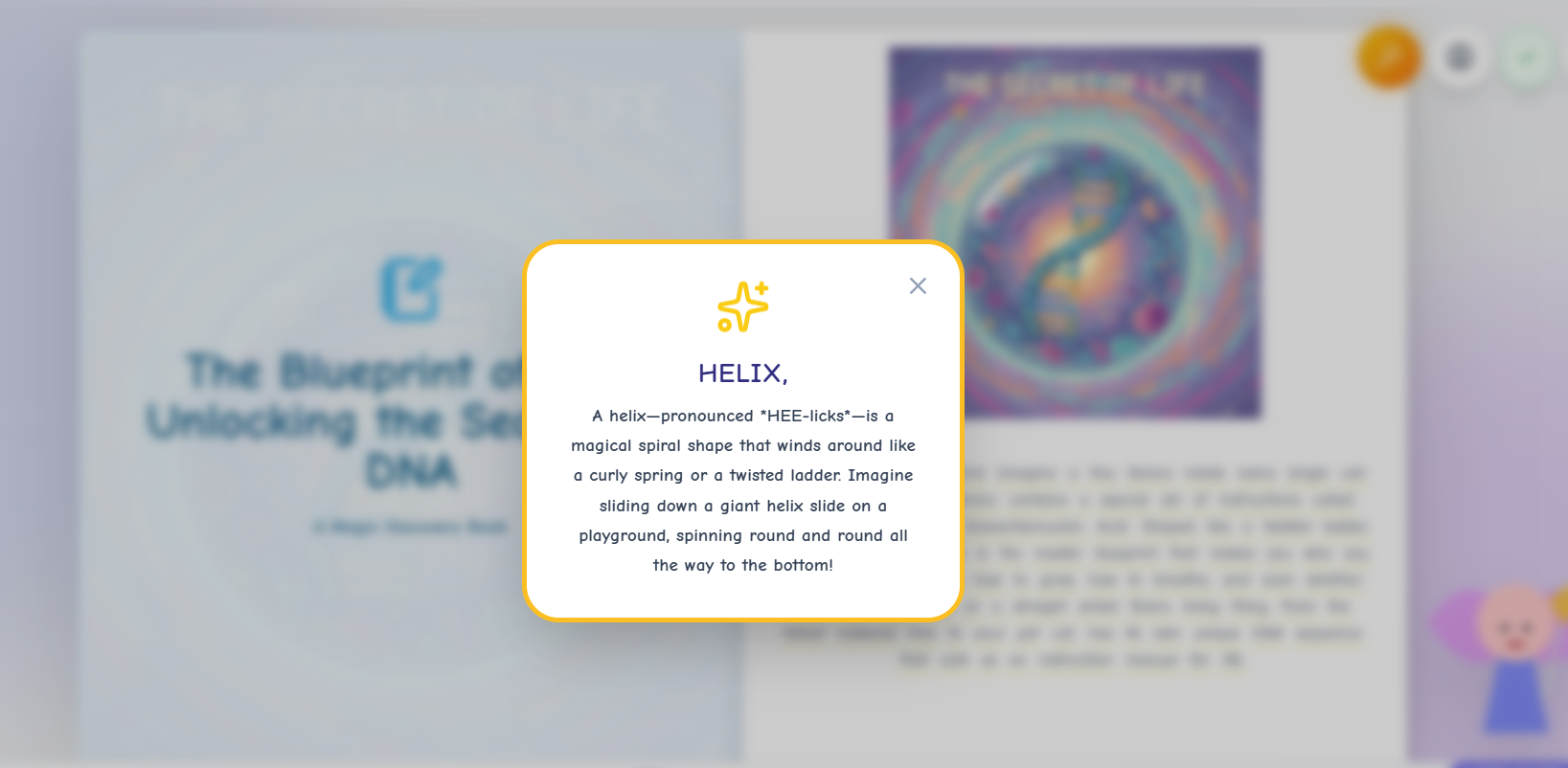
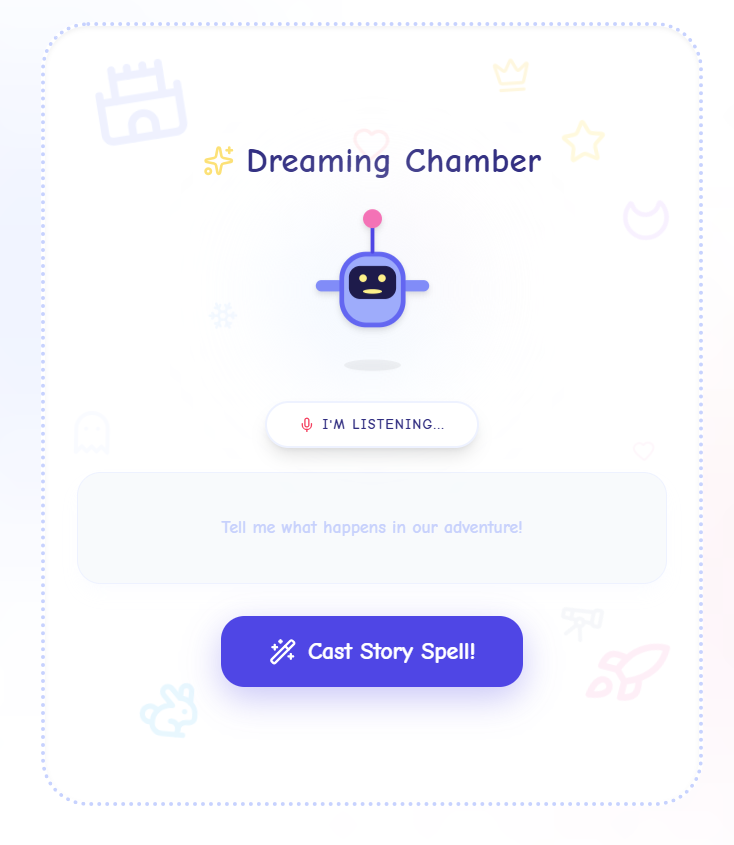
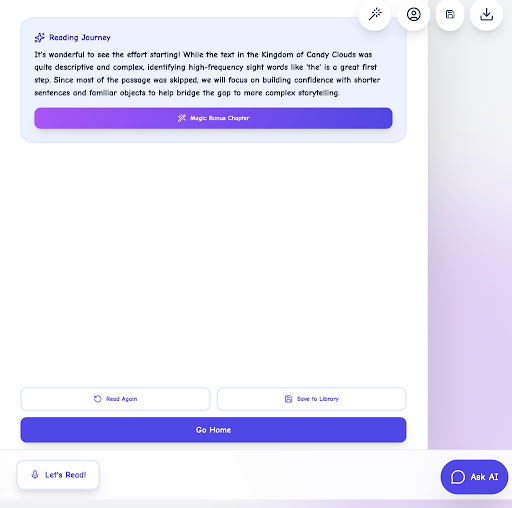
Key features include: Instant Story Generation tailored to age, topic, and reading level. Photo Hero Integration, inserting the child’s face into illustrations for more personalized experience. Kid Reading Mode that highlights each word as the child reads and visually marks whether they said it correctly - turning reading practice into an interactive, confidence-building experience. Real-Time Reading Coach using Gemini Live to detect hesitations and offer gentle, Socratic hints. Dreaming Chamber, a voice-driven brainstorming room with a fun persona to help kids shape their ideas. Magic Wand Word Explorer, where every word can be tapped for pronunciation, definitions, and example sentences. PDF Story Download, allowing families and teachers to save or print personalized storybooks to read offline or take into the classroom. Gamified Learning Journal tracking vocabulary and reading streaks.
Spark-a-Loom transforms passive reading into an immersive experience where imagination and learning weave together.
How we built it
Spark-a-Loom was built as a cloud-first application orchestrating multiple Gemini 3 capabilities. It was built using Google AI Studio:
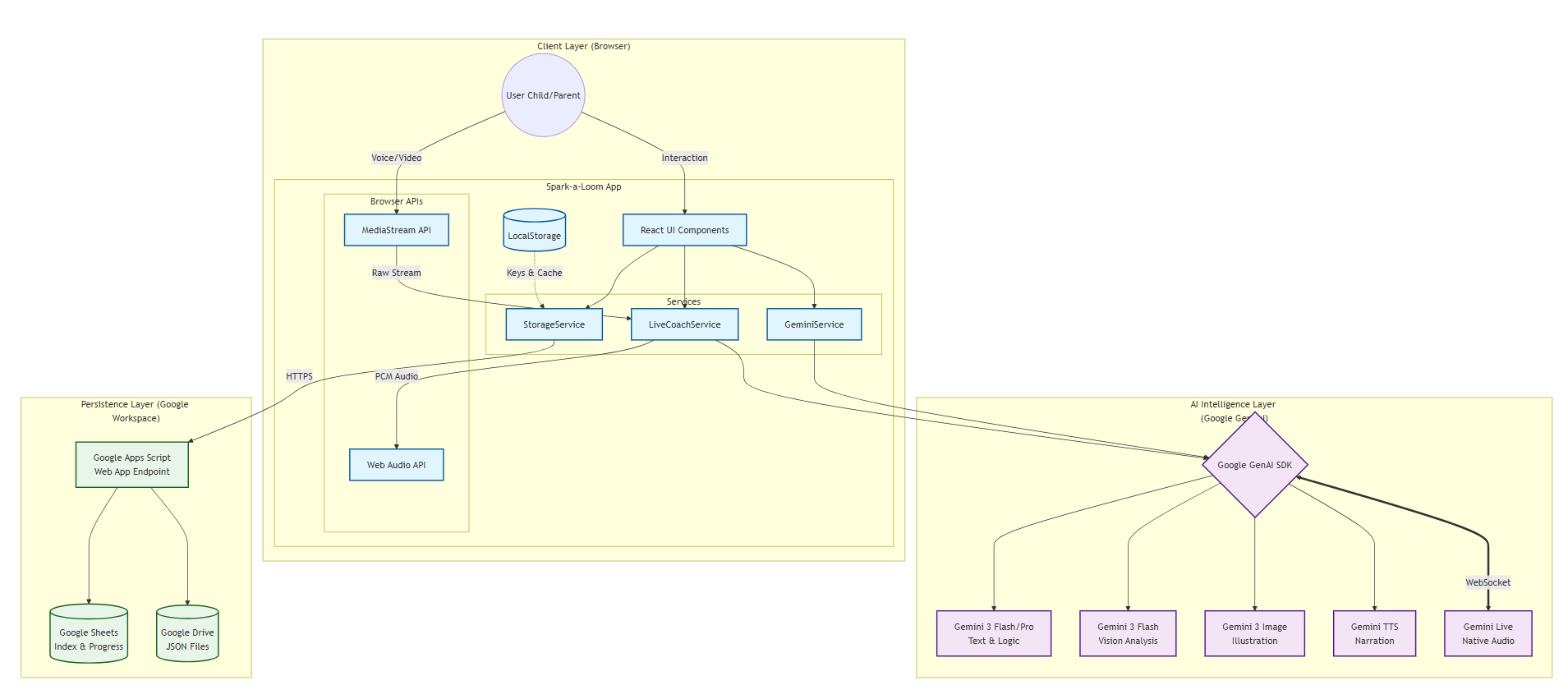
Frontend: React + Tailwind for a playful, accessible, mobile-first UI. Backend: Node.js/Express coordinating multimodal prompts and model calls. Backend (Persistence): Serverless Google Apps Script (Web App) acting as the bridge for data operations. Storage & Database:" Google Sheets for metadata/indexing and Google Drive for long-form Story JSON storage. **Story Generation: Gemini 3 Pro/Flash for plot structure, age-level vocabulary, and character consistency. Illustration Engine: Gemini 3 Pro/Flash Image for Image generation pipeline ensuring the child’s likeness is consistent across pages. Vision Integration: Gemini 3 Pro/Flash for analyzing uploaded photos or live camera input via the MediaStream API. Live Reading Coach: Gemini 3 Pro/Flash Live analyzes audio streams in real time, detecting reading struggles and generating supportive hints.
AI Studio’s Build tab accelerated development, but required careful oversight to revert unrequested auto-modifications.
Challenges we ran into
Code Regression & Layout Drift: AI Studio occasionally rewrote entire layouts when only minor tweaks were requested, leading to frustrating UI breakages. This was solved by adopting a "Prompts as Code" workflow involving GitHub version control and hyper-specific, isolated prompts that strictly limit changes to single components.
The "Robotic" Audio Barrier: Relying solely on a voice stream felt cold and mechanical, making the reading experience feel like a static tool. The solution involved developing an animated Coach Avatar with real-time lip-syncing and blinking; by visually anchoring the Gemini Live audio, the interaction transformed into a lifelike, engaging companionship for the child.
Latency and Scalability Constraints: Utilizing a Google Apps Script bridge allowed the app to use Google Sheets as a "transparent backend," offering a cost-effective and familiar interface for initial data management. While this provided immediate accessibility, the synchronous nature of spreadsheet writes introduced noticeable slowness. Future enhancements involve migrating to a high-performance environment like Firebase to eliminate these inherent delays and support real-time user interactions at scale.
Safety & Multimodal Coordination: Synchronizing text, images, and audio while maintaining strict age-appropriateness can lead to narrative "hallucinations" or disjointed content. This was addressed by treating the Story JSON as the definitive "Source of Truth," ensuring all modalities remain perfectly aligned and anchored to a safe, uplifting, and kid-friendly script.
Deployment Refresh Issues: Changes made via the AI Studio integration sometimes failed to sync with the live web app, leaving the deployment stuck on old code. To bypass this, had to copy the app and deployed from copied version.
Gemini model unavailability: Occasional “Model Unavailability” errors slowed down testing cycles, but they highlighted the importance of planning for reliability. These moments shaped future design decisions, such as adding retry logic and offline fallbacks, to ensure smoother development and a more dependable user experience moving forward.
Accomplishments that we're proud of
This "Safe-by-Design" platform utilizes high-sensitivity content filters to protect young users during every interaction. A complete end-to-end story engine where kids can brainstorm, generate, illustrate, and read - all inside the browser. Real-time reading guidance that feels supportive without revealing answers. Multilingual expansion powered by Gemini 3, opening doors for ESL learners. A polished, child-friendly UI built in a short hackathon timeline.
What we learned
Multimodal AI creates deeper engagement but comes with trade-offs. Combining text, voice, and images produces rich, interactive experiences that are more engaging than text-only systems. However, it also increases system complexity, latency, and coordination requirements. Building a smooth pipeline requires careful orchestration of model outputs, latency management, and consistent state across modalities.
AI Studio is powerful but needs supervision. It can auto-modify prompts or code in ways not intended. Regular review, restoration of intended behavior, and version control are essential to maintain system stability. Also at times, it is very slow, make simple changes manually if you know what to change.
Vibe-driven coding accelerates experimentation but requires careful review. Rapid, “vibe-first” iterations enable fast prototyping, but without clear specifications, inconsistencies or unintended behavior can occur. Balancing experimentation with structured planning is critical.
Thorough testing and validation are essential for reliability. Multimodal features, real-time audio processing, and AI-generated outputs require continuous testing to ensure performance, correctness, and consistent user experience. Automated tests, edge-case scenarios, and repeated validation across devices and languages are necessary for robustness.
What's next for Spark-a-Loom
Dynamic Multimodal Story Companion: An AI agent that interacts with the child throughout the story, not just passively generating content. It can respond to questions, play mini-games tied to the plot and even adjust illustrations, dialogue or challenges on the fly based on the child’s engagement and performance. This creates a living, adaptive story experience where the book reacts to the reader like a playful, personalized learning partner.
Collaborative Story Worlds: A shared creative space where multiple children can co-author stories together. Each participant can contribute characters, plot ideas, or illustrations, fostering teamwork, creativity, and peer learning while still maintaining personalized AI guidance for reading and comprehension.
AR Story Mode: Augmented reality experiences that bring story characters and scenes into the physical environment. Children can see their “Photo Hero” characters come to life on their desk or room, interact with elements of the story, and deepen engagement with both reading and imaginative play.
Built With
- accessible
- ai-studio
- gemini
- google-apps-script
- google-drive
- googlesheets
- node.js/express
- react
- tailwind


Log in or sign up for Devpost to join the conversation.