Inspiration
3D work belongs in the 3D world. Everyone who designs physical things, engineers, makers, hobbyists, fabricators, people with a 3D printer, does it the same way: a 3D model on a flat screen, turned around and imagined at full size. A headset can do better. The part can sit on the desk at its real size, next to the thing it has to fit, in your hands. A mechanism can be moved by hand to see whether it works. There was no parametric CAD on Quest for real work, with sketches, dimensions, constraints, a feature history and a STEP file at the end, so I built one.
What it does
SpaceSuit CAD is a full parametric modeler that runs standalone on Quest 3, hands first.
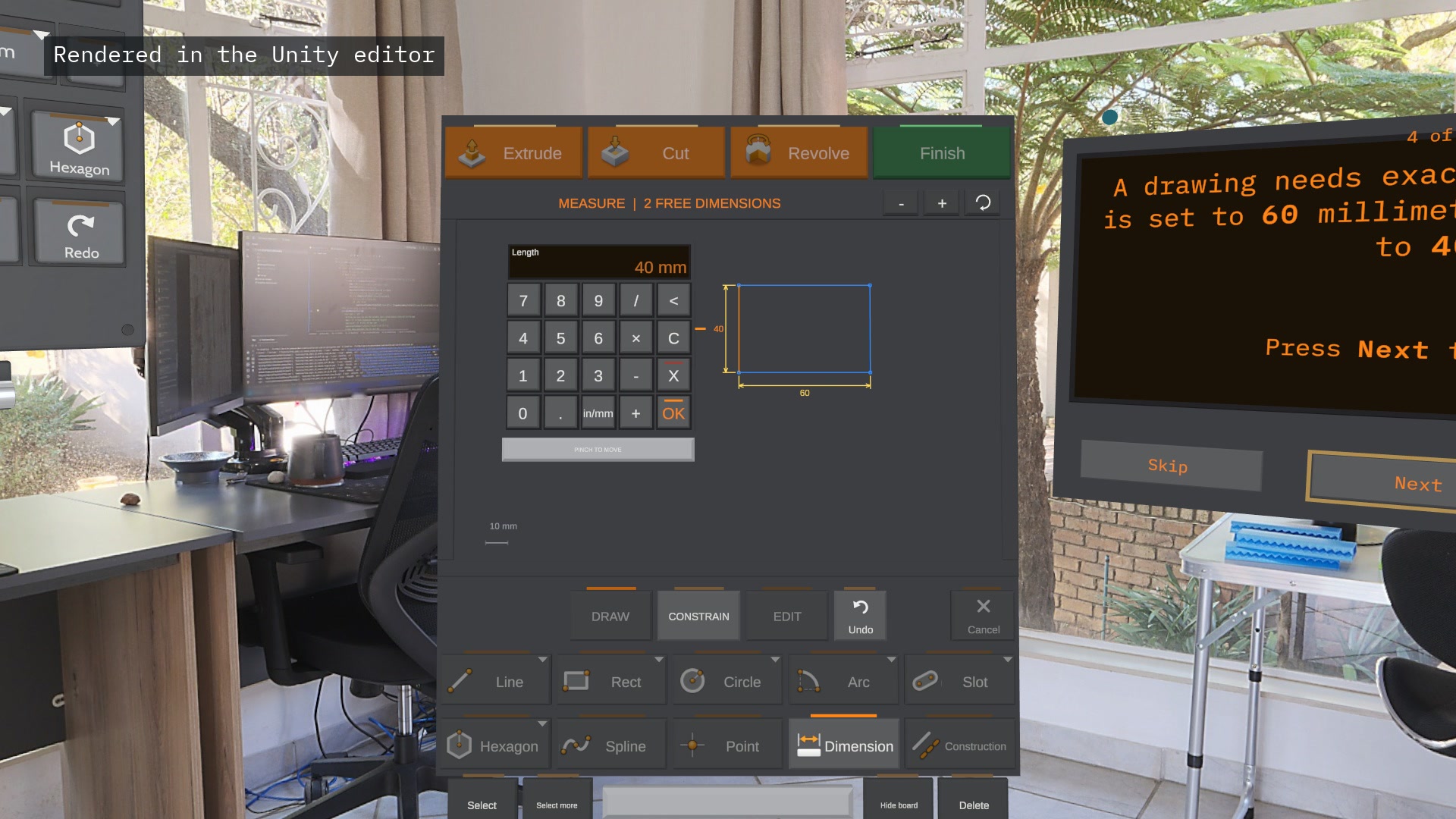
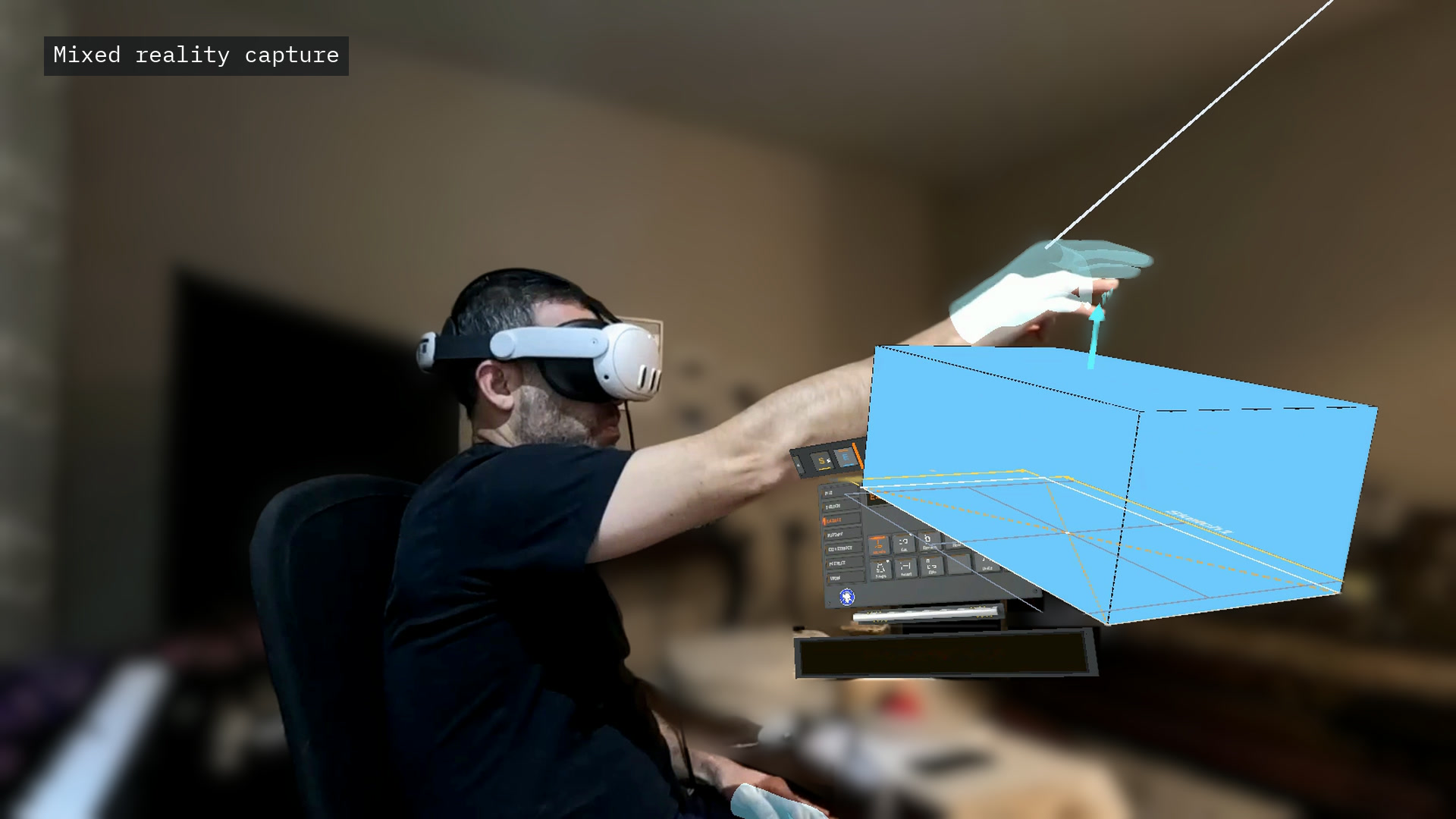
- Sketch on any plane or face, on a drawing board that opens where you work: lines, rectangles, circles, arcs, slots, splines; dimensions typed on a keypad; constraints.
- Features in a timeline you can go back and change: extrude, revolve, loft, sweep, rib, cut, hole, shell, draft, fillet, chamfer, linear and circular patterns, mirror. Change one dimension and everything after it rebuilds, on a background thread so the headset keeps its frame rate.
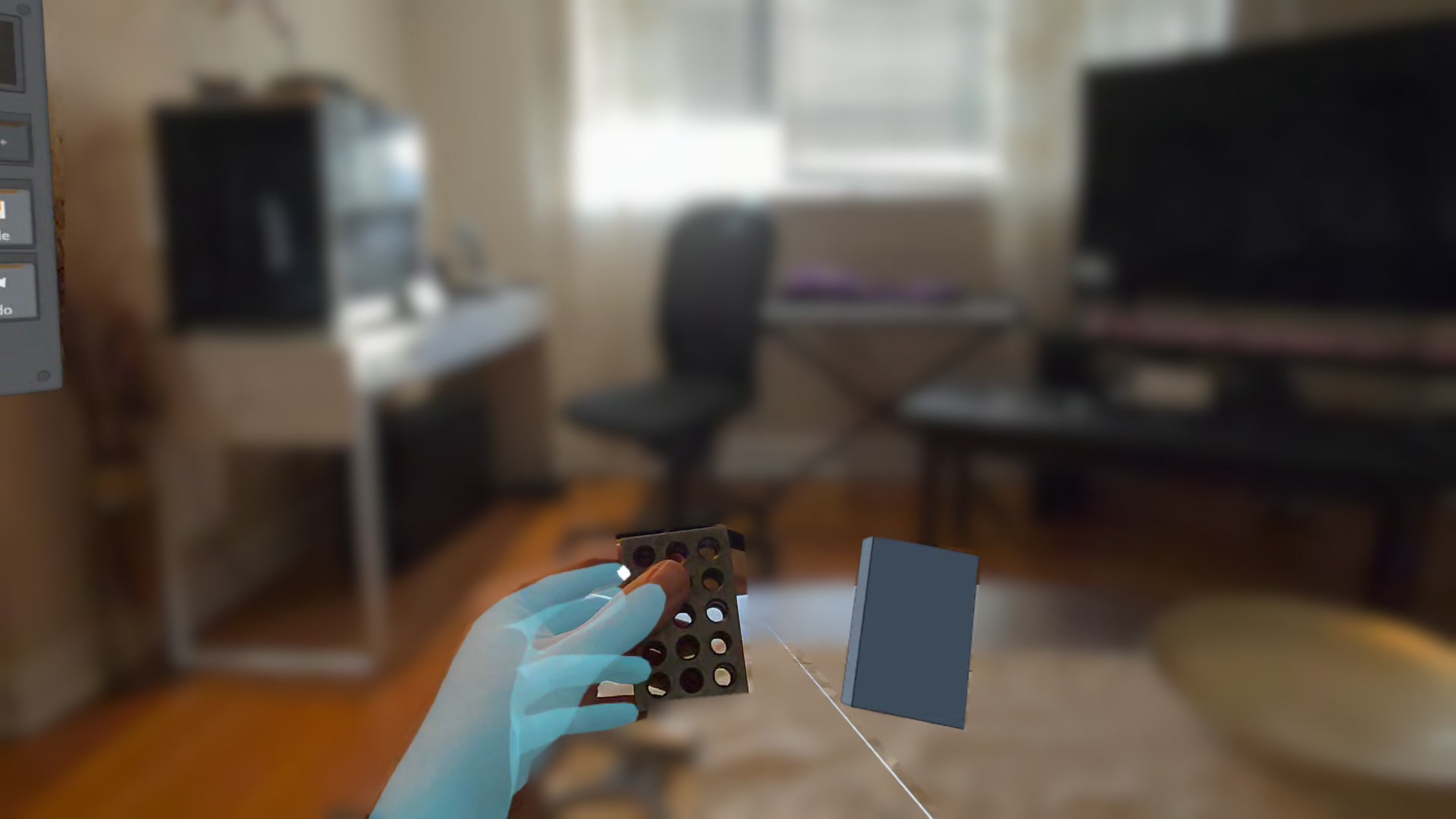
- Real size, real room: bring the part to 1:1 and hold it against the real thing. Room planes and spatial anchors keep the work where you left it between sessions, in passthrough.
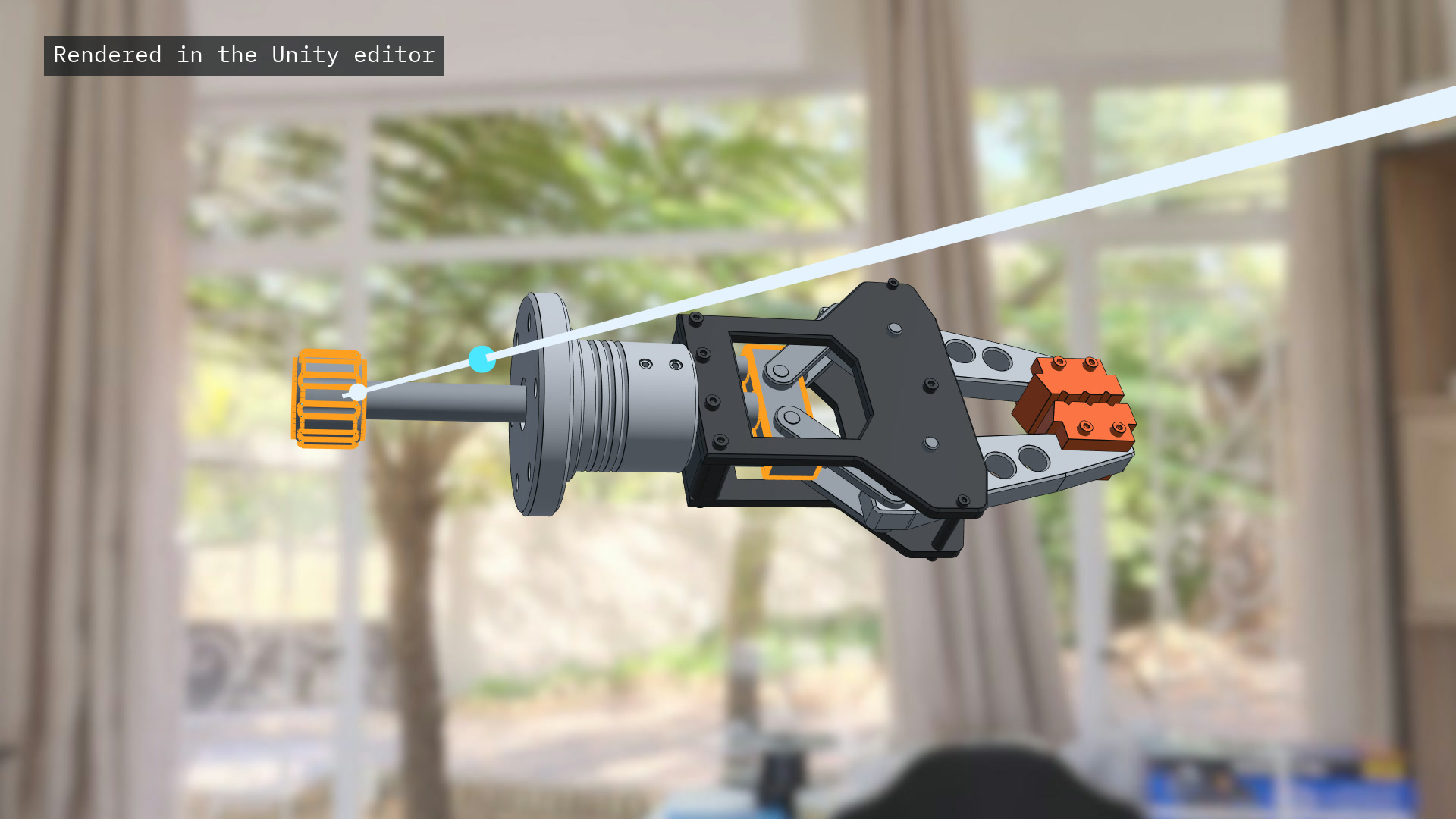
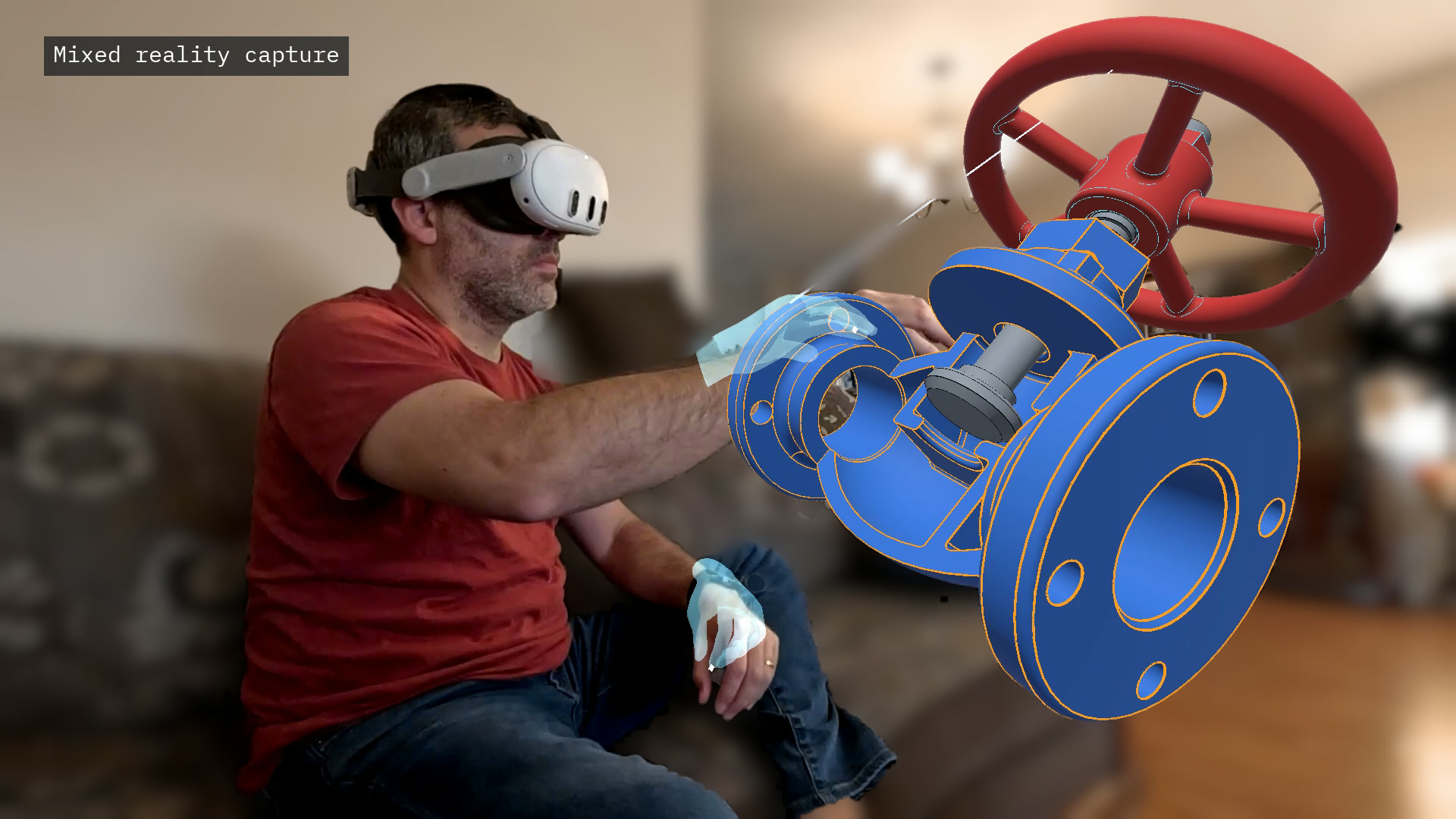
- Assemblies you move by hand: mates (coincident, concentric, distance, angle, tangent, width, lock), so a mechanism moves as it would; collision that stops a part at the next one; interference and mass; parts in colour, and see-through to show what is inside.
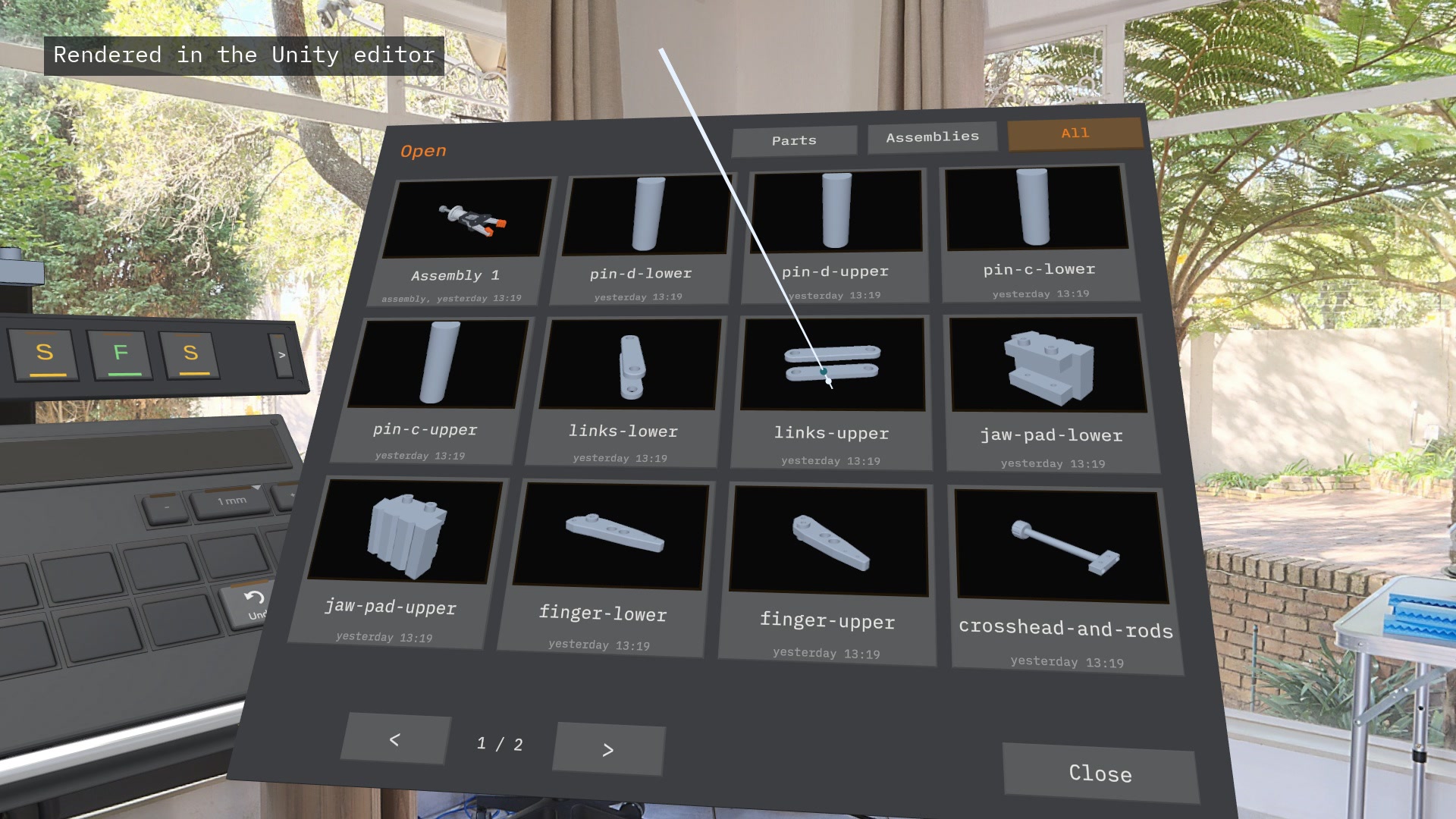
- Your files, as pictures: a file browser that shows every part and assembly as a picture of it, with its name and when it was saved.
- In and out: STEP import and export, STL export, and a customer's PDF drawing pinned beside the work at paper size.
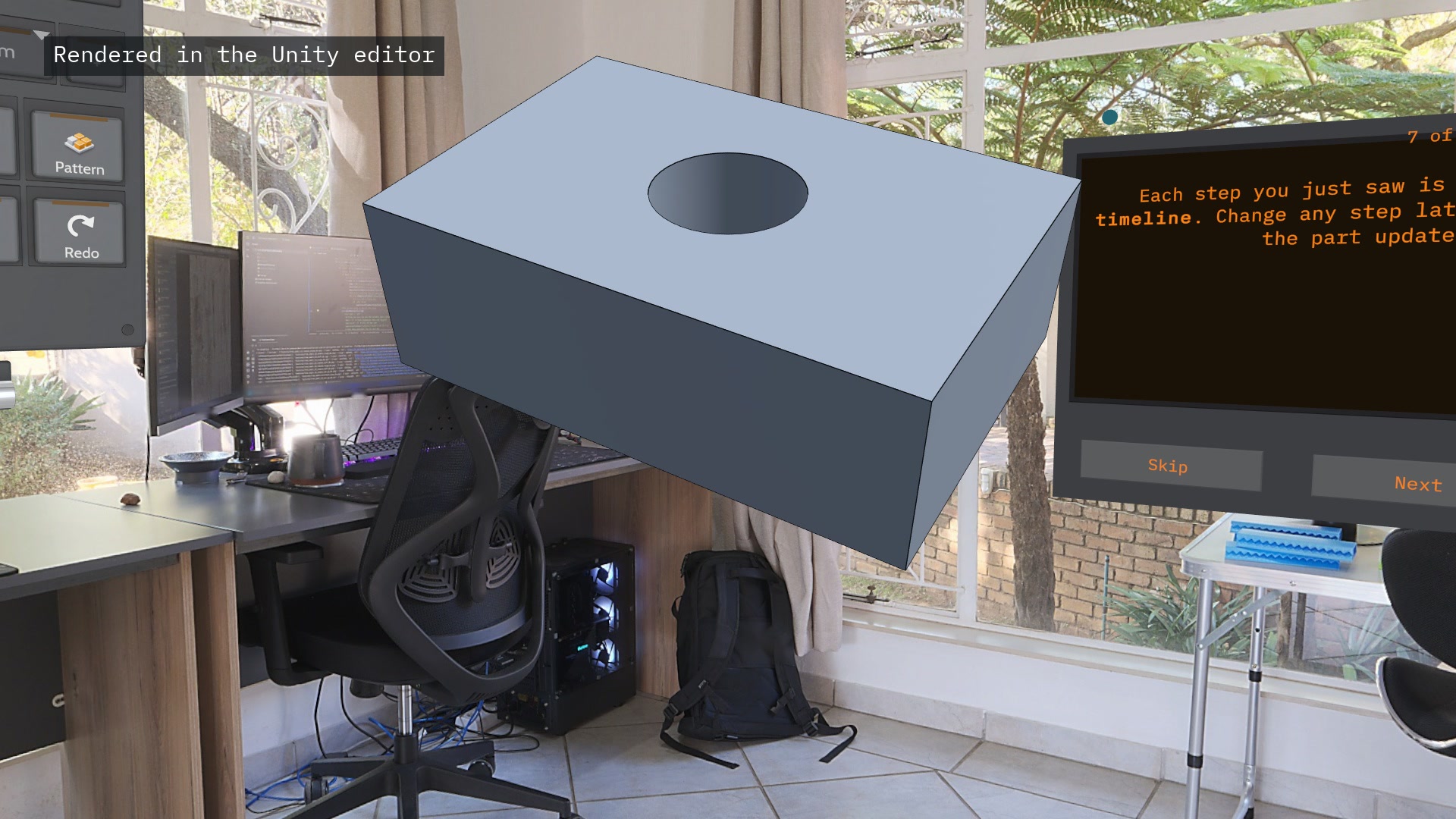
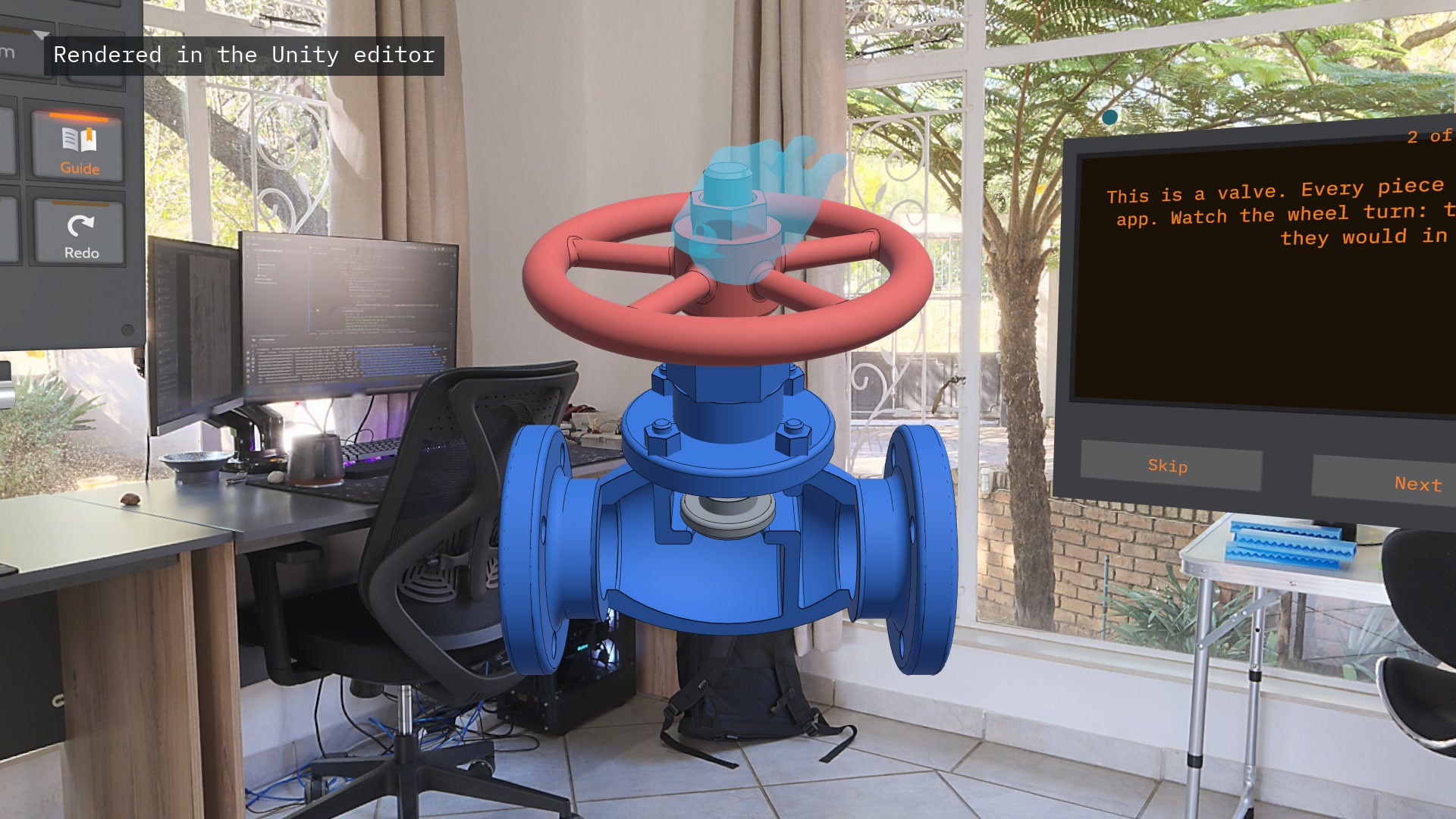
- A guide for the first five minutes: it starts by itself. First you only watch: in seven short scenes, each read aloud, the app makes a part by itself, with a ghost hand pressing the real controls: a sample globe valve, cut open, whose handwheel lifts the disc off its seat; a rectangle; its sizes; the pull into a solid; a hole; the timeline that keeps every step. Then it is your turn: bring the valve close, turn its wheel, and make your own first part in a few guided steps. A fuller guide of 21 steps is one key away.
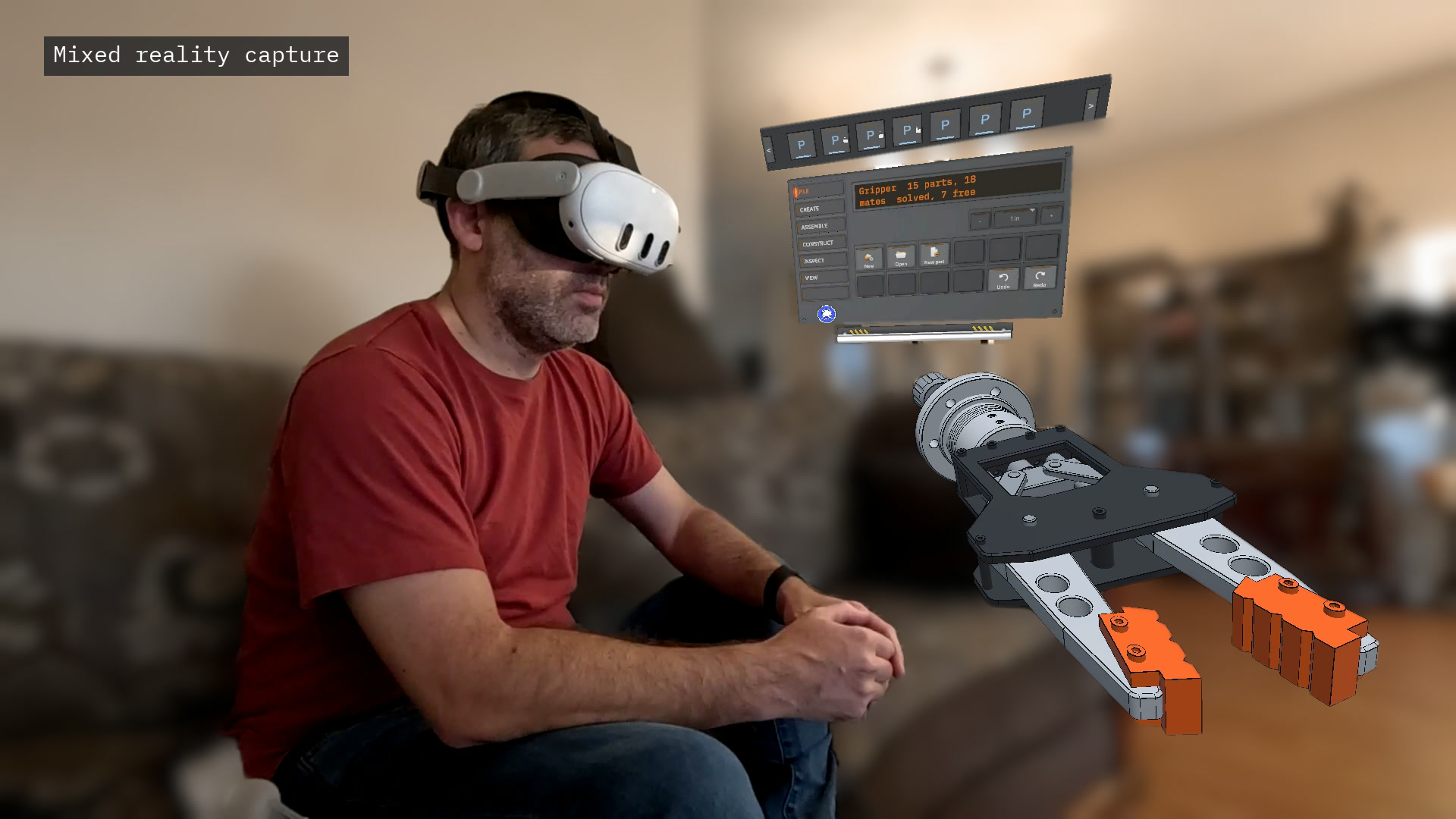
It works with hand tracking and with controllers alike. It is designed seated: every control stays within reach. That is deliberate: it is built with the next generation of headsets in mind, light and comfortable enough to wear for hours of real work.
How we built it
- The geometry is a real CAD kernel: Open CASCADE Technology, an industrial B-rep kernel, compiled for the Quest's arm64 Android as shared libraries and wrapped in a small C interface of our own. Fillets, booleans, STEP translation and exact mass properties all run on the headset, without a server.
- Unity 6 with OpenXR and the Meta XR SDK v207: Interaction SDK hand tracking, passthrough, MR Utility Kit for the room, spatial anchors for persistence.
- The model is a feature timeline regenerated on a worker thread; the UI shows the last good result until the new one is ready, so a slow fillet never drops a frame.
- The interface was built for hands, not ported from a desktop: a console of large mode keys pressed by fingertip or by ray and pinch, a drawing board, a keypad that follows the thing being sized.
- More than 1,200 automated tests (geometry, sketch solver, assembly solver, regeneration, UI) run on every change, and the preview tests render the app to check what it shows.
- The assembly solver is our own: rigid bodies, mates as equations, Gauss-Newton with the motion a hand asks for solved in what the mates leave free, so a mechanism follows the hand at the headset's frame rate.
- Built by one person, with the help of an AI coding agent.
Challenges we ran into
- Getting a desktop-grade kernel onto a mobile headset: building Open CASCADE for Android, keeping it as replaceable shared libraries to respect the LGPL, and keeping heavy operations off the render thread.
- Precision with hands: typed dimensions on a keypad and snaps instead of free-hand accuracy.
- Teaching CAD to people who have never used it in under five minutes, without a wall of text.
- Keeping it fast on a mobile chip: every frame the hand's ray asks what it points at; with a 15-part mechanism that was the most expensive thing the app did until each part's box was checked first.
What's next for SpaceSuit CAD
- 2D drawings made from the model, and 3D sketches.
- Sharing and design review between two headsets.
- More import and export formats, and sending a part straight to a 3D printer.
- CAM: toolpaths for CNC machining, from the same model.
- An MCP integration, so that AI agents can work on the model alongside you: look at a part, say what you want changed, and the agent does it. Gaze and voice suit a headset better than menus do, and they are a natural fit for Meta's new VR glasses, which SpaceSuit CAD is being built with in mind.
Target launch date: early access on the Meta Horizon Store in the first quarter of 2027.
Testing instructions for the judges
- Accept the Competition channel invite, install SpaceSuit CAD, and start it seated.
- The guide starts by itself. First it shows a part being made, read aloud: pinch Next after each scene (Skip jumps ahead). Then it is your turn: the valve, then your own first part. About 5 minutes in all.
- To see it again: VIEW, then Guide. FILE, New starts an empty part; FILE, Open shows the saved parts as pictures.
- Passthrough is on from the start. The A button on the right controller switches to a plain background and back.
- The Quick Start Guide (PDF, 10 pages) covers the console, the sketchboard, your first part step by step and assemblies: SpaceSuit CAD Quick Start Guide
About the video and the pictures
Shots marked "Mixed reality capture" were filmed with a camera in the room; shots marked "Rendered in the Unity editor" show the app itself drawn in the editor in front of a photograph of an office. Everything else is the headset's own recording. Music: "New Day" by Lee Rosevere, CC BY 4.0, edited. Office photograph: "Poly Haven Studio" from Poly Haven, CC0.
Open source
SpaceSuit CAD uses Open CASCADE Technology under the LGPL 2.1. Its licence and notices are on the app's About board, and the exact Open CASCADE source used is available from us on request for three years at [email protected].

