-
-
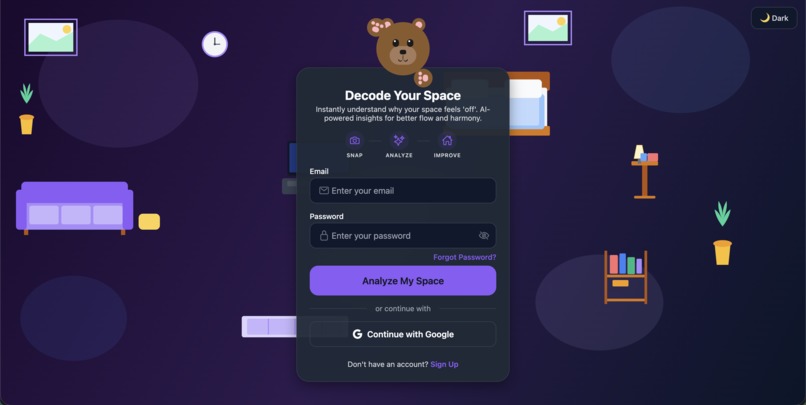
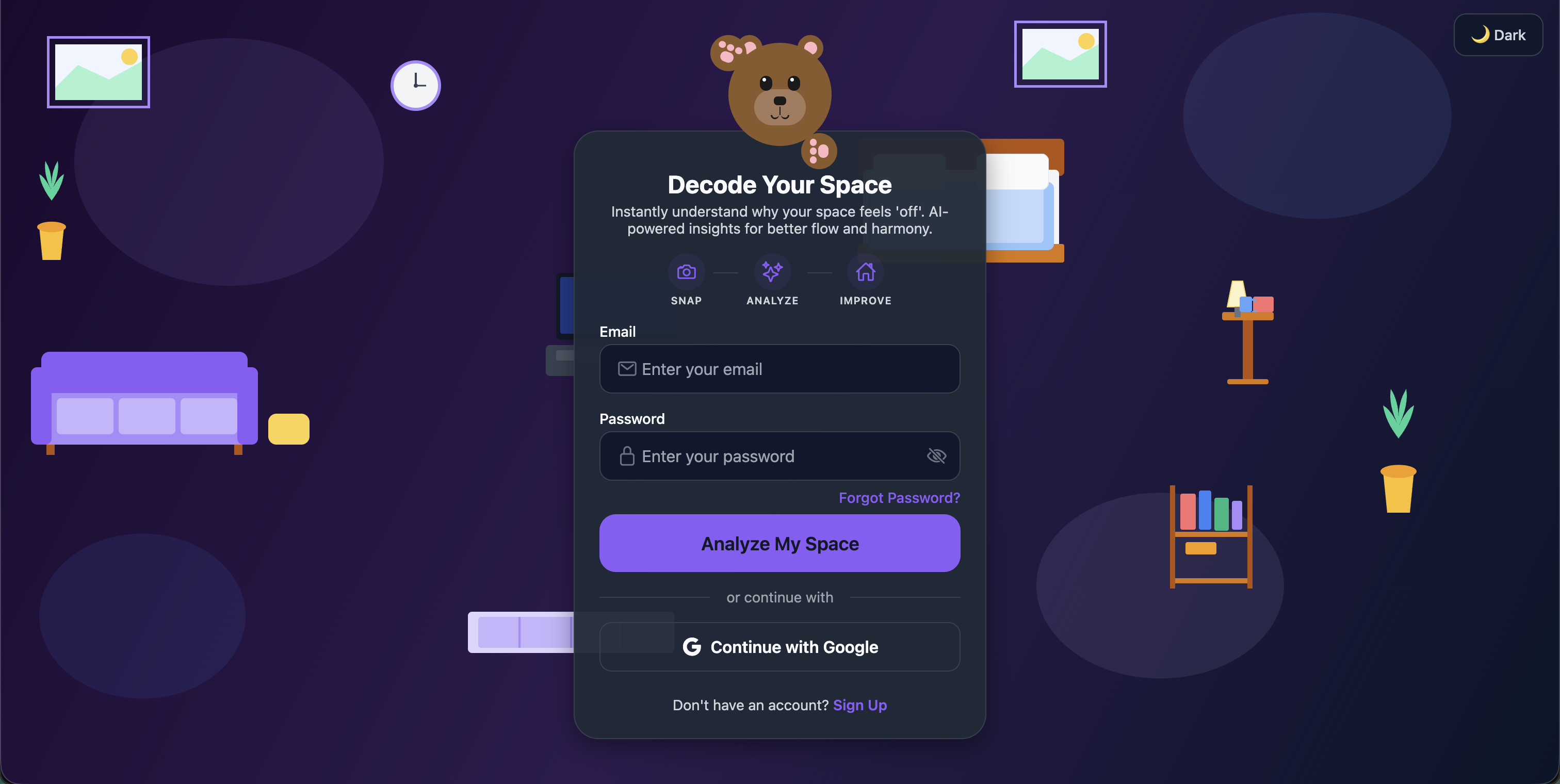
Sign in scren
-
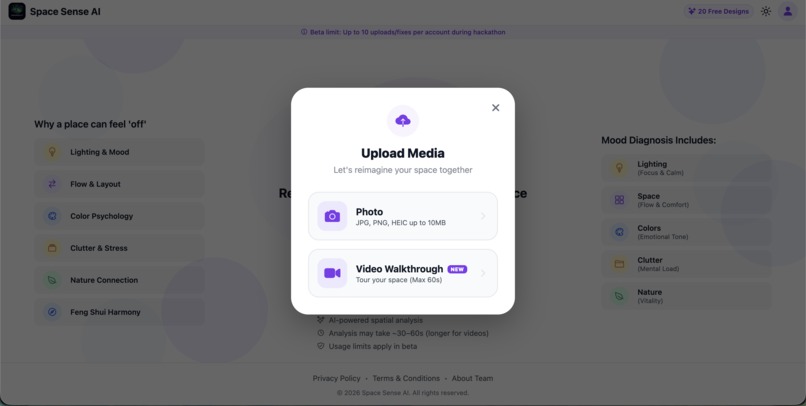
Select type of upload
-
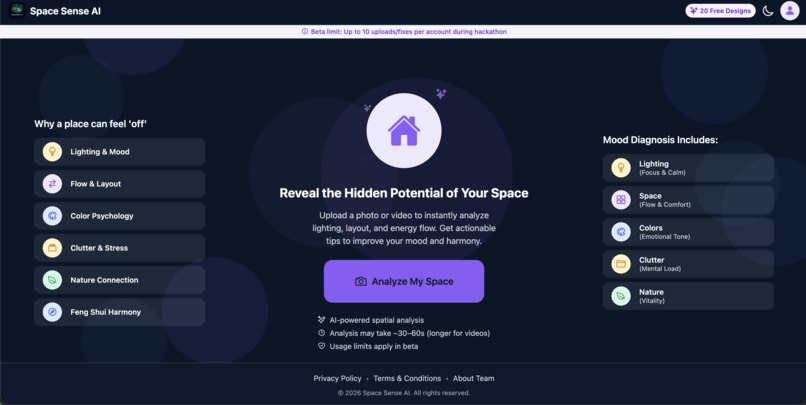
upload first image
-
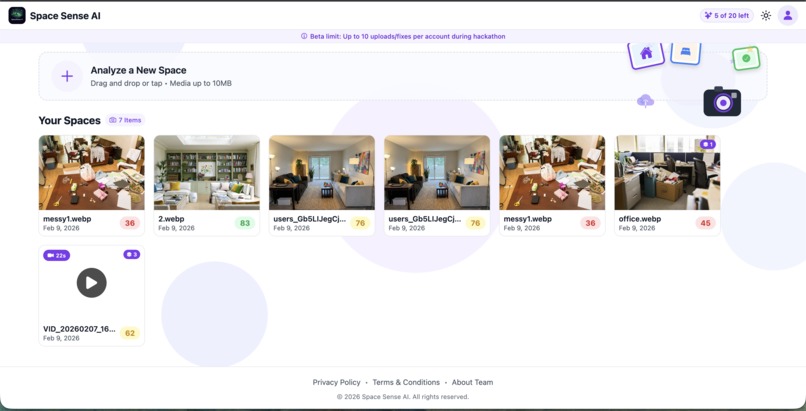
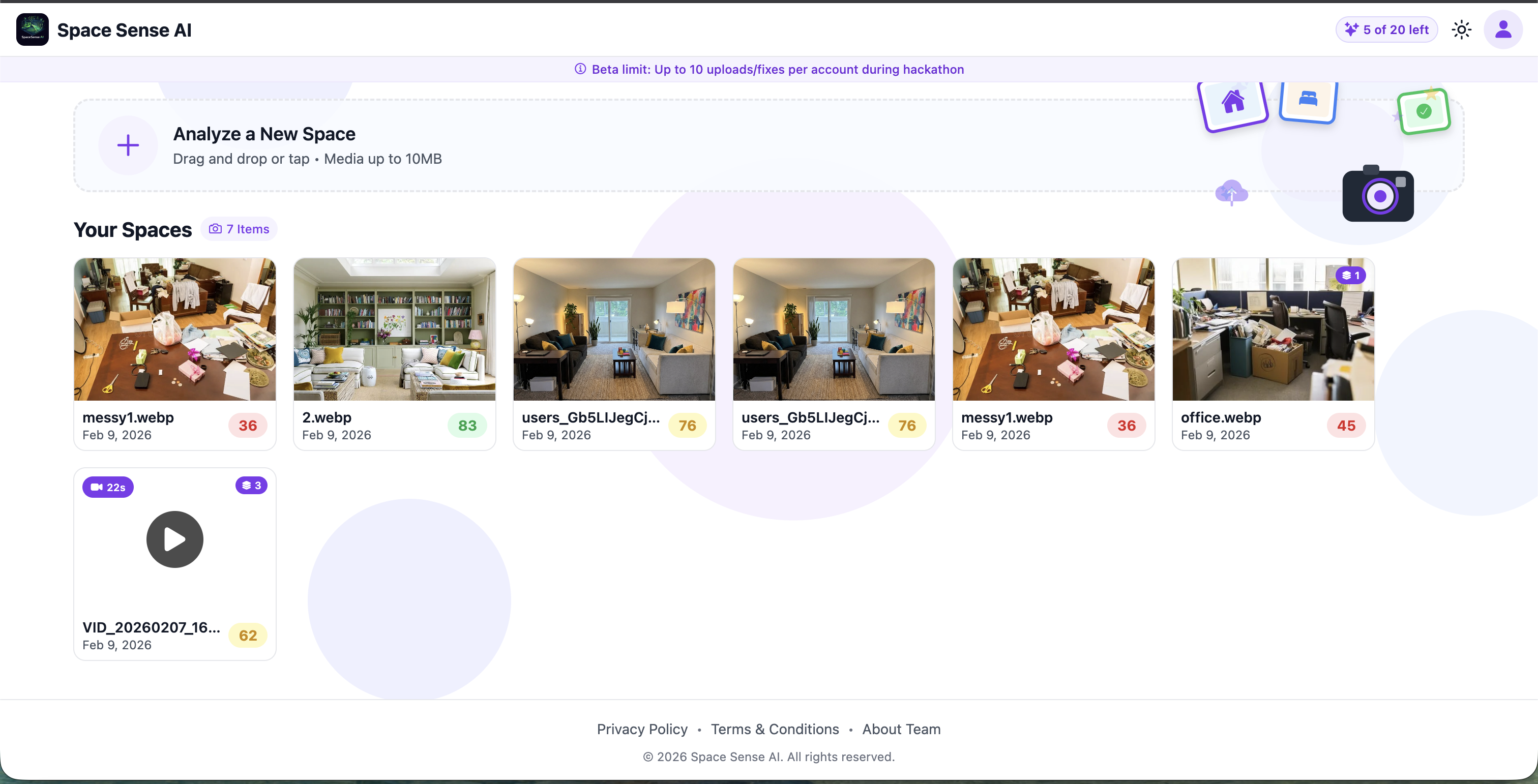
List of uploads
-
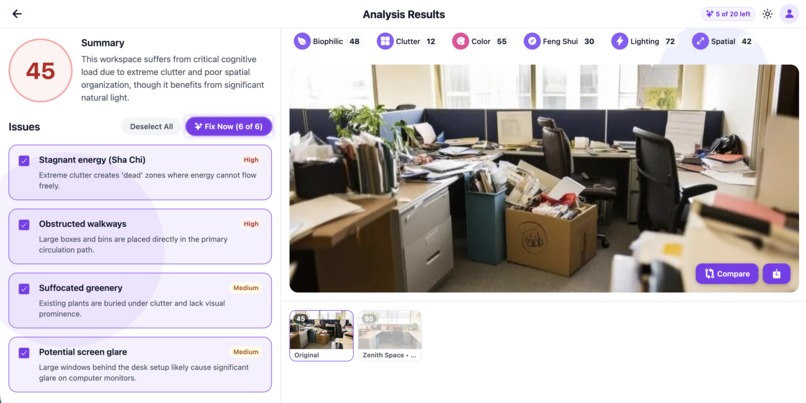
Individual space image
-
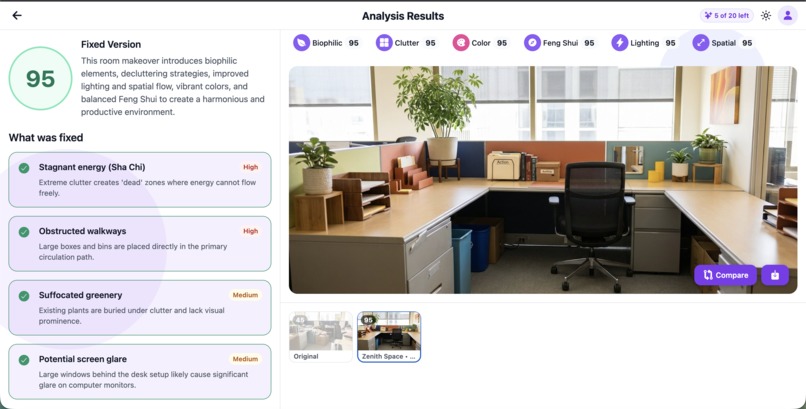
Individual space image fix
-
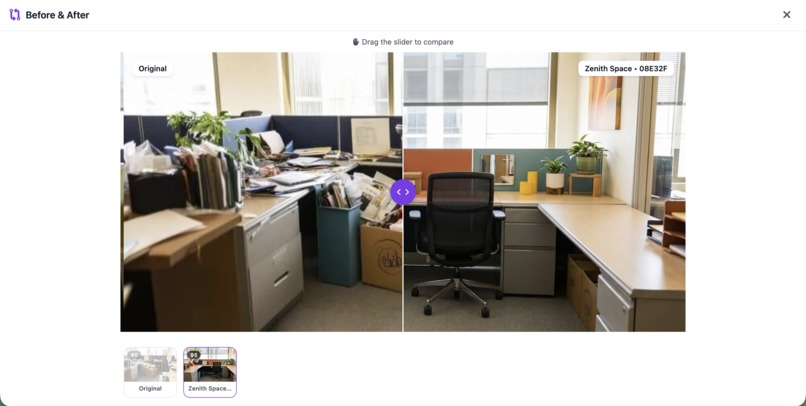
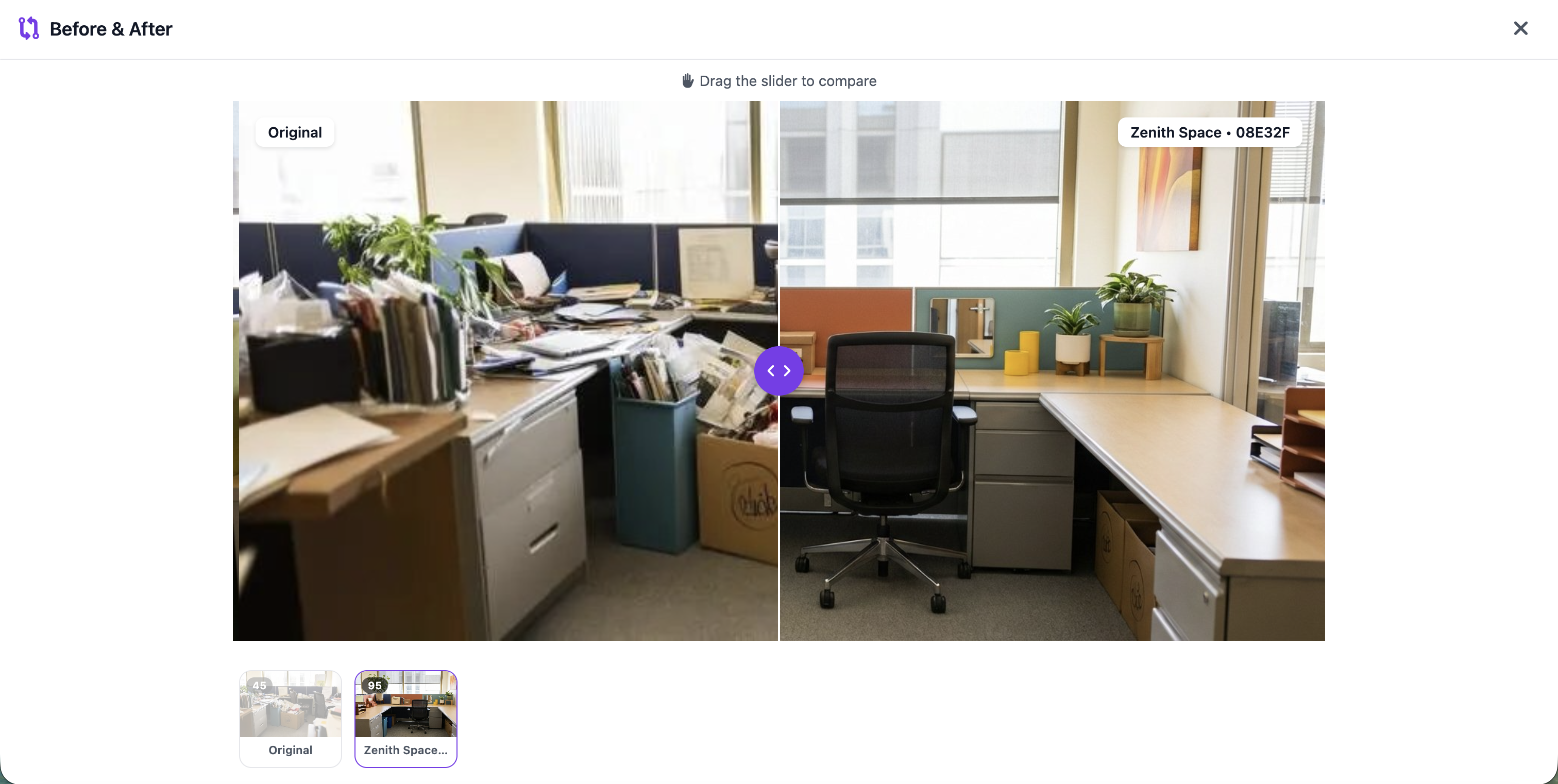
compare with original image
-
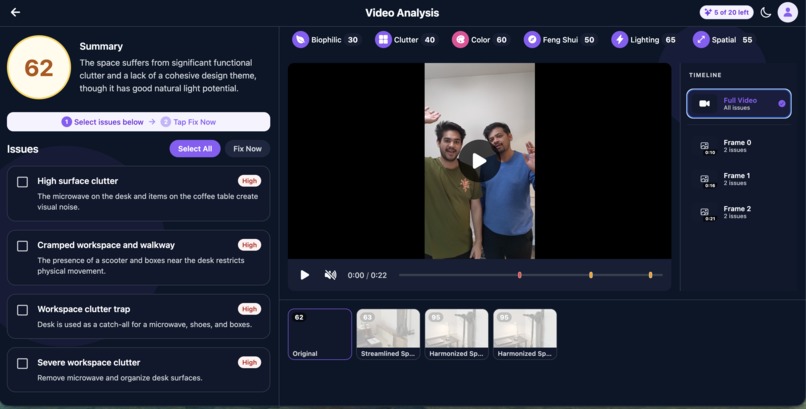
Individual space video
-
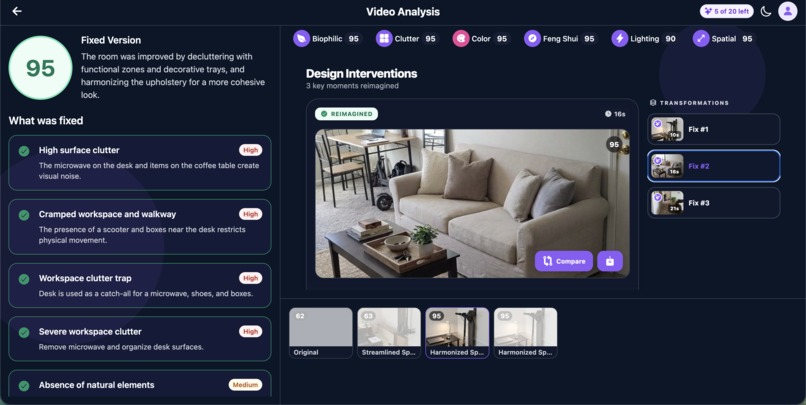
Individual space video fix






Inspiration
We’d walk into places - offices, living rooms, lobbies, cafes, backyards and something would feel off, but we could never put a finger on what exactly. Getting a designer to look at a space costs a fortune, and most design tools just let you build 3D models from scratch; they don’t look at what you already have and tell you what’s wrong.
We wanted something where you just snap a photo or do a quick video walkthrough of any space and get real feedback on what to improve. That’s how SpaceSenseAI was born.
What It Does
SpaceSenseAI lets you upload a photo or a short video walkthrough of any space. Our AI breaks it down across six design dimensions:
- Lighting
- Clutter
- Color harmony
- Spatial layout
- Feng shui
- Biophilic design (how well nature is integrated into the space)
You get a score from 0 to 100 and a letter grade for each dimension, plus a list of specific problems it found.
The cool part is the Fix feature. You pick which problems bother you, hit Fix, and the AI generates a redesigned version of your space with those issues addressed. You can compare the before and after side by side and see exactly how much your score improved.
For videos, it pulls out the problem frames and fixes each one individually so you can see improvements at different points in your walkthrough.
How We Built It
We built a cross-platform app using Expo and React Native with TypeScript, so it runs on iOS, Android, and the web from one codebase.
Authentication goes through Firebase Auth, supporting both email/password and Google sign-in. All uploaded media is stored in Firebase Storage with signed URLs and an LRU cache so images load fast.
The heavy lifting analysis, scoring, and fix generation happens server-side through Cloud Functions. When you upload something, the app polls the backend every few seconds until processing finishes.
For videos, the backend extracts key frames, runs analysis on each one, and builds a timeline of issues with timestamps so you can jump right to the problem spots.
We track usage through Mixpanel and GA4, and Sentry catches errors before users report them.
Challenges We Ran Into
The biggest headache was video. We originally wanted true video-to-video conversion upload a walkthrough of your space and get back a redesigned video. We looked into Veo and similar tools, but the costs were absolutely brutal and completely impractical for a consumer product. On top of that, the technology just isn’t there yet for reliable space-scale video generation.
So we rethought the approach and landed on frame-by-frame analysis and fixes instead. It turned out to be a better user experience because people can focus on specific moments and problems rather than scrubbing through a fully regenerated video.
Other challenges included:
- File handling across platforms (HEIC on iOS (still in process), different video codecs, file size limits)
- Long video processing times requiring background-aware polling and clear progress states
- Token management across iOS Keychain, Android Keystore, and web sessionStorage
- Keeping fix results consistent across design dimensions
- Balancing the credit system so pricing feels fair without exploding API costs (videos cost more due to heavier processing)
Accomplishments
We built a fully working cross-platform app that does something genuinely useful. You can point your phone at any space and within a couple of minutes get a scored breakdown and a visual mockup showing how it could look better.
The frame-by-frame video analysis works especially well; you can walk through a space and see exactly which moments have issues and how each fix would look at that point.
The before/after slider with score deltas makes improvements tangible. You’re not getting vague advice like “add more light” you’re seeing exactly what the space would look like with better lighting, and the score to prove it.
What We Learned
- Scope kills projects chasing video-to-video too long slowed us down
- Cross-platform development saves time, but edge cases always show up
- AI costs add up fast when processing media
- The “boring” parts (auth, loading states, error handling, token refresh) matter just as much as the AI
What’s Next
- Native mobile app with in-app camera capture for mobile and iPad
- True video-to-video redesigns once space-scale generation becomes viable
- Space memory and score tracking over time
- Multi-space analysis for entire properties
- Shopping integrations tied directly to suggested fixes
- Collaborative spaces for teams or housemates
- AR previews to visualize fixes in real time
Built With
- cloud-functions
- expo.io
- express.js
- firebase
- gemini
- google-analytics
- google-auth
- google-gemini-ai
- google-storage
- helmet
- mixpanel
- pubsub
- react-native
- realtime-database
- redis
- sentry
- swagger
- typescript

Log in or sign up for Devpost to join the conversation.