Inspiration
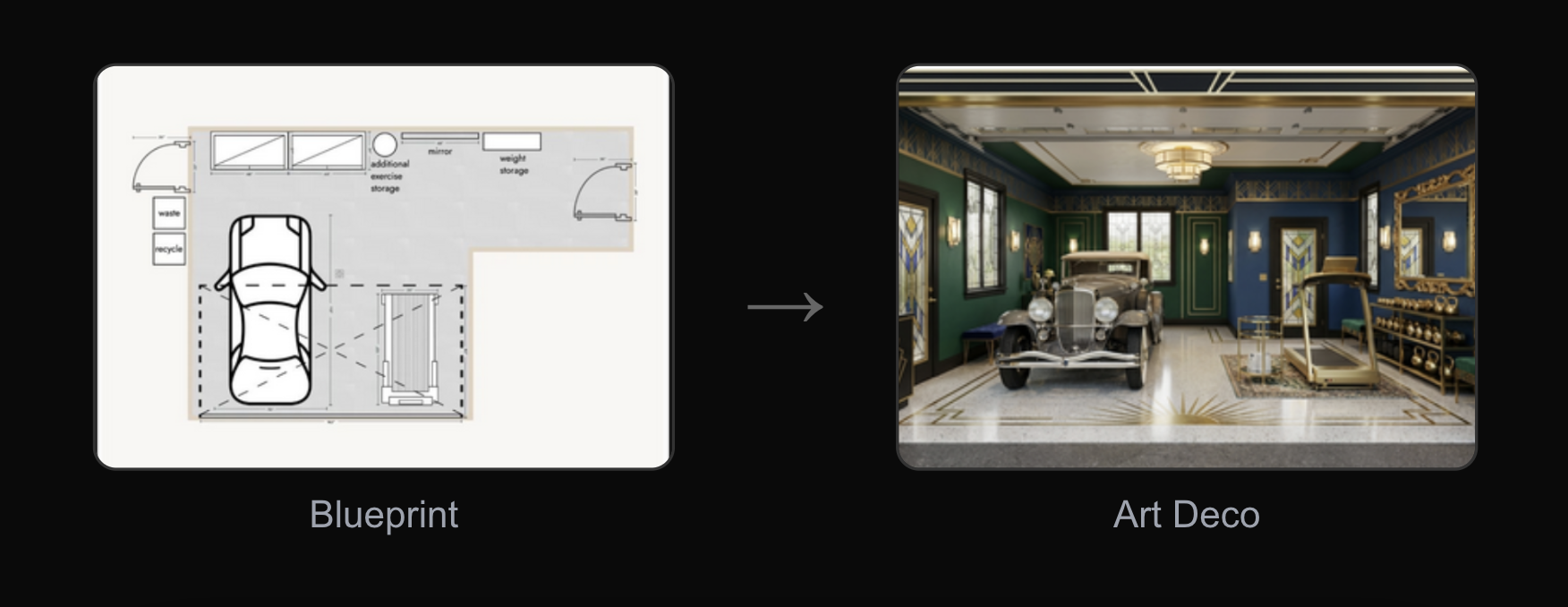
Moving into a new place or redecorating? It's hard to visualize how a space could look in a different style. I wanted a tool where anyone could upload a floorplan or room photo and instantly see it transformed—without hiring a designer or learning 3D software.
What it does
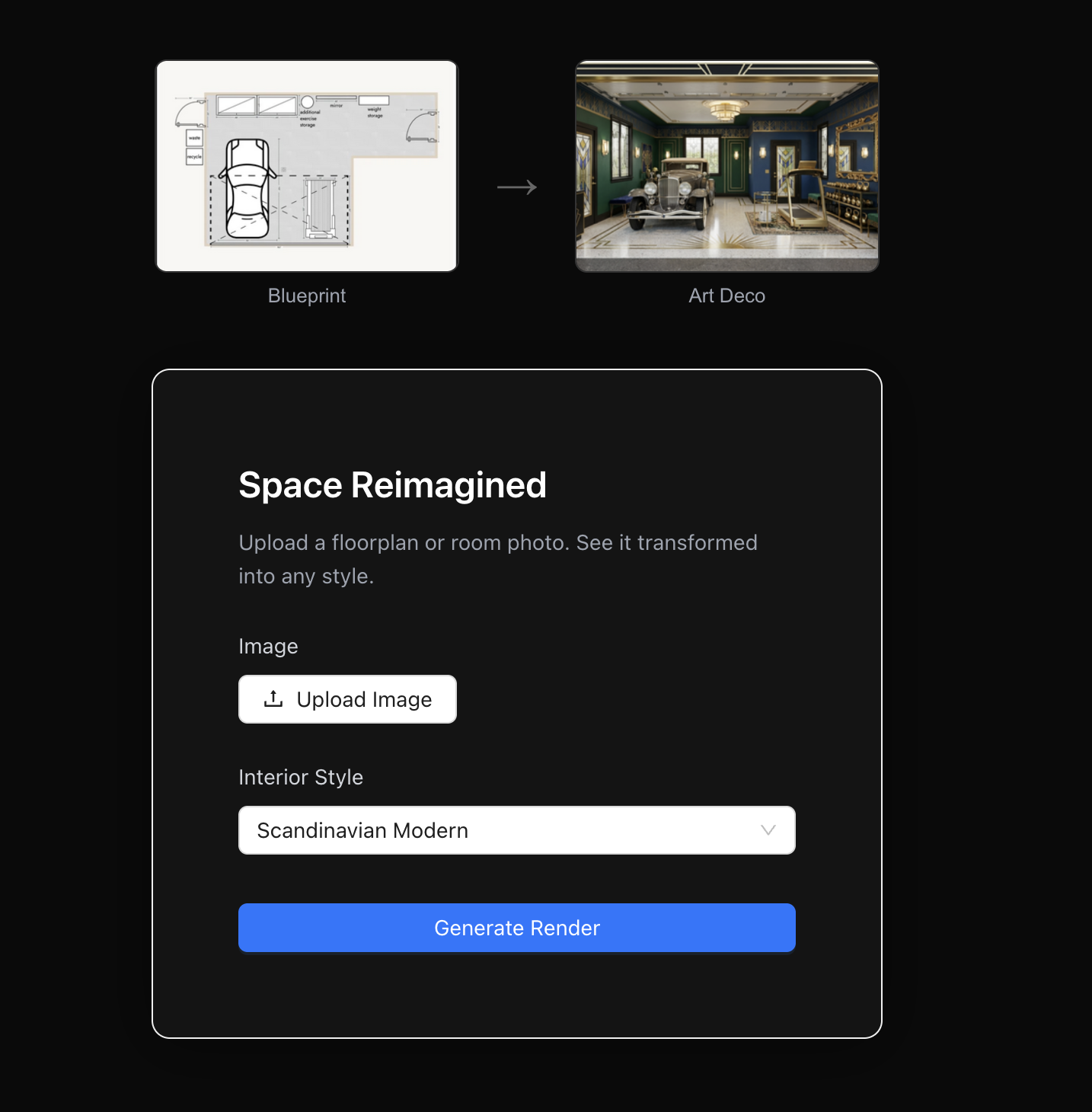
Space Reimagined lets you upload any floorplan or room photo and choose from 8 interior styles (Scandinavian, Mid-Century Modern, Industrial Loft, Minimalist Japanese, Contemporary Luxury, Coastal/Hamptons, Art Deco, Rustic Farmhouse). In seconds, you get a photorealistic render showing your space in that style.
How I built it
- Frontend: Next.js with TypeScript and Ant Design, deployed on Vercel
- Backend: FastAPI (Python) deployed on Railway
- AI: Google Gemini's new image generation model (gemini-2.0-flash)
The key technical approach is a two-stage pipeline:
- Spatial analysis – Gemini first analyzes the floorplan to extract room dimensions, wall positions, and layout details
- Style-aware rendering – A second call generates the photorealistic render using both the original image and the spatial analysis, ensuring architectural accuracy
Challenges I faced
- Getting the AI to respect the original layout instead of hallucinating new room configurations
- Balancing prompt specificity—too vague and the style doesn't come through, too detailed and it ignores the source image
- Deploying a Python backend that initializes the Gemini client correctly with environment variables
What I learned
Gemini's image generation capabilities are impressive but require careful prompting. The two-stage approach (analyze first, then render) significantly improved output quality compared to a single prompt.
What's next
- Add more styles and let users customize style parameters
- Support video walkthroughs of rendered spaces
- Allow users to iterate on specific rooms within a floorplan
Built With
- fastapi
- gemini
- nextjs
- python
- railway
- typescript

Log in or sign up for Devpost to join the conversation.