-
-
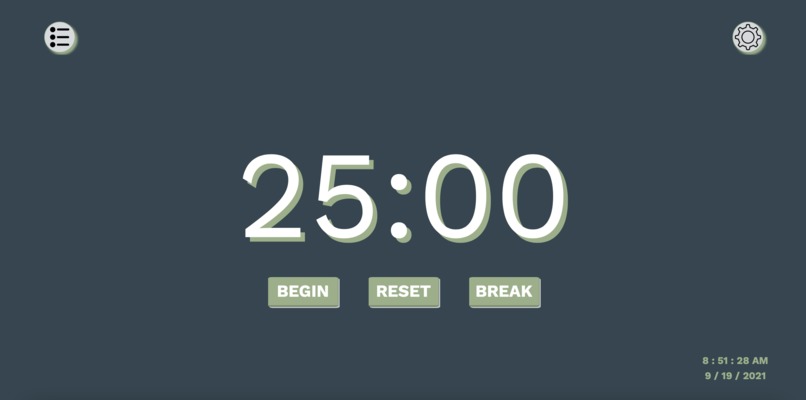
Space Out Website
-
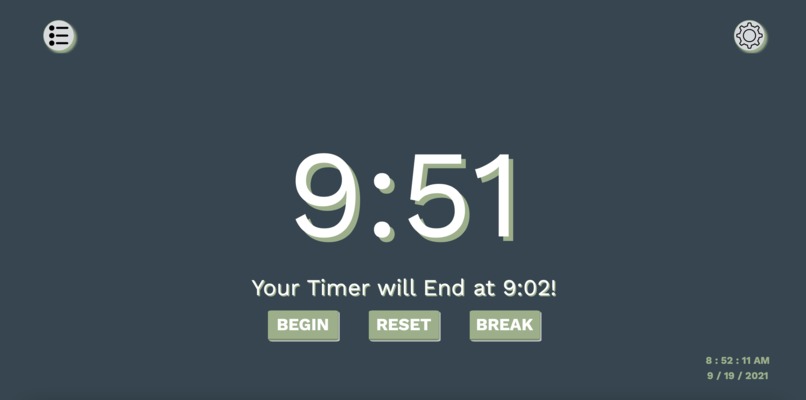
Space Out Website Timer
-
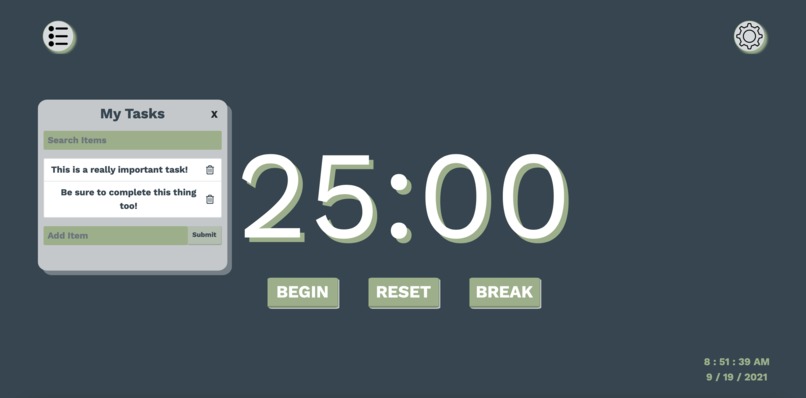
To Do List
-
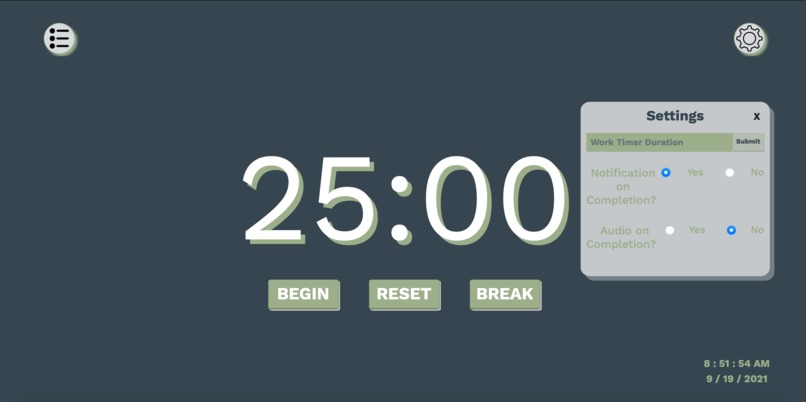
Settings
-
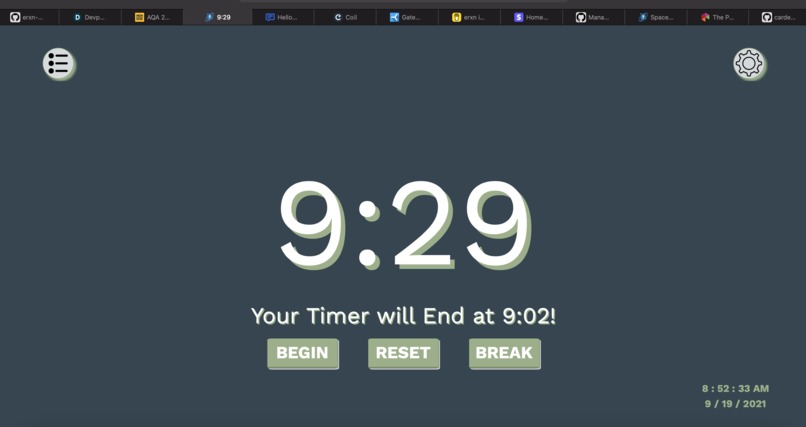
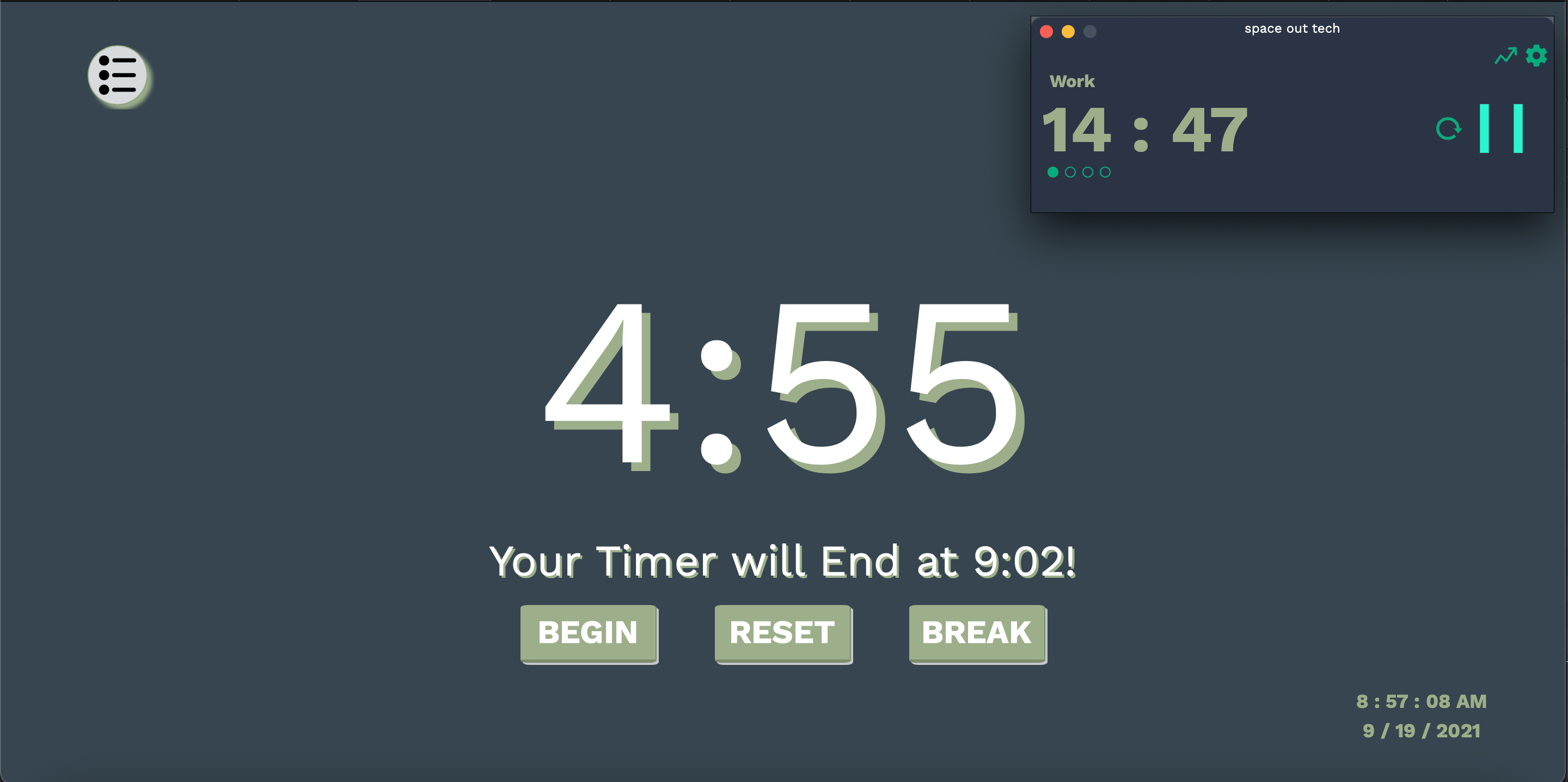
Timer also Displayed in Address Bar
-
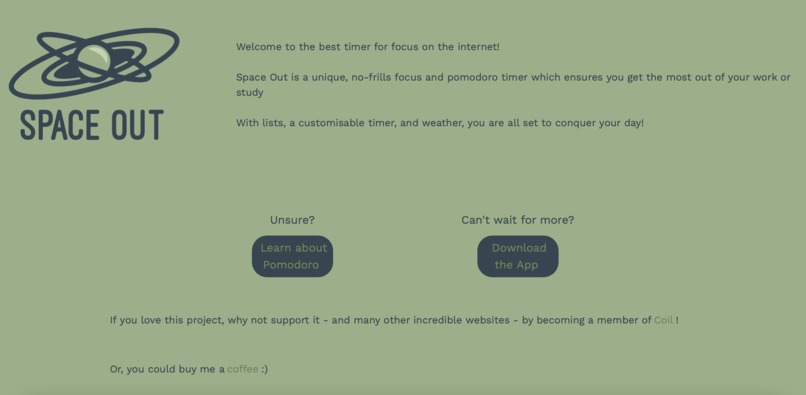
Bottom of Space Out Website
-
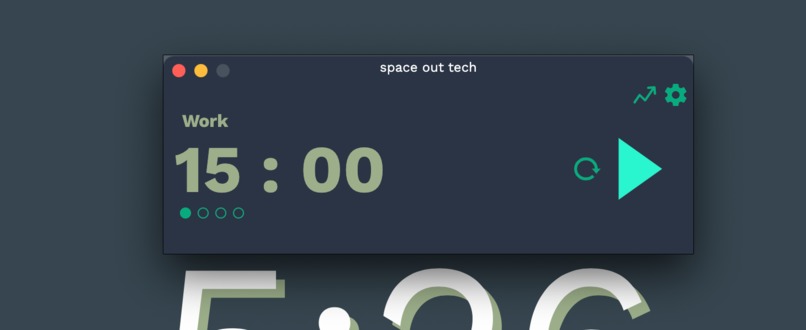
The macOS App
-
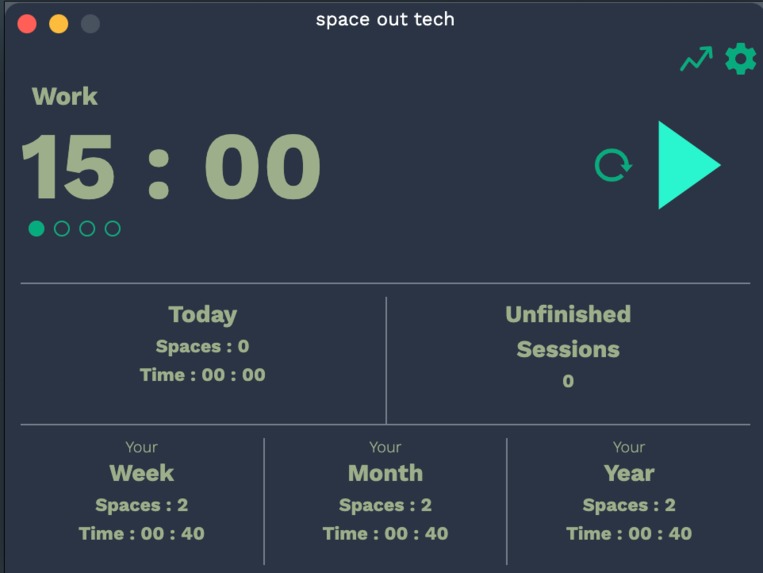
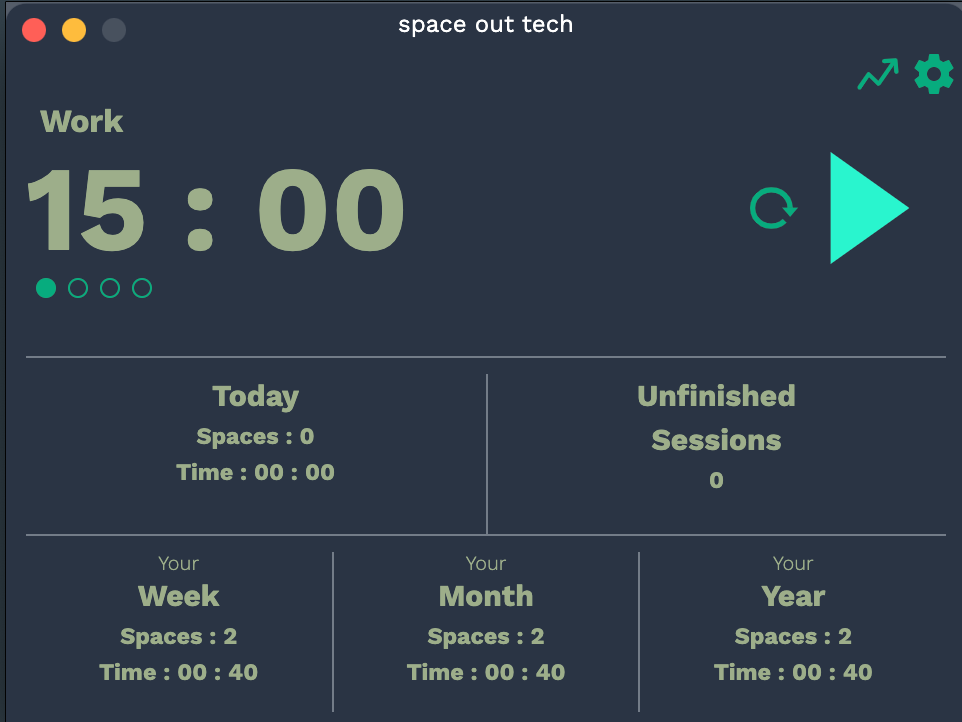
MacOS Stats Page
-
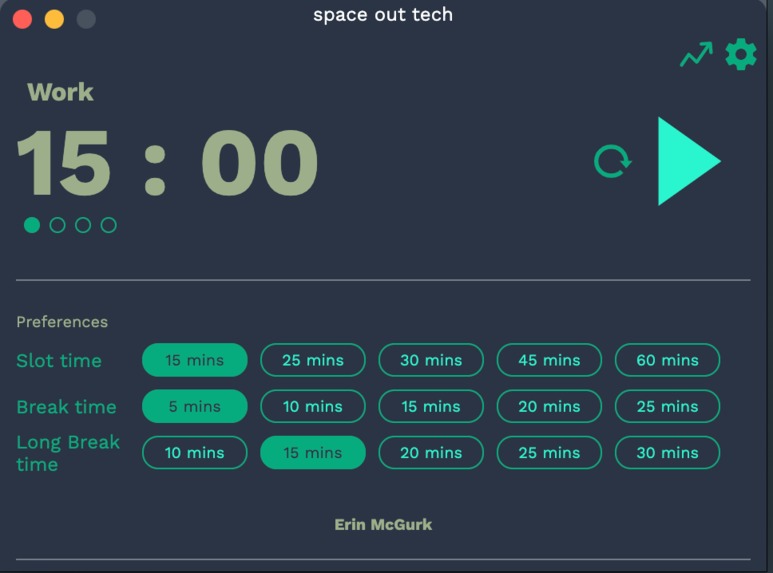
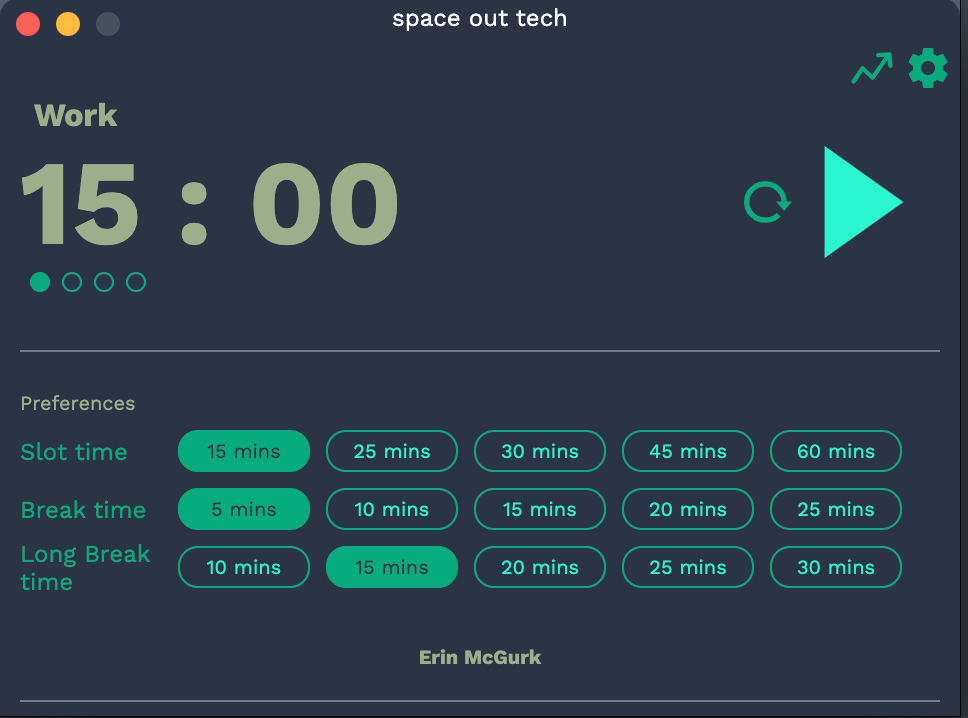
MacOS Choose Timer Page
-
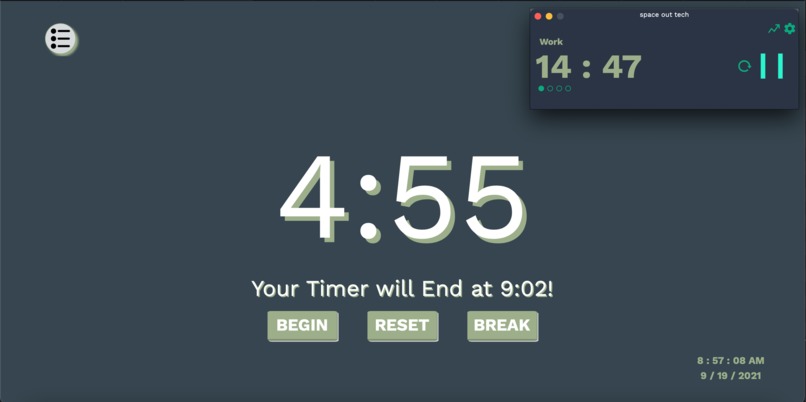
Show Both Timers Together
Inspiration
I often feel that the projects I create for hackathons do not teach me as much as they could, or if they do, they never get used by people who could really benefit from them. Since the theme of this hackathon os Peace Out Hacks, I decided to 'make peace' with myself and develop an application that can be used by people on a daily basis, and they can feel the benefits of using my app.
I think that one of the most important parts of activism - before you can promote equality or preservation of the environment - is to make peace with your mind and your habits. If you do not love and accept yourself, then you cannot do incredible things. From here, I thought about what stresses me out the most: revision! It is so hard to find tools which help you effectively manage what you need to do.
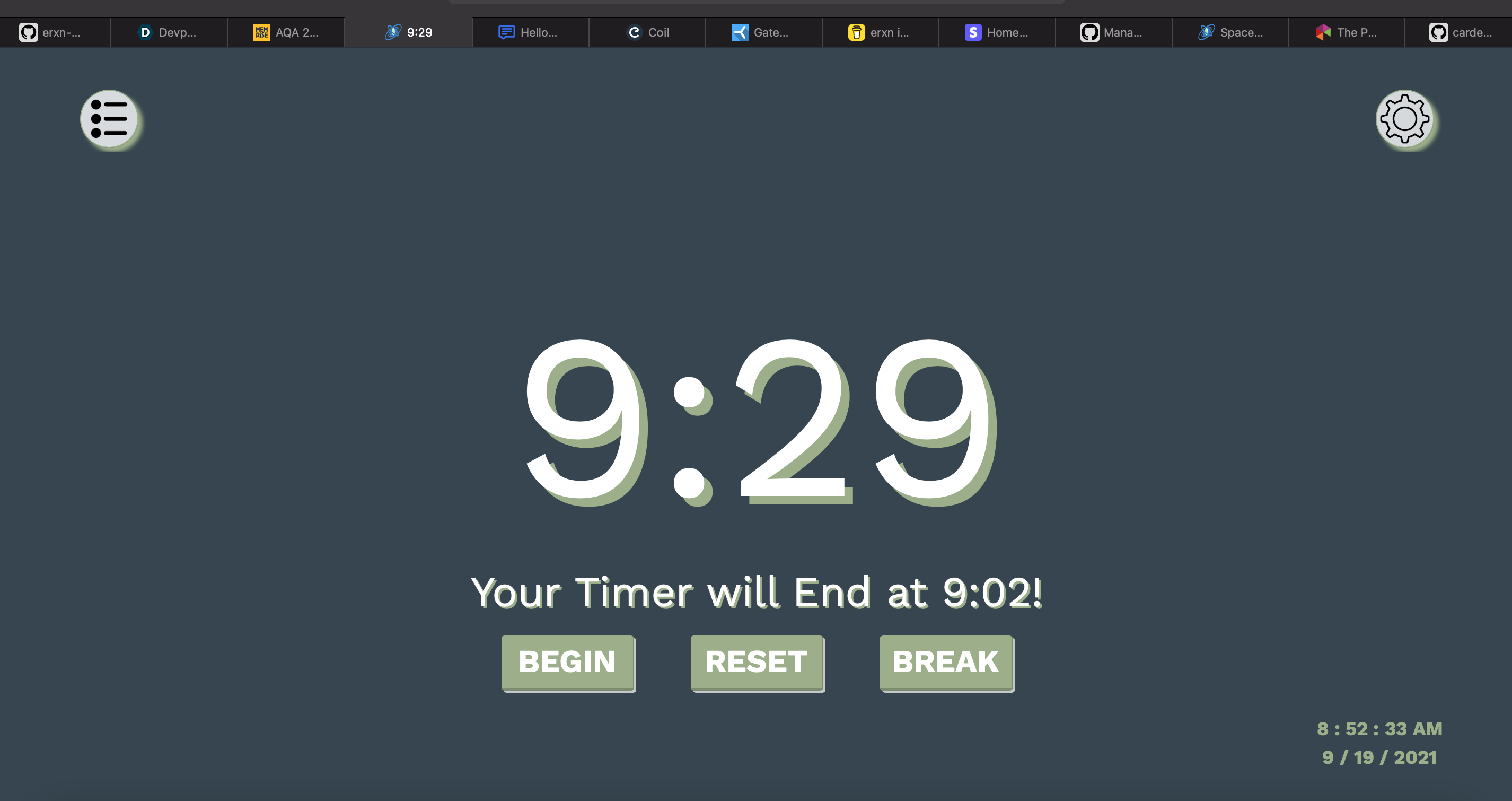
Pomodoro Timers are widely used now, but I often find them clunky or ineffective since they may stop when you leave the webpage or they don't allow you to have a clear screen without distractions.
This is why I have created Space Out
What it does
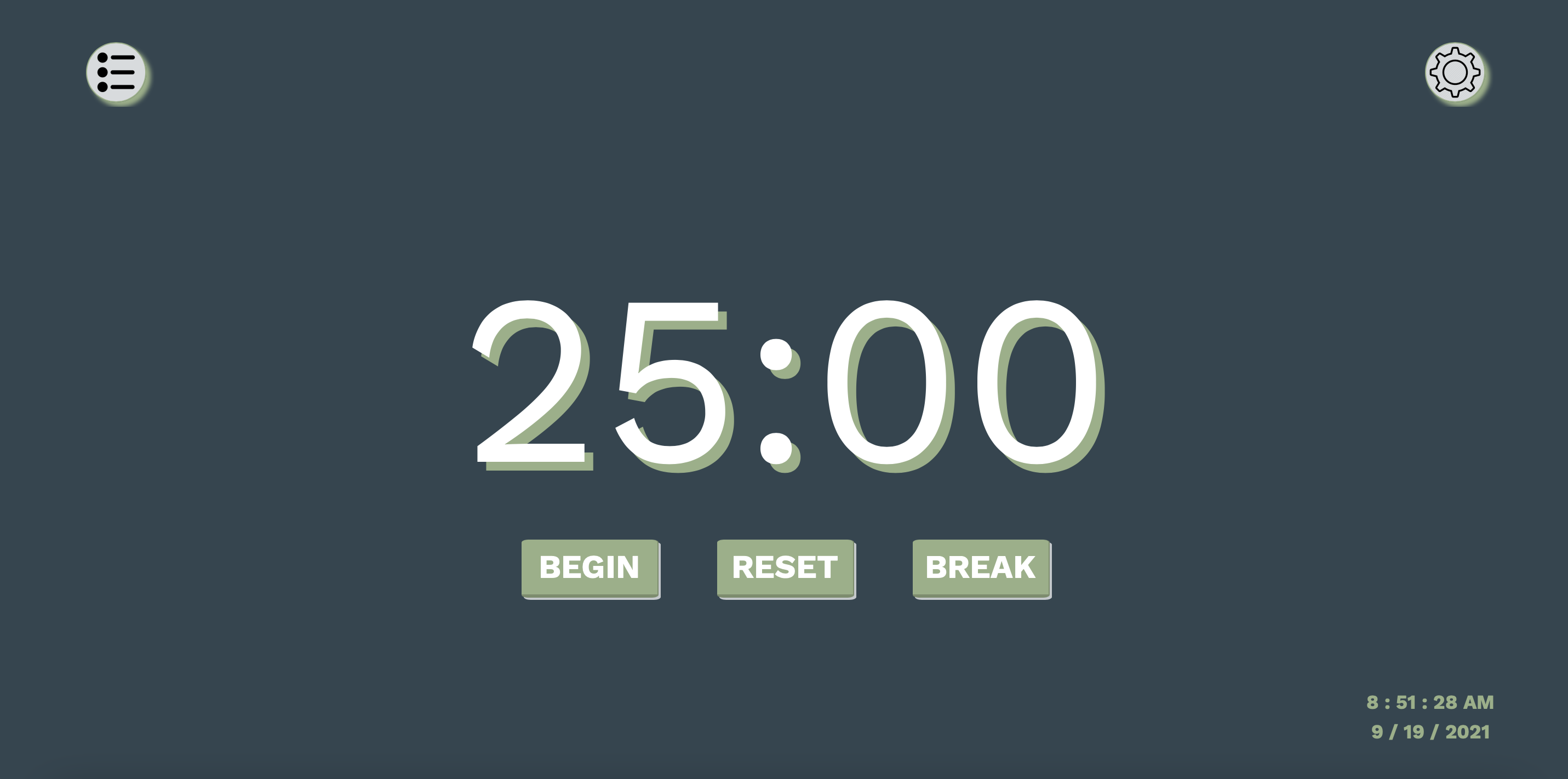
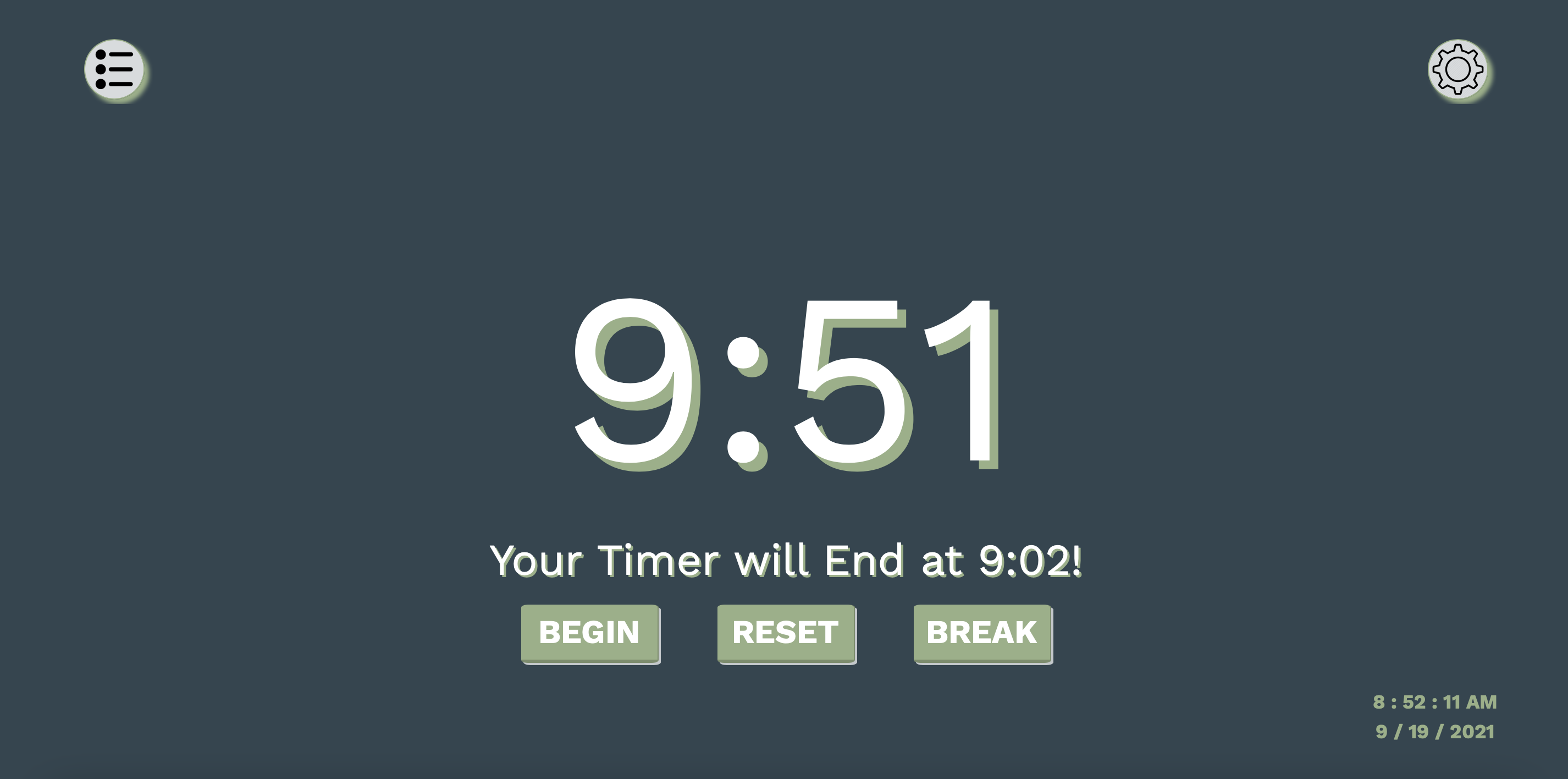
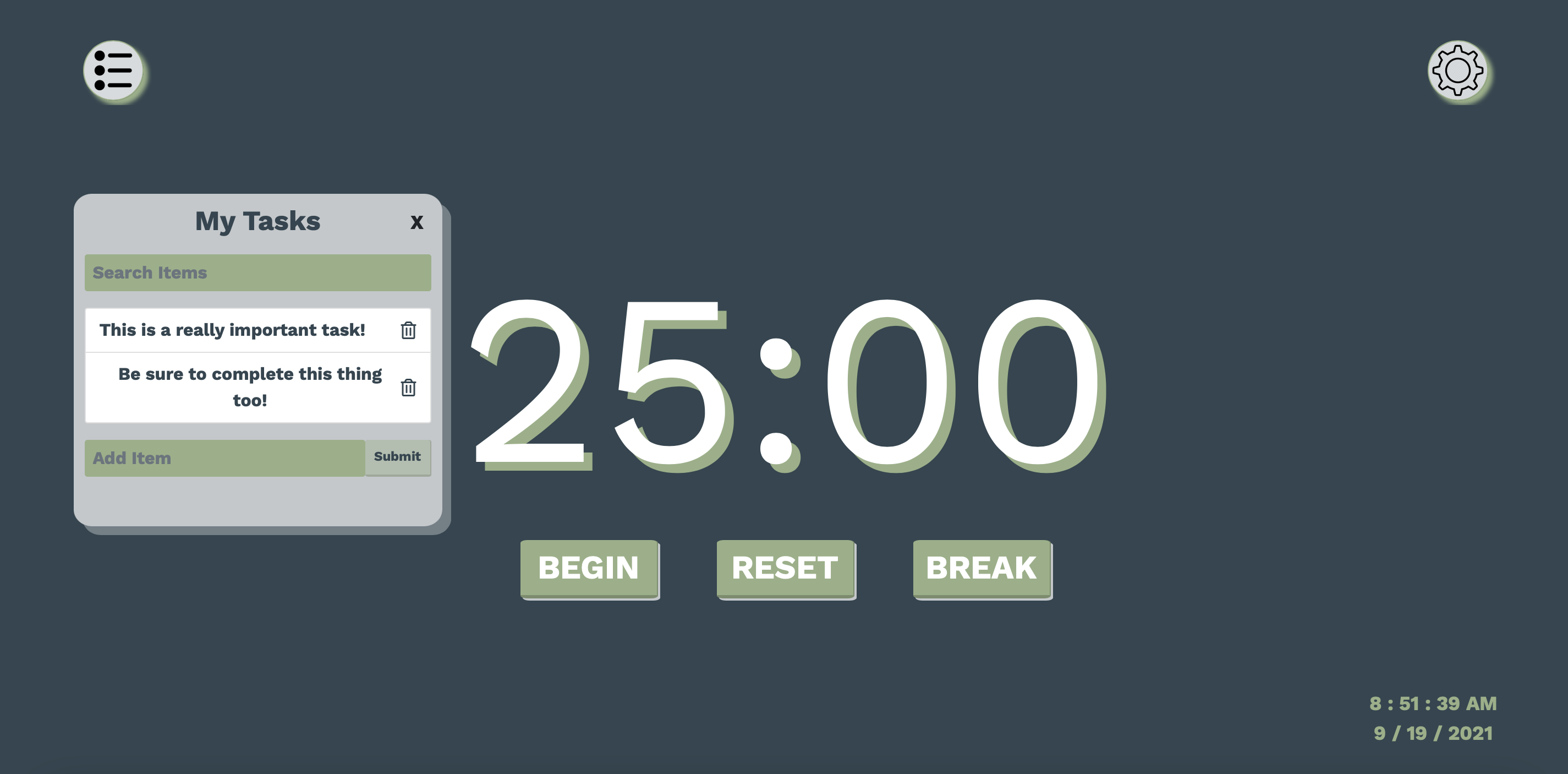
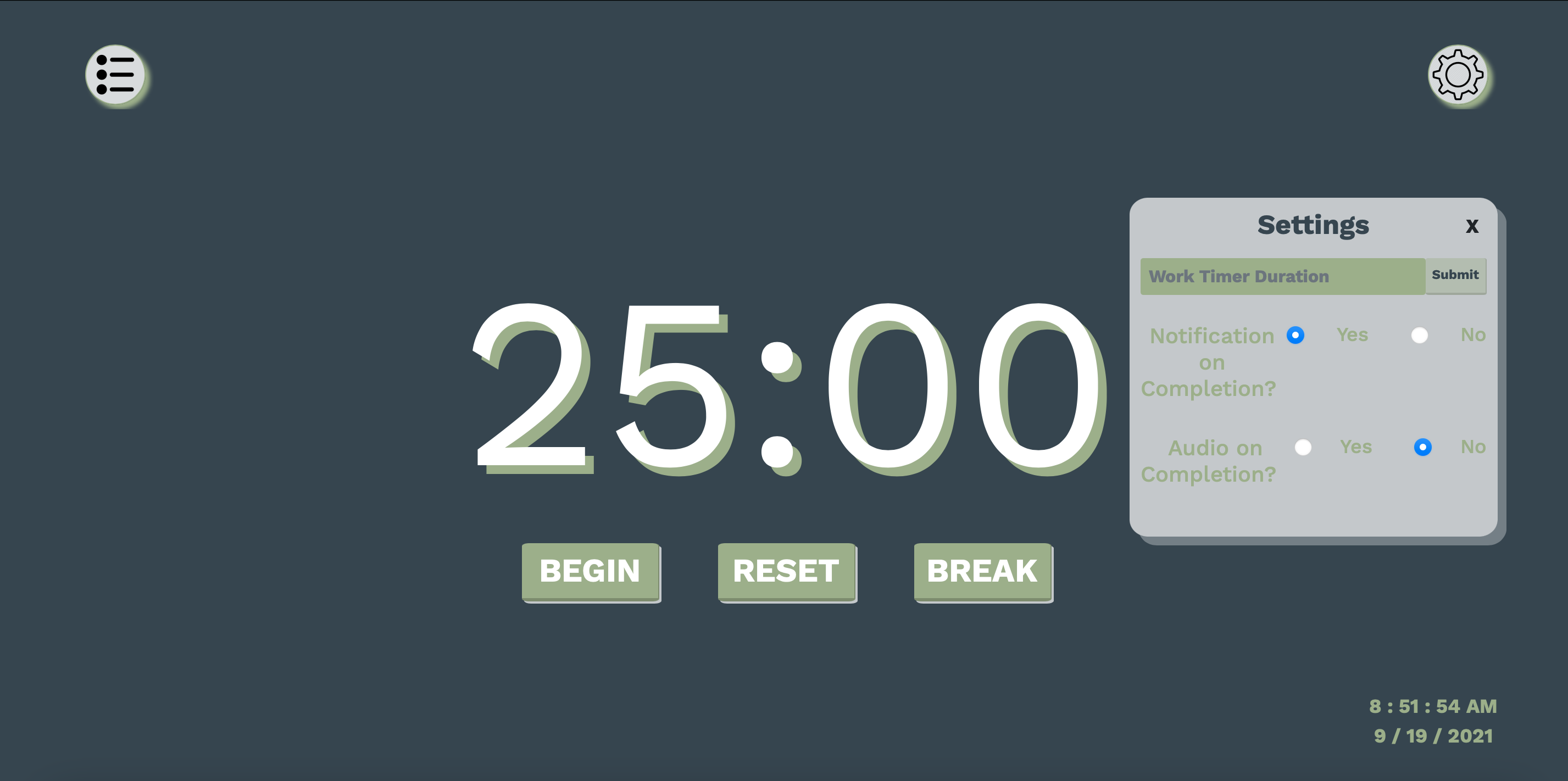
Space Out is a web application which aims to improve mental health by splitting work or study up into smaller chunks. The website contains two main features: the timer itself which can be configured to any length of time, and a todo list which can be hidden or displayed depending on your preference. You can also turn on or off notifications and audio upon completion of the session. The default setting for these, unlike many other platforms, is 'off' so that it is easier for you to concentrate without distractions.
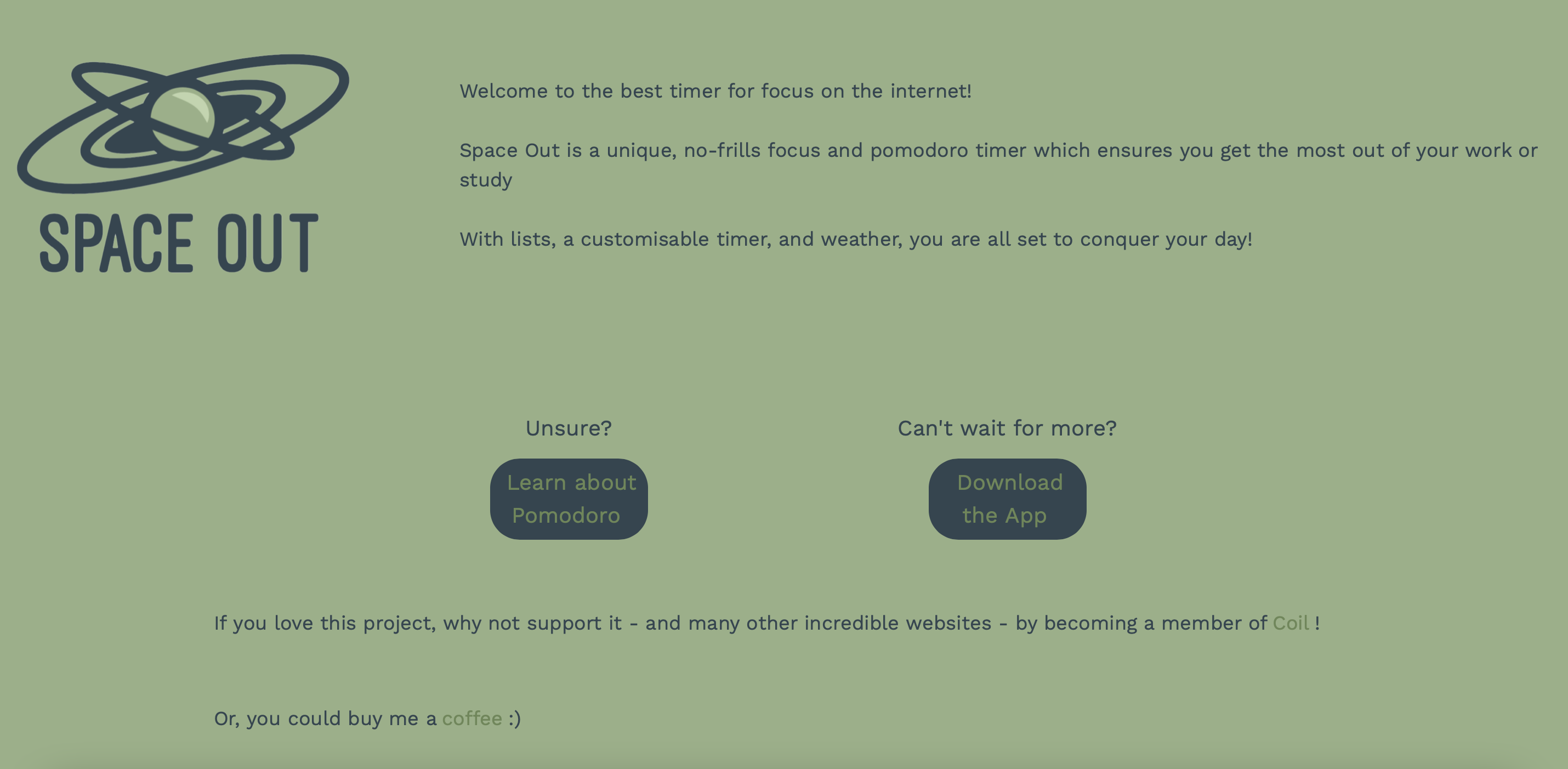
If you scroll below the timer, there is an information section where you can learn more about the pomodoro method and about the website. There is a link to learn more about the Pomodoro Technique. Here, you can also go to the repo of the electron app
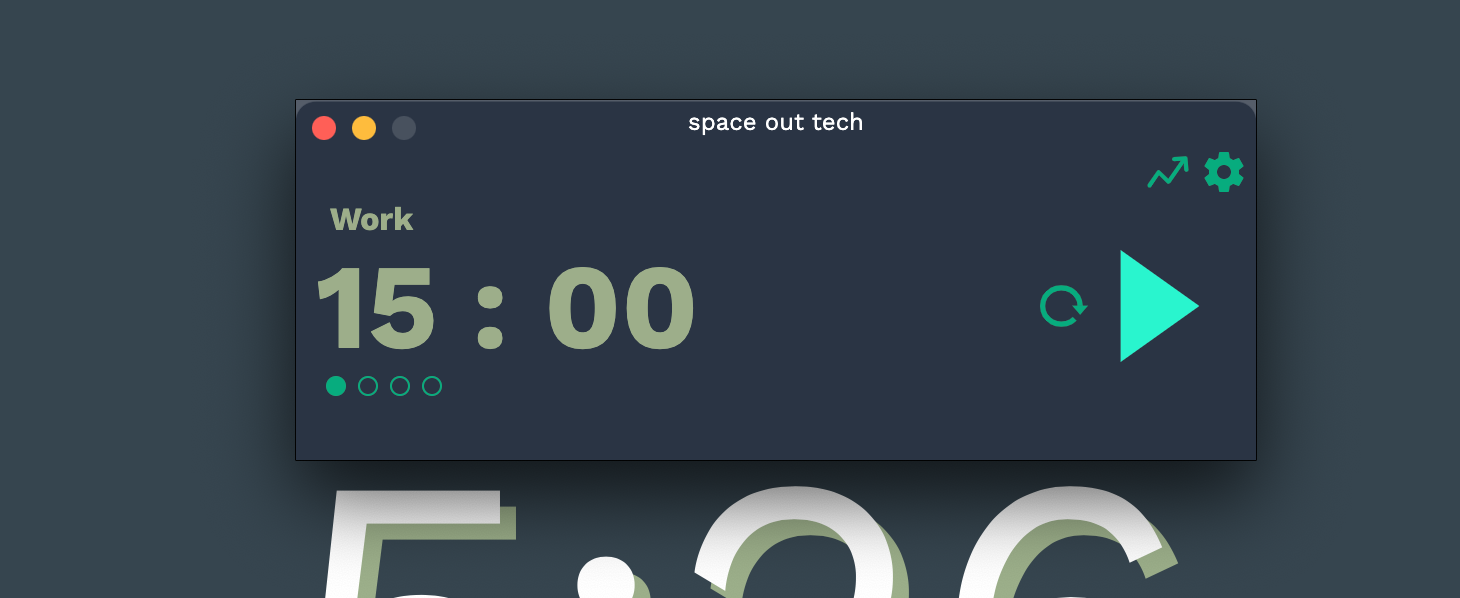
The electron app is a minimalist Pomodoro Timer which is permanently at the top of your screens on a computer - so you can always see it. You can choose the length of time for which you want to do the pomodoro (you can change the length of time for study, the length of time for a break, and the length of time for a long break). In this app, you can also see a daily, weekly, monthly, and yearly breakdown of your sessions.
How we built it
The website was created daily quickly using vanilla javascript, HTML, and CSS styling. I used into js to create the 'tour' feature of the web app which explains its different features and how they can help you. The macOS app was created using electron. This took much longer as it is the main part of this project. I wanted to use local storage to store your previous sessions which I had no clue how to do before, but now I have learned :)
Challenges we ran into
I had never built an application for Mac before, neither had a used electron. But, I am familiar with React so the learning curve was not too steep and I managed to create a working, usable application which I will definitely be using for my studies! I was originally going to include music in the web application but I had quite some trouble trying to find copyright and royalty free music - so I just decided to not include it (sad times :( )
What we learned
I learned lots during this weekend and I participated in the Airforce challenge thingy on discord for the first time and that was really fun! I had never used electron, nor created a desktop application before so that being said, I think the desktop timer was fairly good!
What's next for Space Out
I hope to release the macOS app and add more features to the pomodoro web app :) As I mentioned in the video, I would also like to connect the user information to a database rather than saving it into local storage as this would make the applications more efficient and take up less storage. For this to work, I also hope to implement a user login system
Note
The coil monetisation does not work in http://space-out.tech as it is served over http and not https


Log in or sign up for Devpost to join the conversation.