-
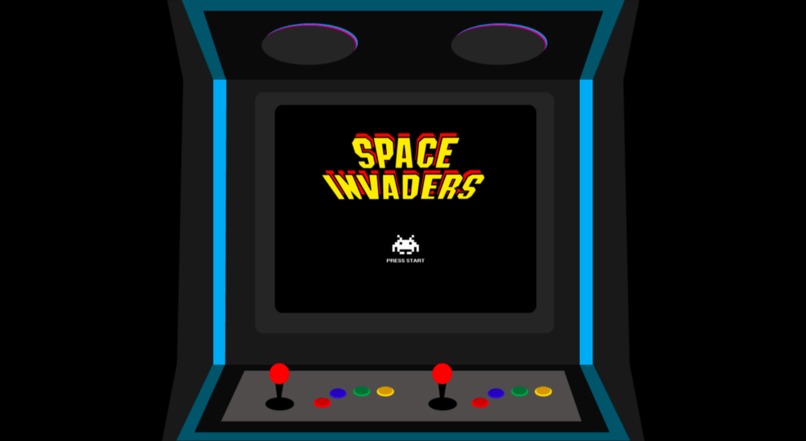
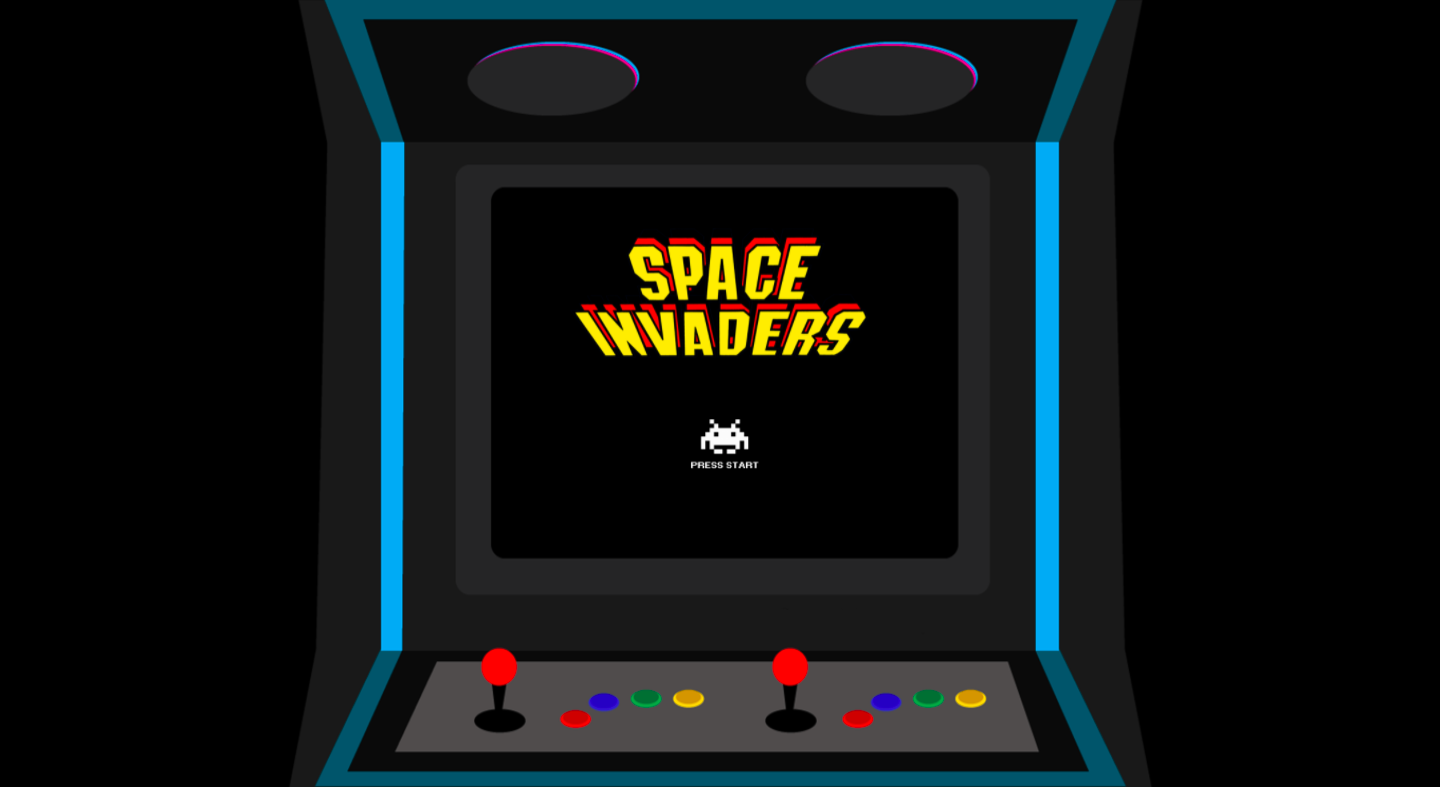
The opening screen: a retro arcade game.
-
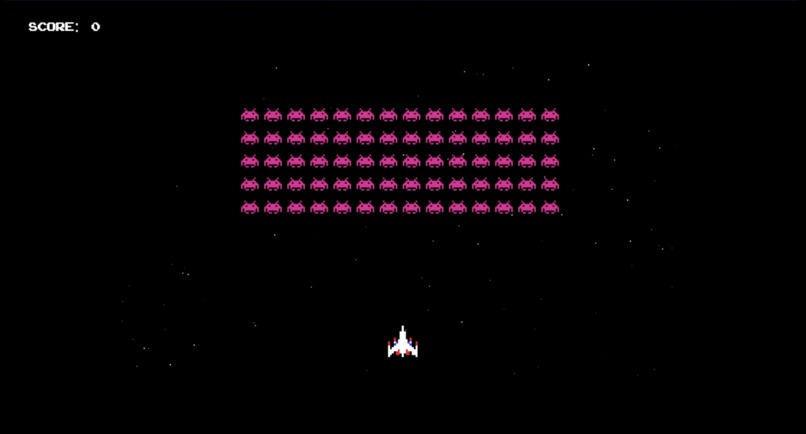
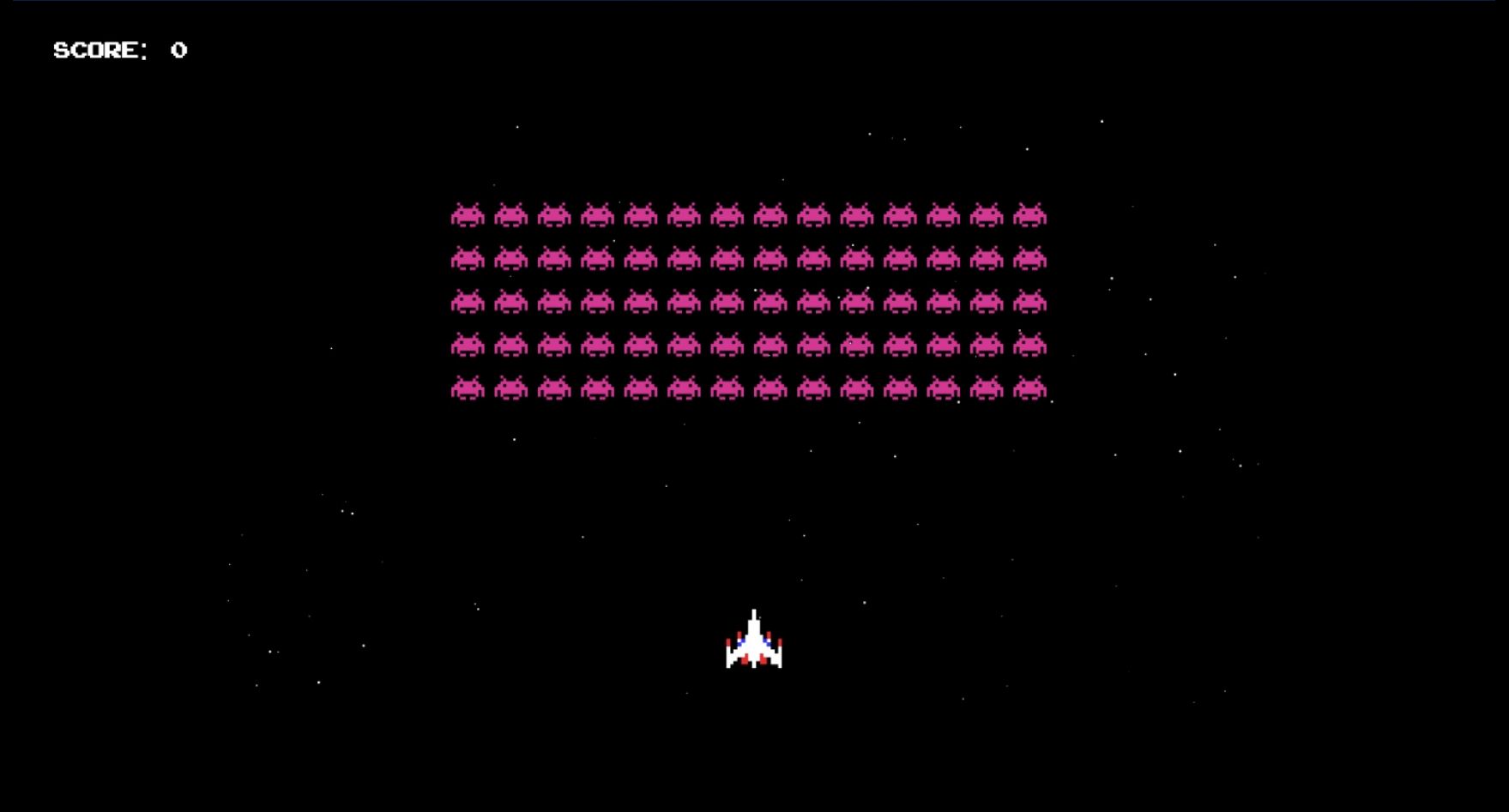
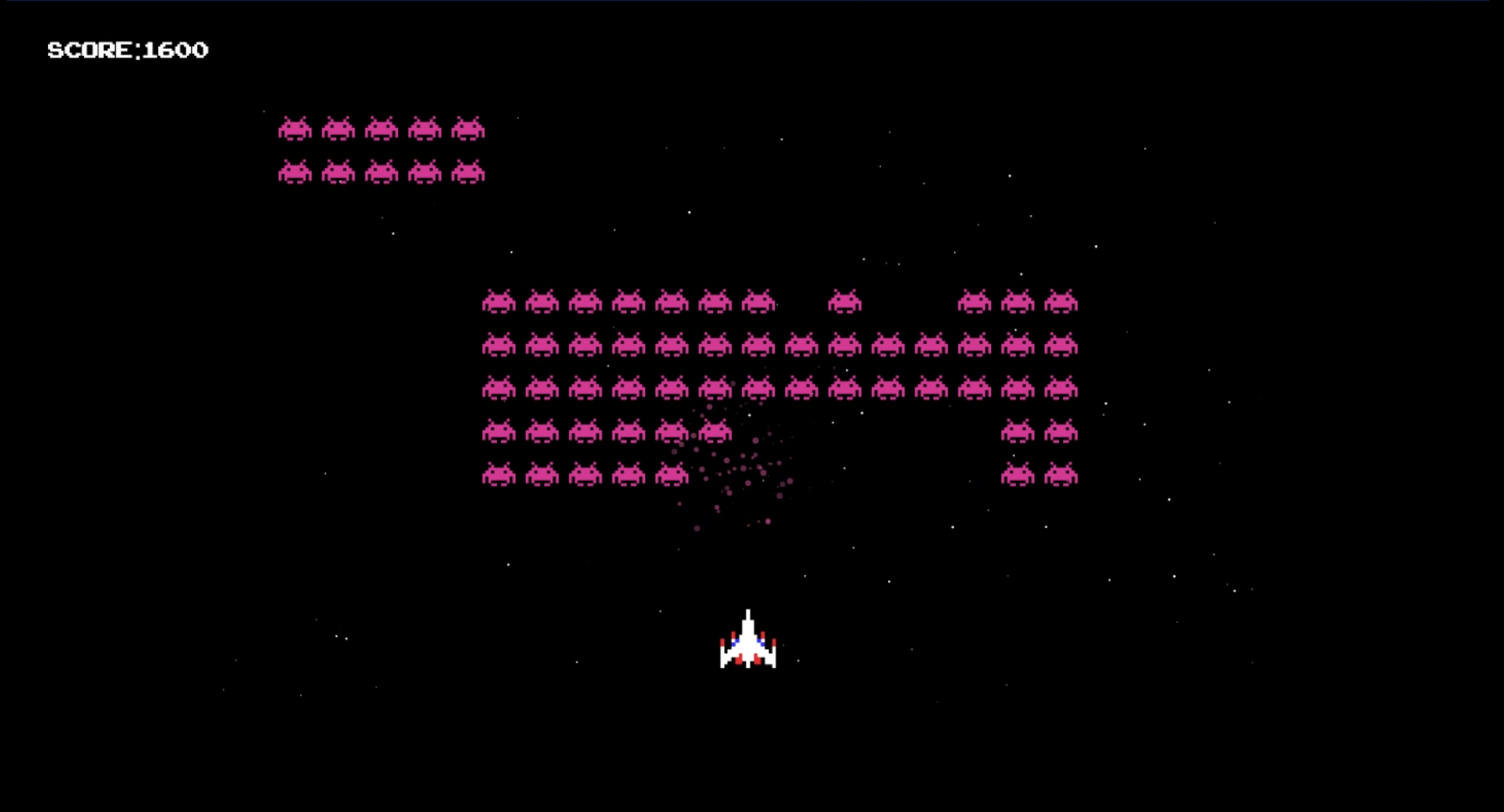
After pressing enter, the game begins. Invaders spawn in grids with randomized quantities of rows and columns.
-
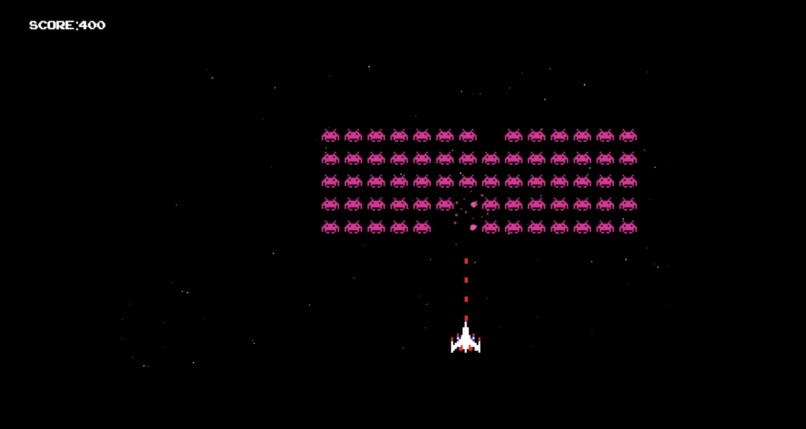
Invader grids bounce from left to the right on the canvas, moving downward after each collision with the canvas' borders.
-
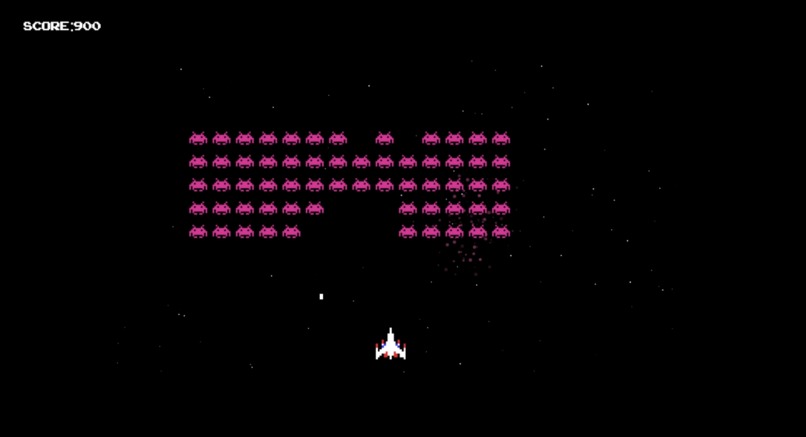
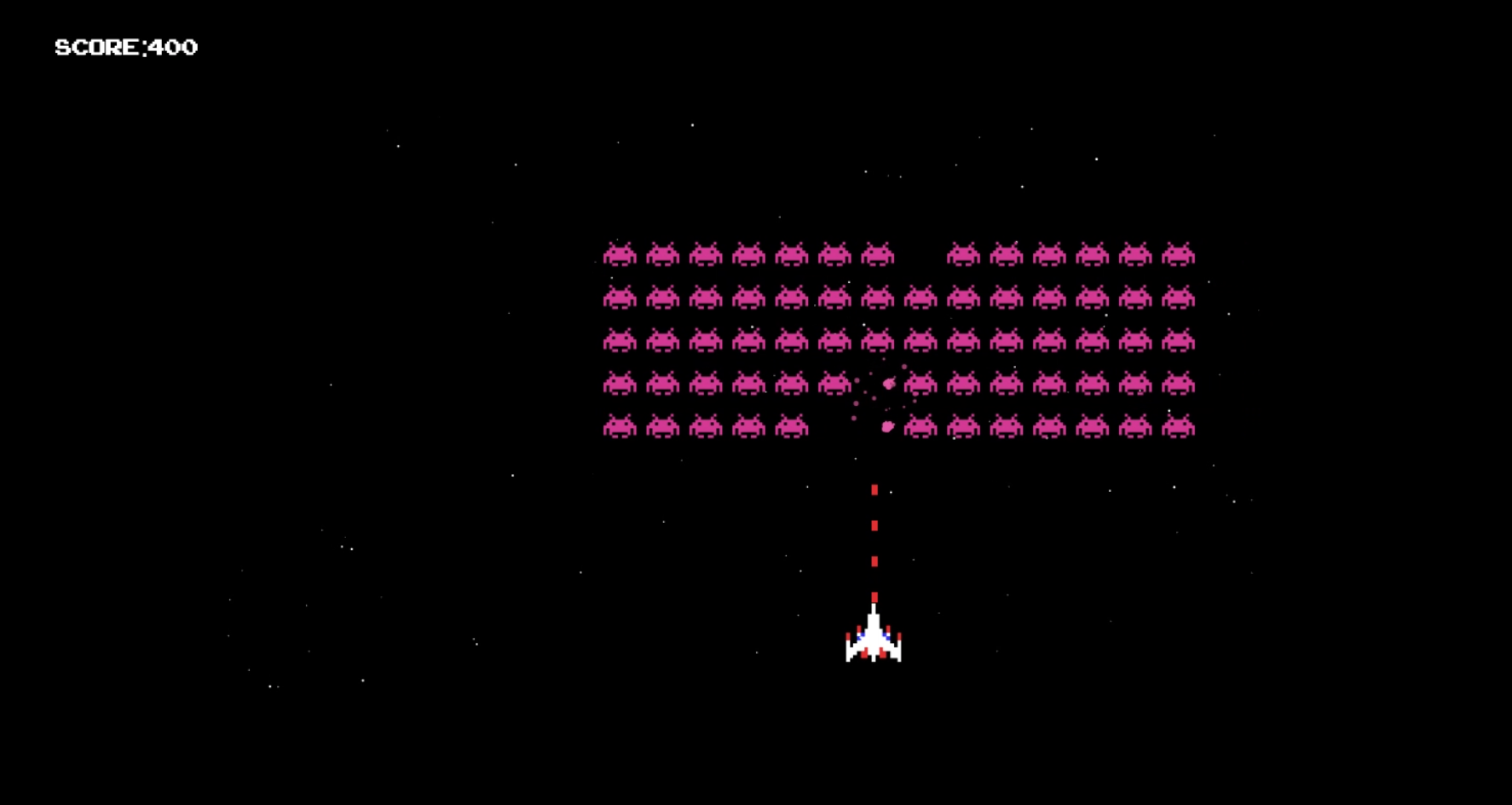
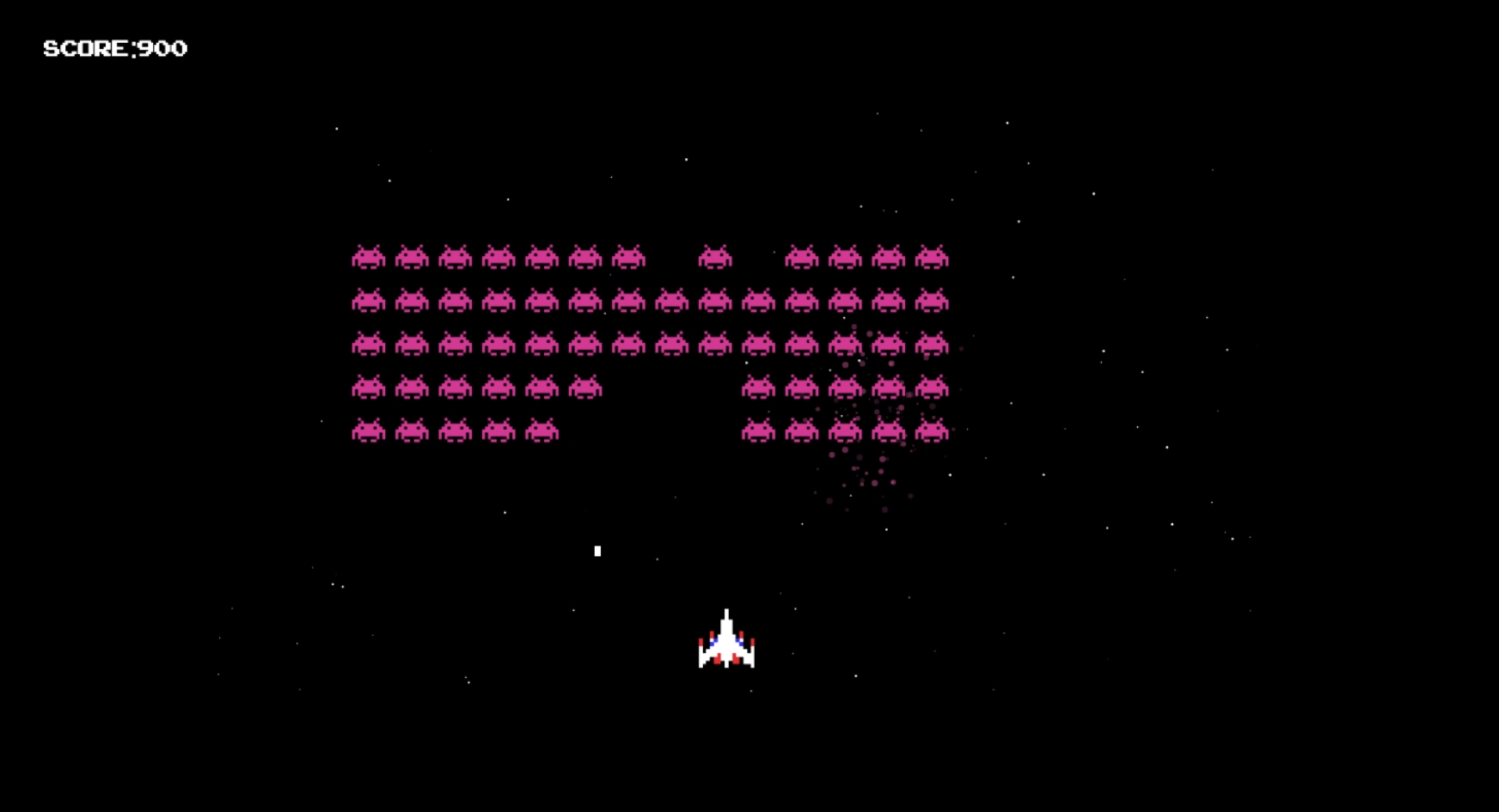
When the spaceship's projectiles collide with invaders the score-counter is increased by 100. When hit, invaders explode and are removed.
-
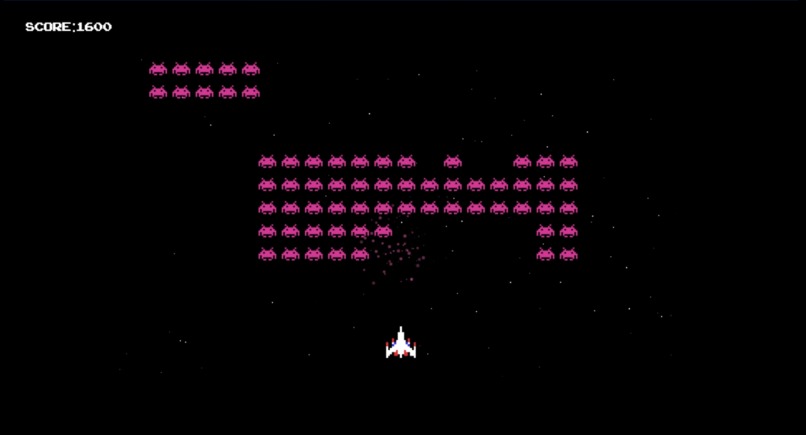
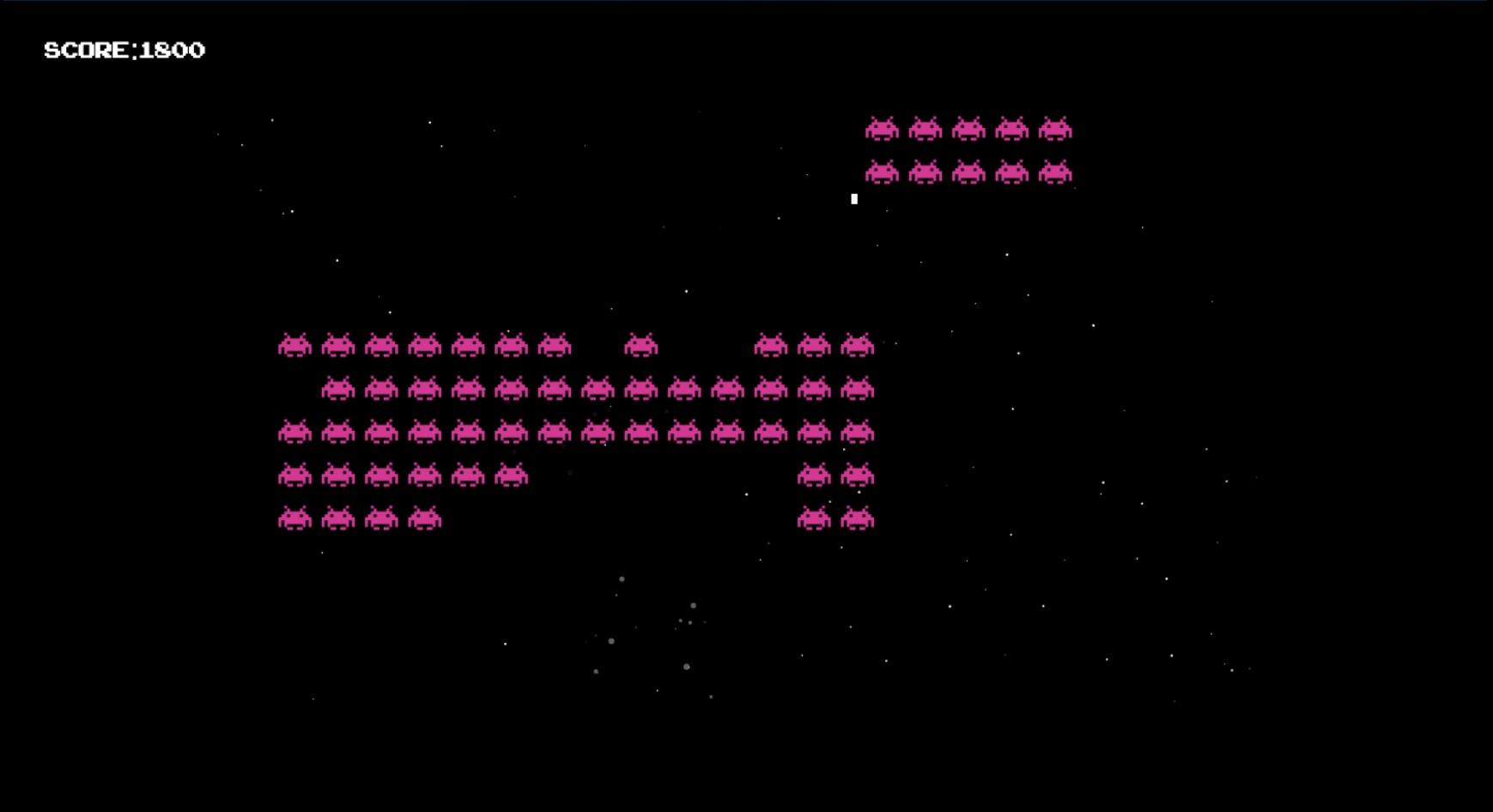
New grids spawn at random intervals.
-
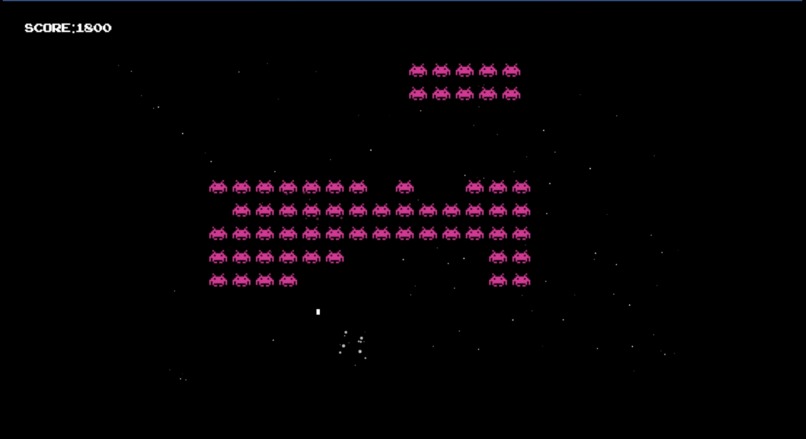
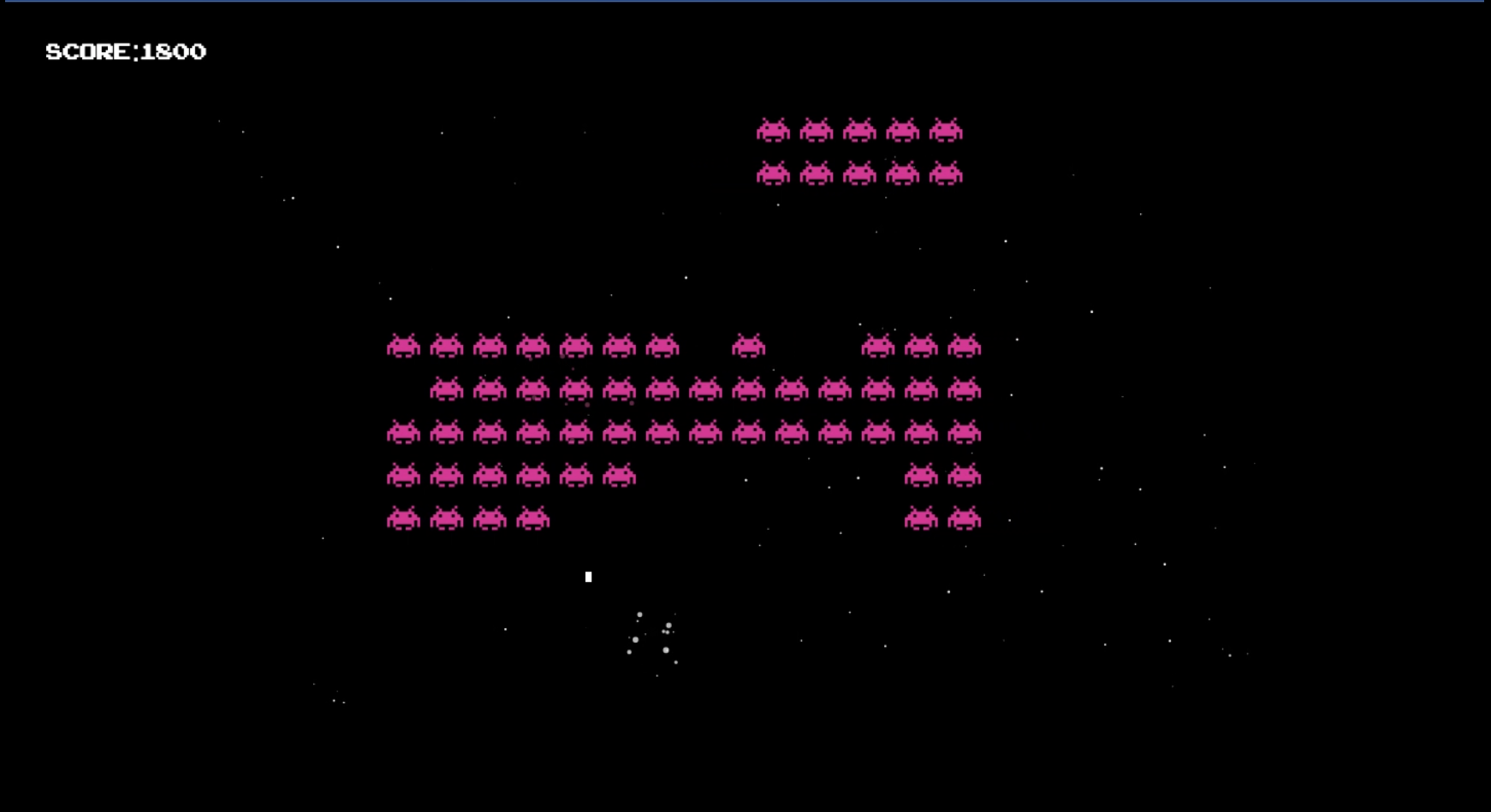
If an invader's missiles hit the spaceship, it explodes (created using a JavaScript/HTML canvas animation).
-
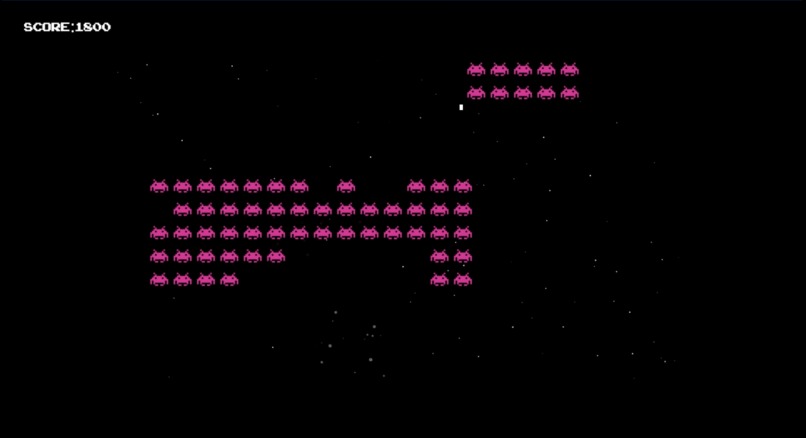
When a spaceship is hit with an invader's missile, the game ends. The canvas pauses for two seconds.
-
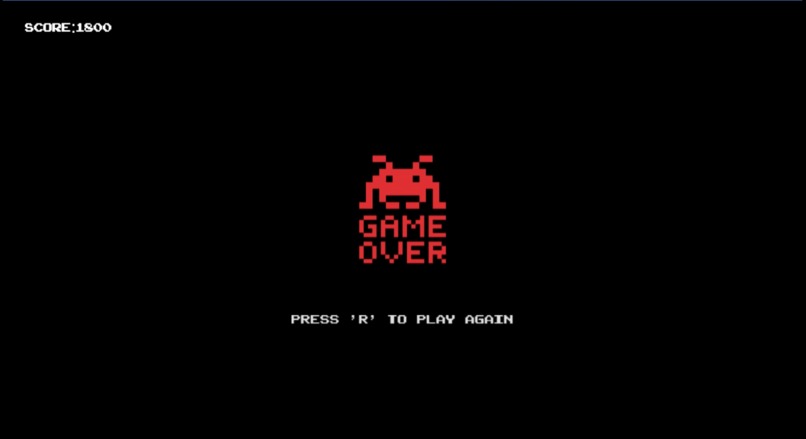
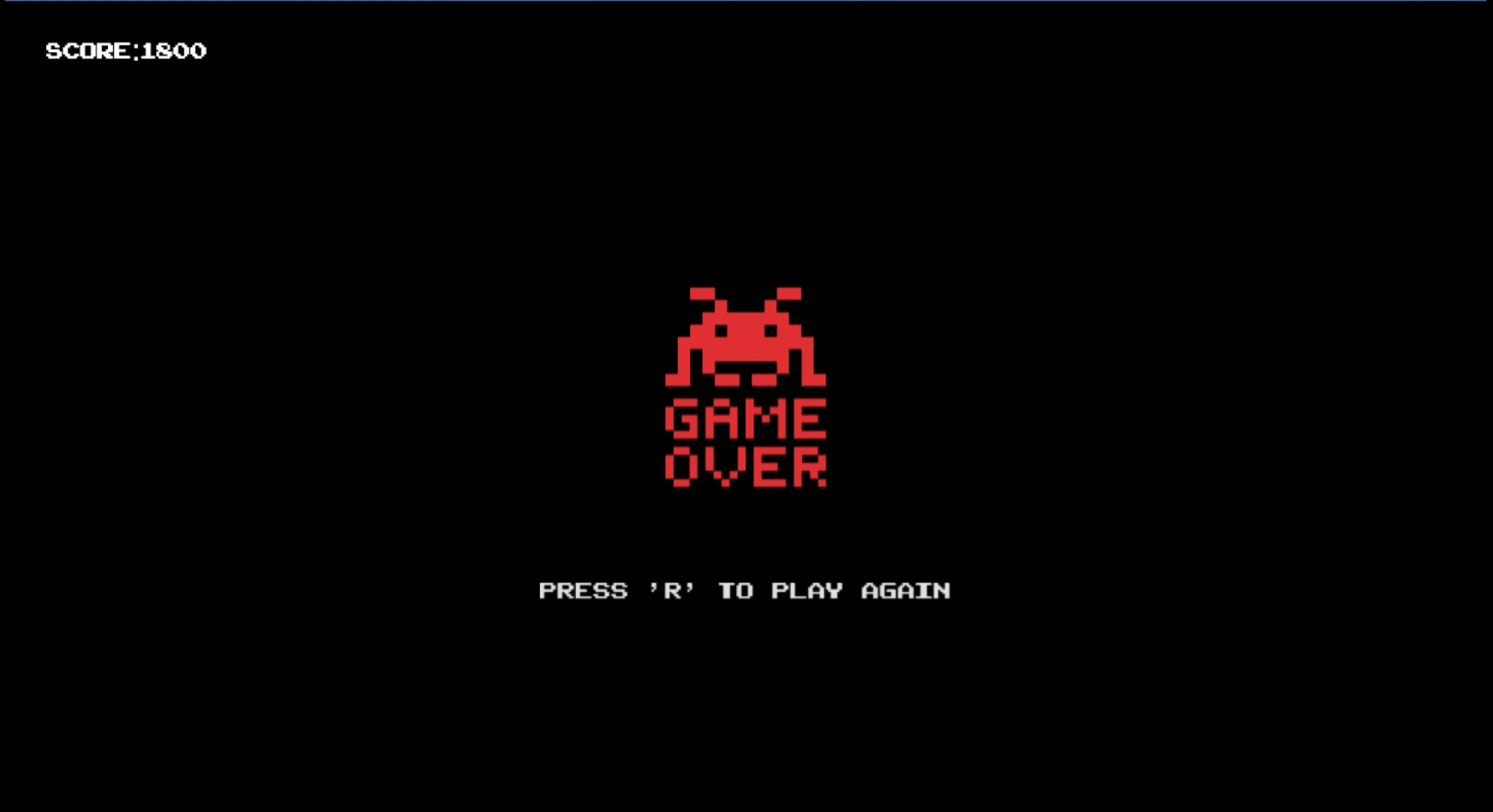
After two seconds, the canvas disappears and a blinking "game over" animation appears. The game can be restarted by pressing the 'r' key.
Inspiration
Space Invaders is a retro-inspired rendition of the classic arcade game.
What it does
The game features a spaceship that is controlled using keyboard arrow keys, and a shoot function which launches projectiles using the spacebar. Space Invaders spawn in grids of randomized quantities at random intervals, steadily moving towards the spaceship and shooting deadly missiles. Each time the spaceship's projectiles hit a Space Invader, 100 points are added to the score counter.
The objective of the game is to score as many points as possible by shooting the Invaders, while using the arrow keys to avoid the Invader's missiles. If a missile hits the spaceship, the game is over.
How I built it
The project was built using HTML canvas, CSS3 and JavaScript.
I used a combination of HTML canvas and JavaScript to draw (summon) spaceship and invader images, create projectiles, move the invaders and spaceship, create explosion animations, and to create a moving star background.
I used a combination of HTML, CSS3, and JavaScript to create EventListeners for keystrokes - to move the spaceship using the arrow keys, shoot projectiles using the spacebar, and restart the game using the 'r' key. I used JavaScript's inner.HTML function to update the score counter when projectiles collided with invaders.
I used CSS to create animations for HTML elements, and used JavaScript to hide and display elements depending on game outcomes (i.e. hiding the "game over" image until after a spaceship was hit with an invader's missile).
Challenges I ran into
This was my first project working with HTML canvas, so it took a lot of initial research to understand how to draw objects, import images, and manipulate elements on the canvas. My biggest struggle was making the collision detection accurate, as I had to constantly add additional parameters based on projectile position, width, and height relative to invaders and the spaceship.
Accomplishments that I'm proud of
This is my first-ever hackathon, so I am proud to have created a finished game within 48-hours. Through this process I also developed many new and useful skills which will be very helpful when creating future projects.
What I learned
Through this project I learned collision detection, and how to implement velocity properties to control the speed at which an object moves.
What's next for Space Invaders
Additional functions I would like to add to this project are levels (in which the speed and amount of invaders increase), and additional projectile options such as larger missiles and bombs. I would also like to add a leaderboard to keep-track of high scores.


Log in or sign up for Devpost to join the conversation.