-
-
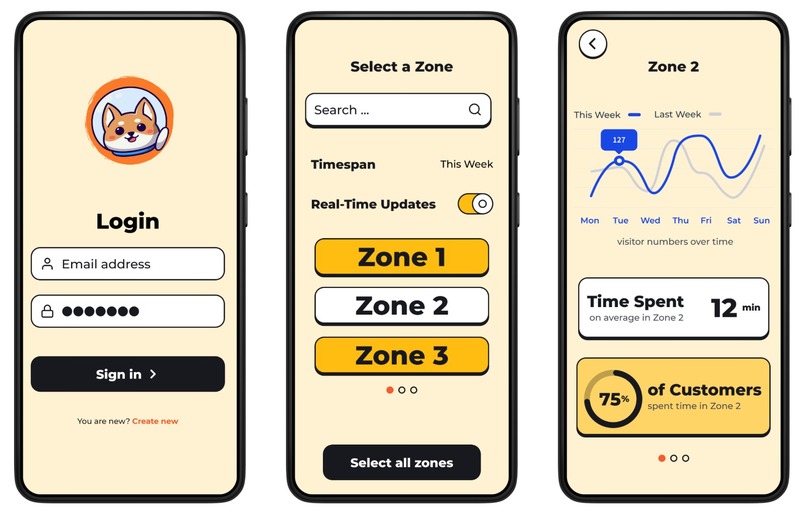
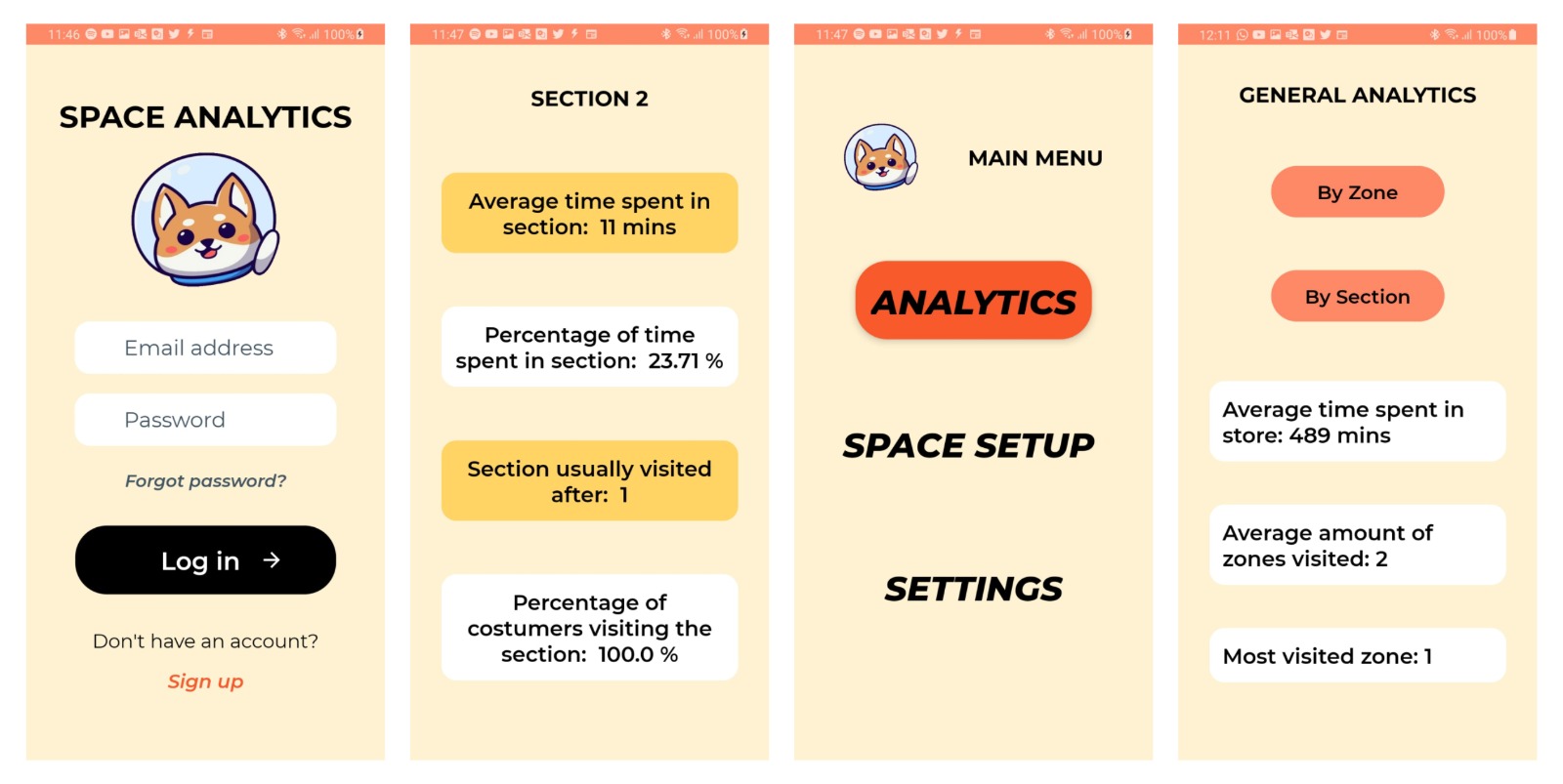
App mock-up
-
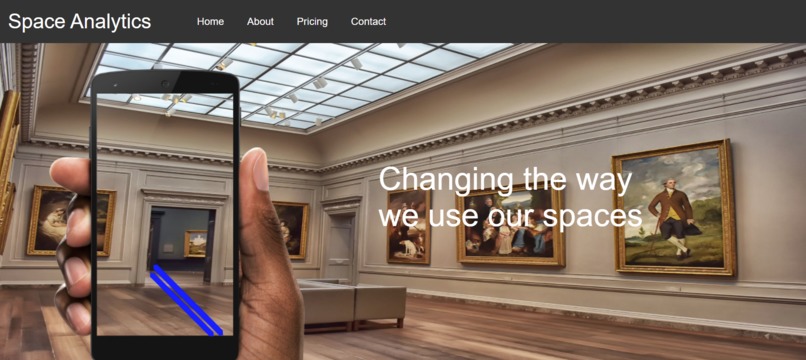
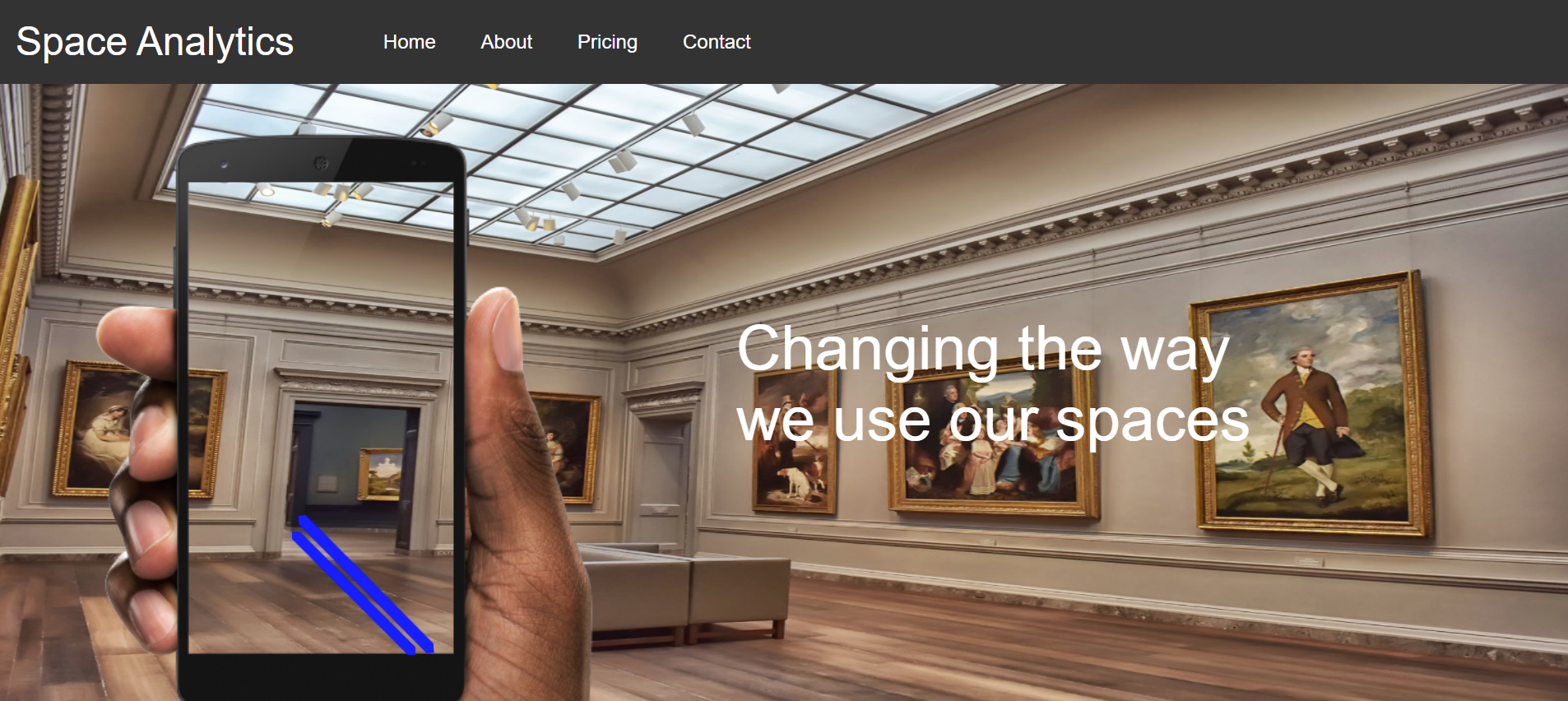
landing page
-
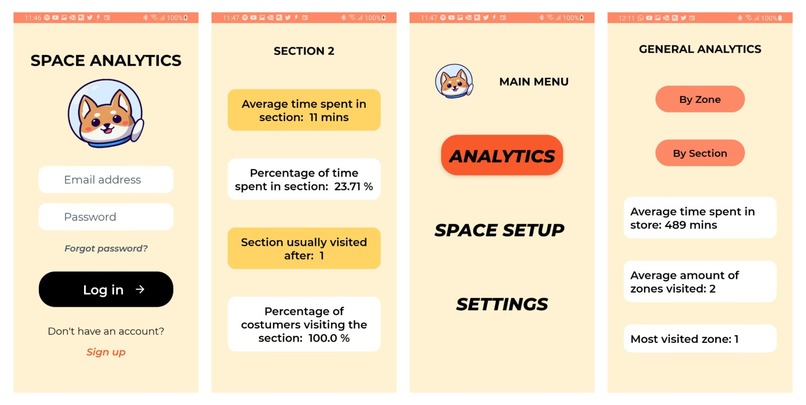
The Java app made
Inspiration
After reading a news article describing how tracking shoes could be a key part of circumventing privacy regulations and gathering shoppers’ data in big stores, we first wondered how in theory these cameras could be placed (obviously implementing this is beyond the scope of a 24hr Hackathon!), and from that how the data from these cameras might look. From this we designed an example UI that store managers could interact with, which can give easy access to key metrics that would allow them to implement a more efficient store layout.
We then explored the idea of expanding this to more public spaces, e.g., museums, libraries. The idea of designing public spaces to manage crowds and optimise crowd flow became even more important during COVID.
What it does
Our software allows any business or institution, from museums and coffee shops to supermarkets, to obtain meaningful data on their visitors or customers without infringing their privacy by instead tracking their shoes. Why their shoes? Because it allows us to track individual consumers’ precise location without identifying them. Consumers’ shoes tell a lot about what they want and how they behave without revealing who they are.
The entire space will be covered by foot-level cameras, and their locations will be mapped to specific user-defined zones or sections. For example, this could be a bookshelf for a library, an exhibit for a museum or an aisle for a supermarket. The tracking software will use these cameras to track pairs of shoes and generate a foot path for each customer. Path data is then communicated to the analytics mobile application, which analyses and illustrates it intuitively for business owners, store managers, etc.
How we built it
The mobile app prototype was built in Android Studio (Java), using a Firebase database. Having no access to real customer path data, we created our own using semi-random algorithms to generate realistic paths a customer might take through a store, for the purpose of demonstrating how the app would work on real data. Half the team worked on this, while the other half worked on creating Figma mockups, project pitches, and a landing page template (HTML/CSS).
Challenges we ran into
Using Java and Android Studio proved to be a steep learning curve to the majority of the team who had very little/no prior experience with it. The major technical problems we faced were in querying the database from the app, with many hours spent bug-fixing and watching tutorials!
We found the idea-generating phase even tougher. We spent many hours brainstorming concepts and struggled to settle on one that was both somewhat original and feasible. This left us with less time to implement than we would have liked.
What we learned
We learned that it's really important to properly formulate an idea before diving into the coding, and that the first idea you have will probably not be the best.


Log in or sign up for Devpost to join the conversation.