
🌾 SowEasy - AI Crop Recommender
🚀 About the Project
SowEasy is an AI-powered crop recommendation system designed to assist farmers in making data-driven decisions about what to plant. By analyzing key environmental factors such as soil composition, pH level, rainfall, humidity, and temperature, the system predicts the most suitable crop to cultivate, enhancing productivity and sustainability in agriculture.
🎯 Objectives
SowEasy aims to:
- 🌱 Increase Agricultural Production – By recommending the most suitable crops for specific conditions, farmers can maximize yield.
- 🛑 Reduce Chemical Usage – Precision farming helps minimize the need for excessive fertilizers and pesticides.
- 💧 Optimize Water Resources – Ensures efficient use of water based on the crop’s requirements.
- 🌍 Prevent Soil Degradation – Encourages sustainable farming practices by selecting crops that suit the soil type.
🛠 Features
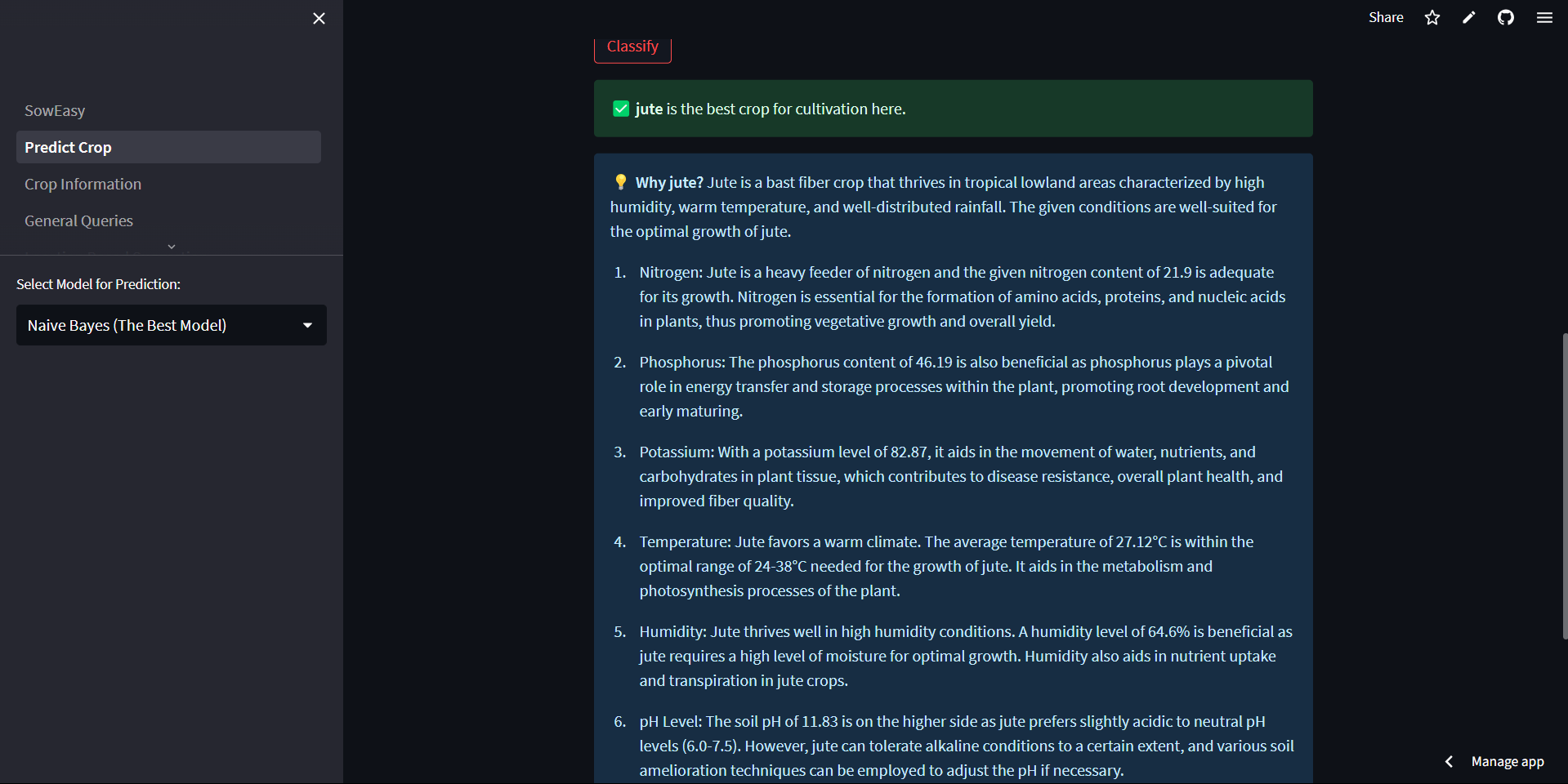
✅ AI-Powered Crop Prediction – Recommends the best crop based on soil and climatic conditions.
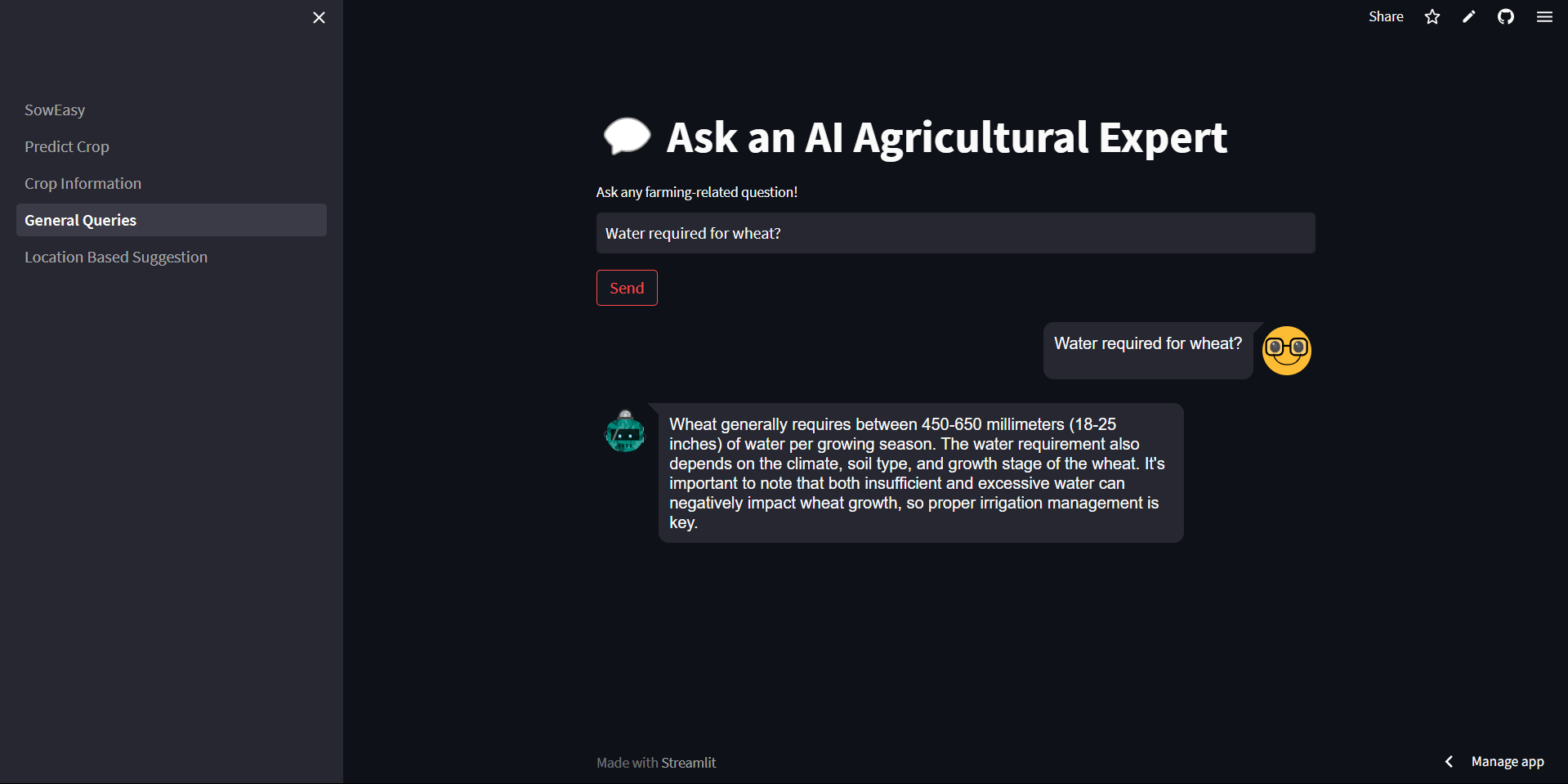
✅ Conversational AI – Uses NLP (ChatGPT) to provide insights and answer farming-related queries.
✅ Automated Crop Insights – Explains why a crop is recommended based on input data.
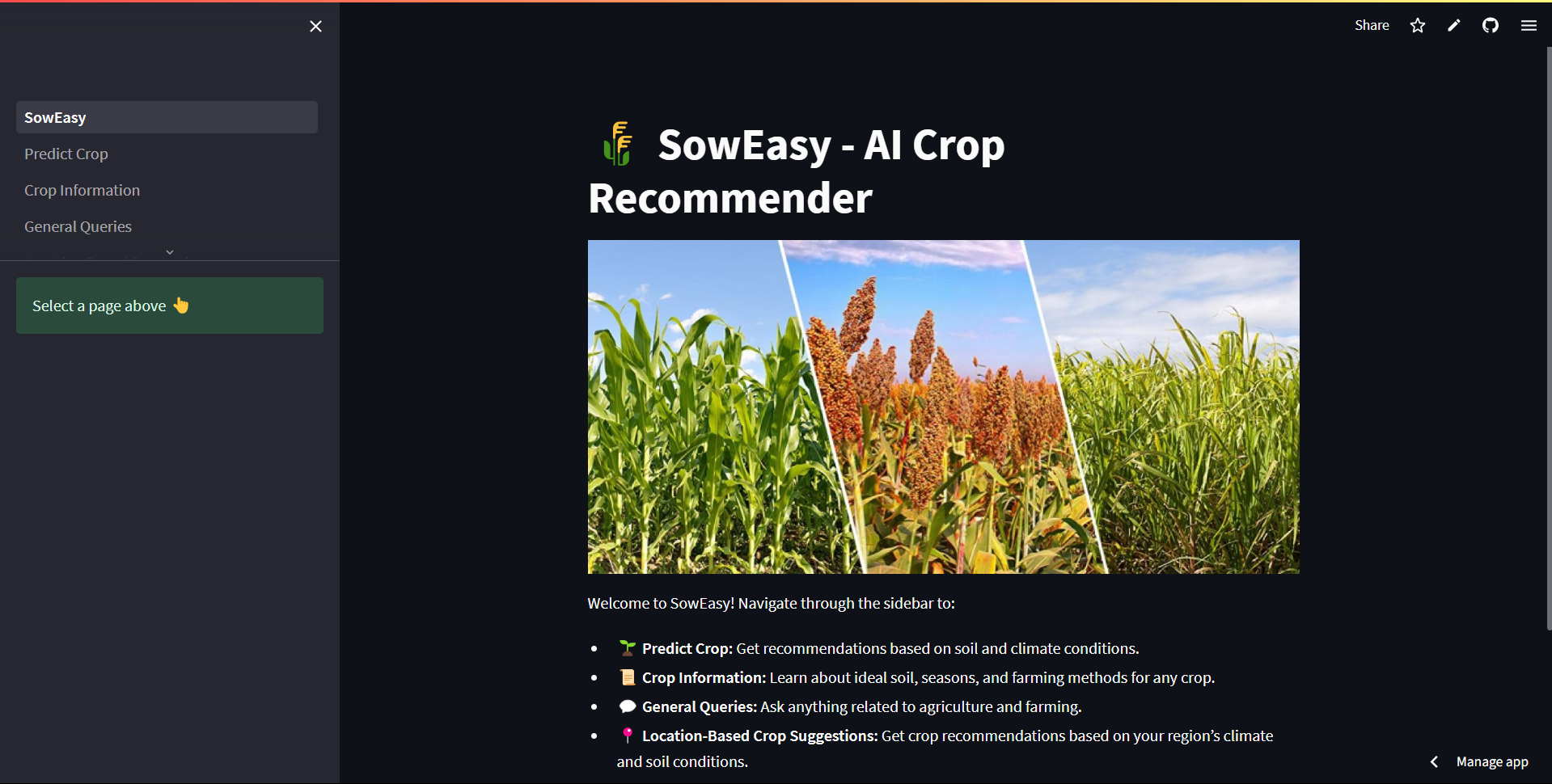
✅ Multi-Page Navigation –
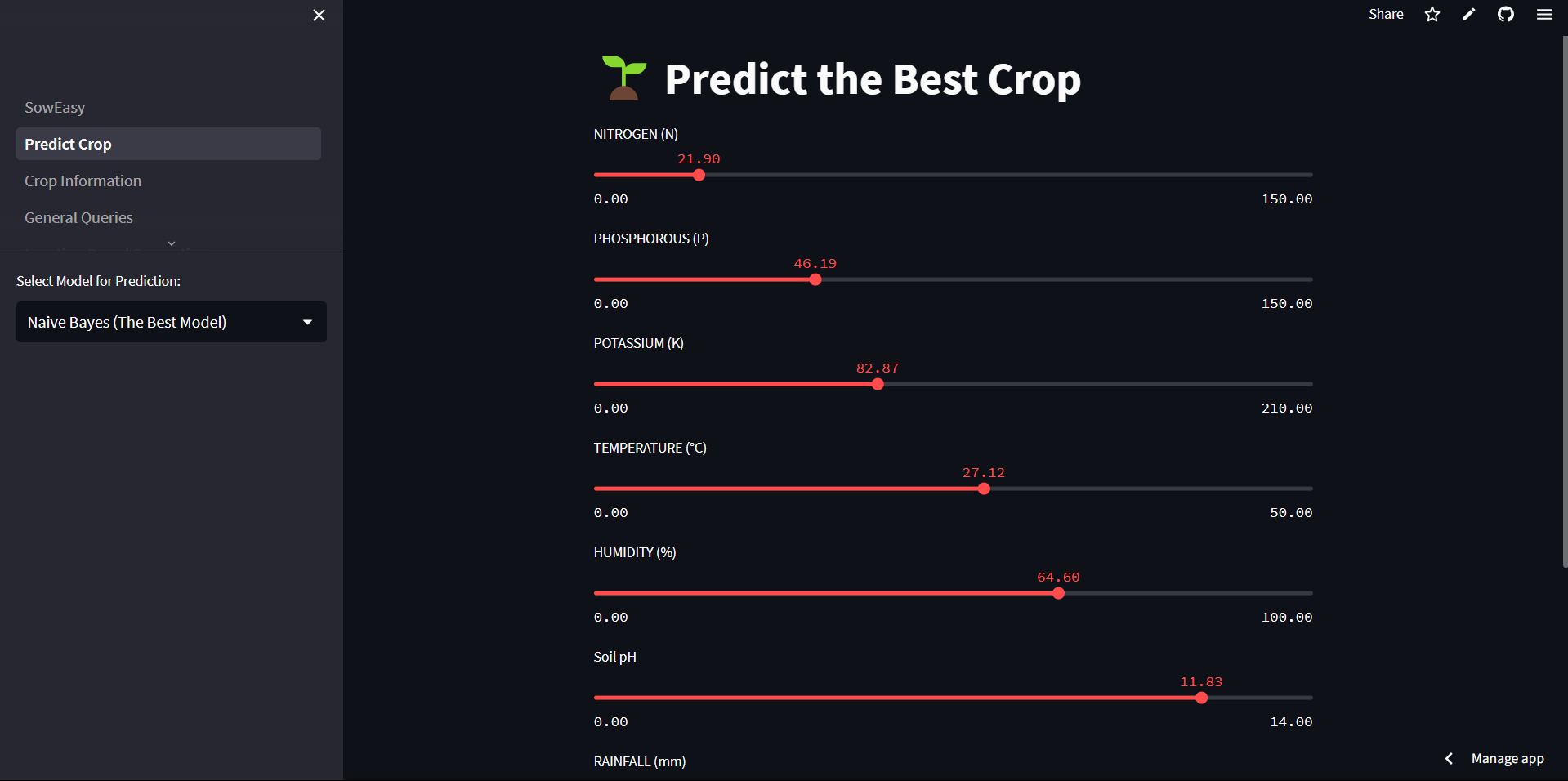
- 🌱 Predict Crop: Get crop recommendations based on input parameters.
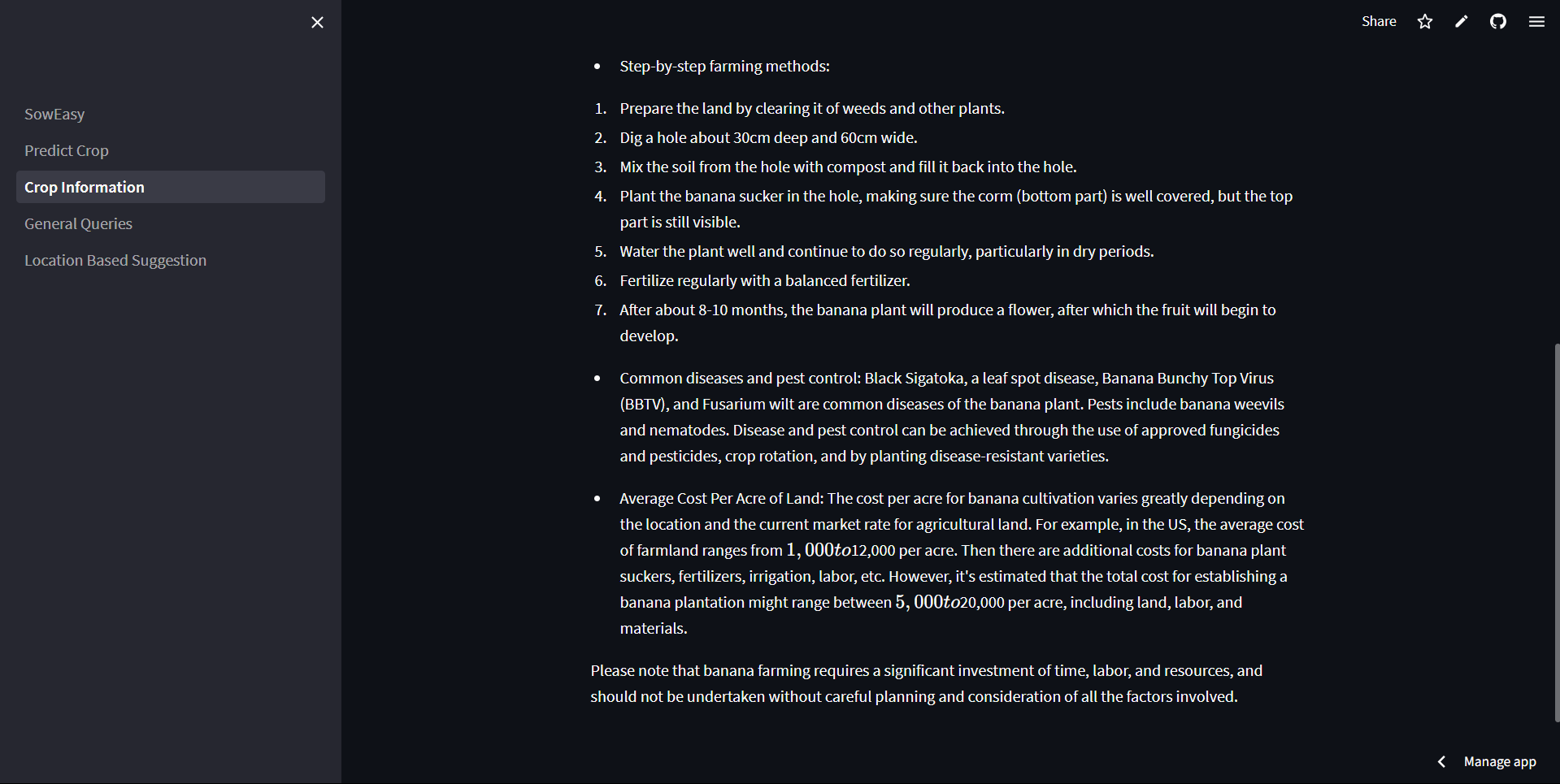
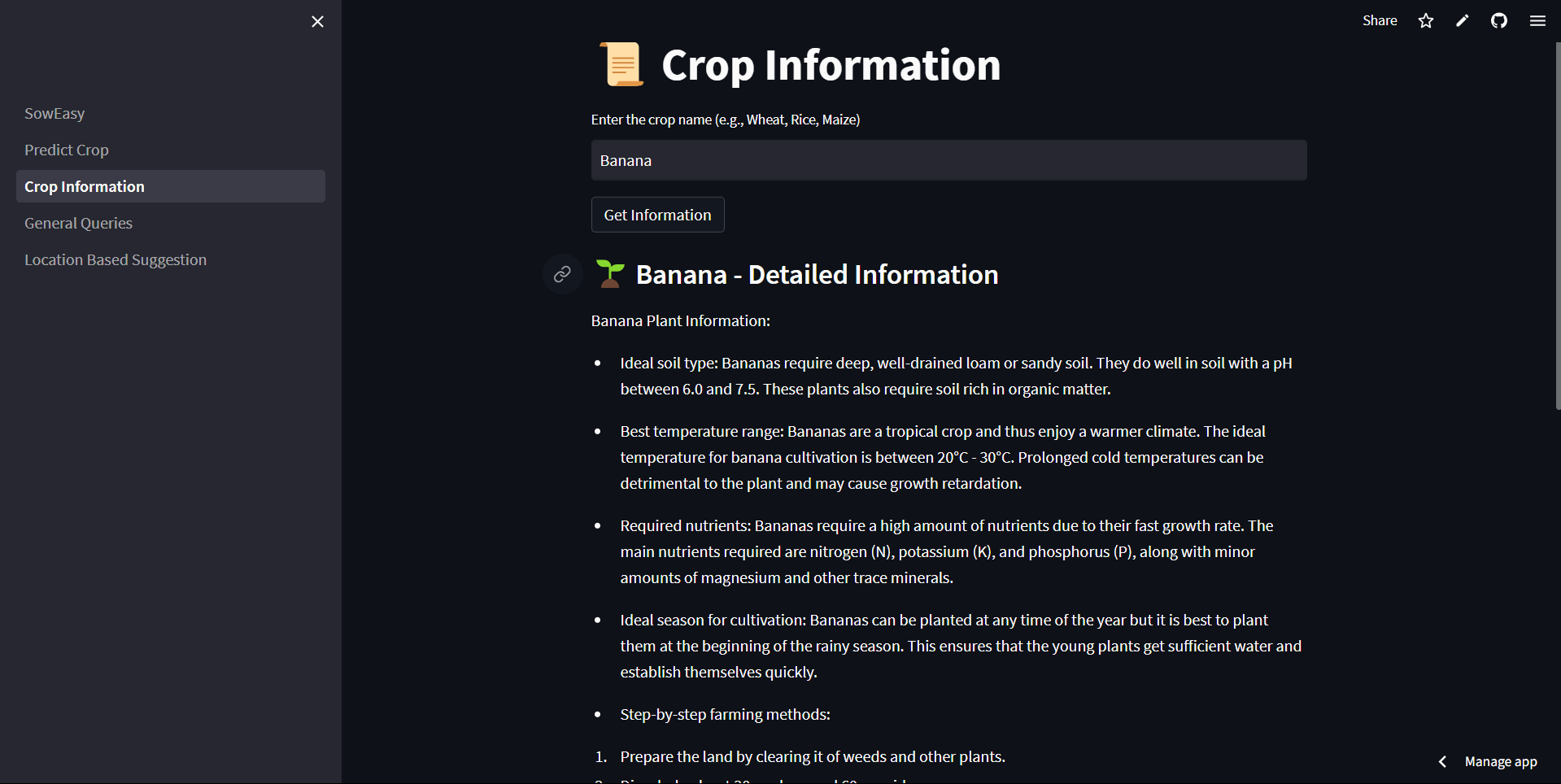
- 📜 Crop Information: Enter a crop name and get details about soil, season, farming methods, and pest control.
- 💬 General Queries: Ask any agriculture-related questions.
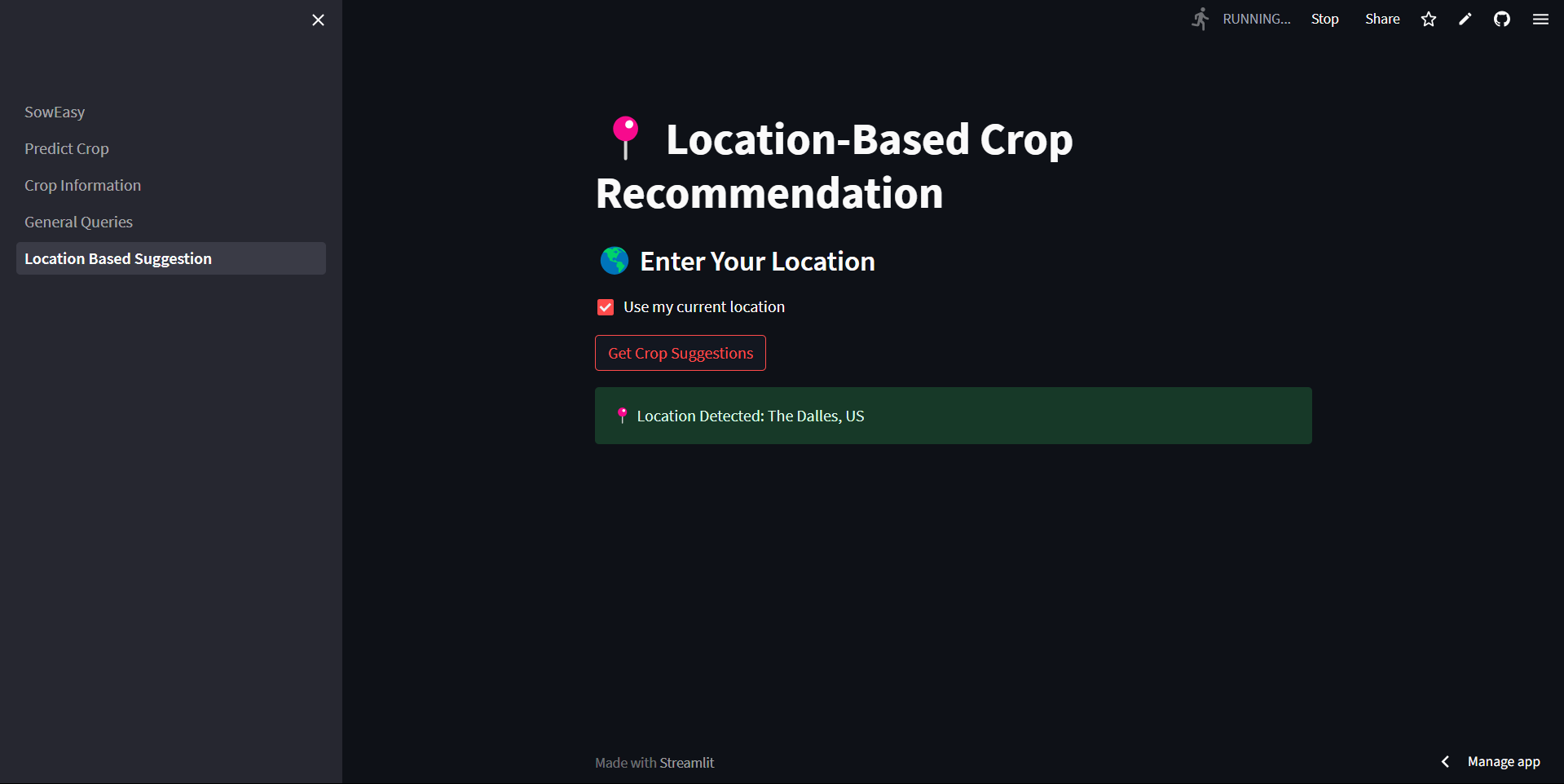
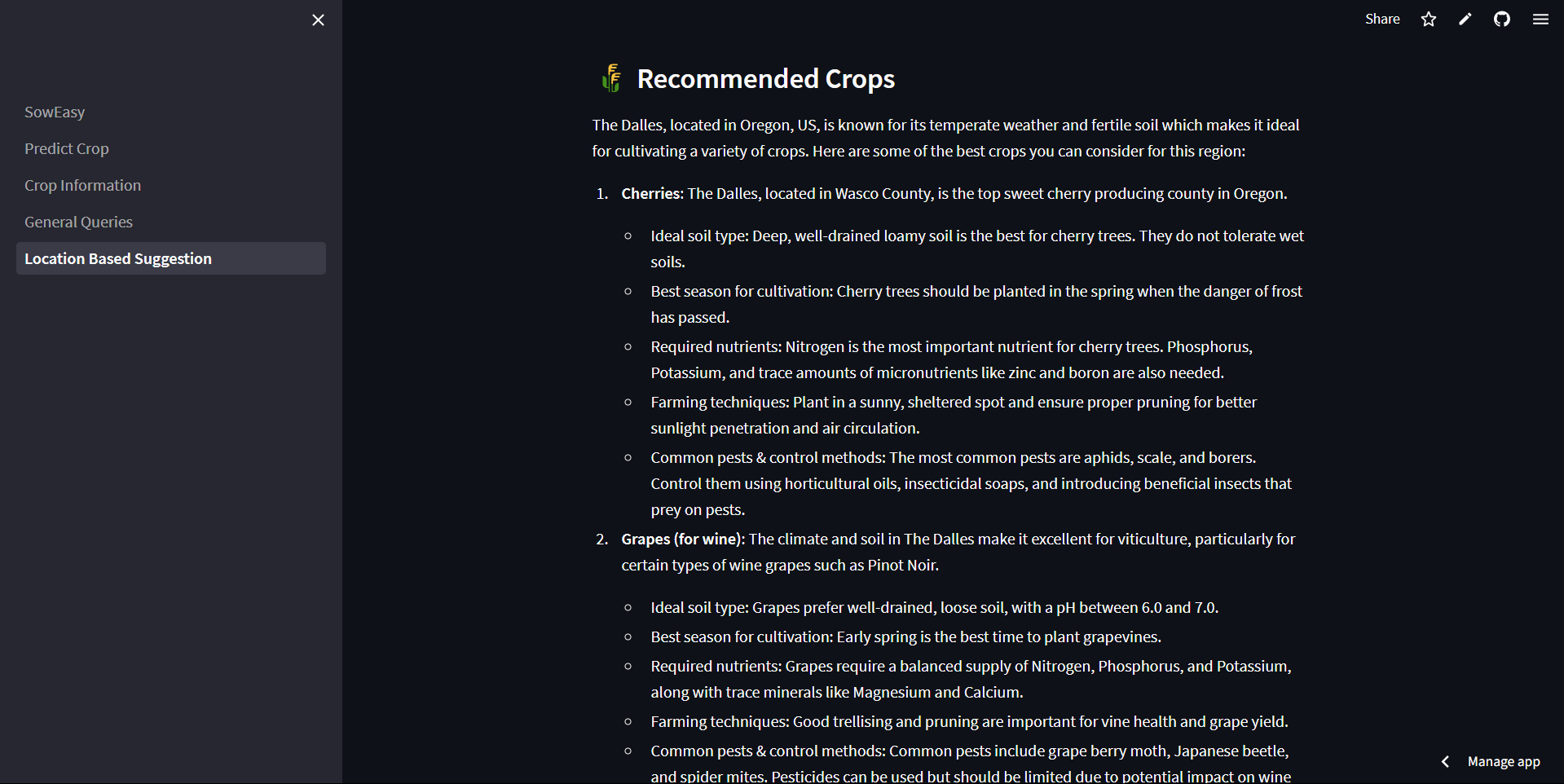
- 📍 Location-Based Suggestions: Predict the best crops based on your region’s climate and soil conditions.
📊 Dataset
This application is trained using a dataset from Kaggle, which contains details about various crops and their ideal growing conditions.
- 📂 Dataset Link: Crop Recommendation Dataset
🏗 Tech Stack
- Python – Core programming language
- Streamlit – Interactive UI for the web app
- LangChain & OpenAI GPT-4 – NLP-powered chatbot and automated insights
- Machine Learning Models – Logistic Regression, Decision Tree, Naïve Bayes, Random Forest
- Pandas & NumPy – Data processing
- Scikit-learn – Model training and evaluation
⚙️ Installation & Setup
To run the project locally, follow these steps:
# Clone the repository
git clone https://github.com/yourusername/soweasy.git
cd soweasy

# Install dependencies
pip install -r requirements.txt

# Create a .env file and add your OpenAI API key
echo "OPENAI_API_KEY=your_api_key_here" > .env

# Run the application
streamlit run SowEasy.py
📧 Contact
This README follows best practices and provides clear and useful information about your project. 🚀 Let me know if you want any modifications!
Built With
- ai
- chatgpt
- langchain
- llm
- ml
- model
- python
- streamlit

Log in or sign up for Devpost to join the conversation.